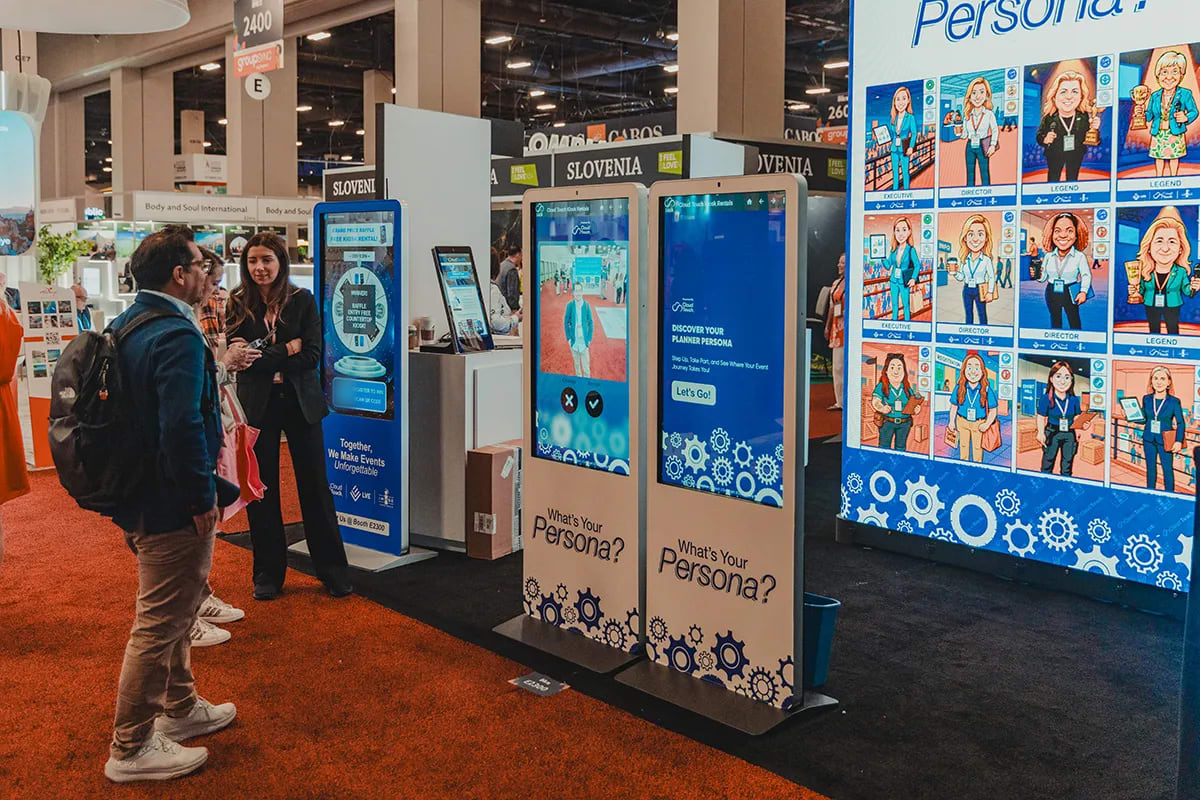
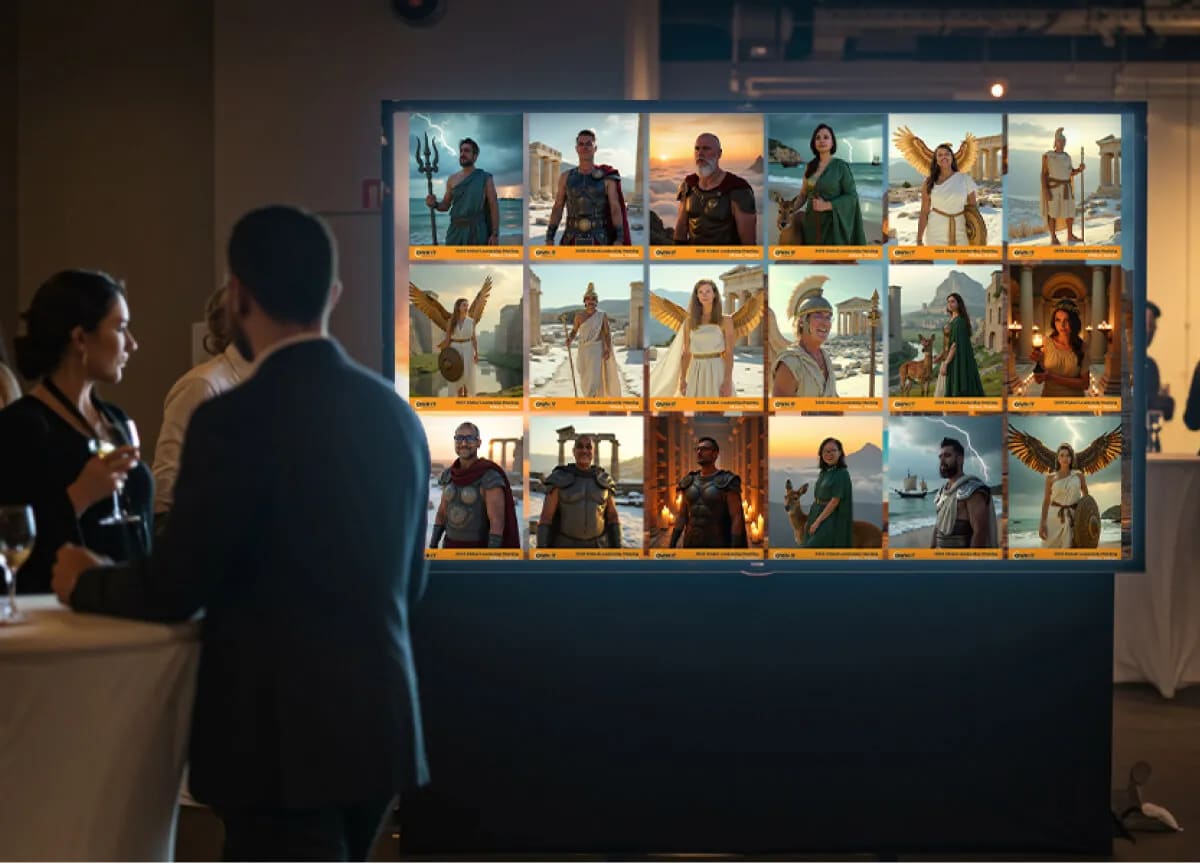
You have booked the same activation three times this year, and somebody in the budget meeting has said it out loud: if we keep renting one of these, why don't we just buy one? It is a fair question, and the teams asking it usually run the sharpest event programs. Rent vs buy an AI photo booth is a real decision with real money behind it. The trouble is that almost everyone writing about it sells hardware, so the answer is shaped by what the author has in a warehouse. Here is how it breaks down for an in-house team with a recurring calendar. If you're still pinning down the format itself, start with what an AI photo booth is.
Key takeaways
- Three models, not two: rent per event, buy the equipment, or license the experience and run it on hardware you own or borrow.
- The deciding variable is not the sticker price. It is how often you will really use it, and how fast the experience dates.
- A stand and a screen age slowly. Styles, branding, the data capture step, delivery and analytics move constantly.
- Our position, stated plainly: own the stand, license the experience.
Should you rent, buy, or run it on a platform?
Three models are on the table. Renting means a vendor arrives with equipment and a crew for one date, you pay for that date, and the content goes home with your guests. Buying means you purchase the physical setup, it belongs to you between events, and you carry everything that comes with owning a thing. Licensing a platform means you pay for the experience itself for a defined period and run it on whatever capture devices make sense, including ones already in the building.
Most comparisons stop at the first two, so the answer arrives as a cost-per-event calculation. That misses the variable that decides it. Equipment is the durable half of this purchase and the experience is the half that keeps moving, so the question is how often you will use it and how fast what runs on it starts to look like last year. Once you have settled the model, our comparison of photo booth software providers is where to pick a platform.
How many events a year does owning actually take to pay off?
Owning pays off where real usage clears the break-even, and teams are poor at predicting their own usage. Four events a year is the number people say. Two turn out to be venues where the setup does not fit, and one gets absorbed into a bigger production with its own supplier.
Between 20% and 37% of customers overestimated their own peak usage
Depending on the plan they were on, that share of subscribers put their maximum usage higher than their own records showed (Lambrecht and Skiera, Journal of Marketing Research, 2006). It is the instinct that makes a purchase feel obvious in a January planning meeting. Count the events you ran last year, not the ones pencilled in for next, and read the payback against what the program returned. Our guide to measuring experiential marketing ROI covers that half.
What does owning a booth cost after you have bought it?
The purchase price is the smallest line in the budget, and the only one anyone quotes you. After it comes storage between events, freight or a van and a driver, insurance, replacement parts, and someone on site who can set it up and fix it with a queue forming. Then the software, which renews whether you used the equipment or not.
Ownership buys real things in return. The equipment is there on your schedule with no booking window, you can test with it any time, and nobody else can take the date. If lead time has been your bottleneck, that is a genuine advantage; our event activation planning timeline shows where those weeks go.
There is a real argument for owning here, and it is not only practical. Research on car sharing in the Journal of Consumer Research found that people do not identify with what they access the way they identify with what they own. That is the honest case for owning the part that carries your brand.
Are you buying the hardware or the experience?
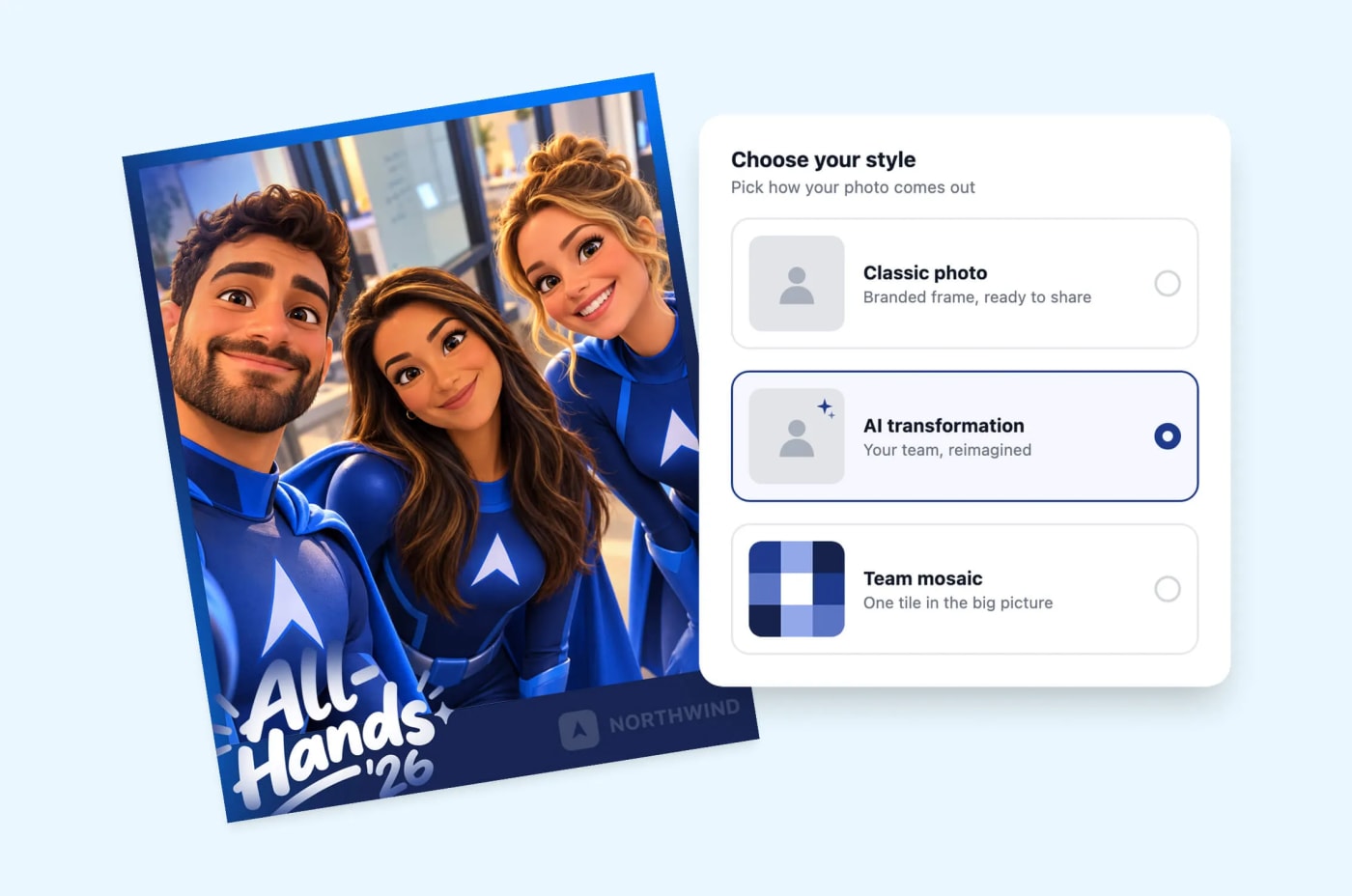
This is the split that decides the whole thing. A stand, a mount, a light and a screen do not go out of date. They get scuffed and repaired. What dates continuously is everything the guest meets: the creative styles, the branding on the microsite, the fields in the data capture step, how content is delivered, and what the analytics tell you afterwards.

That pace is easy to underestimate. One recent release on the Digital Photo Booth changed how a photo gets framed, how long a guest holds still, whether they can fix their own shot, and how well the result holds up in print. None of it changed a stand. All of it changed what the guest walks away with.
So our answer on hardware is not a dodge. Own the stand, license the experience. Buy the physical setup if owning suits you, or use the tablets and screens your team already travels with, and license the AI photo booth experience that runs on it, so the creative, the capture and the data keep pace. If you're wondering why a platform company doesn't just rent you the kit, our CEO explains why Snapbar left the event logistics business.
See it in action
Run an AI Photo Booth on equipment you already have
Branded AI portraits, lead capture and live displays, on a kiosk, a tablet, a laptop or your guests' own phones.
Explore AI Photo Booth
Why do teams that buy keep using a setup that stopped working?
Because it is paid for. That sounds like a joke. It is the most expensive pattern in this decision. Hal Arkes and Catherine Blumer named it the sunk cost effect in Organizational Behavior and Human Decision Processes in 1985, and their theatre study is the one to remember. Season ticket buyers were randomly given a discount or charged full price for identical seats. The ones who paid full price went to more plays. The money was gone either way, and it still changed their behaviour.
The event version is quiet and familiar. The equipment is in the storage room, the invoice cleared eighteen months ago, so it goes to the next event whether or not it suits that room. Nobody argues for it and nobody argues against it, and the activation gets less interesting each time. Then participation slips, and the conversation turns to why the idea stopped working, when the idea was fine and the commitment was the problem.
What does a platform give a recurring program that a one-off rental does not?
It decouples capture points from purchases. One experience runs on a high-end kiosk, a tablet on a stand, a laptop at a registration desk and every guest's own phone by QR code, all at once if you want, with no charge for devices and no cap on how many run together. You can spin up as many of the included displays as you like, so a live gallery at the booth, a slideshow in the lounge and a leaderboard on the main stage cost the same as one.
That matters for a calendar rather than a date. A trade show booth, an all-hands, a customer summit and a regional roadshow are four room shapes with four traffic patterns, and owning means one capture point per unit bought.
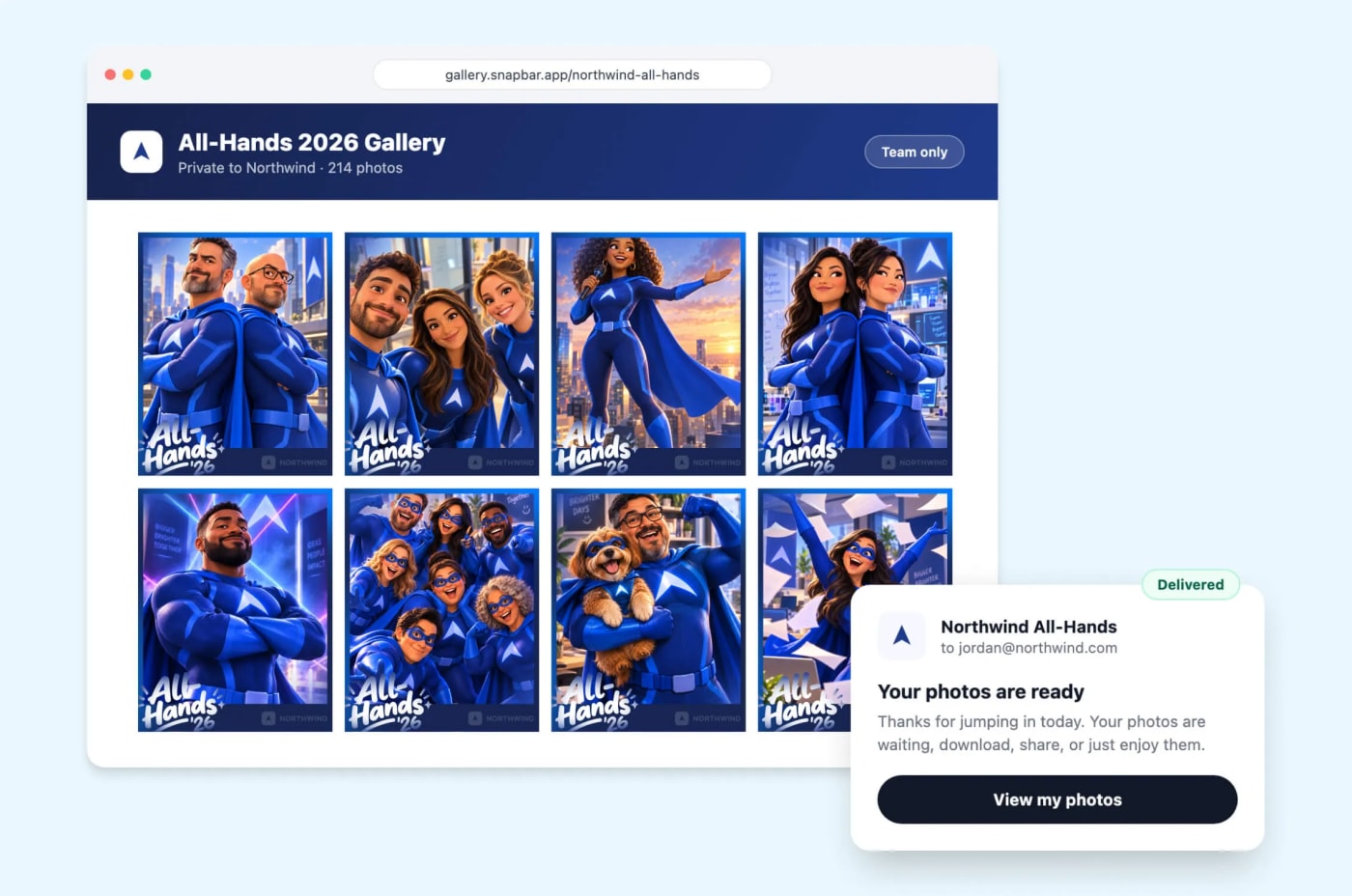
What compounds is everything that carries forward: the same branding without rebuilding it, the same lead fields so data lands in one shape, participation you can compare by hour, and the content and contact records, yours to export. Settle that last part early; where event lead data goes walks through it.
Which model fits your event calendar?
A starting position, not a verdict. Plenty of teams land between two rows.
| Your calendar | What usually fits | What to check first |
|---|---|---|
| One event a year | Renting per event, or a short platform licence for that window | Whether you need the content and leads afterwards or only on the day. See the corporate photo booth guide. |
| Three or four a year, same format and room shape | Owning the setup pays off soonest, with a platform licence running on it | Count last year's events, not next year's plan. Confirm who stores it, moves it and staffs it. |
| Three or four a year, different formats or venues | Licensing the experience and choosing devices per event | Whether your tablets and screens can carry it, and whether a Digital Photo Booth suits some dates and an AI photo booth others. |
| A standing program plus a roadshow | Usually both: own a setup for the anchor events, license the experience across all | How many capture points run at once, and whether displays appear in more than one room. Shortlist with the AI photo booth software roundup. |
What to settle before you sign anything
Five questions, whichever way you lean. Vague answers here turn a good decision into an awkward second year.
- Who stores it and who moves it? Name the person and the room, not the department.
- Who runs it on the day? Setup, the first guest, and the moment something stops responding.
- Who owns the guest data, and how do you get it out? Ask for the export, in the format your team uses.
- What happens when the styles look dated? Find out what a refresh involves and who pays for it.
- What does renewal look like? Software renews on its own schedule, which may not match your event calendar.
Answer those five and the rent, buy or platform question tends to answer itself.