


Spin to Win Prize Wheel for Events

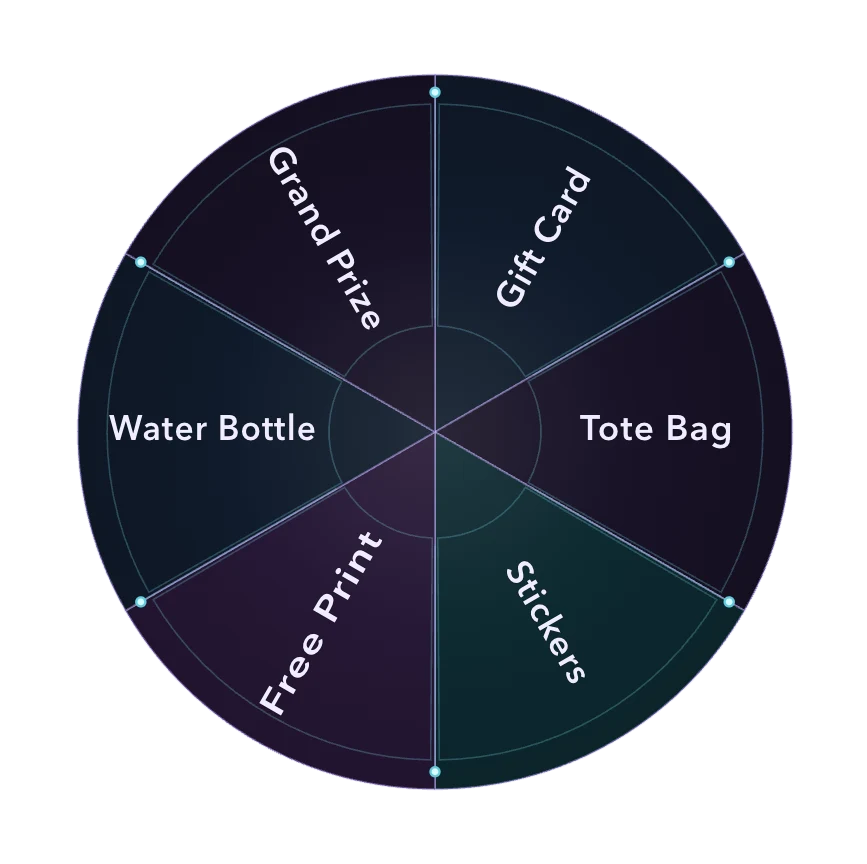
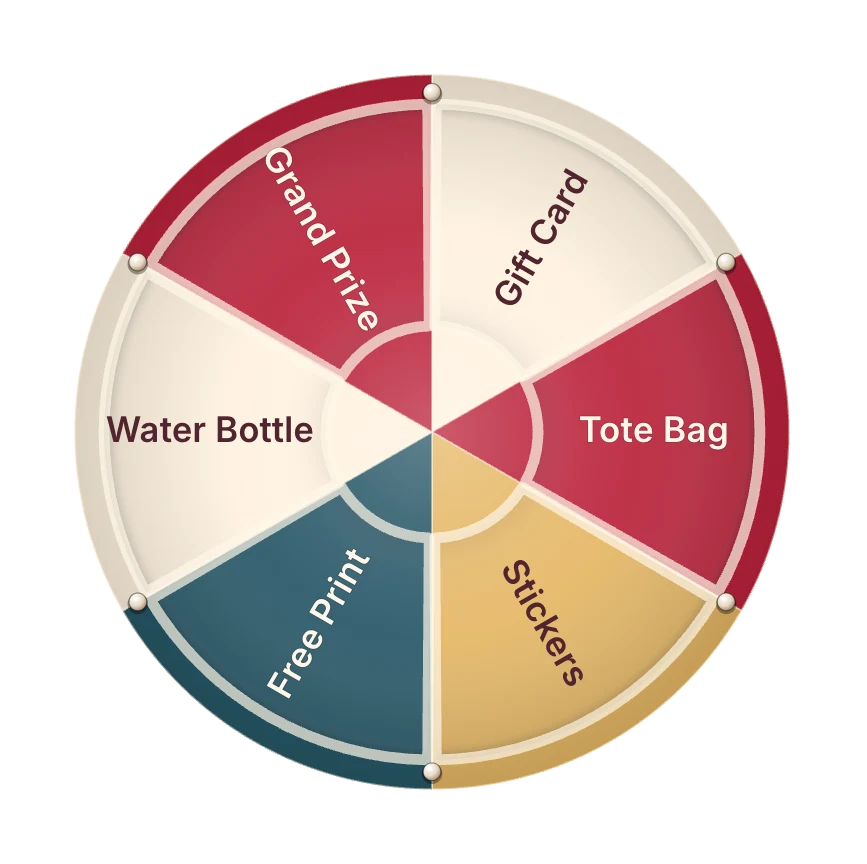
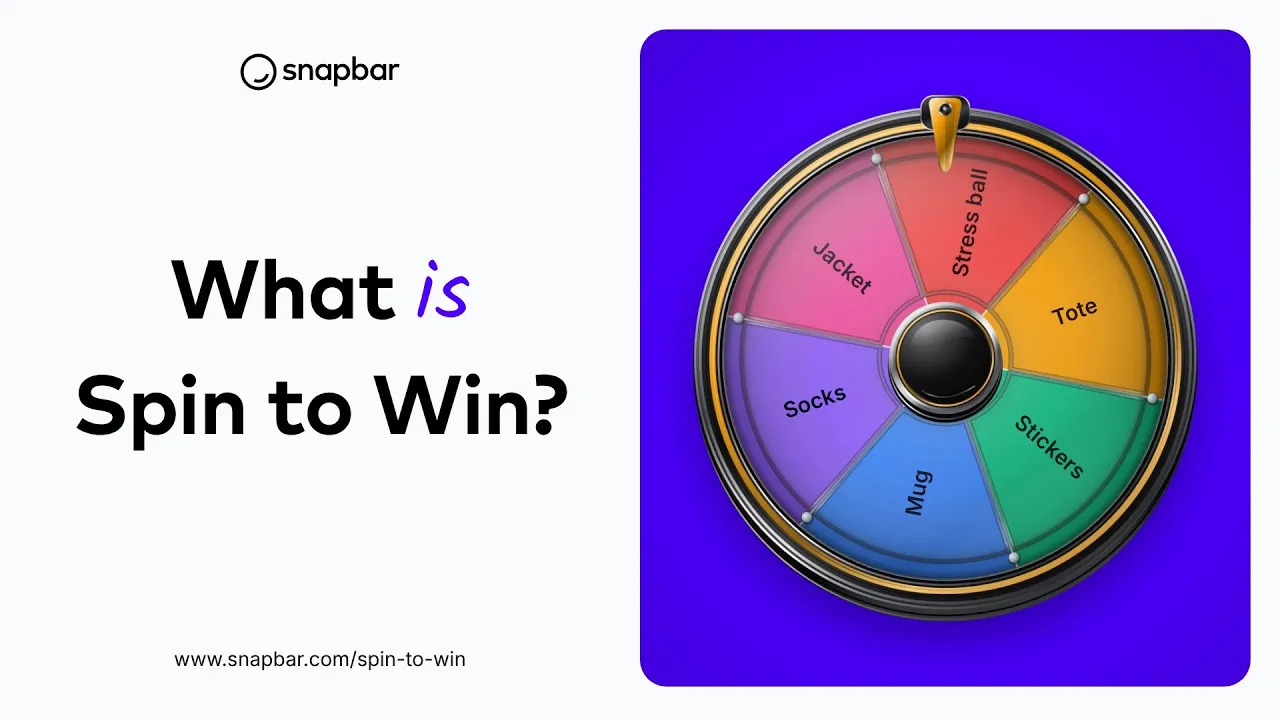
A branded prize wheel your guests spin from their own phone or from a screen at your booth. Every spin captures a lead.

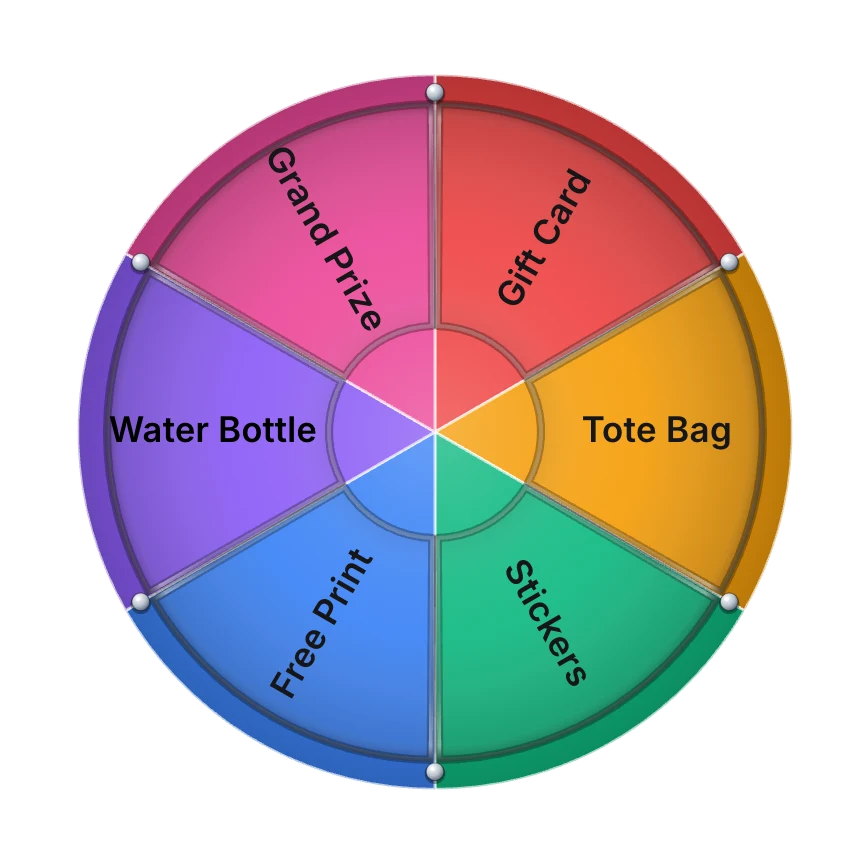
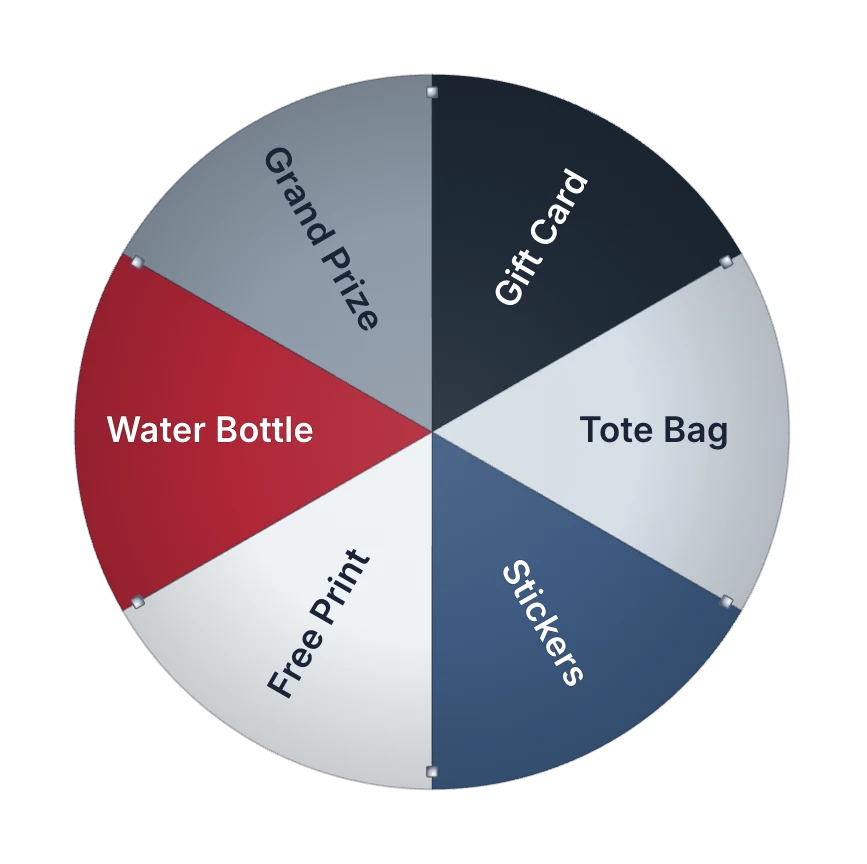
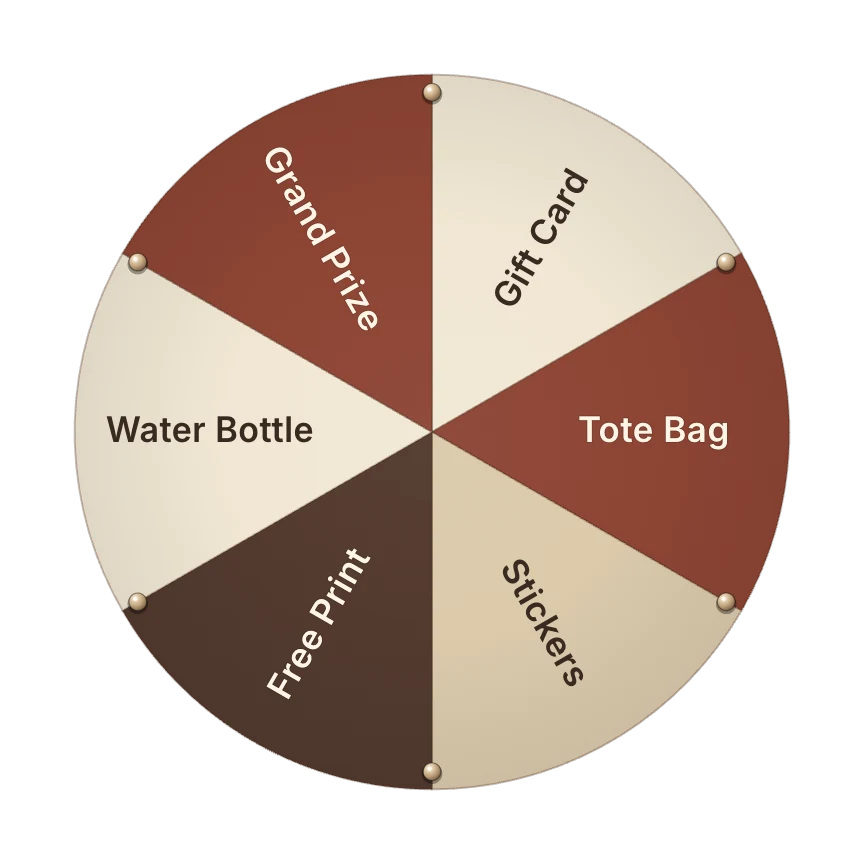
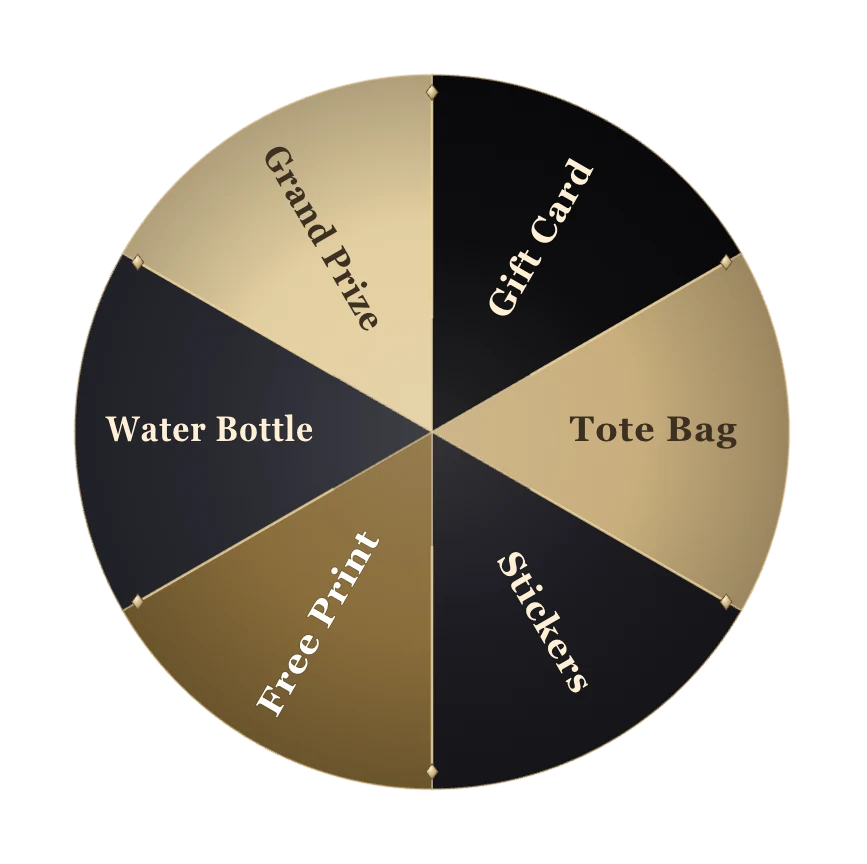
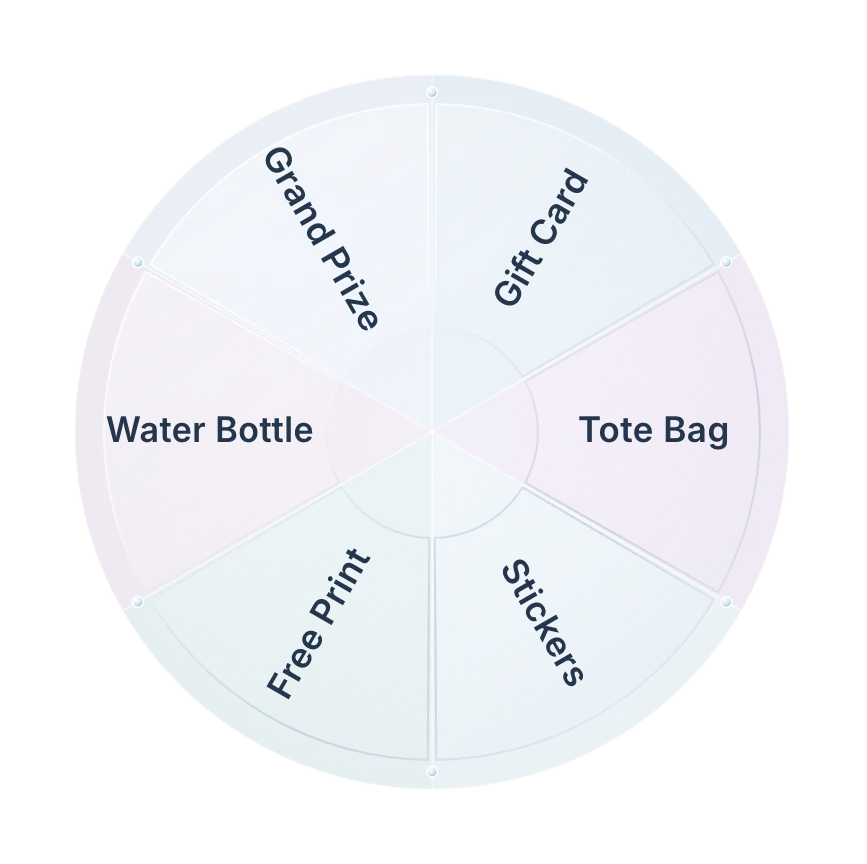
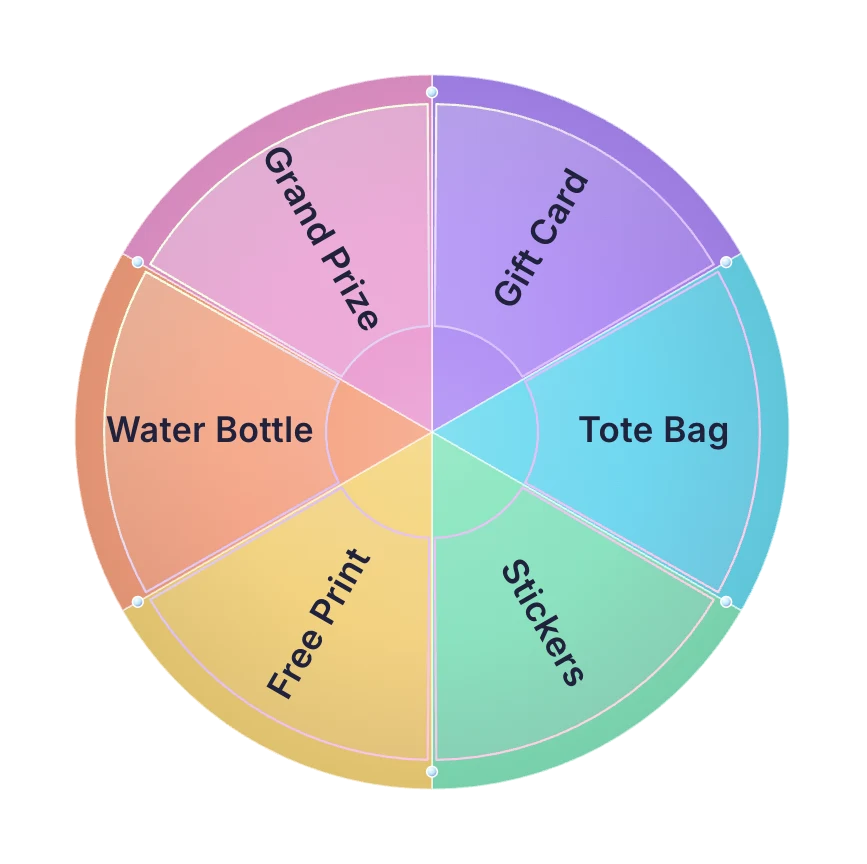
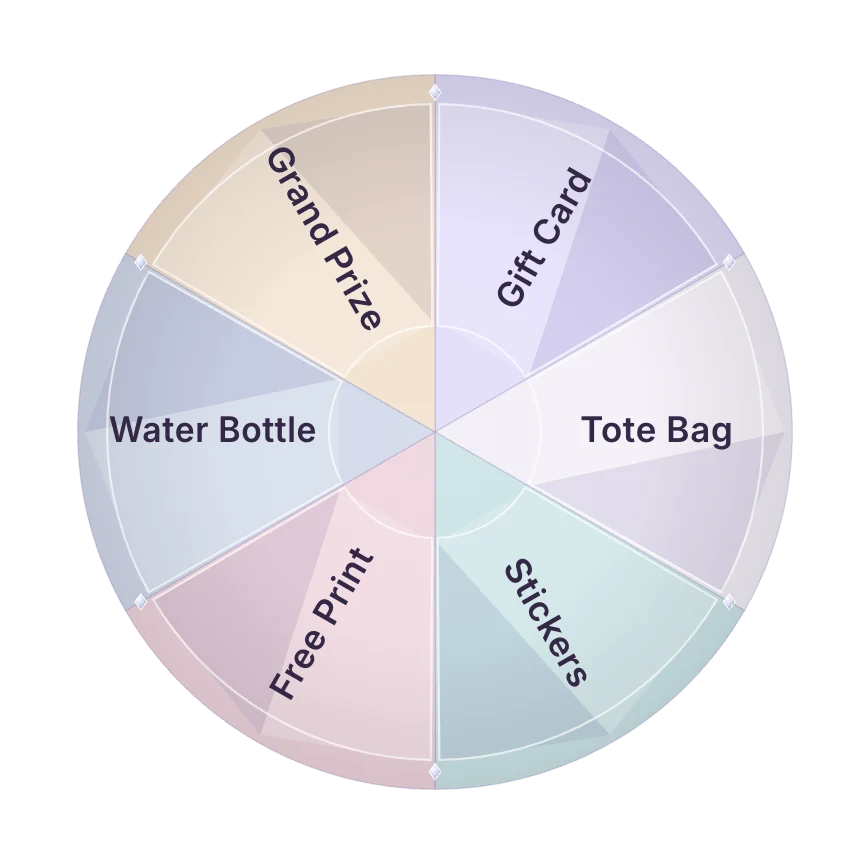
Gift CardTote BagStickersFree PrintWater BottleGrand Prize

Trusted by event teams at

  • Burt's Bees logo
  • Amplify logo
  • Lowe's logo
  • Disney logo
  • Old Navy logo
  • University of Waterloo logo
  • Dreamforce logo

What is a spin to win prize wheel for events?

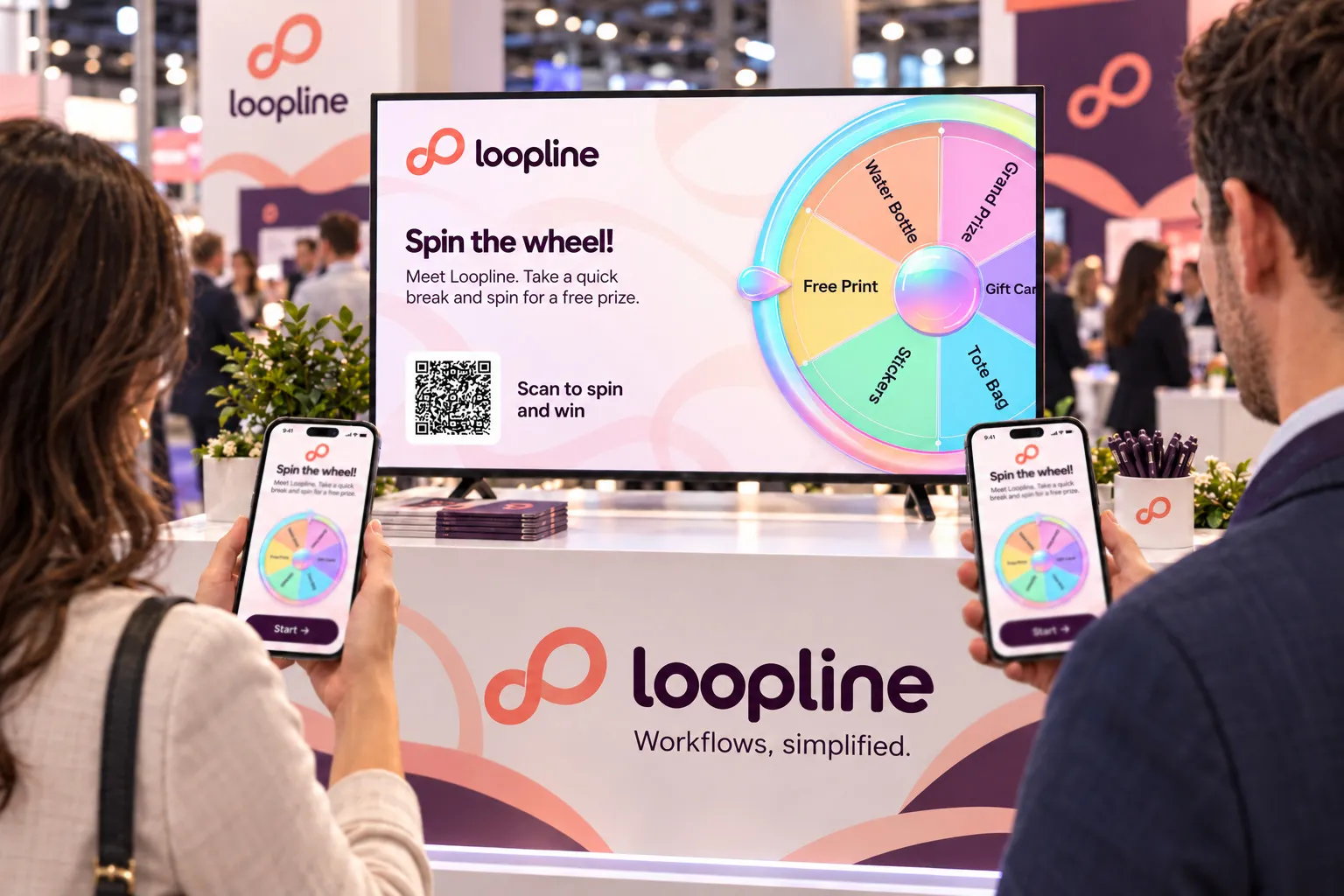
A spin to win prize wheel is a branded game guests play at your booth or from their own phone. They enter their details once, spin a wheel you designed, and win from the prize tiers and odds you set.

The wheel runs live on a big screen to pull a crowd, and every spin produces a contact record with consent, ready to export or send to your CRM.
How a Spin to Win Activation Works

1 of 5design

  1. Design the wheel

    Pick a theme, set your prize names and colors, and brand the entry screen and emails to your event.

  2. Set your prizes and odds

    Build your prize tiers, set the odds on each prize, and load inventory. Sold-out prizes drop off the wheel on their own, so nobody spins for something you ran out of an hour ago.

  3. Choose how guests play

    A tablet at the table, or a big screen with a QR code that sends people to their own phones.

  4. Go live

    Guests enter their details, spin, and see what they won. Winners get a claim code on screen and in their winner email.

  5. Follow up

    Lead data lands in your dashboard with consent attached, ready to export or route into your CRM.
Two Ways to Play, One Wheel

Guest tapping a Spin to Win wheel on a branded tablet kiosk at an event booth

Kiosk at your booth

Using a tablet or touchscreen kiosk, guests step up one at a time, enter their details in a single step, and spin on the screen in front of them. Winners see what they won right away, as well as in a branded email in their inbox.

Guests scanning a Spin to Win QR code on a big screen to play on their phones

Big screen and phone

The display shows the wheel (no touchscreen required), and guests scan a QR code to spin from their phones. They enter their details, spin, and see the result mirrored on their phone and the display.

The wheel takes one spin at a time: when it is free, whoever taps spin first goes next, and their spin plays on the big screen for everyone to watch.

Same wheel, prizes, odds, and lead capture in both. One queues a line at a touchscreen kiosk, and the other draws a crowd around a screen while people participate from their phones.

Every spin becomes a lead.Every prize becomes a reason to follow up.

Spin to Win runs on a simple trade: guests get a real shot at something they want, you get a captured lead with a recorded outcome. What you do next depends on what your team needs most.

What does your team need most?

LeadsTrafficPrizesFollow-up
Your outcome

The Lead Magnet

Every spin requires an entry, so your lead list grows exactly as fast as the line at your booth does.

Why Teams Choose Snapbar for Spin to Win

  • Every spin is a lead

    Entry and consent happen before the wheel turns, so you are not chasing details after the fact. Export the data or route it into your CRM.
    learn about lead capture
  • Runs on whatever you have

    A big screen, a tablet, or every guest's own phone by QR code, all at once if you want, with no charge for devices or concurrency.

  • Odds and inventory, both in your hands

    Set the odds on every prize and load inventory for each one. Sold-out prizes drop off the wheel automatically, so the grand prize stays as rare as you decided.

  • Branded end to end

    Nine wheel themes, your prize names and colors, your entry screen, your emails.

  • Claim codes handled

    Winners get their code on screen and in their winner email, and your staff manage claims and inventory from the dashboard.

  • Built on the full platform

    Winner emails, guest-facing translations, live analytics with a lead-capture card, and 10,000+ activations behind it.

    explore the experiential marketing platform

Winning Wheel Concepts

Spin to Win Booth Prize Wheel

Swag that reaches the visitors you want.

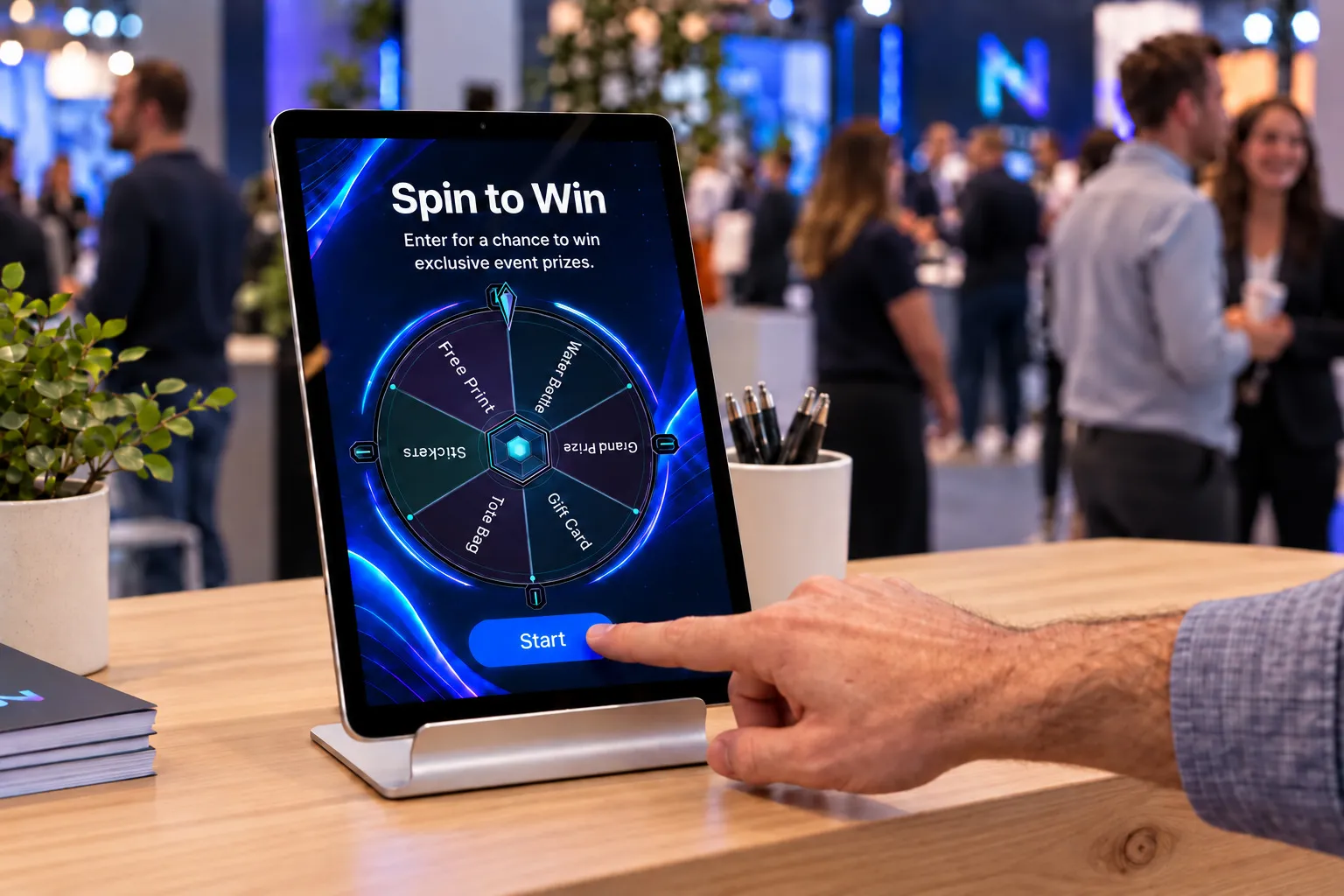
A branded prize wheel where you control the odds for each prize and every spin sits behind your entry form, so swag reaches qualified visitors instead of bowl-grazers. Guests spin on a tablet at the booth, or from their own phones while the wheel plays on your big screen.

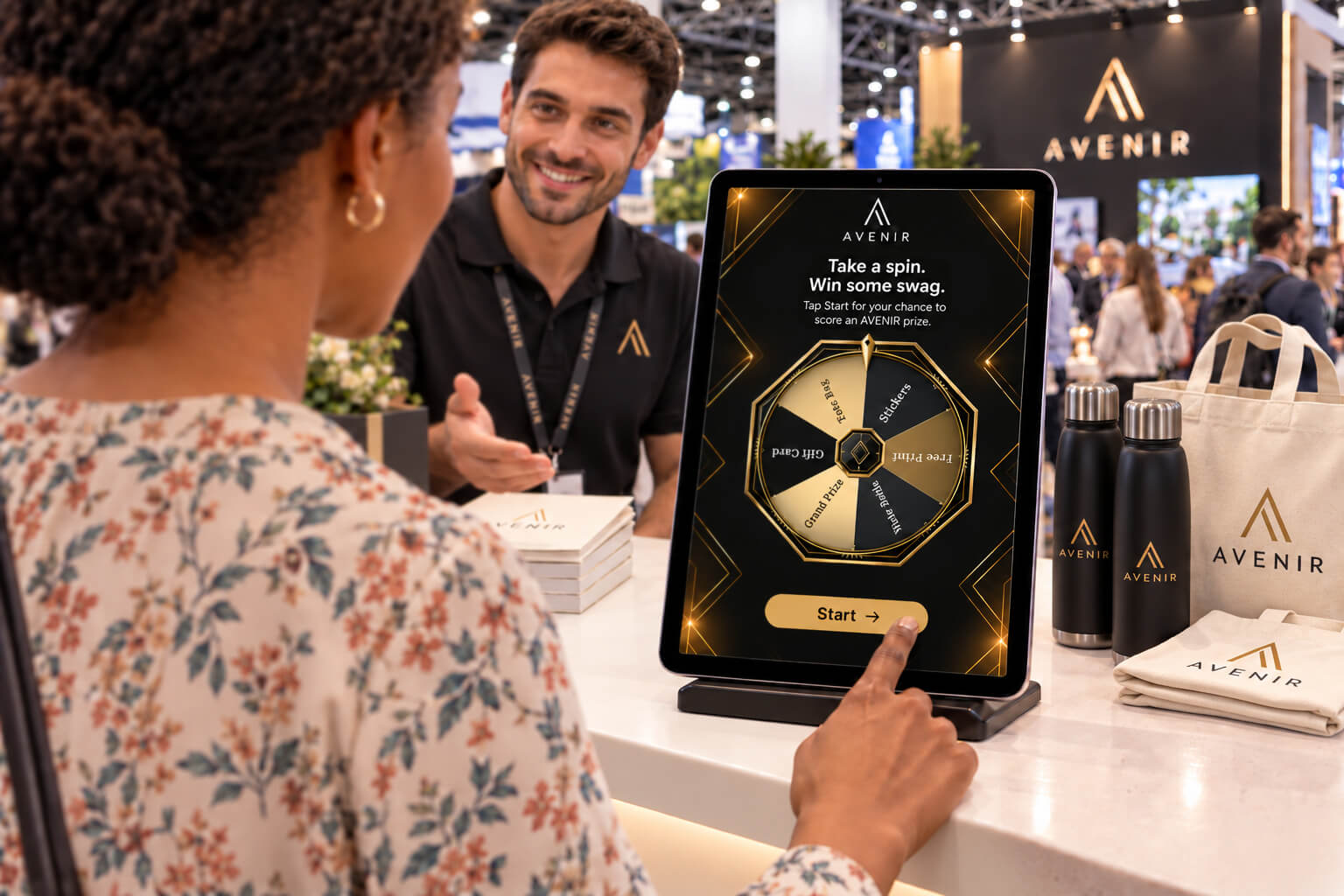
Tablet on a booth counter showing a branded prize wheel entry screen, with a visitor tapping Start as a trade show crowd mingles behind

Customize a Spin to Win Activation

Pick a theme, load your prizes and odds, choose a play mode, and go live. You can set up everything yourself inside the platform, so most teams are running within days, not weeks.

Thanks for reaching out!

Spin to Win Frequently Asked Questions

How does a spin to win prize wheel work at an event?

Guests open a branded Snapbar page on a tablet at your booth or by scanning a QR code on your display. They enter their details, spin the wheel, and see what they won. Winners receive a claim code on screen and in their winner email, and your team manages claims and prize inventory from the dashboard. No app to download.

How much does a spin to win activation cost?

Snapbar's pricing depends on the size of your audience, how long the activation runs, and any upgrades you add. Tell us about your event and we will put together an exact quote.

Can guests spin from their own phones instead of a tablet?

Yes. Put a QR code on your big screen and guests scan it to spin from their own phone. Snapbar's wheel takes one spin at a time and plays it on the screen, so the crowd watches together while everyone plays from where they stand. You can also run a tablet at the table instead, or both.

Can we control which prizes guests win?

Yes. Snapbar lets you set the odds on every prize and load inventory for each one, so the grand prize can be as rare as you need while the everyday prizes come up often. Prizes that sell out drop off the wheel automatically, and guests only ever spin for what you still have.

Can a guest spin more than once?

One spin per email address within an activation, so the same guest can't keep replaying under one entry. Snapbar matches on the address a guest enters, which means a determined person with a second email could get another spin. For stricter control, our team can cap entries per guest by email or phone when we set up the experience.

How do winners claim their prize?

With a claim code. Snapbar shows the code on the winner's screen and sends it in their winner email, with the claim instructions you wrote for that prize. Your staff look it up in the Winners tab, mark it claimed, or void it if it goes unclaimed so the inventory returns. Decide before the event who hands out prizes and where.

8 more questionsShow fewer questions

What data do we capture from a spin to win activation?

Every guest completes a short entry step before spinning, so Snapbar captures the fields you configure along with their consent. That first-party data sits in your dashboard during the event and exports after it, ready for whatever tools your team already runs.

What do we need at the booth to run Spin to Win?

Very little. For kiosk play, Snapbar's Spin to Win runs on a tablet on a stand with power and a reliable connection. For Big Screen and Phone, any screen with a browser, such as a laptop plugged into a TV, shows the wheel while guests play on their phones. Snapbar does not provide staffing or hardware, so you'd source those independently.

Do we need to give away a prize on every spin?

No. Snapbar's Spin to Win lets you add a no-win outcome with its own result message, and keep a low tier of everyday prizes on the rest of the wheel. In our experience the wheel draws a bigger crowd when almost everyone wins something small, so use the no-win slice to protect the grand prize rather than to save on stickers.

Can we set up Spin to Win ourselves?

Yes. You create a Spin to Win experience in Snapbar's platform, pick the theme, load prizes, odds, and inventory, brand the entry screen and emails, and preview the wheel with your real prize names. Our team reviews it before it goes live, which is a quick check rather than a build step, so most teams are running within days.

How do we know what was given away?

It's all recorded. Snapbar's Winners tab lists every play, who won what, and whether it was claimed, and exports to CSV, while the analytics tab shows players, winners, prize distribution, win and claim rates, and plays by day. Between the two, sales knows who won what, which is a personal reason to follow up with every contact.

Can we brand the wheel to our event?

Every part of it. Pick from Snapbar's nine wheel themes, then set your own prize names and colors, brand the entry screen and the winner emails, and match the display to your event design.

Does Spin to Win deliver by text message?

No, Spin to Win delivers by email only. Winners see their claim code on screen the moment the wheel stops and get it again in Snapbar's branded winner email, so nobody has to screenshot anything. Text delivery is available on Snapbar's photo and AI experiences, so if you run one alongside the wheel, guests can get that content by text.

Can we pair Spin to Win with a photo experience?

Yes, and it's a common setup. Snapbar runs both as separate experiences in the same account, each with its own credits, so an AI portrait draws people in and the wheel sends them off with a prize. Use the same data capture fields on both and the lead export reads as one list. Each experience has its own quote.

Get in touch

For demos, pricing, and questions.

Access Platform Pricing

Enter your email and you’ll receive a link to our platform pricing where you can build quotes and request proposals.