

Table of Contents
A corporate photo booth used to mean a rented box in the corner of the ballroom, a bin of props and a strip of photos nobody could find by Monday. The job has changed since then. Gallup's State of the Global Workplace 2026 report found that global employee engagement fell to 20% in 2025, its lowest level since 2020, and that manager engagement dropped from 27% to 22% in a single year. The kickoffs, offsites and holiday parties on your calendar are where a lot of companies are trying to win some of that back, which puts real weight on every choice in the room.
We wrote this guide to help with one of those choices: which photo format fits which company event, what each one gives your people, and what to settle before you book. If the next date on your calendar is the December party, our corporate holiday party ideas go deeper on that one.
Key takeaways
- Pick the format by the event, not by the hardware. A kickoff, an offsite and a town hall each want something different.
- The same browser-based experience runs on a kiosk, an iPad, a laptop or guests' own phones, all at once.
- Deliver every photo to the person first, by email or text, and let sharing be their call.
- AI formats book further out than digital ones in our booking data, so choose the format early.
What is a corporate photo booth today?
A corporate photo booth is a branded photo experience at a company event. It gives every employee a picture worth keeping, and it gives the company one shared moment it can put on a screen and use again. Some teams call it a selfie booth. The name matters less than the job it does.
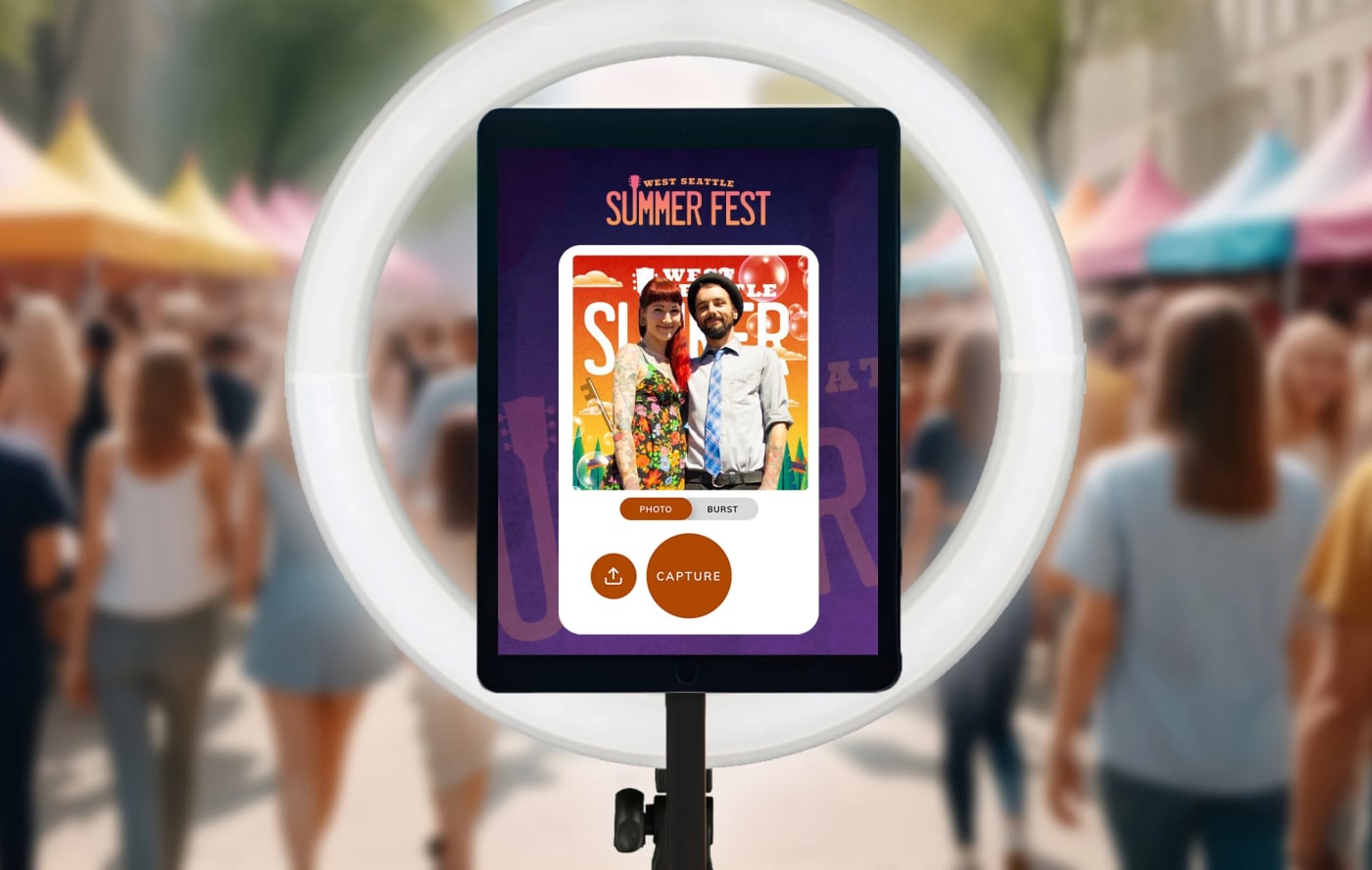
What's changed is the equipment list. The classic setup was an enclosed or open-air booth with a camera, a backdrop and one line of people waiting their turn. Today it's usually an interactive, browser-based activation that runs on whatever the venue allows: a kiosk near the doors, iPads around the room, a laptop on the registration table, or guests' own phones through a QR code on each table. Any mix of those can run at once, so a 40-person offsite and a 4,000-person all-hands can use the same experience.
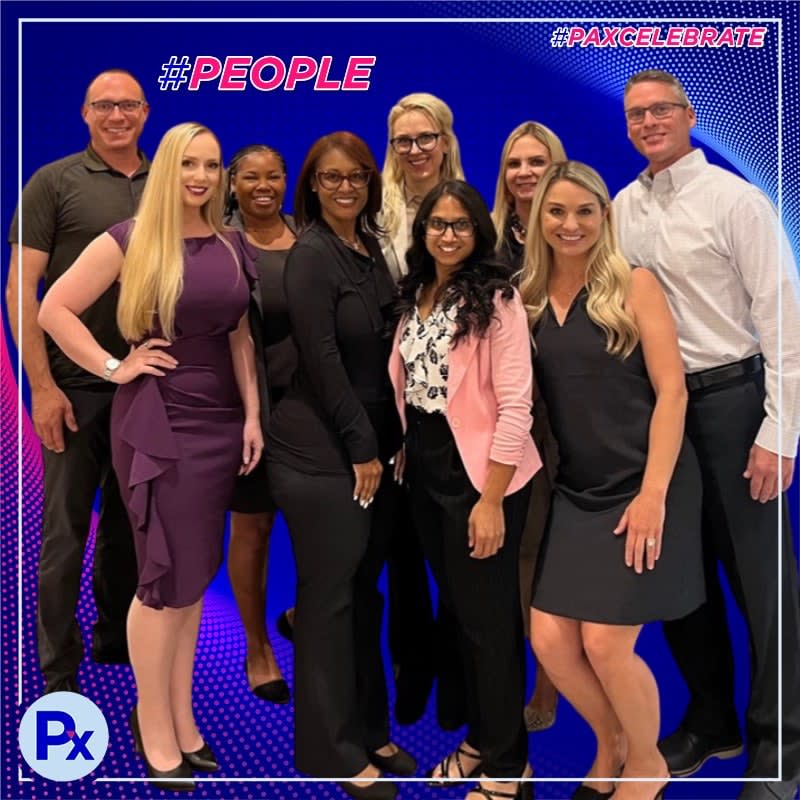
That flexibility is why we treat the format as an event decision, not a rental decision. If you're planning a program that spans several events or offices, our corporate event photo booth page lays out the options for company-wide activations.
Is a photo booth worth it for a corporate event?
Yes, when it pulls people into the event instead of pulling them out of it. That sounds obvious, but it's the whole test, and the research on photo-taking backs it up.
Photos add enjoyment when they add engagement
Across three field studies and six lab experiments, Diehl, Zauberman and Barasch found that taking photos made positive experiences more enjoyable when it increased people's engagement with the experience. The effect was less likely when the experience was already highly engaging, or when taking photos got in the way of it. (Journal of Personality and Social Psychology)
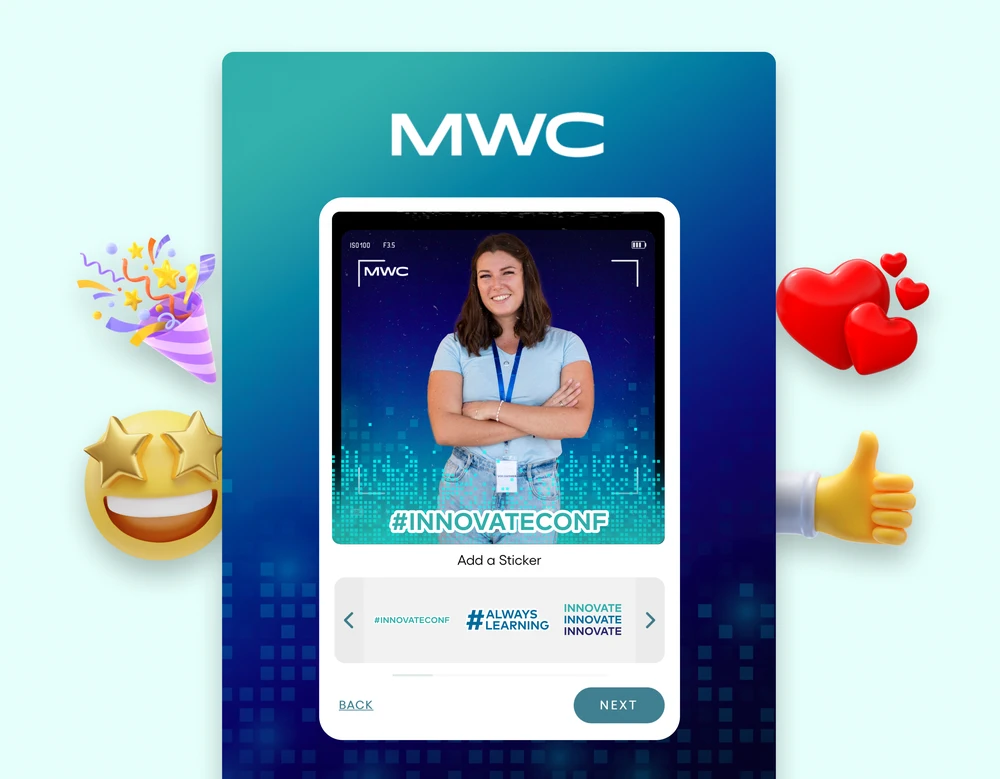
At a company event, that turns into a handful of practical calls. Put the capture point where people already gather, not down a corridor past the coat check. Keep the wait short. On a digital photo booth, a 3-second countdown keeps a line moving, a 10-second one gives a team of eight time to get everyone in frame, and guests can pinch and drag to fix their own framing after the shot instead of starting over, so the line doesn't stall on retakes. Then put the results on the big screen, because that's the moment a stack of individual photos becomes something the whole room is watching.
A props table on its own rarely clears that bar. It's fun for ten minutes and forgotten by dessert. Still making the wider case for engagement events to leadership? Our piece on high-impact employee engagement events covers it.
Which photo booth for corporate events fits each kind of company event?
Start from what the event is for, then choose the format. These photo booth ideas for corporate events are organized that way, with what each one leaves behind once the room empties.
| Company event | Format that fits | What it leaves behind |
|---|---|---|
| Sales kickoff or all-hands | AI photo booth styles themed to the kickoff, with a live gallery on the main screen | A branded portrait for every attendee, and a gallery the whole company watched fill up |
| Offsite or team retreat | Digital photo booth with a branded frame for each team | Team shots in the shapes the comms team will reuse |
| Holiday party | Digital or AI styles, plus leaderboard voting for the contest | A party gallery and a winner everyone voted for |
| Town hall or values launch | AI photo booth with the values written into the frame | A portrait that carries the message, one per person |
| Client appreciation event | Digital photo booth in the host brand, with holographic trading cards for key guests | Branded content your guests take home |
| Milestone or anniversary | A live mosaic that builds toward the anniversary artwork | One wall with every attendee in it |
The formats themselves are worth a closer look, because each one asks something different of the people in the room.
Digital photo booth
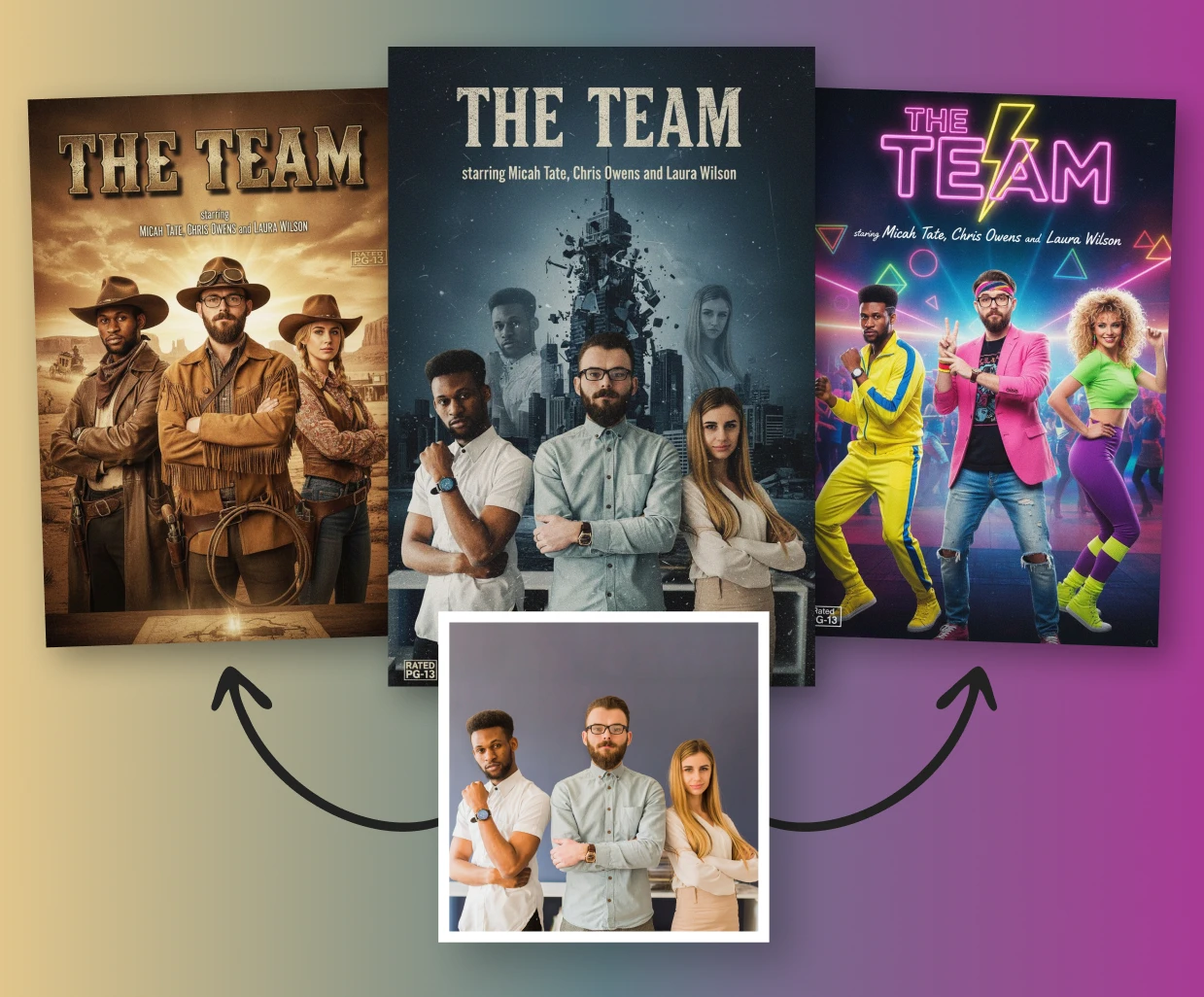
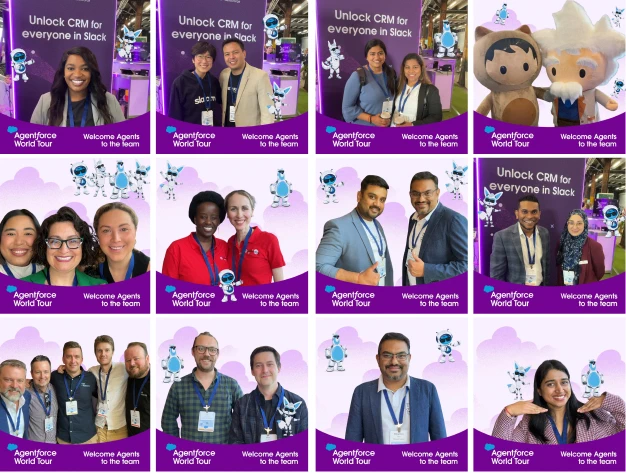
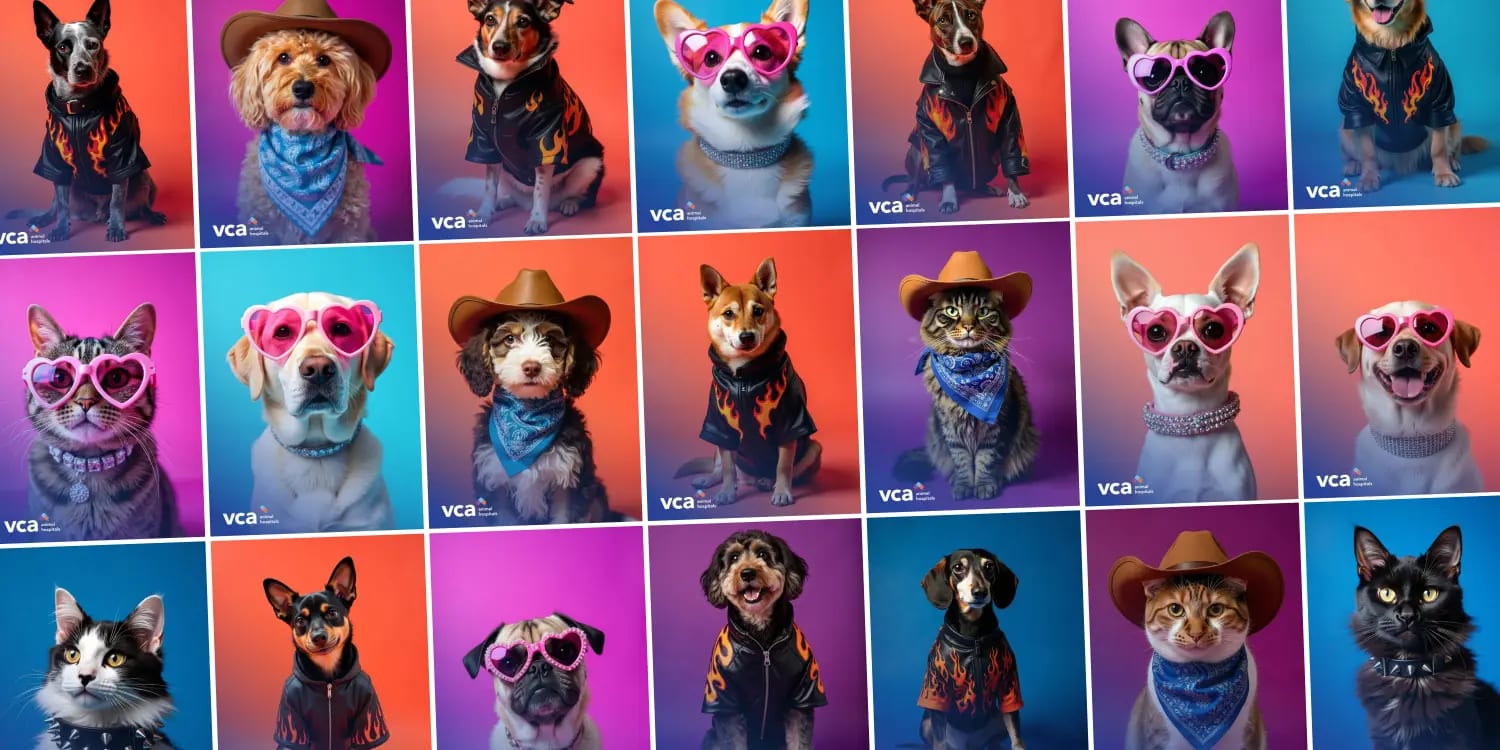
A digital photo booth is the workhorse: branded frames, a clean capture and fast delivery. Each style can shoot in one of six formats (Story, Portrait, Classic Portrait, Square, Landscape or Wide), so guests are framed for the shape you need from the start and nothing gets cropped later to fit a slide. Captures can be upscaled, so they hold up on a large screen. Background removal puts a whole team in front of a scene they'd never stand in at the office.

It's the right pick when the goal is volume and consistency: everyone in, quickly, on brand.
AI photo booth
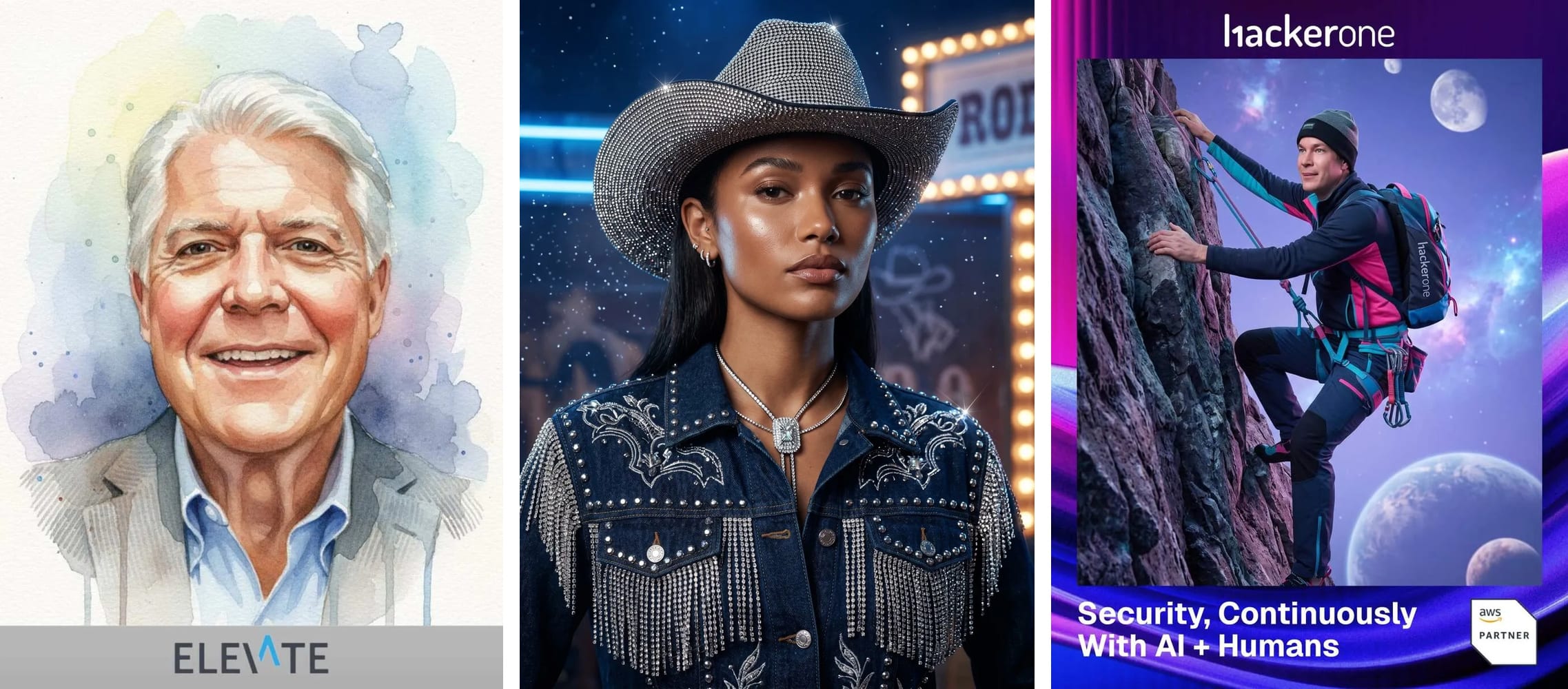
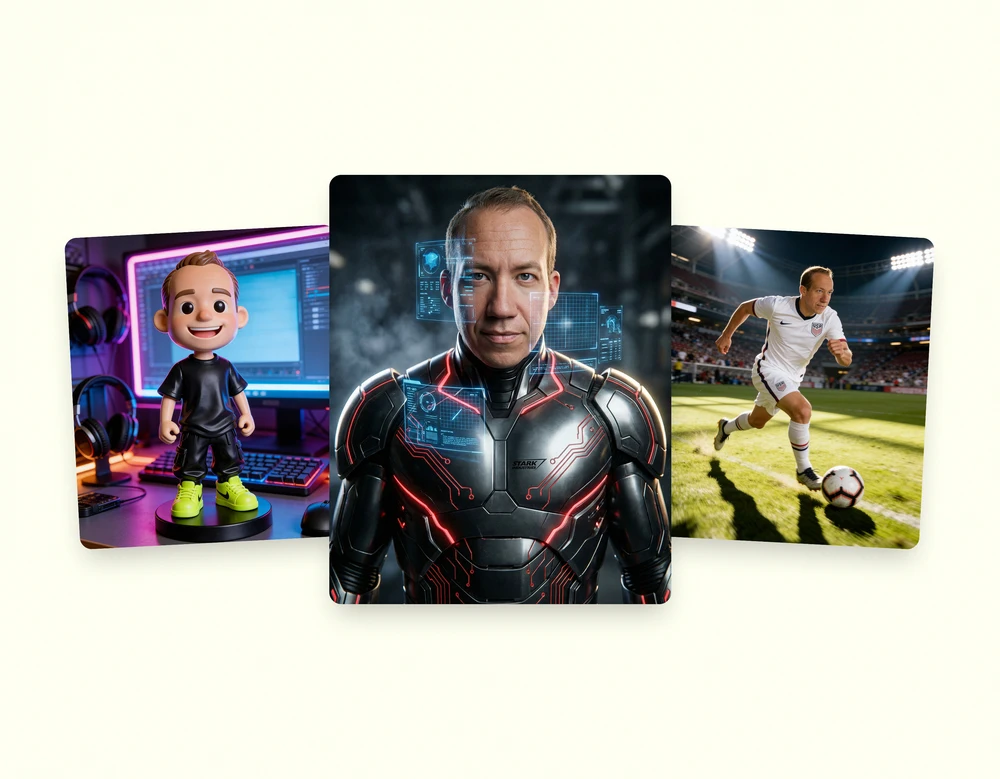
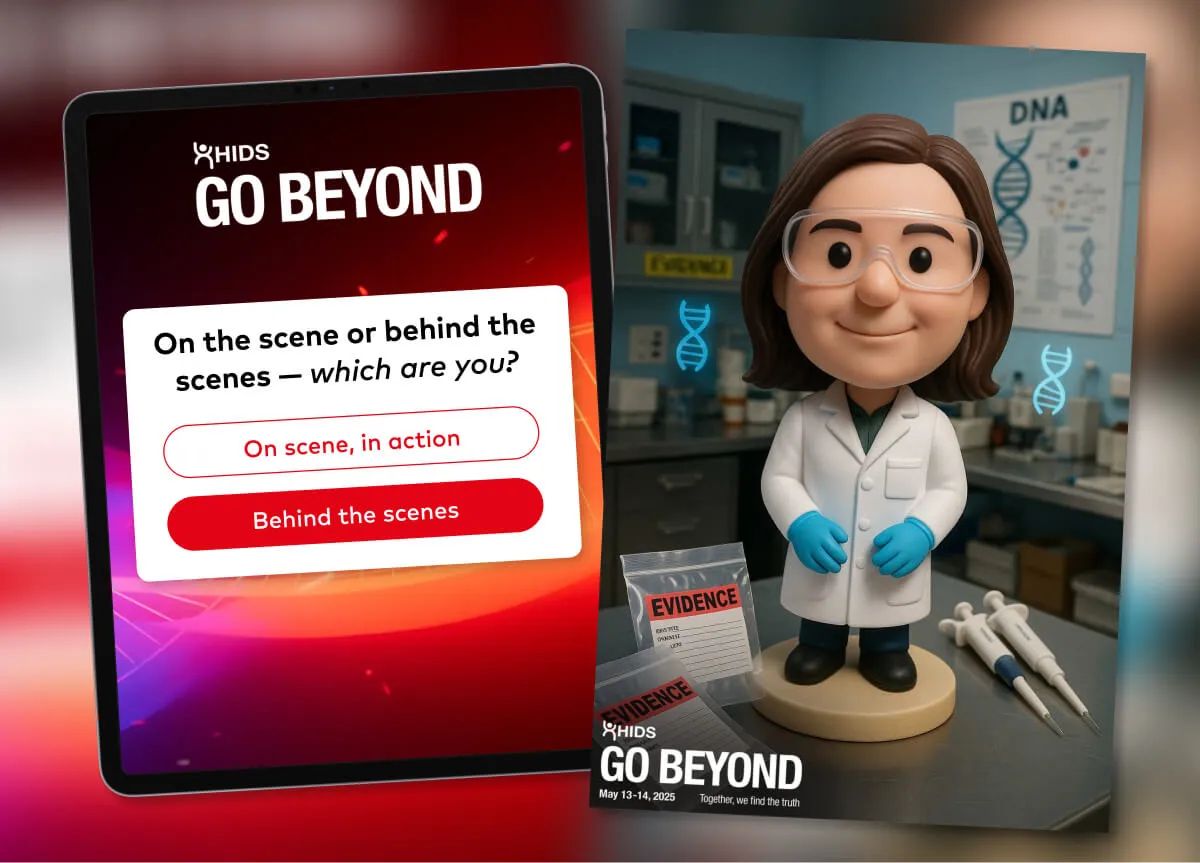
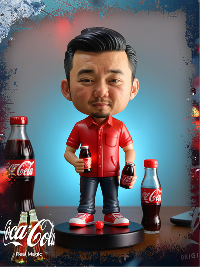
An AI photo booth turns each capture into a styled portrait, and the style is where the event theme lives. A launch name, a values day, a decade look for an anniversary: each gets its own brand-approved style. Guests can also blend a second photo into the finished portrait, which is how a teammate who couldn't travel, or someone's dog, ends up in the picture.
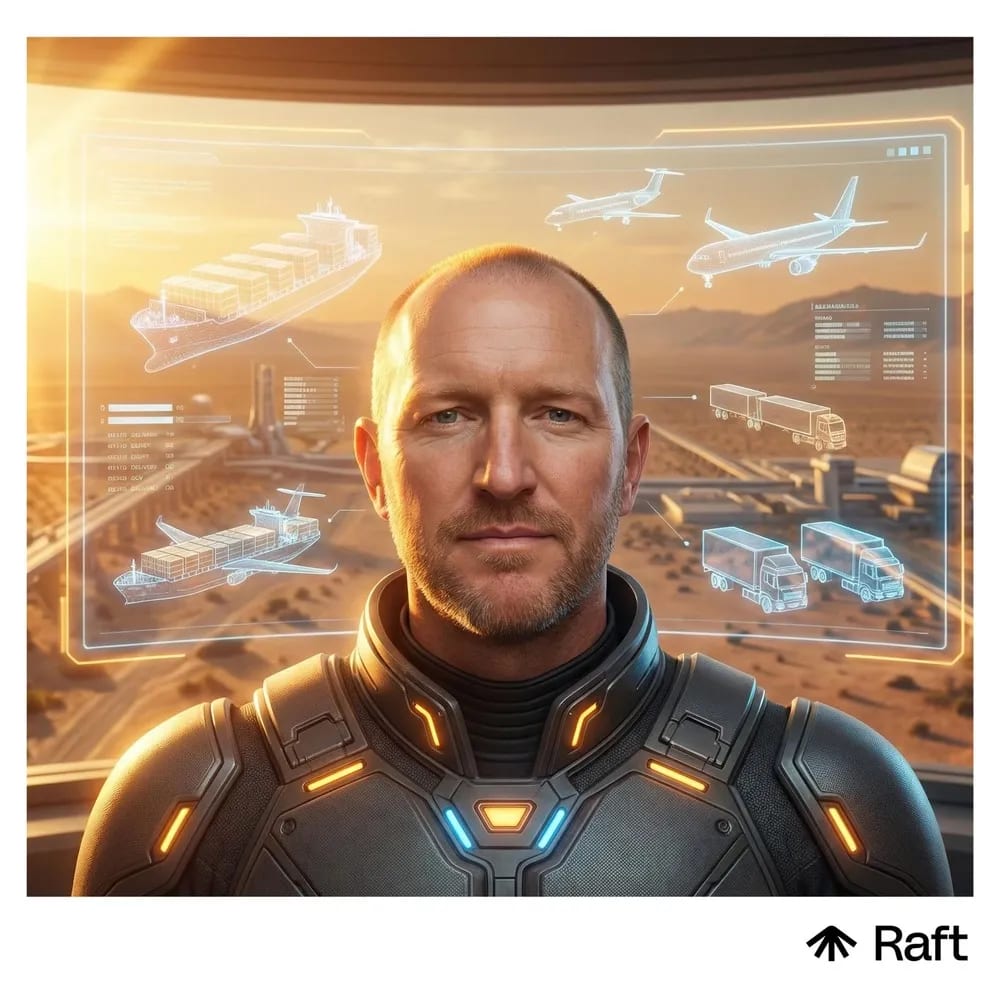
The trade-off is lead time. An AI style has more to design than a frame does, and in our booking data AI activations are booked further out (more on that below).
Live displays
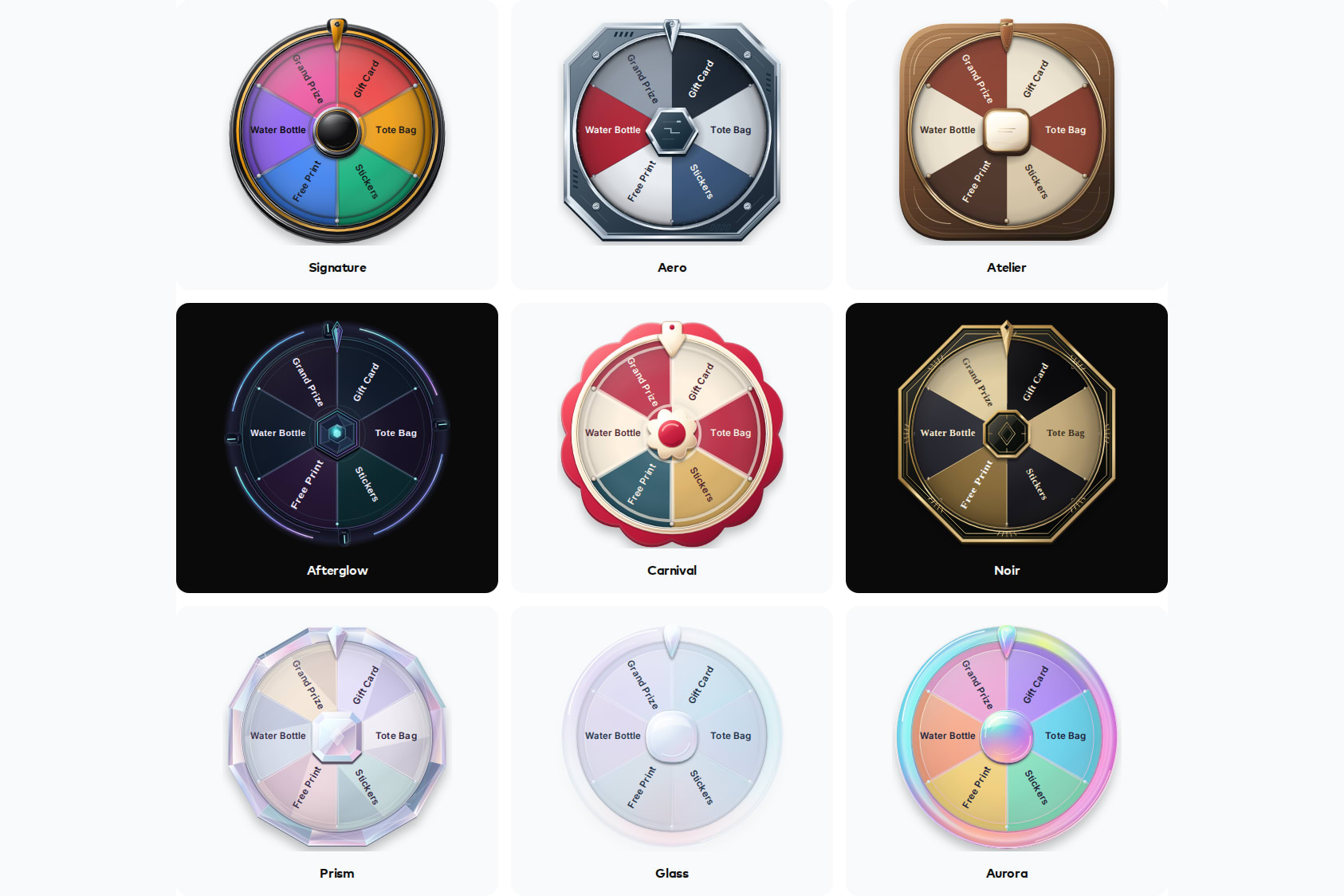
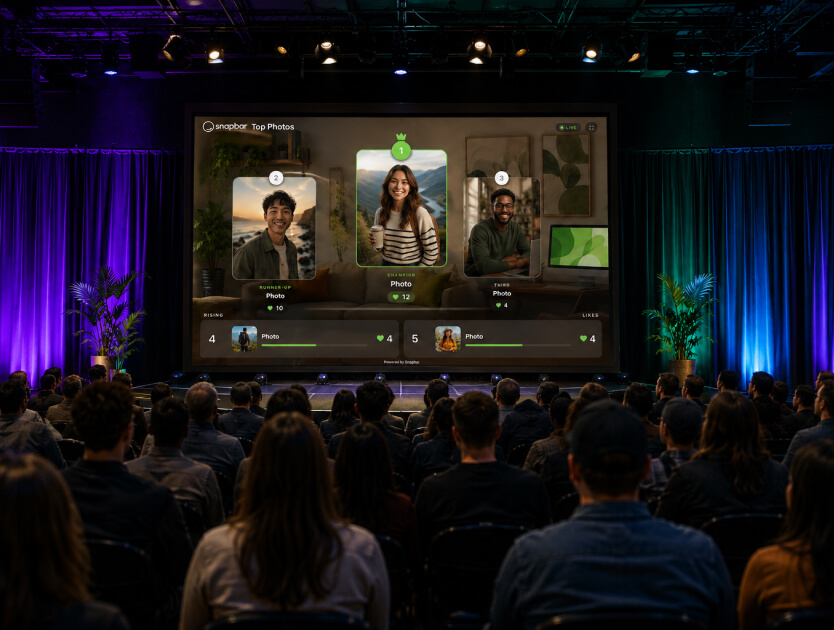
Displays turn a photo moment into a room moment. A live gallery, a slideshow and a leaderboard come with every activation. The leaderboard lets guests vote for their favorites, and a scannable code on the display means anyone walking past can vote from their phone. Our team switches voting on per experience, so mention the contest in your brief. For milestones, a live mosaic is the one add-on display. Guests upload a photo by QR code, no booth session needed, and watch it land on the wall.
Holographic trading cards
Trading cards suit client appreciation nights and team recognition. The holographic card shines and tilts as the viewer moves their phone, and it keeps doing that inside every link a guest shares, so it still behaves like a collectible when it lands in a family group chat. Add a back and the reverse can carry each guest's name, team and a stat they pick for themselves, one flip away.
If you only run one format this year, make it the one that fits the most events on your calendar.
See it in action
Build your own Digital Photo Booth activation
Branded frames, six capture formats and delivery by email or text, on kiosks, iPads, laptops or guests' phones.
Explore Digital Photo BoothWhichever format you choose, it only works if everyone can reach it, and that gets harder when the company is spread across cities.
How do you include remote and global employees in a corporate photo booth?
Run one experience that every office and every remote employee joins from their own device, and feed it all into one gallery. Because it runs in a browser, the London team can use a kiosk in their break room while people working from home use their phones, and everyone ends up in the same place.
Give each office its own frame if local pride matters. It usually does. For global teams, built-in translations show the booth, the gallery, the share pages, and the emails and texts in each guest's language. If you want every location building one picture together, our company-wide mosaic play walks through it step by step. For an event that's fully remote, start with a virtual photo booth.
How do you brand a corporate photo booth without it feeling like an ad?
Brand the frame, the style and the delivery, and leave the person alone. Employees will happily stand in a frame with the kickoff theme on it. They'll quietly skip one that looks like a banner ad with a face in the middle.
A theme beats a logo wall. Tie the style to what the event is about, whether that's a product launch name, a set of values or a milestone year, and the brand shows up as part of the story rather than on top of it. Props and a good backdrop still earn their place at an in-person event. They give people something to do with their hands.
The bigger call is what happens to the photo afterward. Barasch, Zauberman and Diehl found that people who took photos intending to share them enjoyed the experience less than people taking photos for themselves, because it raised their concern about how they'd come across (Journal of Consumer Research). So deliver each photo to the person first, by email or text, and let sharing be their choice. Asking a room of colleagues to post to LinkedIn on the spot turns a fun moment into a performance.
What should you decide before you book a corporate photo booth?
Settle five things before the first call and the rest of the planning gets simpler.
- The goal: participation, recognition or content for the comms team. Pick one to lead.
- Headcount and locations: one ballroom, or twelve offices and a remote team.
- Devices: a kiosk, iPads, laptops, guests' phones or a mix. They can all run the same experience at once.
- Displays: which screens are in the room, and whether you want a vote or a mosaic on them.
- Languages: every one your people work in.
Then choose the format early. Across our booking data, Digital Photo Booth activations were booked at a 27-day median and AI Photo Booth activations at 35, roughly a week more. If the event calls for an AI style, give it that room. Our event activation planning timeline breaks the numbers down by season and budget.
If you're comparing platforms rather than formats, we've written up how corporate event teams compare photo booth software, with the questions worth asking each vendor.
What does the company get after the event?
More than most teams plan for. Every person gets their photo by email or text as soon as it's ready. The event gets a branded gallery. Real-time analytics show participation, and the leaderboard shows the votes, ready for the leadership recap. And bulk exports hand the comms team every piece of content in one zip, with filenames built from guest details, so the January newsletter doesn't start with a hunt through someone's camera roll.
Because a digital style captures in the shape you chose, the same shots can go straight into a slide, a story or a banner. Internal events usually lose that part, and it's the easiest part to keep. Our corporate team activations show how it comes together across offsites, kickoffs and holiday parties.
Planning a kickoff, offsite or holiday party?
Tell us the date, the headcount and the offices involved, and we'll match the format to the event.
Get a QuoteOr explore: Corporate Team Activations | Activation Concepts