Mobile-first, no app needed
Scan a QR code or tap a link. Works on any phone, nothing to download.
Every Snapbar activation collects the contact details and answers you need, in exchange for content your guests want to keep. No badge scanner, no clipboard, no app.
Trusted by event teams at





Give guests something worth trading for.
With every Snapbar experience you can run it on a kiosk, give your guests a QR code to scan, or both.
Each participant enters their details plus a few custom questions as part of the integrated experience.
The contact record, their answers and their content land in one dashboard in real-time, ready to export or integrate directly with your CRM.
Capturing data isn't an add-on, it's part of every Snapbar activation. The questions shape the experience, and the experience earns the answers.
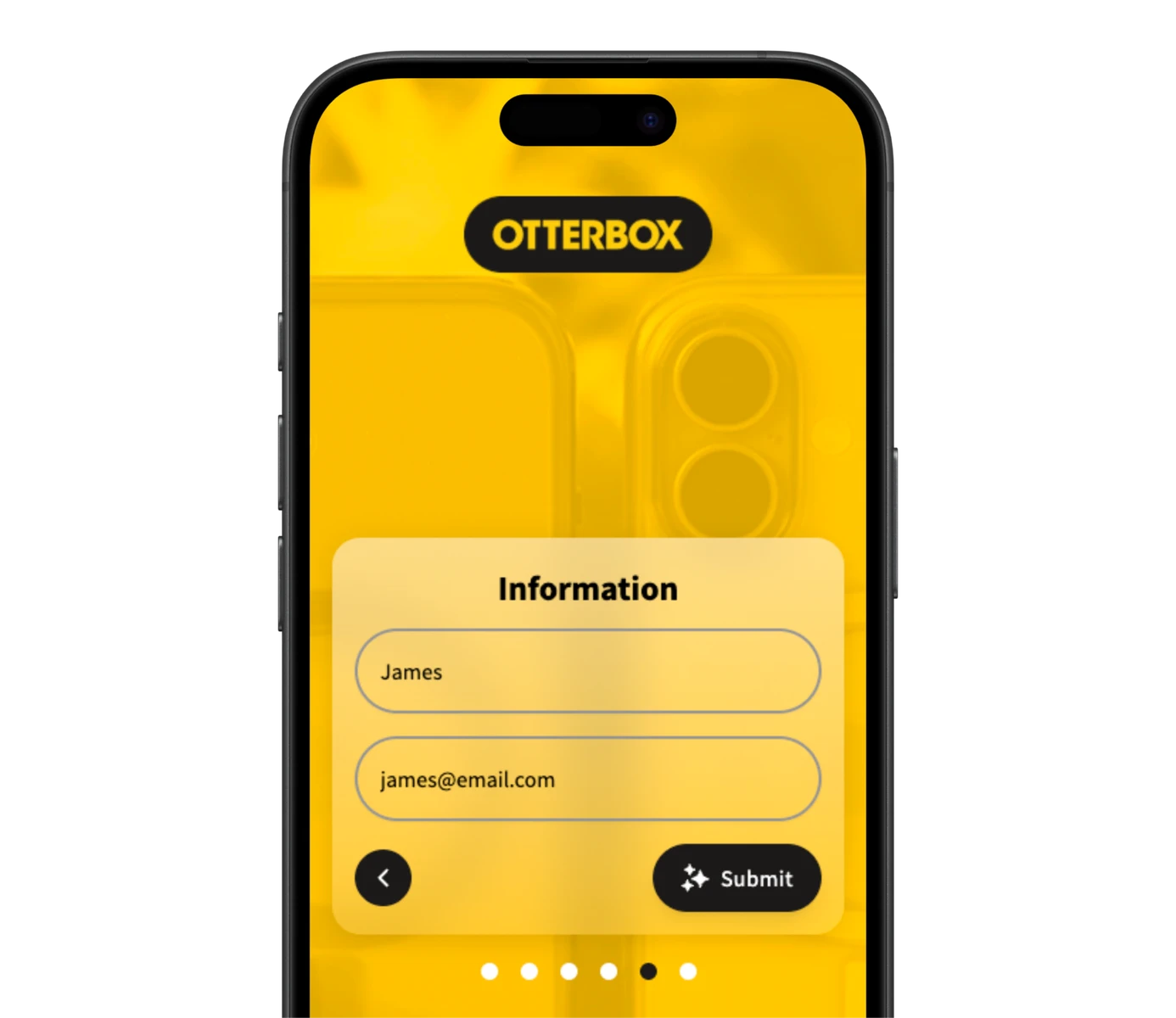
Scan a QR code or tap a link. Works on any phone, nothing to download.
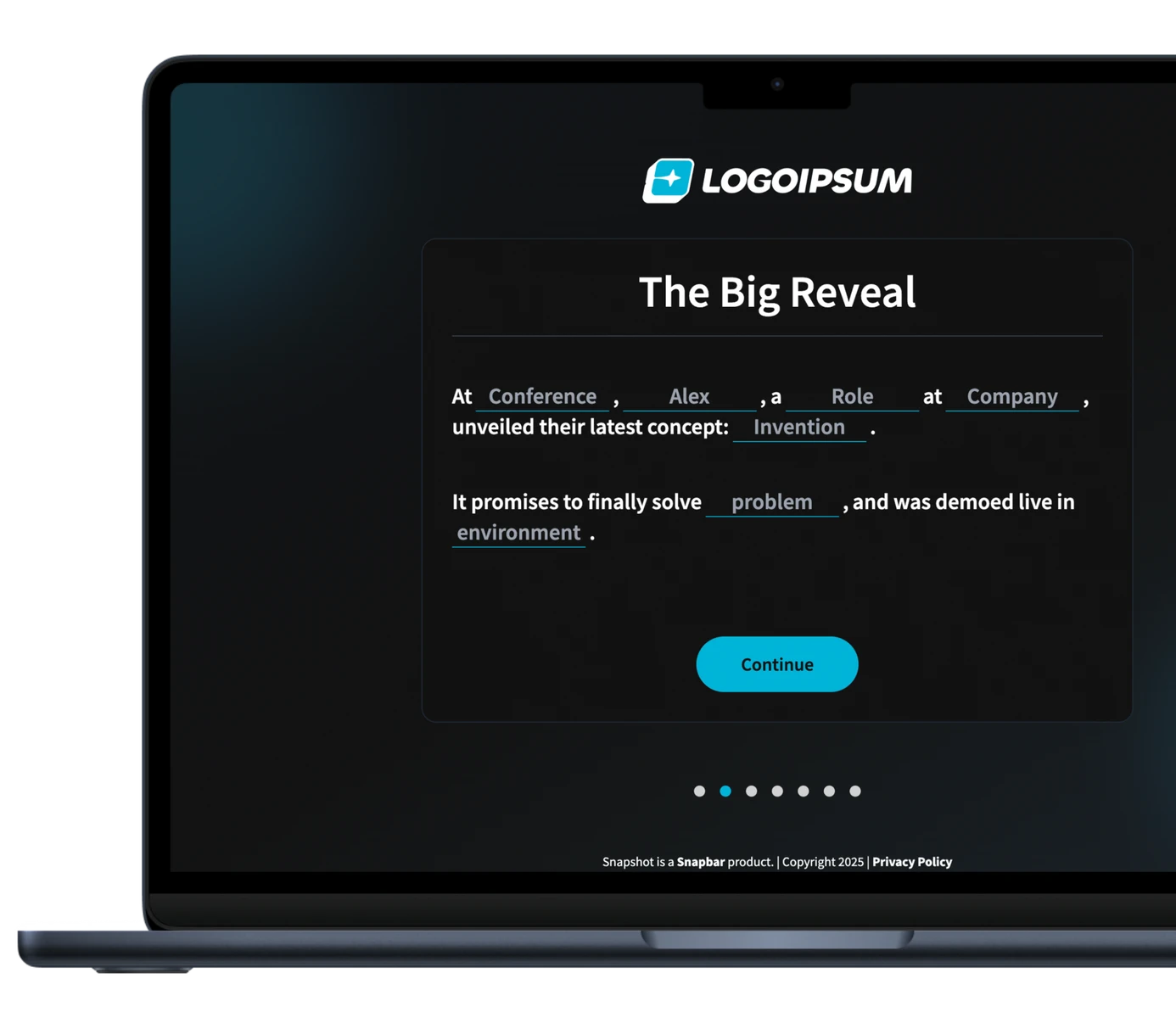
Name and email, or surveys, quizzes and fill-in-the-blank stories with as many fields as you need.
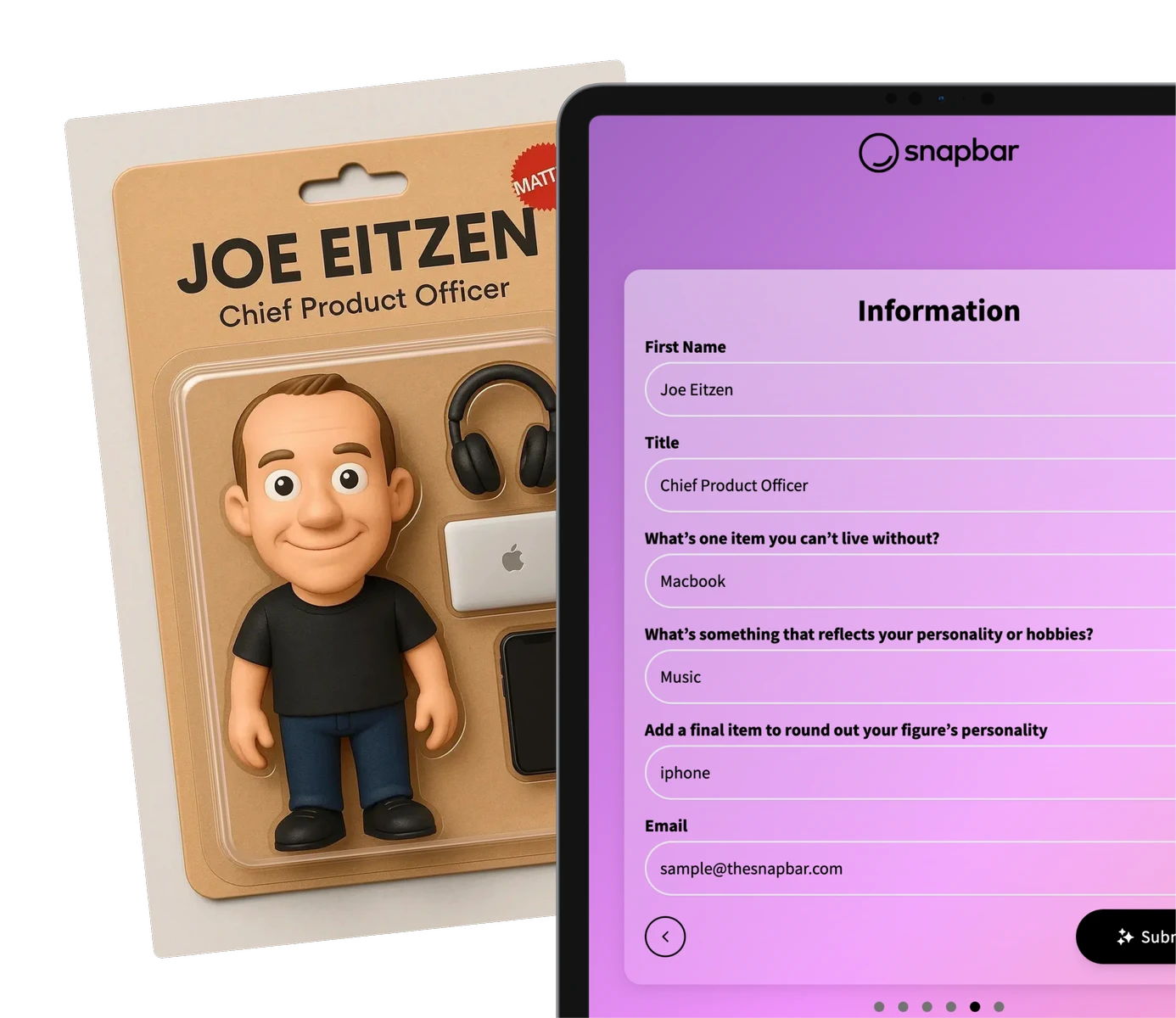
Any answer can shape the output, so the content each guest gets back is theirs.
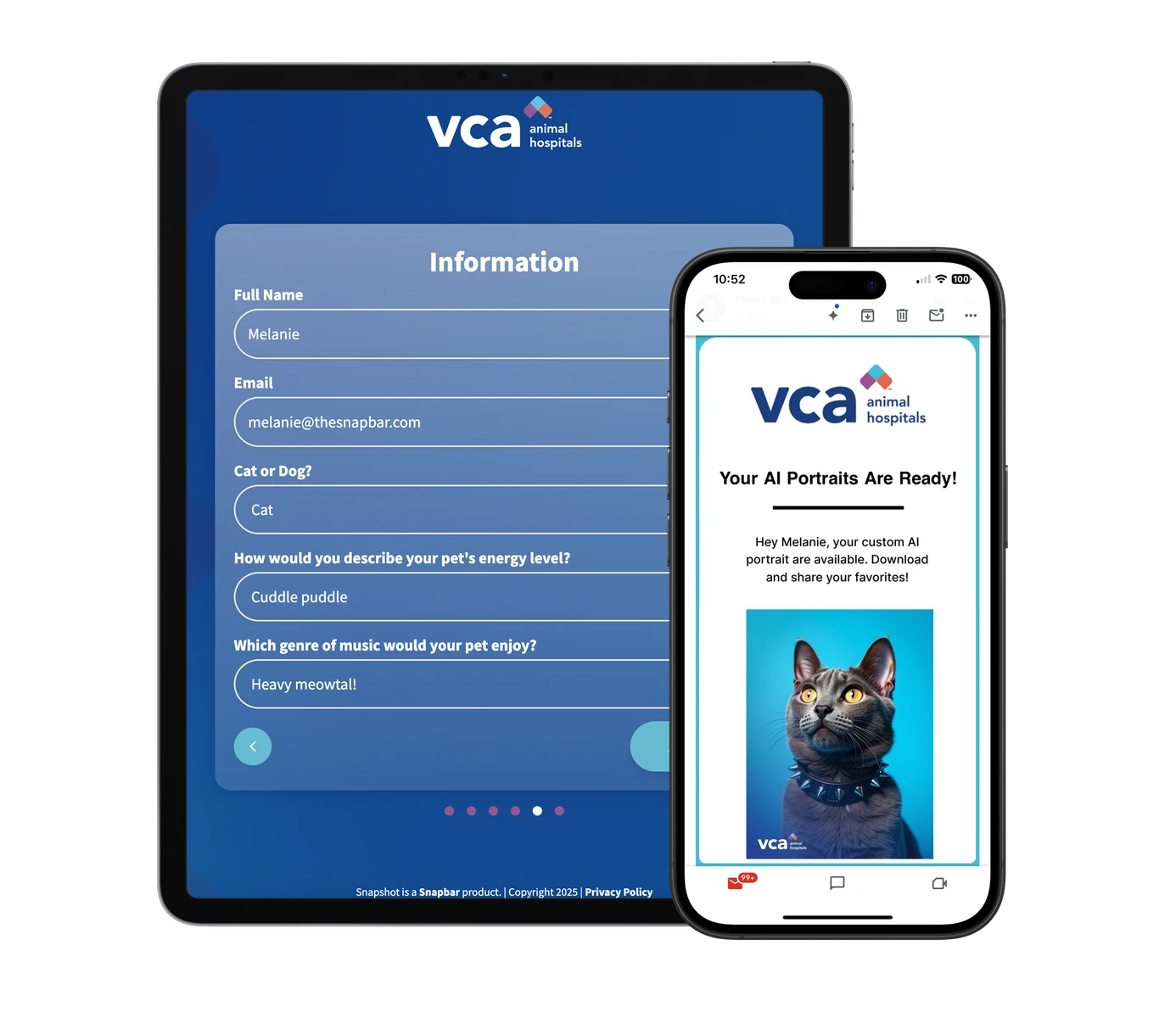
Content lands in each guest's inbox or messages, branded to you. Delivery emails average a 95% open rate.
Consent is captured up front, and details from anyone who declines are never passed on.
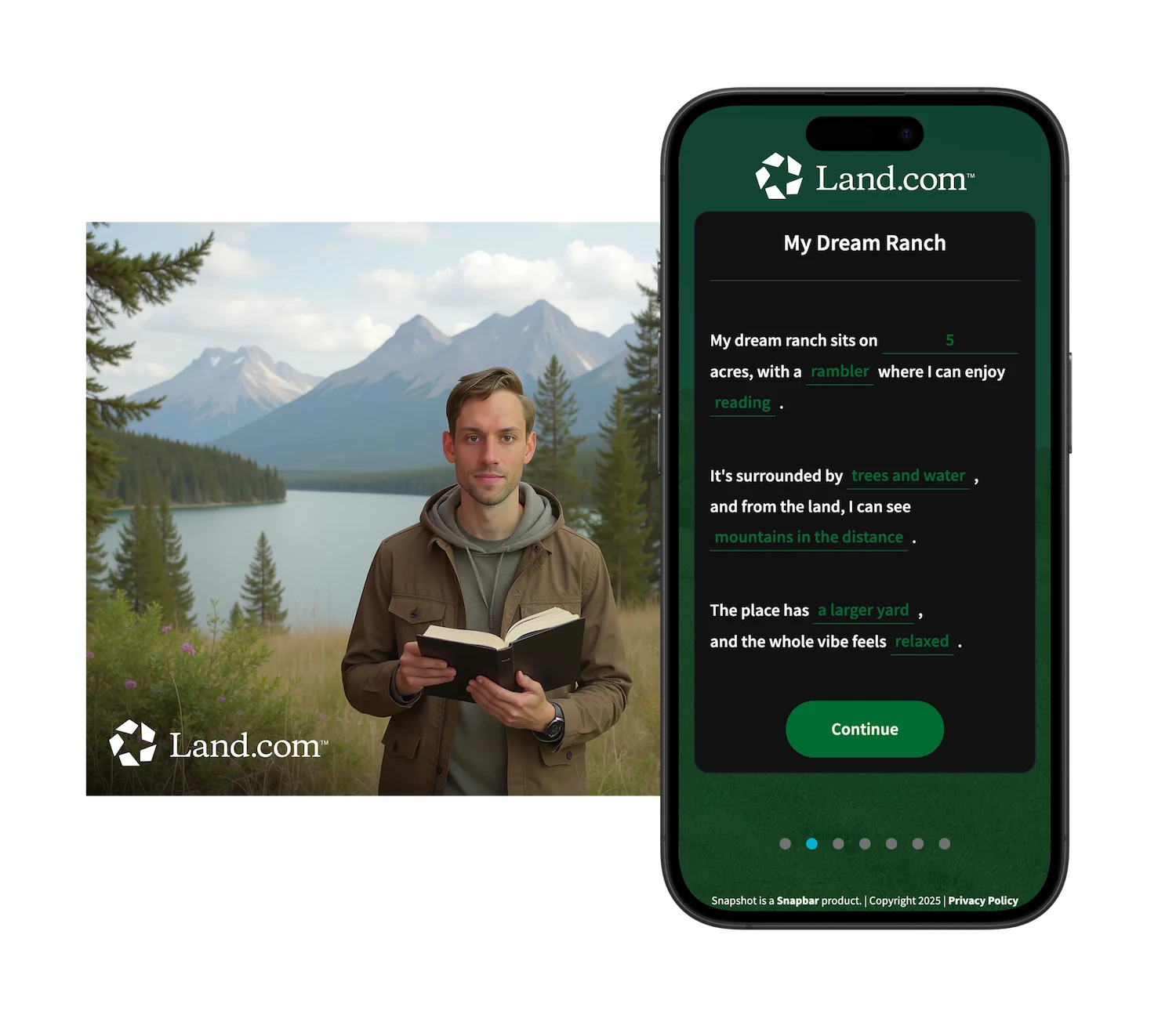
They've already smiled at your brand. Add a LinkedIn field and their gallery content links straight to their profile. The follow-up starts warm.
You've already delivered something they wanted. Now continue the conversation.
1 of 5Access
One link and one QR code per activation. Guests start on their own phone, at the booth or from home.
Pick the questions. Custom fields, surveys, quizzes, or a fill-in-the-blank story.
Their answers shape their photo, video or card, so no two outputs are the same.
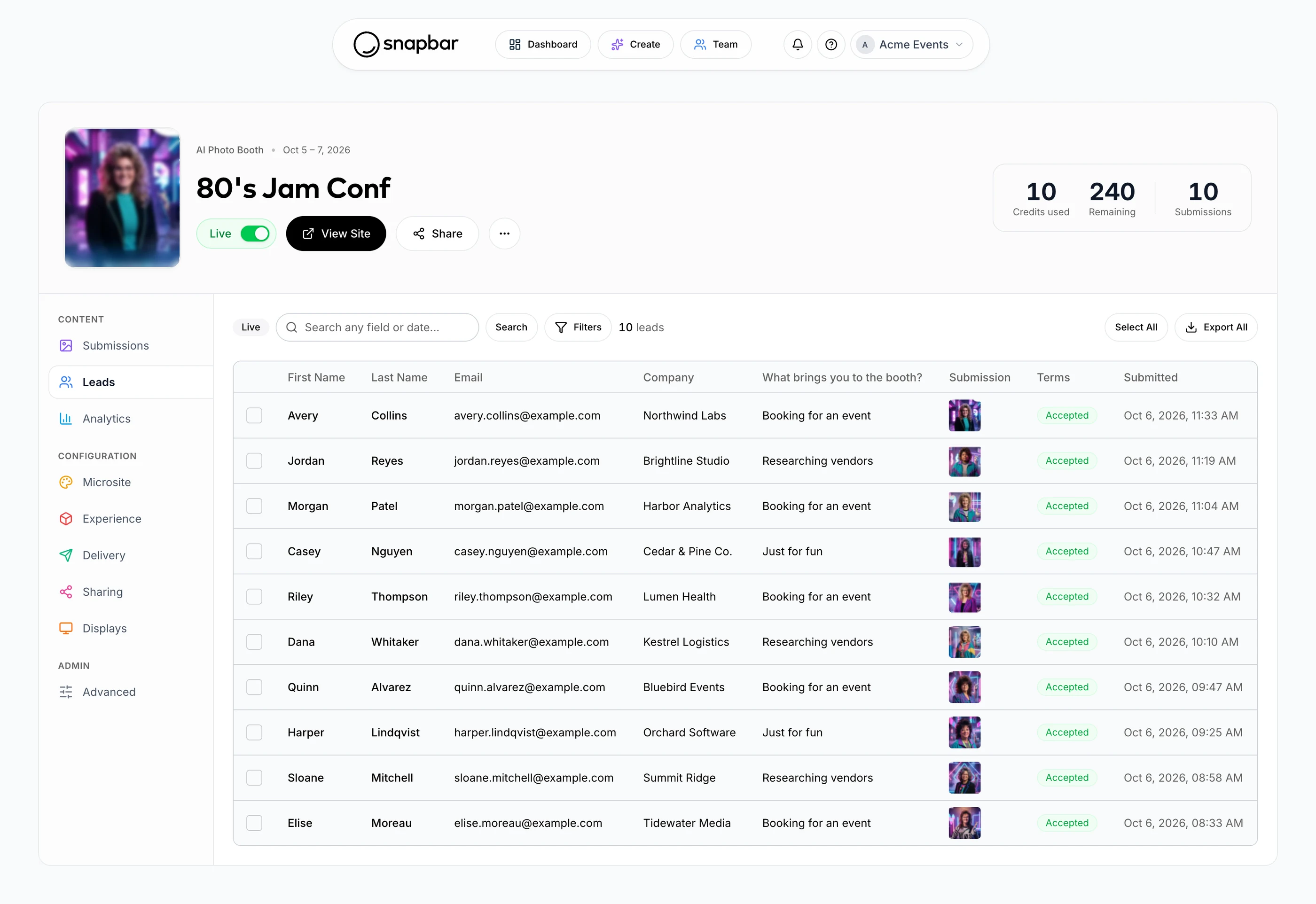
Review submissions, watch participation live, and export lead data whenever you need it.
Reach guests by email or text mid-event, put the content on screens, and turn the best of it into marketing fuel.
Collect lead data in real-time and easily export contact details, custom answers, and a link to each guest's content.
Need deeper integration? Ask us about sending leads to Slack, a webhook or our API as guests participate. Zapier and a direct HubSpot integration are coming soon.
It's your event. We're the part that earns the smiles, the shares, and the leads.
Transform selfies into custom AI portraits, from realistic headshots to almost anything you can imagine.
AI photo boothsGuests answer a few questions to find their best-matched persona, delivered as a custom email and portrait.
AI personasA fill-in-the-blank story with strategically placed fields that generates a personalized AI illustration.
AI StoriesAdd AI video to any experience, turning personalized photos into ready-for-social clips.
AI VideoProfessional headshots taken and delivered without the photographer or the footprint. A great reason to share contact details.
Event HeadshotsTurn every guest into an event photographer capturing custom, personalized moments.
Digital Photo BoothA collectible card for every guest, built from their photo and answers, and the easiest reason to swap contact details.
Trading CardsWhether it's return on investment, objectives, or experience, we help you reach your goals.
Trade smiles for leads while encouraging connection and sharing in-person, online, and across social networks.
Generate Leads & Social Reach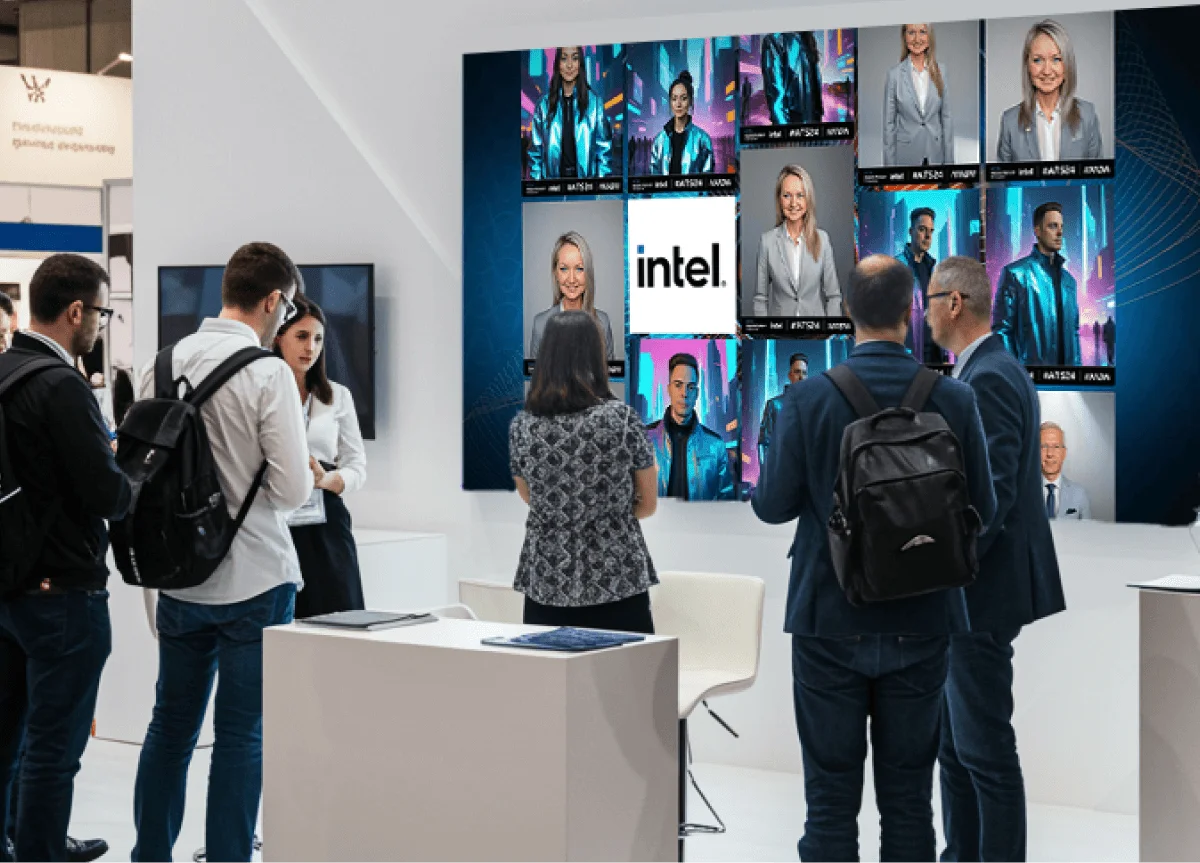
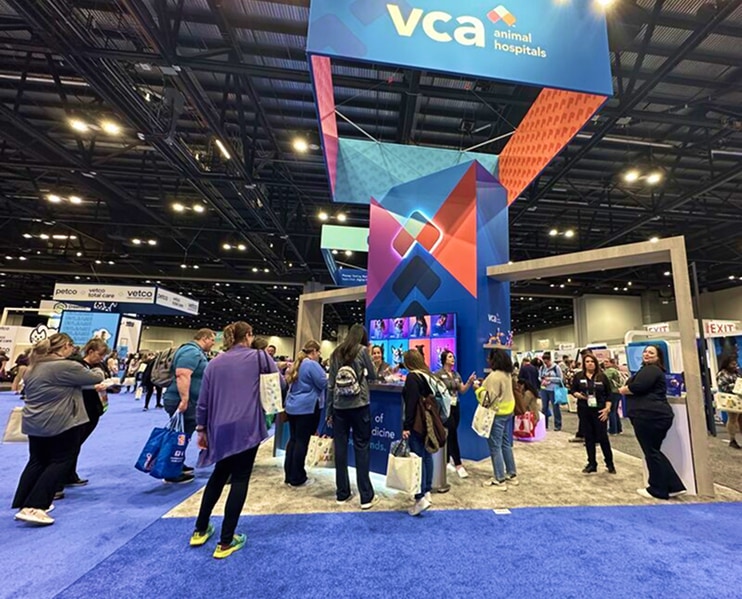
Engage trade show attendees to increase brand stickiness & promote sponsors with integrated photo experiences.
Exhibit, Entertain, & Engage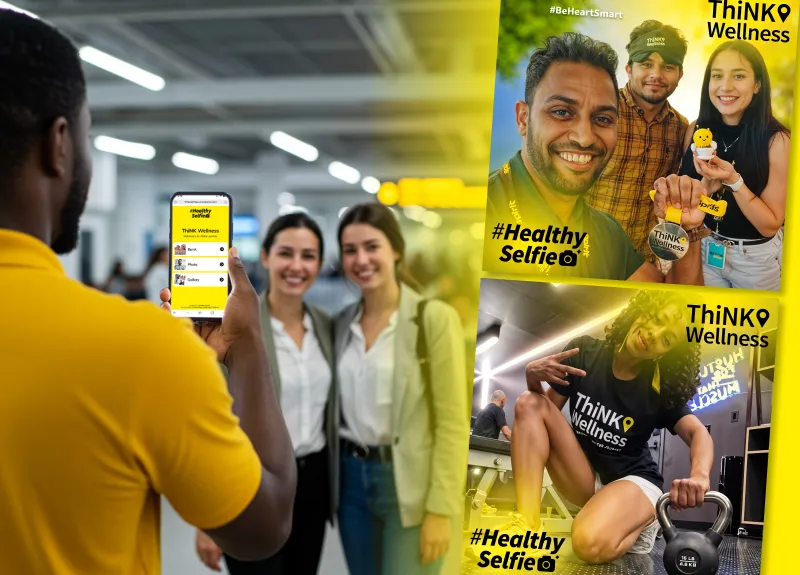
Rally your people around an engaging photo experience that’s fun and easy to access from wherever they work.
Create Engaging Corporate Activations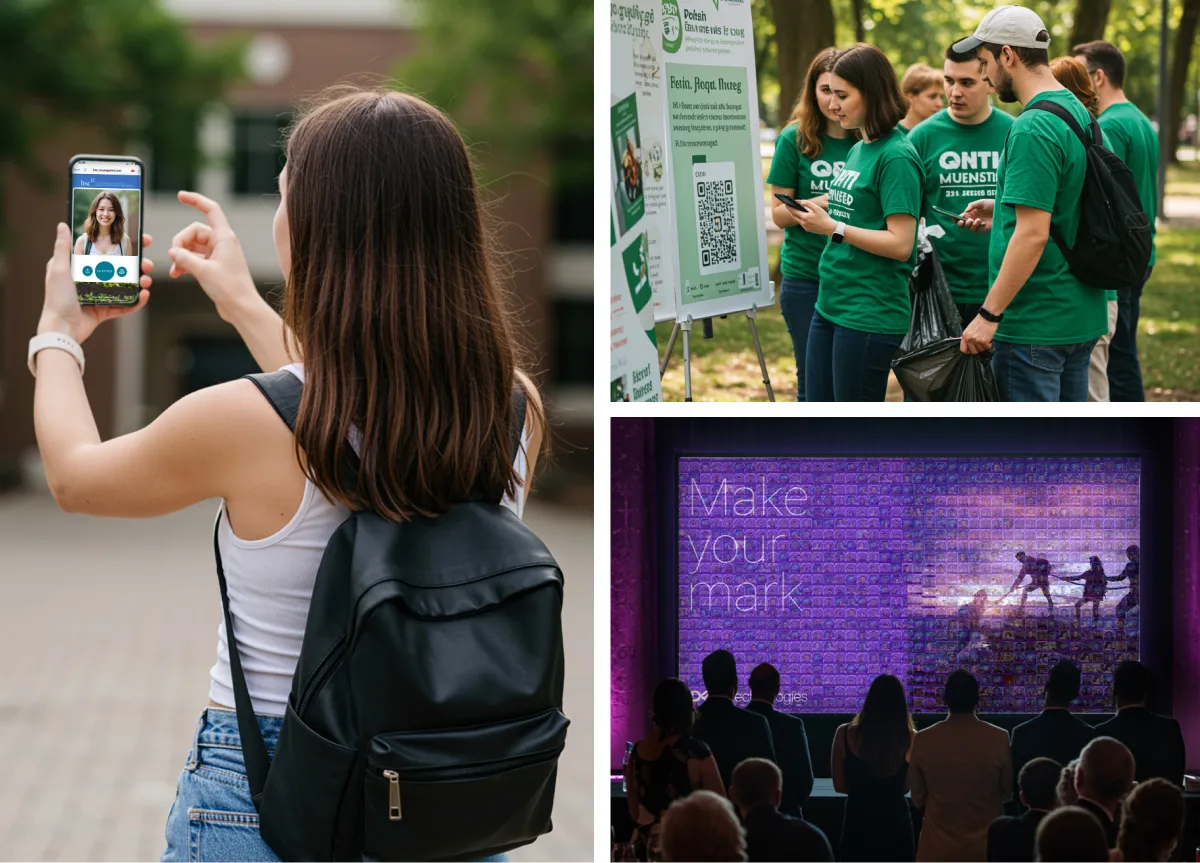
Connect your community whether local, national, or global with unique photo-based experiences that are easy to access, and easy to share.
Connect Your Community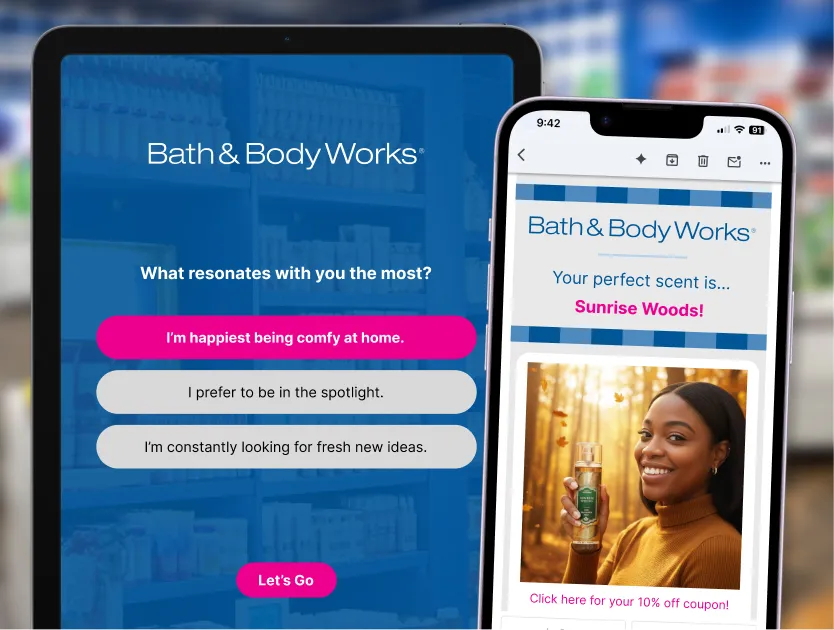
Amplify brand and product awareness with interactive mobile-first experiences that power UGC campaigns.
Amplify Your Launch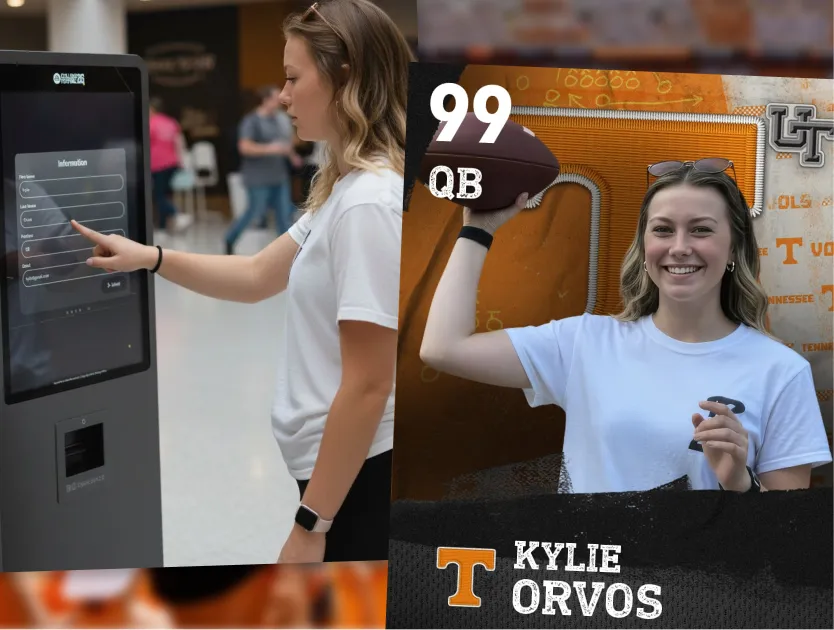
Turn fans into ambassadors with interactive experiences that generate content and sharing in real-time.
Engage with Live Experiences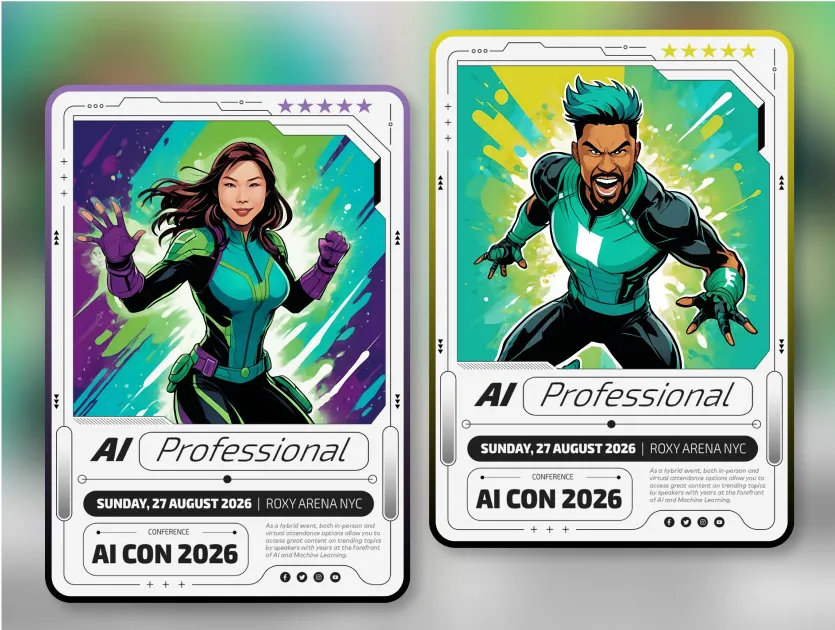
Whatever the event, we have a concept to match! Discover our innovative solutions.
view activation concepts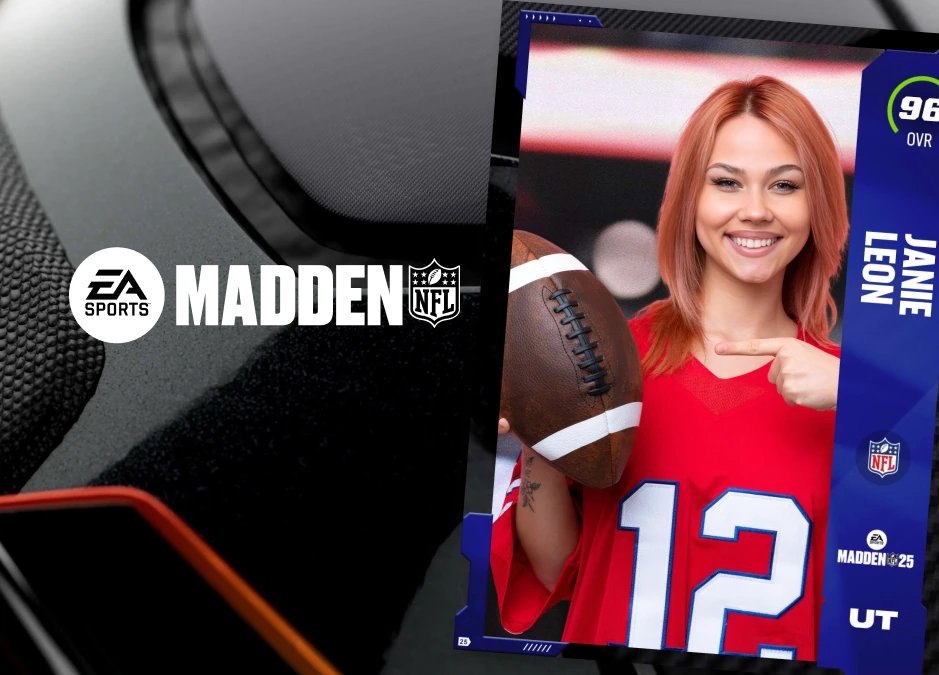
Explore some of our favorite client projects, featuring creative implementations of our products across activations of every kind.
See client projects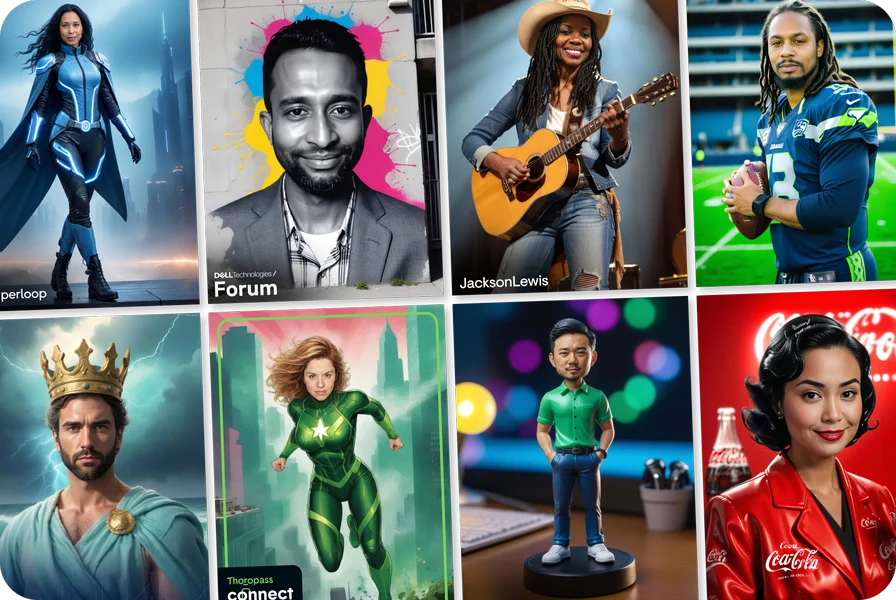
A curated collection of awesome content created for an amazing variety of events.
view all galleriesLet us know which product(s) you’re interested in, or how else we can help - and we’ll be in touch shortly.
Guests scan a QR code or tap a link, enter their details and any custom questions you've set, and get their branded photo, video or headshot by email or text. Every submission, with its answers and content, lands in your dashboard as it happens.
It's included with every experience. There's no lead retrieval app or scanner to rent: guests enter their details in the data capture step in exchange for content they want to keep, and every submission lands in your dashboard as a lead. Export anytime, or send leads to your CRM as they come in.
A badge scan tells you someone stopped by. A data capture step asks the questions you need to qualify them, like role, timeline, or product interest, and the guest answers because they want their content. You leave with fewer anonymous scans and more leads your sales team can actually prioritize.
Yes. Add custom fields, a survey, a quiz or a fill-in-the-blank story. Answers can personalize each guest's output, and every answer is stored with the contact record.
Export a lead file with contact details, answers, and a link to each guest's content whenever you like. Or send leads on as they come in: leads reach Slack or your own systems in real time through webhooks or our API. Tell us what you use and we'll confirm the best available method.
Consent is captured before anything is shared, and details from guests who decline are never passed on. Galleries can be private or password-protected, and data is stored securely.
Yes. Each experience keeps its own leads, gallery, and analytics, so running one experience per event keeps every show's results apart. They all sit in the same account, which makes it easy to compare events or pull a full year of leads in one place.
Yes. Analytics update in real time and can be shared by link, so your team and sponsors see participation, leads, and content as the event runs. After the event, export the lead file with each guest's answers and a link to their content.
Yes. Everything runs in the browser, so remote guests join from the same link and land in the same gallery and lead list as guests in the room.