






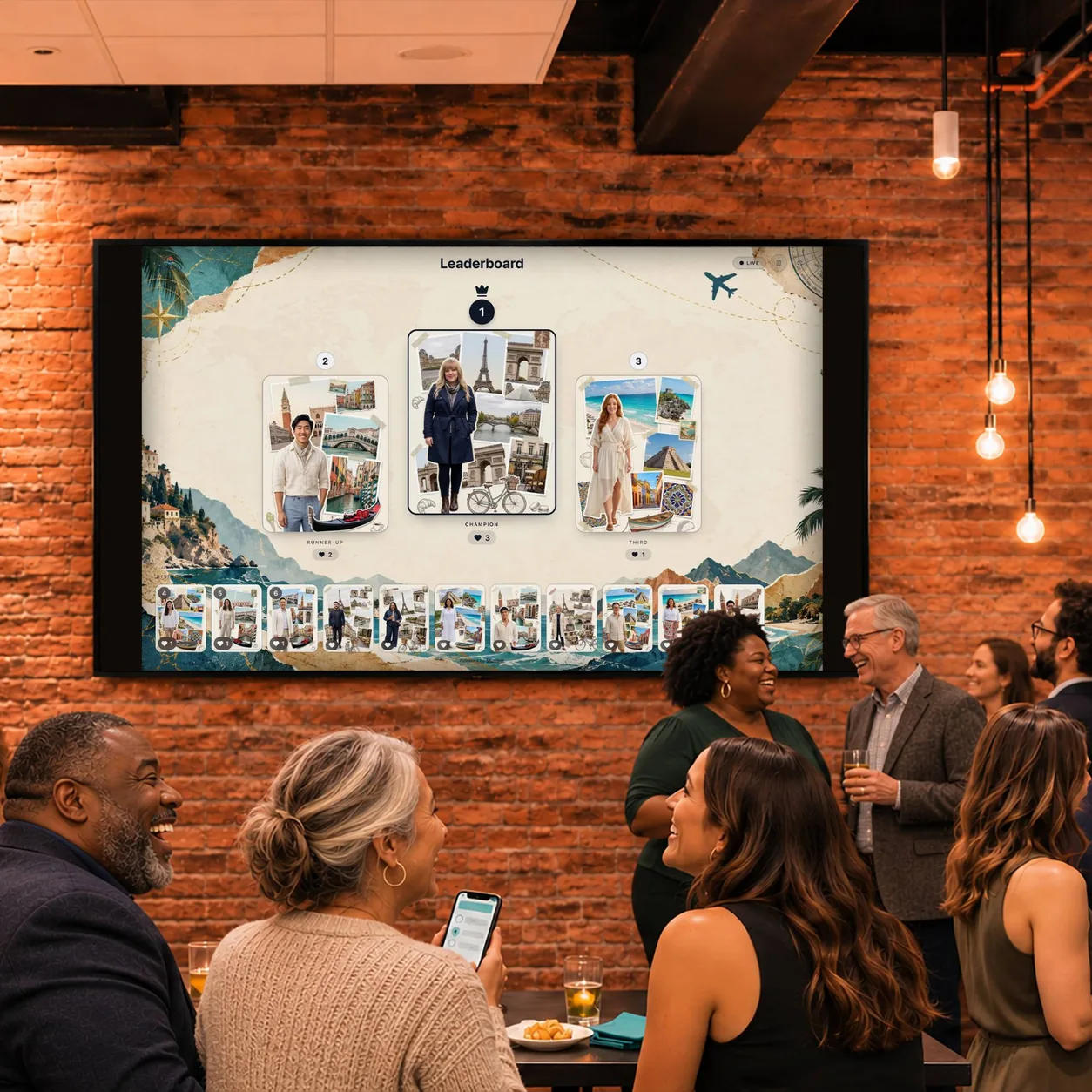
A photo leaderboard is a live display that turns your activation into a photo contest. Guests tap a heart on the photos and videos they like, from their phone or a gallery at the event, and the top entries take the podium as the votes come in. It runs on any screen, refreshes on its own, and is included with every Snapbar activation.
Live Photo Leaderboard for Event Contests
Turn your activation into a friendly competition. Guests vote from their phones, and a live leaderboard keeps the whole room chasing first place.
Trusted by event teams at
What is a photo leaderboard?
A contest that runs itself
Votes come from everywhere
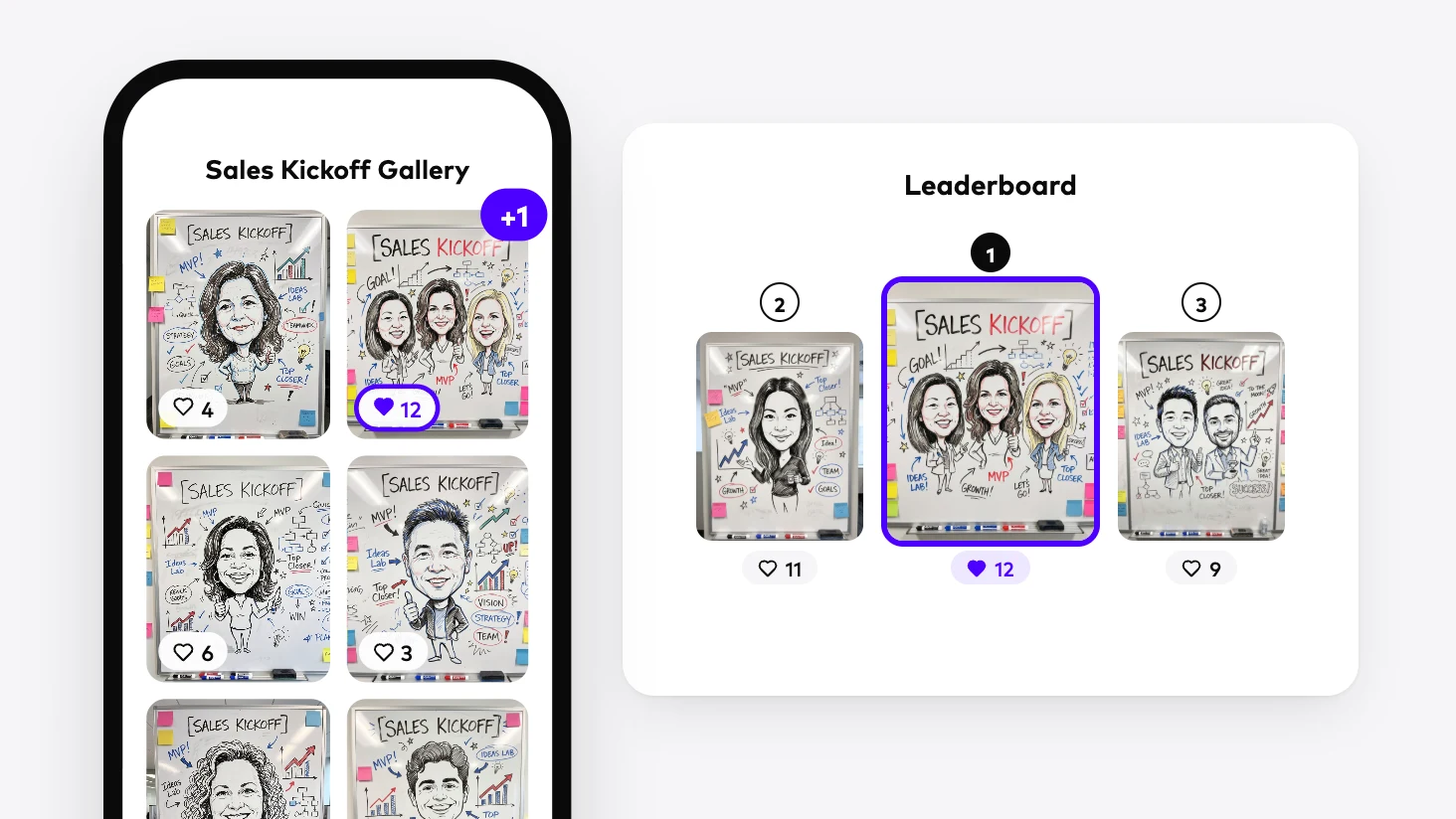
Guests tap a heart on the content they love, wherever they're browsing: the gallery on their phone, a touchscreen kiosk, your event site, or the personal page their own content arrives on. Each phone gets one vote per entry, so the count stays fair.
Passers-by can vote too
Add a scan-to-vote code to the board, and anyone walking past can pull up the gallery and vote from their phone without making an entry of their own. Seeing a race already underway is often what gets them to step up for a turn.
Built to be read from across the room
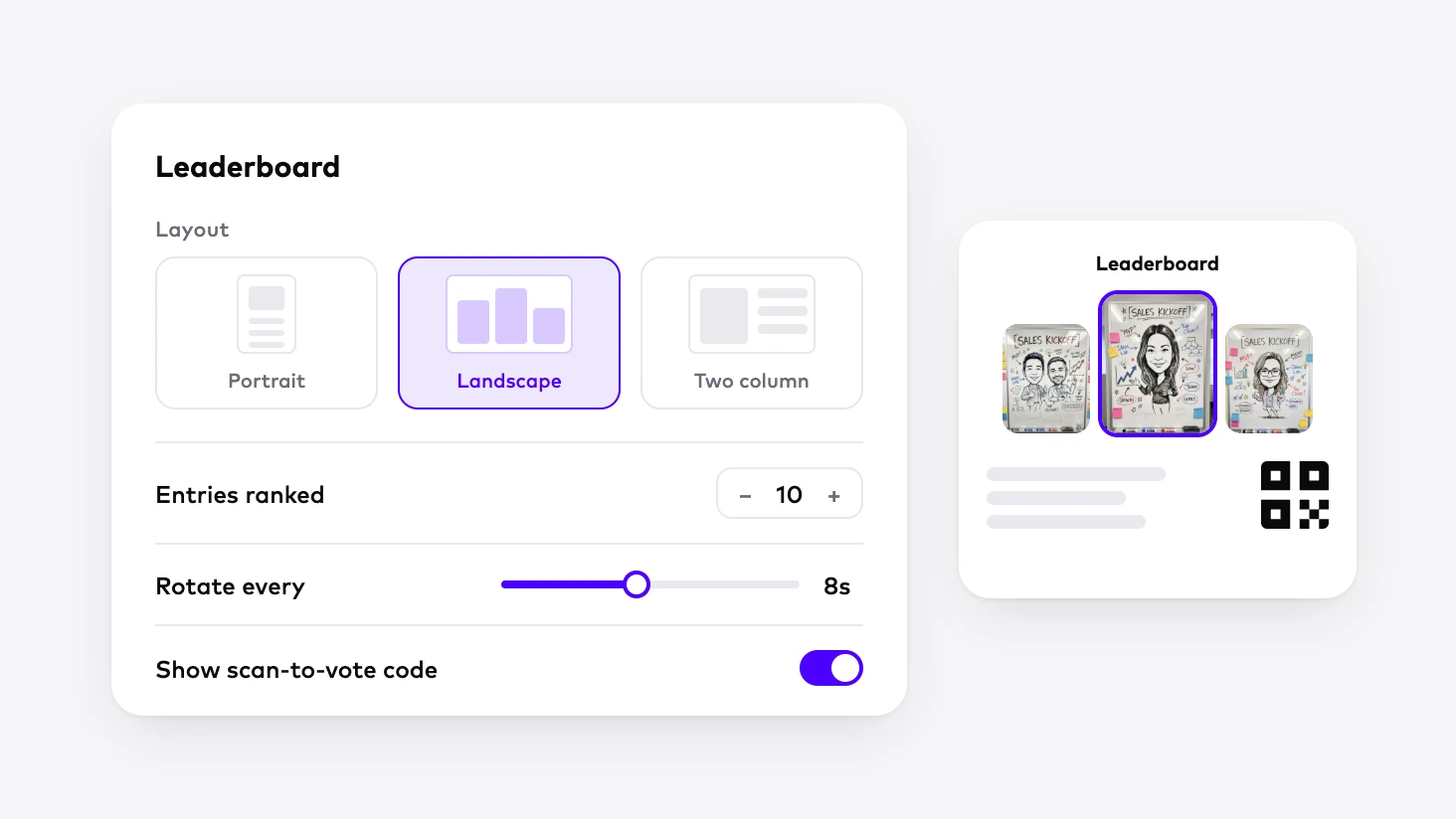
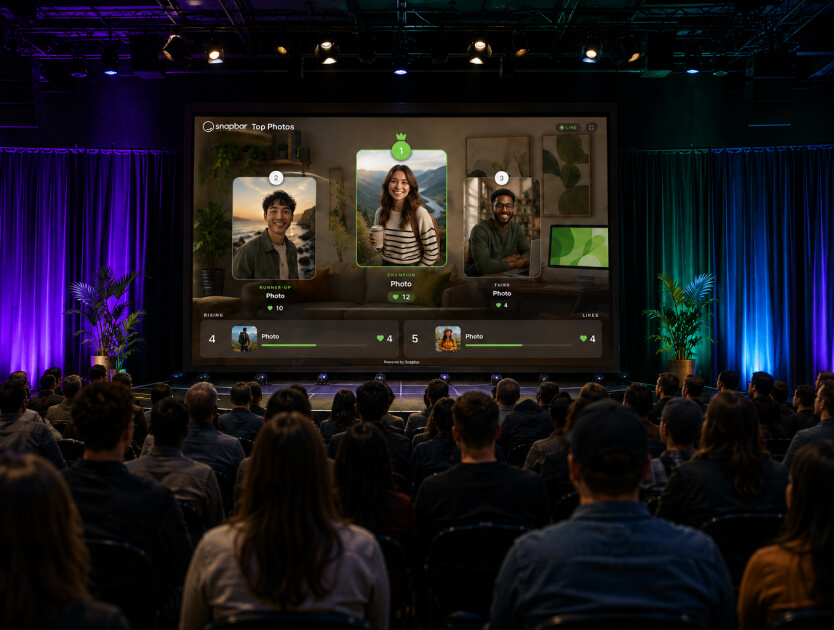
The top three stand on a podium, the next places fill a ranked list, and the board rotates through pages of front runners at the speed you set. When the order changes, entries glide into their new spots, so the room watches the race unfold. Choose a portrait, landscape, or two-column layout to fit anything from a vertical kiosk to a wide stage screen.
You decide what makes the board
Approve content automatically or by hand before it can rank. Show first names and last initials for guests who agreed to share them, or keep the board anonymous.
Your winner, one sort away
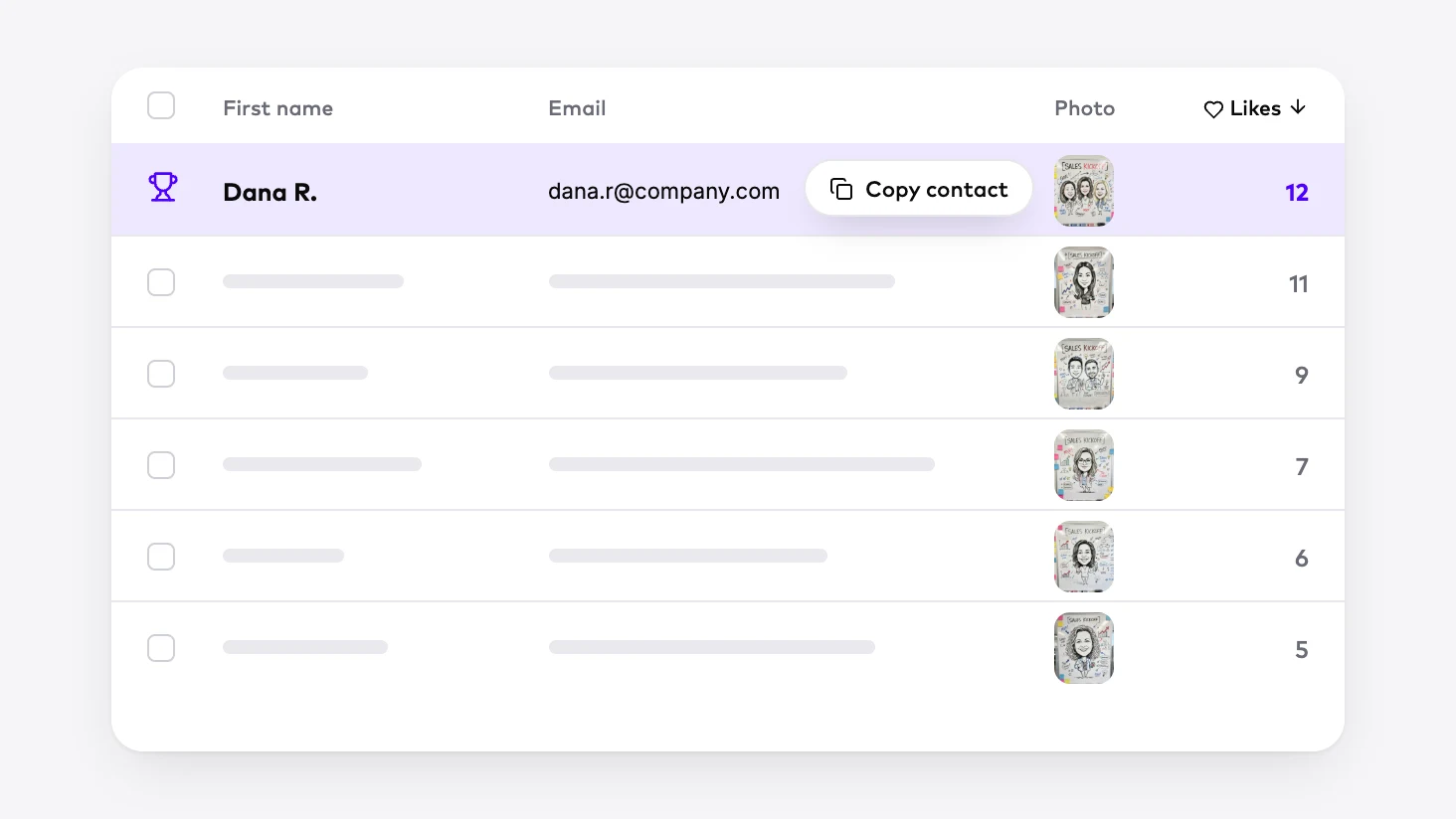
Every like is counted on the guest's record in your dashboard. Sort your leads by likes, and the winner's contact details are right there, ready for the prize announcement and in your export.
Included with every activation
Leaderboards come with every Snapbar activation, at no extra cost. Create as many as you need in the platform, each set up for where it will appear: one facing the aisle, another beside the stage, and one embedded on your event site.
How to run a photo contest with a live leaderboard
1 of 4prize
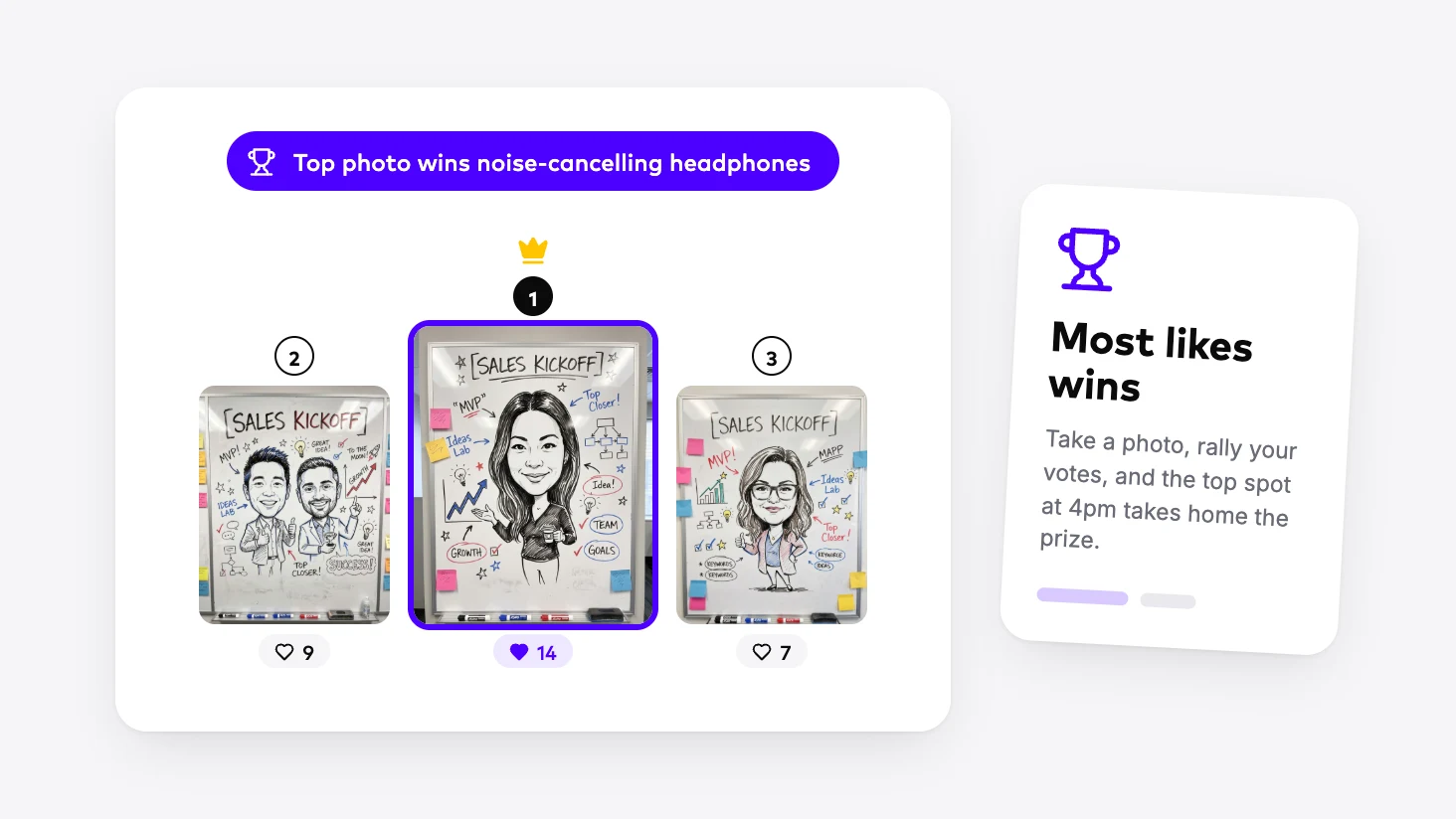
Pick a prize
Choose what the top spot wins and put it on your signage and microsite. A prize guests can see from the aisle gives them a reason to enter and a reason to rally votes.
Add a leaderboard
Add a leaderboard display to your experience, then choose its layout, how many entries it ranks, how fast it rotates, and whether it shows the scan-to-vote code.
Let the room vote
Once your activation goes live, guests vote from their phones, in the gallery or by scanning the code on the board, and the ranking updates live on every screen showing it.
Crown the winner
Sort your leads by likes to find the top entry, then hand out the prize where the crowd can see it.
Which display belongs at your activation
A leaderboard is the right call when you want guests competing and coming back to check the standings. It needs a crowd to vote, so in a smaller or quieter room, pair it with a slideshow that keeps every photo on screen, or a live gallery guests can browse and save.
- Included
Leaderboard
Guests vote for their favorites, and a live ranking keeps the whole room competing for the top spot.
Learn more - Included
Slideshow
New content cycles across the room's screens as it comes in, so people see the activation happening and want in.
Learn more - Included
Live Gallery
Guests browse, share, and save the event's content on their phones, on the event site, or on a touchscreen kiosk.
Learn more - Available add-on
Live Mosaic
Every photo becomes a tile in one large branded image.
Learn more
Crowd-Pleasing Leaderboard Concepts
Event Photo Leaderboard
Let the room pick the winners.
Guests customize their outputs with fill-in-the-blank stories, the crowd upvotes, and a live leaderboard on the big screen keeps score in real time. Add a prize for the top spot and watch participation take off - friendly competition is the oldest engagement trick for a reason.
Candid Mascot Moments
Turn mascot moments into a viral photo challenge.
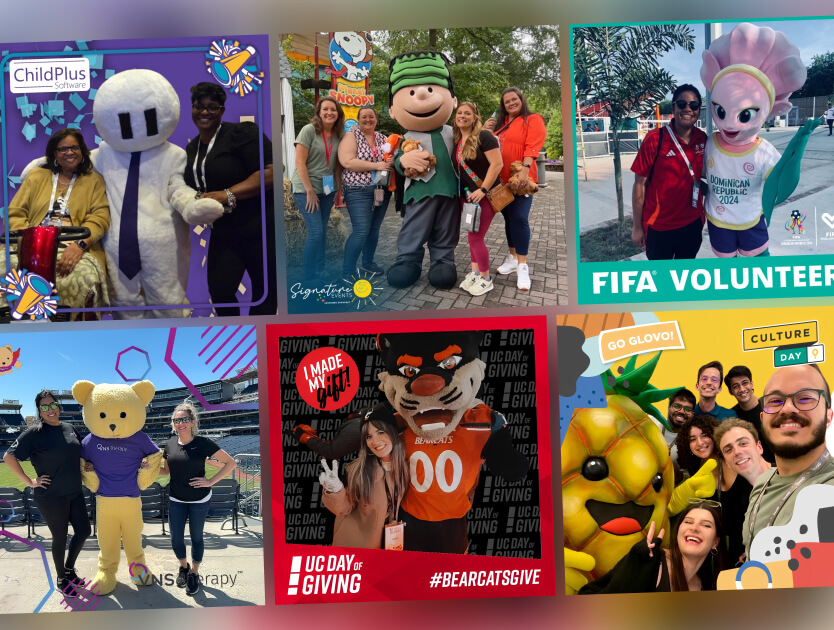
Fans seek out and capture shots with team or festival mascots using the digital photo experience, sharing their “candid mascot moment” to a live gallery where favorites can climb the leaderboard or land on the big screen. Add your own prize to fuel the challenge, and watch branded content celebrating team spirit and fan creativity roll in - all powered by the smartphones everyone already has.
Event Attendee Photo Wall
Collect and display attendee portraits in real-time.
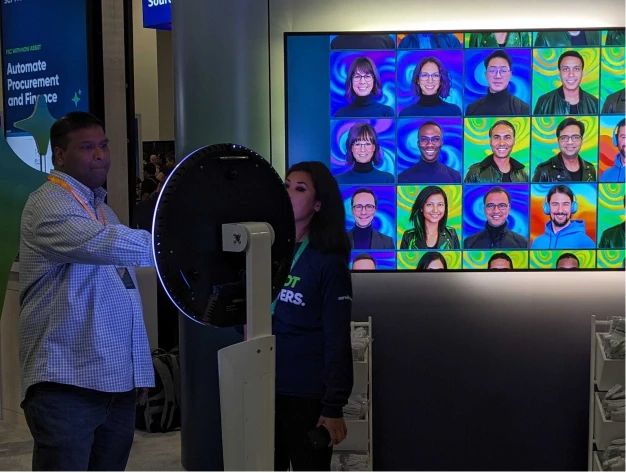
Use kiosks and QR signage to promote engagement through a custom photo booth experience. Use AI to add fun transformations, and highlight user content on dynamic displays to promote participation - or even competitions.
Add a leaderboard to your next activation
Share some details about what you're planning, and we'll get you into the platform, where the branding and design are in your hands.
Something went wrong. Please try again.
Leaderboard FAQs
Does a leaderboard cost extra?
No. Leaderboards are included with every Snapbar activation, with no extra fee per screen. Run the same live board on a stage screen, a TV facing the aisle, and your event site at once, and add a live gallery or slideshow alongside it when you want more than one display in the room.
How do guests vote on a photo leaderboard?
Guests tap a heart on the photos and videos they like, from the event gallery on their phone, a touchscreen kiosk, or the page their own content arrives on. Anyone walking past can scan the code on the board to join in. Each phone gets one vote per entry, so nobody can stack votes on a single photo.
Do guests' names appear on the leaderboard?
Only if you want them to. The leaderboard can show each entrant's first name and last initial, and only for guests who agreed to share their details during the experience. Leave names off, and the board stays fully anonymous, with the photos doing the talking.
How do we pick the photo contest winner?
Every like is counted on the guest's record in your Snapbar dashboard. Sort your leads by likes, and the top entries appear with their contact details, so reaching the winner takes seconds. The like counts come along in your lead export too, which makes it easy to share the results with your team after the event.
Can we show the leaderboard on our event website?
Yes. Add the leaderboard to your event website or event platform with its embed code, and remote guests can follow the race from wherever they are, alongside everyone in the room. The embedded board carries the same branding as the screens at the venue, so it looks like part of your event.