Every record an activation captures ends up in one of three places: an account you administer, a system the vendor holds, or your own tools. Which one isn't a setting you pick on event day. It was decided by how the vendor built the product, and it tends to surface from procurement as a questionnaire row nobody on the event team can answer.
You've already run the numbers on what an activation captures; event lead data is the reason most corporate teams fund one. What's less obvious is where that data goes after a guest taps submit; vendors describe the capture step in detail and the destination in one word. This piece expands the second of the six questions in our guide to comparing photo booth software for corporate events: who holds the data, when it arrives, what consent it carries, and how long it stays.
Key takeaways
- Lead data lands in your account, the vendor's account, or your own systems. The vendor's architecture decides which.
- Batch export after the event is the category default. Real-time delivery of contact fields is the exception.
- A spreadsheet that ships Monday after a Thursday show is a 96-hour response time.
- Ownership, consent wording and retention are procurement questions. Ask before you sign, not during an audit.
Where does event lead data go after a guest enters it?
Event lead data goes to one of three destinations: an account in your name that you administer, a vendor-held system you request exports from, or straight into your own tools by live delivery. The product's architecture sets which one you get, and that determines who can see a record, who can delete one, and how long a rep waits to act on it.
| Destination | Who controls access | What deletion looks like | What it means for follow-up |
|---|---|---|---|
| An account you administer | You: your logins, your team | You delete it; ask whether the vendor keeps a copy | Waits on someone exporting, unless delivery is also connected |
| A vendor-held system | The vendor, and whichever operator logged in | You request it; the vendor's retention policy decides the rest | Waits on the export, then on whoever owns the import |
| Your own systems, by live delivery | You, inside tools you already administer | Your existing deletion process applies | A rep can act while the guest is still on the floor |
The capture step usually sits inside a visual experience: the guest makes something they want, and their details are the exchange (photo and video as a lead engine covers why that out-captures a bare form). Once traded, where do those details live, and who can reach them?
Who holds the data, and in whose account does it live?
Either the platform treats captured records as yours, in an account you administer, or it holds them in a vendor system you request exports from. Both models are common, per the September 2026 verification of each vendor's own documentation.
Sparkbooth and Darkroom Booth keep data on the booth computer; Sparkbooth states that the operator is the data controller. Simple Booth, Snappic, Photo Booth Supply Co. and the LumaBooth Dashboard keep it in the vendor's cloud under the operator's login, and the first and third state that captured contact information belongs to the customer.
Note the word "operator." When a rental company runs the activation, your leads sit under a login you don't hold.
It stops looking like an admin detail the day your point of contact leaves with the only login, or one guest asks to be deleted. The second is where a privacy reviewer starts. California's CCPA, at Civil Code section 1798.105(c)(1), says a business receiving a verified request "shall delete the consumer's personal information from its records, notify any service providers or contractors to delete the consumer's personal information from their records..." If the vendor holds your leads, that request has to reach them. GDPR Article 28(2) adds a second question for European guests: a processor "shall not engage another processor without prior specific or general written authorisation of the controller." On a vendor call: which other companies touch this data, and did we agree to each?
None of this is legal advice; your counsel will have their own list, and every answer on it depends on whose account the records live in.
Does it reach your systems in real time, or wait for an export?
For most of the category, it waits. Per the September 2026 verification, the eight other vendors in our comparison table all default to a batch export after the event, a CSV or spreadsheet someone downloads. Only two document a real-time push of contact fields, and both gate it.
The variations are what vendors mean by "yes, we integrate." Simple Booth's open API pipes names, emails and custom fields into your CRM, and a developer is required. Snappic includes webhooks on its two upper tiers and sells them as a paid add-on on its middle tiers, documented for share data. LumaBooth for Windows, the renamed dslrBooth, exports shares and survey answers as CSV, and its real-time webhooks carry session events, not contact fields. TouchPix sells the survey step as a paid extension (included on its two upper tiers) and describes an export "ready to be imported directly into a CRM" without naming a connector. Sparkbooth documents a mailing-list connector and no CSV export. Photo Booth Supply Co. states in its FAQ that it does not support third-party CRMs.
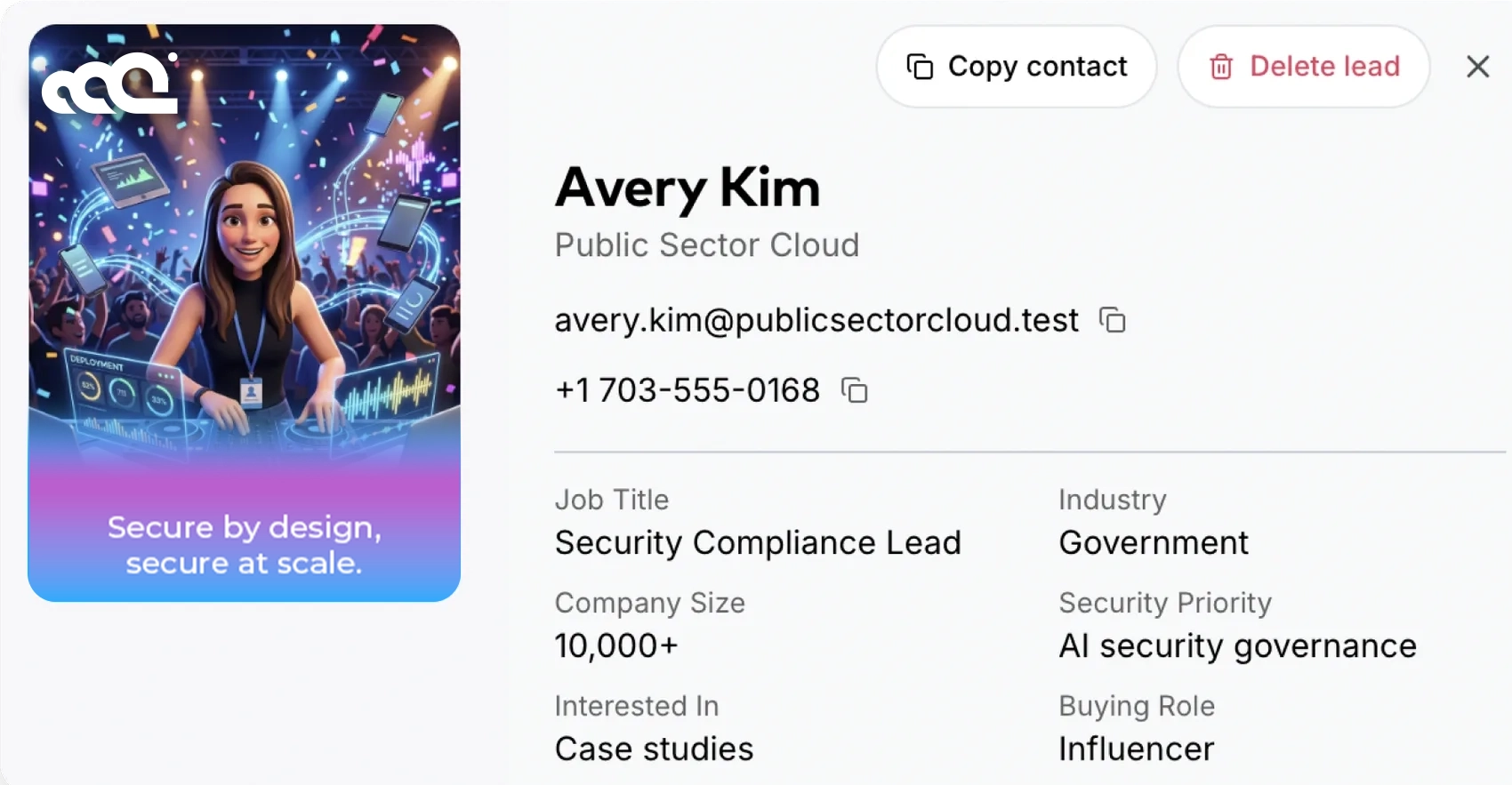
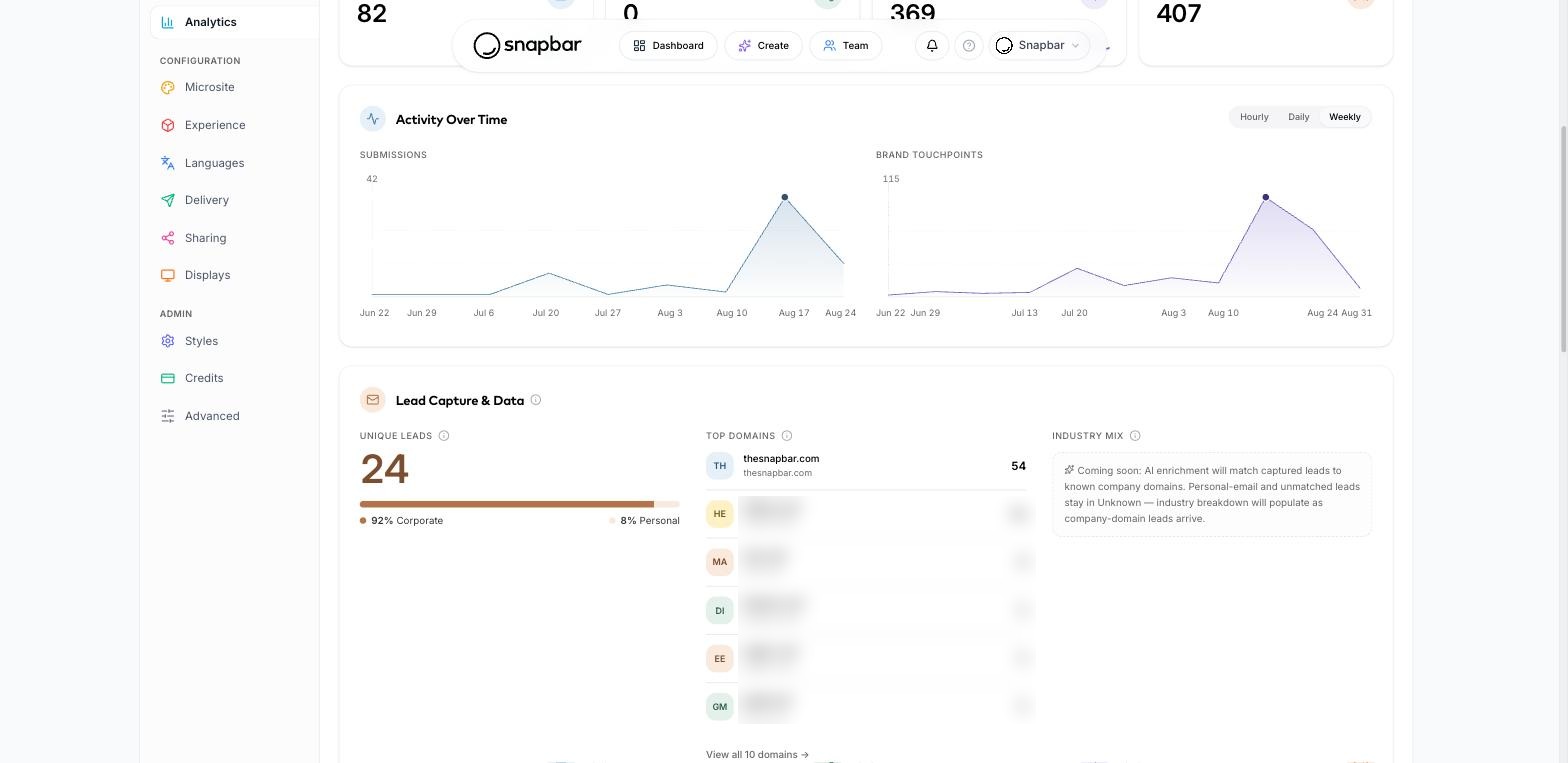
Our position is different in kind, with its own caveat. Snapbar delivers lead data in real time to Slack, customer-supplied signed webhooks and a partner API, which is how it reaches HubSpot and other CRMs; our team switches that delivery on for each account, so it isn't self-serve. Alongside it, bulk content exports carry filenames built from guest details, so the zip and the spreadsheet line up on import. Here, one thing matters: contact fields reach a system your team already works in while the event is running; the rest of what the platform does belongs to the hub guide.
"Daily rather than continuously"
When Harvard Business Review audited 2,241 US companies on how fast they responded to a web-generated lead, one named cause was "the practice of retrieving leads from CRM systems' databases daily rather than continuously." Source: Oldroyd, McElheran and Elkington, The Short Life of Online Sales Leads, Harvard Business Review, March 2011.
A CSV pulled once, after the event, when someone remembers, is the same problem with the interval removed.
See it in action
Capture the moment and the data
A data capture step inside every experience, consent-gated by default, with real-time delivery to Slack, signed webhooks and a partner API, which reach HubSpot and other CRMs: switched on by our team, not self-serve.
Explore Lead Capture
What does real-time actually change in the follow-up window?
It removes the gap between a guest showing interest and a rep knowing about it. Without live delivery that gap is set by whoever runs the export, and the HBR audit below gives it a shape: most companies took hours or days to answer a lead, and nearly a quarter never did.
Of 2,241 companies, 37% responded to a test lead within an hour, 24% took more than 24 hours, and 23% never responded. Among those that responded within 30 days, the average was 42 hours. The research is from 2011 and measured web leads, not event leads; it is still the primary study, read in full, not the laundered version in vendor blogs.
Now the event version. A show closes Thursday afternoon. The person who owns the export flies home Friday, opens the dashboard Monday, and the CSV reaches sales that afternoon. That's a 96-hour response time on your event lead data, and nobody chose it. Meanwhile the guest received their content by email or text seconds after making it, the first follow-up touch your brand sends; our delivery emails average a 95% open rate. Their side moved at event speed. Yours moved at export speed.
With live delivery the record reaches your CRM while the guest is still on the floor, and marketing ops can enroll the contact before the flight home. Measuring experiential ROI gets easier too, since attribution needs the record to exist where pipeline is counted. Working the lead is covered in the modern playbook for event lead generation.
One limit. Real-time delivery doesn't make a rep follow up; it makes the delay a choice instead of a default.
What consent is captured, and can you change the wording?
Most tools capture a name, an email and a checkbox. Fewer let you write the language the guest agrees to, which is what your privacy reviewer will actually read. If the vendor hardcodes it, you're accepting their wording on your brand's behalf.
And the guest isn't reading it. Pew Research Center's 2023 survey of 5,101 US adults, How Americans View Data Privacy, found that 56% frequently click "agree" without reading a privacy policy, and 73% feel they have little to no control over what companies do with their personal data. A guest agrees to whatever is on the screen, on trust, and that trust attaches to the brand on the backdrop, not to a vendor whose name they never saw.
Sam Eitzen, Snapbar CEO, on The Business Power Hour, put the brand's side of that trust plainly: "If I'm smart, I'm never going to abuse that privilege that I got your email. If I do abuse it, you're going to unsubscribe and mark me as spam."
Your reviewer will map two GDPR questions onto it. Article 7(2) asks whether the consent request is "clearly distinguishable from the other matters" and in "clear and plain language." Article 7(3) says "it shall be as easy to withdraw as to give consent." A checkbox you can't edit fails the first; almost nothing in this category passes the second.
Four things to confirm. Who writes the consent copy? Can you change it per event? Is consent recorded per guest, with a timestamp? And does it appear in the guest's language when you run events abroad? A vendor that answers all four without hesitation has been through a security review before.
How long is the data kept, and what happens to non-consented records?
You'll have to ask. Almost no vendor states a retention period publicly, and we're not going to invent one for the category or state ours here. What we can give you is the reviewer's question.
The question comes from GDPR Article 5(1)(e): personal data "kept in a form which permits identification of data subjects for no longer than is necessary for the purposes for which the personal data are processed." So ask three things. What's the default retention period on captured records? Does deletion reach every copy, including any the vendor keeps after an export? And what happens to a guest who declines consent: never stored, or stored and flagged?
That last one we'd weight most. On our platform, when a guest declines, non-consented personal details are dropped before anything fans out to any connected system, while their content still processes and still arrives. Consent-gated by default. Products that don't separate those paths find out during an audit.
Nine questions to ask a vendor before you sign
Sales teams, this is the part to paste into the questionnaire.
- In whose account do captured records live, ours or yours, and who else can log in to it?
- If a guest asks to be deleted, how does that request reach you, and how do we confirm it happened?
- Which other companies process this data on your behalf?
- Do contact fields reach our CRM during the event or after an export, and if by webhook or API, which fields?
- Who writes the consent copy, and can we edit it per event?
- Is consent captured per guest with a timestamp, and how does a guest withdraw it later?
- How long do you keep captured records by default?
- When a guest declines consent, is anything stored at all?
- On export, do the content files and the contact records line up for import?
Vague answers aren't a dealbreaker. They're a signal about how much of the data path you'll end up owning yourself.
Which data path fits which buyer?
Where each path fits, and where we don't.
A single small internal event with no CRM in the picture: a CSV is fine, and a simpler per-event tool costs less than we do. A rental operator running many bookings on your own hardware: operator software, because that's the business those tools are built for. A corporate marketing team whose sales org works the leads during the show: real-time delivery of event lead data into the tools sales already lives in, switched on for your account by a partner, since none of this is a switch you flip yourself.
Whichever path fits, answer the account question and the real-time question before the first vendor call. Those two eliminate more options than the other seven combined.