



At a career fair, every employer has a table and a stack of flyers. Candidates stop for something useful: a professional headshot for their LinkedIn, a quiz that shows where they'd fit, a card they can share. With Snapbar, candidates share their major, graduation date and the roles they want as they take part, so your recruiters can follow up with the right people.
For recruiting
Career Fair Booth Ideas Candidates Stop For
Snapbar gives recruiting teams experiences candidates line up for, from free headshots to culture quizzes, with every candidate's details in one list.







Trusted by event teams at
How do you get candidates to stop at your career fair booth?
Why candidates stop
Four reasons candidates walk over to an employer's table.
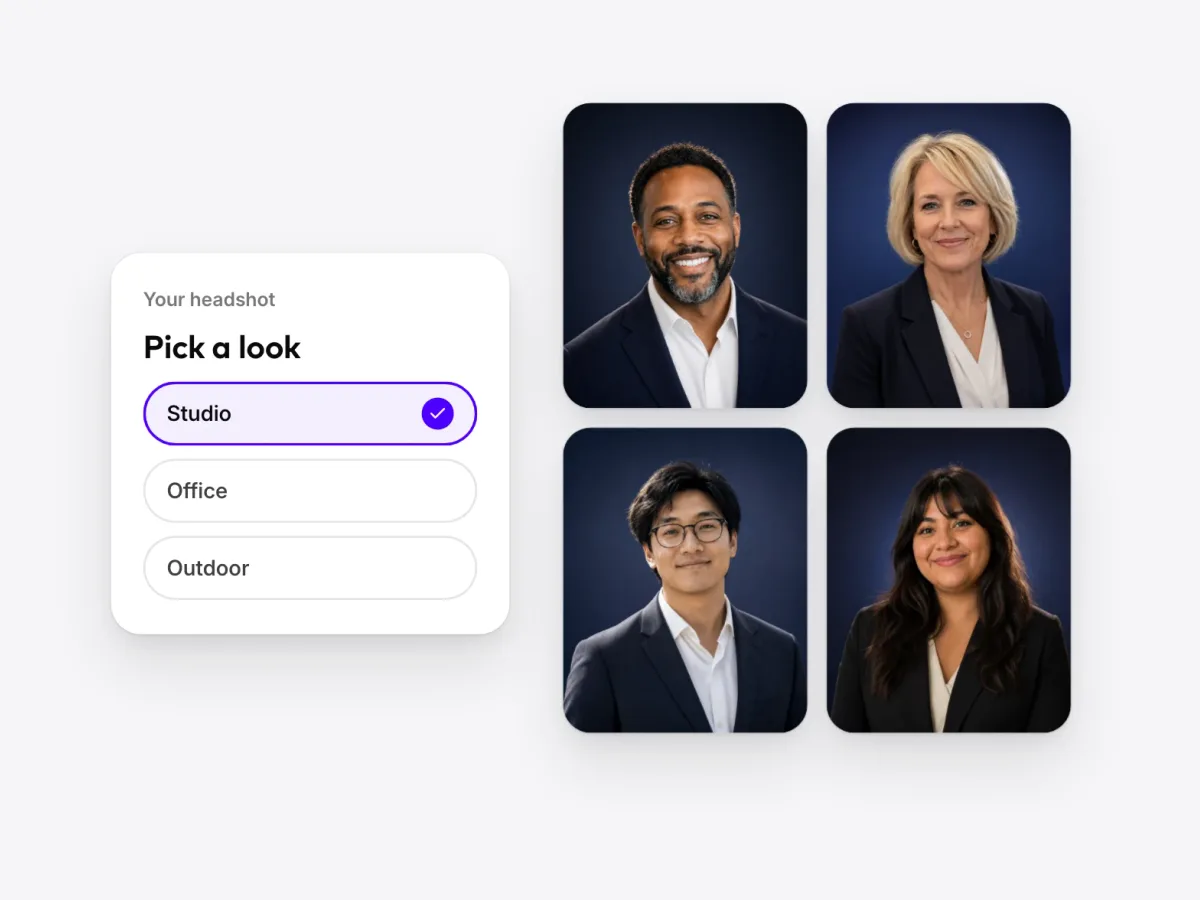
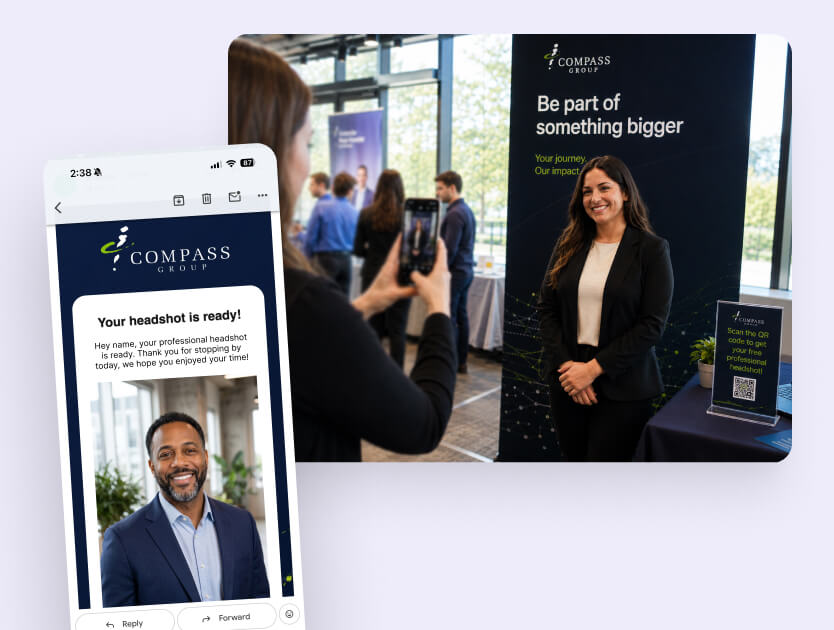
A headshot they'll actually use
Students need a good photo for LinkedIn and their applications, and they'll remember who gave it to them.
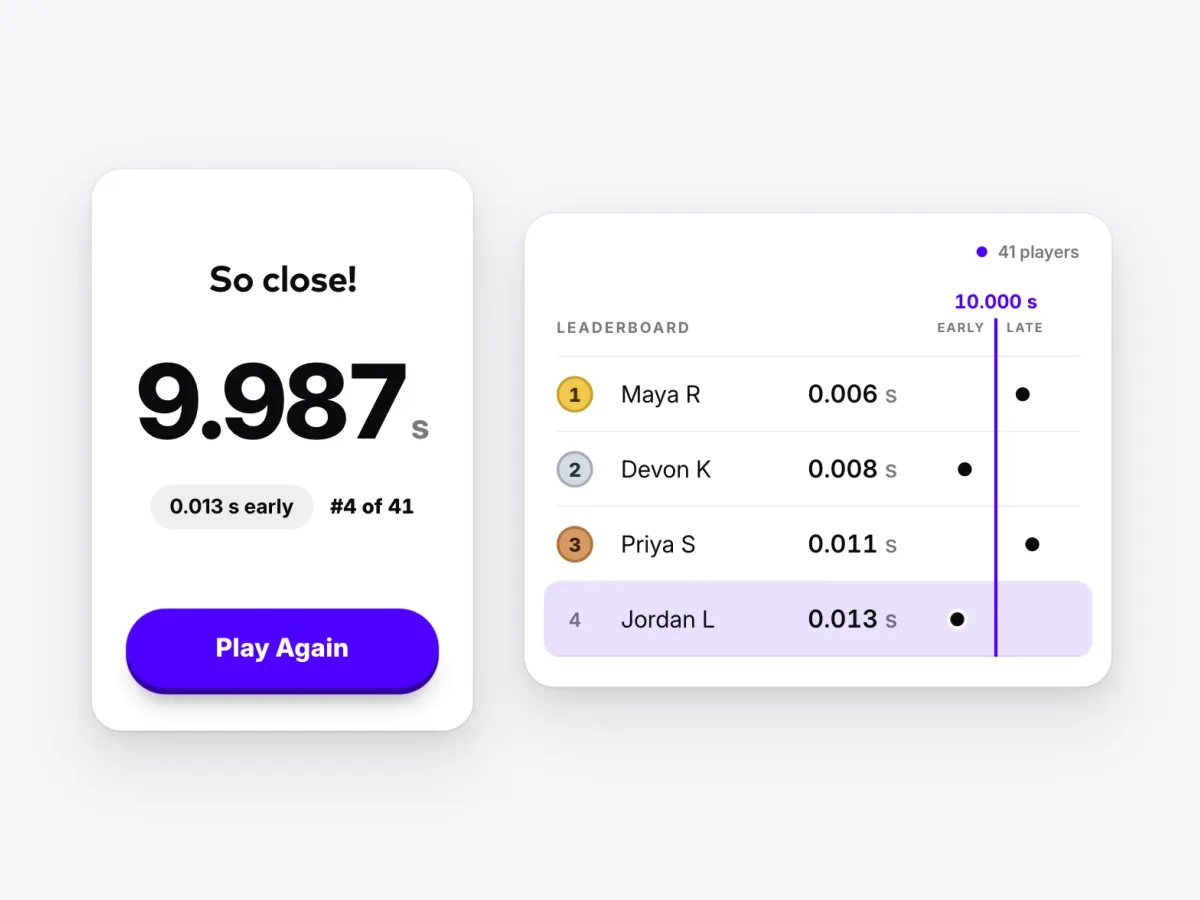
A reason to stay and talk
A quick challenge at the table keeps candidates around long enough for a real conversation.
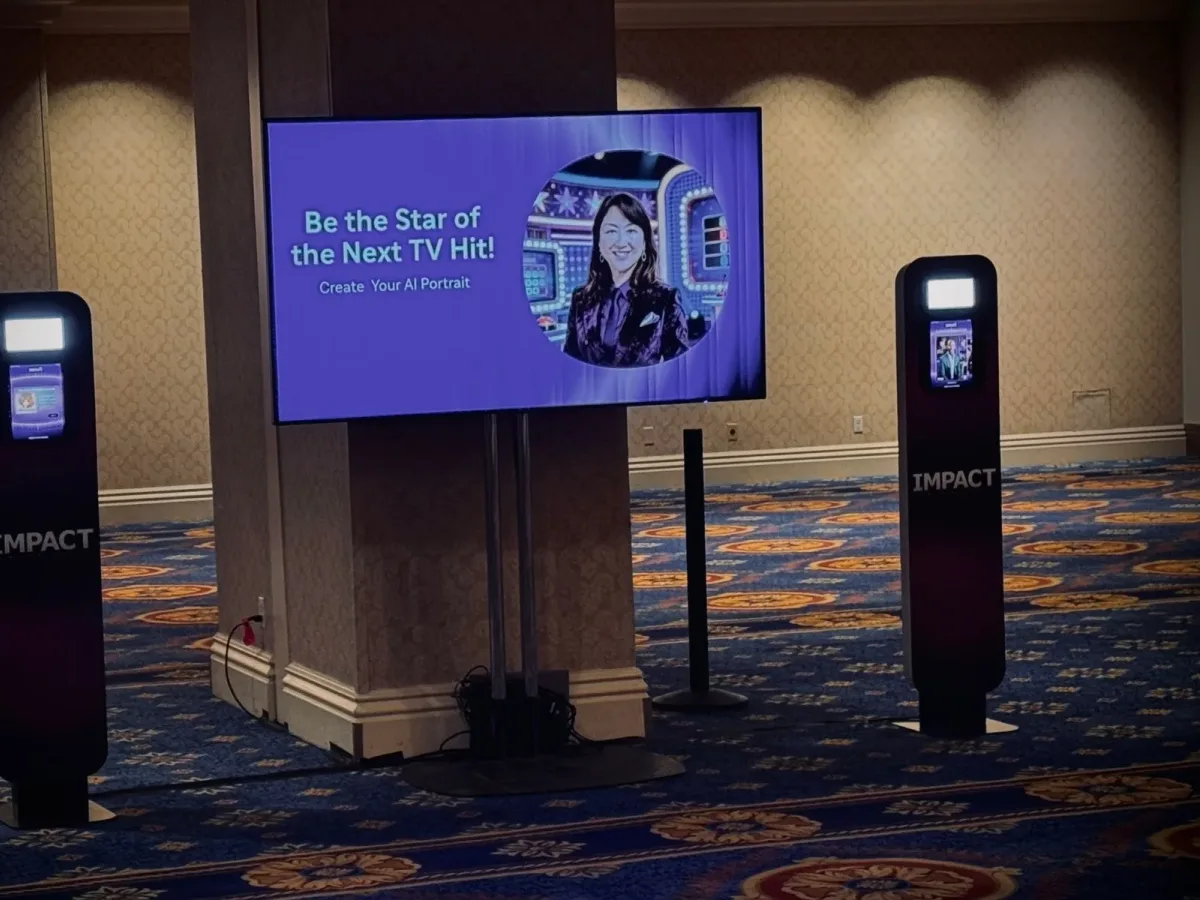
Your team on the booth screen
Portraits on your screen show the kind of place candidates would be joining.
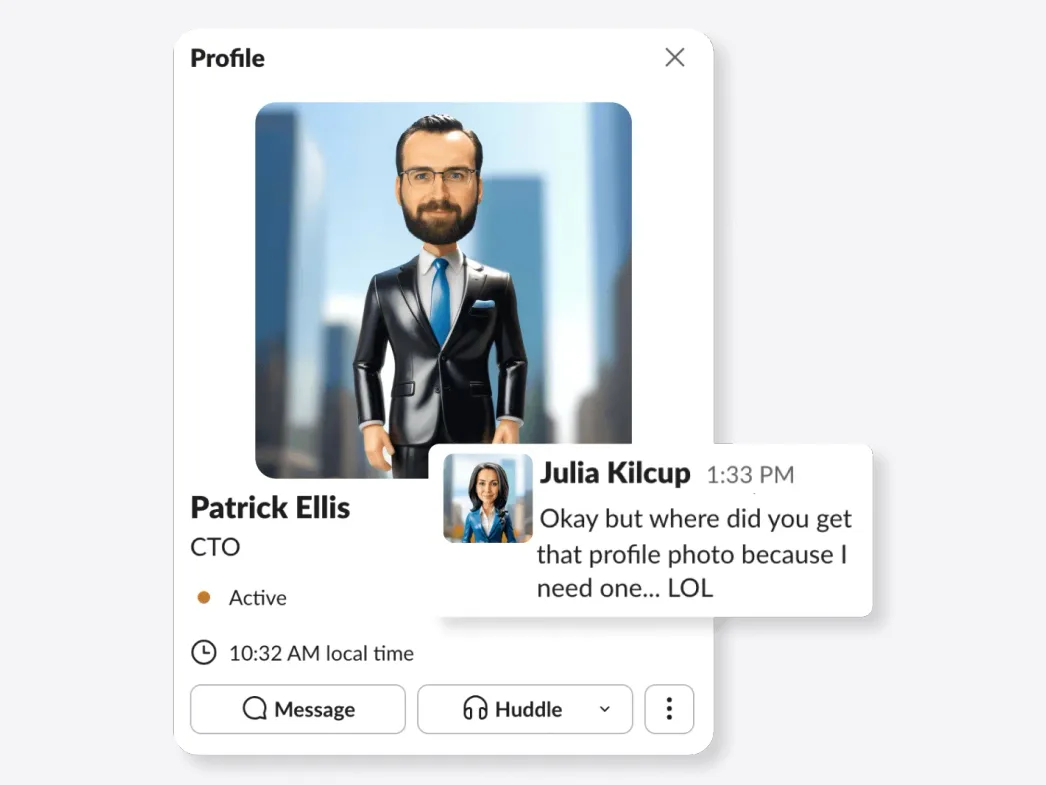
Your employer brand on their LinkedIn
A new profile picture from your booth puts your name in front of every recruiter and classmate who views it.
Six career fair booth ideas
Each one gives candidates something useful, and gives your recruiters their details.
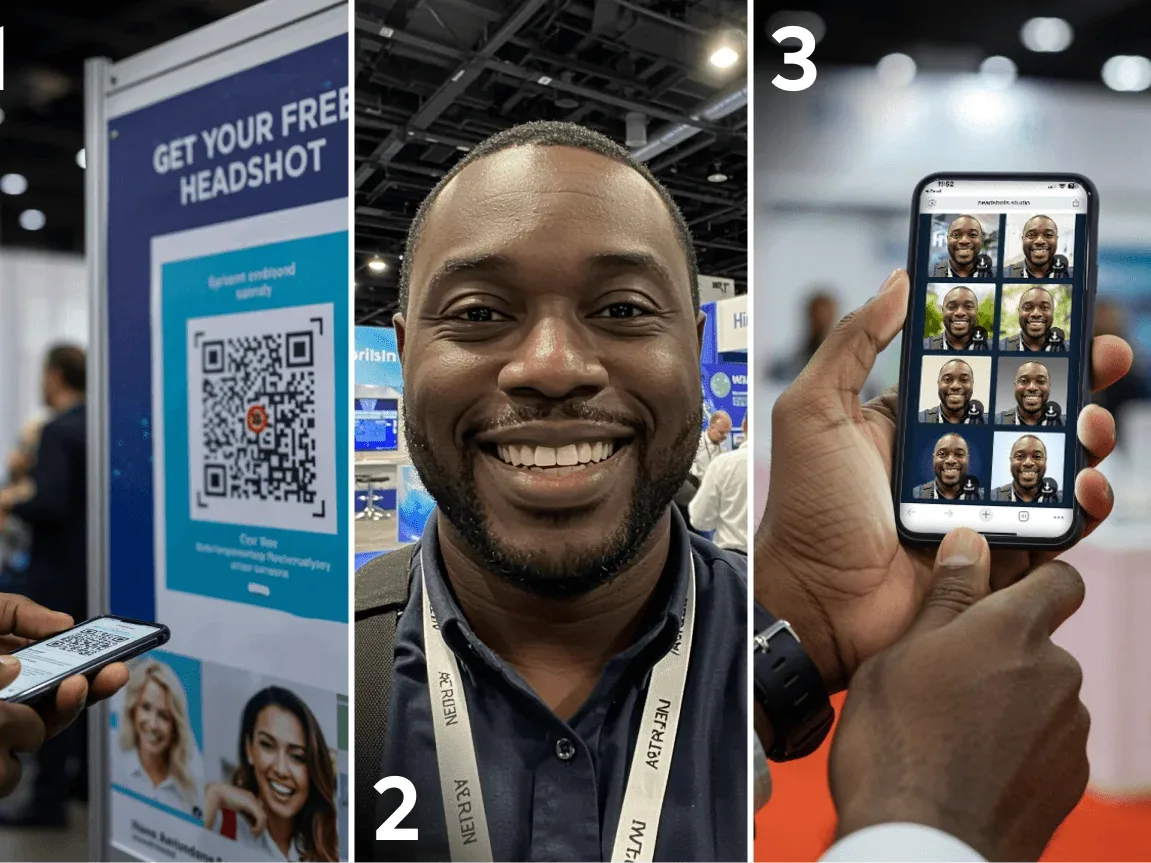
A free headshot station
Candidates get a professional headshot for LinkedIn in a few minutes, and talk to your recruiters while they wait.
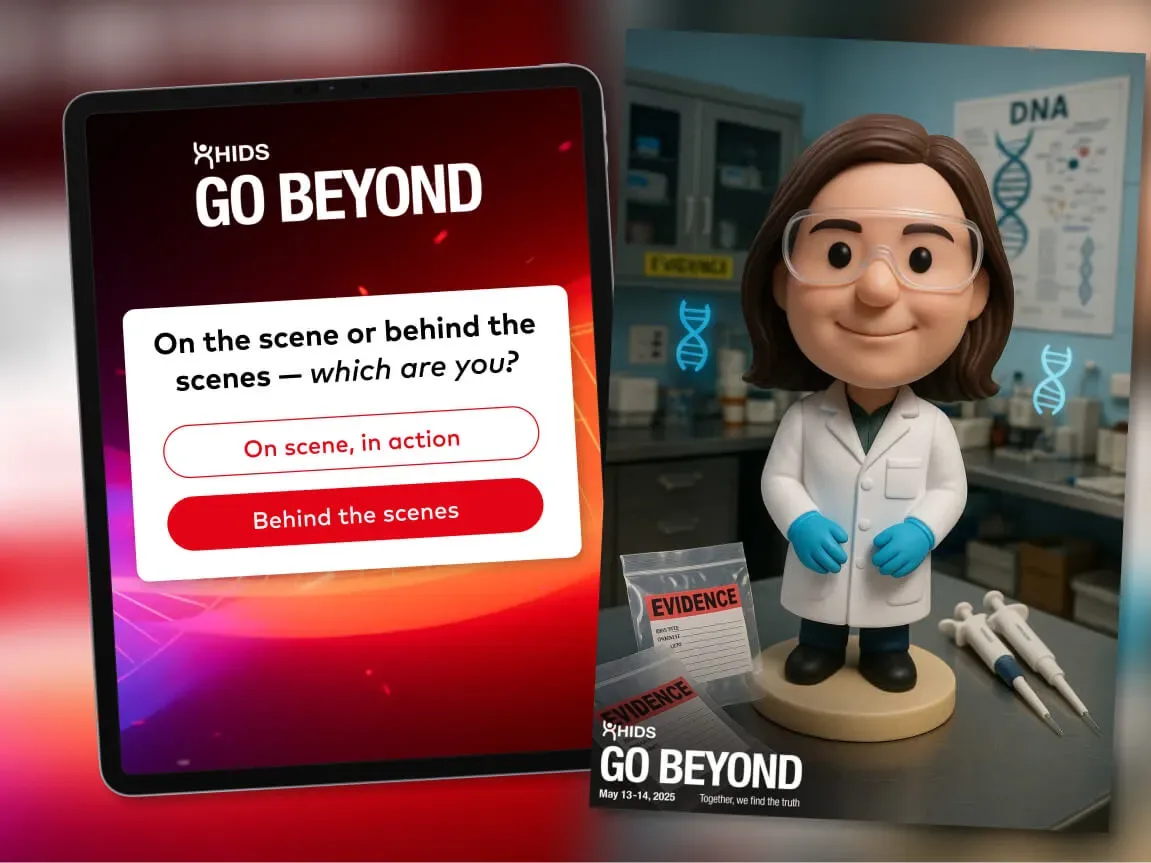
A quiz that shows where they'd fit
A few questions about how they like to work point each candidate to a team, with a portrait to match.
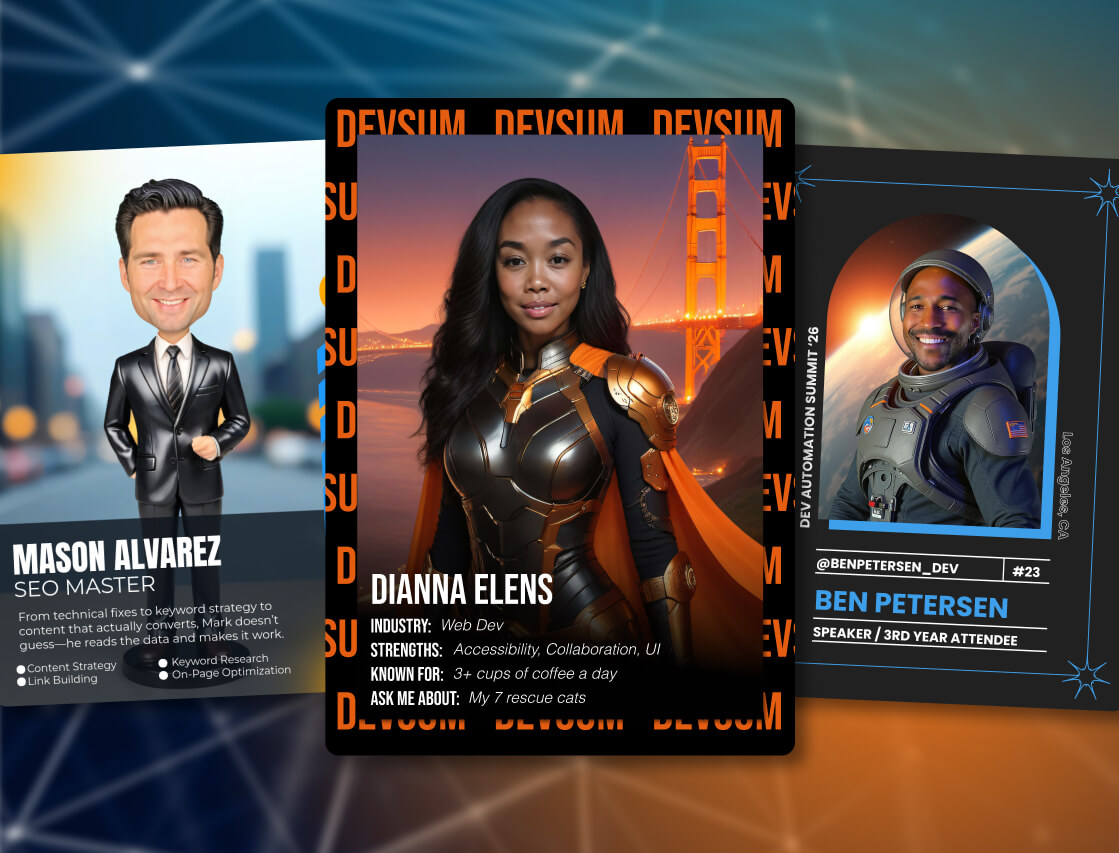
Networking cards
Each candidate gets a card with their portrait, strengths and links, ready to send to your recruiters.
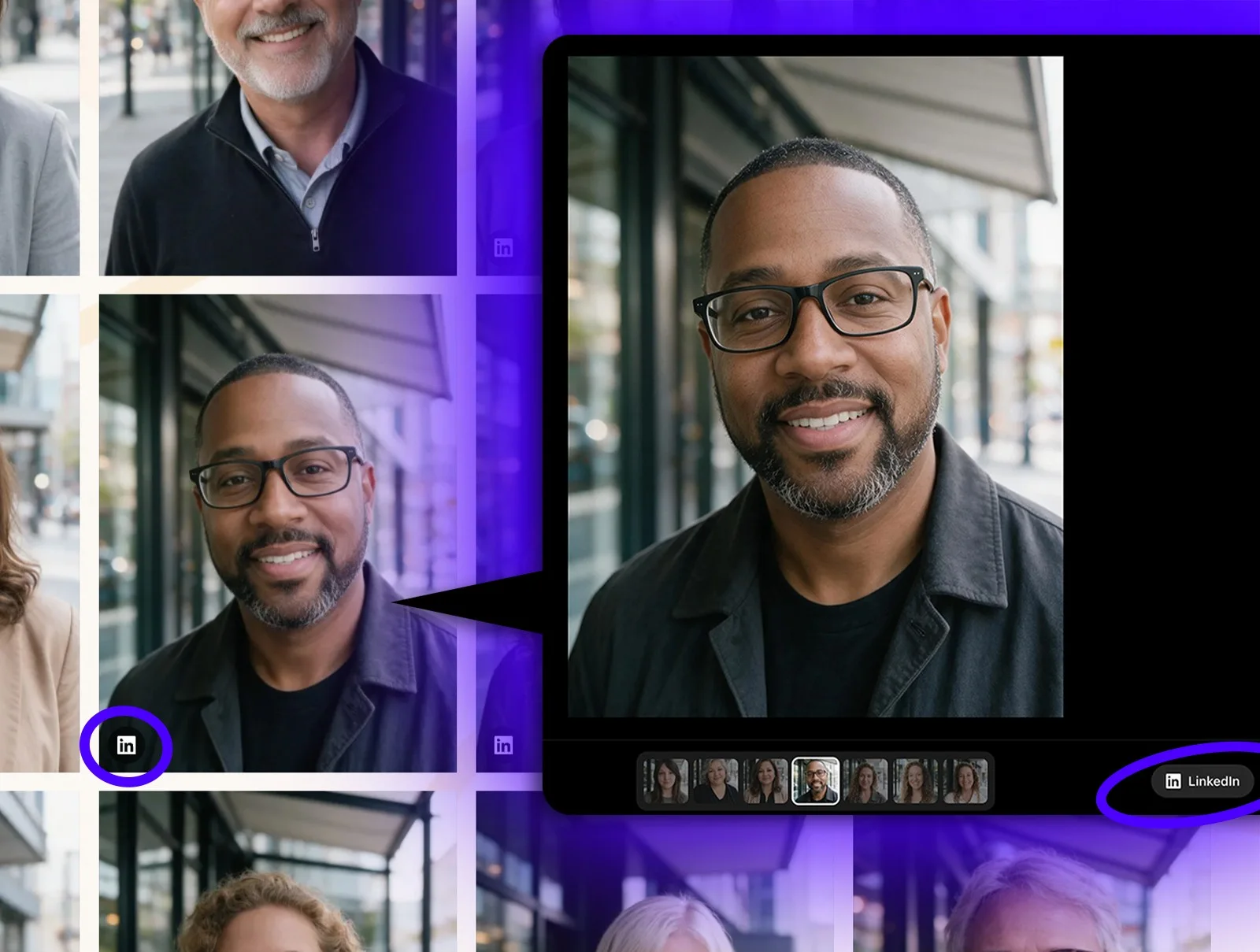
A LinkedIn meet-me wall
Candidates add their LinkedIn and see themselves on a wall of everyone who stopped by.
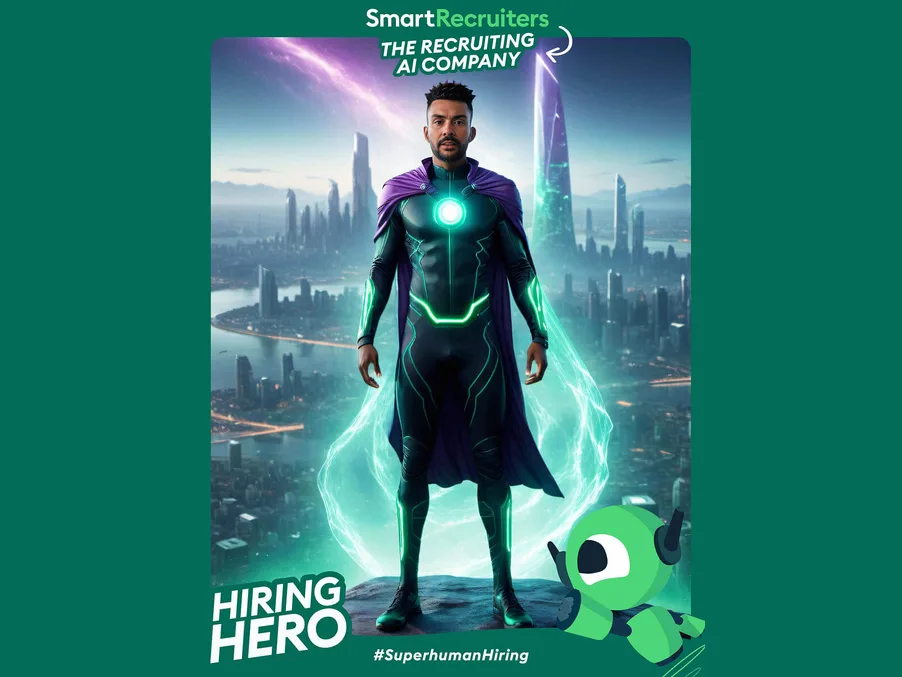
A hero portrait for your hiring brand
Candidates become the hero of your hiring campaign, in a portrait made to share.
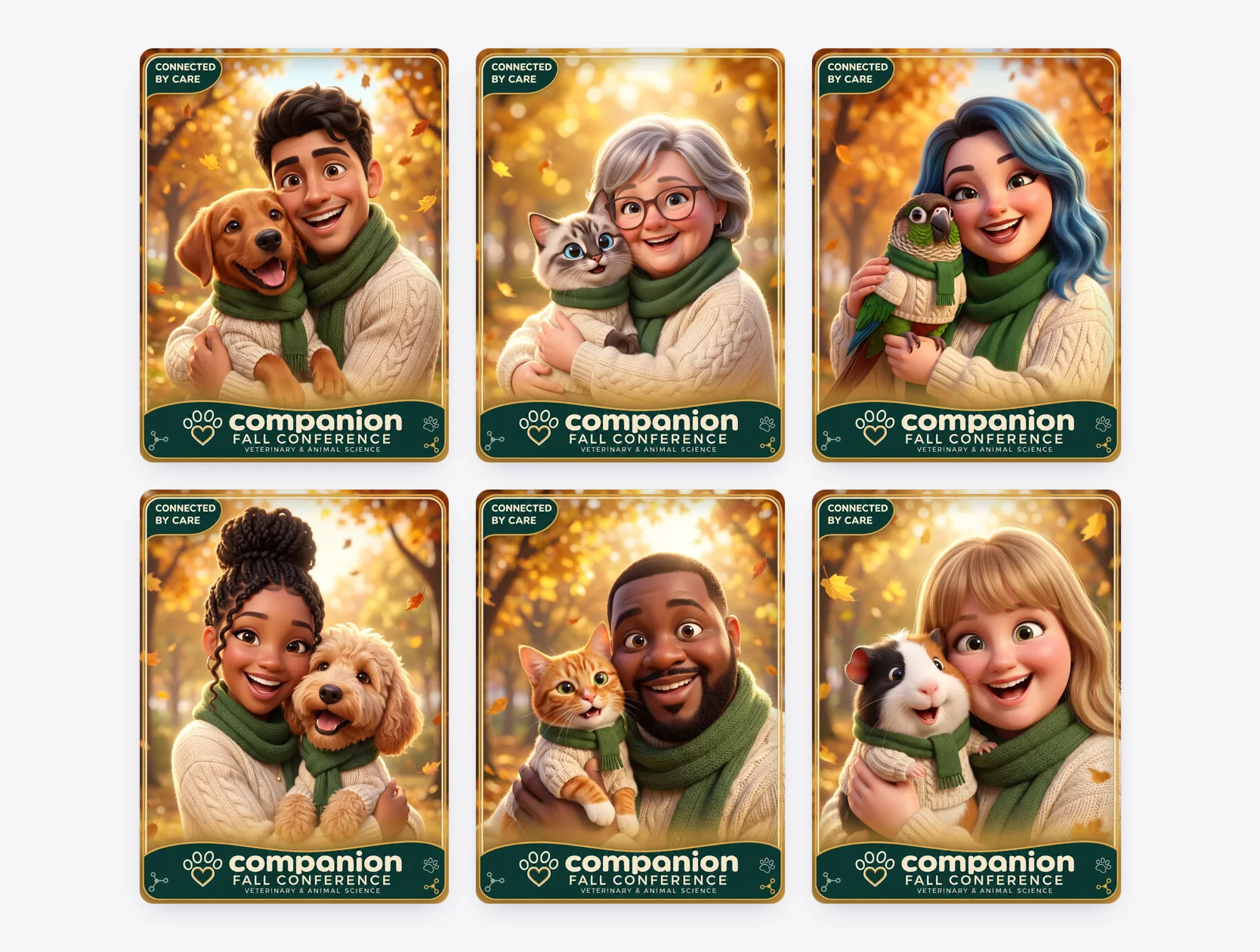
Pet portraits that start a conversation
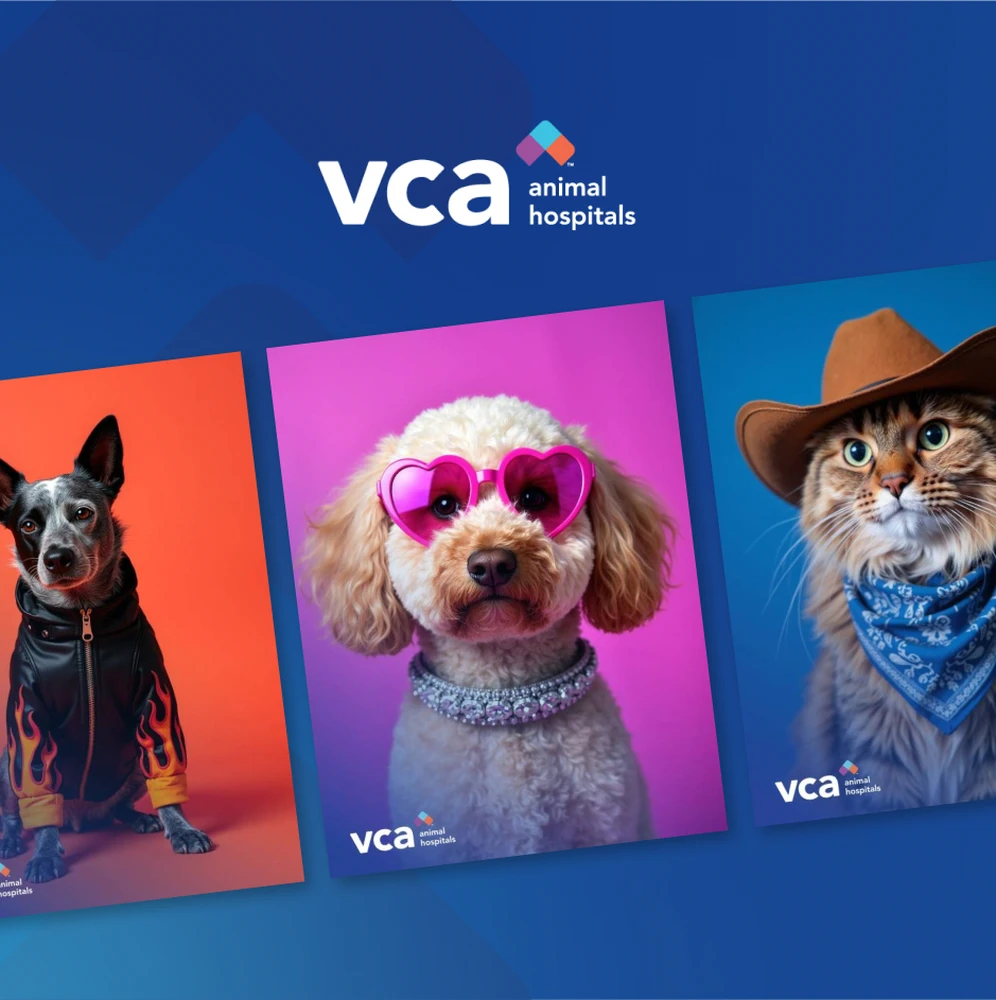
Candidates turn a photo of their pet into a portrait, and your recruiters have an easy first question.
Recruiting on Snapbar
What you leave the fair with
Candidates your recruiters can follow up
Ask for a major, a graduation year and the roles they want. Recruiters get one candidate list for each fair, as a spreadsheet or sent on to your CRM.
Which fairs brought candidates
Each fair is counted on its own, so next year's recruiting budget goes to the schools where candidates actually stopped.
Plan your next career fair booth
Tell us which campuses and fairs you're visiting. In the platform you style the experience to your employer brand and pick the questions your recruiters want answered.
Something went wrong. Please try again.
Career fair booth FAQs
Why use a photo activation at a career fair?
Candidates stop for something useful. A free headshot or a quiz from Snapbar gives them a reason to walk over, gives your recruiters time to talk, and collects each candidate's details as they take part, so you leave with a list instead of a stack of resumes.
What's the best career fair booth idea?
A headshot station is the easiest win, since every candidate needs a good LinkedIn photo. Snapbar's Event Headshots makes one in minutes from a photo taken on a phone. Add a quiz that points candidates to teams when you want to learn what they're looking for.
How much does a career fair activation cost?
Event Headshots costs $995 per experience on Snapbar and stays live for 30 days, so one experience can follow your team to every fair that month. A Persona Quiz is $1,995. Planning fall and spring recruiting together? Packs of three or more cut the price of each. See our pricing page.
What candidate details can we collect?
You decide. A candidate can give their name, email, school, major, graduation date, the roles they want and a link to their LinkedIn, and you mark which questions are required. Snapbar keeps one candidate list per fair, ready as a spreadsheet or sent on to your CRM.
Can we run it across a season of career fairs?
Yes. With Snapbar, each fair can be its own experience in the same account, or one experience can run for 30 days across several campuses. The dashboard shows how many candidates came from each fair, so you know which schools are worth the trip next season.
What should our recruiters bring to the fair?
A tablet on a stand, a printed sign with your code, and your swag. Candidates can also join from their own phones with Snapbar, and a screen showing fresh headshots pulls in the next person. Recruiters keep talking while the experience runs itself.
More ways to engage attendees
Trade Shows
Booth ideas that pull attendees in and send every lead to your sales team.
Plan your boothConferences
Engagement across sessions, keynotes and the lounge, for the teams running the event.
Engage your attendeesSponsor Activations
Sponsor ideas that get your brand into the photos attendees keep.
Plan your sponsorshipFan Engagement
Festivals, concerts and game days, with fans on the move and sponsors on site.
Engage your fansCampus & Community
Student life, orientation and community events that are easy to join and share.
Connect your community