



For internal events

Corporate Team Activations Your Whole Company Joins

Snapbar gives HR and events teams experiences everyone joins from a QR code, from team mosaics to holiday portraits, at kickoffs, offsites and parties.

See pricing
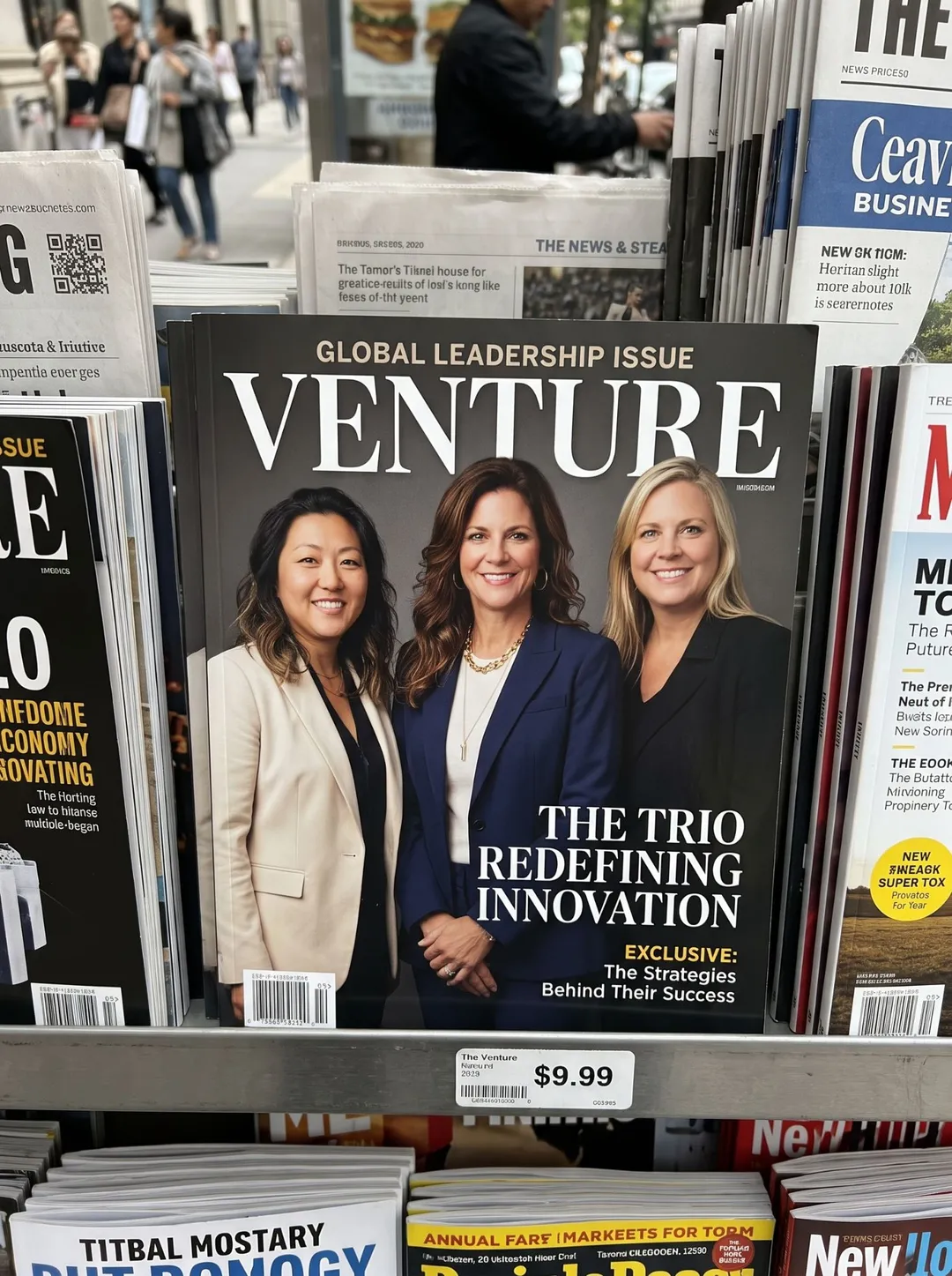
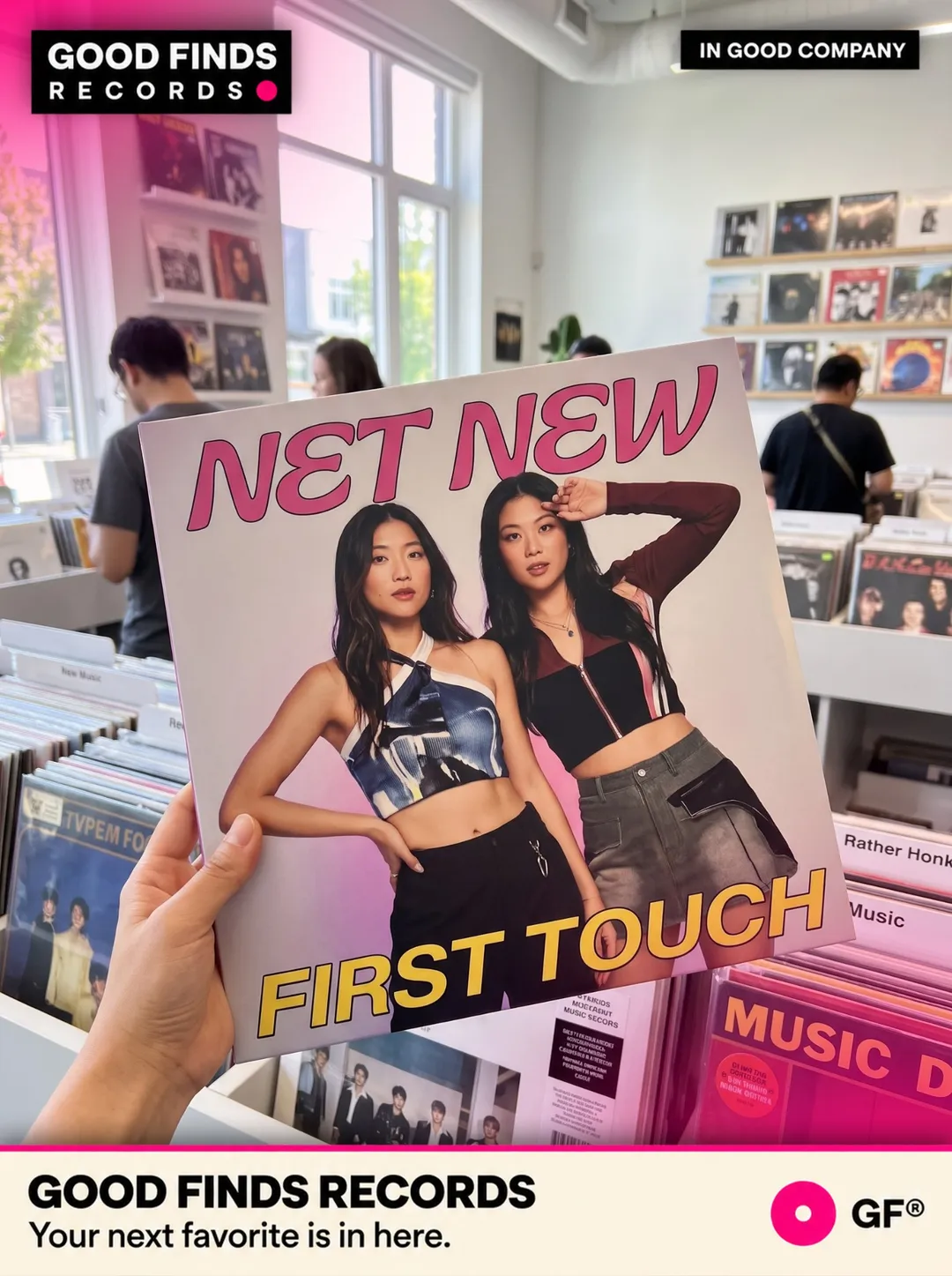
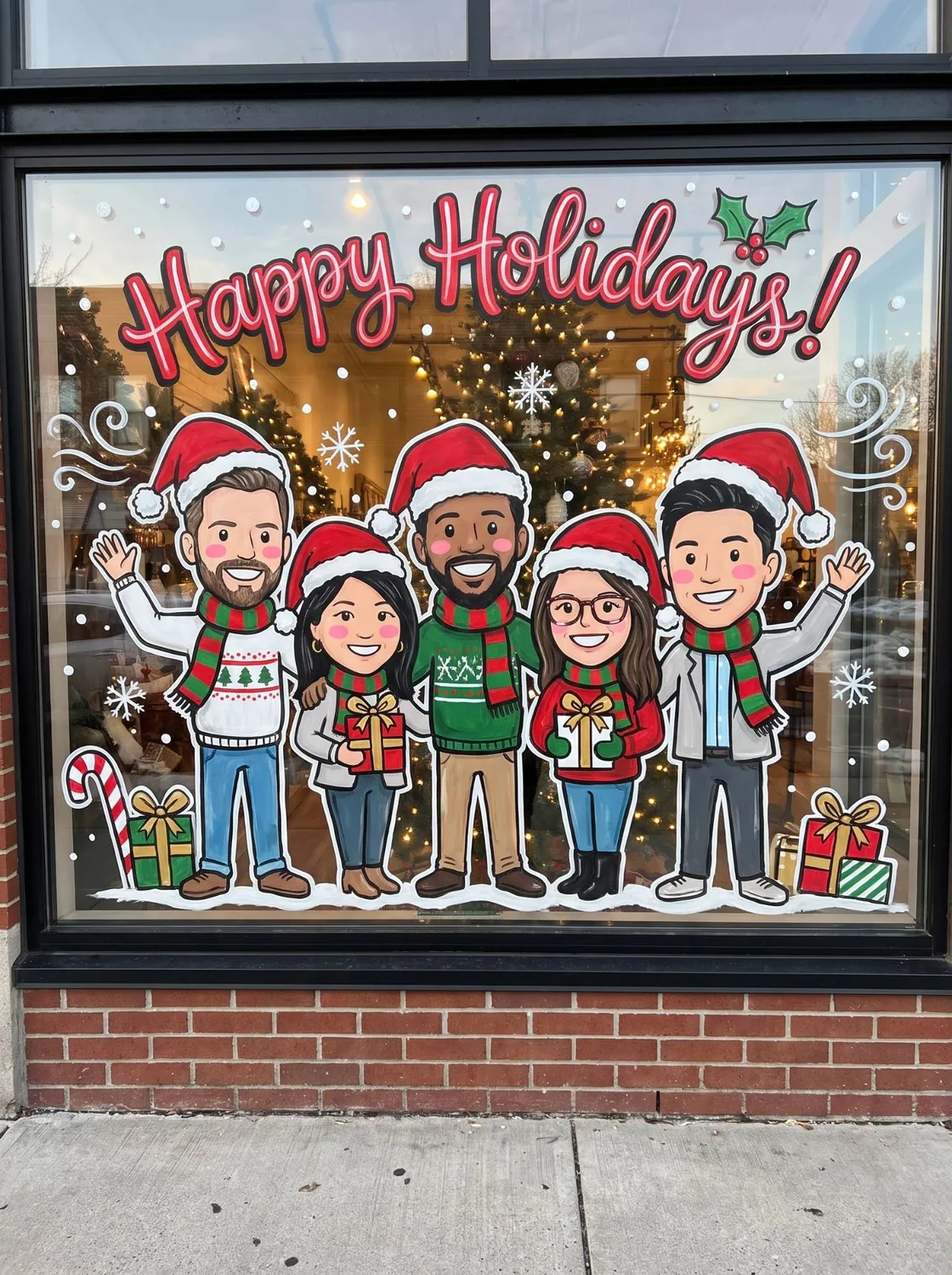
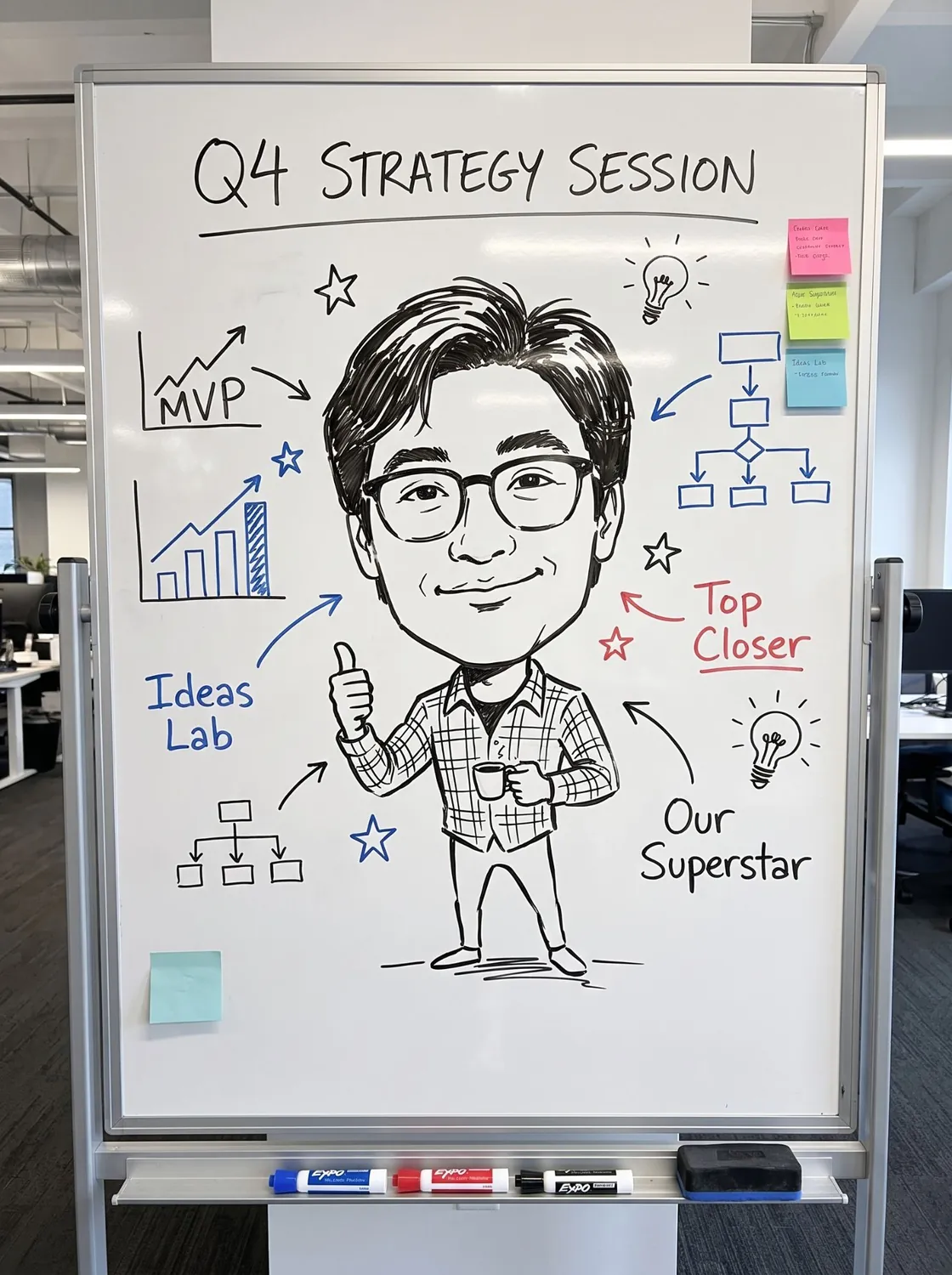
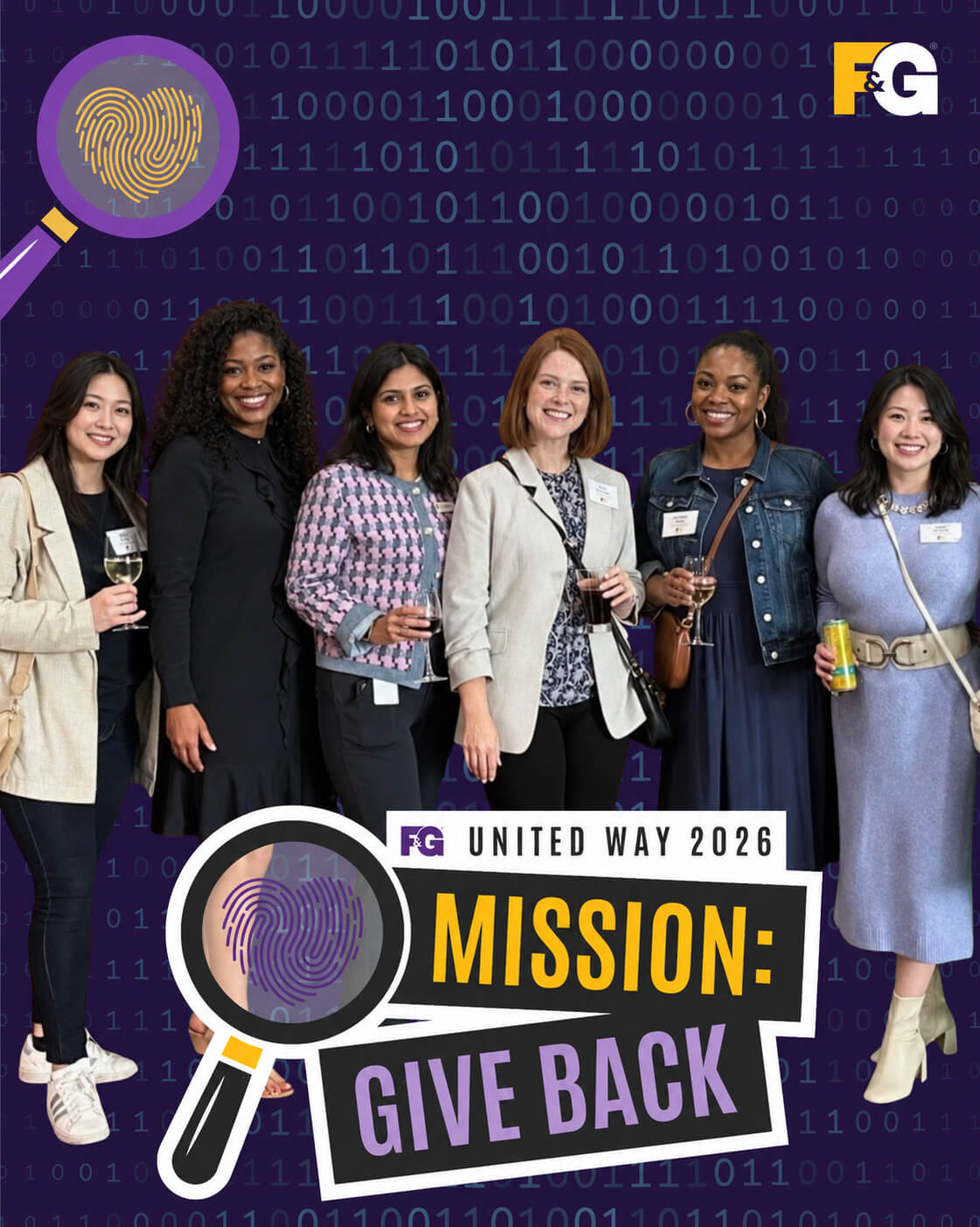
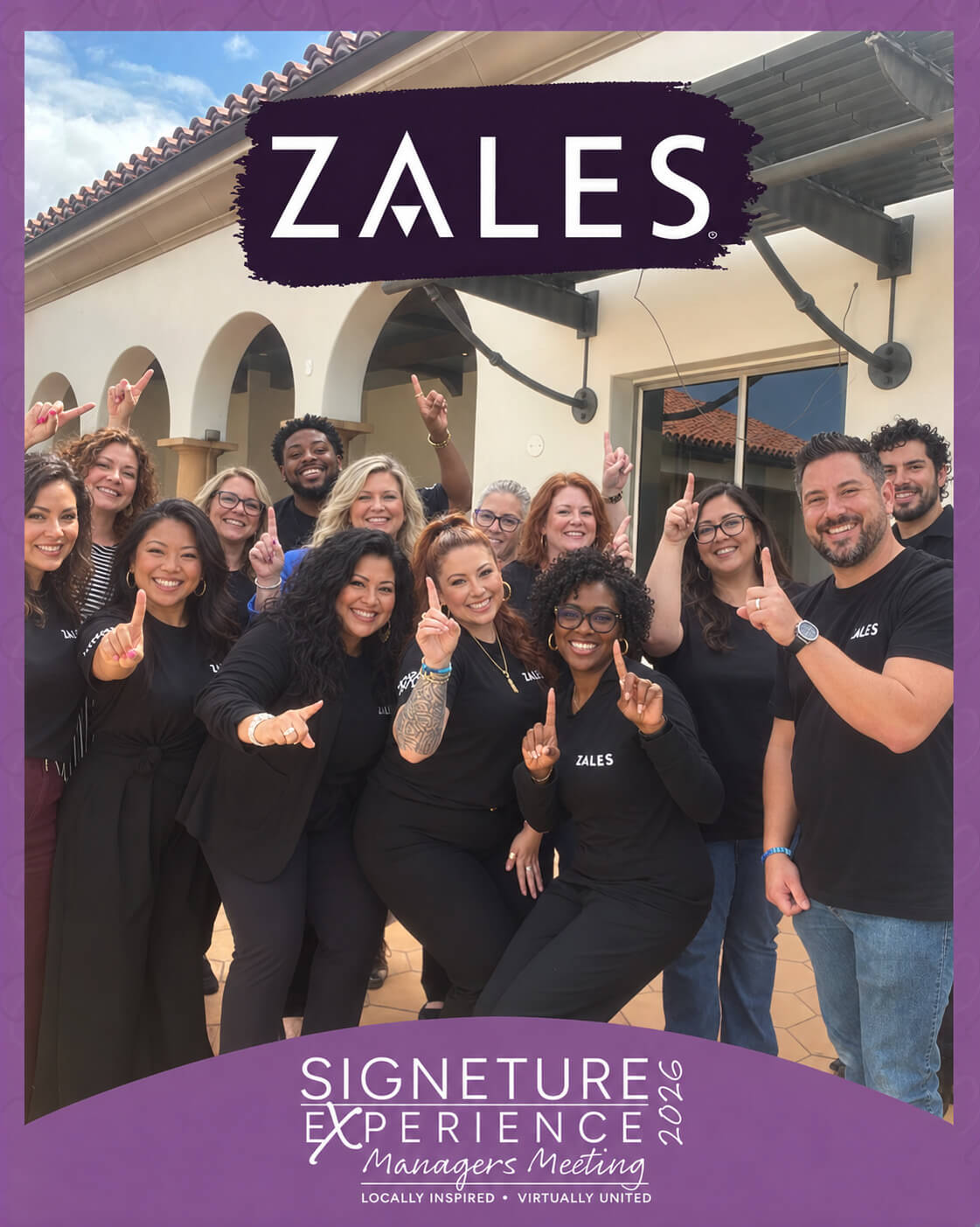
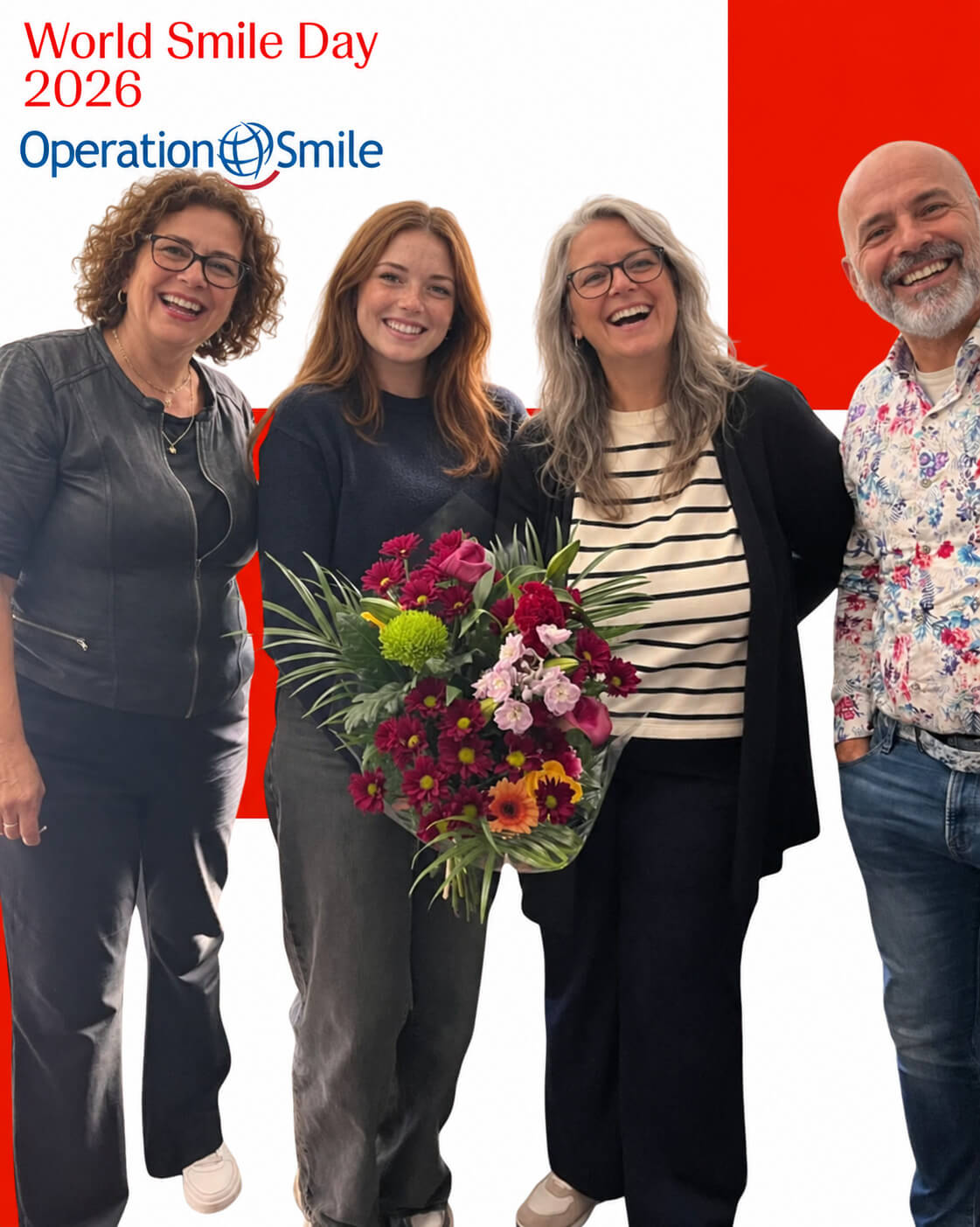
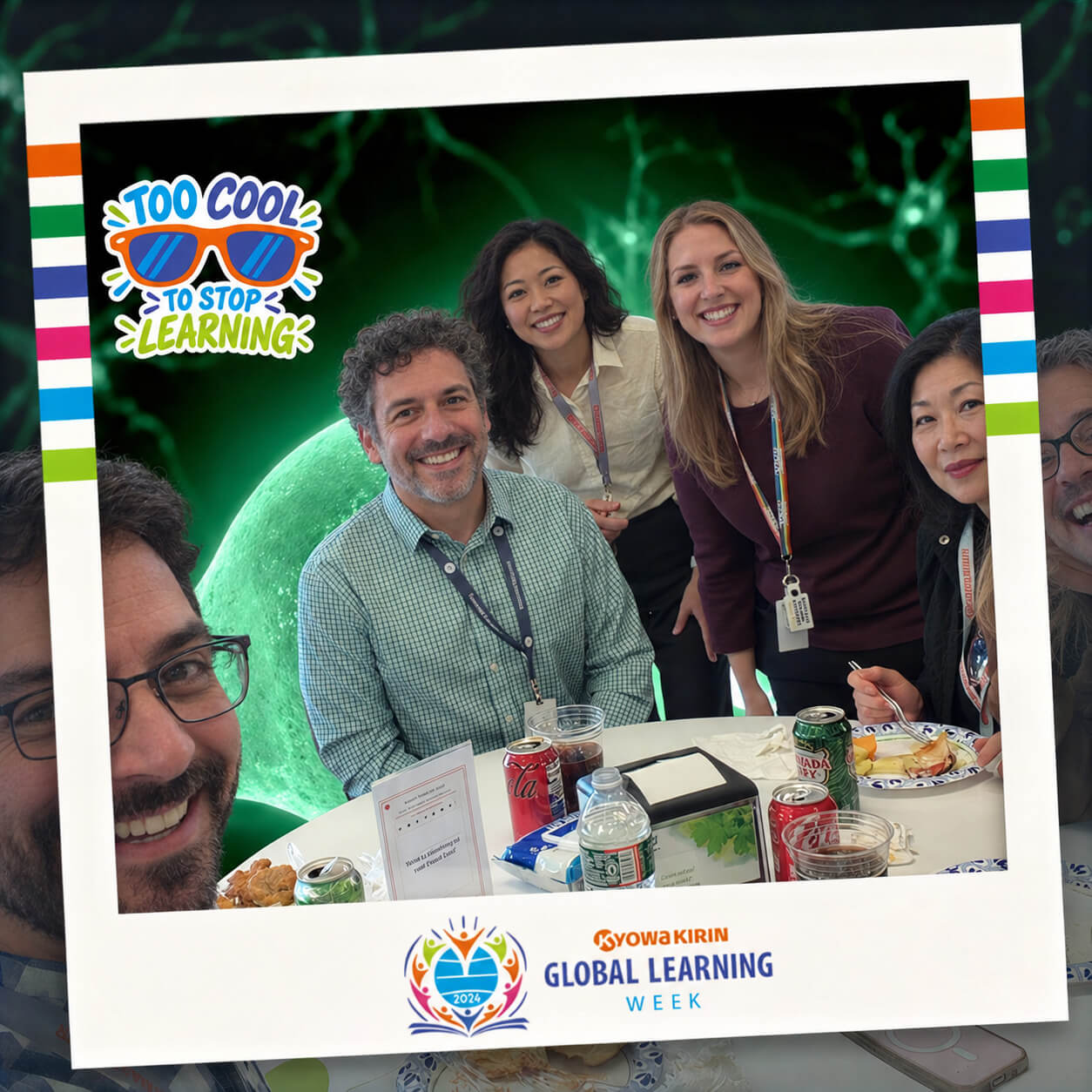
AI photo of three guests in blazers on the cover of a business magazine titled Venture, headlined The Trio Redefining Innovation, on a newsstand rackAI photo of two guests posing on a pop album cover titled Net New, First Touch, held up in a record store and framed with Good Finds Records brandingAI photo of five guests painted as cartoon characters in Santa hats on a shop window under Happy Holidays letteringAI photo of a guest as a whiteboard marker caricature giving a thumbs up, labeled Top Closer and Our Superstar under a Q4 Strategy Session headingDigital photo booth group photo of six women in an F&G United Way 2026 Mission: Give Back overlay with a fingerprint magnifier graphic (client branded)Digital photo booth photo of an attendee seated on a white sofa presenting a We Made the List badge under an Inc. 5000 headline, with Capital One Business branding (client branded)Digital photo booth group photo of a Zales team holding up number one fingers, in a Signature Experience 2026 Managers Meeting overlay (client branded)Digital photo booth group photo of four people holding a bouquet in a World Smile Day 2026 Operation Smile overlay (client branded)Digital photo booth photo of a guest in an orange cap framed by a rainbow flower ring, in a Kyowa Kirin Global Learning Week overlay with a Learning Never Stops sticker (client branded)Digital photo booth group selfie of five colleagues at a lunch table in a Kyowa Kirin Global Learning Week frame with a Too Cool to Stop Learning sticker (client branded)

Trusted by event teams at

  • Dell logo
  • University of Washington logo
  • Gusto logo
  • Old Navy logo
  • Medtronic logo
  • Paramount logo
  • IEEE logo

How do you get everyone to take part at a company event?

At an internal event, the goal is everyone, not a few volunteers. People join when it's quick, personal and about the team: a portrait they want to keep, a superlative from their colleagues, a mosaic that needs their photo to be finished.

With Snapbar, people join on their own phones in every office, with no app to install and no IT ticket.
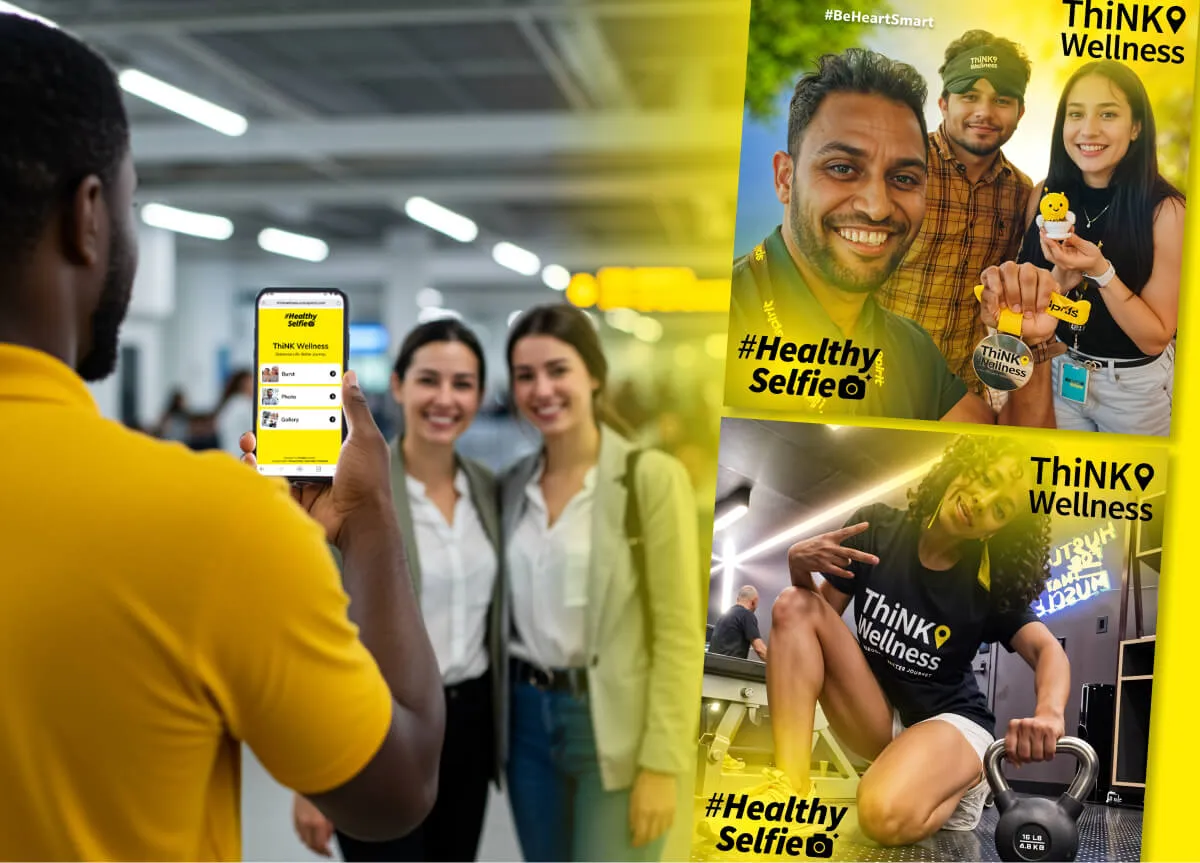
Employees taking wellness selfies on their phones at a company event

Why everyone takes part

Four reasons people join in, from the new hire to the CEO.

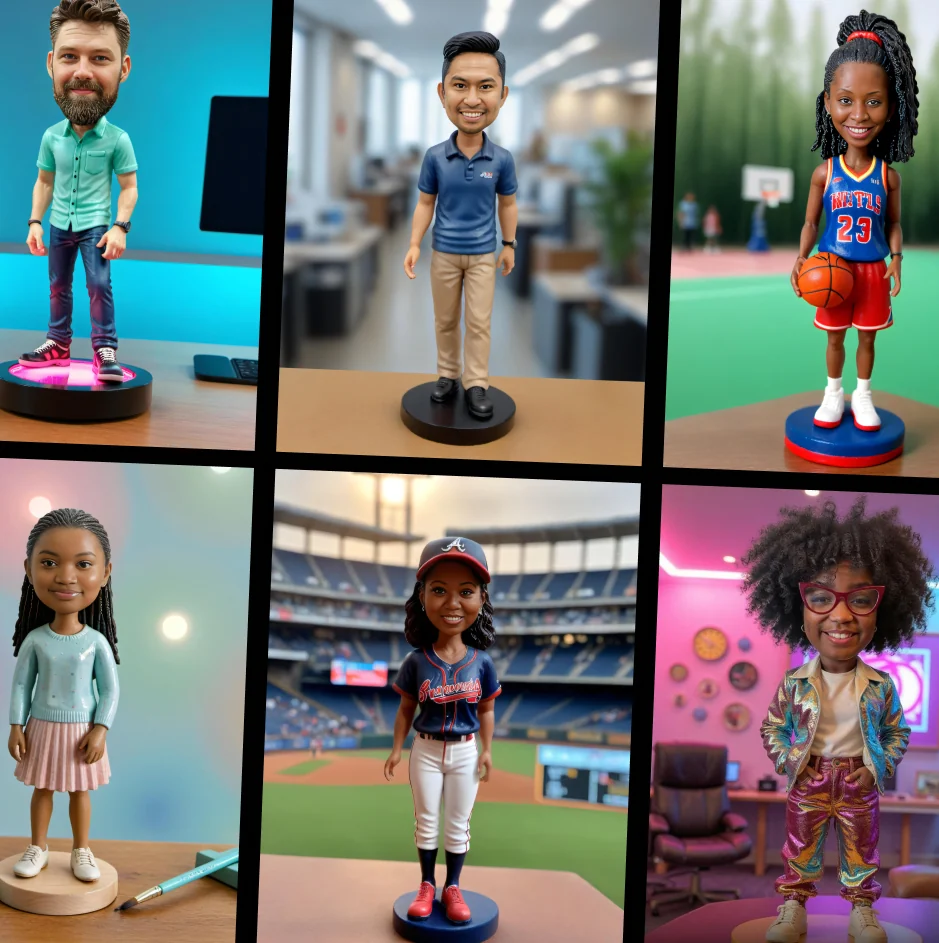
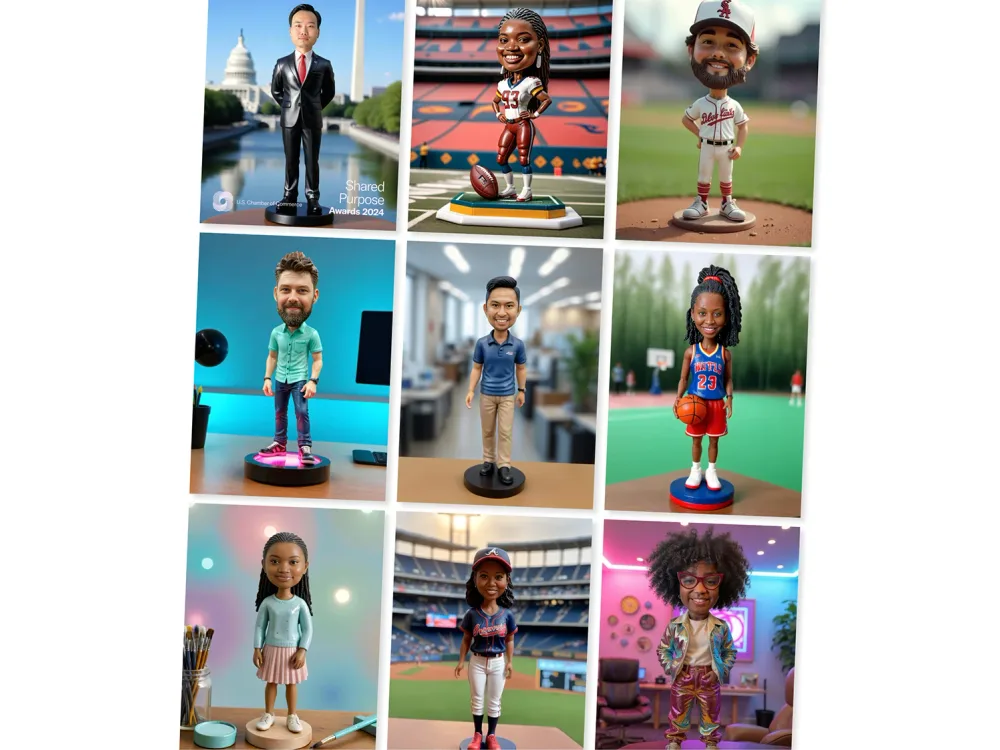
  • Bobblehead portraits of employees in office and ballpark scenes

    A profile photo they'll keep

    A portrait or a bobblehead in the company look, set as their picture in Slack and on LinkedIn.

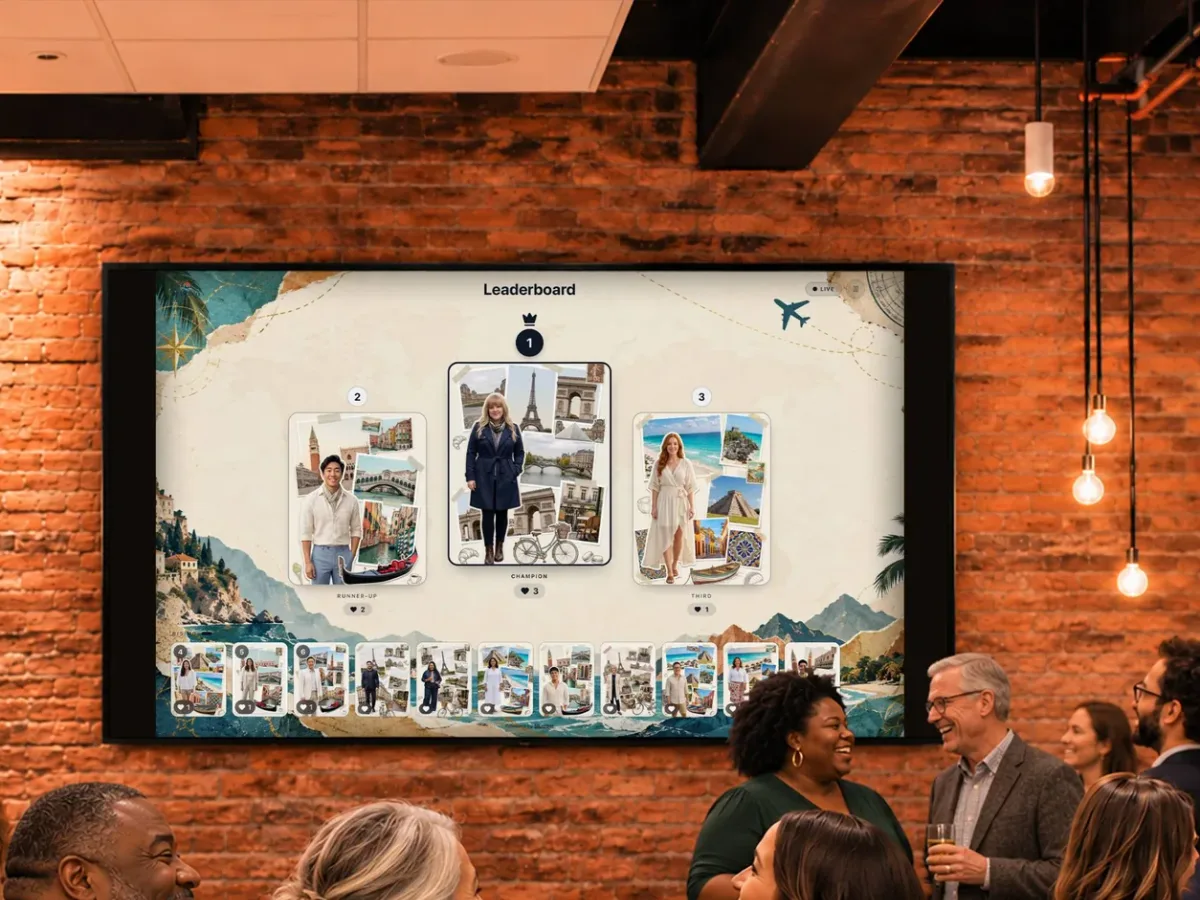
  • Colleagues at a party watching a photo leaderboard on a brick wall

    Bragging rights between teams

    A leaderboard at the party gives every team something to cheer for, and a reason to get the whole team in.

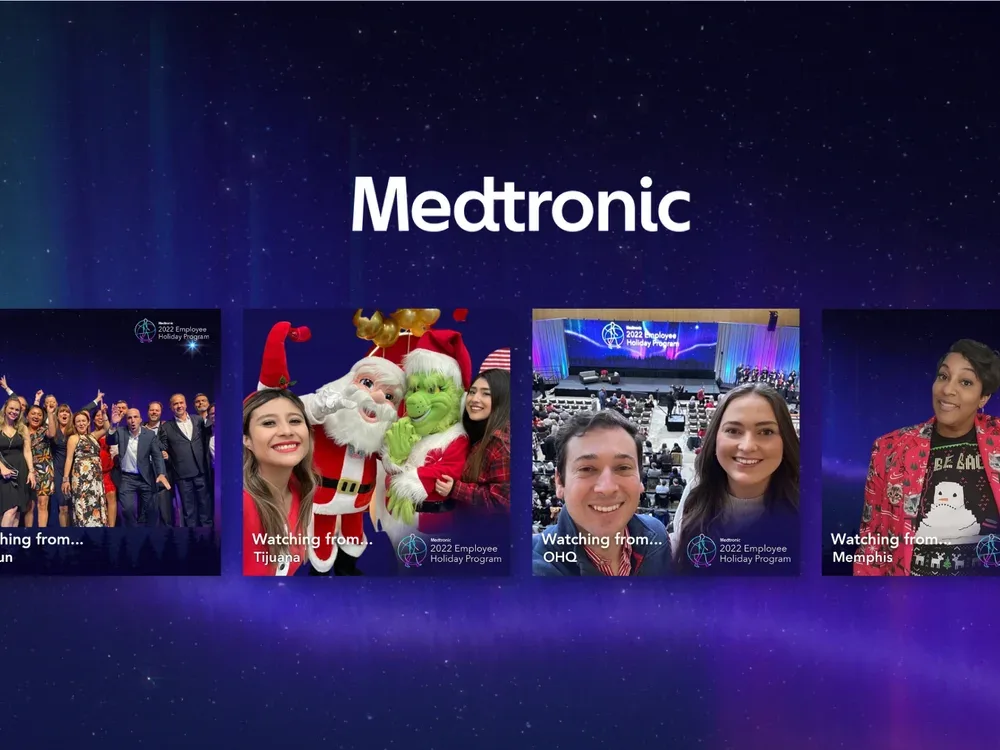
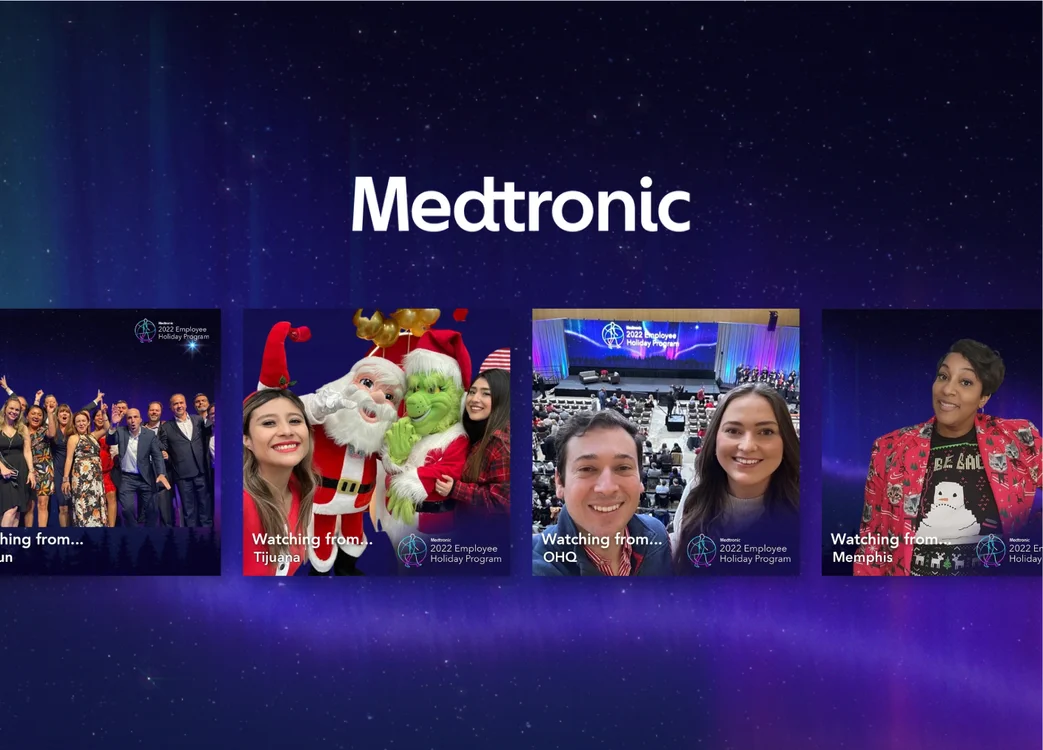
  • A Medtronic holiday program screen showing photos from offices around the world

    The whole company on one screen

    Photos from every office appear together on the main screen, so a party in one city feels like everyone's.

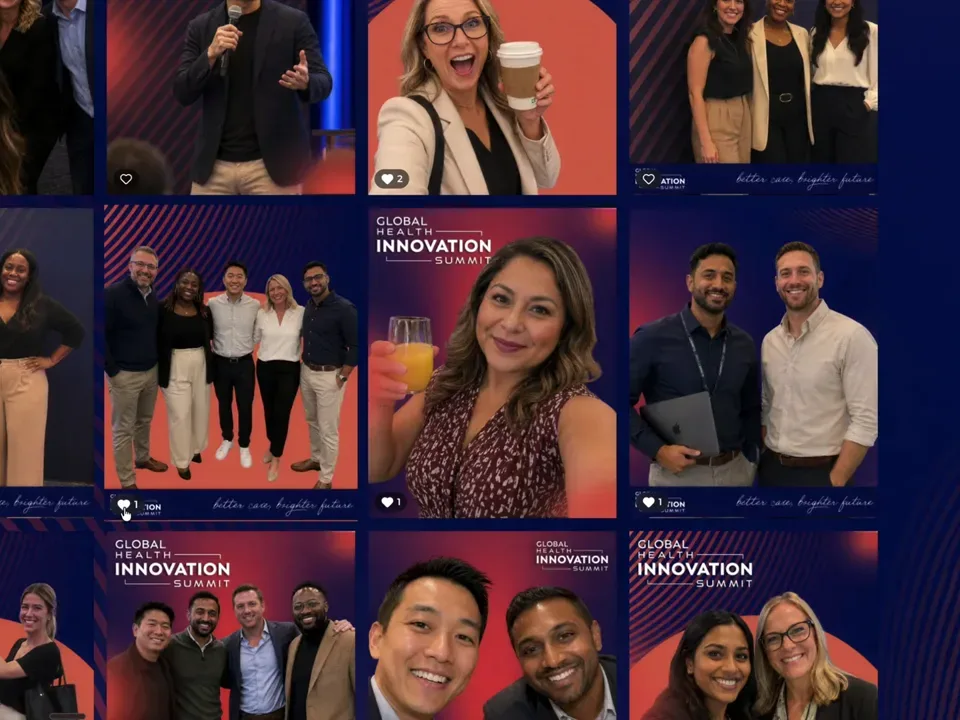
  • A gallery of photos from an innovation summit

    Photos the team passes around

    Everyone opens the same gallery, finds themselves and shares it in the team channel.

Six team activation ideas

Each one is about the team, so people want to be in it.

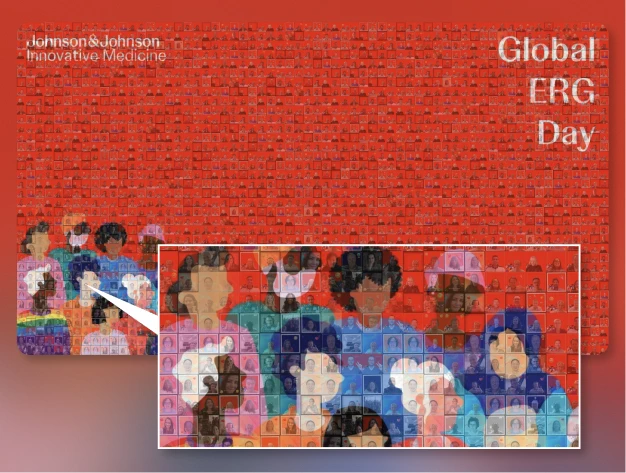
  • A Johnson & Johnson Global ERG Day mosaic made from employee photos

    A team mosaic everyone completes

    The company picture on the big screen gets one tile per person, and it isn't finished until everyone's in it.

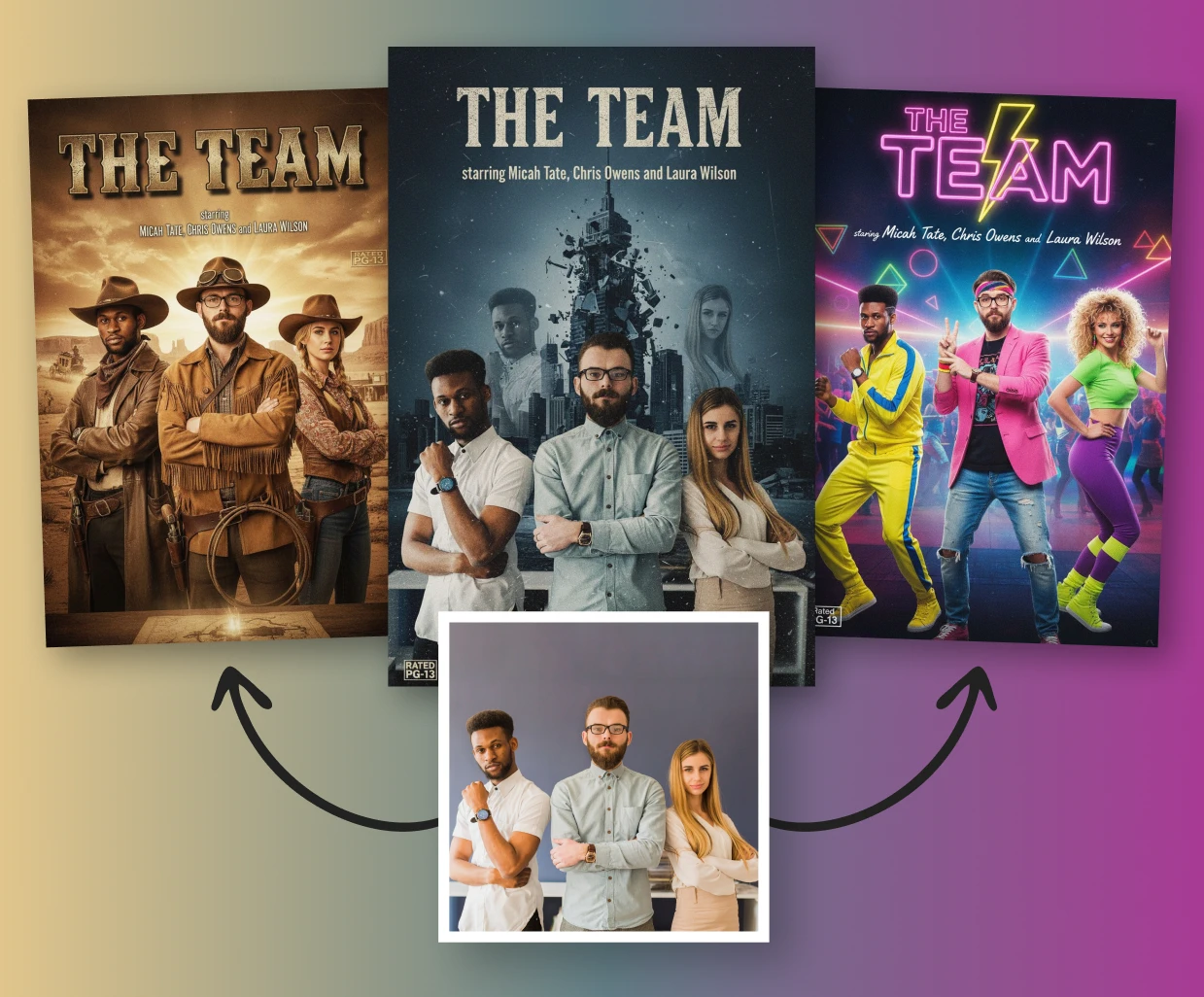
  • A team photo turned into three movie posters in different styles

    Team movie posters

    Each team stars in its own movie poster, from a western to a heist, for the kickoff screen.

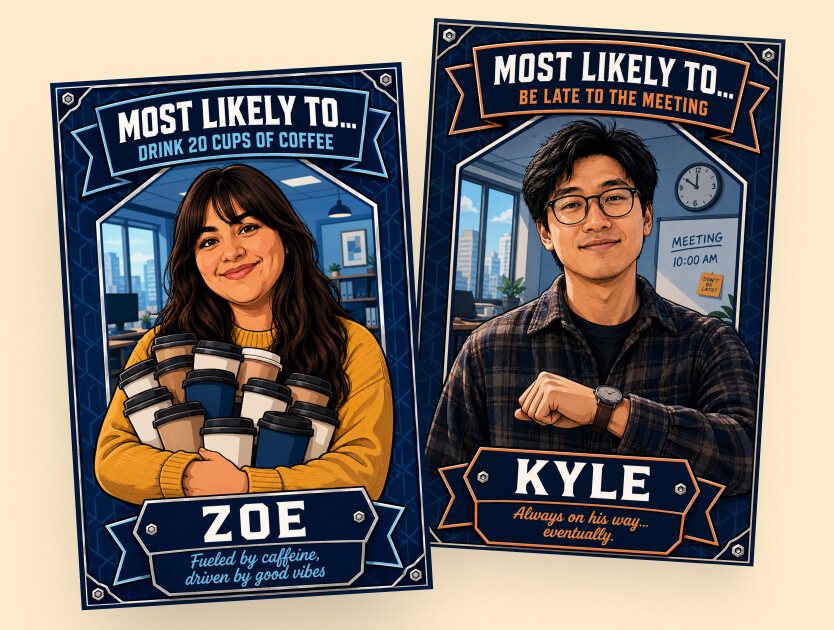
  • Two illustrated superlative cards that say most likely to

    Team superlatives

    Colleagues name who's most likely to bring snacks or answer at midnight, and each winner gets a card.

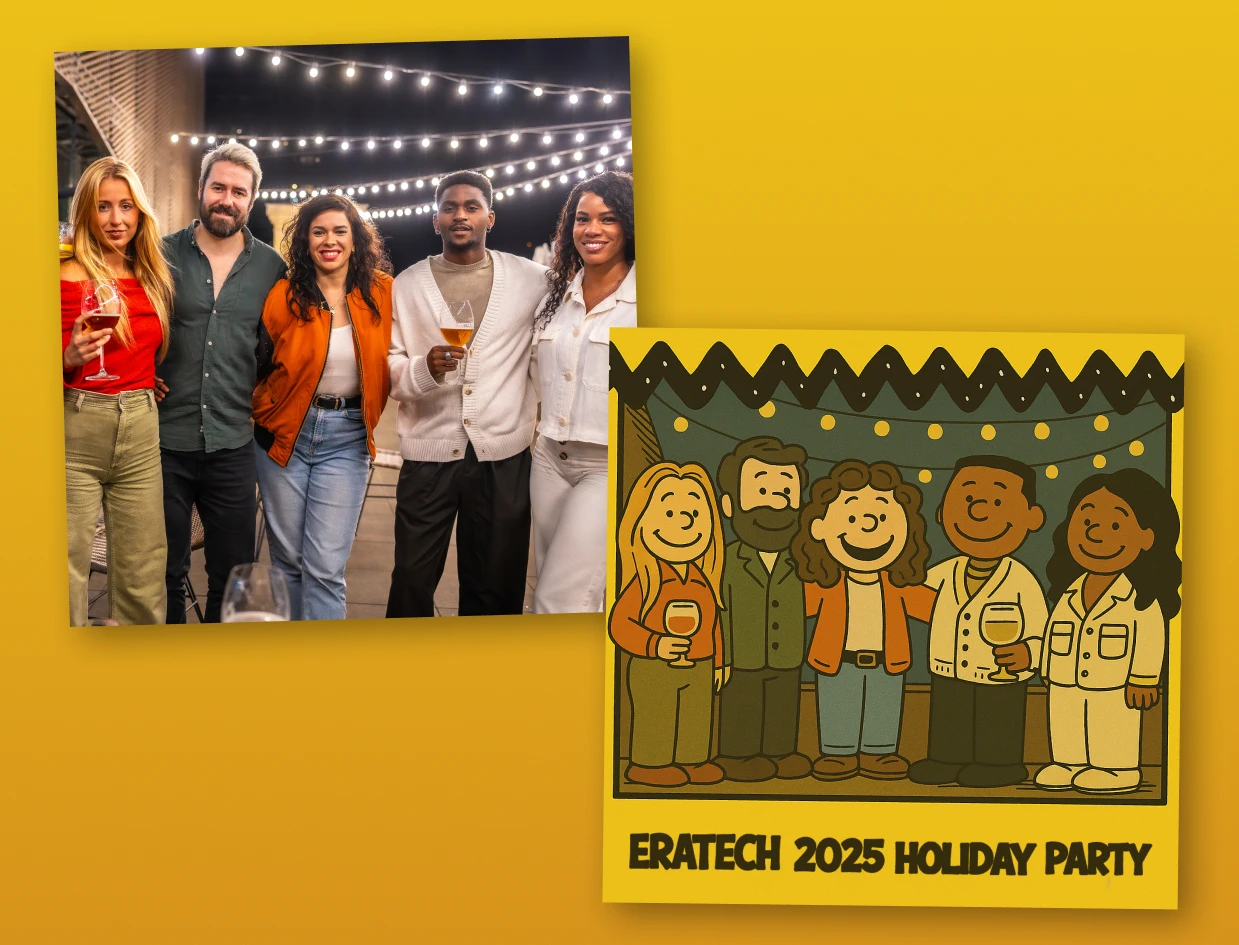
  • A holiday party group photo and the same group as a cartoon cast

    Holiday party portraits

    Everyone at the party becomes part of an illustrated holiday scene, ready to share.

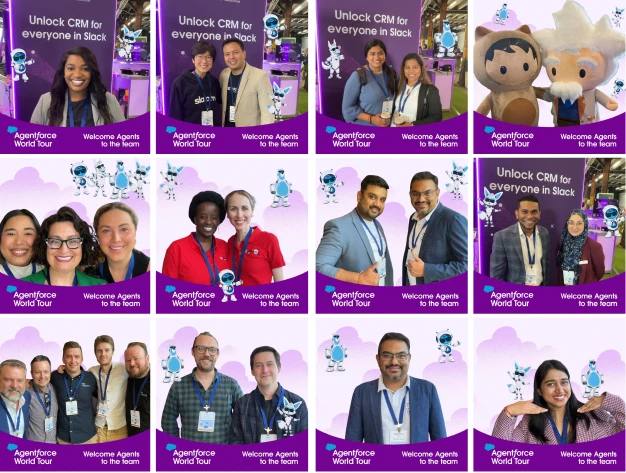
  • A gallery of branded kickoff photos from employees in several offices

    A kickoff gallery from every office

    Teams in every city add their photos to one gallery, so the kickoff feels like one event.

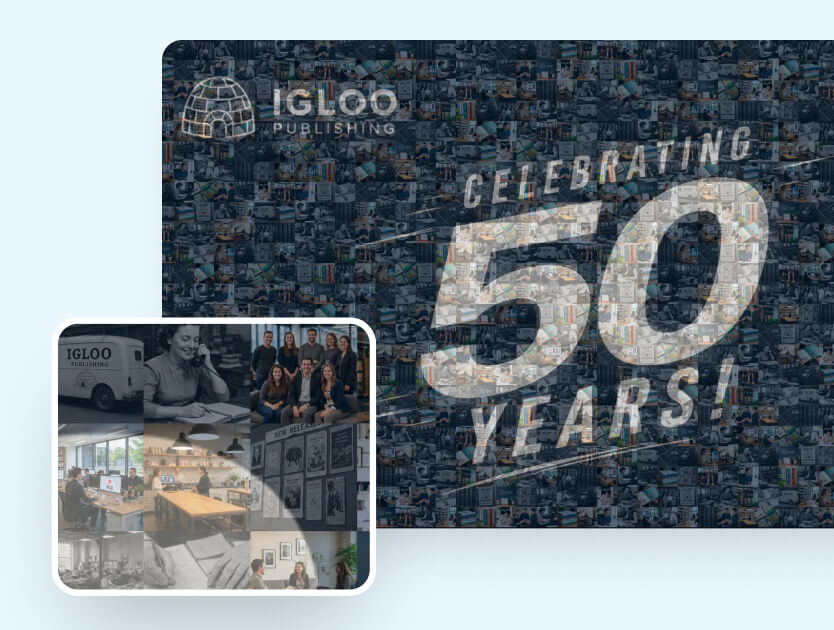
  • A mosaic celebrating 50 years of a company, made from employee photos

    A then and now mosaic

    For an anniversary, photos from today build a picture of where the company started.

Company events on Snapbar

Who runs internal events on Snapbar

What the event leaves your team

Everyone's photos in one gallery

Employees open one gallery link to find their own photo and everyone else's, and internal comms can pull from it for the next newsletter.

See who joined

Participation numbers show whether the event reached the whole company, so the next one can be planned around who joined.

Plan your next team event

Tell us about the kickoff, offsite or party. You build it in the platform in your company's look, and decide who can join, from one office to the whole company.

Thanks, we've got it

Our team will be in touch soon.

Explore activation concepts

Team activation FAQs

How does a photo activation work at an internal event?

Your team scans a QR code and joins a Snapbar experience in their browser. No app to download and nothing for IT to install. Photos process in seconds, land in your branded gallery, and each person gets their own copy by email or text.

How much does a team activation cost?

Snapbar prices each experience once, however many offices or devices it runs on. The price includes platform credits, 30 days of live runtime, unlimited admins, lead capture, branded delivery, and the included displays. Credits are used as people take part, so a company-wide event adds credits rather than a bigger package. Tell us your headcount and we'll quote it.

Do employees need to log in, and can we keep it to employees only?

No login. Employees open a Snapbar link or scan a QR code and they're in, which is why participation runs high at internal events. The experience is only reachable by people you share it with, and our team can restrict entry to guests who enter an email on your company's domains, so a forwarded link doesn't let the public in.

Can we brand everything for our company?

Yes. On Snapbar, overlays, backgrounds, AI scenes, the gallery, and the delivery emails all carry your branding. Internal campaigns like kickoff themes or values launches work especially well.

What if some of our people don't want an AI portrait?

Give them a real one. Snapbar's Digital Photo Booth captures actual photos with your frames and backgrounds, and Event Headshots delivers a professional headshot nobody minds putting on LinkedIn. Many teams run one of these beside the AI experience so people choose. In our experience, a headshot option lifts participation among the colleagues who'd otherwise walk past.

Can remote and hybrid teams participate?

Yes. Snapbar's experiences are browser-based, so distributed teams join from anywhere. Many companies run one activation across every office and remote location at once, feeding a single shared gallery.

6 more questionsShow fewer questions

Can it run for weeks across offices, not just one party?

Yes. Snapbar experiences run for 30 days, and adding a year of runtime covers an anniversary year or a rolling onboarding program. The same link works in every office and for remote staff, all feeding one gallery. For an all-hands moment, put the slideshow on the main screen and watch portraits from six cities arrive together.

Can we do group shots and a company-wide mosaic?

Both. Snapbar's AI Photo Booth takes group photos, so a whole team can be transformed together, and Live Mosaic turns every photo from the event into one large branded image that builds as people take part, with a recap video of it assembling on request. The Live Photo Mosaic is its own experience; the gallery and slideshow are included with every activation.

What about employee photo privacy?

Snapbar galleries can be private and access-controlled, so photos stay visible only to your event. Manual approval is available if you want a moderator reviewing content before it displays.

What happens to employees' photos afterwards?

They stay yours. Photos and data remain in your Snapbar dashboard after the runtime ends, your team exports them anytime, and if you'd rather they didn't persist, ask us and we'll delete them. Snapbar doesn't use your people's photos for marketing or to train AI models, and every delivery email carries a link to have a photo taken down.

Can HR or the events team run it without IT?

Yes. Snapbar runs in the browser, so there's nothing to install on company devices and no app to push, and unlimited admins means the events team, HR, and comms can all work in the same account. The one time to loop in IT is a locked-down office network: we'll send the short list of hosts to allow so everything loads.

How fast can we turn an activation around?

Faster than you'd expect. Most of the requests Snapbar gets are for events within two months, and we regularly deliver on tighter timelines. Tell us your date and we'll be straight with you about what's possible.

More ways to engage attendees

  • Galas & Awards

    Galas, fundraisers and awards nights guests remember and share.

    Plan your gala
  • Conferences

    Engagement across sessions, keynotes and the lounge, for the teams running the event.

    Engage your attendees
  • Recruiting & Career Fairs

    Career fair ideas candidates stop for, with every candidate in one list.

    Meet more candidates
  • Campus & Community

    Student life, orientation and community events that are easy to join and share.

    Connect your community
  • Trade Shows

    Booth ideas that pull attendees in and send every lead to your sales team.

    Plan your booth

Get in touch

Share a few details and we’ll be in touch shortly.