




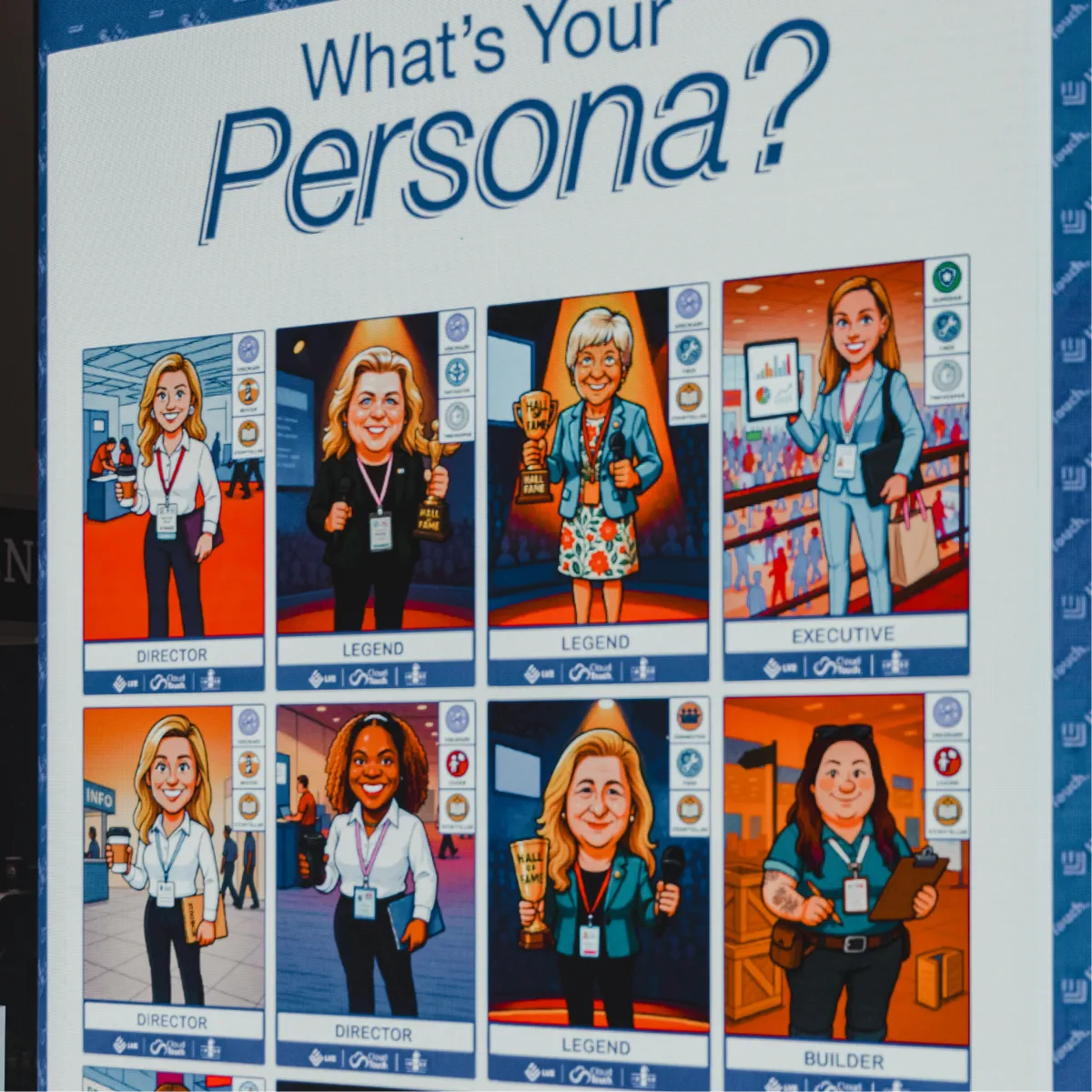
AI Video Booth: Custom Video Activations for Events

Create dynamic, branded AI video portraits that users love to share. Web-based, built-in lead capture, works on any device.

Phone mockup with empty screen
Mother's Day Portrait
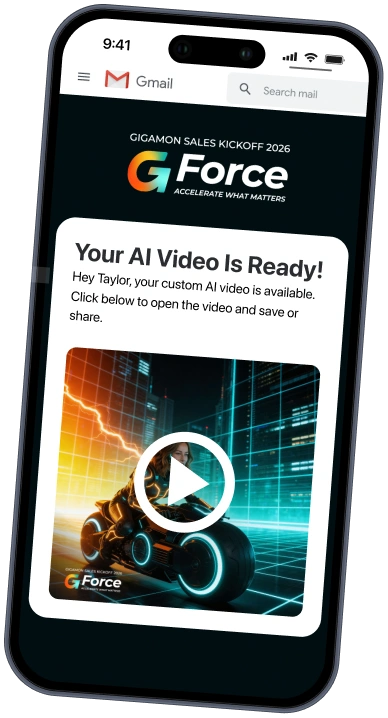
Hey Evelyn, here is your custom AI video.

Trusted by event teams at

  • Nordstrom logo
  • eBay logo
  • Nike logo
  • Jack Morton logo
  • Microsoft logo
  • Dell logo
  • Facebook logo

Lead capture, creative quality, zero hassle

  • Turn every interaction into a qualified lead

    Use video content to get qualified leads

    Every AI video interaction is built around a natural value exchange: guests share contact info because they want their personalized video. You collect lead data, they share your content.

  • Run any event with zero dedicated tech staff

    Run your event with zero dedicated staff

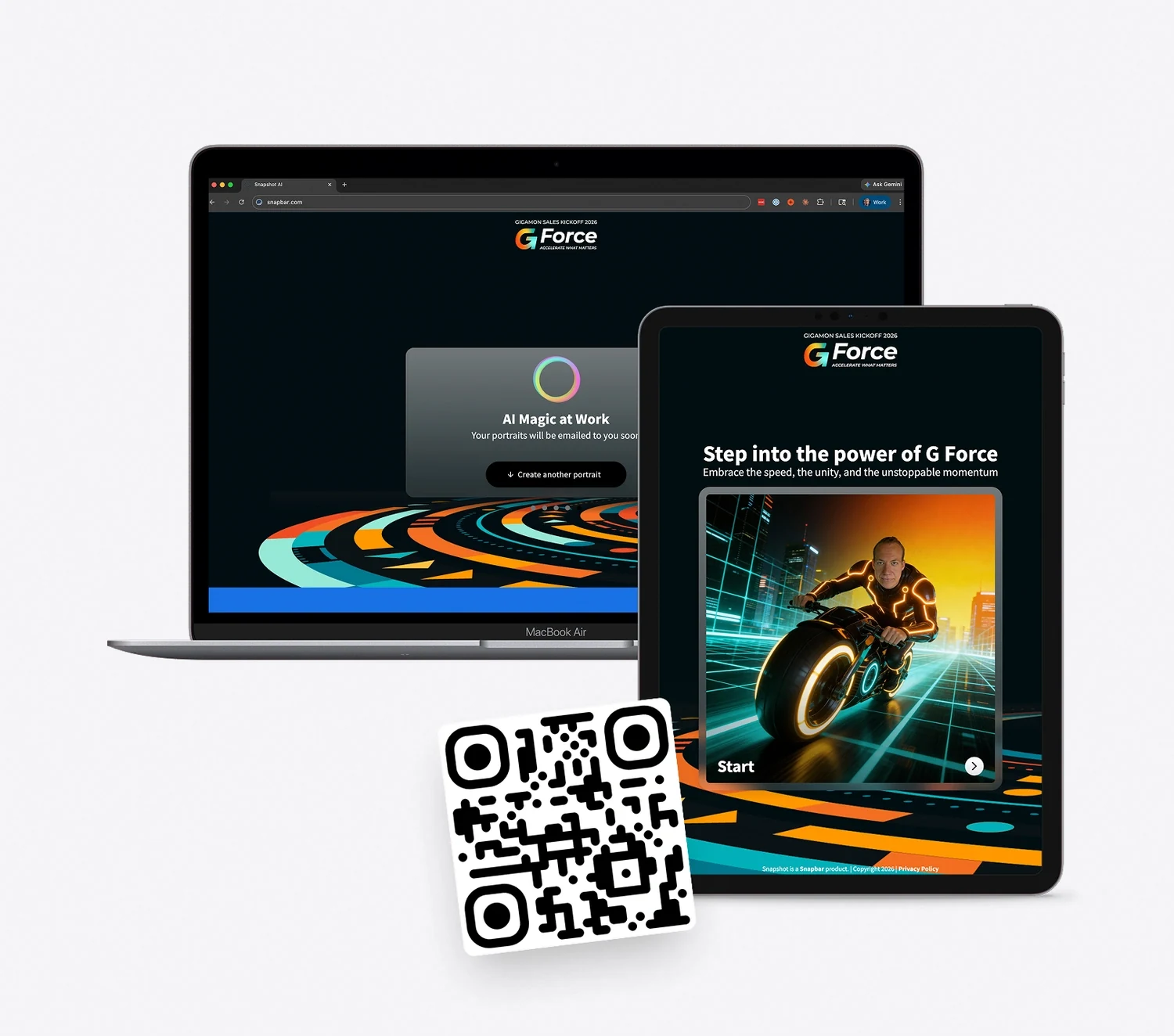
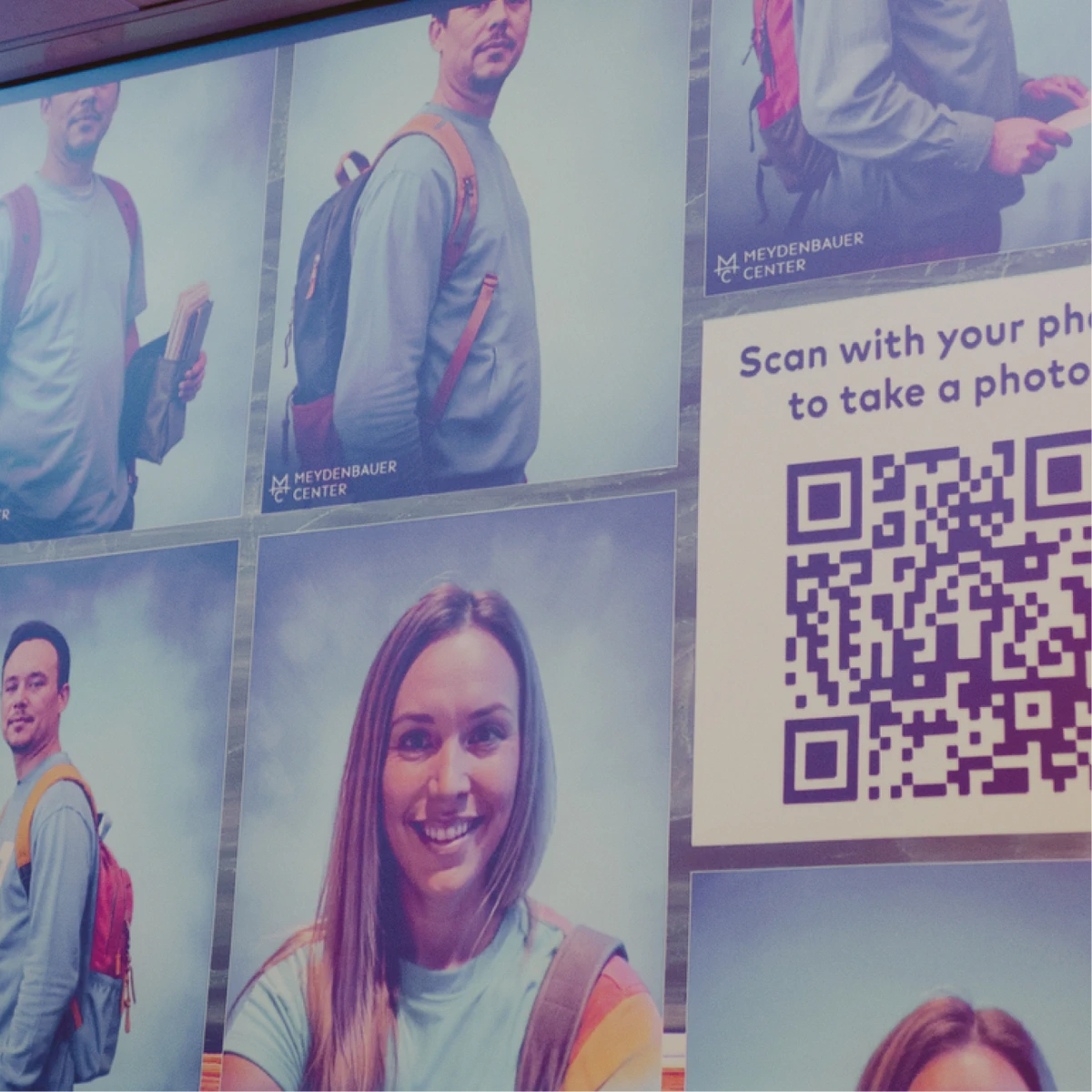
    Our system is fully web-based. No hardware to ship, no app to download, no dedicated technical staff required. Guests scan a QR code or interact on any device with a web-browser and camera.

  • Creative quality that matches your brand standards

    Your on-brand message in every frame

    Custom AI video styles, animated logo outros, branded microsites, and personalized email delivery. Our platform allows you to customize every aspect of the experience.

What is an AI video booth?

An AI video booth turns a single guest photo into a short, AI-generated video clip in a style the brand designs, delivered to the guest by email or text in minutes and ready to share.

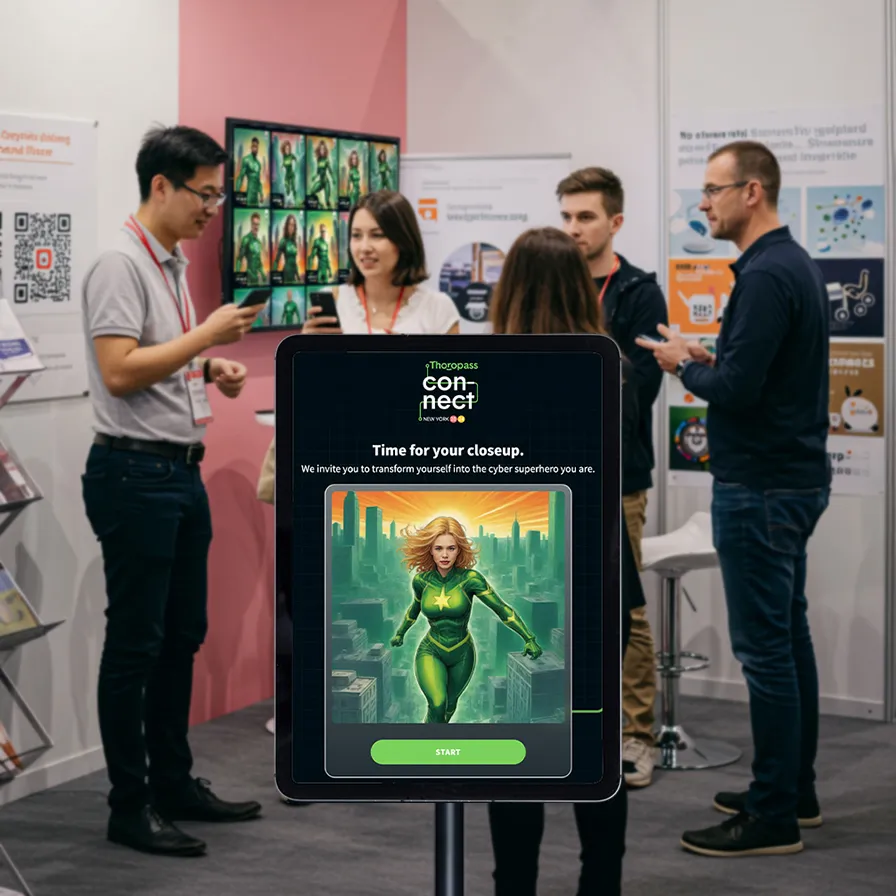
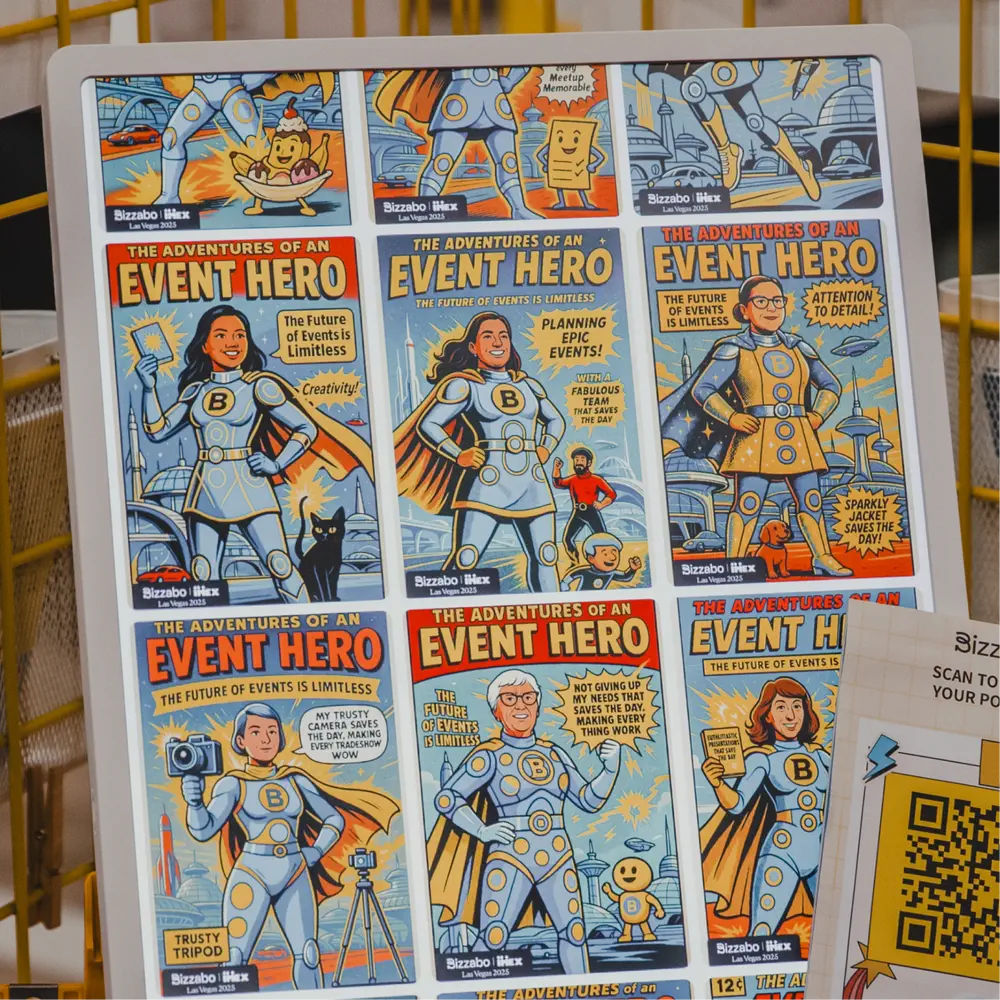
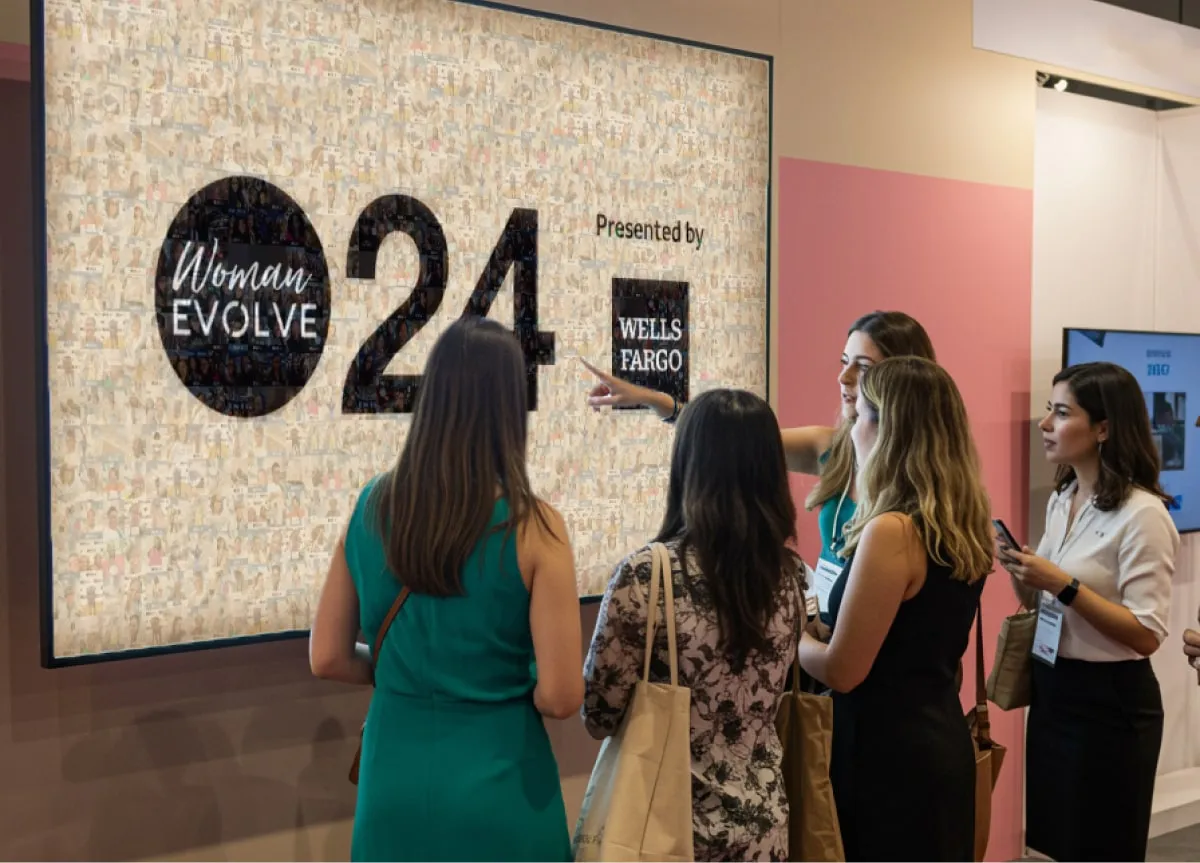
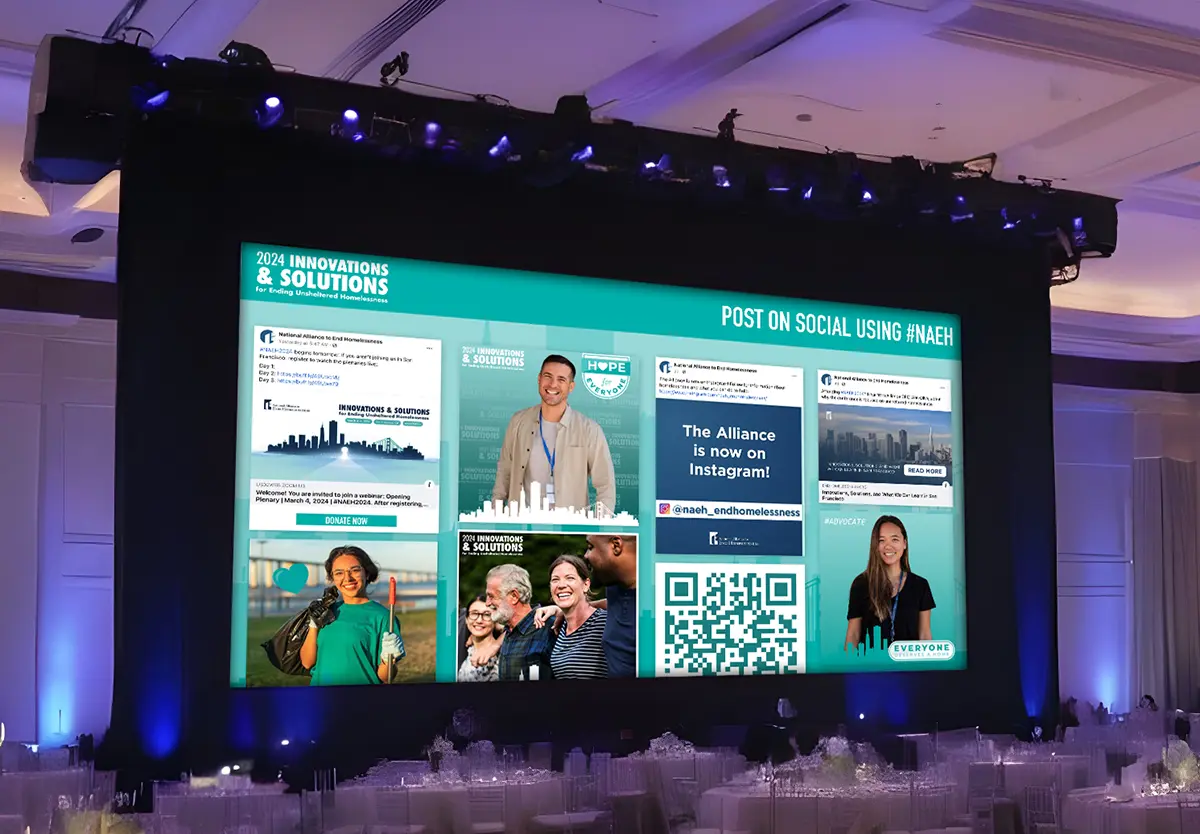
Snapbar's AI Video is built for the brands and event teams running the activation, not for photo booth operators. Lead capture, branded delivery, and live displays come with every experience, and it runs on guests' own phones or an iPad or kiosk at your booth. Each activation gets its own look, with cinematic motion, animated effects, and branded visual elements designed to match the event.

Want real recordings instead of AI video? Video Testimonials captures guests in their own words, delivered exactly as recorded, with your brand on every clip.
Snapbar AI Photo Booths

Three Steps to Your Next Activation

1 of 3Design

  1. Design Your Experience

    Work with the Snapbar team to create a seamlessly branded experience across the AI video styles, microsite, and email delivery templates.

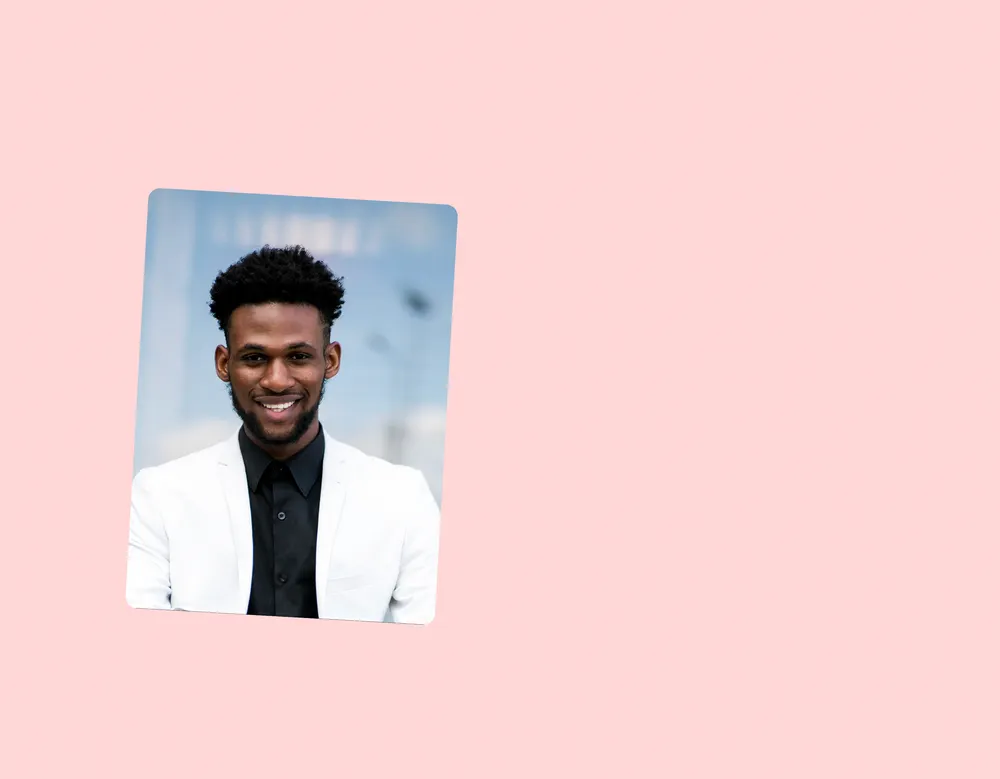
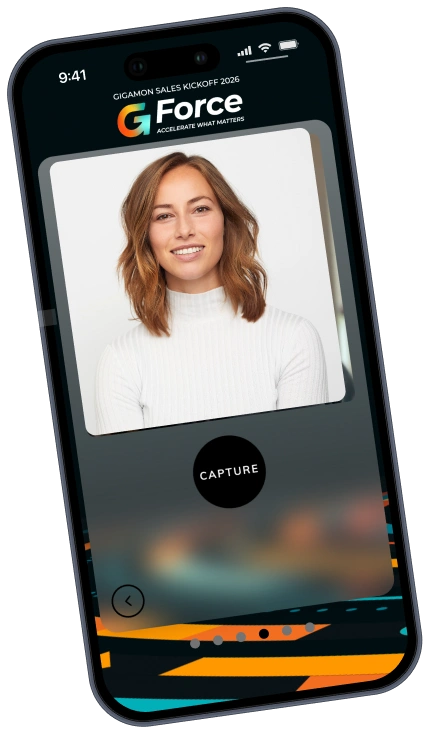
    Input photo captured from a device camera
    AI-generated output video delivered via email
  2. Launch on Any Device

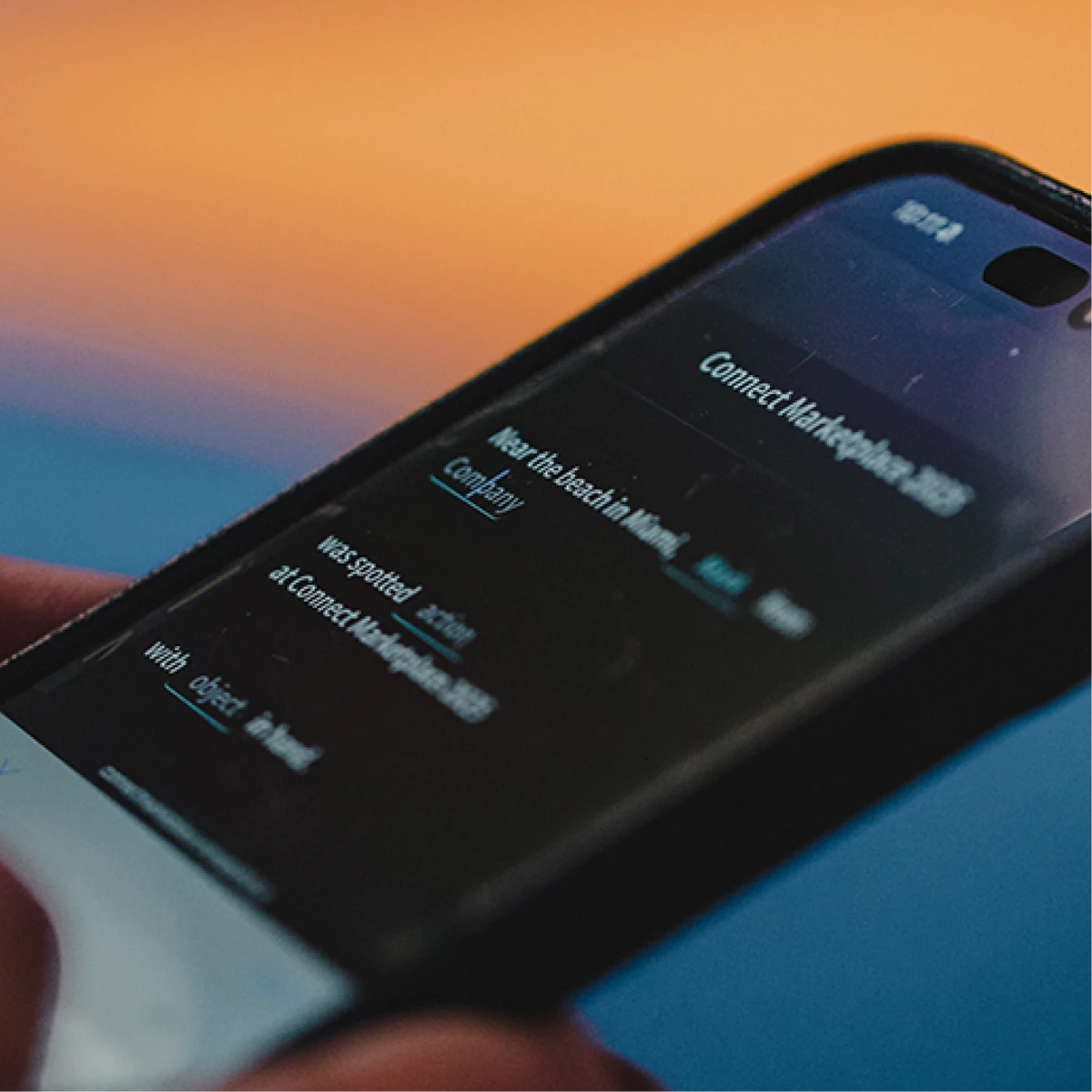
    Share a QR code or setup a photo booth. Guests capture a photo on any browser-equipped device and AI generates their personalized video in minutes.

    Share a QR code or URL. Guests join from any browser-equipped device: iPads at a booth, phones in a crowd, laptops at a virtual event.
  3. Capture Data and Content

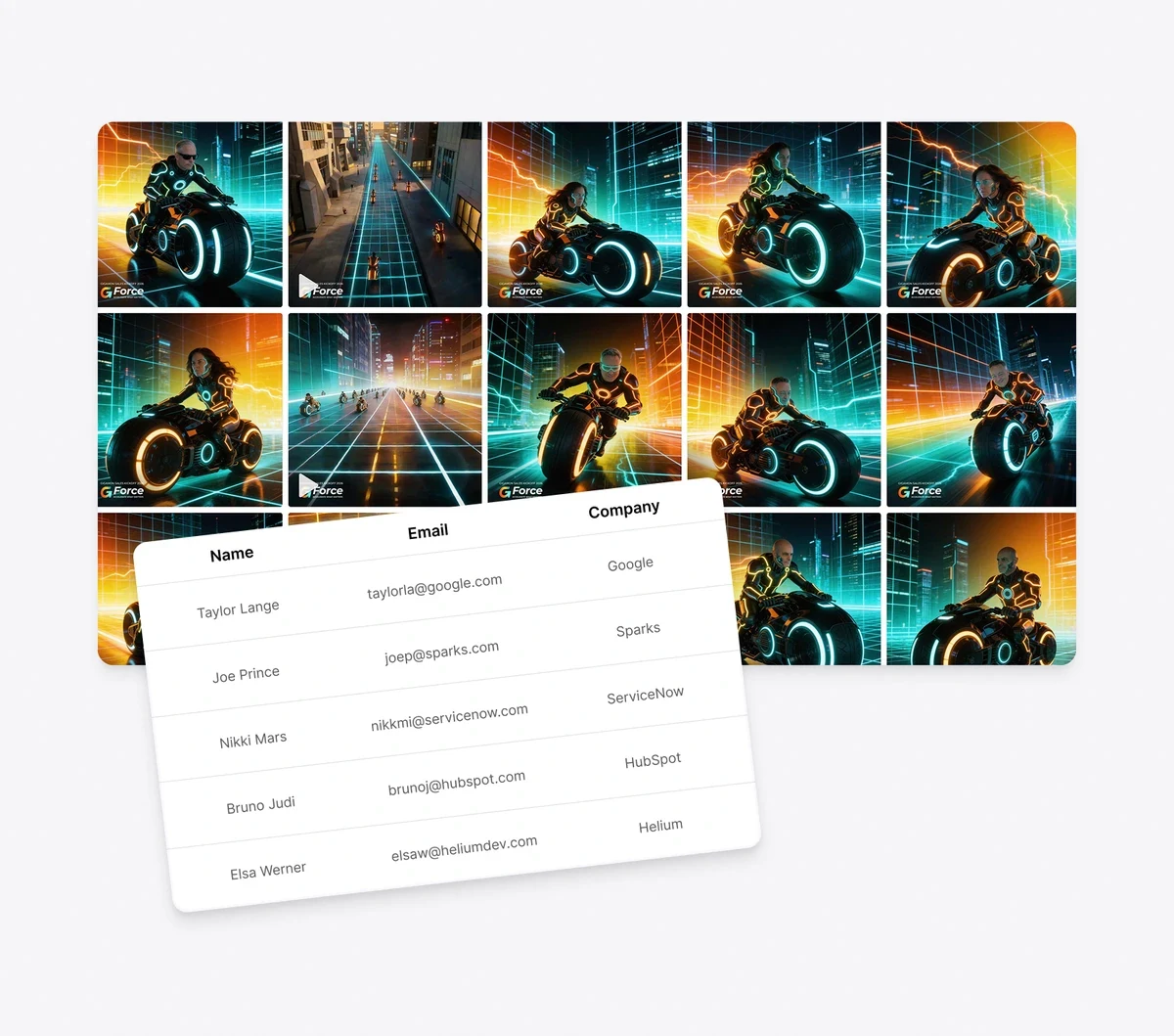
    Every interaction produces a shareable AI video and qualified lead data. Monitor participation, moderate outputs, and manage it all from the dashboard.

    Every interaction produces shareable AI content and qualified lead data. Monitor participation, moderate outputs, and manage it all from the dashboard.

The Power of an AI Video Experience

Every AI Video Booth activation produces two things your team can use: a library of branded, guest-generated video content and qualified lead data from every interaction. Thousands of brands trust Snapbar to turn events into lead generation engines.

  • On-brand everywhere, from microsite to video outro
  • Photo in, personalized video out, delivered in minutes
  • Works on any phone, tablet, or laptop with a browser
  • Create AI video content that guests love to share

14 Years of Activations. 10,000+ Brand Activations. 1 Million+ Moments.

Snapbar has designed experiential marketing activations since 2012. Every AI Video Booth is custom-built by our team (AI styles, branded microsite, email delivery), which is why brands like Dell, Visa, and Paramount trust Snapbar for their highest-profile events.

Ready to turn your next activation into a content and lead engine?

Discover how our AI Video Booth let’s you create dynamic video experiences that capture data, generate marketing fuel, and give every guest a reason to share.

Thanks for reaching out!

AI Video Booth Frequently Asked Questions

Can we capture custom data from every video interaction?

Absolutely! Every interaction captures the contact information and custom fields you configure: email, name, company, job title, and any custom questions relevant to your goals. Export it anytime, or send leads to your CRM as they come in.

Can we create custom AI styles for our brand?

Yes, we can customize the AI Video experience to align with your brand. Branding can be integrated via a logo placed on the original input image, as well as animated logo outros at the end of each video. A style can also generate an end frame, not just a start frame, so the clip becomes the journey between two looks you design rather than a single still being animated. Our team sets that up per style. Brand elements still sit around the video rather than being woven through every frame, but between a designed end frame, logo placement and outros, your brand is present across every generated video.

Can we customize the AI video styles and branding?

Definitely! Every activation is custom-designed by Snapbar's team to match your brand. This includes the AI transformation styles, animated logo outros, the branded microsite guests interact with, and the email delivery templates. The entire experience, from first scan to final share, looks and feels like your brand.

Can we set up an AI video activation without shipping hardware?

You sure can! Nothing beyond what you already have. Snapbar's AI Video Booth is fully web-based, so any device with a browser and camera works. For a kiosk setup, an iPad on a stand is all you need. For mobile-first events, guests use their own phones. Snapbar handles all the creative and technical setup.

How does an AI video booth work?

Guests access the experience by scanning a QR code or visiting a URL on any device. They capture a photo, select a custom style, and AI generates a dynamic video portrait in their chosen style. The video is delivered by branded email or text in minutes, and guests can share directly to social channels.

How is AI video different from an AI photo booth?

An AI photo booth generates static AI portraits. An AI video booth takes it further by transforming photos into dynamic, animated video portraits with cinematic motion and effects. The video format is more shareable, more engaging on social media, and creates a more memorable guest experience. Snapbar offers both on the same platform, so you can mix and match.

6 more questionsShow fewer questions

What's the best AI video booth for corporate events and trade shows?

It depends on who runs it. When your brand team runs the activation and needs leads from it, look for lead capture built in, branded delivery by email or text, and live displays included. That's how Snapbar's AI Video works: one guest photo becomes a short, branded clip in minutes, on guests' phones or an iPad or kiosk at your booth.

How is AI video different from traditional video marketing?

Traditional video marketing depends on crews, scripted shoots, and edit cycles measured in weeks, with a finished asset that is expensive to vary. AI video collapses most of that: short-form variants generate in minutes. The trade-off is control, so the workflow shifts from one polished hero asset to many variants you test and refine.

What are the most common AI video use cases for brands?

The mature, working use cases are product demos and explainers, short-form social content, personalized email video where the recipient's name or company appears in the first frame, localized ad creative tested across audiences and languages, and live event activations where a guest's photo becomes a shareable branded video. Most marketing teams blend several of these in one program.

What's the difference between text-to-video and image-to-video AI?

Text-to-video generates a clip from a written prompt; the model invents subject, scene, and motion from its training data, which suits original creative concepts. Image-to-video animates an input image, so the subject stays consistent because it is the source frame being animated. Use text-to-video for ad variants and image-to-video for personalized or guest-driven content.

What are the limitations of AI video generators?

The main limitations are clip length, which most models cap at under ten seconds, physical realism in busy multi-subject scenes, variability between runs of the same prompt, and the compute each clip requires. Plan for short, single-subject, high-variety output and review results with human eyes before publishing.

How do image-to-video generators work?

An image-to-video generator uses your still image as the conditioning input in place of a text prompt. The model fixes the subject from that frame first, then predicts how it should move over the clip. That is why the person in the source photo stays recognizable in the finished video.

Get in touch

For demos, pricing, and questions.