





Live Trivia Game for Events and Conferences

Turn a session into a game show. Every guest answers against the clock, and the standings are revealed on screens at the event as the game goes, so the room stays with you from the first question to the podium.

See pricing

Trusted by event teams at

  • ServiceNow logo
  • Adobe MAX logo
  • Adobe logo
  • Xfinity logo
  • Microsoft logo
  • Toyota logo
  • McDonald's logo

What is live trivia for events?

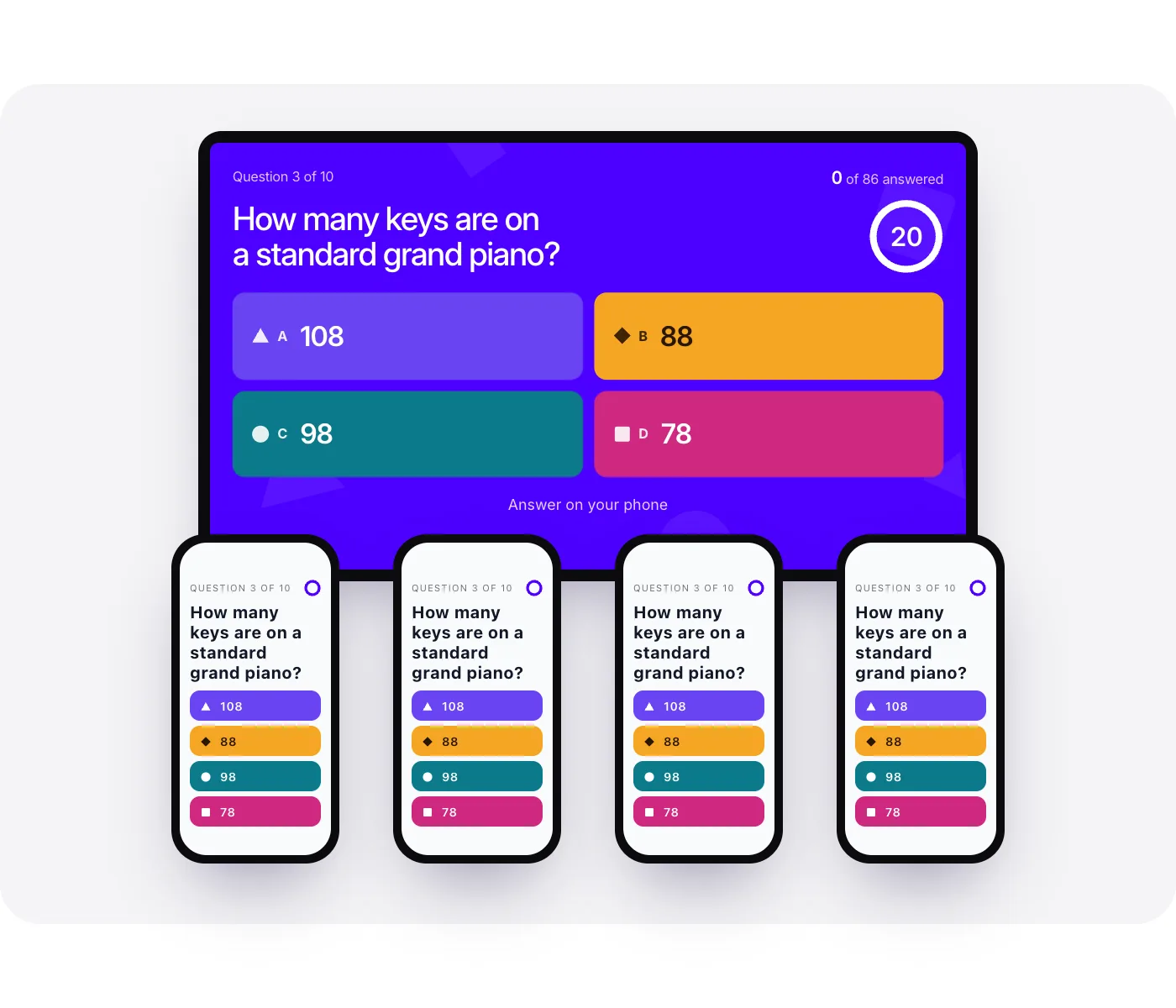
Live trivia is a quiz an audience plays together in real time. Questions appear on a shared screen, everyone answers from a phone or laptop before the timer runs out, and the scores update as the game goes. It turns a conference break or a team meeting into a friendly competition the whole room can follow.

Snapbar's Live Trivia lets you write your own questions or start from a ready-made trivia pack, then run the game for the whole room or let guests go at their own pace. Guests join from their phone's browser with a nickname. The venue's screens carry the game from the lobby to each question, the reveals, the standings, and a final podium, and every result is waiting in your dashboard afterward.
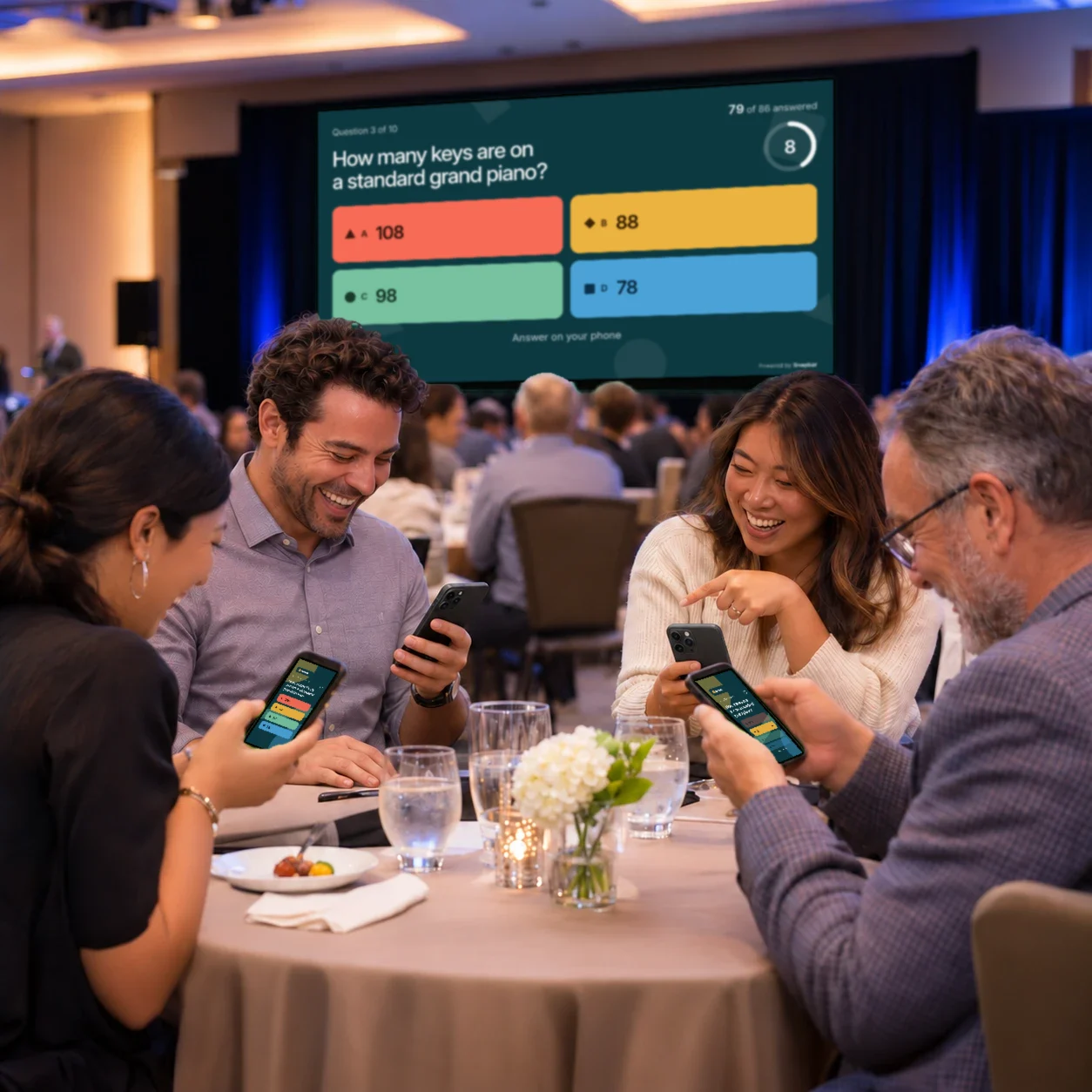
Four colleagues at a banquet table laugh as they answer a trivia question on their phones, with the question and its answers on the stage screen behind them

How a Live Trivia activation works

1 of 5questions

  1. Write your questions

    Write your own, start from a trivia pack, or mix the two. Set the answer choices and how long guests get to answer, in the order you'll play them.

  2. Make it yours

    Pick your answer colors, add a photo behind the phone screen, and add a password when the game is for invited guests only.

  3. Open the lobby

    Your screen shows a QR code. Guests scan it, pick a nickname, and wait in the lobby until you start the game.

  4. Run the game

    Reveal each question to the room and move on when you're ready, or let guests work through the round at their own pace. After each reveal, the standings show who's pulling ahead.

  5. Crown the winners

    The final podium goes up on the big screen. The full standings and the results for every question are in your dashboard, ready to export.

What's included with Live Trivia

Everything you need to run Snapbar's Live Trivia, for one price per experience.

$495 / experience

Save when you buy three or more.

500 submissions

Each submission, one player's answers to the whole game, uses 1 credit, so your 500 included credits cover 500. Need more? Add credits anytime.

30 days live

Included with this experience

  • Live standings and a final podium
  • Your questions, colors, and background
  • Results for every question
  • No app to download
  • Password-protected games
  • Timed questions
  • Unlimited admins
  • Results exports

Build it yourself, run it on any device

  • Phones
  • Tablets
  • Laptops
  • TVs

From every guest to the big screen

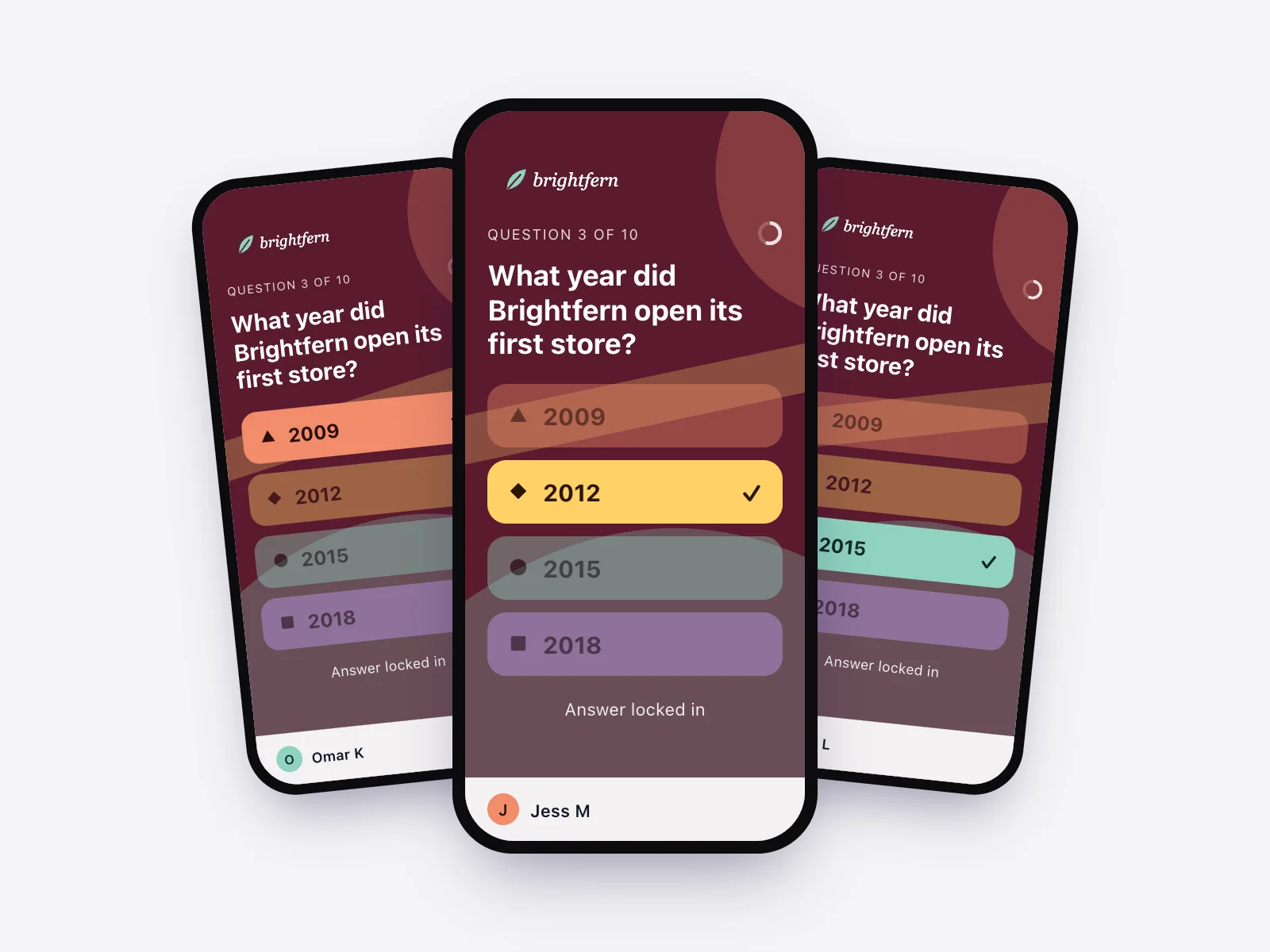
A guest's phone with a branded trivia question, their answer locked in, in the brand's answer colors over its backdrop

Every guest, on their own phone

Guests answer from their phone's browser under the nickname they picked, in your answer colors and over your background photo. There's nothing to download, and nobody waits for a turn.

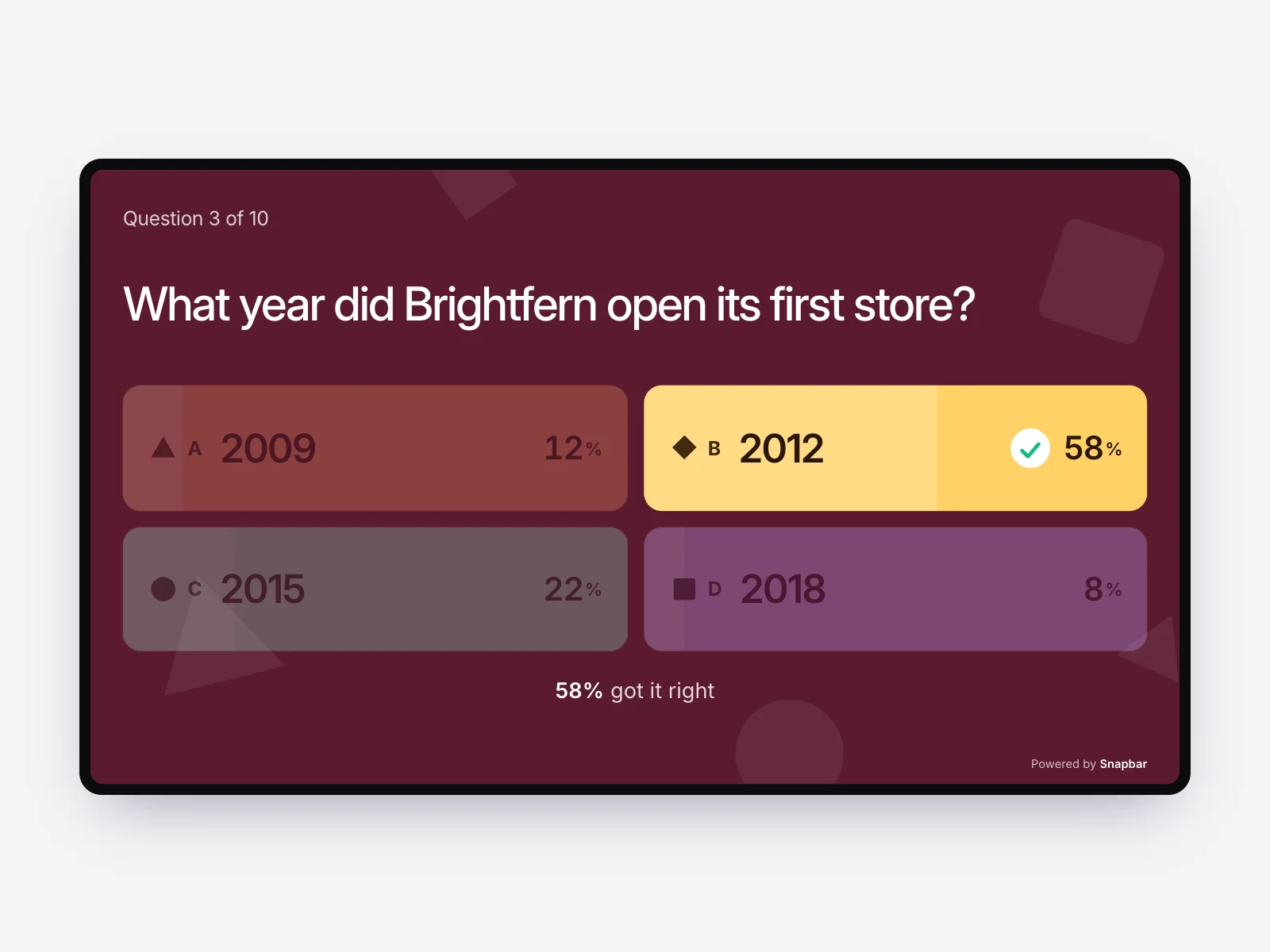
The event screen revealing the right answer to a branded trivia question, with the share of the room that picked each answer

The reveal, on the big screen

When time runs out, the screen shows the right answer, then the standings. That pause between the question and the reveal is when the room gets loud.

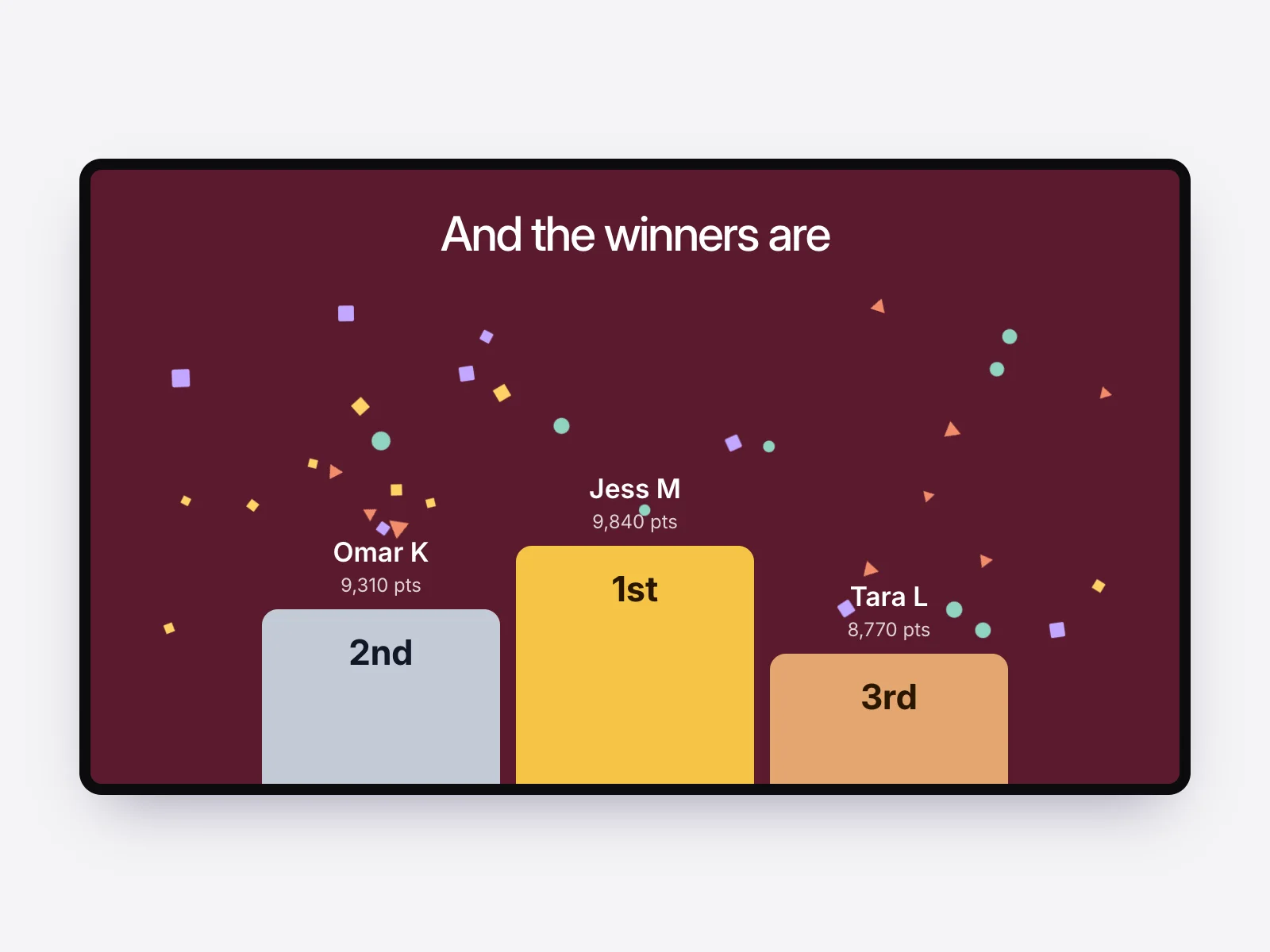
The final trivia podium on the event screen, with confetti in the answer colors

Finish on the podium

A host-led game ends on a final podium, a natural moment to call the winners up or hand out prizes.

Run it your way

  • Host-led

    You reveal each question to the whole room and move on when you're ready, so the game keeps pace with the stage.

  • Self-paced

    Guests work through the questions on their own clock, which suits a game people join as they arrive. For a round with prizes on the line, run it host-led, so everyone answers the same question at the same moment.

  • Trivia packs

    Start from a ready-made pack and pick the questions you want, with the right answers already set.

  • Your own questions

    Write questions about your brand, your products, or the people in the room, and play them alongside pack questions.

Why teams choose Snapbar for Live Trivia

  • No app, no account

    Guests scan a code, pick a nickname, and play from their phone's browser, with nothing to download and no account to make.

  • You run the room

    Once Snapbar adds Live Trivia to your account, you build the game and advance each question from your dashboard, so it keeps time with the agenda. Want help writing a round that lands? Expert Build puts a Snapbar expert on the questions with you.

  • On brand, phone to stage

    Your answer colors carry from every phone to the event screen, and your background photo sits behind the game on each guest's phone.

  • Invite-only when you want it

    Password-protect a game so only the people you invite can join, even with the code up on a public screen.

  • Results ready for the recap

    Final standings and the results for every question, ready to export for follow-up, the sponsor recap, or confirming who won a host-led round.

  • One platform for the whole event

    Run Live Trivia alongside your polls and photo experiences in the same dashboard, with 10,000+ activations behind it.

    explore the experiential marketing platform

Where Live Trivia works best

Snapbar's Live Trivia works best where people are already facing a screen and have a few minutes together, like a keynote break or an all-hands with a stage. A short round between sessions gives the room a reason to come back on time.

In a busy trade show aisle, where people walk past in seconds, a quick game like Stop the Clock or Spin to Win earns the first stop. And when you want the room's opinion rather than its answers, Live Polls runs on the same platform and the same dashboard.

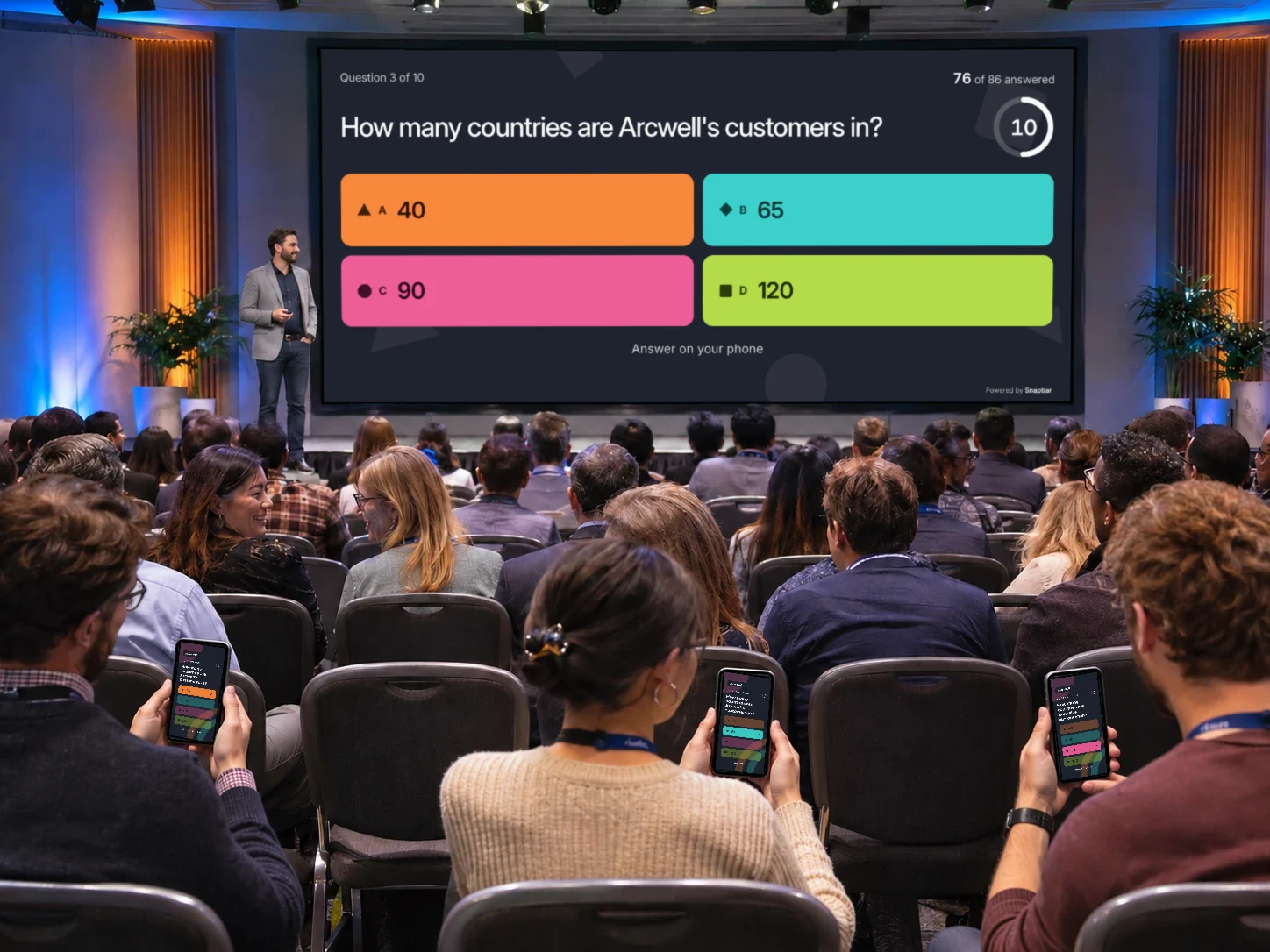
A keynote audience seen from the back of the room answers a trivia question on their phones while the question and its four answers fill the stage screen

Run Live Trivia at your next event

Share some details about your event and the crowd you're expecting, and we'll add Live Trivia to your account, where the questions, the branding, and the game on the big screen are in your hands.

Thanks, we've got it

Our team will be in touch soon.

Explore activation concepts

Live Trivia FAQs

How does live trivia work at an event?

Snapbar's Live Trivia puts a QR code on your event screen. Guests scan it, pick a nickname, and answer each question from their phone's browser before the timer runs out, with no app to download. The screen reveals the right answer and the standings as the game goes, and a host-led game ends on a final podium.

How much does Live Trivia cost?

Snapbar's Live Trivia is $495 per experience, with 500 credits and 30 days live included, and it costs less per experience in a pack of three or more. See every option and build your own quote on our pricing page.

Can we run Live Trivia ourselves?

Yes. Once your proposal is signed, Snapbar adds Live Trivia to your account, and from there your team writes or picks the questions, brands the game, and runs each round from the dashboard. Want a hand with the questions? Expert Build puts a Snapbar expert on them with you.

Can we write our own trivia questions?

Yes. Snapbar's Live Trivia lets you write your own questions, start from a ready-made trivia pack, or edit pack questions to fit your event. A round about your own brand or the people in the room feels made for that crowd. Pack questions come with their answers already set, so you only check the ones you rewrite.

What's the difference between host-led and self-paced trivia?

In a host-led game of Snapbar's Live Trivia, you reveal each question to the room and move on when you're ready, so everyone answers the same question together. In a self-paced game, each guest works through the round on their own clock. Host-led suits a stage and a round with prizes; self-paced suits a game people join as they arrive.

Can we keep a trivia game private?

Yes. Snapbar's Live Trivia can be password-protected, so only guests with the password can join from their phones. It's a simple way to keep a game for one team or one invite list, even when the QR code is on a screen everyone in the venue can see.

What do we get after the game?

Snapbar's Live Trivia keeps the final standings and the results for every question in your dashboard, ready to export when the game ends. Use them to confirm the winners of a host-led round, see which questions stumped the room, and share a recap with your sponsors or your team.

Get in touch

Share a few details and we’ll be in touch shortly.