





For venues

Something New to Offer With Every Booking

Snapbar helps event venues offer photo, AI and game experiences with every booking, on their own screens, in each client's brand.

See pricing

Trusted by event teams at

  • Marriott logo
  • Toyota logo
  • Carnegie Hall logo
  • Medtronic logo
  • Playhouse Square logo
  • Entrepreneurs' Organization logo
  • Coachella logo

What does Snapbar do for event venues?

Snapbar gives venues an engagement add-on to offer every client who books the space: an AI portrait station, a photo wall on the venue's screens, a poll for the main room.

Each client gets the experience in their own brand, guests scan a code on the table or step up to a kiosk, and the venue can keep experiences running between events too. It works with the screens and devices the venue already has.
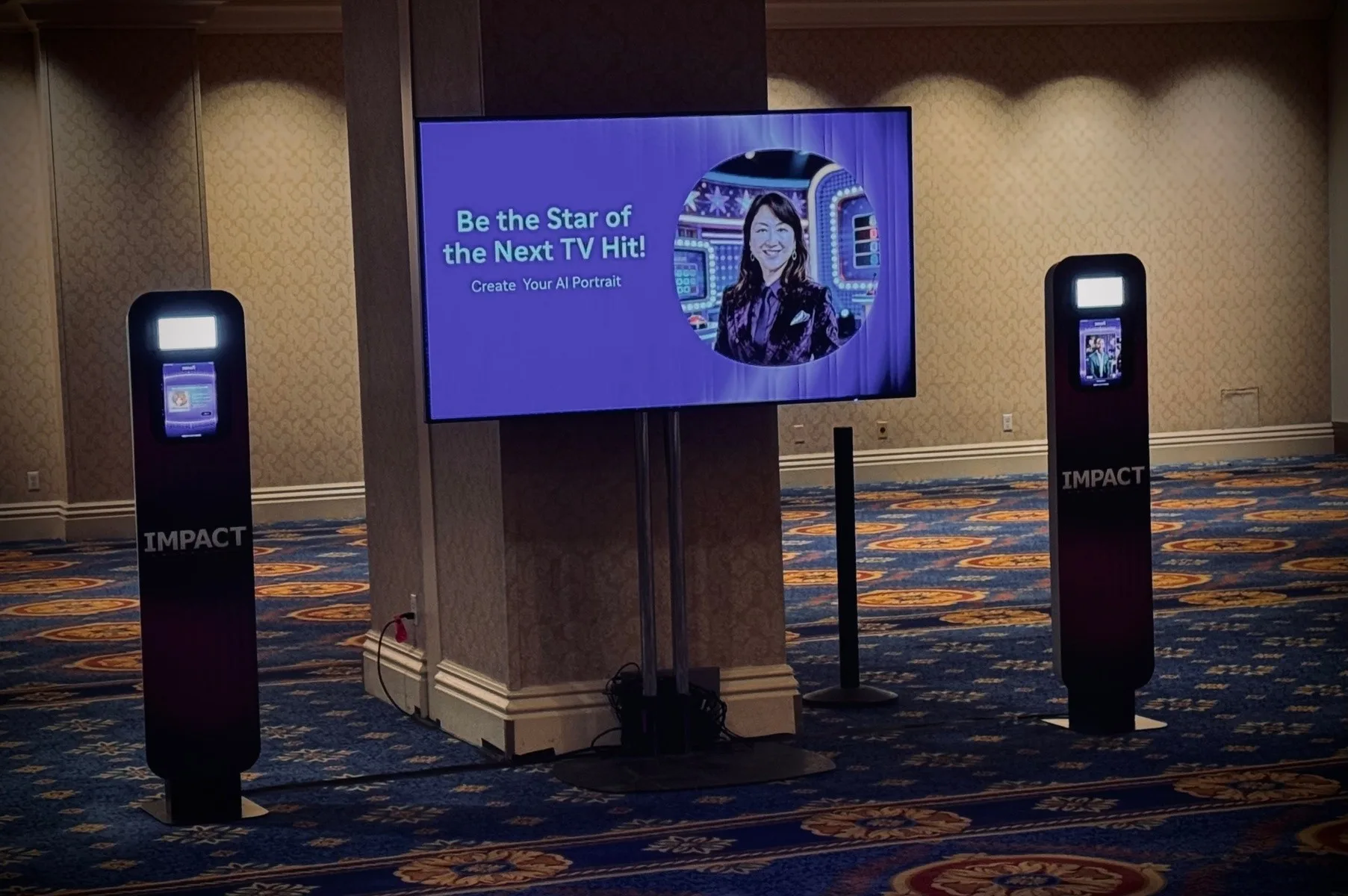
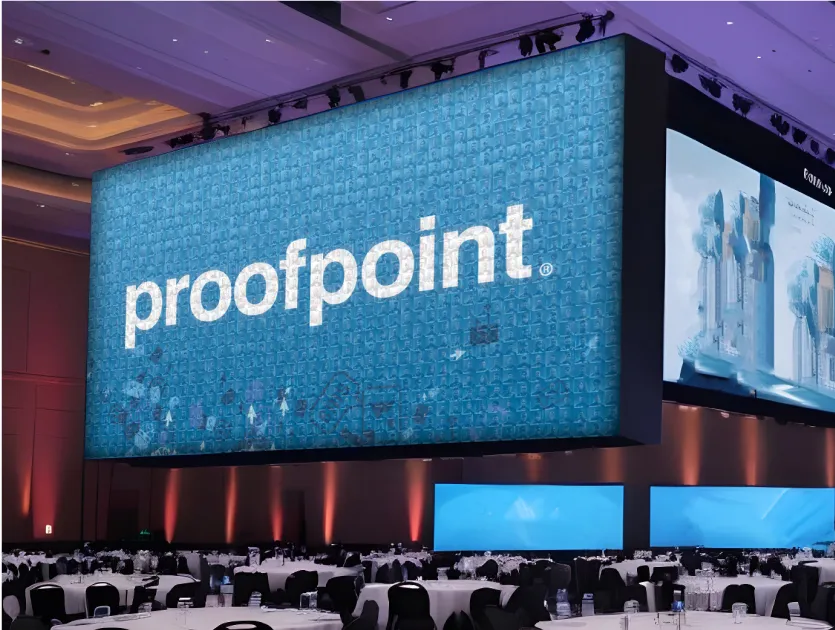
A ballroom set up with AI portrait kiosks beside a screen showing guest portraits

Three ways Snapbar helps venues

Something to sell, screens put to use, planners who return.

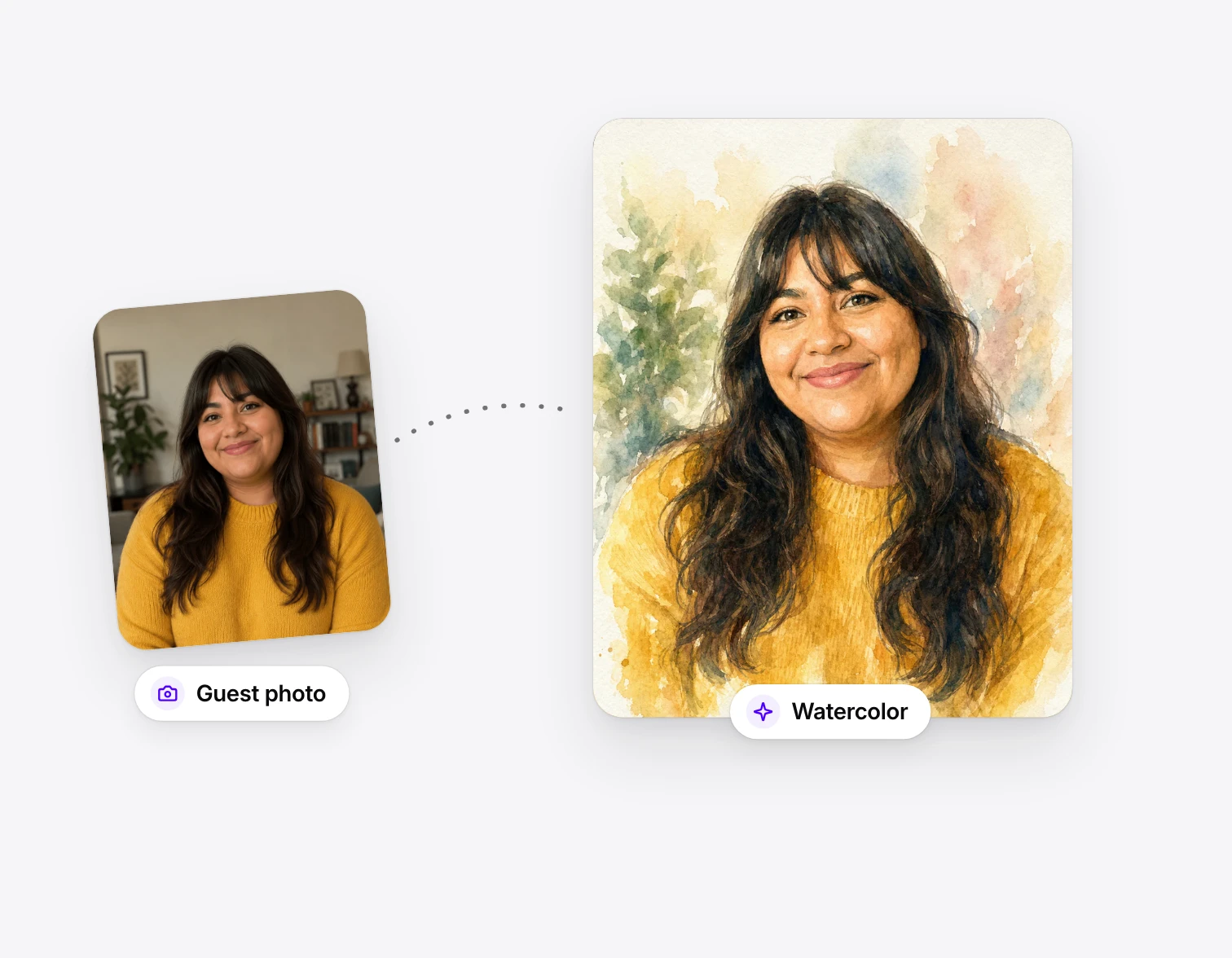
  • A guest photo turned into an AI portrait in a chosen style
    01

    An add-on in every proposal

    Offer an AI portrait, a photo wall or a game with the room, so the quote includes engagement as well as space.

  • A photo mosaic built from guest photos on a large screen
    02

    Your screens put to work

    Lobby TVs, LED walls and ballroom screens show each client's live gallery or slideshow instead of a static logo.

  • 03

    Clients who book again

    Each client sees the results of their event in a report they can take back, which makes the next booking easier.

Benefits of an experiential marketing platform for venues

What venues gain from running engagement for their clients.

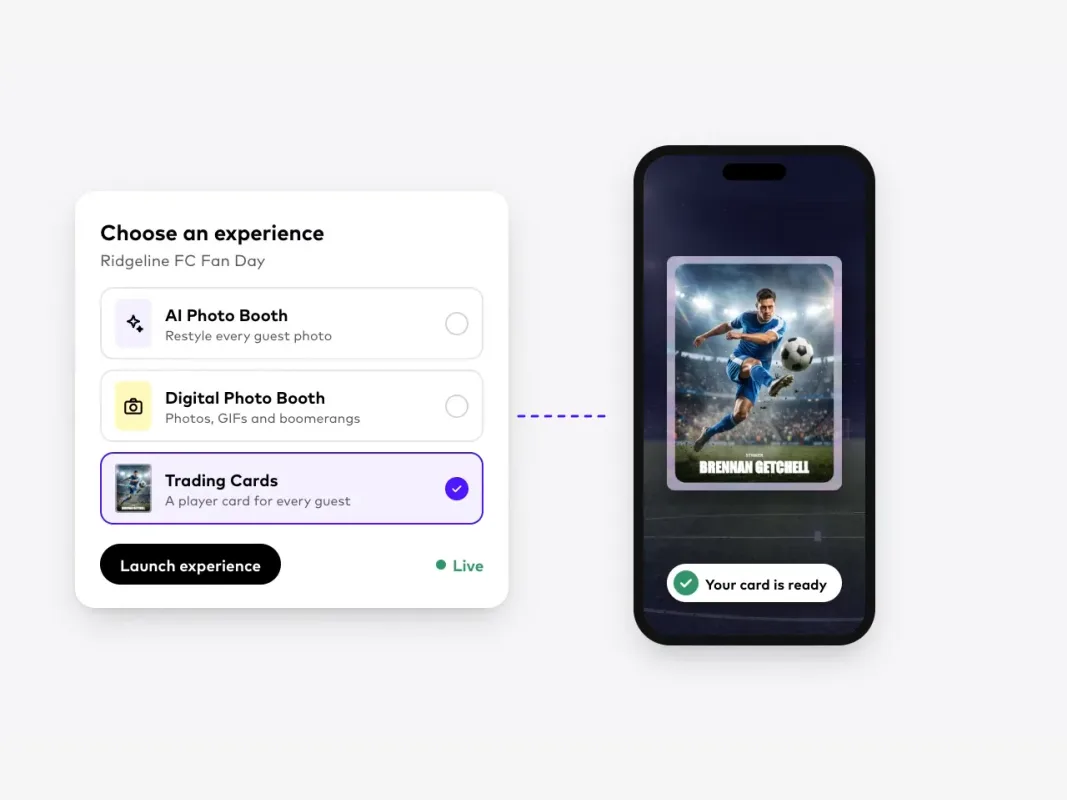
  • A list of experiences to choose from for a fan day, with a phone showing the result

    A package for every booking

    Clients choose from AI portraits, digital photos, trading cards and more, so you can offer something that fits each event in the room.

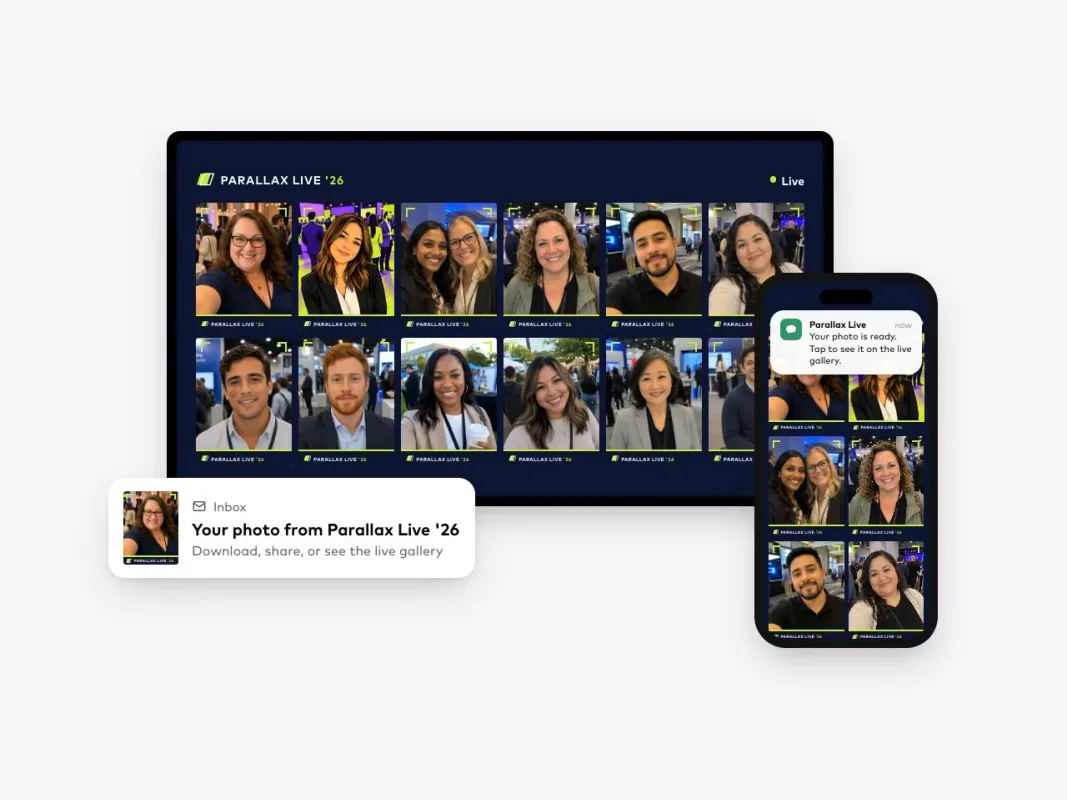
  • A live gallery on a TV and a phone, with a guest's new photo arriving

    Your screens, live

    A display link puts each client's gallery or slideshow on any screen in the building, with photos arriving as guests take them.

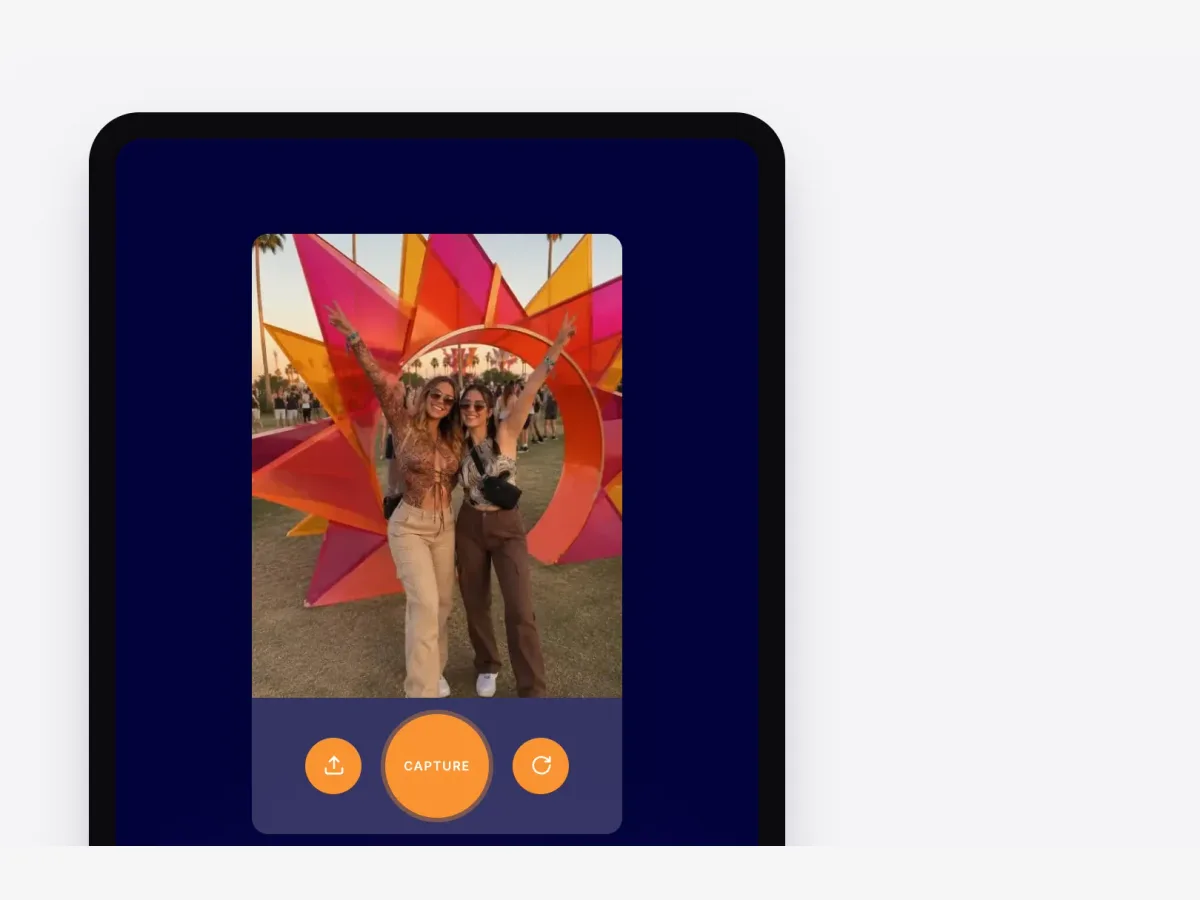
  • A tablet kiosk running a photo experience ready for the next guest

    Running all year

    Keep an experience live for a full year on a lobby kiosk or tablet, so the venue has something for guests between bookings too.

  • A phone showing a client's own gallery of guest photos

    Each client's own gallery

    Every event keeps its photos in its own gallery, so you can send each client theirs without mixing them up.

Built for how venues work

In each client's brand

Switch the logo, colors and copy between a wedding on Friday and a conference on Monday in a few minutes.

Every screen in the building

Ballroom screens, lobby TVs, kiosks and guests' phones can all show the same event, and you never pay per screen.

A recap for every client

Hand each client a report of how many guests took part and what they shared.

Hosts and producers on Snapbar

  • The illustrations were a hit and drove more employees to participate….so great success.
    Shirlene I.
  • It was a big hit with all our holiday campus events.
    Linda M.
  • Thanks again for all your help with these two photo booths. They were a big hit again this year.
    Michelle D.
  • People loved the station using Snapbar, it was a really cool addition to the event!
    Salena V.
    Event Assistant

Add engagement to your venue

Tell us about your rooms, your screens and the events you host most. We'll help you shape a package to offer every client.

Thanks, we've got it

Our team will be in touch soon.

Explore activation concepts

Venue FAQs

How do venues buy Snapbar?

Venues often buy packs of experiences to offer clients across the year, or a year of runtime for an always-on lobby experience, and you decide how to package it for clients. Every venue sells its spaces differently, so tell us how yours works. Compare options on our pricing page.

Can each client's event carry their own brand?

Yes. Each event gets its own Snapbar experience with the client's logos, colors and copy, and its own gallery, so photos from one wedding or conference never mix with the next.

Can it run on our existing screens?

Yes. Snapbar's display links show a live gallery, slideshow or mosaic on any screen with a browser, from lobby TVs to LED walls, and an embed code puts it on a web page.

Can we run an experience between events?

Yes. A year of runtime keeps a Snapbar experience live on a lobby kiosk or tablet, so guests and visitors have something to do even when nothing is booked.

Do our staff need to run it?

Not usually. Guests join on their phones or at a kiosk that runs on its own. Your team or the client builds the experience in the dashboard ahead of time, and anyone can update it during the event.

What hardware does it need?

Whatever the room has or the event needs. Many venues run Snapbar on screens and tablets they already own, and add kiosks or a photo booth for bigger events.

Events venues host with Snapbar

  • Conferences

    Conferences that fill the ballroom and the breakout rooms.

    See conference ideas
  • Galas & Awards

    Galas and awards dinners where guests want a keepsake.

    See gala ideas
  • Internal Events

    Company parties and offsites booked by corporate clients.

    See internal event ideas
  • Brand Activations

    Launch events and pop-ups held in your space.

    See brand activation ideas
  • Fan Engagement

    Concerts, festivals and game days with big crowds.

    See fan engagement ideas
  • Trade Shows

    Expos and trade shows on your exhibit floor.

    See trade show ideas

Get in touch

Share a few details and we’ll be in touch shortly.