






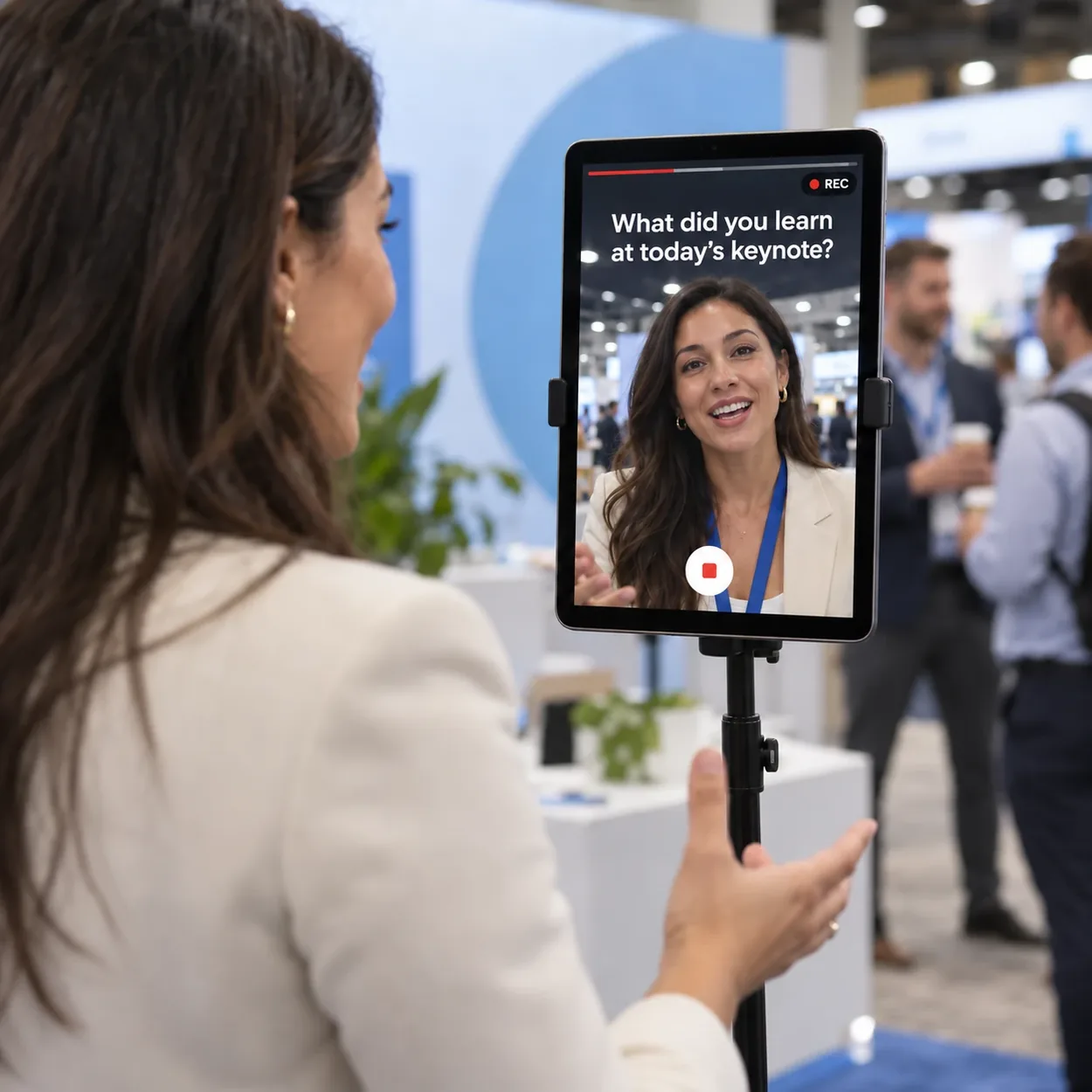
A video testimonial booth is a station at your event where guests record a short video answer to a question you choose. They tap record, review their clip, add their details, and get it by email to watch and share. Your team gets every clip exactly as it was recorded, with the guest's contact details and consent attached.
Video Testimonials for Events
Your best customers are already in the room. Ask them one question and leave with real video testimonials, delivered exactly as recorded, with a lead behind every clip.

Trusted by event teams at
What is a video testimonial booth?
How Video Testimonial
Activations Works
1 of 5question
Ask your question
Put one question on the welcome screen: what they would tell a peer about you, what they loved about the event, what they are taking home.
Set the recording
Choose a length up to 60 seconds, an optional countdown, portrait or landscape, and whether guests can stop early.
Brand every clip
Add your logo, frame, or sponsor mark as an overlay that appears on every video.
Go live
Guests tap the kiosk or scan a QR code with their own phone, record, review or retake, then add their details and consent.
Use it
Every guest gets their clip by email to watch and share. Your team sees each one land in the dashboard the moment it's recorded, and it can play on your live gallery or slideshow while the event is still running.
Proof People Still Believe
People have learned to doubt what they see online. A customer talking in the room, unscripted, is the proof that still lands. Video Testimonials doesn't generate or retouch a single frame. Your overlay is the only thing added.
The trade-off is deliberate: one question and up to 60 seconds per clip. It is built for quick, honest answers, not a produced interview.
How Video Testimonials Benefit Brands
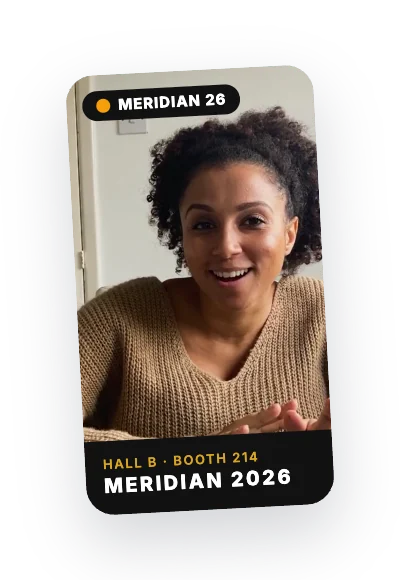
Conferences and trade shows
Customer testimonials and reactions your marketing team uses all year.
Trade show engagement ideas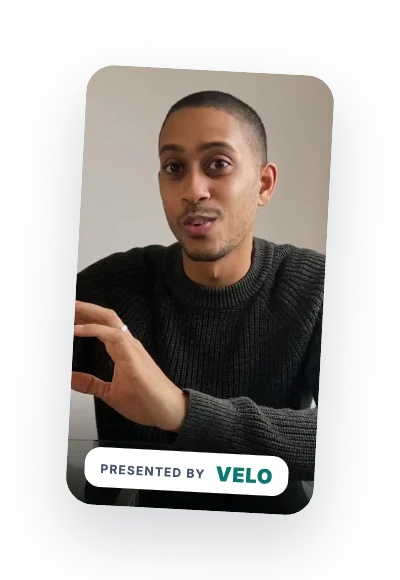
Sponsor activations
Every clip carries the sponsor's mark, and the footage is a deliverable you can hand them.
Conference sponsorship ideas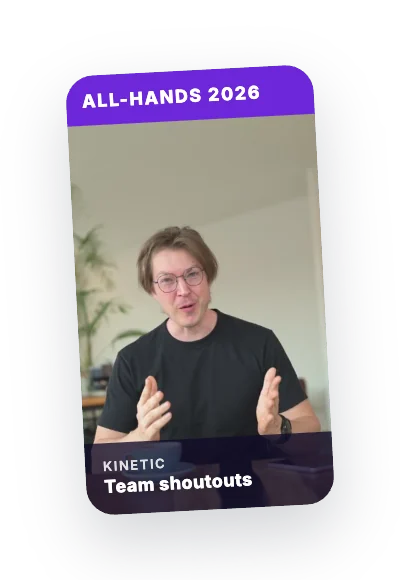
Internal events
All-hands shoutouts, town hall questions, and farewells.
Corporate team event ideas
Orgs, nonprofits, and education
Donor, member, alumni, and student stories in their own words.
Community engagement ideas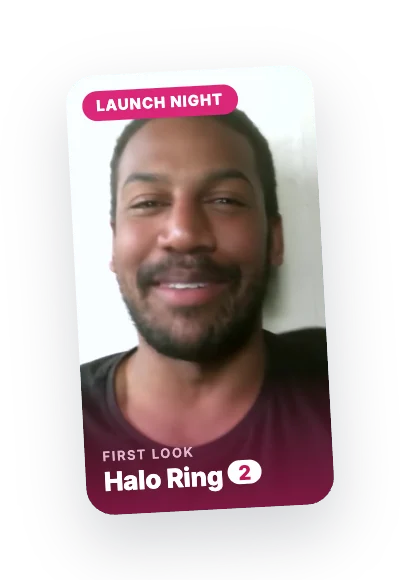
Product launches
First reactions, captured the moment people see it.
Brand activation ideas
What Teams Do With Every Clip
The best testimonial is the one recorded while someone is excited, not the one you chase by email three weeks later. What you do with it depends on what your team needs most.
Sales
Put a customer's own words in front of the next prospect.
Marketing
Turn clips into ads, social posts, and landing pages.
Sponsors
Hand them branded footage of real attendees.
Community
Share member and donor stories where they will be heard.
Why Teams Choose Snapbar for Video Testimonials
Delivered as recorded
No script and no AI: what the guest said is what you get.
A lead with every clip
Contact details and consent are captured with each recording, ready to export.
learn about lead captureRuns on what you have
Set up a video booth kiosk at your stand, or let every guest record on their own phone by QR code.
Your brand on every frame
Your logo, frame, or sponsor mark sits on every video.
Clips arrive as they happen
Each recording lands in your dashboard with the guest's details attached, so your team can share the best ones before the event ends.
Built on the full platform
Clips flow into your live gallery and slideshow, backed by 10,000+ activations since 2012.
explore the experiential marketing platform
Plan a Video Testimonial Activation
Get in touch for demos, pricing, questions, and recommendations.
Thanks for reaching out!
Something went wrong. Please try again.
Video Testimonial FAQ
How does a video testimonial booth work at an event?
Guests tap a kiosk at your booth or scan a QR code to use their own phone. They see your question, record a short answer, review or retake it, then add their details. Each guest gets their clip by email, and your team gets every recording in the dashboard. No app to download.
How much does a video testimonial booth cost?
Cost depends on the size of your audience, how long the activation runs, and any upgrades you add. Tell us about your event and we will put together an exact quote.
What questions should we ask in a video testimonial?
Ask one open question people can answer in 30 seconds without preparing, like "What would you tell a peer who is considering us?" or "What was the best part of today?" Skip yes-or-no questions. Each experience shows one question on its welcome screen, which keeps every clip focused and easy to use later.
How long can guests record?
You set the length, up to 60 seconds. You can also let guests stop early, so the length becomes a maximum rather than a fixed time.
Do we need a film crew or special equipment?
No film crew. Guests record themselves on a tablet or screen at your stand, or on their own phone by scanning a QR code.
Do we get the video files?
Yes. Every clip appears in your dashboard as it's recorded, and you can download them all as MP4 files at any point. Every guest can download their own, too.
3 more questionsShow fewer questions
How long are the videos hosted?
Clips stay hosted for your event's run plus 90 days. Export them before then, or keep them hosted longer with an extended runtime or an annual plan.
Are the testimonials edited or AI-generated?
No. Clips are delivered exactly as recorded, with your overlay on top. Nothing is generated or retouched.
Can we show the videos on a screen at the event?
Yes. Clips can appear in your live gallery and slideshow. On a display wall they play muted, so they work in a loud room.