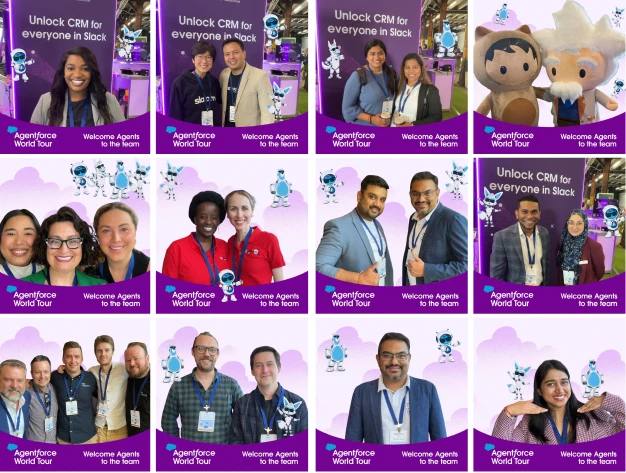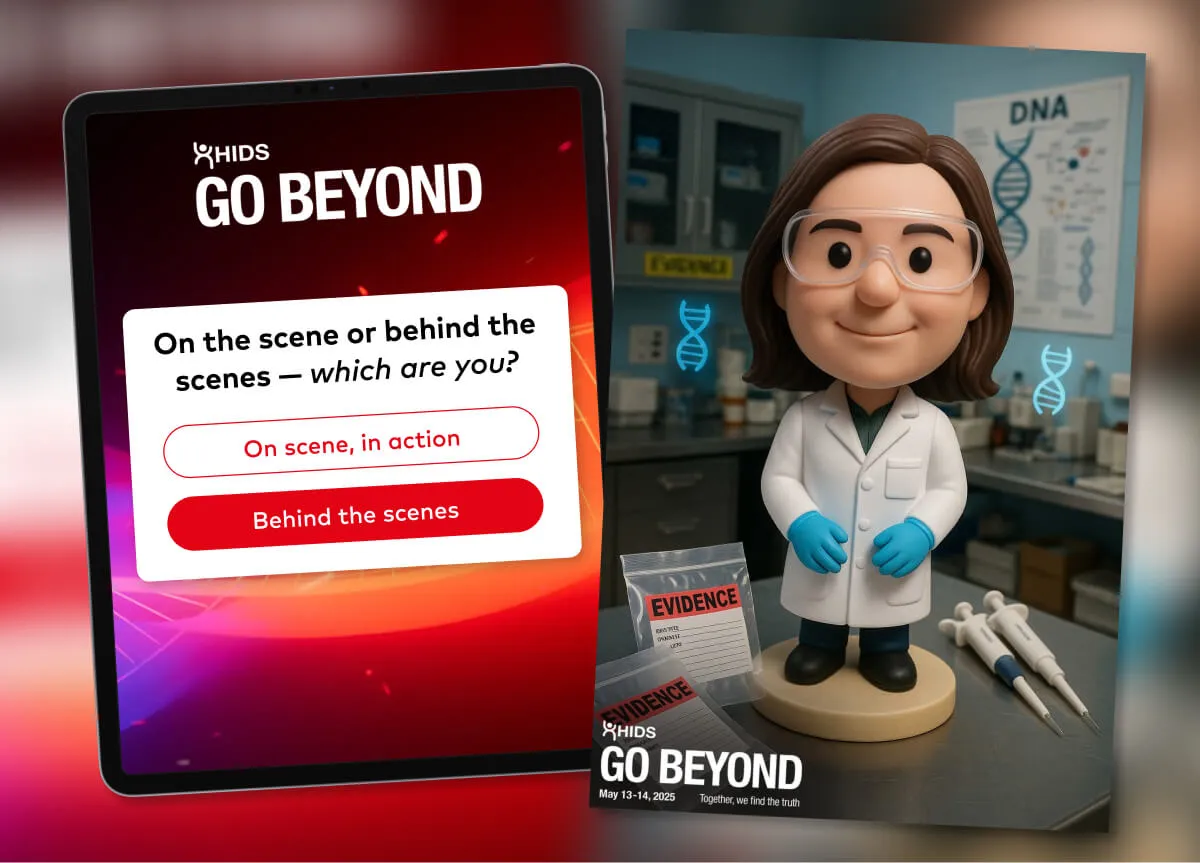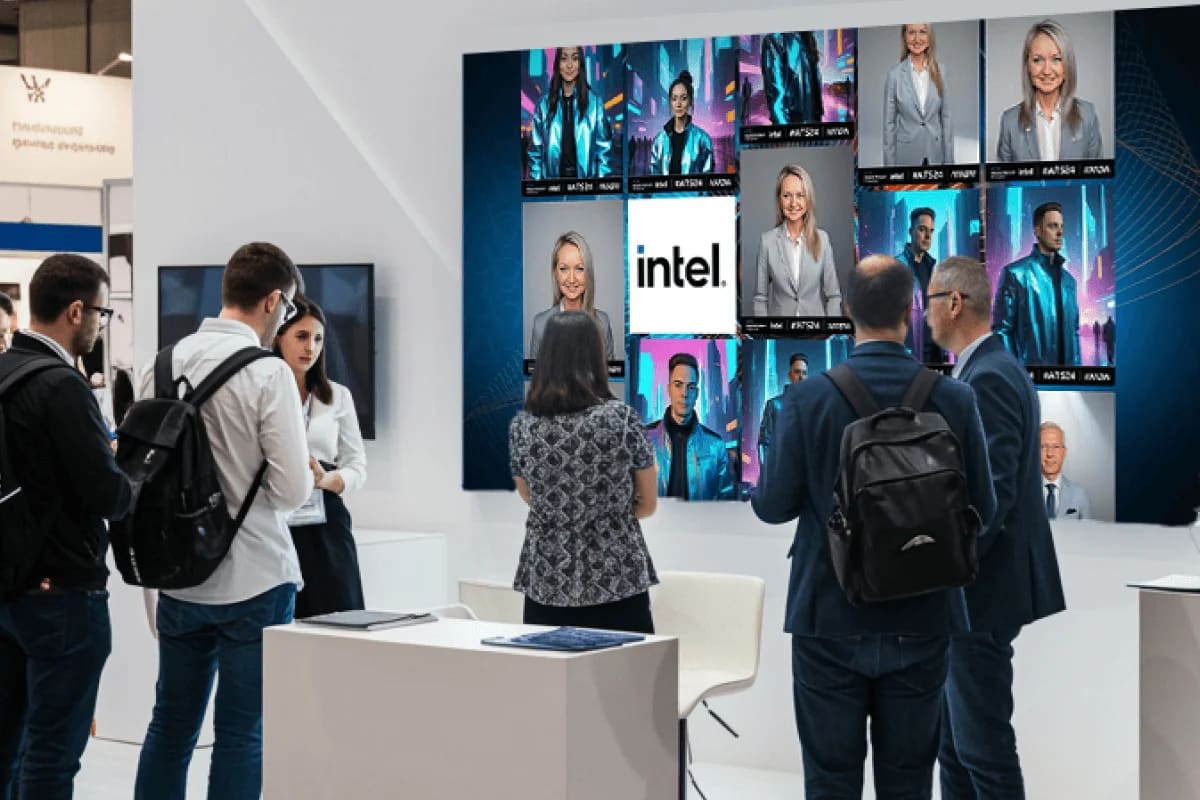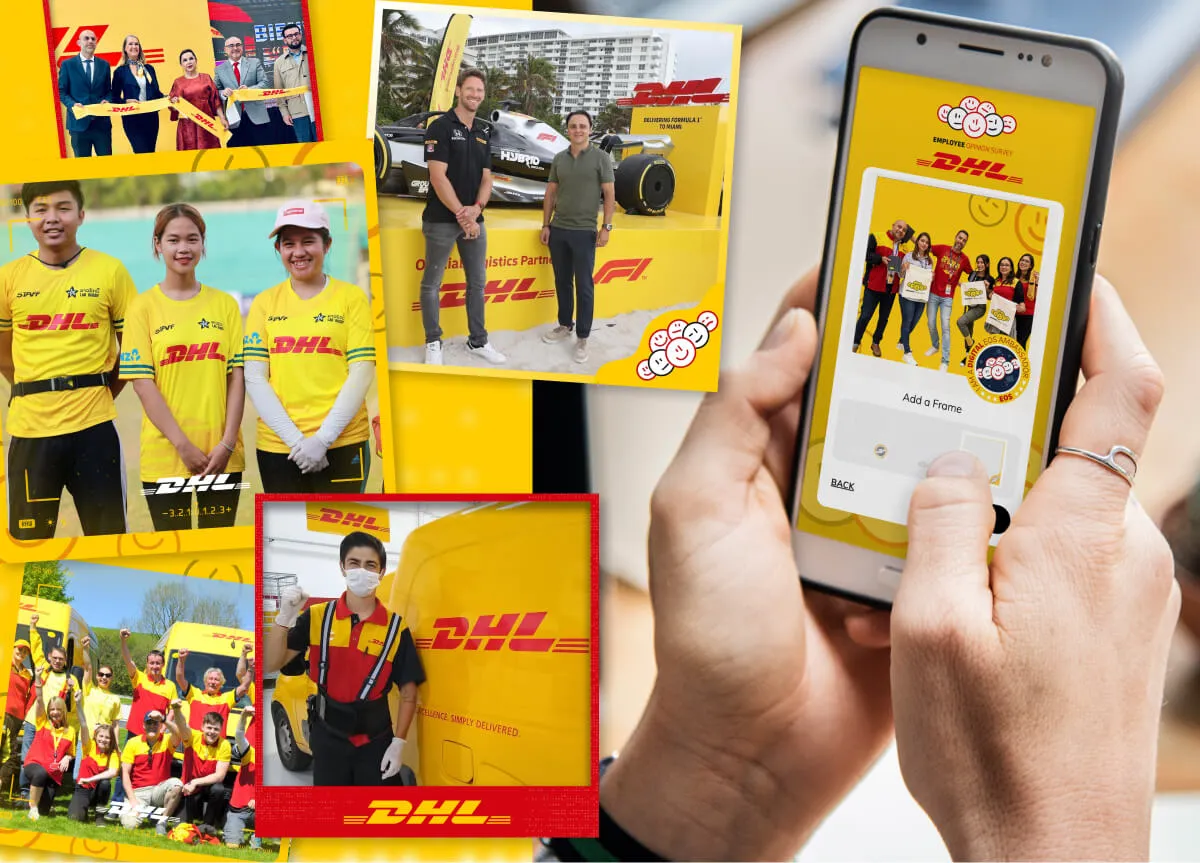

It's January, and the sales kickoff is in a hotel ballroom. The QR code for the photo experience is up on the main screen, and the main screen is on the livestream. By the second session the gallery has the banquet staff, a rep from the AV company and somebody's college roommate who caught the stream. The photo contest has a runaway leader, too. She has entered nineteen times.
Neither of those is a disaster. Both change what the room thinks the activation is for. That's the case for employee-only activations: experiences where taking part is reserved for your own people, and where a contest is decided by the room rather than by whoever has the most stamina. A QR code made internal events wonderfully easy to join. What's easy to miss is that "easy to join" works for everyone who can see the screen, so we wrote this guide on keeping the door where you want it.
Key takeaways
- A QR code on a big screen invites anyone who can see it, in the room or on the stream.
- An email-domain rule means only guests who enter an email on your company's domains can take part. The address is typed, not verified, so treat it as a fence rather than a lock.
- A cap per guest keeps a contest about the entries, not the entry count. It counts email addresses or phone numbers, not people.
- Both rules decide who takes part. Neither one decides who can see the screen.
What is an employee-only activation?
An employee-only activation is an event activation where only guests who enter an email address on your company's domains can take part, usually paired with a limit on how many times each guest can submit. Anyone else is stopped before their entry exists, so it never reaches a screen or your list.
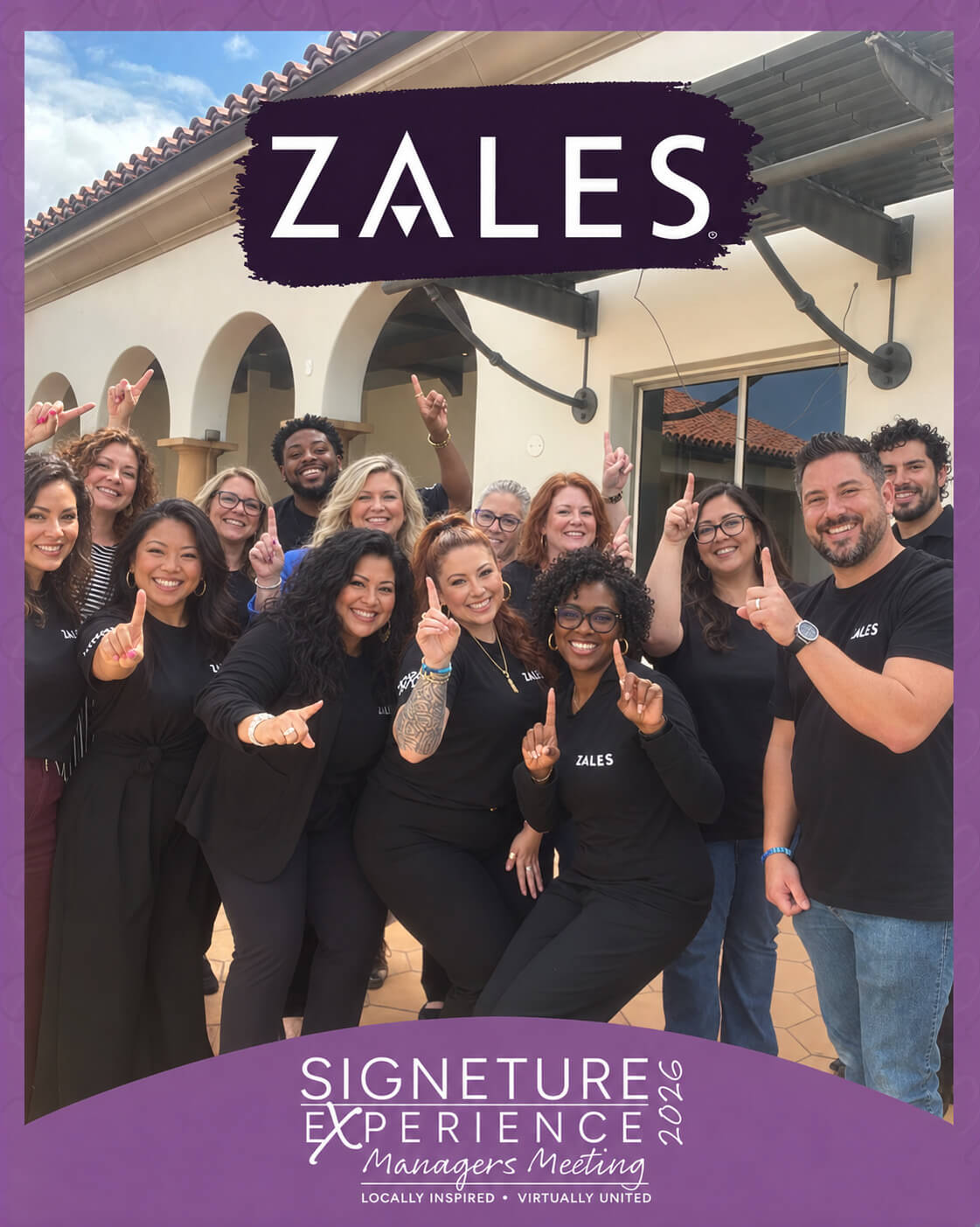
It suits the events that are internal by design. January kickoffs. Internal conferences and leadership meetings. All-company meetings. Recognition contests and the awards that run alongside them. When the same meeting is happening in a dozen offices at once, our company-wide mosaic play covers the distributed version.
Why does it matter who joins an internal event activation?
Because an open door changes three things at once: what people are willing to put on the wall, what your participation number means, and whose details end up in your files.
Start with the wall. Marwick and boyd, studying how people post on Twitter, describe social media as tools that "collapse multiple audiences into single contexts", and found that people cope with techniques including "targeting different audiences" and "concealing subjects". They studied a feed, not a ballroom, but the mechanism travels. When anyone might be watching, people play it safe. A room that knows it's only colleagues gets the inside joke, the team costume and the photo nobody would post publicly. That's the content that makes an internal event feel like yours.
Then the number. Internal event engagement is usually reported as a participation count, and a count that includes a vendor's sales rep and a stranger from the stream isn't measuring your people anymore.
Then the files. An internal event with no sponsors and no lead goals can still end the night with outsiders' names and email addresses in the export. That's data you never meant to collect and now have to hold.
How do you keep an event activation to your own people?
Tell us which email domains count, and our team sets the experience so only guests who enter an email on those domains can take part. If subsidiaries or regions use different domains, list them all. An outside address is stopped before it becomes an entry, so it never reaches the live gallery, the leaderboard or your lead list.
Be clear about what that buys you. The guest types the address and nothing verifies it, so someone outside the company who types a made-up address on your domain gets in. The rule keeps out the curious and the accidental, not the determined. It isn't a security control, and we'd never sell it as one. For most kickoffs, though, the curious are the whole problem.
Two practical notes. Say who the experience is for on the signage and in the invite, so the only people who try it are the people it's for. And because the rule works on email addresses, the entry form has to ask for one.
The experience runs wherever your people are: a kiosk by registration, iPads on stands, a laptop at the help desk and every guest's own phone by QR code, all at once if you want. Snapbar doesn't supply hardware or staff, so the devices and the people on the floor are yours. Our corporate team activations page shows the formats that run best inside a company.
How do you stop one person from winning a photo contest by volume?
Cap the entries per guest. Our team can limit how many times each guest submits, matched by email address or phone number, so the leaderboard reflects the room instead of its most persistent member. The cap counts addresses and numbers, not people, so a guest with a second email address can still enter twice. It stops volume. It doesn't stop a second identity.
The fairness part matters more than the prize. Colquitt and colleagues' meta-analysis of 183 studies of fairness at work found that procedural justice, whether the process itself is fair, has unique relationships with outcomes including organizational commitment and how people evaluate those in authority. So when one person wins the photo contest by entering thirty times, the room doesn't just lose a prize. It learns something about how the company runs things. A cap is a rule applied the same way to everyone, and announcing it up front is half its value.
Formats built on one strong entry each suit a cap well. Team Superlatives, the "most likely to" awards in our activation concepts, is a good example: one strong portrait each, voted on by the people who know them.

A capped contest also gives the winner something a volume win never does: a result nobody in the room can argue with.
See it in action
Run an activation your whole company joins
Kickoffs, internal conferences and all-company meetings, with entries kept to your own domains when the room calls for it.
Explore Corporate Team Activations
Not every internal event wants a closed door, though, and the next question is worth asking before you brief anyone.
When should you leave an internal event open?
When the guest list is wider than the payroll. Holiday parties with partners and plus-ones, a customer day folded into an internal conference, a family day at the office: restricting those turns away the very people you invited.
You don't have to choose all or nothing. Leave the main experience open and restrict only the contest, so two experiences run side by side at the same event. Everyone can take a photo, and only guests who enter an email on your domains can go for the prize.
If the worry is what shows up on the screen rather than who submits, that's a different job. Holding photos for approval before they reach a display is covered in our guide to event photo moderation.
How do you measure participation at an employee-only event?
Count distinct participants against invited headcount. That ratio finally means something, because the list only holds people who entered an email on your domains. After the event, pull the lead export and count the distinct addresses. That's your numerator.
Report engagements and distinct employees side by side. Medtronic's virtual holiday program is a useful model for the recap: as our client case study on it reports, it drew over 1,500 engagements from 1,200+ employees across 28 states in the US and 32 countries. That program ran years before domain rules existed, so the reporting habit is the part worth copying. Two numbers, and the second one is the one leadership asks about.

There's an honest limit here. The report shows participation and leads. It can't tell you who felt included. If that's the question, a two-question pulse survey after the event is the proxy, and it's worth calling it one. Our guide to measuring event success covers the wider scorecard, and our piece on employee engagement events covers the formats an employee event activation can sit inside.
What should you decide before the kickoff?
A short list, settled before the brief rather than on the day:
- Which domains count. Subsidiaries, regional domains and contractors on another company's email all need a decision.
- Whether the contest gets a cap, and how many entries it allows.
- Which experience, if any, stays open.
- Who owns the brief to us. Both rules are switched on by our team, so they belong in the brief, not in a message from the ballroom an hour before doors.
- What the comms recap will report.
Get those five answered and the activation does what an internal event needs it to do: it gives your people a wall that's theirs and a contest they trust. It's one small part of what an experiential marketing platform should handle for you, so your team can spend the kickoff on the kickoff.
Planning a kickoff for your own people?
Get a Quote
Or explore: Corporate Team Activations | How It Works