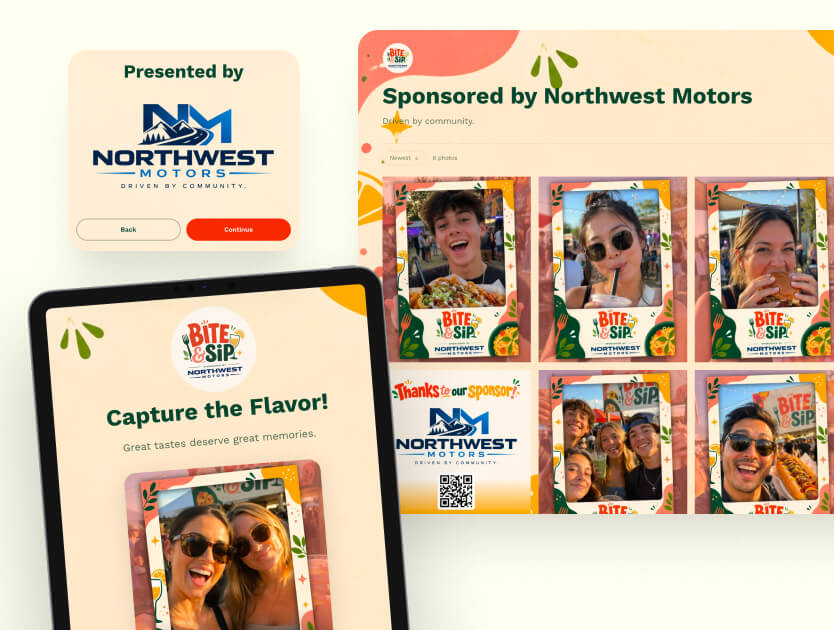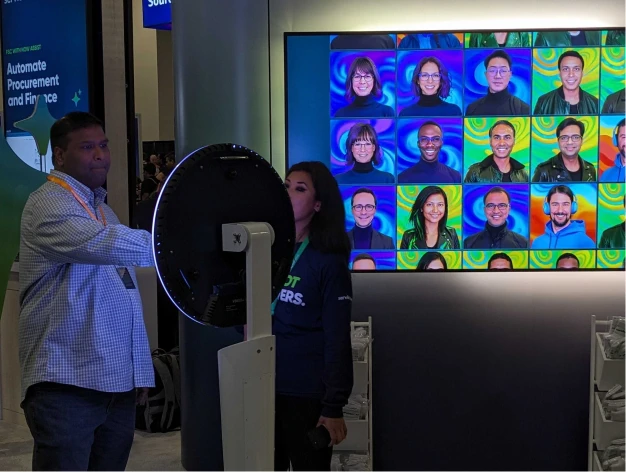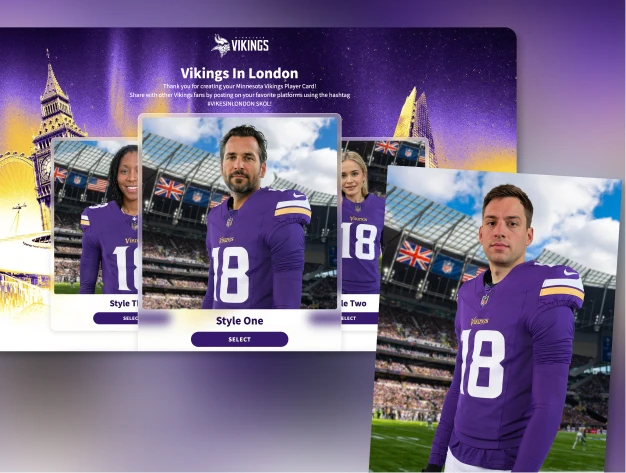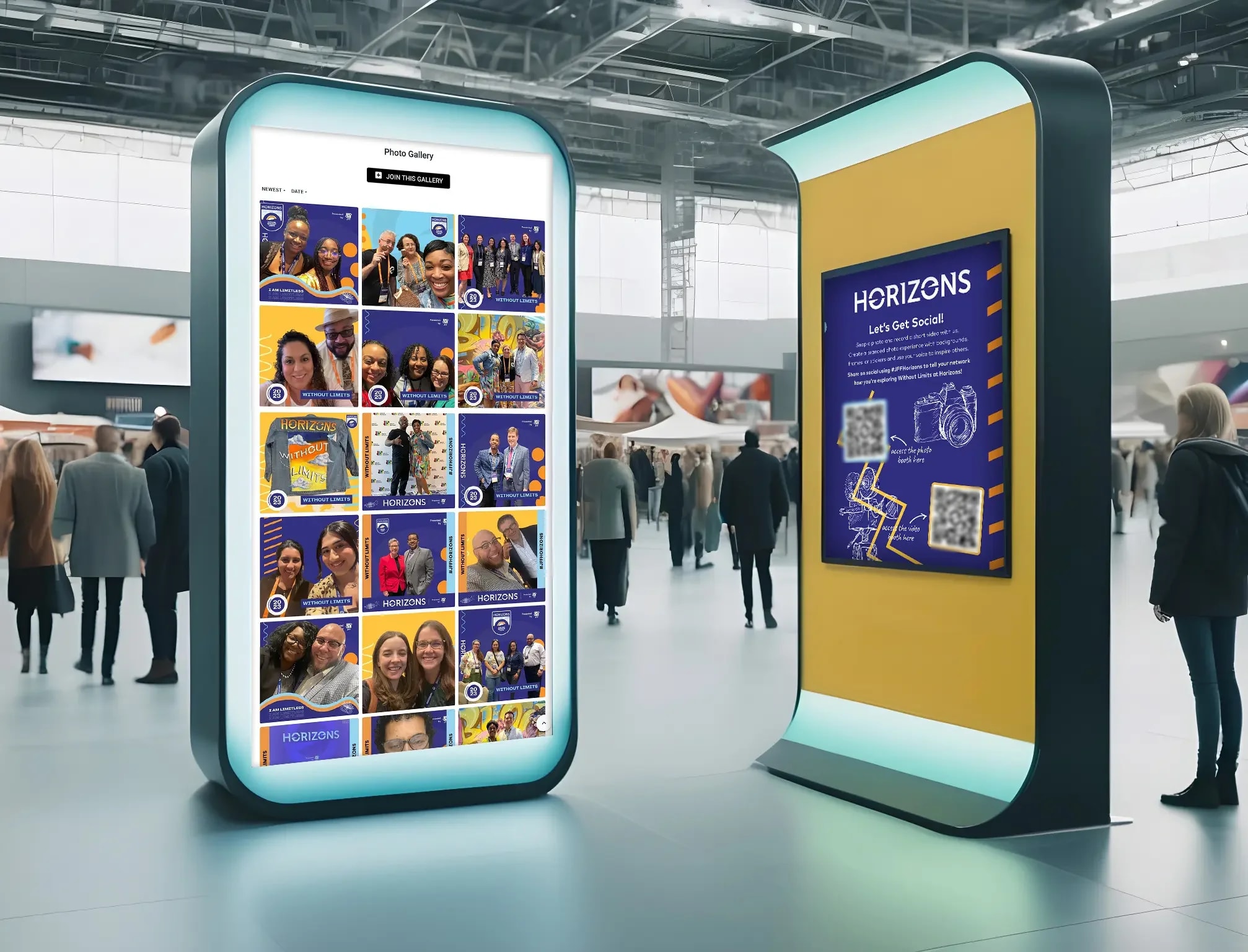

A sponsor's logo sits on the frame of every photo on a twenty-foot screen, facing a crowd that never agreed to watch any of it. Most of what lands there is great: friends mid-laugh, a family in team colors, someone who finally got the pose right. The one people remember is the one that should never have gone up.
That's the case for event photo moderation, and it's why sponsor, brand and legal teams ask about it before they ask about anything else on a live display. We wrote this for the team that has to answer them. It covers why a single bad photo costs more than its share of the wall, when holding photos for approval is worth what it costs you in pace, who should do the reviewing, and what you can honestly tell a sponsor afterwards.
Key takeaways
- A room doesn't average your wall. One off-brand photo outweighs a screen full of good ones.
- What's already on the screen tells the next guest what's acceptable to submit.
- Holding photos until someone on your team says yes covers every display at once. The cost is pace, so staff it with one named person.
- Guests still get their own content while a photo waits, and even if it's rejected. Only the public screen waits.
- The proof you can give a sponsor is structural: nothing unreviewed reached a screen. Don't promise them an approval rate.
What is event photo moderation?
Event photo moderation is the review of guest photos before or after they appear on a live display at an event. There are two ways to run it. You can let content go straight to the screen and pull anything that shouldn't be there, or you can hold every new photo until someone approves it.
Both have a place. Live content moderation comes with every Snapbar activation, so a team can always take a photo down after it appears. Immediate display is the default for a good reason: a wall that fills the second guests finish is what pulls the next person over. Holding photos is a decision you make for the rooms that need it.
Which screen you run is a separate question, and our comparison of live event photo displays covers it. This article is about what happens before a photo reaches whichever one you chose.
Why does one off-brand photo cost more than a hundred good ones?
Because people don't weigh them equally. In a review of research spanning close relationships, feedback and learning, Baumeister and colleagues concluded that bad impressions are quicker to form and more resistant to disconfirmation than good ones. A wall with two hundred great photos and one crude gesture isn't remembered as 99.5% great. It's remembered for the gesture, and so is the logo above it.

The second problem is what that photo does to the next submission. Guests at a live display are reading the screen for cues about what's normal here, the same pull that draws them in to take part. It works in reverse too.
41% vs 11%
In a 1990 field study, Cialdini, Reno and Kallgren found that people dropped litter into an already littered space far more often than into a clean one: 41% against 11%.
A wall of on-brand photos is the clean space. The first bad one makes the second more likely, which is why catching it early matters more than catching it fast.
When should a live photo wall hold photos for approval?
Hold photos when the screen faces people who didn't choose to see it, or when someone else's brand is on the frame. In practice that means fan zones, festival sponsor tents, arena concourses and stadium screens, family audiences, and any event where a sponsor or a legal team signs off on what appears under their name.
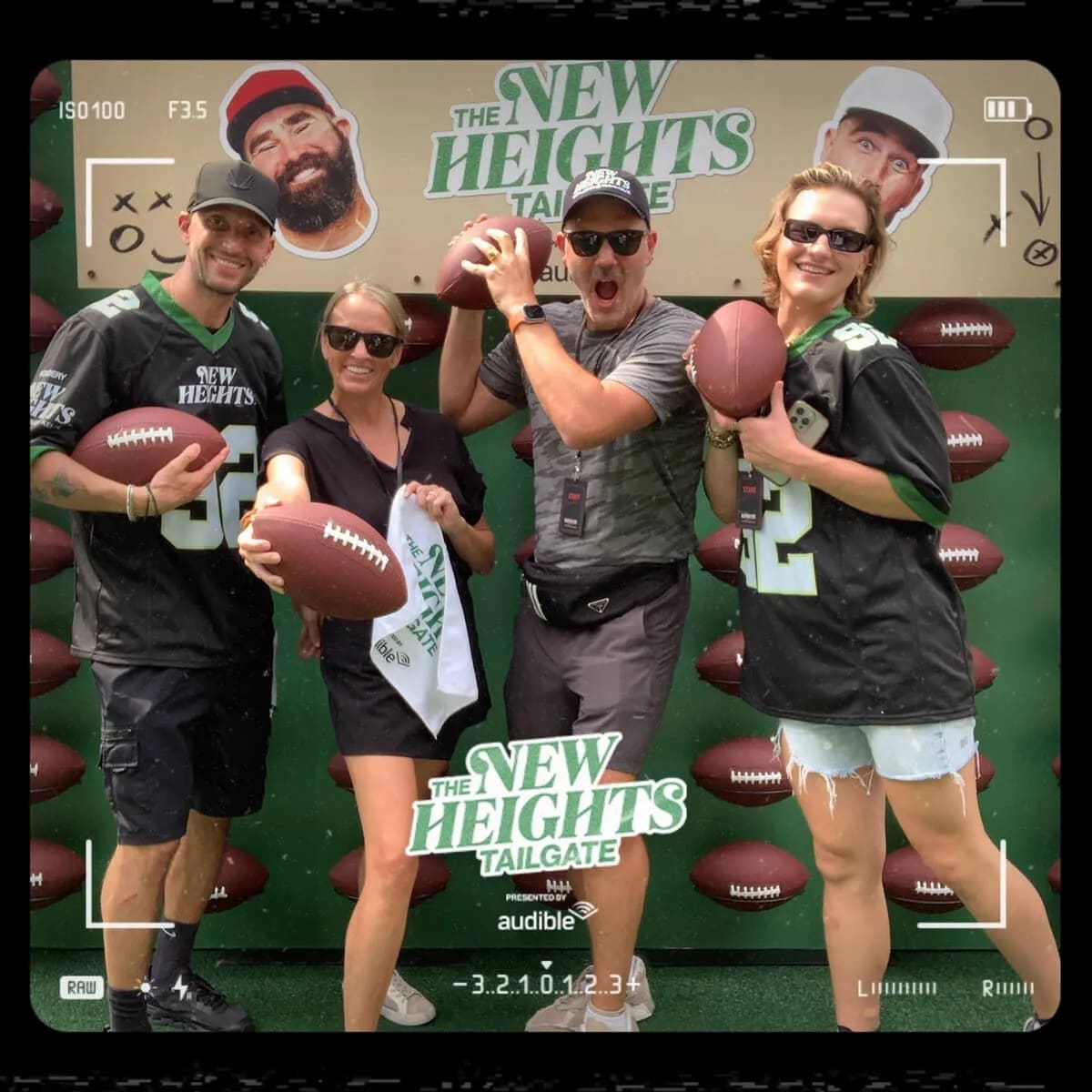
Those are the rooms where a single photo can turn into a conversation with a partner the next morning. Sponsorship works when the brand is seen as belonging to the event, a point our festival sponsor playbook makes at length, and belonging includes what shows up under the logo. The Sponsor Takeover Series concept rotates a sponsor's branding across booth screens, photo overlays and the live gallery, which is exactly the setup that most needs a review step. For more on the fan side of these events, see our festival, sports and entertainment activations.
Immediate display is often the better fit somewhere else. An internal all-hands, a team offsite or a leadership summit is a trusted room, and there the speed of the wall is the point. Our company-wide mosaic play runs that way, with someone watching rather than approving.
How does holding photos for approval work at a live event?
Every new photo and guest upload waits until someone on your team says yes. Nothing reaches a screen before that, and anything nobody approves never appears at all.
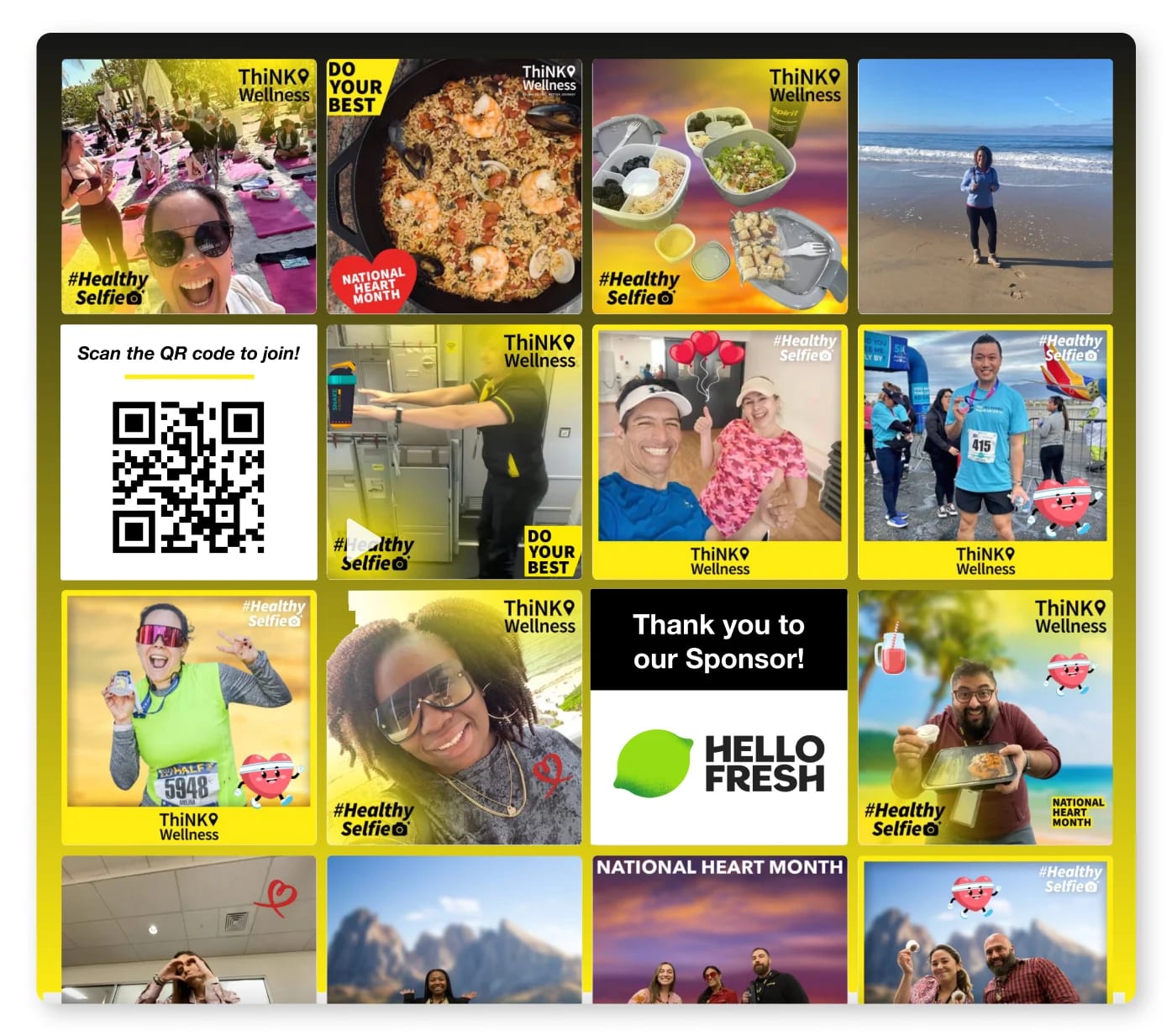
One decision covers every display the experience feeds. The live gallery on the concourse, the slideshow behind the stage, a leaderboard by the bar, a Live Mosaic wall filling in tile by tile: all of them show only what's been approved, on every screen they're running on. Your reviewer can work through photos one at a time or clear a batch in one go when the room is busy.
The guest doesn't feel any of this. Their own gallery and delivery go ahead as normal while a photo waits, and they still receive it if it's rejected. A guest who pulled a face your sponsor wouldn't love still gets the photo they came for. It just doesn't go on the big screen.
The cost is pace, and it's worth saying plainly. The wall fills only as fast as someone approves. At a quiet moment that's seconds. At the peak, with a queue at the capture point and photos arriving faster than one person can look at them, the screen runs a little behind the room. That's the trade, and for a sponsor-facing screen it's usually the right one.
See it in action
Put a live display in front of your sponsors
Galleries, slideshows, leaderboards and mosaics that can show only what your team has approved, on every screen in the venue.
Explore Live Displays
So the real question isn't whether to review. It's who does it.
Who should moderate a live photo wall, and what should they reject?
One named person, for the whole event, who isn't doing anything else. That's someone from your team or your agency: Snapbar doesn't provide on-site staff, so build the role into your run of show the same way you'd assign someone to the registration desk. It shouldn't be the person presenting, and it shouldn't be whoever happens to have the laptop open.
Agree the reject list with the sponsor before doors open, so nobody is making a judgment call at the busiest moment of the day. Most lists are short:
- Gestures, slogans or props you wouldn't print in an ad.
- A competitor's logo front and center.
- Someone in the background who clearly didn't mean to be in the photo.
- Photos of a screen, a phone or another photo, which read as spam on a wall.
Anything outside the list gets approved. A reviewer who's unsure about borderline photos slows the wall and makes the event look emptier than it is, which costs the sponsor in a different way.
At the peak, review in batches. Clearing a dozen at once every minute keeps the wall moving better than agonizing over each one as it lands. And if one guest is filling the queue on their own, our team can cap how many times each guest submits, matched by email address or phone number.
If your agency runs its own screen software, raise it with us early, before the content plan is locked.
How do you know the moderation worked?
Nothing unreviewed reached a screen, and you can prove it before doors open. Send a test photo through the experience, reject it, and watch every display to confirm it never appears. Then approve a second one and watch it arrive. That five-minute check is the most useful thing you can show a nervous sponsor.
During the event, the sign that your reviewer kept up is simple: the queue is empty at close. If photos were still waiting when the doors shut, the wall spent the end of the night behind the room, and next time the peak needs a second pair of hands.
Be clear about what the report doesn't do. Your event report covers participation, leads, delivery and sharing. It doesn't give you an approval or rejection rate, so don't promise a sponsor one. What you can promise is the structural guarantee: with photos held for approval, the screen only ever showed what your team said yes to. For the wider picture of what to measure, see our guide on how to measure event success.
Guests have a say too. Every delivery email carries a link a guest can use to ask for their own photo to come down from the displays and their share page, and your team reviews those requests separately. That's a question of consent rather than moderation.
A screen your sponsor can stand behind
A live display is the part of an activation the whole room experiences, including the people who never take a photo. That reach is the reason to run one, and the reason it has to be right. Holding photos for approval doesn't make the wall less alive. It makes it something a sponsor will put their name on again next year. If you're weighing an experiential marketing platform for public-facing events, that's the conversation to have first.