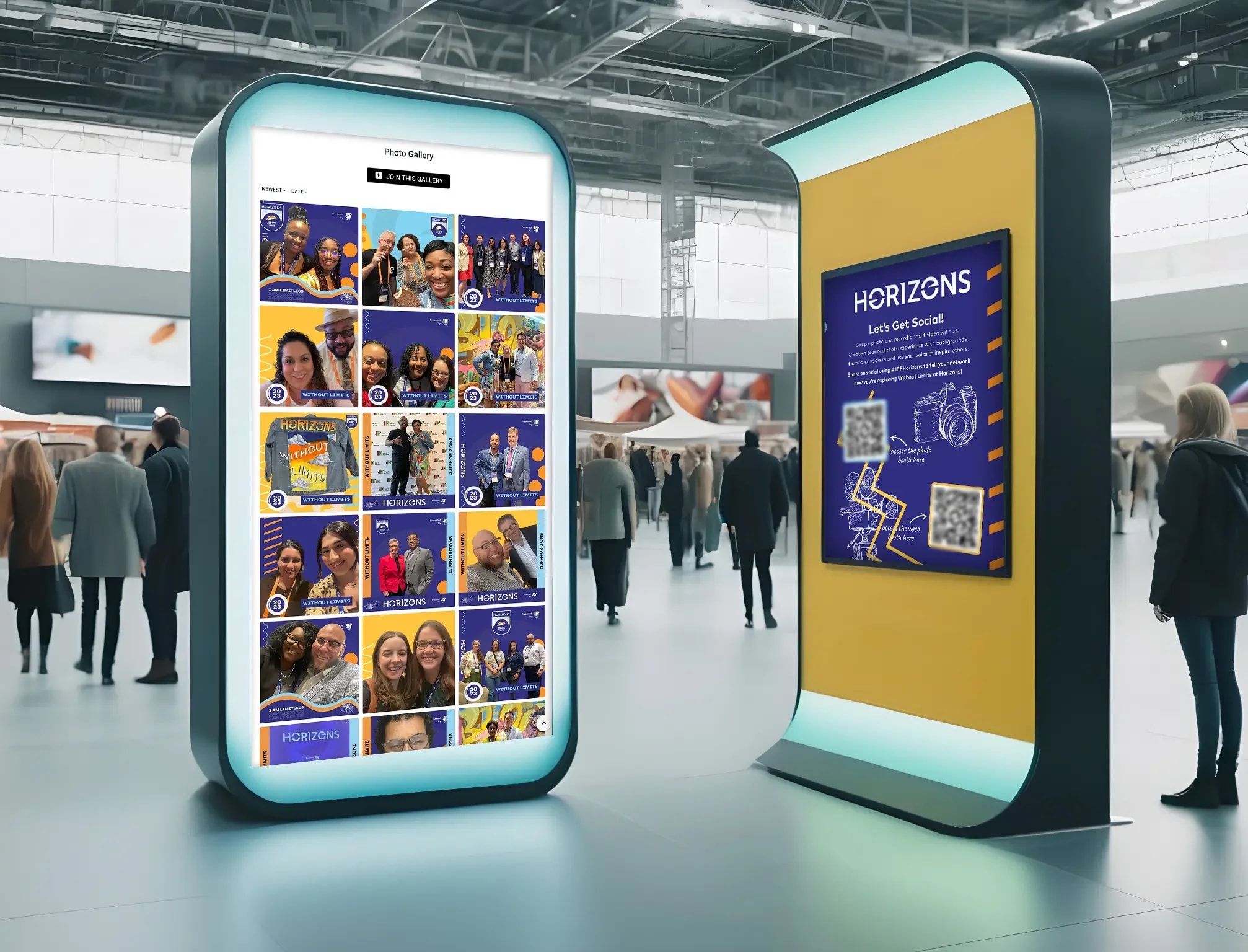
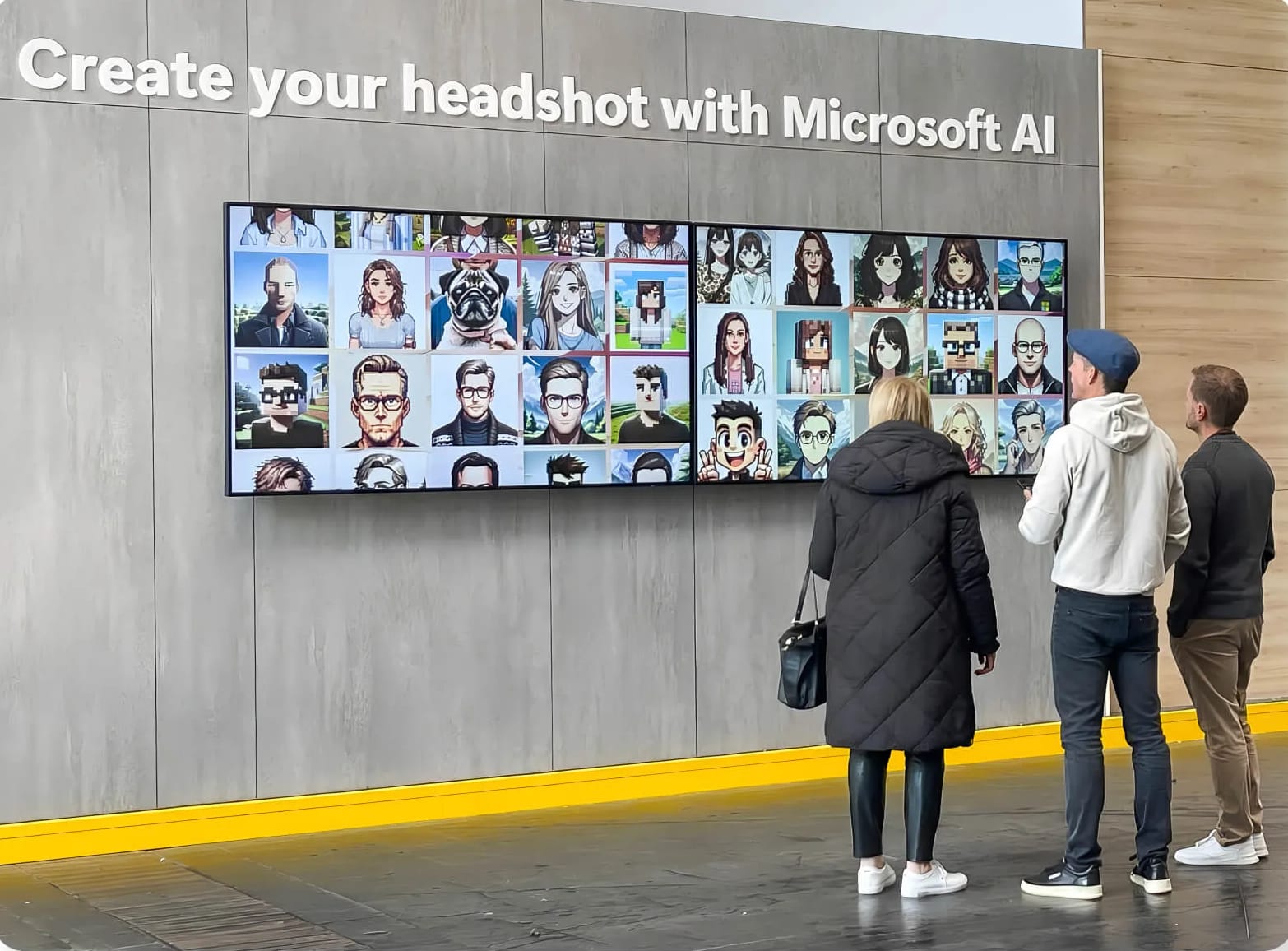
Snapbar vs LumaBooth is a choice between two ways of buying an activation, not two feature lists. LumaBooth is booth software that an operator, or your own team, installs on its own devices for about $18 a month. Snapbar is a per-experience platform a brand team runs on whatever devices it likes, with our team's guidance. Both are good at the job they were made for; the question is which job is yours.
Key takeaways
- LumaBooth's software line for one AI event is roughly $50 to $100 for the month (October 2026), before devices, printer and the person running the booth.
- Snapbar's AI Photo Booth for 300 guests is approximately $2,800, against the $3,000 AI portrait package LumaBooth's own page (checked October 2026) suggests an operator charge a corporate client.
- LumaBooth is an app licensed two devices at a time. Snapbar runs in the browser on kiosks, iPads, laptops or guests' phones, or all at once, at no charge per device.
Our guide to comparing photo booth software for corporate events covers the general criteria; this page goes one vendor deep.
Who is LumaBooth built for, and who is Snapbar built for?
LumaBooth is built for the person who owns the booth. Its comparison page says so directly: "LumaBooth is built for booth businesses and still easy enough for a first event." Its AI page also courts "birthday parties, family gatherings, and school events." The name covers LumaBooth for Windows (long sold as dslrBooth), LumaBooth for Apple and LumaBooth for Android, plus companion apps for sharing and galleries.
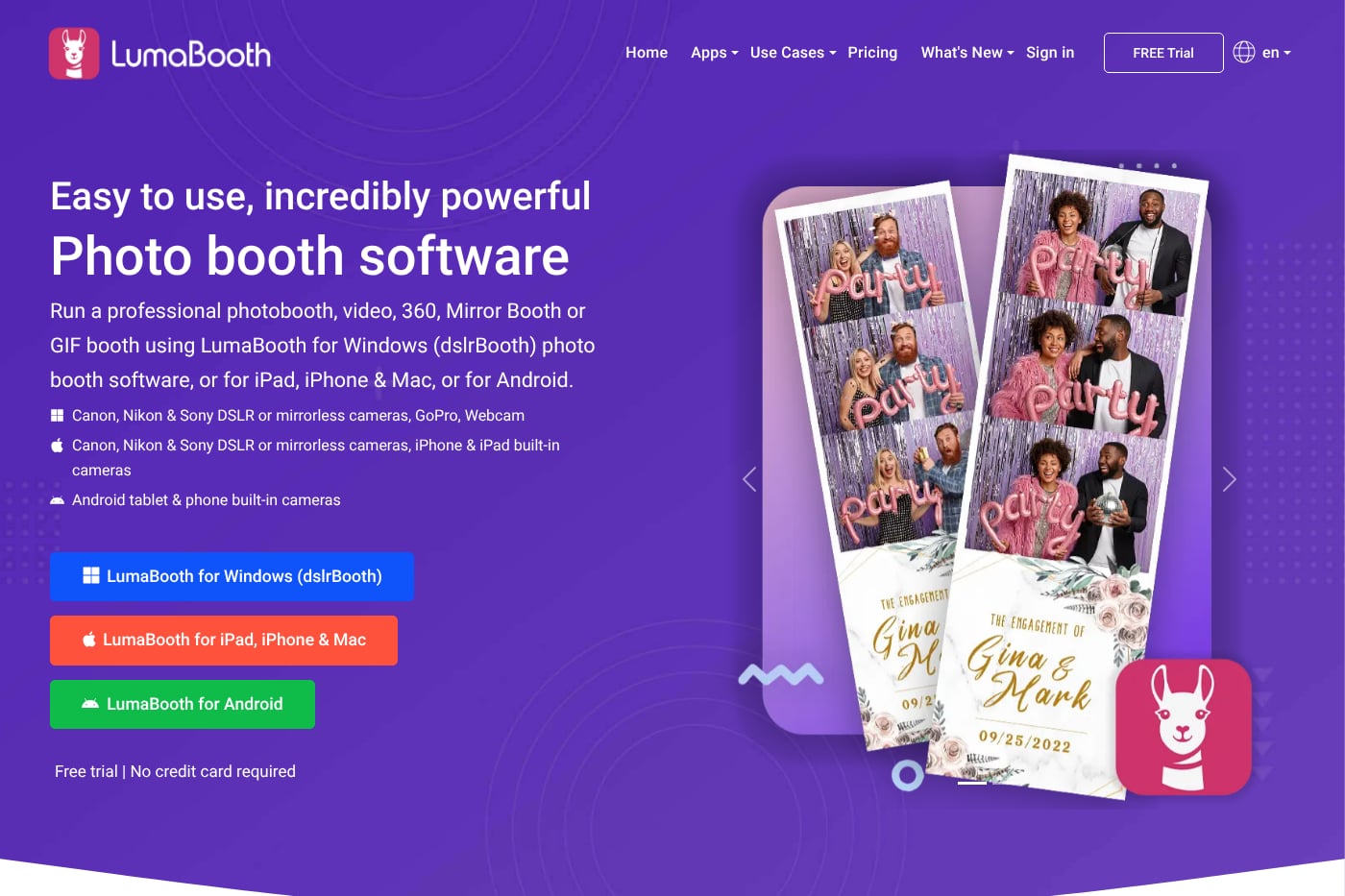
For a brand team, LumaBooth usually arrives with an operator you hire, or as an app someone on your team learns. Either way, the software, the devices and the login sit with whoever is standing at the booth.
Snapbar's buyer is the brand or agency team itself. LumaBooth has shipped booth software since 2012, and over the same years we've run 10,000+ brand activations. That's where our brand-side workflow comes from. If you run booths and you're curious where the platform is heading, talk to us too.
Snapbar vs LumaBooth side by side
Where a LumaBooth app or add-on changes the answer, the table names it.
| Axis | LumaBooth | Snapbar |
|---|---|---|
| Runs on | An installed app on each device: Windows PCs (formerly dslrBooth), iPad, iPhone and Mac, or Android tablets and phones. Tethered Canon, Nikon and Sony on Windows and Apple | Any browser: a kiosk, an iPad on a stand, a laptop, guests' phones by QR code or link, or all at once. No app to install |
| Who runs it on the day | The subscriber: you, or the operator you hire. No staffed service stated on the pages we checked | Your team controls branding and design; our team guides AI prompts and data flow. Snapbar provides no hardware or on-site staff |
| Price model (October 2026) | Subscription. Apple and Android: $18 a month billed annually or $19.99 monthly. Windows: $17 a month billed annually or $49.99 monthly. Companion apps priced separately | Per experience: Digital Photo Booth $1,995, AI Photo Booth $2,495, each with included usage and 30 days live runtime; priced add-ons |
| Devices included | Two per subscription; each extra device is another subscription at the same rate. Volume pricing above 10 booths | No charge for devices or concurrency: one device or a hundred at once |
| AI | AI Portraits on Windows and Apple: 170+ presets plus custom prompts with an optional logo, $0.10 a portrait after 20 free. Needs internet | Styles designed to your brand, with our team's guidance on the AI prompts; blend a second photo into any portrait; usage inside the experience price |
| Live displays | Slideshow to a TV through LumaShare ($7.99 a month). No leaderboard or mosaic on the pages we checked | Live gallery, slideshow and leaderboard with every activation, on as many screens as you want; Live Mosaic is the one add-on |
| Lead data and where it goes | Surveys and lead capture on every plan; CSV from the app, CSV or PDF from the online dashboard. Webhooks carry session events and the API sends commands to the booth, both Windows only. No CRM connector stated | Data capture step, consent-gated by default, real-time analytics, export anytime. Real-time delivery to Slack and your own systems through webhooks or our API; Zapier and HubSpot coming soon |
| Branding | Custom branding on prints, screens and sharing; galleries carry no LumaBooth branding. Your logo and subdomain on galleries with fotoShare Business ($39.99 a month) | Custom experience branding; subtle Snapbar branding by default on the microsite footer, displays, delivery emails and sharing page, which the Whitelabeling add-on ($1,495) removes |
LumaBooth figures are from its own pricing, product and comparison pages; Snapbar's from its platform pricing page. Both checked October 2026.
How much does LumaBooth cost compared with Snapbar for a 300-guest event?
LumaBooth's software line for a 300-guest AI event comes to roughly $50 to $100 for the month. Snapbar's AI Photo Booth for the same crowd is approximately $2,800. Most of the gap is what the first number leaves out.
LumaBooth pricing first, October 2026. LumaBooth for Apple is $19.99 a month month to month, or $18 a month billed annually, and covers two devices. AI Portraits cost $0.10 each, so 300 guests is $30. LumaShare, the sharing station and slideshow app, is $7.99 a month, and fotoShare Business, for your logo on the gallery and per-event analytics, is $39.99 a month.
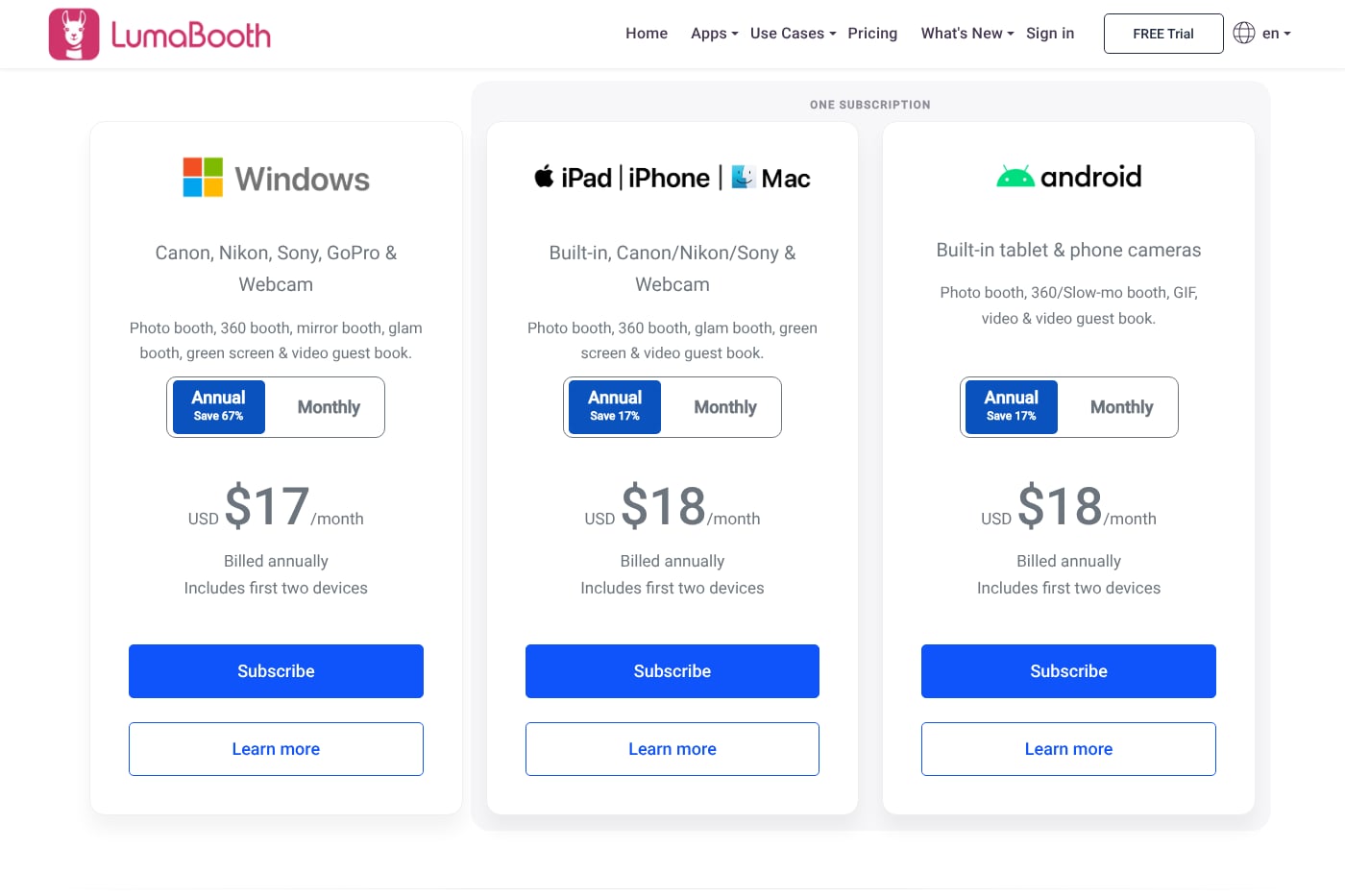
That line leaves out the iPads or PC, camera, stand, lighting and printer, which LumaBooth doesn't sell or price, and the person who runs the booth all day. The more useful brand-side number comes from LumaBooth itself. Its professional AI portraits page, checked October 2026, gives operators a worked example for a 300-attendee corporate event: "Charge client: $3,000 AI portrait package," against $30 of portraits. Its FAQ adds that corporate events can command $2,000 to $5,000 or more. That's LumaBooth's guidance to operators, not its own price or a market rate, but it's what a brand team hiring an operator is likely to see.
Snapbar is priced per experience on our platform pricing page. The AI Photo Booth for 300 guests is approximately $2,800, and the Digital Photo Booth is $1,995 for up to 500 guests (checked October 2026). What ours includes: 30 days live, unlimited admins, custom branding, real-time analytics, live moderation, the data capture step, branded email delivery, sharing galleries, and a live gallery, slideshow and leaderboard, on as many devices as you run at once.
Morwitz, Greenleaf and Johnson found that when a price is split into a base price and a surcharge, buyers recall a lower total (Journal of Marketing Research, 1998). An app fee plus AI usage, add-on apps, hardware and a person is that kind of price, so total the event before you compare.
See it in action
See the AI Photo Booth in action
AI portraits designed to your brand, on a kiosk, iPads or guests' phones at once, with live displays and lead data inside the experience price.
Explore the AI Photo Booth
If you already own the gear and have the people, LumaBooth's line is a fraction of ours, and for a booth business that's the right answer.
Does it run on devices you own, or on any device in the room?
LumaBooth runs as an installed app on each device: Windows PCs, iPad, iPhone and Mac, or Android tablets and phones, two devices per subscription.
Its strengths here are real. DSLR and mirrorless quality on a proper rig. Prints at the event, straight to 16 dye-sub printers over one USB cable from an Apple silicon iPad or Mac. Sharing that keeps going without a connection, through offline QR codes on Windows and queued shares on Apple.
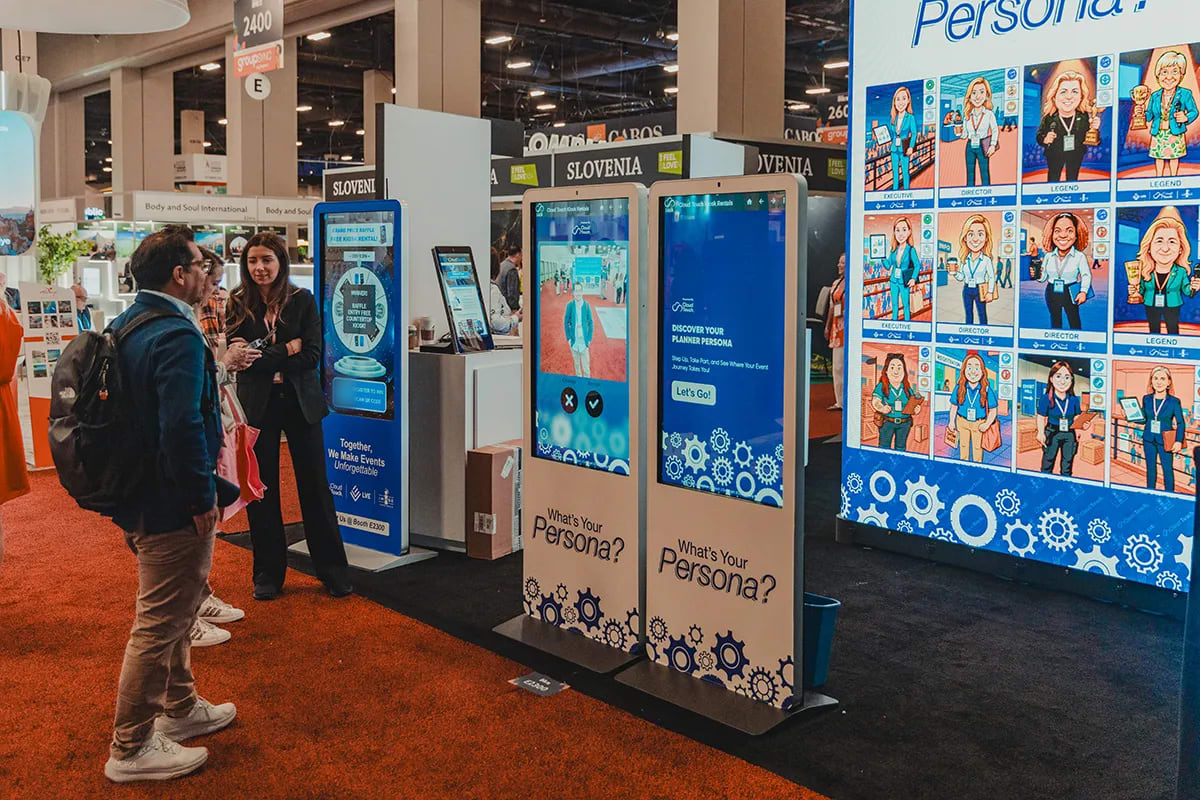
Snapbar runs in the browser, so the same experience works on a kiosk, an iPad on a stand, a laptop at a desk, guests' own phones by QR code or link, or all at once. There's no charge for devices or concurrency, so a fourth capture point, or the whole room joining from their phones, doesn't add a license. Bring the hardware you have; Snapbar provides no hardware and no on-site staff. With AI upscaling, Digital Photo Booth captures come out sharper and hold up on a large screen, straight from a webcam.
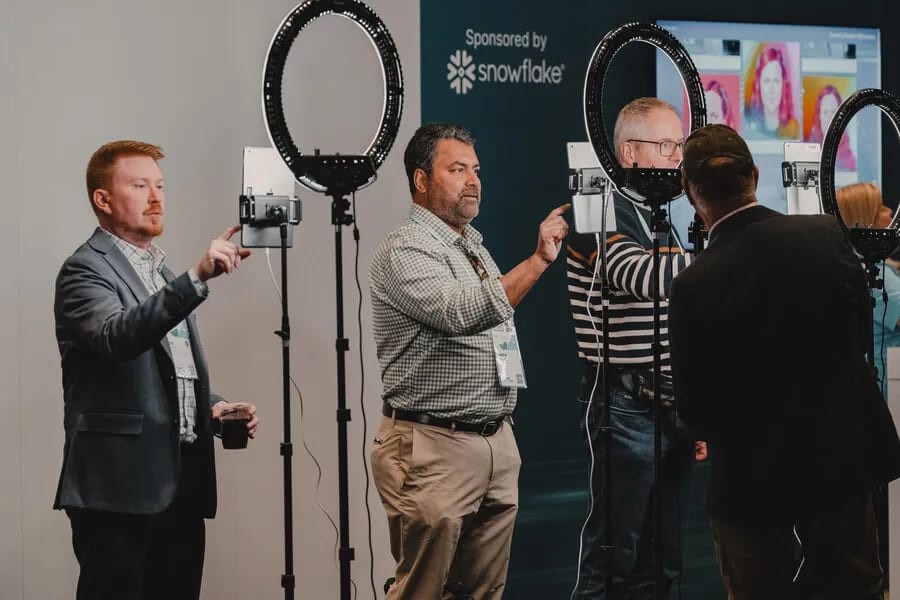
If the brief calls for prints in guests' hands at the booth, a DSLR rig, 360 or mirror formats, or a venue where the connection can't be trusted, LumaBooth's model is the better fit.
Who runs it on the day?
On LumaBooth, the subscriber runs it: you, or the operator you hire. None of the pages we checked describe a staffed service; the homepage simply says "Run your own booth today!"
On Snapbar, it's neither a staffed service nor fully do-it-yourself. The platform gives your team immediate control over branding and design, while our team brings expertise and guidance on the harder parts, the AI prompts and the data flow. How it works shows who does what.
Plans run long
In a classic test of the planning fallacy, students close to finishing an honours thesis predicted they would hand it in within 33.9 days. They took 55.5, and fewer than a third finished by their own best estimate (Buehler, Griffin and Ross, Journal of Personality and Social Psychology, 1994).
"We'll run it ourselves" is a plan, and plans run long. If your team becomes the operator, count the hours for setup, design, the day and the data before comparing software prices. Our breakdown of renting versus buying an AI photo booth works through that trade.
Where does the lead data end up?
On LumaBooth, in a CSV held under whoever's login ran the event. On Snapbar, in your dashboard as guests submit, and in your own systems in real time if you want it there.
Surveys and lead capture come on every LumaBooth plan, which is generous. Getting the data out means a file: CSV from the Windows and Apple apps, CSV or PDF from the online dashboard. Its webhooks carry session events rather than contact fields, and its API sends commands to the booth; both are Windows only. We didn't find a CRM connector on the pages we checked. If an operator runs the event, the operator holds your leads until they send the file.
Snapbar collects details in a data capture step, consent-gated by default, with real-time analytics and export anytime. Leads reach Slack or your own systems in real time through webhooks or our API. Zapier and a direct HubSpot integration are coming soon. Tell us what you use and we'll confirm the best available method. More on lead capture and where event lead data goes.
What does the crowd see, and how do the AI portraits compare?
On LumaBooth, the crowd sees a slideshow, played to a TV through LumaShare ($7.99 a month). We didn't find a leaderboard or a mosaic on the pages we checked, and LumaBooth's own comparison page lists a mosaic wall among the things a rival app does better.
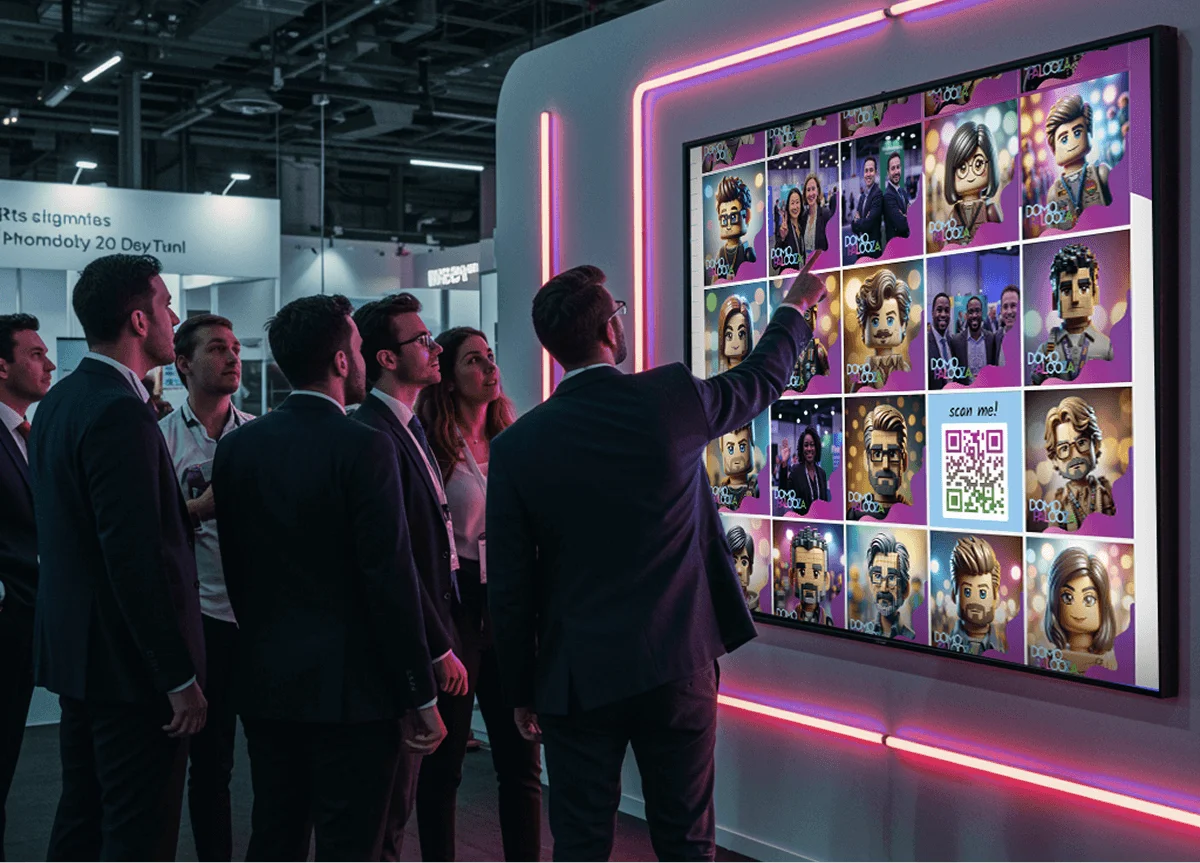
Snapbar includes a live gallery, a slideshow and a leaderboard with every activation, on as many screens as you want, and the Live Mosaic is the one add-on. When a screen faces the public, you can hold photos so nothing reaches it until your team approves it; see event photo moderation. Each guest gets their content by email or text and shares it from their own gallery. More in live event displays compared.
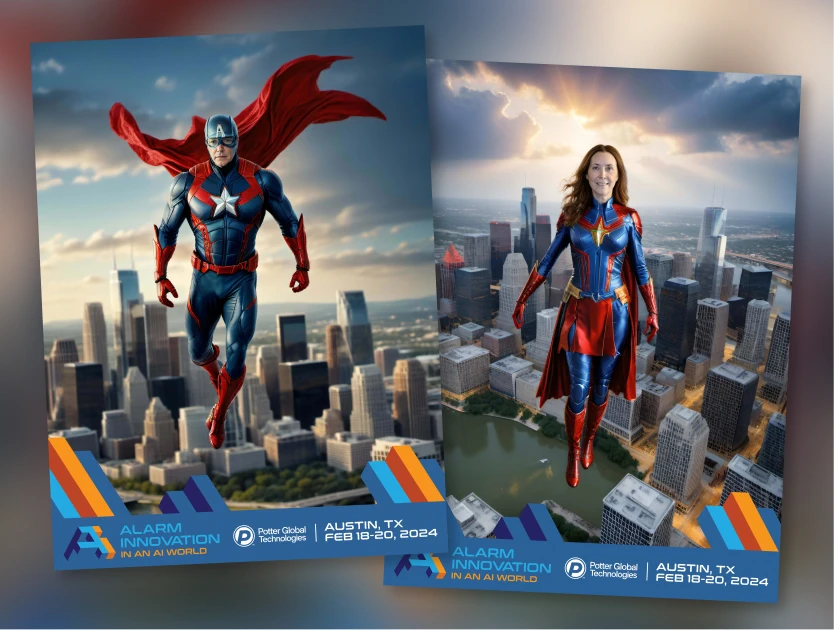
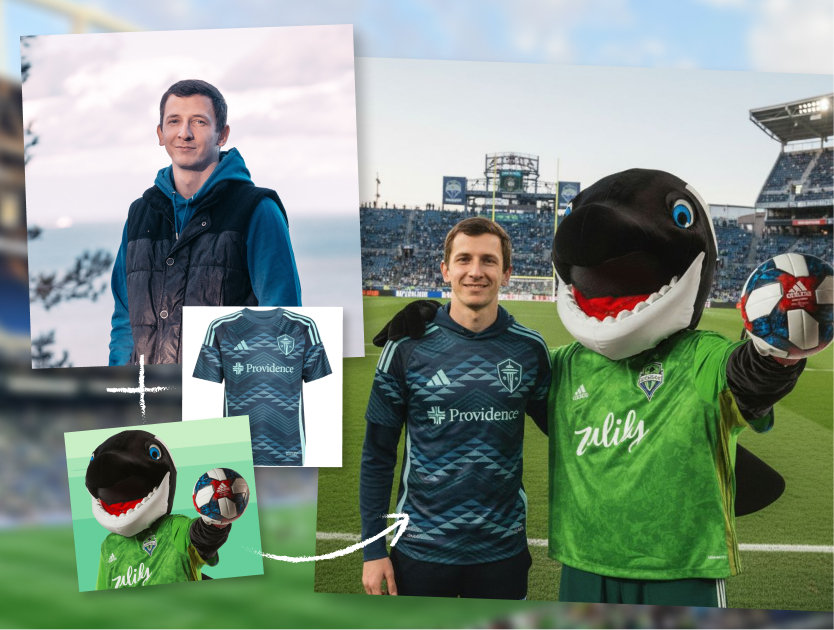
On AI, LumaBooth is strong and inexpensive: 170+ presets, custom prompts with an optional logo, and $0.10 a portrait. Its FAQ puts a preset at about 10 seconds and a custom prompt at around 30. Snapbar's AI styles are designed to your brand, with our team's guidance on the AI prompts. A second photo can be blended into any portrait, and usage sits inside the experience price. Custom branded scenes and superhero portraits are among the looks in our activation concepts.
For LumaBooth's video guest book, our nearest equivalent is Video Testimonials: one question, a clip delivered exactly as recorded, sent by email.
Should you choose LumaBooth or Snapbar?
Choose LumaBooth if you run a booth business or you're building one. If you need prints at the event, a DSLR or mirrorless rig, or 360 and mirror formats. If the venue's connection is unreliable, or it's a small party and you have the devices and someone to run them. Every app feature is on every plan and US and Canada texting is included. It's a well-made product for that job.
Choose Snapbar if you're a brand, marketing or agency team running an activation at a trade show, conference or internal event. If you want it on a kiosk, iPads and guests' phones, or all at once, without counting licenses. If leads have to reach your team while the event is still on, and the AI has to look like your brand. Snapbar photo-based experiences start at $1,995, which includes full platform access and the core features needed to run a successful event, from custom lead capture to unlimited displays.
If you're weighing LumaBooth alternatives and aren't sure which side you're on, ask us.
Other head-to-heads: Snapbar vs Snappic, Snapbar vs Simple Booth, and the best AI photo booth software for events.
An operator buying a tool for many events will find LumaBooth hard to beat on price. A brand team buying one activation that has to look right, fill the screens and hand over its leads is buying something else.
LumaBooth facts were checked on LumaBooth's own pages and help center in October 2026. Snapbar totals are approximate, computed from published experience prices and included usage. Where LumaBooth does not state something on the pages we checked, we say so.