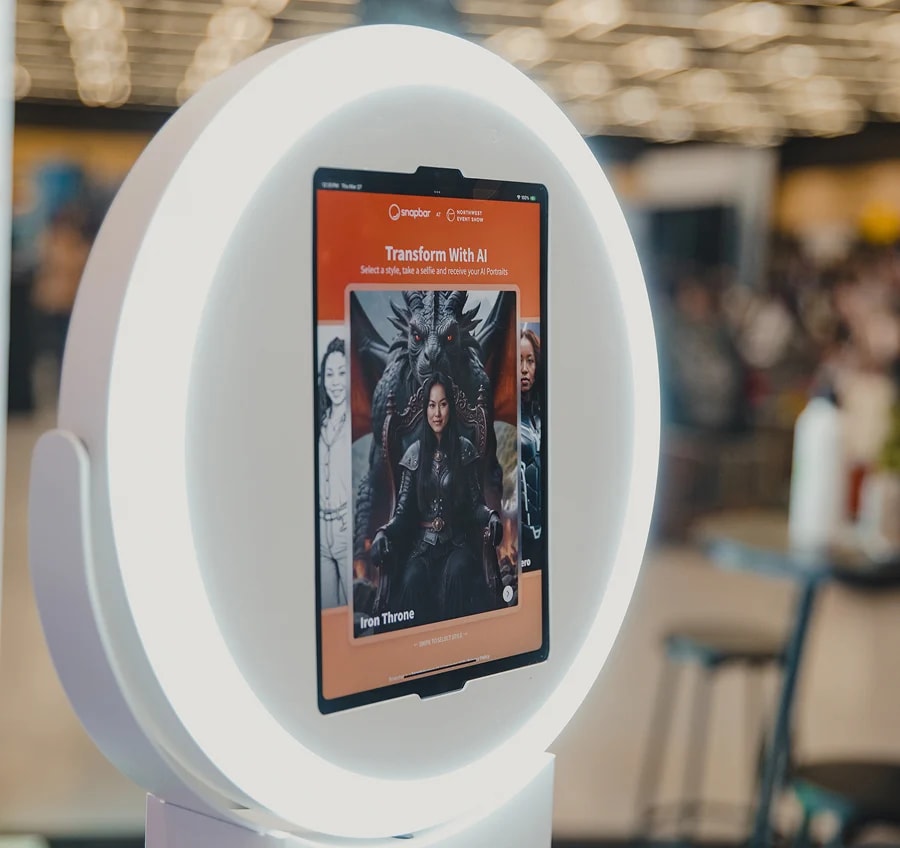


Table of Contents
Snapbar vs Snappic looks like a close call from the outside: both put a branded camera experience in front of guests. Underneath, they were built for two different buyers, and the quickest way to choose is to work out which one you are.
The short answer
Snappic is iPad photo booth software sold to operators who run a booth business: you license the app, supply the iPad and the person, and run the event yourself. Snapbar is a browser-based activation designed with your team: deploy it however you want, on a kiosk, an iPad, a laptop, guests' own phones, or all of the above at once, priced per experience rather than per device, with live displays and lead data included.
This isn't a feature-count fight. Our guide to comparing photo booth software for corporate events covers the six criteria; this piece goes one vendor deep, with September 2026 pricing.
Who is each platform built for?
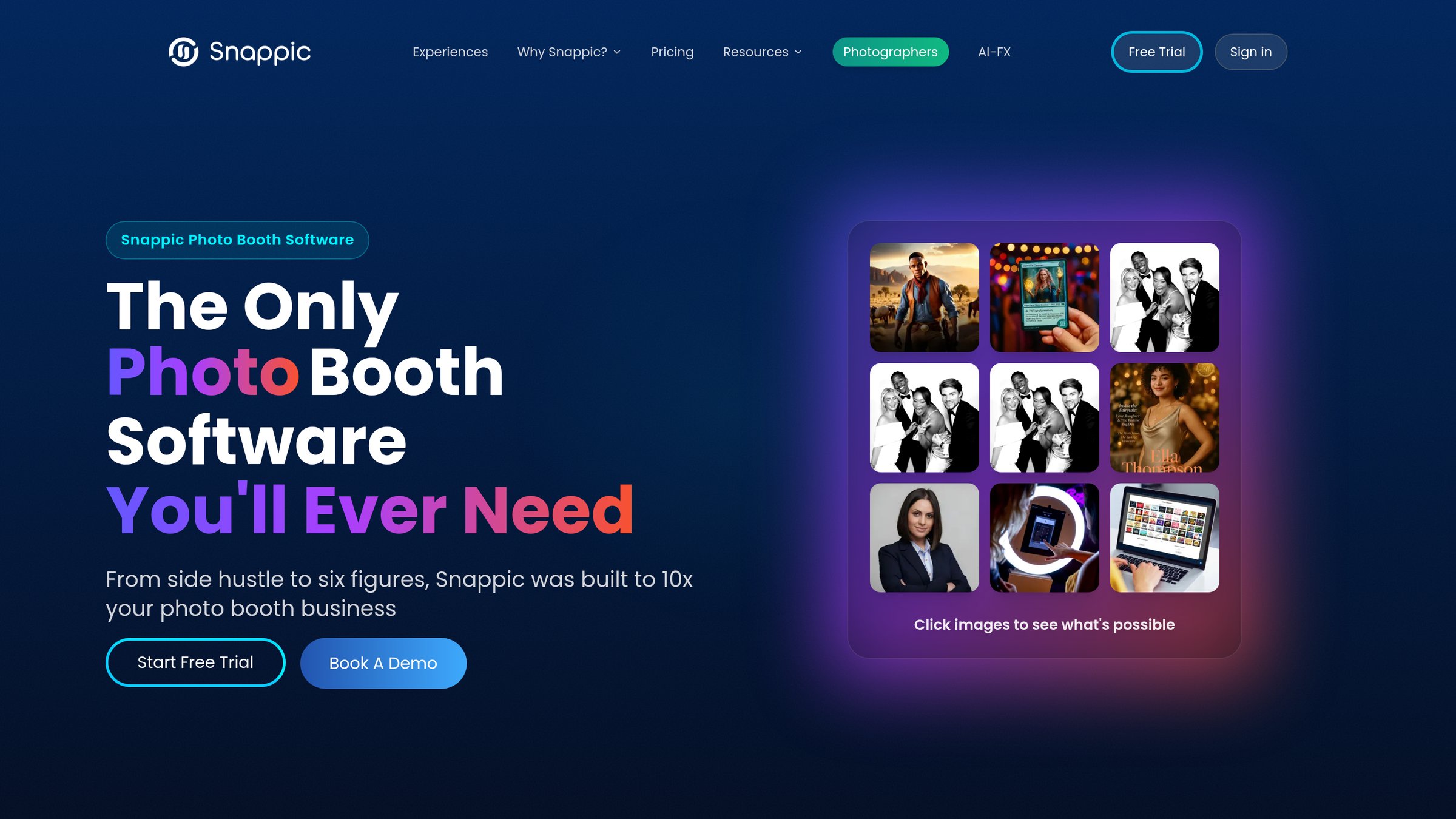
Snappic is built for the person who owns the booth. Its homepage opens with "From side hustle to six figures, Snappic was built to 10x your photo booth business" and counts "8,000+ of the top brands & operators worldwide" among its users.
As a corporate event marketer you're usually one step removed from that buyer. You hire the operator; the operator holds the license, the iPad, the staff, the design and the login.
Snapbar's buyer is you, and the question it puts to you is different: run a booth app licensed per iPad, or a platform priced per experience that runs on whatever devices you choose? If you want in-house control of the activation, the in-house brand activation playbook makes the case for control on a platform. If you run a booth business, Snappic's per-license operator model is the better fit today.
Snapbar vs Snappic side by side
The Snapbar vs Snappic table names the Snappic tier on each row, because the tier decides what you get.
| Axis | Snappic | Snapbar |
|---|---|---|
| Device and guest access | Apple only (iPad Air 2+, iPhone 7+, Apple Silicon Mac); guests use the operator's iPad. Virtual booth by browser link, per event | Any browser, any device: a kiosk, an iPad on a stand, a laptop, or guests' own phones by QR code. Same experience on each, no app, no per-device license |
| Who runs it | The license holder: you, or an operator you hire. No staffed service stated publicly | Your team controls branding and design; our team guides AI prompts and data flow. Staff a kiosk if you like, or let guests join by QR code with no attendant |
| Live displays | Slideshow to a screen you connect; needs the Microsite ($19 per event on Starter). No leaderboard or mosaic found | Live gallery, slideshow and leaderboard included, unlimited instances; Live Mosaic is the one add-on |
| Where lead data goes | CSV in the vendor's cloud under the operator's login; no share data on Starter. Webhooks on Premium and Scale, $19 on Business, for share data | Data capture step, real-time analytics, export; real-time delivery into HubSpot, Slack, signed webhooks and Zapier plus a partner API, pilot-gated and configured with our team |
| AI experiences | AI-FX: 80+ preset filters, Business and up, metered in credits. Custom brand filters on request | Styles designed to your brand with our team; blend a second photo into any portrait; usage inside the price |
| Branding | Brandable on all tiers; white-label URLs and emails on Premium and up, $79 add-on on Business | Custom branding on every surface; subtle Snapbar branding by default on the microsite footer, displays, delivery emails and sharing page, which the Whitelabeling add-on ($1,495) removes |
| Delivery to the guest | Text and email on every tier, text metered in credits; printing on your hardware | Email included; text is a priced add-on. No printing |
| Pricing and contract | Per booth license: monthly, annual or 48-hour per-event, plus credit packs. Cancel anytime, 14-day trial | Per experience, not per device: run it on one device or a hundred at once, with included usage and 30 days live runtime; priced add-ons |
Snappic facts checked on snappic.com and its help center, September 2026; Snapbar from the live platform pricing page, September 2026.
How much does each cost for a 500-guest event?
Snappic's software line for a 500-guest event runs roughly $140 to $400. Snapbar's AI Photo Booth for the same crowd is approximately $3,200, or $1,995 on the Digital Photo Booth.
Snappic pricing first, at published figures, September 2026. Business is the lowest tier with AI-FX, surveys and client analytics: $79 for a 48-hour per-event license, or $189 per month. AI-FX is metered at 1 to 6 credits per image, sold at $20 for 200, so 500 guests at one image each is 500 to 3,000 credits, or $60 to $300 in whole packs. Webhooks are $19 on Business; the virtual booth is $25 per event.

Now what that line leaves out. An iPad Air 2 or later, which you supply. A stand, lighting, a printer. Somebody to run the booth all day, or an operator who brings all of it. Your design time. The webhook somebody configures. None of it has a published price because none of it is Snappic's to sell. The honest reading: Snappic's software line costs a fraction of Snapbar's, and the difference is design, displays, the data path, and a price that stays the same however many devices you run it on.
Snapbar platform pricing is per experience. The AI Photo Booth is $2,495, which covers about 150 guests; for 500 the equivalent cost is approximately $3,200. The Digital Photo Booth is $1,995 and covers 500 guests. Both include 30 days of live runtime, unlimited admins, branding, real-time analytics, the data capture step, email delivery and the three displays. Optional add-ons: text-message delivery ($195 plus per-guest usage), whitelabeling ($1,495) and translations ($695).
See it in action
Build your own AI Photo Booth activation
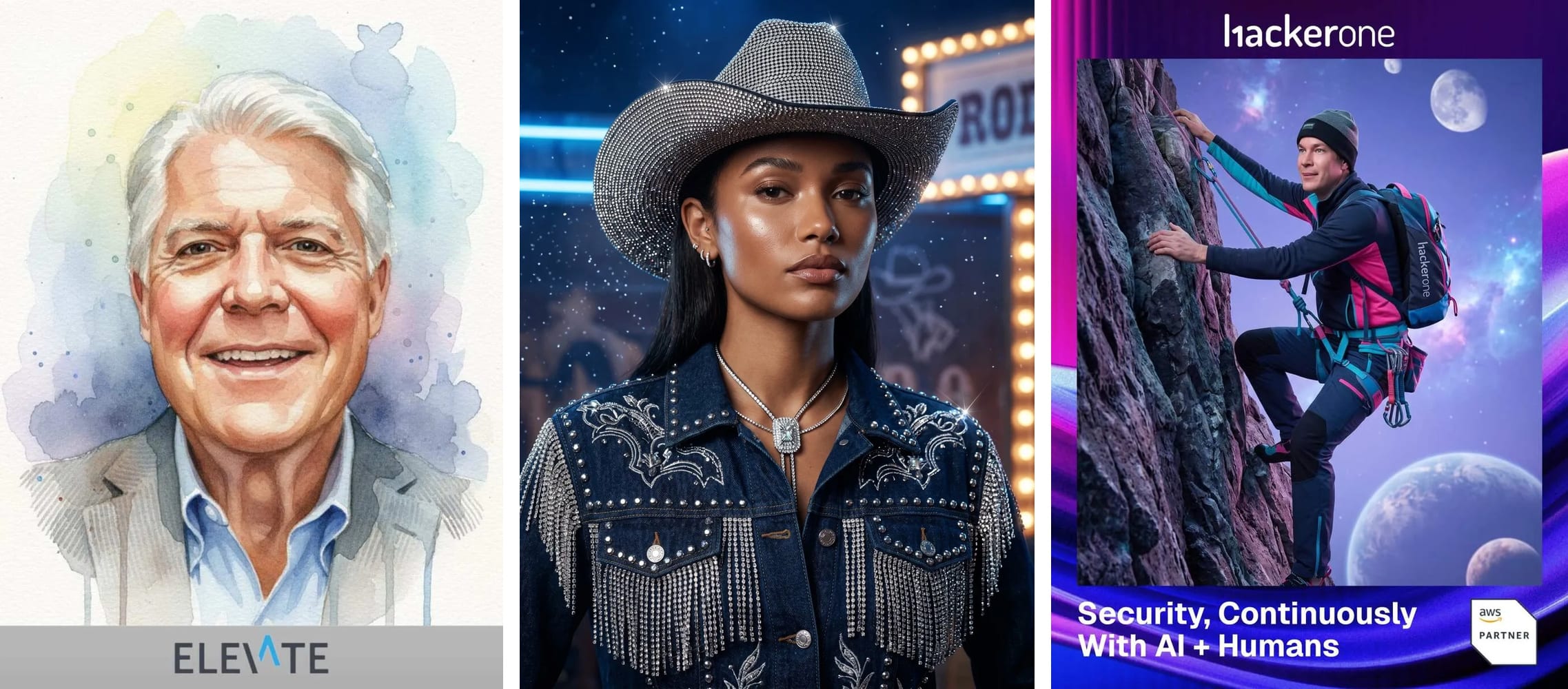
AI styles designed to your brand, running on a kiosk, an iPad or guests' own phones, with a live gallery, slideshow and leaderboard included. From 50 guests to 50,000+.
Explore the AI Photo BoothiPad photo booth app vs web-based photo booth: what does each run on?
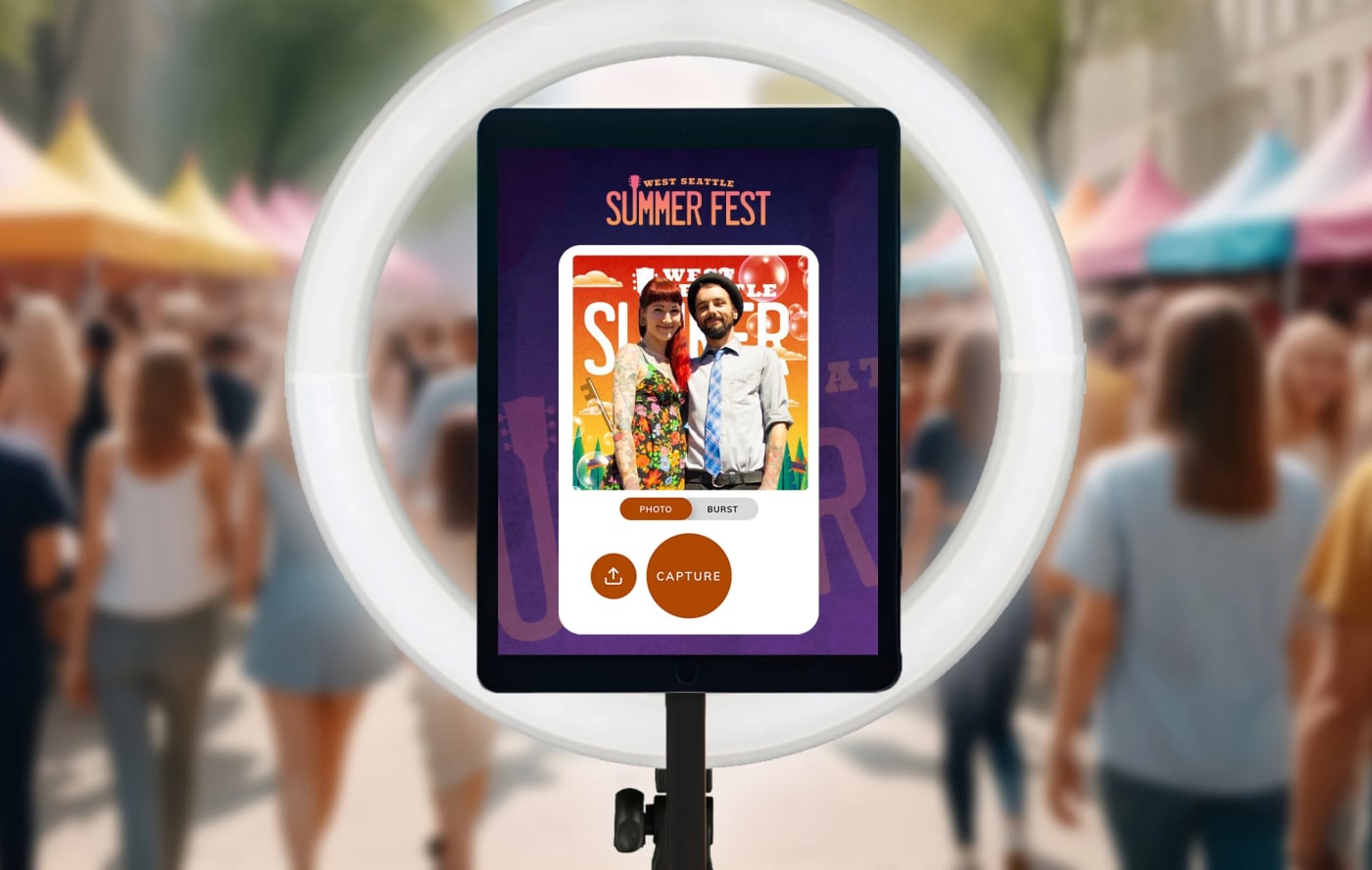
Snappic runs as an app on an iPad or DSLR rig; Snapbar runs in the browser on an iPad, a kiosk, a laptop or the guest's phone. Snappic's supported-devices page lists Apple hardware only; no Android, Windows or browser-based booth app is stated. The exception is the virtual booth, which "works on any browser," a $25 per-event add-on on Business and up.
That hardware is yours to source, which is a strength if the activation calls for a DSLR, on-site prints or a 360 rig: Snappic is built around that gear and is the better fit for it.
The Digital Photo Booth takes the other route on purpose. Bring the hardware you have, or use none: launch it as a kiosk on an iPad or a laptop, put the same link on a second and third screen, or share a QR code and let the whole room join from their phones. It's one experience at one price whether it runs on a single kiosk or on 50,000 guests' phones, and adding a device never adds a license. Run all of it at once if you like: a kiosk at the booth, an iPad on a stand at the bar, the QR code on every table card and up on the big screen, every one of them feeding the same gallery, the same leaderboard and the same lead list, with no extra charge per device.
Who runs it on the day?
On Snappic, the license holder runs it: you, or the operator you hire. On Snapbar, that's your call: put a brand ambassador at a kiosk, set an iPad on a stand, or let guests join by QR code with nobody at a booth at all.
Snappic supplies the software and the operator supplies everything else. No staffed service is stated on any Snappic page we checked; the person at the booth comes from you or your rental company.
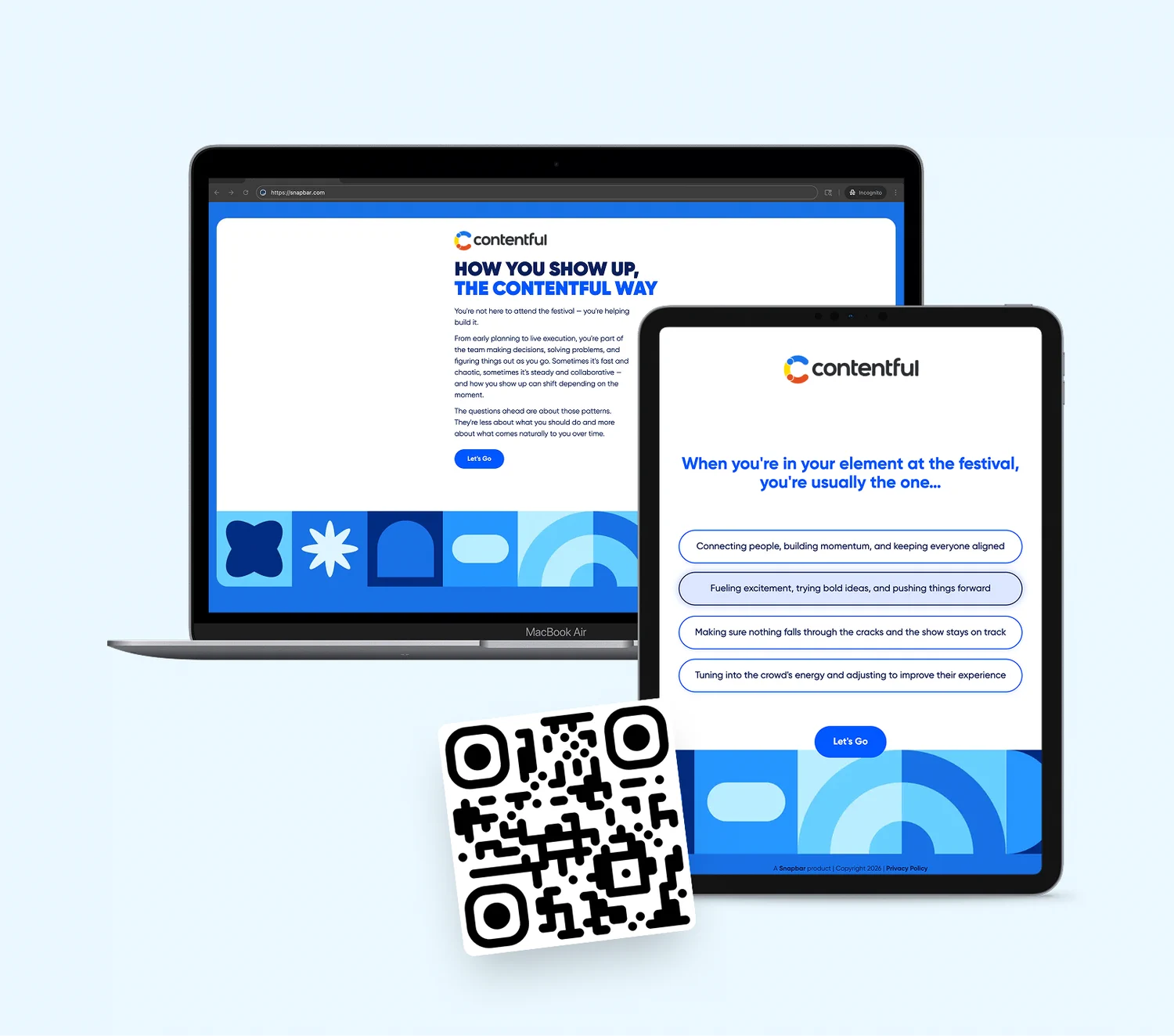
Snapbar is neither staffed nor fully self-serve. The platform gives your team immediate control over branding and design elements, while our team provides expertise and guidance on the more complex aspects of AI prompts and data flow. That's how the build works. On the day, your marketers can host at the kiosk or stay on the floor talking to guests while the room joins by QR code; either way, the capture button is never theirs to babysit.
Where does the lead data end up?
On Snappic, your leads sit in Snappic's cloud under whoever's login ran the event, and you get them as a CSV. On Snapbar, they land in your dashboard as guests submit them and can reach your CRM while the event is still running.
Per Snappic's help center, September 2026: share data and survey data download as CSV from the event's Analytics tab, and Starter events collect no share data. Webhooks are included on Premium and Scale, a $19 add-on on Business, unavailable on Starter. No native CRM connector is stated. And if an operator runs the event, the operator holds your leads until they send you the file.
Snapbar puts a data capture step inside the experience, consent-gated by default: non-consented details are dropped before anything fans out, while the content still arrives. Records show up in real-time analytics and export from the dashboard, with bulk exports named from guest details. Lead data is delivered in real time into HubSpot, Slack, signed webhooks and Zapier, plus a partner API; that delivery is pilot-gated per account and configured with our team, not self-serve. The ownership, consent and retention questions are in where your event lead data actually goes; the capture step is on the lead capture page.
What does the crowd see, and what do the AI experiences look like?
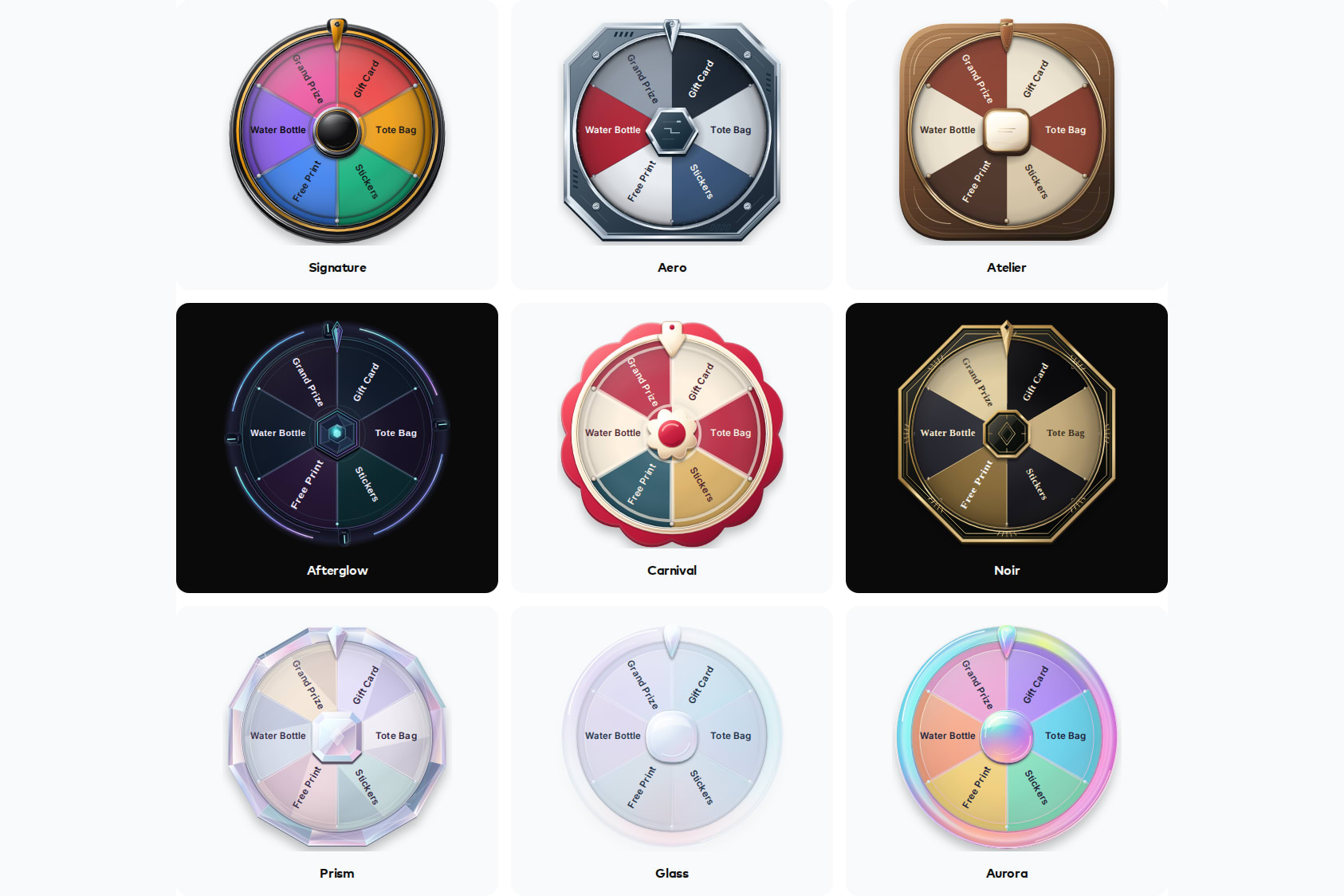
Snappic gives you a slideshow on a screen you connect. Snapbar gives you a live gallery, a slideshow and a leaderboard with every activation, on as many screens as you want.
Snappic's Slideshow 2.0 streams to a TV or projector and needs stable internet plus the event Microsite, a $19 per-event add-on on Starter. Snapbar's included displays run as unlimited instances, so twelve screens cost the same as one, and sponsor QR codes can sit in the gallery and slideshow. The leaderboard adds guest upvoting by scannable code; we enable it per experience. Live Mosaic is the one add-on. More in live event displays compared.
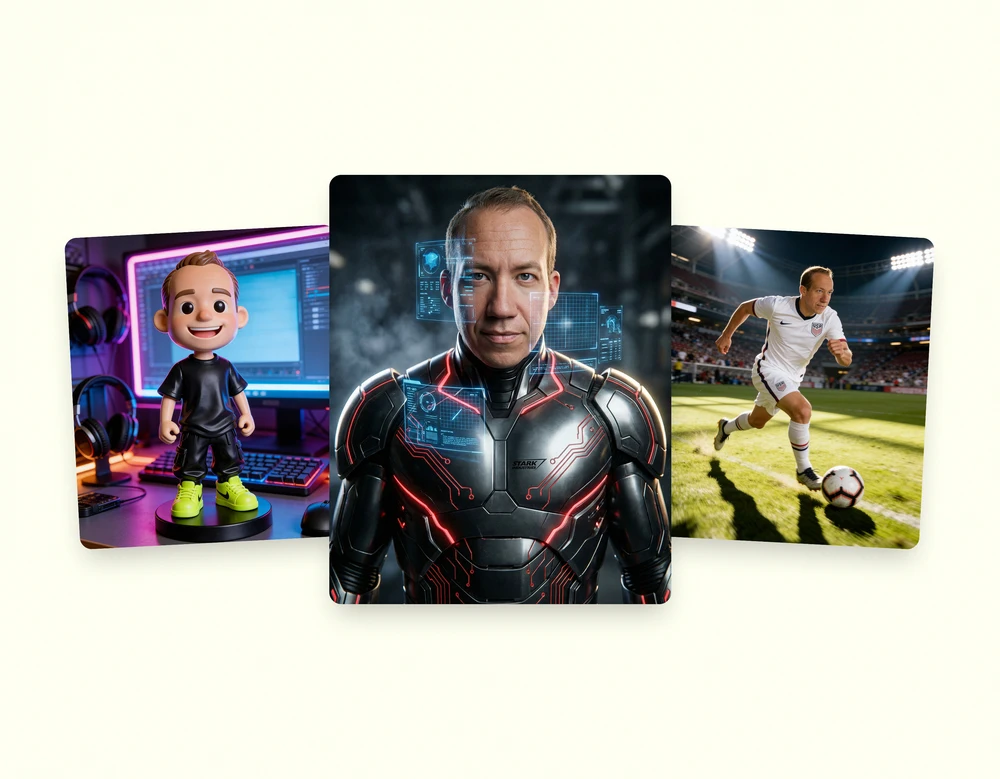
On AI, the two take different routes. Snappic's AI-FX is a library of 80+ preset filters on Business and up, cloud-processed and metered in credits; their setup guide puts processing at two to five minutes on average per image, and custom filters "can be created for businesses and brands," process and cost not stated. Snapbar's AI Photo Booth doesn't start from a preset list: the styles are designed to your brand with our team, a guest can blend a second photo into any portrait, and the usage is inside the price. Presets are faster to set up; brand-designed styles are what your creative director signs off on.
Who should choose Snappic, and who should choose Snapbar?
Choose Snappic if you're a rental operator or photographer running many bookings; if you want to run a small recurring internal event yourself, month to month, on iPads you already own; if the activation needs DSLR capture, on-site prints or a 360 rig; or if the software budget is a few hundred dollars and you have people to carry the rest. It's a well-built product for that job.
Choose Snapbar if you're a corporate event marketer or agency putting a brand activation in front of guests at a trade show, conference or internal event, and you want to deploy it however the venue calls for, on a kiosk, an iPad on a stand, a laptop at a desk, every guest's phone, or all of the above at once, without buying a license per device. If the leads have to reach your team while the event is on. If you want displays across the floor without paying per screen. If the AI needs to be built to the brand, with an experienced team on the prompts and the data flow.
Where Snappic's model is the better fit today: a booth business, and a one-off small party. For a 40-person team dinner with no CRM in play, a per-event Snappic license and an iPad you own do the job; Snapbar photo-based experiences start at $1,995, which includes full platform access and the core features needed to run a successful event, from custom lead capture to unlimited displays, so if you're not sure which side you're on, ask us.
Other head-to-heads: Snapbar vs Simple Booth, Snapbar vs Movebooth, Snapbar vs Dreamwave, and the best AI photo booth software for events.
Snappic facts were checked on snappic.com (home, pricing, plans, AI photo booth, virtual booth and compare) and its help center (packages comparison, credits, supported devices, AI-FX setup, slideshow, webhooks and share-data articles) in September 2026. Snapbar pricing is from the live platform pricing page, September 2026; Snapbar totals are approximate, computed from published experience prices and included usage. Where Snappic does not state something publicly, we say so.