
Table of Contents
Movebooth and Snapbar promise the same thing on a trade show floor: a guest makes something worth keeping, and your team keeps their details. How each gets there is different enough that one fits the event you're planning and the other doesn't. This Movebooth vs Snapbar comparison covers the one iPad-app vendor our guide to comparing photo booth software for corporate events left out, with the dollar figures that guide doesn't carry. Every Movebooth fact comes from their own pages as read in September 2026; where they don't state something publicly, we say so.
The short answer
Movebooth is an iPad kiosk app your own team runs, from $49.99 a month, with lead capture from $149.99 a month and leads leaving as a CSV. Snapbar is a web-based platform you deploy however you want, on a kiosk, an iPad, guests' own phones, or all of the above at once, priced per experience from $1,995 with lead capture and live displays included, and a lead path that can reach your CRM during the event, pilot-gated and configured with our team. Choose by how many devices you'll run and where the data has to land.
Who is Movebooth built for, and who is Snapbar built for?
Movebooth is built for a team that wants to own a kiosk and run it themselves. Snapbar is built for a corporate event marketer who wants the same experience on whatever hardware the event calls for, a kiosk, an iPad or every guest's phone, and the data landing somewhere useful.
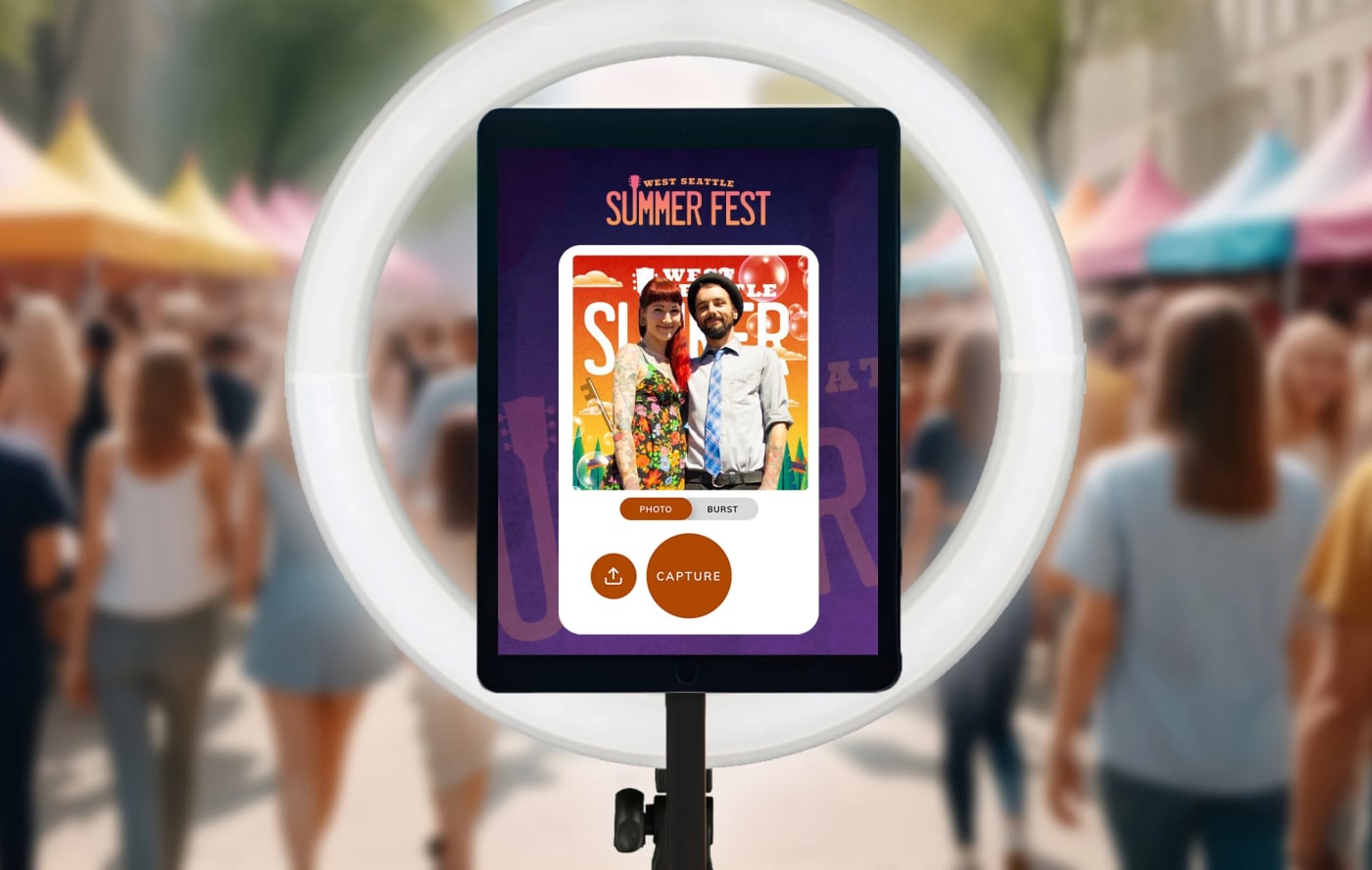
In their words, Movebooth is "the iPad photo booth that turns guest photos into CRM-ready contacts at brand activations, corporate events, and trade shows." It's an app on an iPad you supply, plus an optional kiosk kit, and it's "fully self-serve": your staff assemble it, run the event and box it up. One license runs one booth.

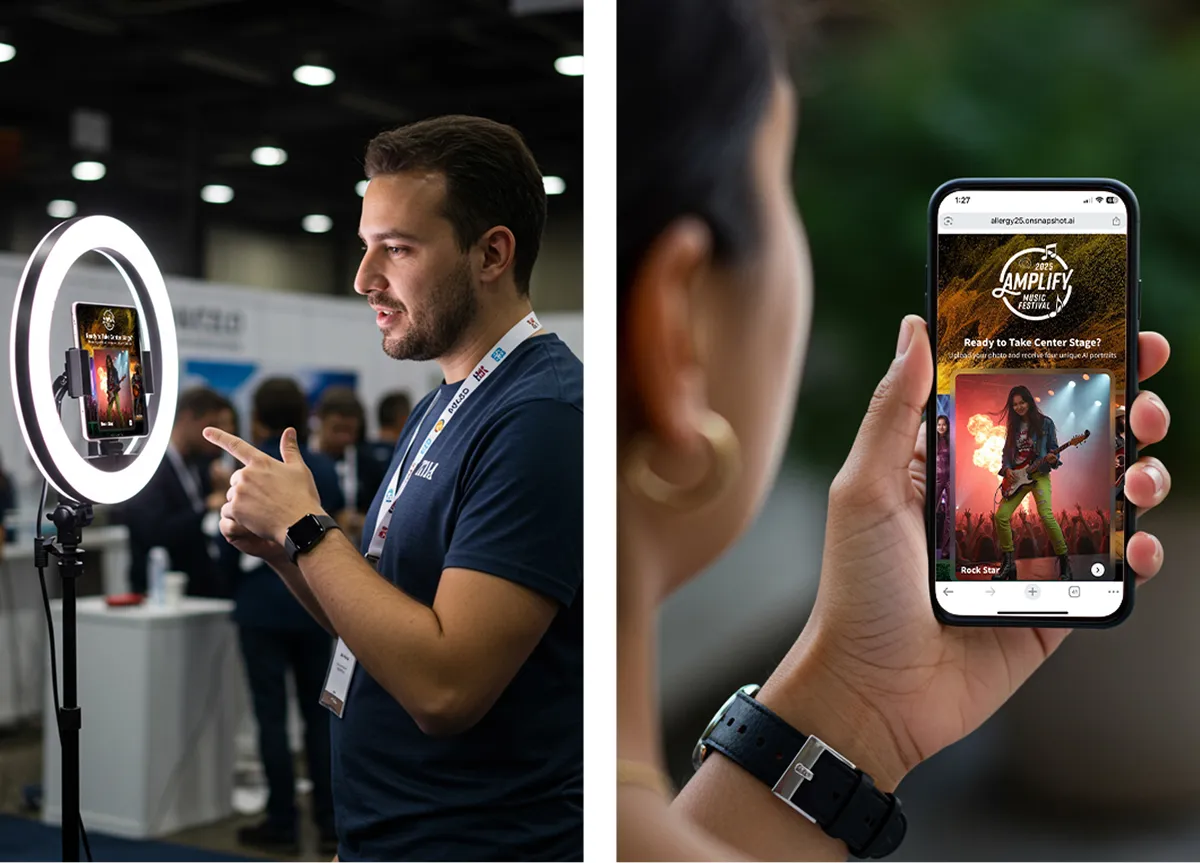
Snapbar's home ground is B2B events and the agencies that run them. The experience runs in a browser, so it goes on a kiosk, an iPad, a laptop or every guest's phone by QR code, with the same branding, displays and data path on each. Bring the hardware you have, or use none; content arrives by email or text either way. What an iPad app doesn't attempt is the part after the capture: displays across the venue, AI outputs, and a lead path built with our team.
Movebooth vs Snapbar side by side
| Movebooth | Snapbar | |
|---|---|---|
| Platform and device | iPad app; iPads 10.2" to 12.9"; works offline | Web-based, no app; runs on a kiosk, an iPad, a laptop or guests' own phones, the same experience on every device |
| Who runs it on the day | Your team. "Fully self-serve." | Your team at a kiosk, or guests on their own phones by QR code. You control branding and design in the platform; our team guides the AI prompts and data flow. |
| Pricing model | Per booth license per month, plus hardware bought or rented | Per experience, with usage for a set number of guests included; bigger crowds cost more, extra devices and screens don't |
| Entry price, September 2026 | Lite $49.99/month. Lead capture from Plus, $149.99/month. Pro $249.99/month. Kit $2,499 one-time, iPad not included. | Digital Photo Booth $1,995. AI Photo Booth $2,495. Event Headshots $3,495. |
| Lead capture | Plus: name, email, phone. Pro adds ZIP code, date of birth, age gate. Not on Lite. | Included with every experience; consent-gated by default |
| Where lead data goes | Dashboard and CSV download. "Movebooth does not have native CRM API integrations." | Dashboard, bulk export, and real-time delivery into HubSpot, Slack, signed webhooks and Zapier plus a partner API, pilot-gated per account and configured with our team, not self-serve |
| Live displays in the venue | Not stated publicly; their "galleries" are online sharing galleries reached from the delivery email | Live gallery, slideshow and leaderboard with every experience; live mosaic is the one add-on; unlimited displays of the included types |
| AI and content formats | Stills, four-frame GIFs, boomerangs. Their own comparison table marks AI photo transformation unavailable. | Photos, AI portraits, headshots or AI video, by experience |
| Branding | Logo and overlay on every tier; no Movebooth branding in the guest flow, by their statement | Subtle Snapbar branding by default on guest-facing surfaces (microsite footer, displays, delivery emails, sharing page); the Whitelabeling add-on, $1,495, removes it |
| Delivery to the guest | Email and SMS on every tier | Email included; text delivery is a $195 add-on with usage billed on top |
| Languages | Not stated publicly | Built-in translations, a $695 add-on |
| Contracts and runtime | Month-to-month; 7-day free trial | 30 days live runtime per experience; 1-year runtime add-on $1,495 |
How does Movebooth pricing compare with Snapbar pricing?
The difference that decides most of it
Movebooth prices per kiosk per month, plus hardware. Snapbar prices per experience and per guest. Cost on Movebooth doesn't move with how many people show up; cost on Snapbar doesn't move with how many kiosks, iPads or screens you run.
A scenario we quote often: a three-day trade show, one branded photo experience, lead capture required, about 500 guests. Snapbar totals are approximate.
| Movebooth | Snapbar | |
|---|---|---|
| Rent for the show | Plus kit $1,199 for the week, or $599 a day; iPad and software pre-configured; 10 days' advance booking | Nothing to rent; run it on hardware you already have, or on guests' phones |
| Or buy and subscribe | $2,499 kit (iPad not included) plus Plus at $149.99 a month: $2,648.99 for the first event | Nothing to buy; hardware you already own runs it |
| Digital Photo Booth | $1,995. Included usage covers 500 guests, so the published price is the total. | |
| AI Photo Booth | $2,495 published; approximately $3,200 for 500 guests | |
| A second kiosk or screen | A second license ($149.99 a month on Plus) and a second iPad | No extra license for a second kiosk or a fourth iPad; no extra cost for displays of the included types |
The honest read: for one staffed iPad at one show, Movebooth is cheaper, and it stays cheaper across a season of small events; we'd tell you that on a call. Snapbar photo-based experiences start at $1,995 with full platform access and the core features needed to run a successful event, from custom lead capture to unlimited displays, and the price returns a different thing: the same experience on as many devices as the crowd needs, screens across the venue, AI outputs, and a lead path that can reach your CRM during the event, pilot-gated and configured with us. The gap closes the moment you'd need a second iPad or a second license. Full figures are on Snapbar platform pricing.

One iPad app, or the same experience on any device?
The decision underneath every other row. Movebooth is one app on one class of device: an iPad on a stand, licensed per booth. Snapbar is a browser experience you deploy however you want: a kiosk, an iPad, a laptop, every guest's phone by QR code, or all of the above at once, with the same branding, displays and data path whichever you pick. Picture a kiosk at the booth, an iPad on a stand at the bar, and the QR code on every table card and on the big screen, all feeding one gallery, one leaderboard and one lead list, with no charge per device. Throughput is decided by device count. One kiosk serves one guest at a time, so the queue is set by how many devices you bring; on Movebooth every extra iPad is another license, on Snapbar it isn't. And when the crowd outgrows the hardware, the whole room can join from their phones, which is how one experience scales from 50 to 50,000+ guests.
Movebooth's model has two real advantages we'd be dishonest to skip. The app works offline, which matters in a basement hall with no signal; a browser experience needs a connection. And their purpose-built stand with a ring light is a kit of their own: a booth that arrives in one box, with a person there to wave people over. Small staffed stand, Wi-Fi a known problem: the iPad app is the safer pick.
On our side, the hardware decision is yours, and you can make it differently for every event; how it works covers the setup. You get immediate control over branding and design in the platform, while our team provides expertise and guidance on the more complex parts, the AI prompts and the data flow.
Where does the lead data go?
On Movebooth, into their dashboard and out as a CSV. On Snapbar, into your dashboard, out as a bulk export, or into the tools your sales team already works in while the event is still on.
Movebooth says it plainly: "Movebooth does not have native CRM API integrations." Leads download as a CSV from the Plus tier up; Pro adds an age gate and custom terms in the share form. Their dashboard updates in real time. The CRM doesn't, until someone imports the file.
Snapbar delivers lead data in real time into HubSpot, Slack, customer-supplied signed webhooks and Zapier, plus a partner API, and that delivery is pilot-gated per account and configured with our team rather than a setting you switch on. Bulk exports carry filenames built from guest details, so files and spreadsheet line up. Capture is consent-gated by default: when a guest declines, their personal details are dropped before anything reaches a connected system, while their content still arrives.
Whether that matters depends on who's waiting for the record. If the export happens Monday either way, a CSV is fine; if reps are working the floor, the export is the bottleneck. Ownership, consent and retention have their own questions; where your event lead data actually goes walks through nine, and the capture step is on lead capture.
What does the room see, and what does the guest walk away with?
A Movebooth guest walks away with a still, a GIF or a boomerang, delivered by email or text. A Snapbar guest walks away with whichever experience you chose, and the room watches it happen on screens while they're still in the building. Movebooth doesn't state publicly whether it drives a live venue display; that isn't a knock, it's the shape of an iPad app. The iPad is the screen.
Every Snapbar experience comes with a live gallery, a slideshow and a leaderboard, and you can run as many of them as the venue has screens, at no extra cost. Twelve screens across the booth, the lounge and the main stage cost the same as one. The live mosaic is the one add-on. Live event displays compared covers which suits which room.
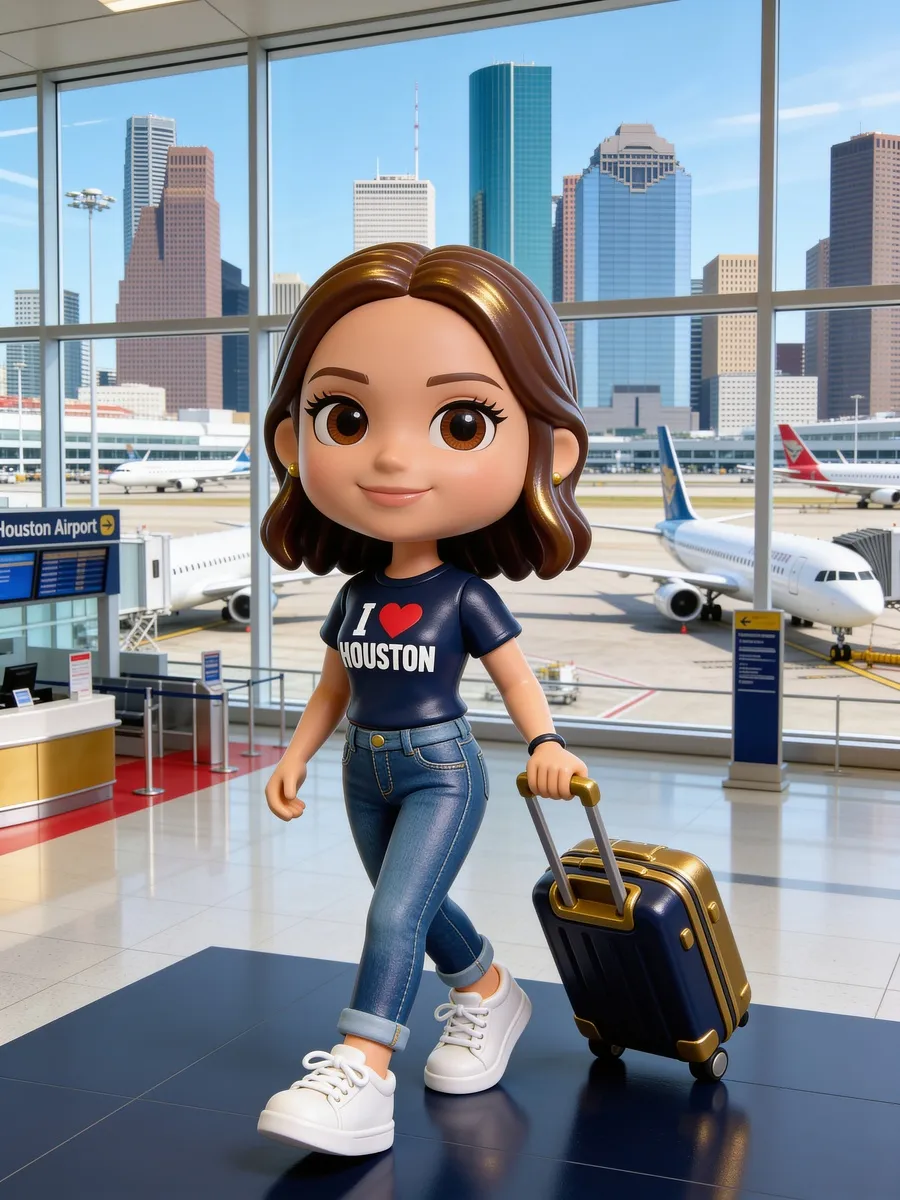
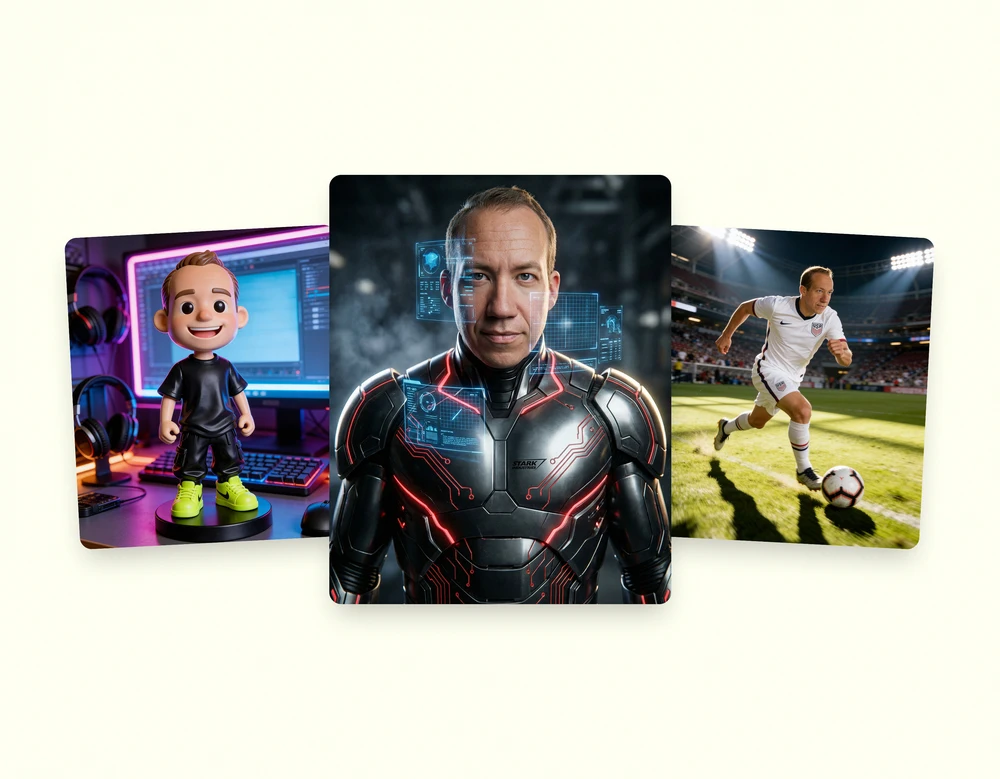
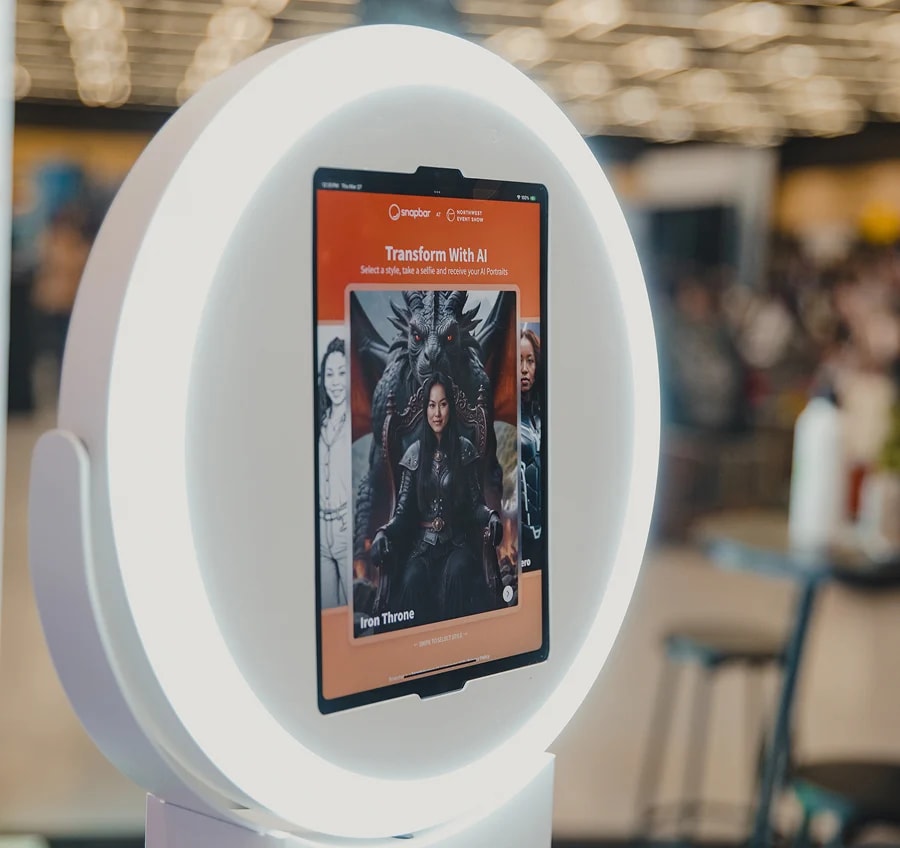
The take-home is where the two products stop overlapping. The AI Photo Booth turns a selfie into a custom visual style designed around your brand, one style per experience. We'd push back on the idea that AI is the reason to pick us, though. A well-themed Digital Photo Booth on a kiosk or on guests' phones, with displays across the venue, beats a lazy AI activation every time.
See it in action
AI Photo Booth
A custom visual style built for your brand, from a selfie at a kiosk or on the guest's own phone. Scales from 50 to 50,000+ guests.
Explore AI Photo BoothWhich should you choose?
Choose Movebooth if you want to own a kiosk and run it yourself. Choose Snapbar if you want the same experience on whatever hardware suits the event, a kiosk, an iPad, every guest's phone, or all of the above at once, and the lead has to land somewhere useful before the event ends. In the Movebooth vs Snapbar decision, price settles it only at the small end.
Choose Movebooth when:
- Your events are small and frequent, and one iPad covers the crowd.
- Someone on the team can run the booth.
- A CSV on Monday is how your CRM gets fed anyway.
- Venue connectivity is unreliable and offline mode matters.
- You run a rental business or you're planning a wedding; Movebooth's per-booth model is the better fit for both today.
Choose Snapbar when:
- You want it on a kiosk, an iPad, a laptop or guests' own phones, without a license per device.
- The crowd might outgrow the hardware, and the whole room should be able to join from their phones.
- You want the content on screens across the venue.
- Sales needs the lead while the guest is still on the floor.
- The creative calls for AI portraits, headshots or video on one platform.
Where Movebooth is the better fit today: a small internal event with no CRM in the picture, a rental fleet, or any activation where an all-in-one kit that works offline is the point. Movebooth is a good product for those; if you're not sure which side you're on, ask us.
More in this series: Snapbar vs Snappic, Snapbar vs Simple Booth, Snapbar vs Dreamwave, and the best AI photo booth software.
Sources and verification
Movebooth figures and capabilities come from movebooth.com as read in September 2026: the homepage, pricing page, iPad photo booth app and kit product pages, rental page, comparison pages and help center. Snapbar figures come from the Snapbar platform pricing page, checked September 2026; Snapbar totals are approximate, computed from published experience prices and included usage. Where a vendor does not state something publicly, we say so rather than guess.