

Table of Contents
Most teams weighing Snapbar vs Dreamwave arrive with the same first impression: two browser-based tools that turn a selfie into a branded portrait. That part is accurate, and it is where the resemblance stops. Dreamwave is an AI headshot generator with an event line attached. Snapbar is an experiential marketing platform where the AI portrait is one experience among several, with live displays, a lead data path and published pricing around it.
We wrote this for the event marketer choosing between the two for a conference, a trade show booth or an internal event. Both companies also sell a remote headshot product; this page is not about those. It sits under our guide to comparing photo booth software for corporate events, which covers the six buying criteria.
Key takeaways
- Both run in the browser, no app. Dreamwave offers an iPad station or a QR code; Snapbar runs on whatever you bring, a kiosk, an iPad, a laptop, guests' own phones, or all of the above at once, priced per experience, not per device.
- Dreamwave publishes no event pricing; every event page ends in a quote form (checked September 2026). Snapbar publishes per-experience prices.
- Dreamwave documents one live display, a real-time headshot gallery on a monitor. Snapbar includes a live gallery, a slideshow and a leaderboard with every activation.
- Where lead data goes is not stated on Dreamwave's event pages. Snapbar delivers it in real time into HubSpot, Slack, signed webhooks and Zapier, pilot-gated, configured with our team.
Who is each platform built for?
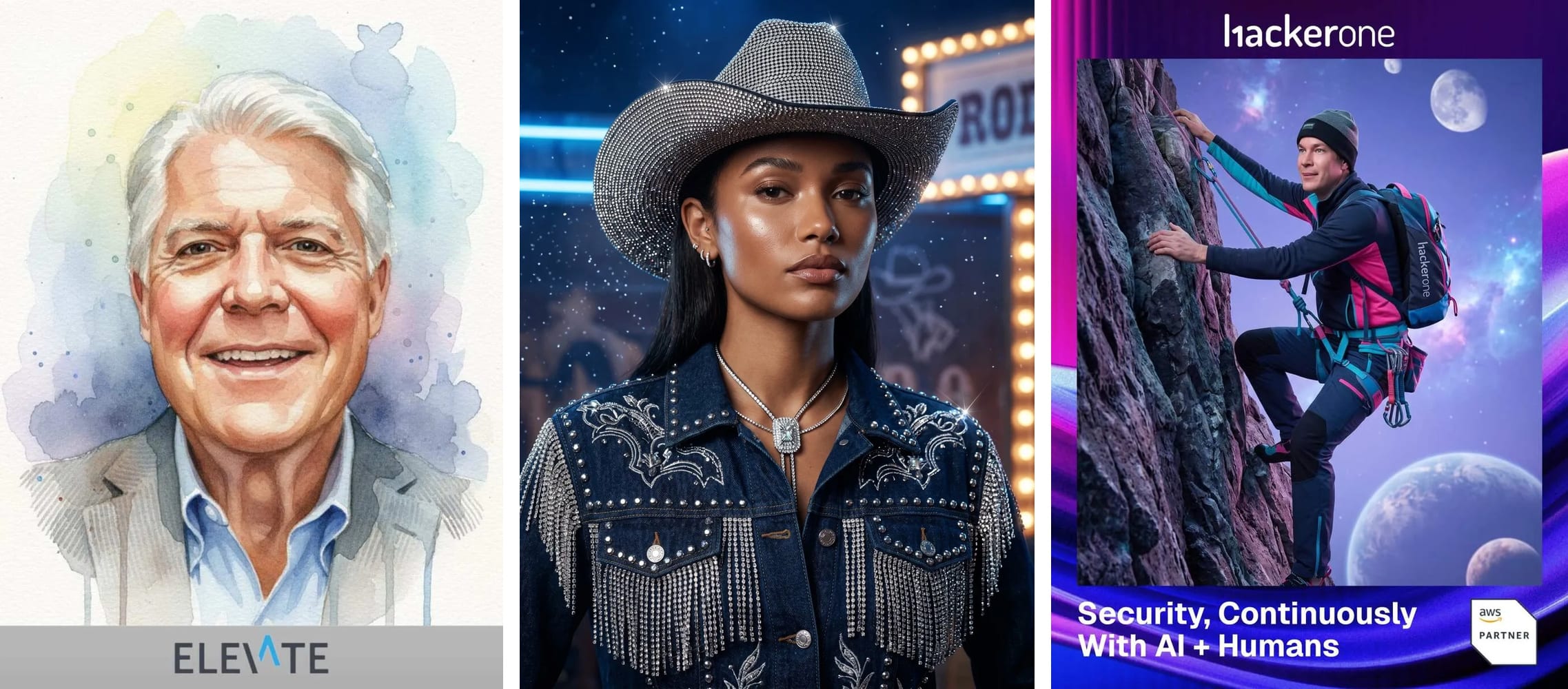
Dreamwave is built for teams whose draw is a professional headshot. Its homepage leads with "Studio-grade portraits, without the studio," and the navigation is mostly headshot products: individual, company-wide with HR-system sync, then the event line. The four event pages (event headshots, conference headshots, trade show photo booth, AI photo booth) share one template and, as their pages describe it, one product: a branded microsite on an iPad or by QR code that turns three or four selfies into AI headshots, with themed portraits and AI videos on the AI Photo Booth page. They also sell wedding and holiday versions, which tells you the generator came first and events followed. Their "25+ million headshots delivered" line is company-wide, not an events figure.
Snapbar is built for the marketer running an activation, where the portrait is the hook and the surrounding pieces carry the business case: what the crowd sees on screens, where each lead record lands, who controls the branding and the AI styles. Event Headshots covers the headshot-led brief; the AI Photo Booth covers custom AI styles built around the event's theme.
If your whole requirement is a headshot station and a quote, Dreamwave is a fair fit. Read the table with that in mind.
Snapbar vs Dreamwave side by side
Dreamwave cells come from dreamwave.ai as it read in September 2026; where their pages don't state something, the cell says so. Snapbar cells come from our platform pricing page and shipped releases, same month.
| Row | Dreamwave (events) | Snapbar |
|---|---|---|
| Platform | Browser microsite on an iPad or tablet station, or QR code to the guest's phone. "No downloads required." | Any browser, no app. Deploy it however you want: a kiosk, an iPad on a stand, a laptop, or guests' own phones by QR code, the same experience on every device (AI Photo Booth). |
| Who runs it on site | Self-run ("You run it, we handle the AI") with virtual support, or turnkey with on-site brand ambassadors. | Self-run on the hardware you have, or none; your team controls branding and design; our team guides the AI prompts and data flow. |
| Event pricing | Not published; quote-only, checked September 2026. | Published per experience: AI Photo Booth from $2,495, Event Headshots from $3,495. |
| Live displays | "Live slideshow wall": a real-time headshot gallery on a branded monitor. Leaderboard or mosaic not stated. | Live Gallery, Slideshow and Leaderboard included, as many instances as you want; Live Mosaic is the one add-on display. |
| Lead capture | Configurable qualification questions; Dreamwave claims "90-100%" form completion. | A data capture step in every experience, consent-gated by default (Lead Capture). |
| Where lead data goes | Not stated on the event pages checked. Retargeting pixels for Google, LinkedIn or Meta ads are stated. | Real-time delivery into HubSpot, Slack, signed webhooks and Zapier, plus a partner API; pilot-gated per account, configured with our team, not self-serve. Bulk export alongside. |
| AI outputs | Headshots in several styles, themed portraits, "AI videos of your guests." | Custom AI styles deployed by our team; Event Headshots offers five output modes. AI Video, Trading Cards and Persona Quiz are separate experiences. |
| Branding | "Your branding on every touchpoint: booth screens, confirmation emails, the delivery microsite, and live slideshows." Removing Dreamwave branding not stated. | Custom branding included. Subtle Snapbar branding on guest-facing surfaces by default; the Whitelabeling add-on ($1,495) removes it. |
| Delivery to the guest | Email with a secure link. "Within seconds" (Event Headshots page); "in about an hour" (AI Photo Booth page). SMS not stated. | Email or text, branded delivery emails; SMS is an add-on. |
| Analytics | "Post-event engagement report" in the turnkey package. Dashboard analytics not stated. | Real-time analytics and live moderation in the admin dashboard, included. |
| Languages | Not stated publicly. | Translations for any experience, a $695 add-on. |
| Scale and runtime | "More than 10,000 attendees" supported. Contract terms and minimums not stated. | 50 to 50,000+ guests; 30 days live runtime included. |
Two rows decide most shortlists: pricing and the data path. The rest of this piece is those two, plus staffing and displays.
What does each one cost?
Dreamwave does not publish event pricing. Its pricing URL returns a 404, and each event page ends in "Get an instant quote" and "Book a quick call" (checked September 2026). One clearly labelled figure so nobody reads it wrong: the only price on dreamwave.ai is $49 to $59 per person for their individual remote AI headshot product, not the event booth.
Snapbar prices each experience on the platform pricing page: the AI Photo Booth is $2,495 and Event Headshots is $3,495, and each covers about 166 guests. Both include 30 days of live runtime. The 500-guest totals below are approximate. Snapbar platform pricing, checked September 2026.
| Item | Snapbar (platform pricing, September 2026) | Dreamwave (dreamwave.ai, September 2026) |
|---|---|---|
| AI Photo Booth, base | $2,495, about 150 guests covered | Not published; quote-only |
| Event Headshots, base | $3,495, about 166 guests covered | Not published; quote-only |
| 500 guests, equivalent cost | AI Photo Booth approximately $3,200; Event Headshots approximately $4,200 | Not published |
| SMS delivery | $195 add-on plus per-guest usage | Not stated |
| Translations | $695 add-on | Not stated |
| Whitelabeling | $1,495 add-on | Not stated |
| Second experience | "Add 1 more experience to get 10% off experiences and add-ons." | Not stated |
Quote-only pricing isn't a red flag, but it moves work onto you. Ask Dreamwave for the quote itemised: self-run versus turnkey staffing, iPad stations, backdrop and signage, the post-event report, and what happens above your expected headcount. A single number for "the booth" is the version that surprises finance later.
Who runs it on the day?
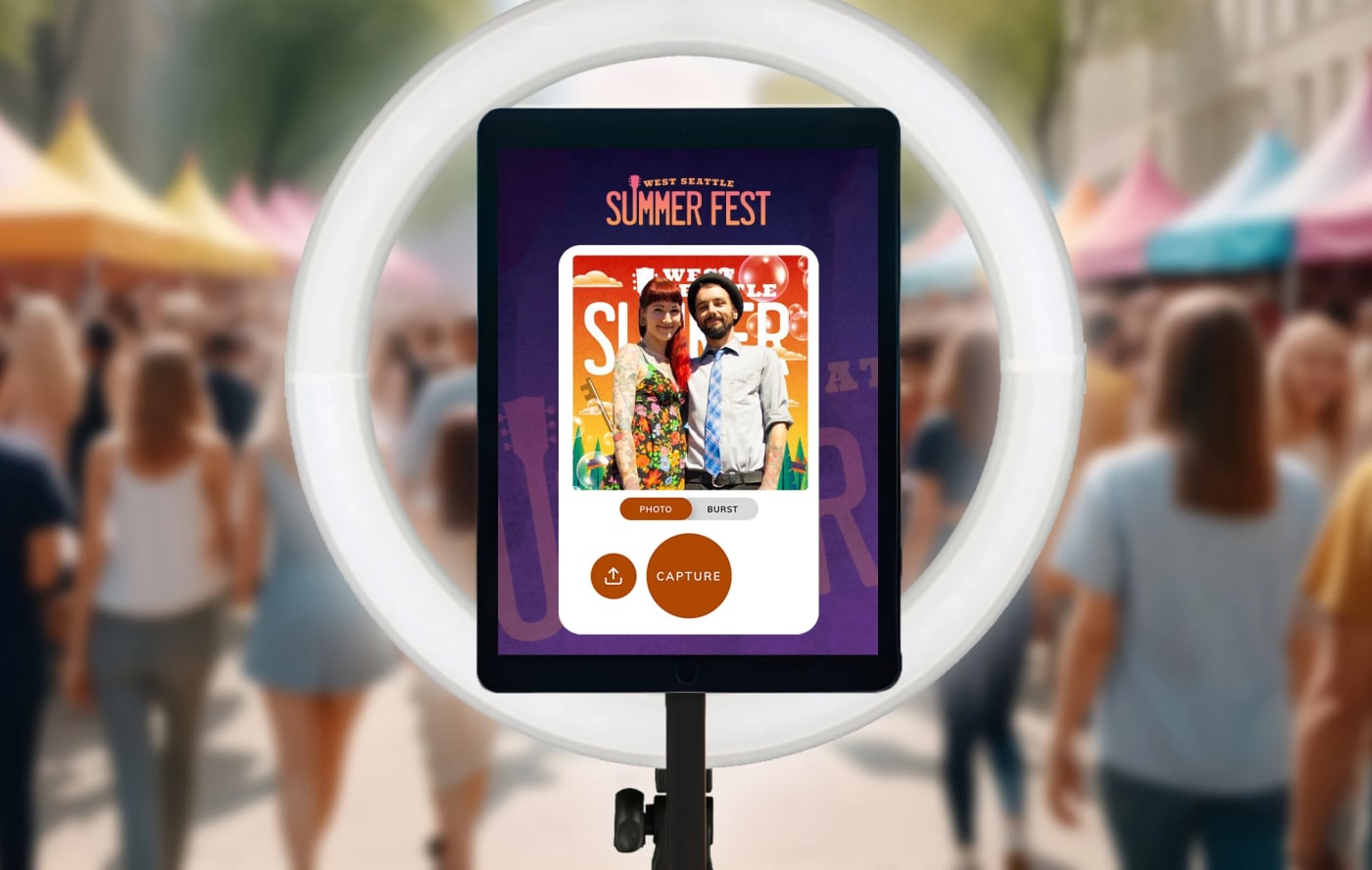
On the mechanic the two are close: a guest steps up to a kiosk or an iPad, or scans a code, takes a few selfies and gets their content by email. Dreamwave offers the iPad station or the QR code; Snapbar runs on either, plus a laptop or a purpose-built kiosk, with the same experience on every device. The bigger difference is what sits behind that step.
Dreamwave offers two models. Self-run, where "No Dreamwave staff required. You run it, we handle the AI," with virtual support; or a turnkey package where "On-site brand ambassadors wear your apparel" and a "dedicated coordinator manages every detail." Turnkey pricing is not stated publicly.

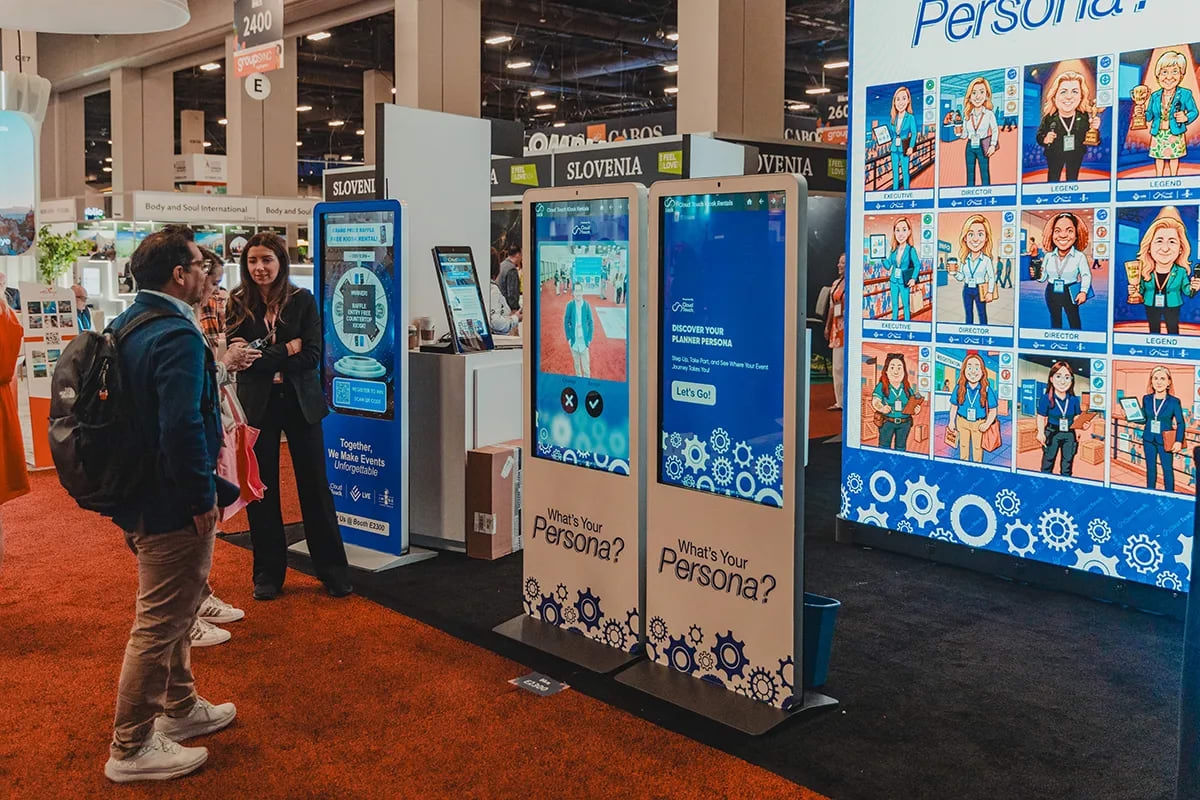
Snapbar works differently. Guests run the experience themselves on whatever you deploy, a kiosk, an iPad, a laptop, their own phones, or all of the above at once. A kiosk at the booth, an iPad on a stand at the bar, and the QR code on every table card and on the big screen all feed one gallery, one leaderboard and one lead list, with no extra charge per device, so more capture points simply mean more guests through. The platform gives your team immediate control over branding and design, while our team provides expertise and guidance on the harder parts: the AI prompts behind each style, and the data flow from the capture step to your systems. In our experience the question that matters mid-show isn't who is standing next to the iPad. It's who can change a prompt that misbehaves on a particular backdrop, and who owns the data path when a rep asks where the last hour's leads went. We've had a style go wrong on a dark stage backdrop halfway through day one; the fix was a prompt edit from our side, not another person at the kiosk.
What does the crowd see?
Dreamwave documents one display: a "live slideshow wall" that projects "a real-time gallery of attendee headshots on a branded monitor." For a headshot station in a lounge, that may be enough.
Snapbar includes three display types with every activation: a Live Gallery, a Slideshow, and a Leaderboard with guest upvoting and a scannable code so passers-by vote from their phones (we enable the leaderboard on your experience). Run as many instances as the venue has screens, at no extra cost. Sponsor QR codes sit inside the gallery and slideshow surfaces. Live Mosaic is the one add-on display.
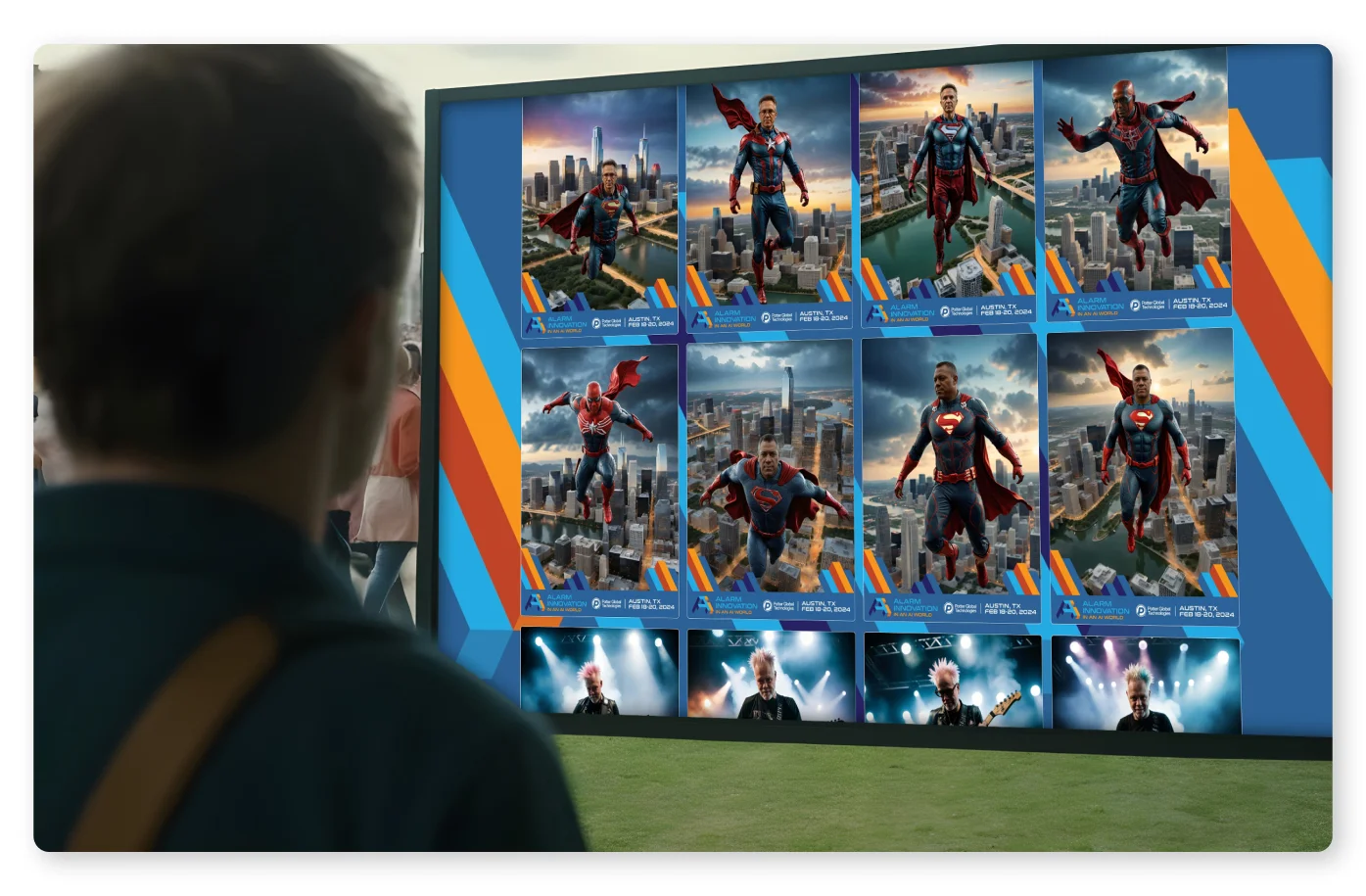
A leaderboard changes booth traffic in a way a gallery loop never does; guests come back to check their rank and bring colleagues. Our comparison of live event displays covers each type.
Where does the lead data go?
Dreamwave's capture step reads well. Qualification questions are configurable ("Team size?", "What's your buying timeline?"), and their event headshots page claims "90-100%" form completion; that is their figure, unverified by us. What the event pages don't state is where the records go next: no CSV, CRM, API or webhook is named on any of the four. Their Cerkl case study says leads landed "in Cerkl's CRM as ready-to-route leads" without naming the mechanism. Ask on the quote call.
Snapbar delivers lead data in real time into HubSpot, Slack, customer-supplied signed webhooks and Zapier, plus a partner API; that delivery is pilot-gated per account, configured with our team, not self-serve. Capture is consent-gated by default: when a guest declines, their personal details are dropped before anything reaches a connected system, while their content still arrives. Bulk exports carry filenames built from guest details so the zip and the spreadsheet line up on import.
The difference is the follow-up window: a record in your CRM while the guest is still on the floor gets worked that afternoon; one waiting on an export gets worked whenever someone remembers. Where your event lead data actually goes has the nine questions to put to any vendor.
Headshots, portraits, or the whole catalog?
Dreamwave's event output is headshot-first; the AI Photo Booth page widens it to "polished corporate headshots, fun party photos, or stunning AI videos of your guests," from one booth. If a professional headshot is the reason people queue, that focus is a strength.
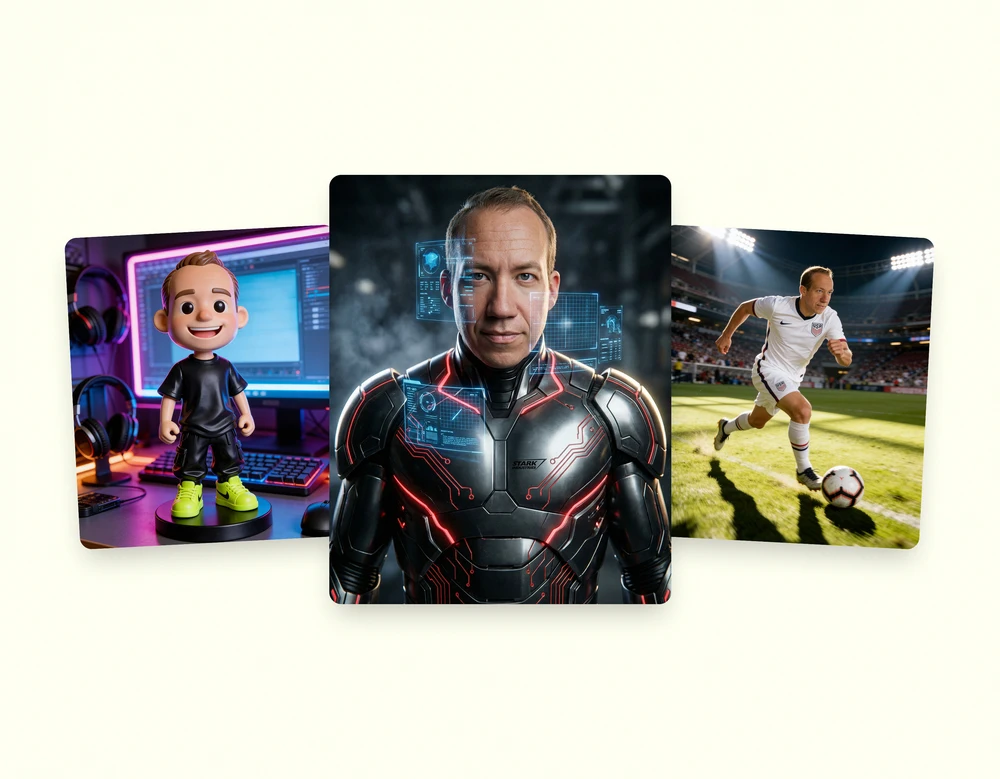
Snapbar splits the jobs into separate experiences. Event Headshots gives guests five output modes, from a real photo on a branded background to a fully AI-generated portrait, so comms and sales both get what they wanted from one station. The AI Photo Booth runs custom styles our team builds around the event's theme, and a guest can blend a second photo into any portrait, which is how a coworker or a product ends up in the frame. AI Video, AI Stories, Trading Cards and Persona Quiz are their own experiences on the same platform, with the same capture step, displays and data path. One contract, one capture step, and the same displays and data path whichever experience you pick.
See it in action
Build your own AI Photo Booth activation
Custom AI portraits guests want to share, a data capture step built in, and a live gallery, slideshow and leaderboard included. Web-based on a kiosk, an iPad or guests' own phones, from 50 to 50,000+ guests.
Explore AI Photo BoothFor a small internal event that wants fifty polished headshots and nothing else, Dreamwave's headshot-station model is the better fit today; if you're not sure which side you're on, ask us.
Choose Dreamwave if… choose Snapbar if…
Choose Dreamwave if the draw is a professional headshot, you're comfortable running an iPad station yourself with virtual support (or paying for their ambassadors), one gallery monitor covers your display needs, and a quote-based price fits how you buy.
Choose Snapbar if you need published pricing before the first call, more than one experience type over the year, live displays beyond one monitor, one experience running on a kiosk, an iPad, a laptop, guests' phones or all of the above at once, lead data reaching your CRM during the show (pilot-gated, configured with our team, not a switch you flip), or a team that keeps the AI prompts and data flow under expert oversight while you control the brand. That is the Snapbar vs Dreamwave call in one line: a headshot generator with an event line, or a platform with a headshot experience in it.
We've run the same comparison against Movebooth, Snappic and Simple Booth, and the wider field is ranked in the best AI photo booth software for corporate events.
Sources and verification. Dreamwave facts were checked against dreamwave.ai in September 2026: the homepage, the event headshots, conference headshots, trade show photo booth and AI photo booth pages, the company headshots and contact pages, and the Cerkl case study; the pricing page returned a 404. Where a page did not state something, we say so. Snapbar figures are from our platform pricing page, September 2026; Snapbar totals are approximate, computed from published experience prices and included usage, checked September 2026.
Want to see the AI Photo Booth priced for your guest count?
Get a QuoteOr explore: AI Photo Booth | Event Headshots