








For conferences

Conference Engagement Ideas Attendees Actually Join

Snapbar gives organizers experiences attendees join between sessions: live polls in the keynote, speaker cards to collect and a lounge for headshots, with no app to download.

See pricing
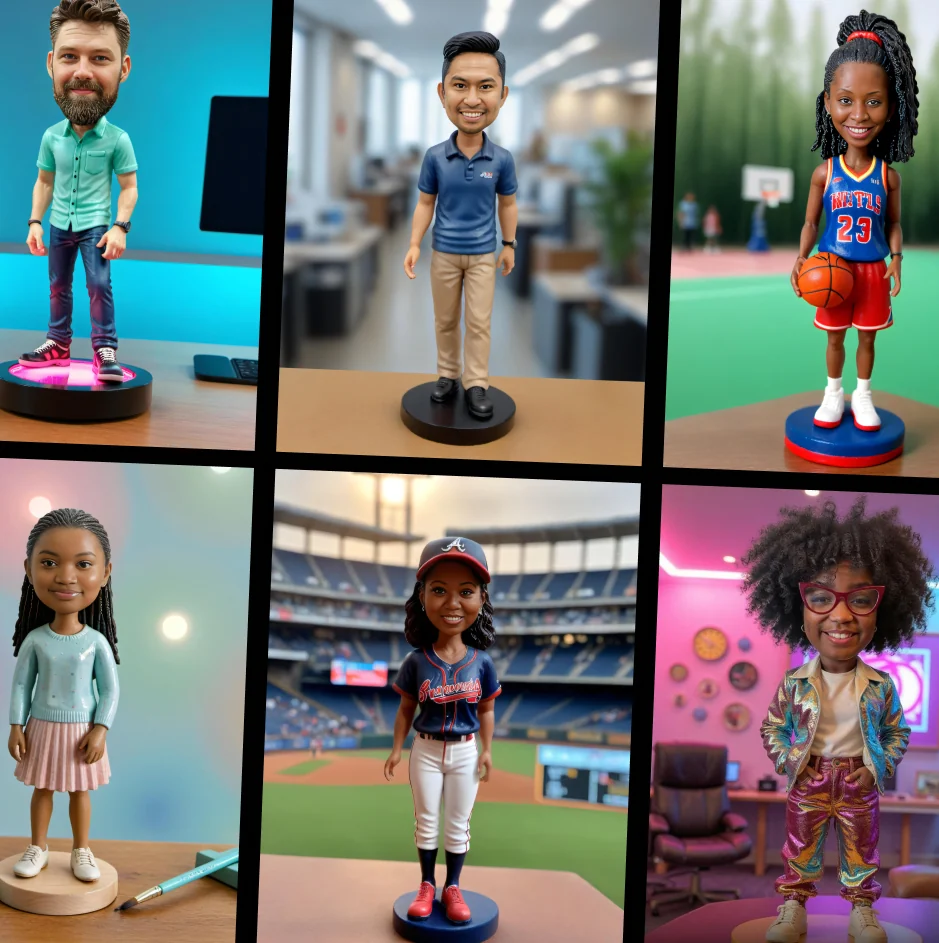
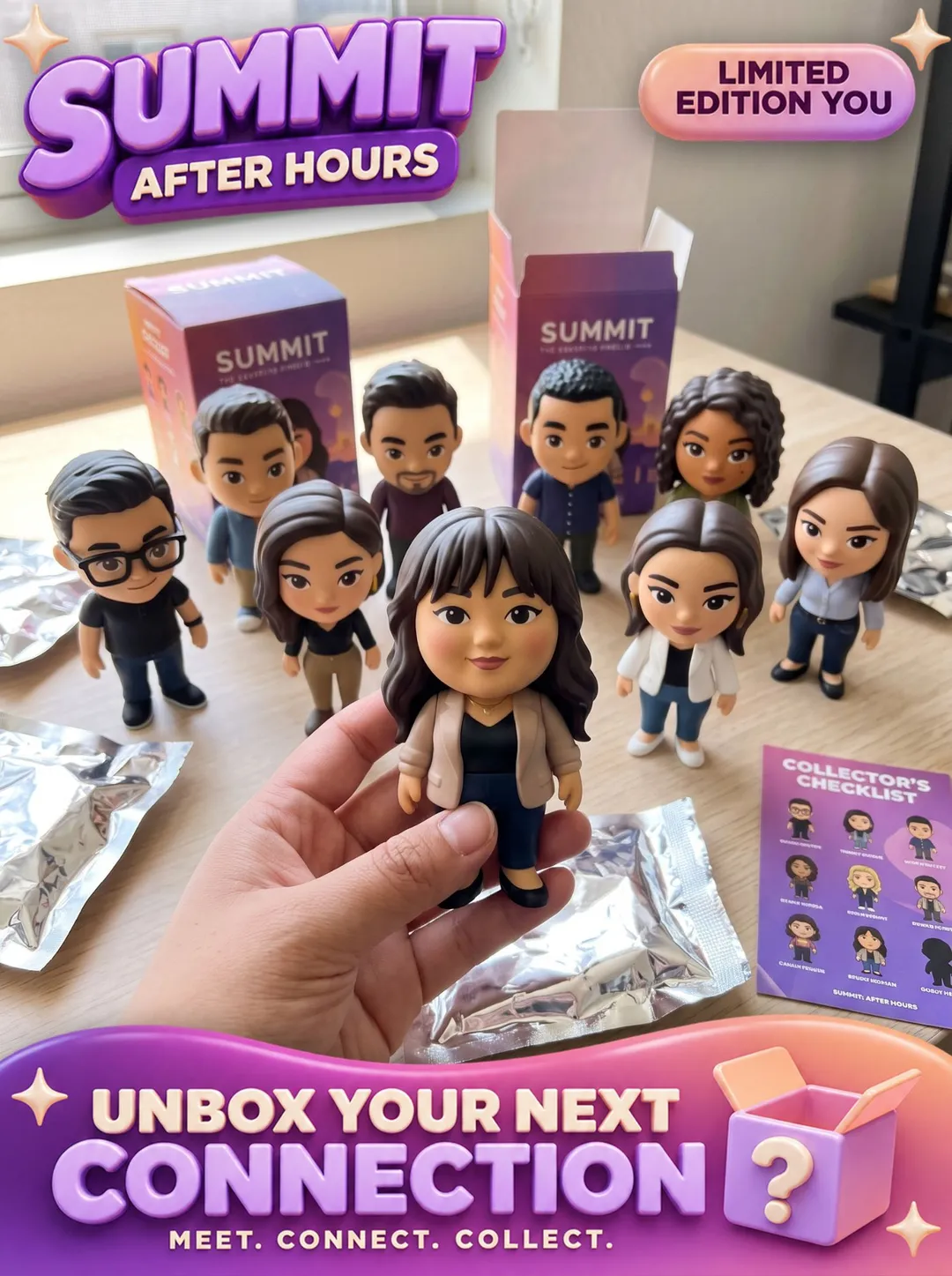
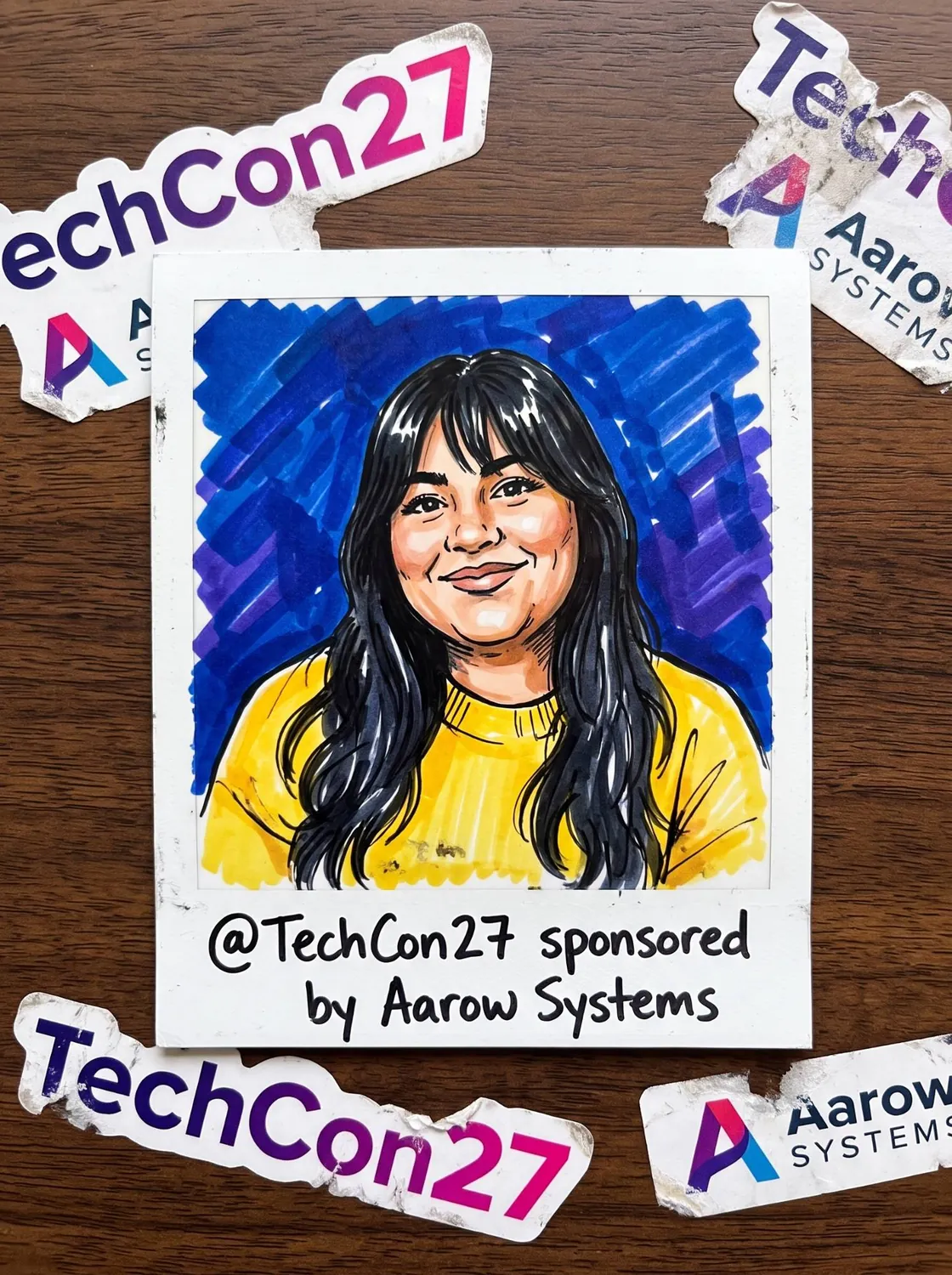
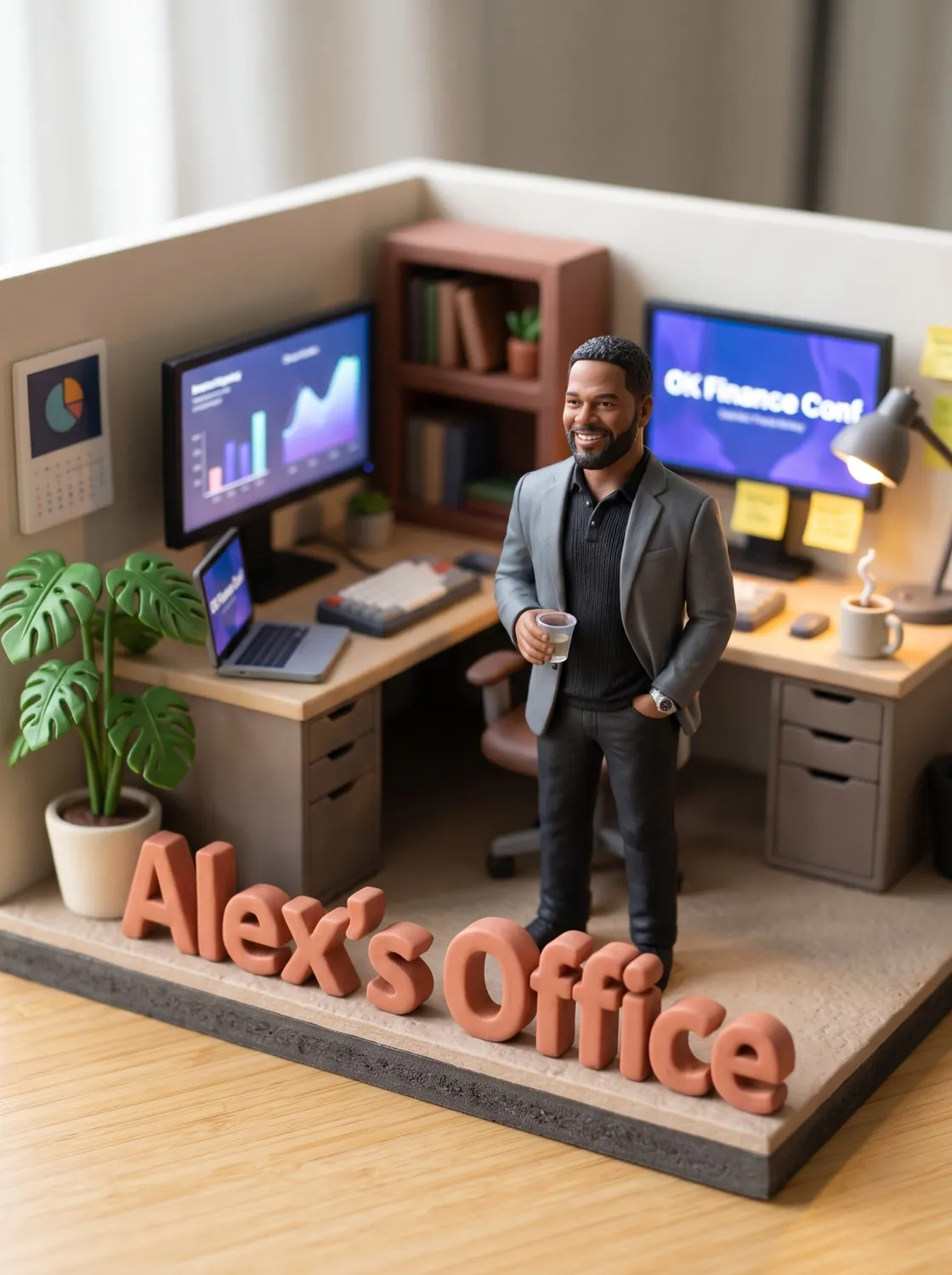
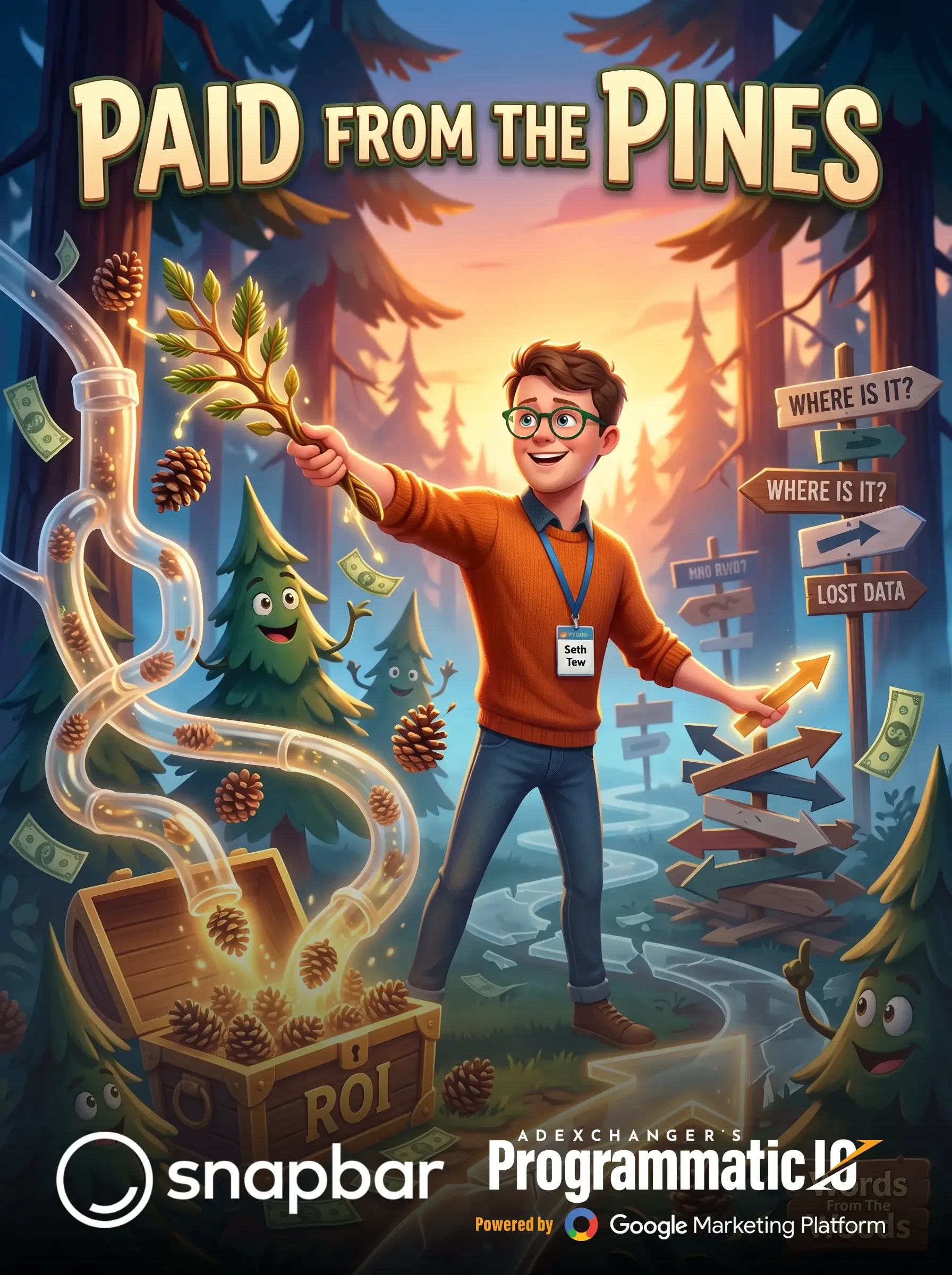
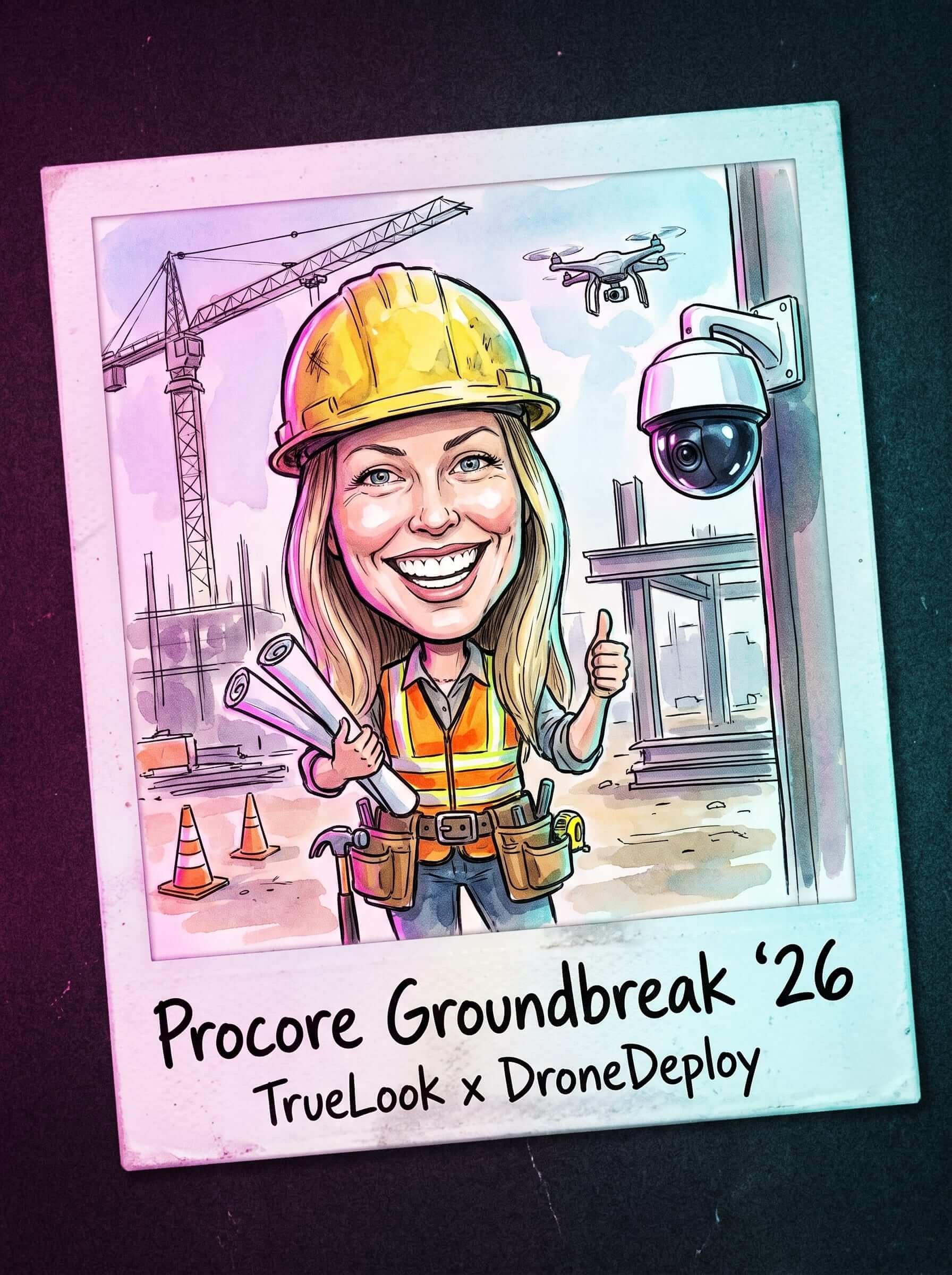
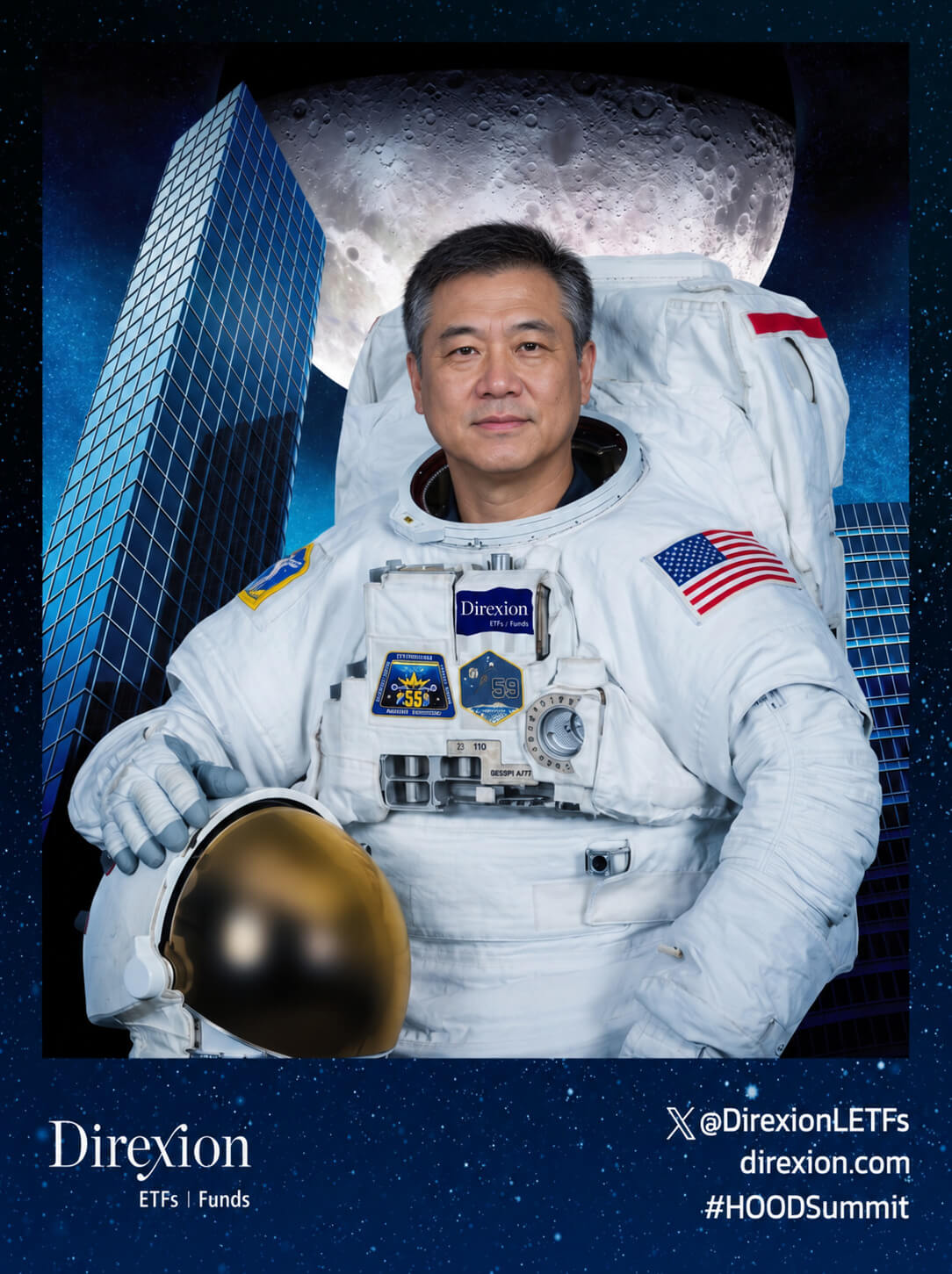
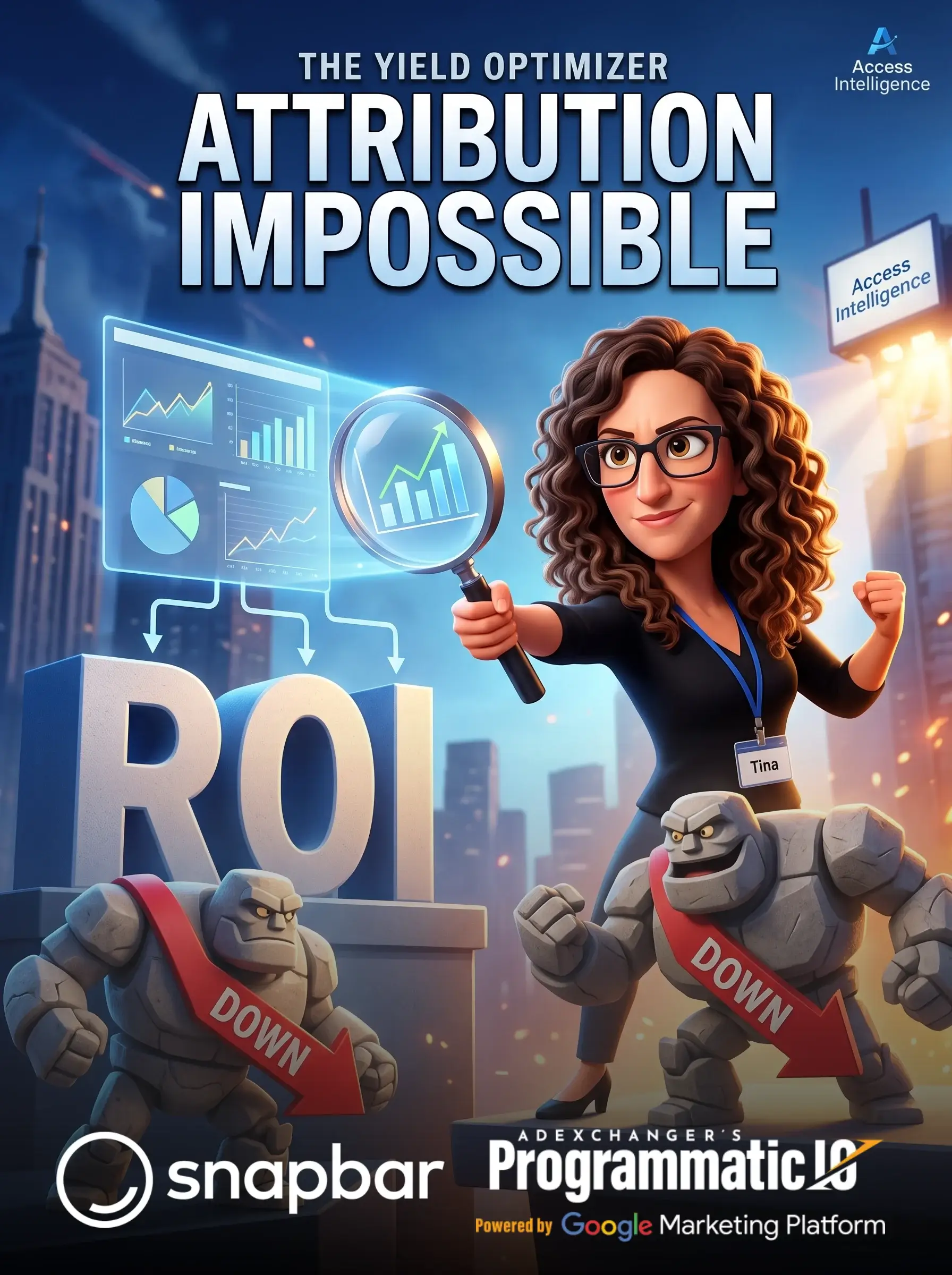
AI photo of guests as collectible vinyl figures unboxed on a table with foil packs and a checklist, framed with Summit After Hours branding and the line Unbox Your Next ConnectionAI photo of a guest in a blue corduroy shirt in a cobalt blue set, framed with Beyond 2026 branding and the line Think Outside the OrdinaryAI photo of a guest as a marker caricature on an instant photo, captioned TechCon27 sponsored by Aarow Systems, surrounded by event stickersAI photo of a guest in a navy blazer with arms crossed, surrounded by glowing blue light rings, with NEXT/26 Innovation Summit brandingAI photo of a guest as a miniature figure in a tiny office diorama with OK Finance Conf on the monitors and Alex's Office spelled in clay lettersAI movie poster output: attendee as a 3D animated hero in an enchanted pine forest with a treasure chest and signposts, titled Paid From the Pines, with AdExchanger Programmatic I/O branding (client branded)AI caricature output: attendee drawn as a smiling construction worker holding blueprints in a watercolor sketch, captioned Procore Groundbreak 26, TrueLook x DroneDeploy (client branded)AI photo booth output: smiling attendee in a gray blazer surrounded by purple lightning and tech graphics, with iCIMS NEXT branding (client branded)AI photo booth output: attendee as an astronaut holding a gold-visor helmet in front of a moonlit city skyline, with Direxion and #HOODSummit branding (client branded)AI movie poster output: attendee as a 3D animated hero with a magnifying glass facing stone golems, titled Attribution Impossible, with AdExchanger Programmatic I/O branding (client branded)

Trusted by event teams at

  • Dreamforce logo
  • McDonald's logo
  • TED logo
  • Mansueto Ventures logo
  • ServiceNow logo
  • Call of Duty logo
  • Sparks logo

How do you keep conference attendees engaged between sessions?

A conference runs for days, and attendees drift to their phones between sessions. Give them something worth joining: a poll in the keynote, a card to collect, a headshot in the lounge, a mosaic that grows with every photo.

Snapbar runs all of it on attendees' phones by QR code or on kiosks, with no app to download, and the dashboard shows who took part.
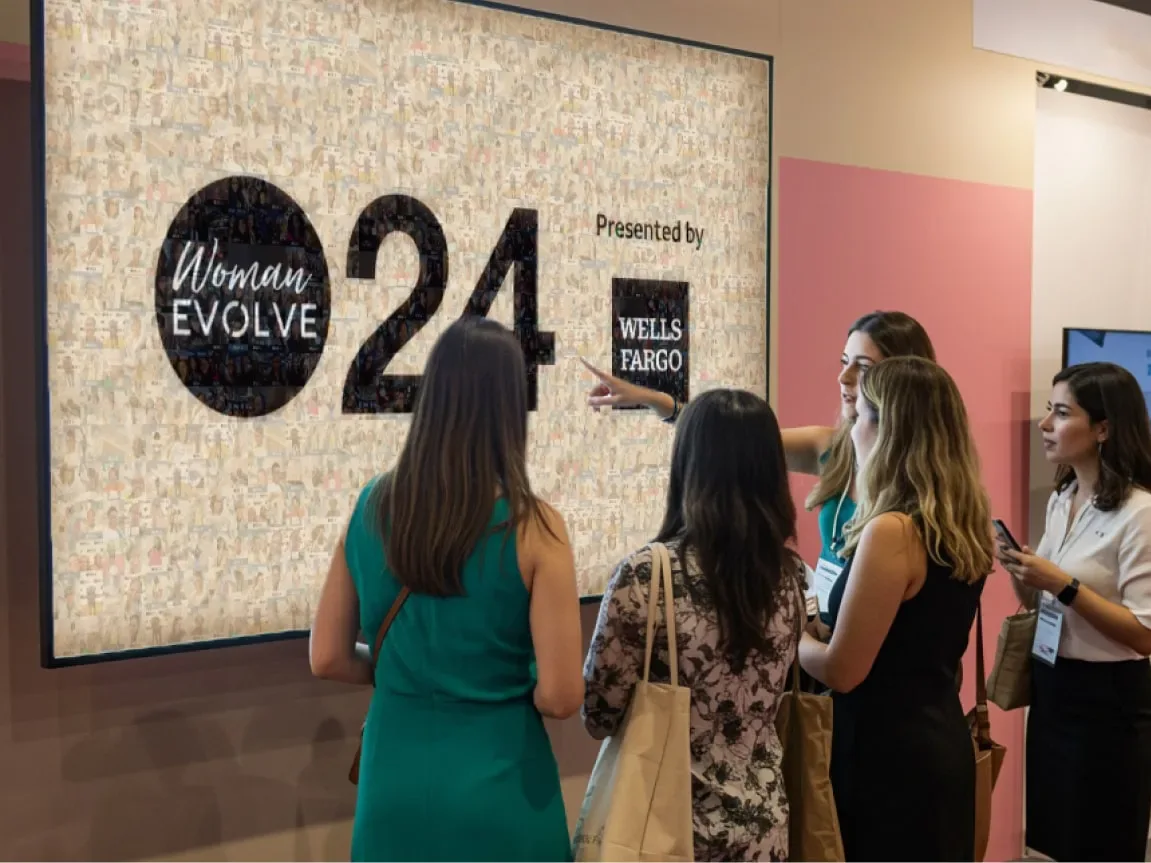
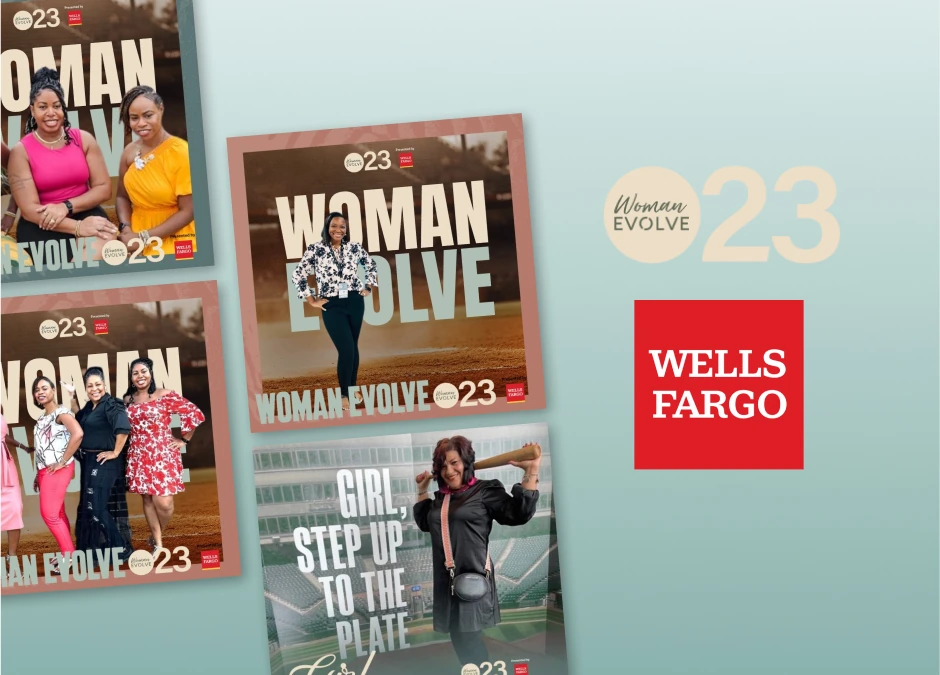
Attendees at Woman Evolve 2024 looking at a photo mosaic wall built from their own photos

Why attendees take part

Four reasons people join in, wherever they are in the venue.

  • Two conference attendees beside a ring light at a headshot station

    A headshot for next week

    A polished photo attendees put on LinkedIn the week after, with the conference's name on it.

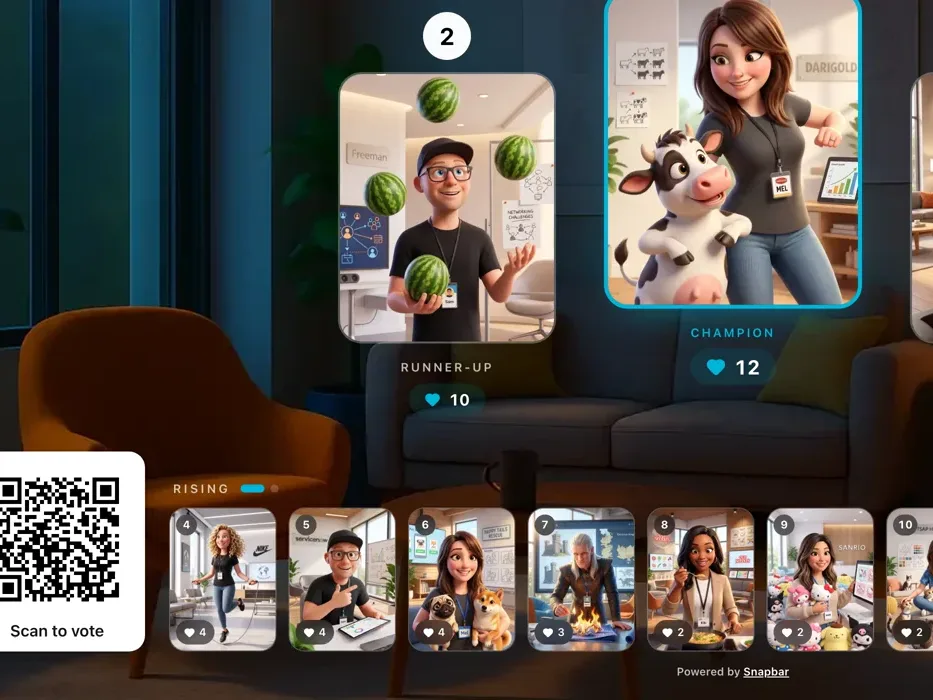
  • A leaderboard of attendee portraits with a code to scan and vote

    A reason to come back between sessions

    Voting on a live leaderboard gives attendees something to check on every break.

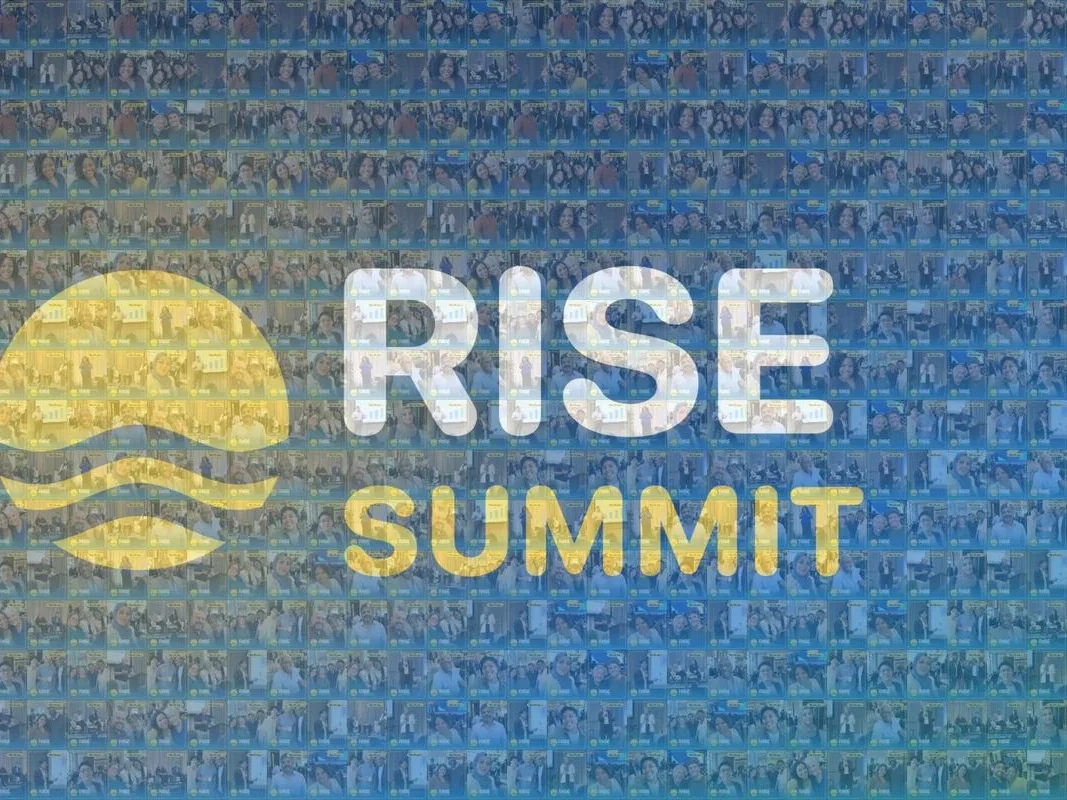
  • A Rise Summit logo made from thousands of attendee photos

    Everyone on the main stage

    A mosaic on the main stage screen fills in as attendees add photos, until the event's logo appears.

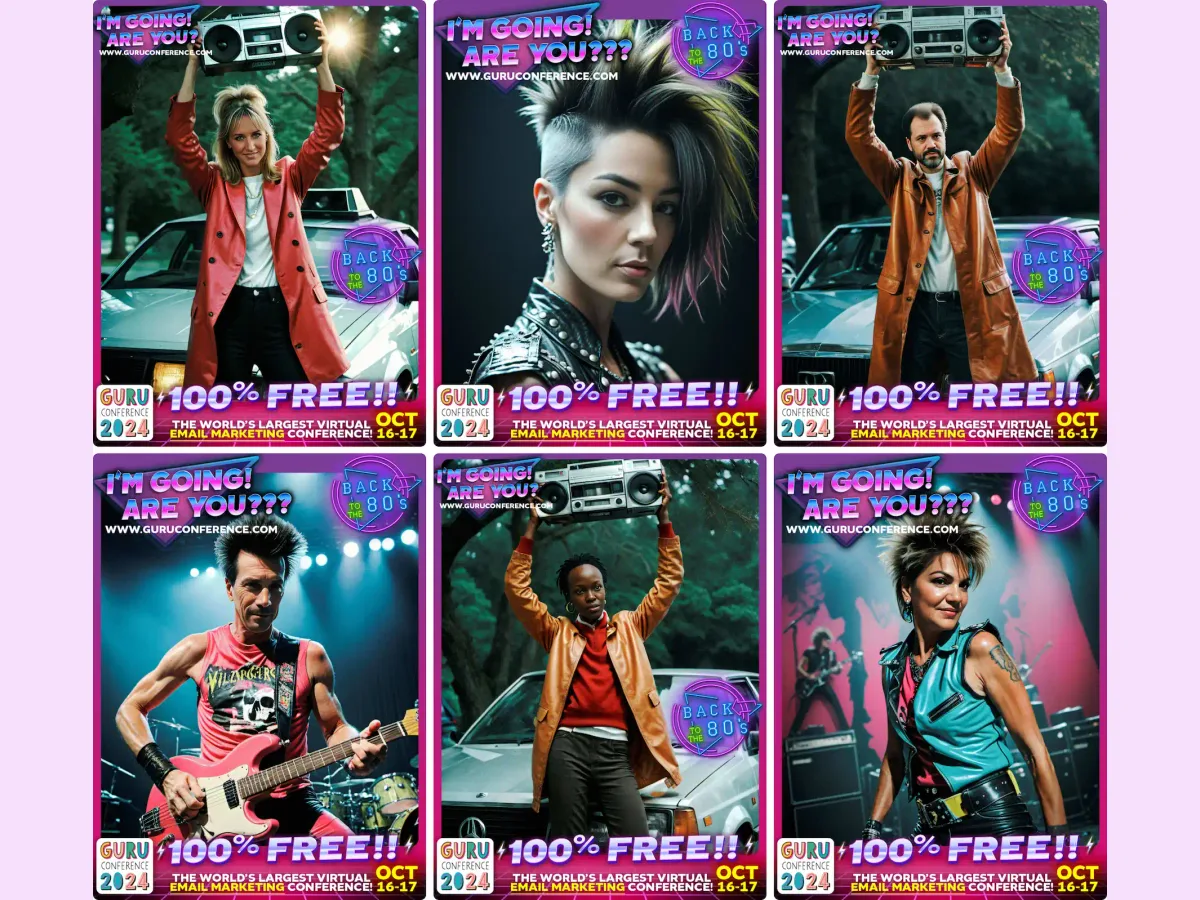
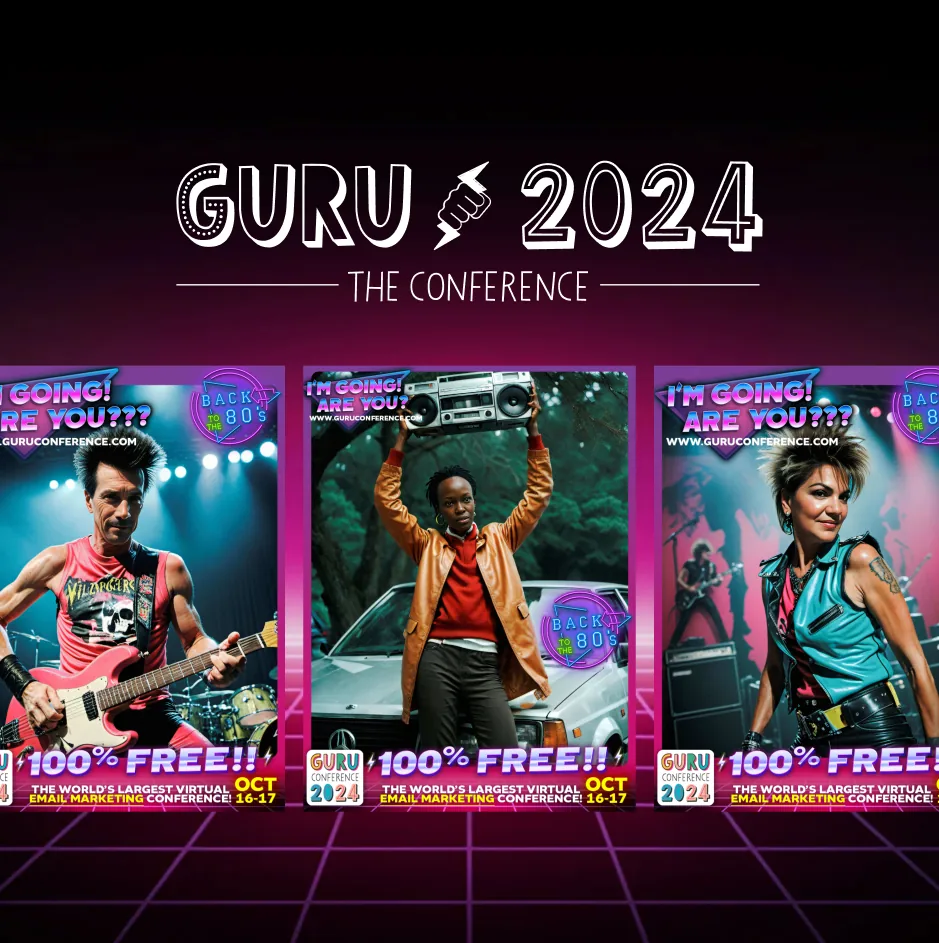
  • A grid of 80s style portraits shared by Guru Conference attendees

    Posts that sell next year

    Attendees share portraits that say they were there, and next year's registration page gets the reach.

Six conference ideas attendees join

One for every part of the day, keynote to closing party.

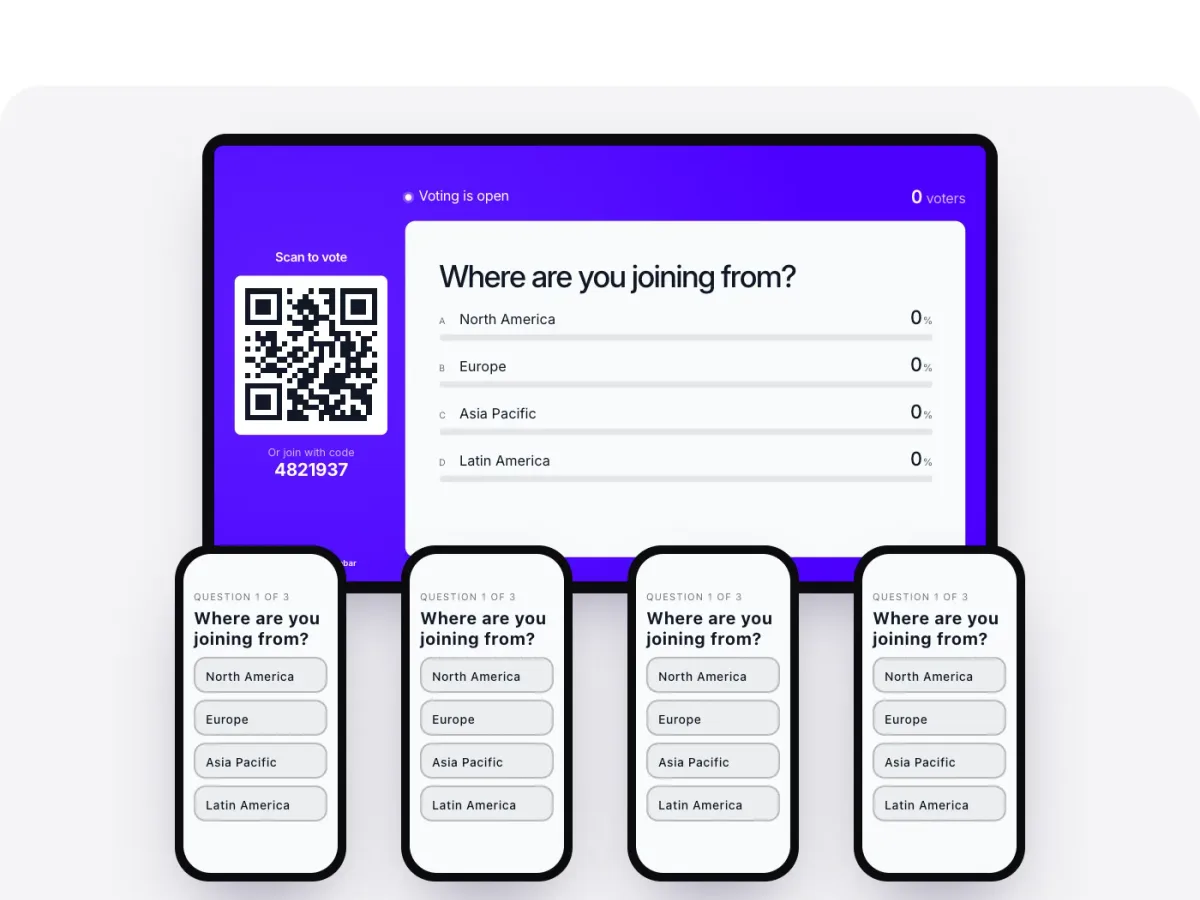
  • A live poll on a big screen asking where attendees are joining from, with the answers on phones below

    Live polls in the keynote

    Attendees answer from their phones and the results move on the big screen as they vote. The room joins in, and you learn what it thinks.

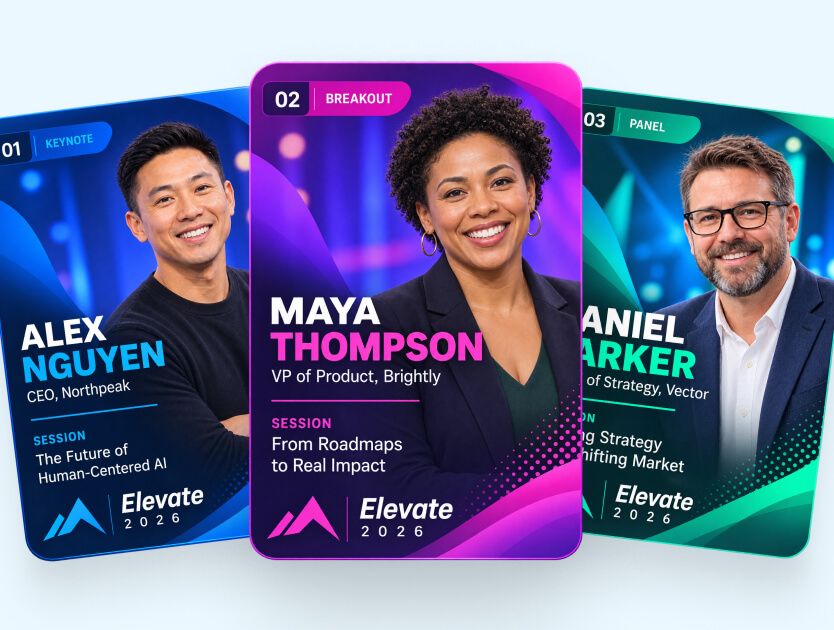
  • Three speaker spotlight cards with each speaker's portrait, title and session

    Speaker cards to collect

    Each speaker gets a card with their session on it, and attendees collect the set. A reason to go to one more session.

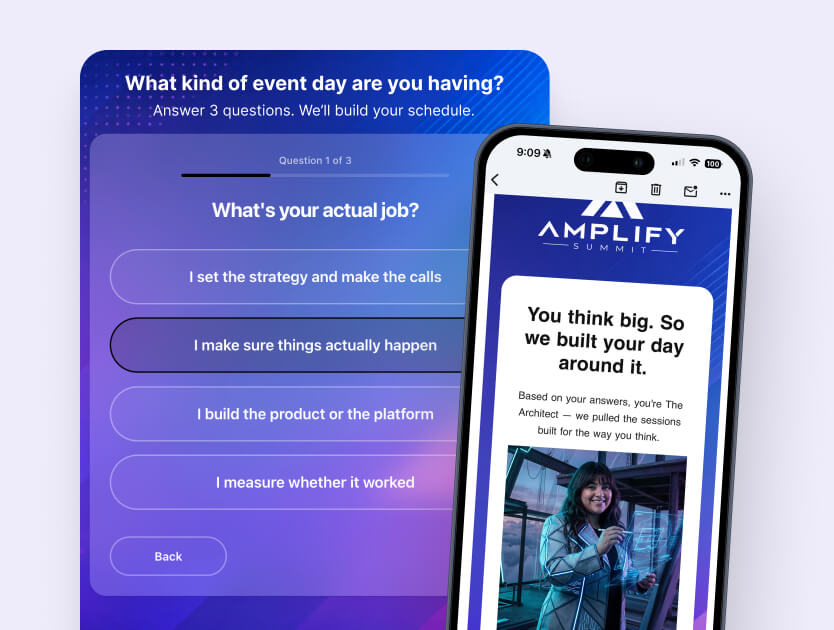
  • A quiz on a phone asking attendees about their job and matching them to sessions

    A track matcher quiz

    Three quick questions point each attendee to the sessions built for them, and you learn what they came for.

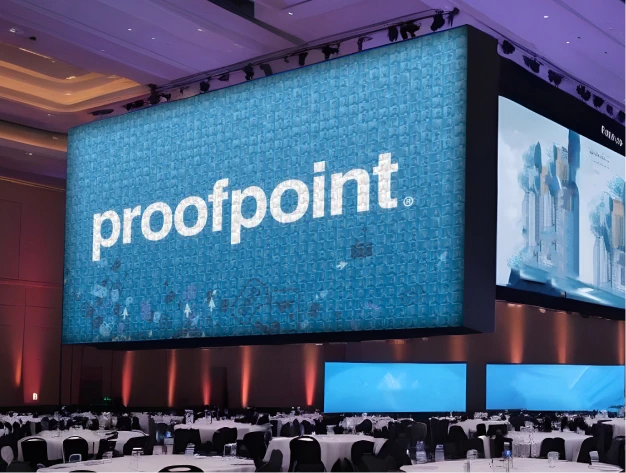
  • A ballroom screen showing a logo made from attendee photos

    A mosaic of every attendee

    Each attendee's photo fills one tile of a big picture on the main stage screen, so the image grows as the days go by.

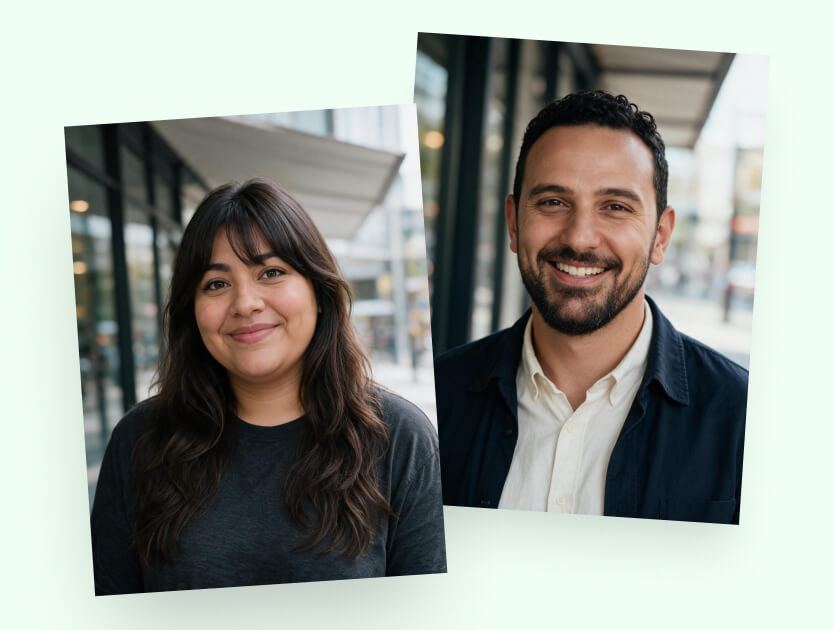
  • Two professional headshots of conference attendees

    A headshot lounge

    Attendees sit for a polished LinkedIn photo between sessions, and the lounge's sponsor gets a few minutes with each of them.

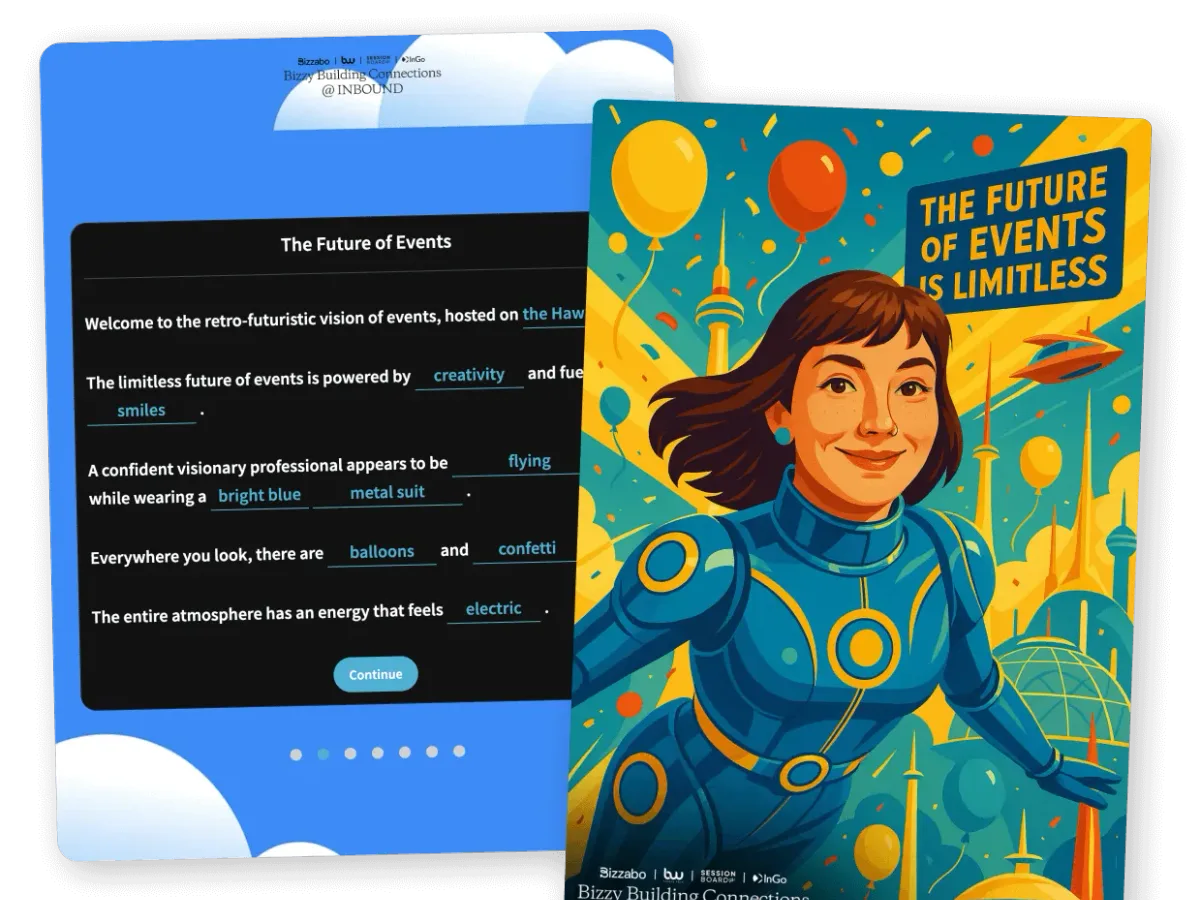
  • An illustrated poster of an attendee in a story about the future of events

    A story starring each attendee

    Attendees answer a few prompts about the future of their industry and see themselves in an illustrated story.

Conferences on Snapbar

Who runs conferences on Snapbar

What you leave the conference with

See who took part, session by session

Participation is counted for each day and each experience, so you can tell the headshot lounge sponsor how busy it was and plan next year's agenda around what drew a crowd.

Content for next year's marketing

Attendee portraits and photos are saved in your account, grouped by experience: a ready source for the recap video, sponsor decks and next year's registration page.

Plan engagement for your next conference

Share your agenda and your attendee count. In the platform, you shape each experience around your sessions, brand it to the event and follow participation day by day.

Thanks, we've got it

Our team will be in touch soon.

Explore activation concepts

Conference engagement FAQs

Do conference attendees need to download an app?

No. With Snapbar, attendees scan a QR code and take part right in their phone's browser, then receive their content by email or text within seconds.

How many credits do we need for a large conference?

Plan Snapbar credits for the people you expect to take part, not total registrations. At a large conference, participation depends on placement, traffic, and how you promote the activation, so a reasonable estimate beats buying for every badge. You can add credits if participation runs high, and our team can help you size it.

Can one experience run across a multi-day conference?

Yes. Each Snapbar experience runs for 30 days, so a three-day conference runs on one experience, with one gallery and one lead file. Credits are used as guests take part, not by the day, and the slideshow keeps building across every session.

Can sponsors be part of a conference photo activation?

Yes. Sponsor branding can appear on your backdrop, and Snapbar adds it to every piece of guest content and as a scannable tile in your live gallery and slideshow, so sponsors travel with every share.

Can we project the photos on a large screen?

Yes, using our Snapbar Live Slideshow or Mosaic. As guests take photos (on site or from their phones), the images can automatically appear on a large LED wall or projection screen in real time, driving engagement and FOMO across the venue.

How many people can use the digital photo booth at once?

Because Snapbar's Digital Photo Booth runs in the browser on any device, including every guest's own phone by QR code, thousands of attendees can take part at the same time without waiting in line, which makes it ideal for general sessions and large-scale activations.

7 more questionsShow fewer questions

Can we put the gallery or slideshow in our event app?

Yes. With Snapbar, embed any experience or live display in your event platform or website, so attendees can join and browse without hunting for a QR code. Every guest also gets their content by email or text, with a link back to the event's gallery.

Can the same activation travel to every stop on a tour?

Yes. A Snapbar experience runs in the browser, so each stop can use the devices it has, from a kiosk to an iPad to guests' own phones. Run one experience per stop to compare cities, or keep one running all year by adding a year of runtime.

How much space does a conference photo activation need?

Very little. Snapbar runs in the browser on any device, including guests' own phones by QR code, so you only need room for your backdrop, a screen the aisle can see, and a short line that stays clear of walkways.

What is the difference between a conference photo activation and a headshot lounge?

A photo activation is built for quick, social participation and shareable branded content that draws a crowd. A headshot lounge gives attendees a polished professional portrait. Many conferences offer both in different areas of the floor.

Do guests need to log in to LinkedIn to get a badge?

No. Guests simply type their LinkedIn handle or paste their profile link, and Snapbar adds a clickable badge to their content in the event gallery.

Can guests share their LinkedIn profile through the experience?

Yes. Guests can add their LinkedIn profile when they take part in a Snapbar experience, and it appears as a clickable badge on their content in the event gallery. It makes it easy for attendees to find and connect with each other during and after the event.

What happens if a guest skips the LinkedIn field?

They still complete the experience and appear in the gallery as usual. Snapbar's LinkedIn field is optional, so everyone can take part, and guests who want to be found can add their profile.

More ways to engage attendees

  • Trade Shows

    Booth ideas that pull attendees in and send every lead to your sales team.

    Plan your booth
  • Sponsor Activations

    Sponsor ideas that get your brand into the photos attendees keep.

    Plan your sponsorship
  • Internal Events

    Kickoffs, all-hands and offsites the whole company joins.

    Engage your team
  • Galas & Awards

    Galas, fundraisers and awards nights guests remember and share.

    Plan your gala
  • Recruiting & Career Fairs

    Career fair ideas candidates stop for, with every candidate in one list.

    Meet more candidates

Get in touch

Share a few details and we’ll be in touch shortly.