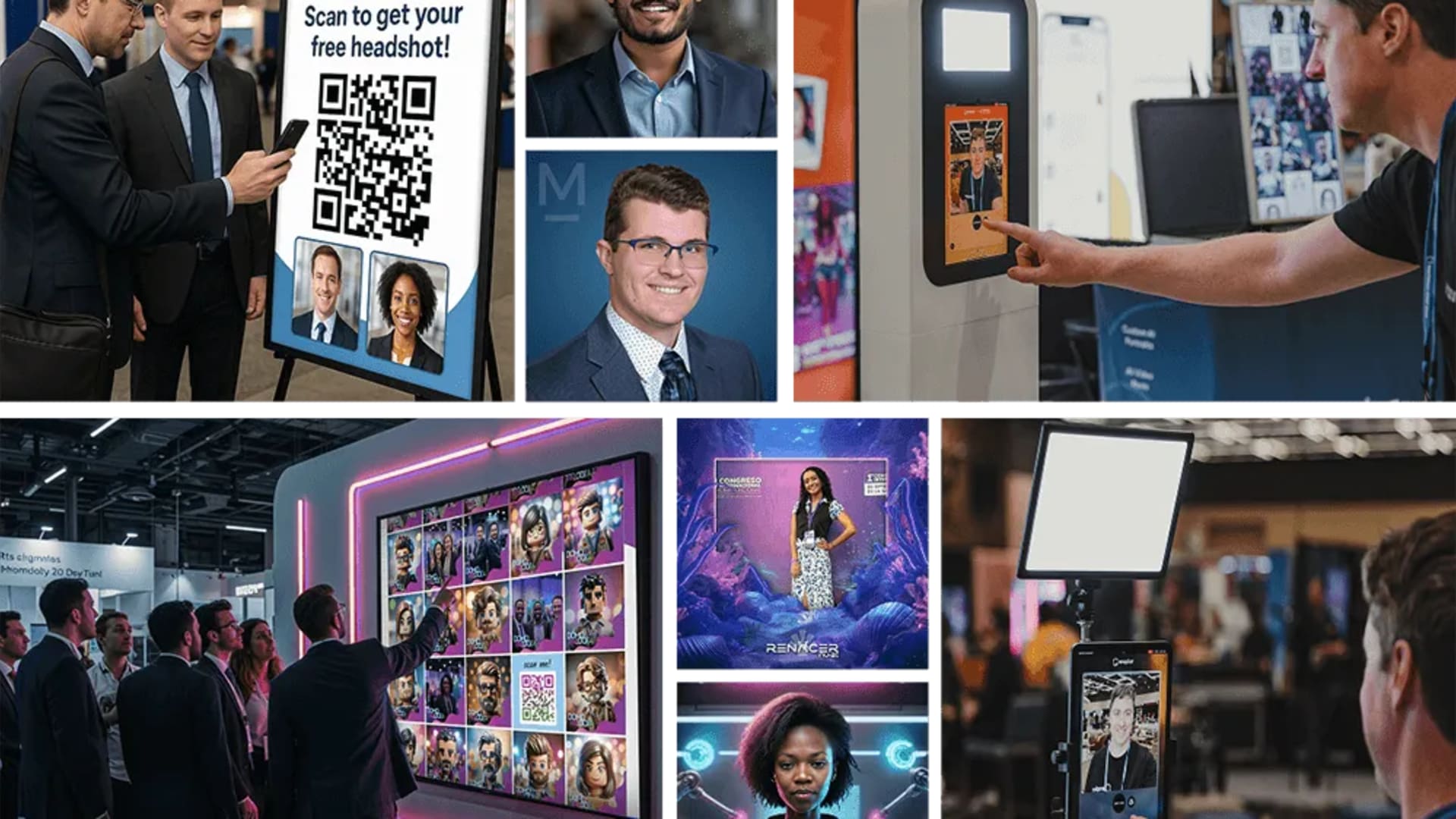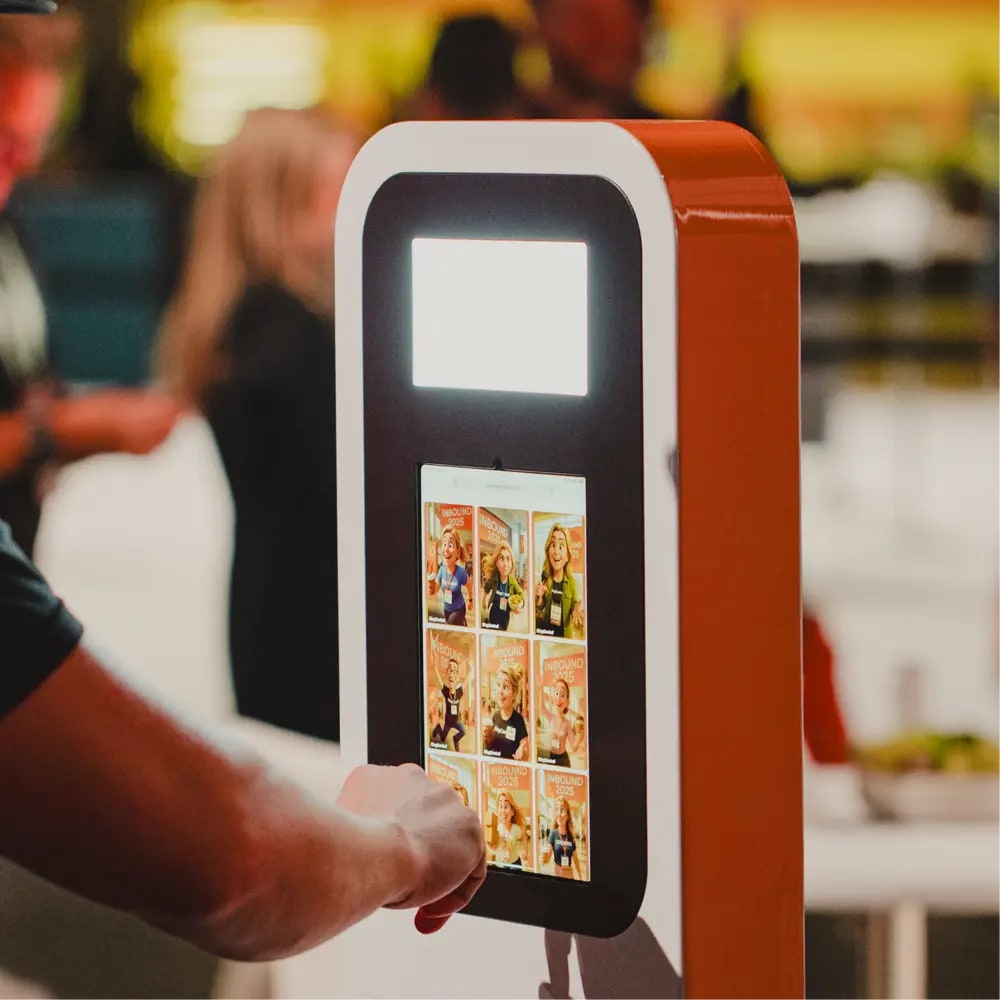
SocialPoint's games are built to move people. A digital passport sends attendees from exhibitor to exhibitor, a booth passport walks them past every product station, a scavenger hunt spreads a sales kickoff across a hotel. Snapbar's experiential marketing platform is built to hold people in one place for a minute or two: long enough to make an AI portrait, a trading card or a persona result, and to leave their details on the way. If you're comparing Snapbar vs SocialPoint, the first question is whether your problem is traffic flow or a reason to stay.
Both publish their prices, so this comparison can be specific about cost too.
Key takeaways
- SocialPoint sells a plan of 10 trivia and prize games for two or 12 months, from $315 for two months at 100 players on its self-service Pro plan. Passports and scavenger hunts are its other strength.
- Snapbar prices each experience: Spin to Win and Live Polls are $495, the AI Photo Booth $995, Trading Cards $1,995.
- SocialPoint's games give players points, entries and prizes. Snapbar's give each guest a piece of branded content made from them.
- Both run in a browser, and with both the exhibitor brings the tablets and screens.
How do SocialPoint's passports and hunts work?
SocialPoint, which calls itself an "Audience Engagement Platform for Trade Shows and Events," has been building these games for exhibitors, show organizers, corporate planners and agencies for years. Three formats do most of the moving:
- Digital Trade Show Passport. Bought by the organizer. Attendees scan a QR code to join, then check in at exhibitors, sponsors and show floor spots such as a product showcase or a lunch café, earning raffle entries and prizes. An organizer can require every exhibitor or only top sponsors, and sell inclusion as a sponsorship. SocialPoint lists ten ways it beats paper, including check-ins that can be "contactless and even staffer-less."
- Booth Passport. Bought by an exhibitor with a big island. It moves visitors through every station in your own booth, or across several booths, so they "see your full product line, and stay longer in your booth."
- Scavenger Hunt and QR Code Scavenger Hunt. For kickoffs, user conferences and onboarding. Teams check into locations, post photos and answer trivia across 20 challenge types, then finish with the day's photo galleries on the monitors and a final leaderboard.
Inside the 10-game plan sit the trivia and prize formats: Challenge Bar trivia at the booth, live trivia game shows, quizzes, the Virtual Prize Wheel, a Name Picker and a Raffle Wheel, with prize inventory that stops awarding a prize once it's gone. Players provide their details and answer qualification questions, with GDPR and CCPA consent, and you export leads, survey answers and winners.
Snapbar doesn't run passports or venue-wide hunts. If the brief is getting attendees into the back half of the hall, SocialPoint is the right tool.
What does each need at the booth?
Neither ships hardware, and SocialPoint's own setup guides are clear about what you bring. For booth trivia: "You will need iPads or tablet computers for gameplay, iPad stands, Leaderboard Monitor with source laptop, and an active internet connection." For the prize wheel, iPads or tablets and stands, with Chrome or Safari. Players can also join on their phones by QR code.
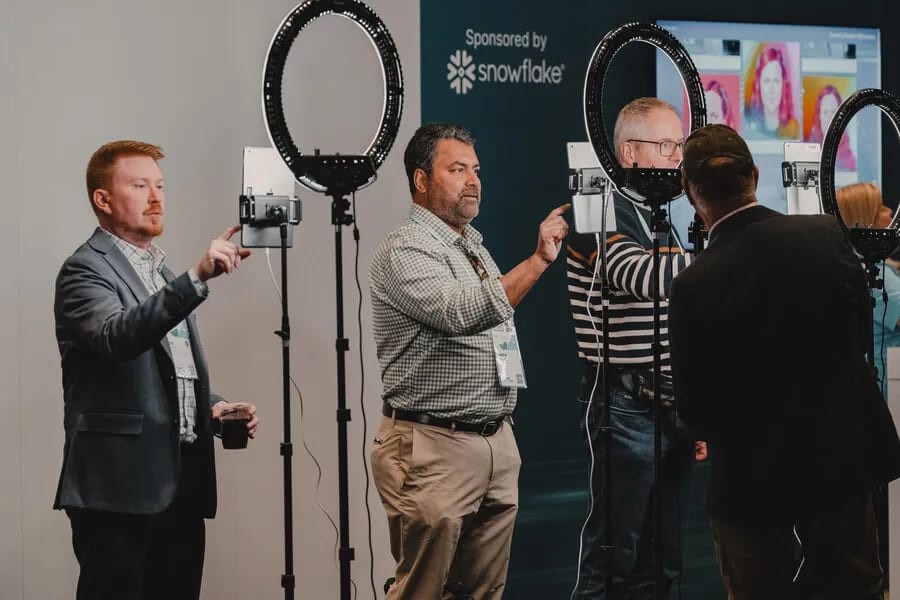
Snapbar needs the same kind of kit if you want stations: a kiosk, an iPad on a stand or a laptop, plus any screen for the live gallery. The difference is how far you can stretch it. Every visitor's phone is a station too, at no extra cost, so two iPads and a TV can serve a queue of twenty.
| What you bring | SocialPoint | Snapbar |
|---|---|---|
| Play stations | iPads or tablets on stands, or players' phones | Kiosks, iPads, laptops or guests' phones, all at once |
| The big screen | A leaderboard monitor driven by a laptop; a branded half-screen prize wheel | Any screen a browser can drive, showing a live gallery, slideshow and leaderboard |
| Connection | Internet | Internet |
| Setup | You, on Pro; SocialPoint's Customer Success team on Full Service | Your team in the dashboard, with product support; or Expert Build ($1,500) |
SocialPoint facts are from socialpoint.io, including its setup guides and plan page, checked November 2026.
The prices, side by side
SocialPoint sells time and capacity. Snapbar sells experiences. Here are both, as published in November 2026.
SocialPoint plan (10 trivia and prize games, played as often as you like during the term):
| Max players per game | Pro, 2 months | Pro, 12 months | Full Service, 2 months | Full Service, 12 months |
|---|---|---|---|---|
| 100 | $315 | $625 | $1,050 | $1,975 |
| 500 | $570 | $1,100 | $1,575 | $3,150 |
| 2,000 | $1,300 | $2,500 | $3,200 | $6,300 |
| Unlimited | $1,900 | $3,750 | $4,700 | $9,200 |
Full Service adds a dedicated Customer Success project manager with 10 hours of support. Ten more games are $1,200, more players for one game are $600 per 1,000, and custom terms or paying by purchase order adds $3,500. Its homepage puts scavenger hunts and passports at $1,500 to $3,000.
Snapbar (each experience runs 30 days live):
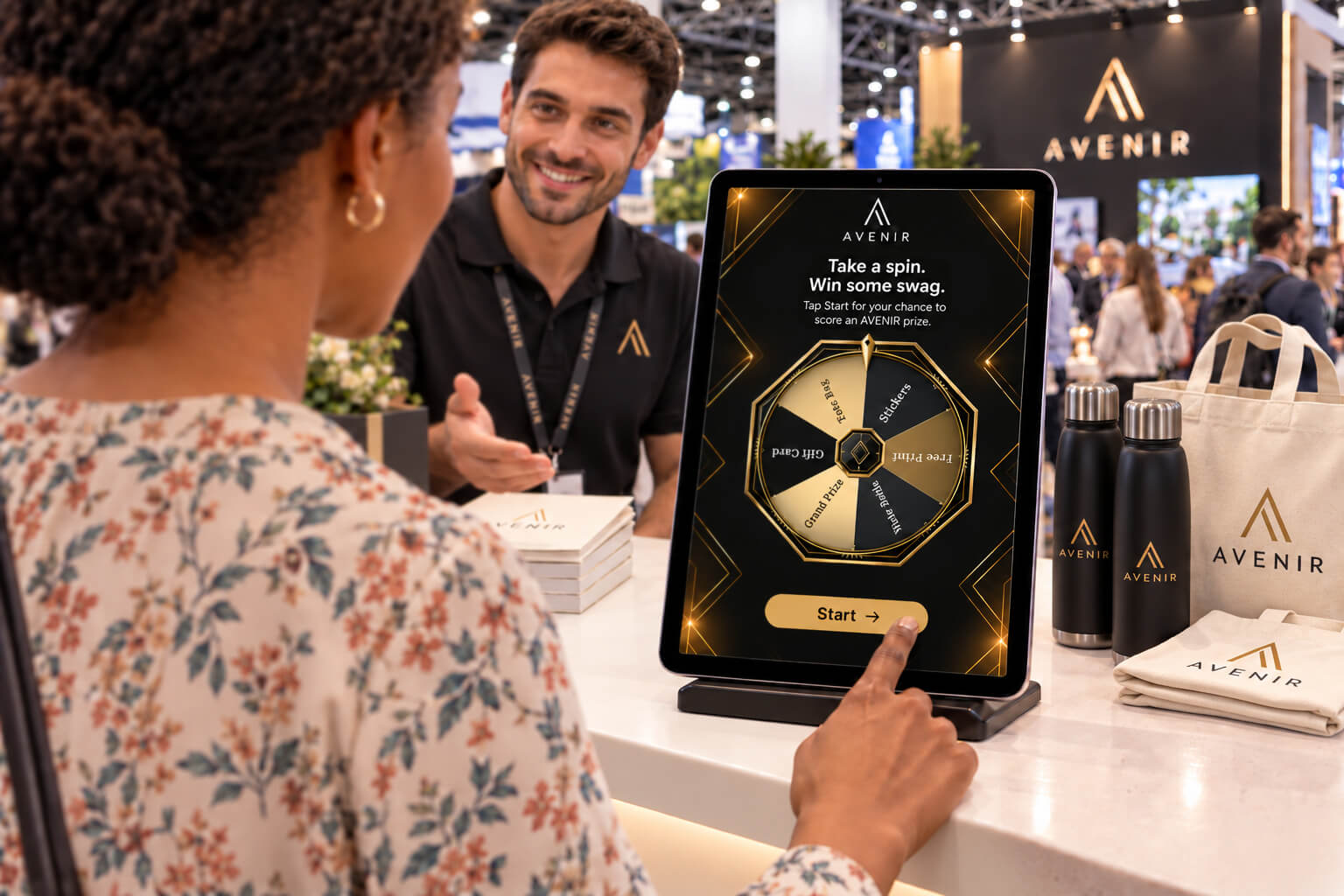
- Spin to Win, $495 with 500 credits: 500 spins of a branded prize wheel, prizes emailed to winners.
- Live Polls, $495 with 500 credits.
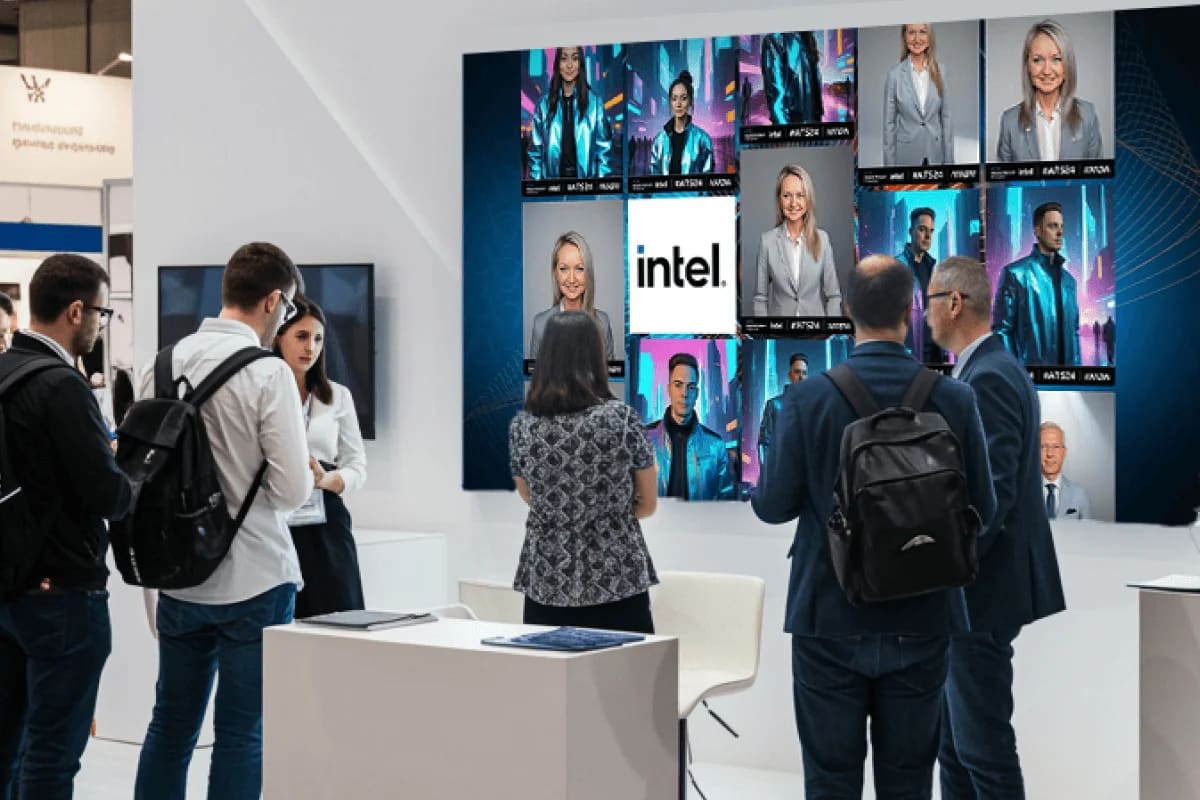
- AI Photo Booth, $995 with 750 credits: 125 AI portraits.
- Trading Cards or Persona Quiz, $1,995 with 1,000 credits.
Live screens, branded delivery, analytics and lead data come with each. Added credits are $0.35, and three or more experiences take 10% off each.
So for a single show with a 10x10 booth, a SocialPoint Pro plan at 100 players costs less than any Snapbar experience, and covers ten games. Snapbar costs more per show because what each visitor takes away is made for them: a portrait, a card, a result with their name on it.
Where does a content booth earn its place?
A trivia score lasts as long as the leaderboard, and a raffle entry until the drawing. A portrait of a visitor in your brand's world lands in their inbox and gets shown to the person at the next desk, and the people at home who never went to the show.
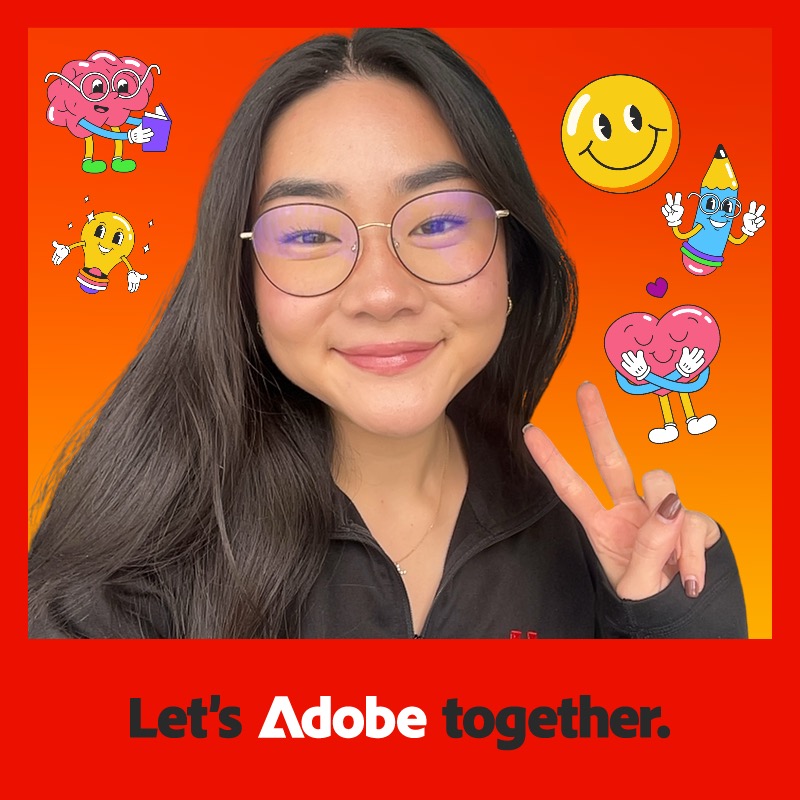
"We loved how easy it was to work with you and have some interest from our partner teams to implement this for other events throughout the year."
Julia I., Adobe
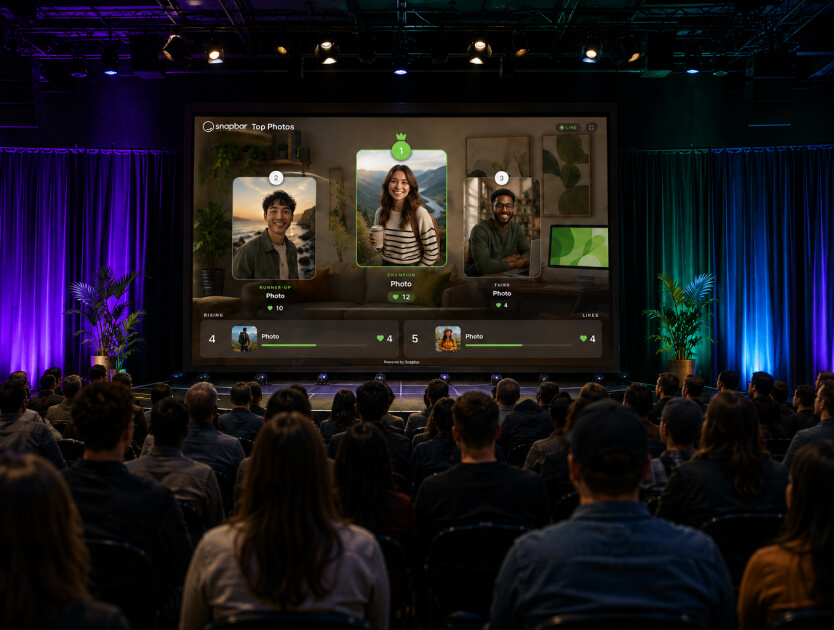
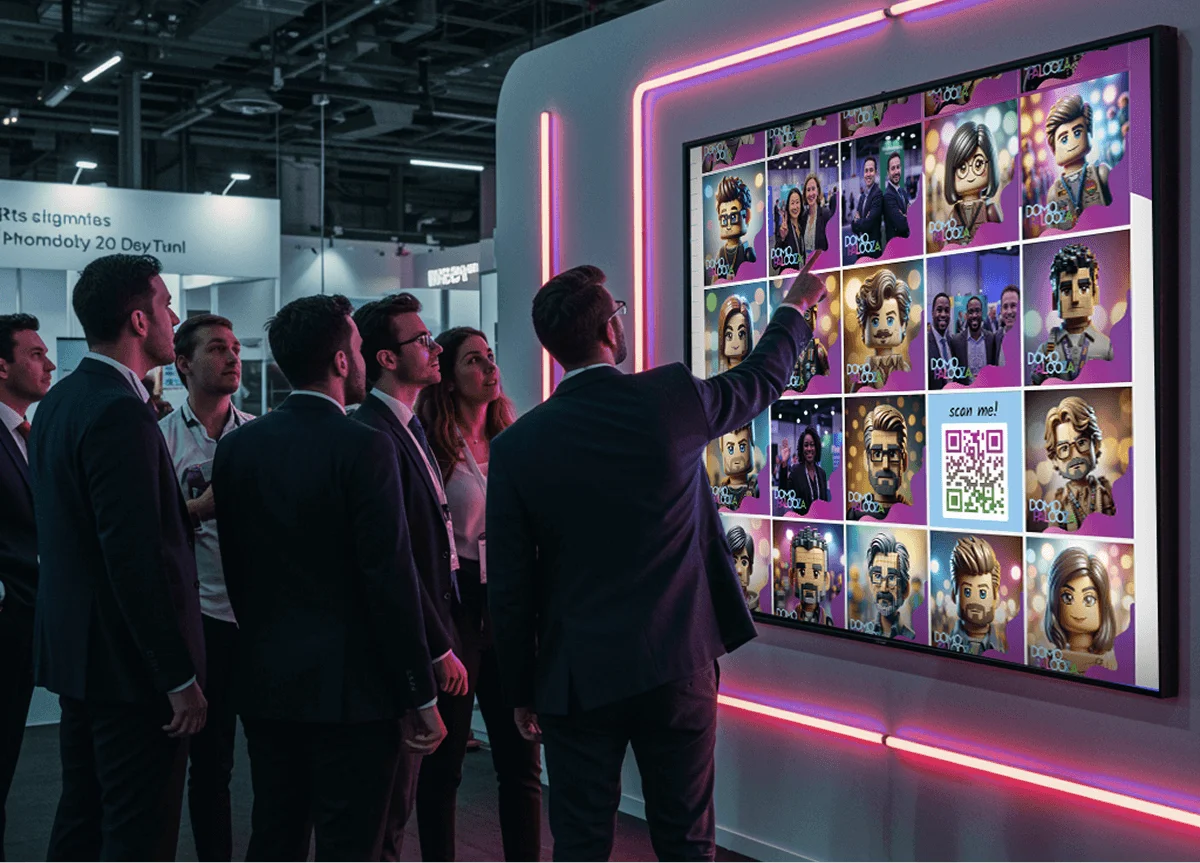
That content also changes what's on your screen. A trivia leaderboard shows names and scores. Snapbar's live gallery shows the faces of the people who just visited, which is what makes someone in the aisle slow down. You can hold each photo for approval before it appears.
The lead comes with it. Visitors fill a short form to receive their content, with consent and a qualifying question, and leads reach Slack or your own systems in real time through webhooks or our API. More on lead capture.
See it in action
See the AI Photo Booth in action
Portraits in a style built for your booth, made on your iPads or visitors' phones, with the gallery on your booth screen.
Explore the AI Photo Booth
Pick by the job
SocialPoint is the better fit when:
- You're the organizer, and you want attendees visiting every exhibitor, or selling passport stops as sponsorships.
- Your island booth has six product stations and you want people to see all of them.
- You want a year of trivia and prize games across many shows on one low-cost plan.
- Your kickoff or onboarding needs a team scavenger hunt across a venue.
Snapbar is the better fit when:
- You want people to stop at your booth and leave with something made for them.
- You want your booth screen full of visitors' faces, not scores.
- You want to serve a queue from visitors' phones as well as your iPads.
- You want a qualifying answer from everyone who takes part, sent onward in real time.
For other platforms in this space, see Snapbar vs Captello on badge scanning, Snapbar vs Komo on season-long programs, and our roundup of the best experiential marketing platforms. For booth ideas in general, how to evaluate an experiential marketing platform sets out the questions to ask.
SocialPoint facts and prices were checked on socialpoint.io in November 2026. Snapbar prices are from our platform pricing page, November 2026.
Want visitors to stop, not just pass through?
See Spin to Win or the AI Photo Booth set up for your booth.
Book a demo
Or explore: Experiential Marketing Platform | Spin to Win