
Table of Contents
A badge scan at a trade show gets you a name, a title, and an email. It tells you nothing about whether that person is a fit, what they actually care about, or how your team should follow up. You find that out weeks later, if you find it out at all, once sales has worked the list and most of the leads have gone cold.
An interactive quiz flips that order. Guests answer a few short questions, get a personalized result they genuinely want to see, and hand you qualified, structured data in the same motion. The capture and the qualification happen together, at the booth, while the guest is still standing in front of you. That's the shift a quiz activation makes, and it's why more event marketers are reaching for the format when a list of names isn't enough.
Key takeaways
- A quiz activation trades a personalized result for each guest's answers, so capture and qualification happen in one interaction.
- The answers are the qualification. Every response is a structured field your sales team can route on, not just a contact on a list.
- Quizzes out-capture static forms because they run on curiosity, which pulls guests in and, per recent neuroscience, primes them to remember the brand attached to the moment.
- A persona quiz is more than a personality quiz. Pairing the quiz mechanic with a branded visual output and per-result delivery turns a fun moment into marketing data and shareable content.
What is a quiz activation?
A quiz activation is an event experience where guests answer a short series of brand-built questions and get a personalized result, such as a persona, a product match, or an AI-generated portrait, in exchange for their contact details and their answers. The quiz format is familiar; what changes is the brand layer on top and the setting it runs in.
It helps to separate two things that get lumped together. A website quiz tool puts a quiz on a landing page to grow an email list over time. A quiz activation runs live, at an event, where the goal is to engage a guest in person and capture richer data than a badge scan in the ten or fifteen seconds you have their attention. Same mechanic, different job. The persona quiz is the version of this format we run most often, because matching each guest to a brand-built persona produces both a result they want to share and a clean segment your team can act on.
Why do interactive quizzes out-capture a lead form?
Because a form asks the guest to do work for your benefit, and a quiz gives them something they want for their own. That difference isn't just a nicety. It runs on one of the most dependable motivators there is: curiosity.
A quiz works by opening a small gap. The second a guest reads "Which type are you?", a loop snaps open, and the only way to close it is to finish and see the result. It's the same pull behind every "which character are you" quiz people take with no real reason to. At an event, that pull is strong enough to stop someone mid-walk and hold them for two minutes, which is roughly two minutes longer than a sign-up form ever gets. The payoff for a brand goes deeper than attention, though. A 2014 study in Neuron found that when curiosity is piqued, the brain's reward circuit activates and memory improves, not only for the answer the person is chasing but for unrelated details they happen to encounter while curious, an effect that still held a day later. A guest who's curious at your activation is primed to remember the brand attached to it, not just enjoy the moment.
Curiosity makes it stick
In a 2014 Neuron study, states of high curiosity activated the brain's dopamine reward circuit and improved memory, including for incidental information encountered while curious, with the benefit still measurable a day later. A quiz manufactures that curious state on purpose, which is why guests don't just engage with it, they tend to remember the brand attached to it. (Gruber, Gelman & Ranganath, Neuron, 2014.)
There's a business term for what a quiz collects, too. Forrester calls it zero-party data: information a customer intentionally and proactively shares with a brand. It's the most reliable data you can hold because the guest chose to give it to you. A quiz is one of the cleanest ways to collect it, since every answer is a deliberate choice rather than a tracked behavior you inferred. The pattern shows up in the numbers, too. Interact, a quiz platform that has generated more than 80 million leads, reports that around 40% of people who start a quiz opt in with their contact information, a rate static lead forms rarely come close to.
The data a quiz captures that a form can't
Contact details on a list don't qualify anyone. A name and an email tell your sales team who to email, not whether they should. Quiz answers tell them why.
Every question in a quiz activation is a structured field on the lead record. Which persona a guest matched to. Which challenge they picked. Which product area they leaned toward. The list your team exports isn't a flat roster of emails; it's already segmented, with each contact tagged by the context they gave you. Routing gets faster because the routing logic is sitting right there in the data. A guest who answers like a technical buyer goes to one track; one who answers like an economic buyer goes to another. You're not guessing from a job title.
This is the part most quiz advice misses, because most of it is written for website funnels where the result page is the whole point. At an event, the result is the hook and the data is the deliverable. Both matter, but only one of them shows up in your pipeline.
What makes a persona quiz more than a personality quiz?
Personality quizzes have a cultural home: the Buzzfeed "which character are you" format people have taken for years. That familiarity is an asset, because guests already know how to play. But a generic personality quiz ends at a results screen and, if you're lucky, an email capture. A persona quiz activation keeps going.
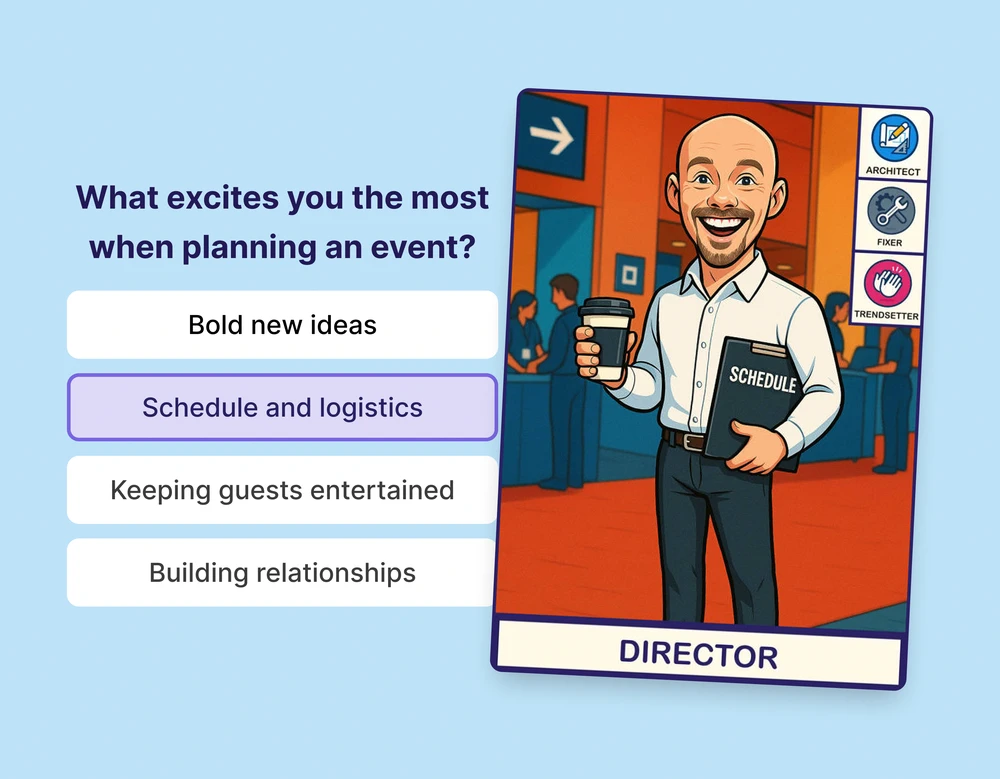
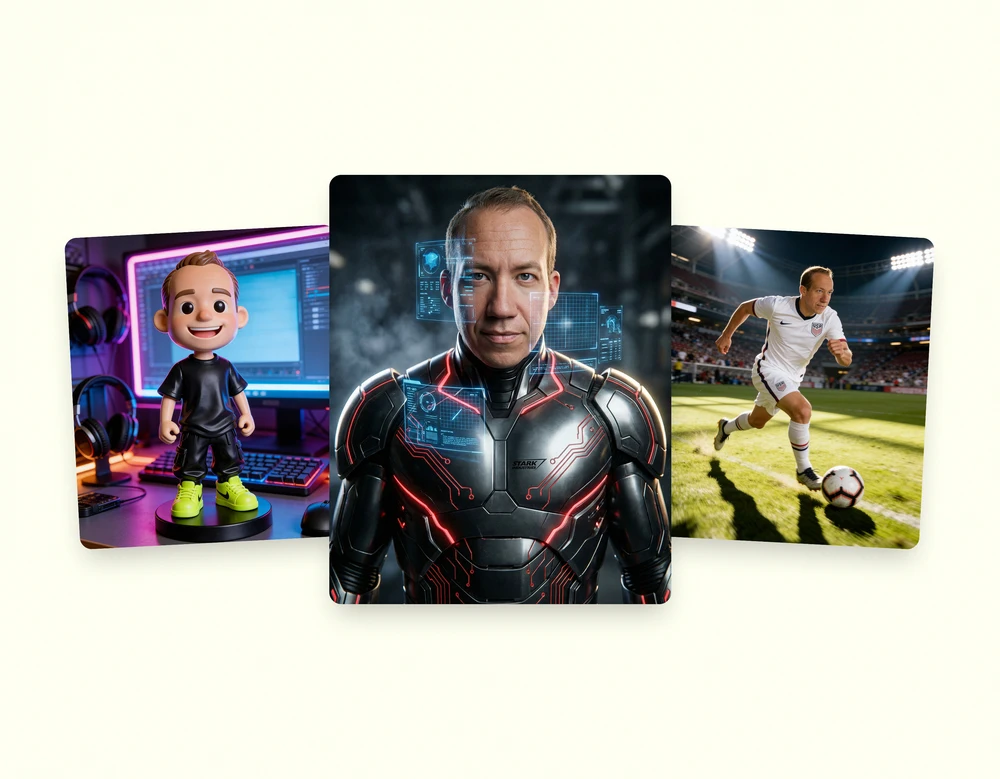
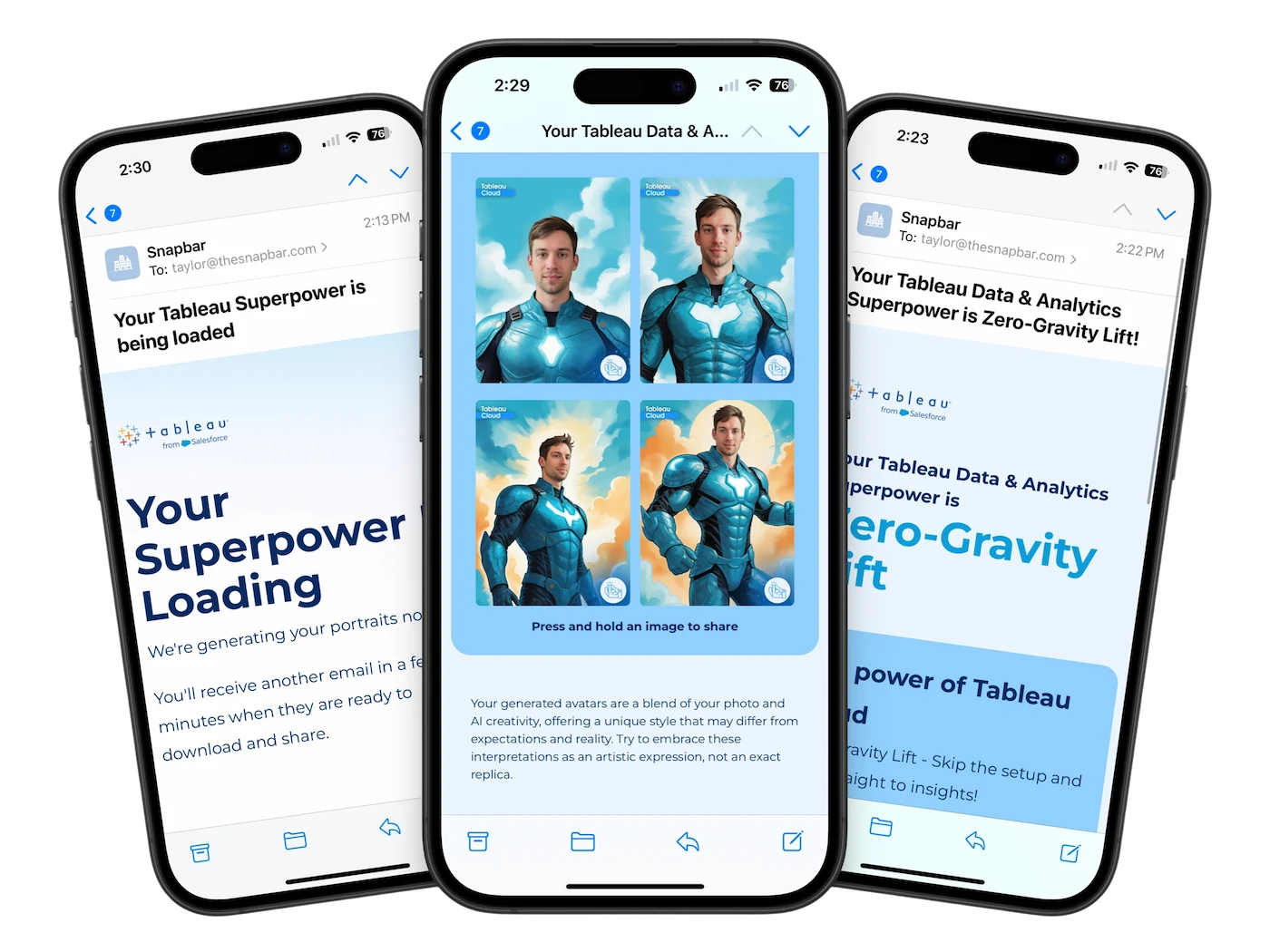
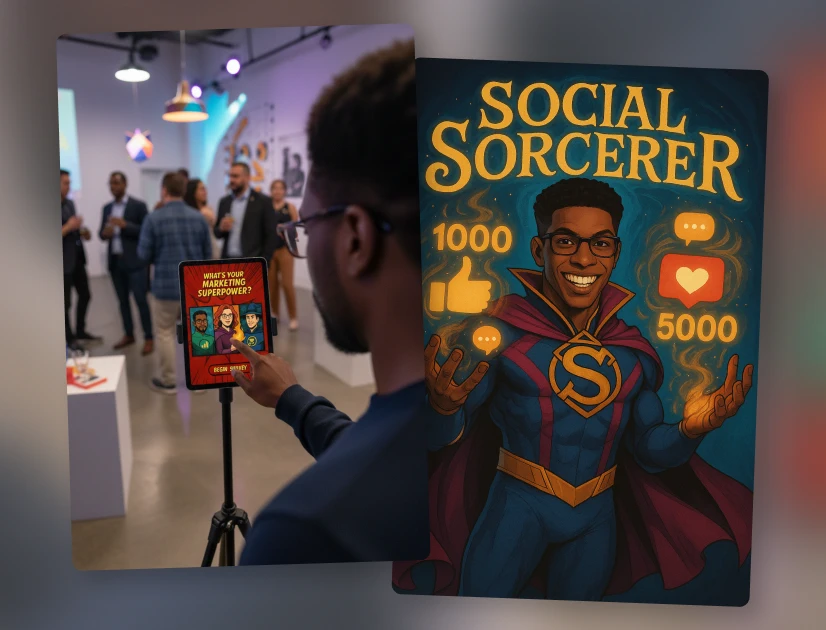
It pairs the quiz mechanic with two things a standalone quiz tool doesn't deliver. First, a branded visual output: each guest gets an AI-generated portrait styled to their persona, which is content they'll actually share, so your reach extends past the event floor on its own. Second, per-result delivery: the persona reveal lands as a custom email built around their specific result, branded to your event, with whatever follow-up path you want in it. The quiz engages, the portrait travels, and the answers qualify. One interaction doing three jobs is the whole argument for running a quiz as an activation instead of a form with a clever skin.
There's a reason a persona spreads the way it does. Leon Festinger's social comparison theory holds that people size themselves up by measuring against others, and they reach for that comparison hardest when there's no objective yardstick. A persona is built for exactly that. "I'm The Visionary, what did you get?" is the instinct in motion, and it's what turns one guest's result into a back-and-forth across a whole team. The same pull works in the room: when each new persona appears on the live displays, guests want to see where they land next to their colleagues, and the line for your activation grows on its own.
See it in action
Build your own Persona Quiz activation
Branded personas, AI portraits, and segmentation data, all from one experience. Explore example concepts and see how a build comes together.
Explore the Persona QuizHow a persona quiz activation works at an event
The flow is simple by design, because friction at a booth kills participation.
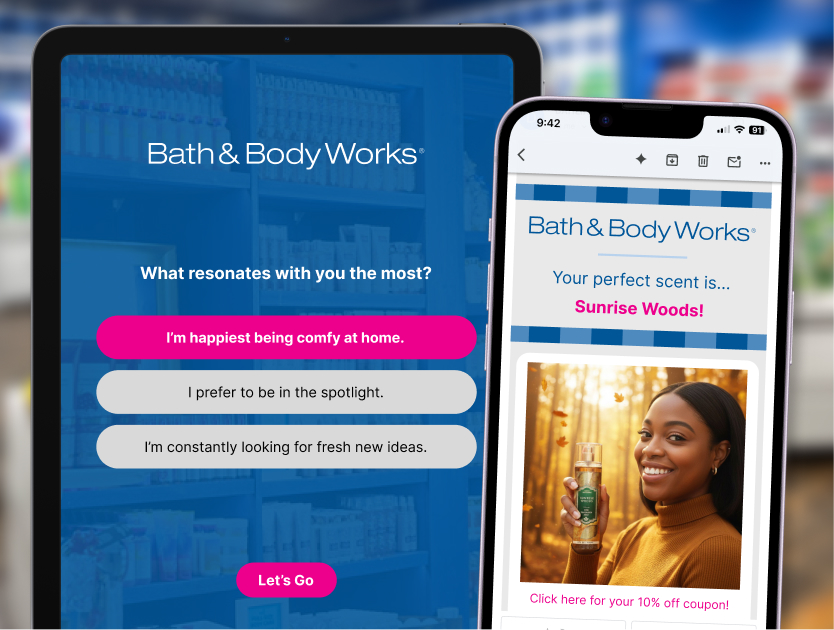
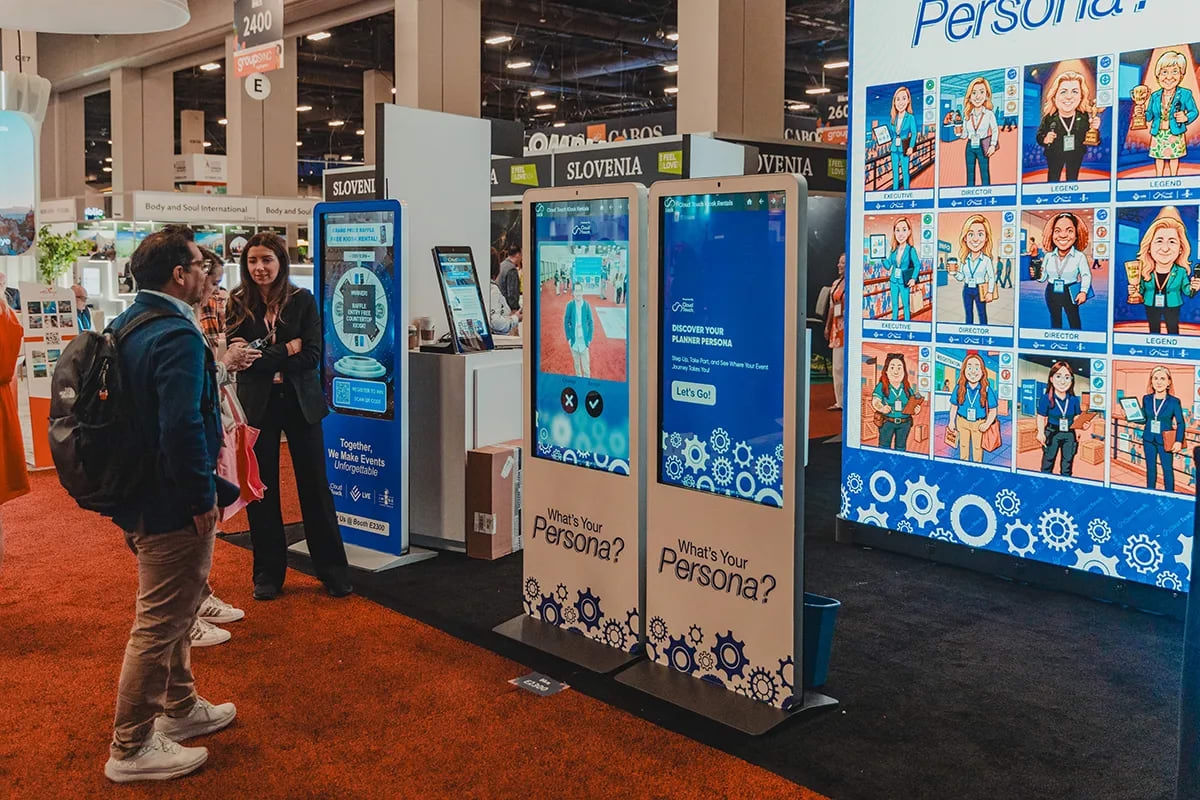
Guests reach the activation through a QR code or a short URL that works on any device, whether that's a phone, a tablet, or an event kiosk. They move through a few questions, one per screen, each written to fit your event's theme. Photo capture and lead-capture fields fold into the flow so giving you their information feels like part of the experience rather than a toll. AI then generates a portrait styled to their persona match, and the reveal arrives in their inbox in a branded email. On the room's live displays, each new persona appears in real time, which pulls the next guest into line. No hardware to ship, no AV crew, and it scales from a 50-person reception to a 50,000-attendee conference.

How to design a quiz activation that qualifies your audience
The best quiz activations are the ones built around the room. A marketing conference wants marketing personas; a sales kickoff wants sales archetypes; an IT or security event wants a persona library that speaks the audience's language. When the personas mirror how the audience already thinks about itself, guests lean in and the segmentation you get back maps directly to how your team sells.
A few principles we've learned across thousands of activations. Keep it to three or four questions. The progressive one-per-screen format keeps perceived effort low, but every extra question is a chance for a guest to drop off, so earn each one. Map each answer to something you'll act on later, a buyer profile or a product interest, rather than asking purely for fun; the questions that feel playful to the guest should still be doing quiet work for you. And treat the delivery email as a second activation surface, not just a receipt. The most exciting moment for a guest happens seconds after they walk away, when they open to see their result, and Snapbar's branded delivery emails are opened around 95% of the time. Whatever call to action you put in that email gets seen, so make it count.
One honest caveat. A quiz isn't always the right call. If your goal is maximum throughput, getting as many guests as possible through a fun moment with minimal friction, a faster format like an AI photo booth will usually move more people. Reach for a quiz when qualification matters more than raw volume, when the data each guest gives you is worth the extra thirty seconds it takes to collect.
Here's how the two approaches compare on the floor.
| Static lead form | Quiz activation | |
|---|---|---|
| What the guest does | Fills in fields for your benefit | Answers questions to discover their own result |
| Why they engage | Obligation, or a swag incentive | Curiosity about themselves |
| Data you capture | Contact details | Contact details plus structured, self-reported answers |
| What you learn | Who they are on paper | How they think, what they want, where they fit |
| What the guest takes away | Nothing, or a giveaway | A personalized result and a shareable portrait |
| Follow-up | A flat list to qualify later | A pre-segmented list, ready to route |
A quiz activation won't fit every event, but when audience data is the point, it earns its place. It turns the few seconds you have with each guest into something both of you walk away better for: they get a result worth sharing, and you get a lead worth working. To see how a brand-built persona quiz comes together, explore our Persona Quiz activation or browse the full library of activation concepts for ideas matched to your event.