
Table of Contents
A trade show floor is thousands of people walking past hundreds of booths, each one deciding in a second or two whether yours is worth a stop. Most exhibitors have already done the obvious work: a clean build, a clear message, a team that knows the product. Trade show booth traffic still comes down to something simpler, and it's easy to underrate. People stop where other people are doing something, and they walk in when they can see what they'd get.
So the booths that draw a crowd give guests something to create, then put those creations where the aisle can see them. Here's how to set that up.
Key takeaways
- Give people something to create, then put what they create on a screen the aisle can see.
- Face the screen toward people walking up, or run it on several screens along the booth front, so they decide before they've walked past.
- Leave open floor in front of the screen for the people who stop to watch.
- Run it on whatever the booth has: a kiosk, an iPad, a laptop or guests' own phones, all at once.
How do you increase trade show booth traffic?
Give people a reason to step in, then show the aisle what happens when they do. There are two ways to create that reason, and our CEO, Sam Eitzen, puts it plainly: "One is to give them something, one is to let them create something."
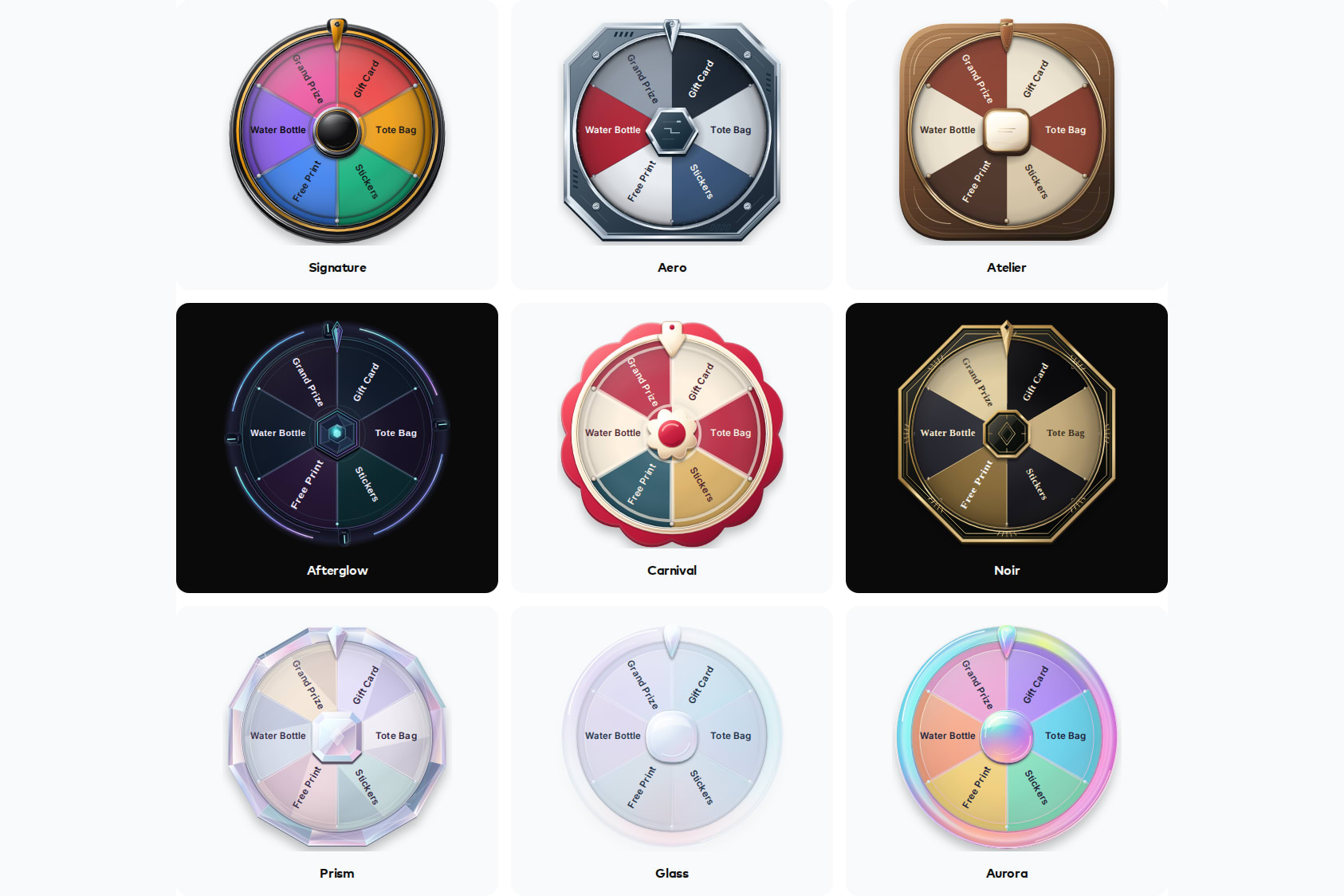
Snapbar's platform does both. This article covers the second way: letting guests create something, then showing the aisle what they made. In Sam's words: "We focus on creating things at Snapbar, bringing people into the engagement, interactive kind of personalization process so that they feel invested in the outcome." If giving is the way in you want, we cover the version that puts swag in the right hands in the trade show prize wheel play.
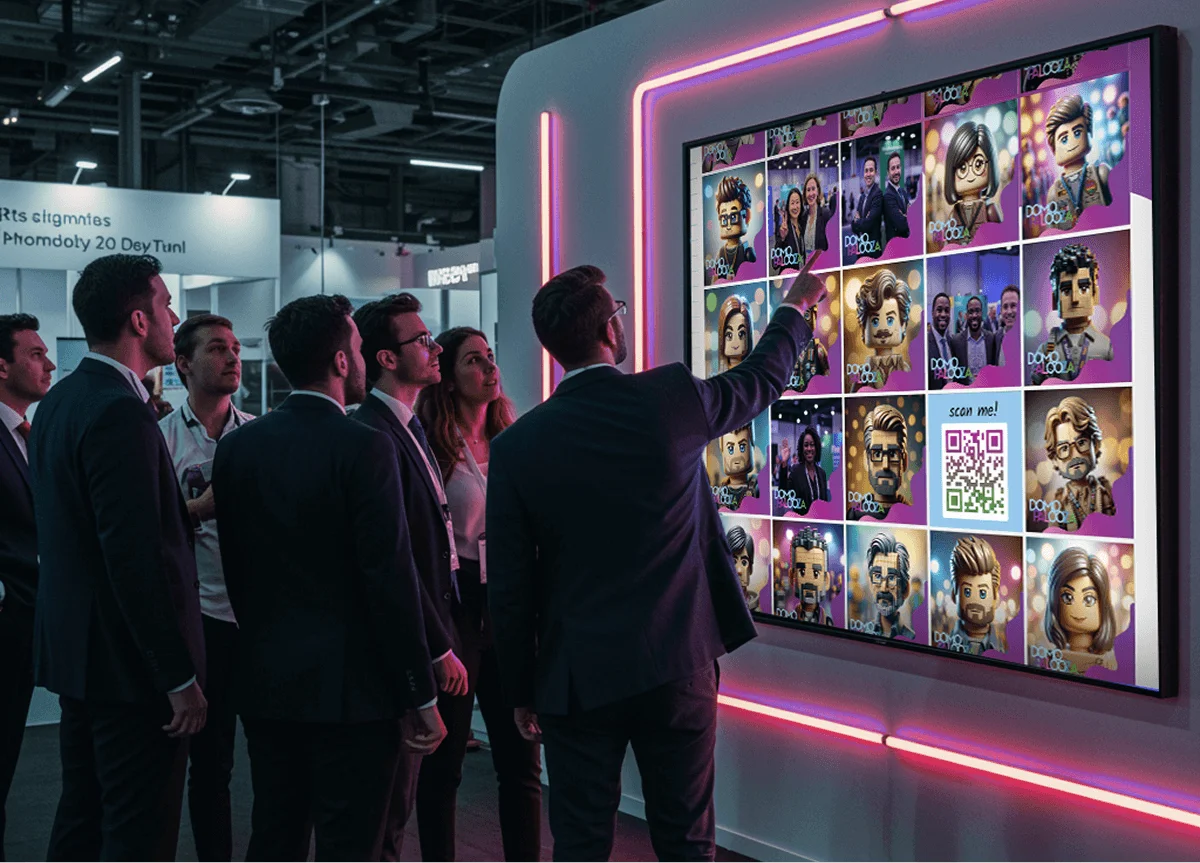
Creating something only pulls traffic if people can see it happening. A banner can tell the aisle what you offer, but it can't show anyone what they'd walk away with. As Sam puts it, "the best way to then get people interested in what they could create is to display creations. Not just to say this is what you can do, but to show them what other people are doing."
If you already run an activation and the aisle still walks past it, the cause is usually where it sits and why anyone would walk over, not the technology. We unpacked that in why event activations fail.
Why does showing what guests made attract people to your booth?
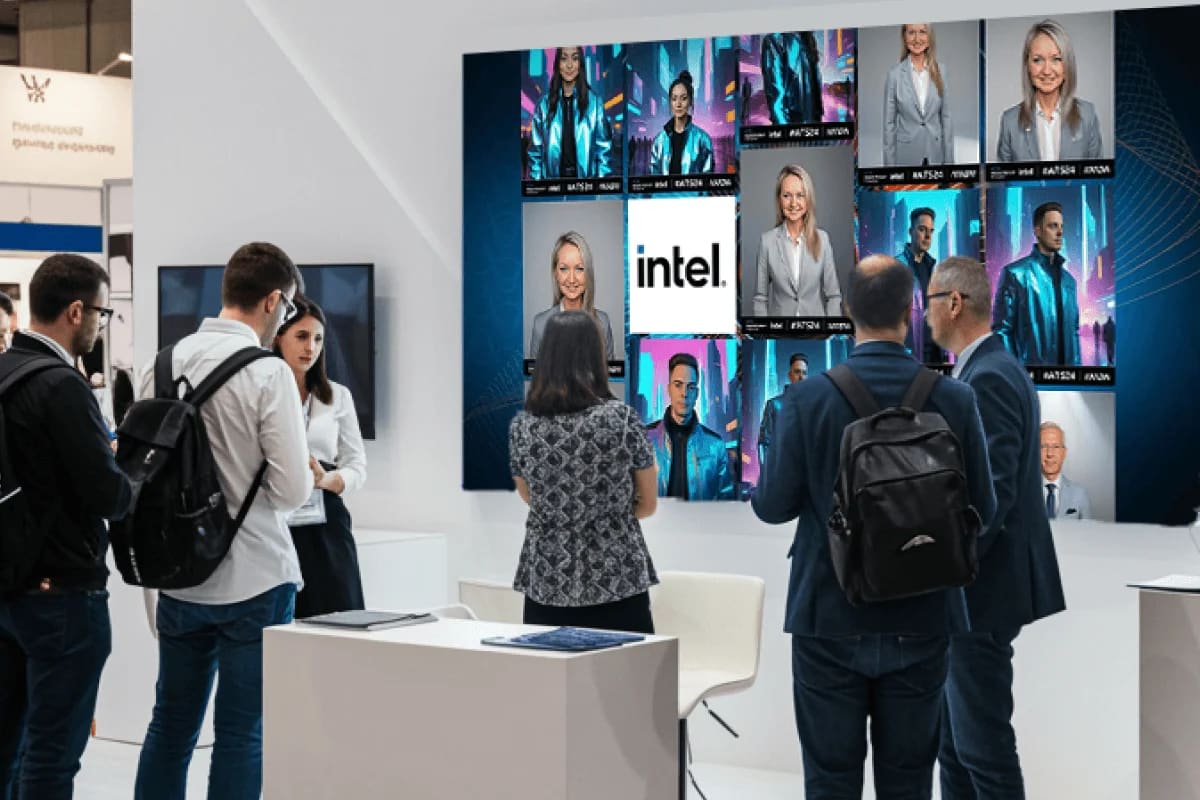
Because people stop for people. A screen full of faces the aisle recognizes as fellow guests is a louder invitation than any tagline. Sam calls displaying what guests made "one of the number one drivers for others walking into the booth," and among booth traffic drivers it's the one people can see from down the aisle.
Research on public screens points the same way. In a three-week field study, researchers at TU Berlin and the University of Stuttgart put interactive displays in shop windows, logged 502 interaction sessions and compared what got people to join in.
+90%
More passers-by interacted when a shop-window display showed them their own image immediately, compared with a traditional attract loop and call to action (Müller et al., CHI 2012).
That was a street window and a live reflection, not a trade show booth, so read it as a direction rather than a forecast. The same study describes a honeypot effect anyone who has worked a show will recognize: once someone is interacting, others stop behind them to watch, then join in, in rows.
Museum designers work from the same idea. Nina Simon, in The Participatory Museum, says participation works when you "design participatory platforms so the content that amateurs create and share is communicated and displayed attractively," and notes that on YouTube, "the participation of these creators drives the content and the experience of everyone else who visits the site." Most of your aisle will watch rather than make, and the screen is how you serve them.
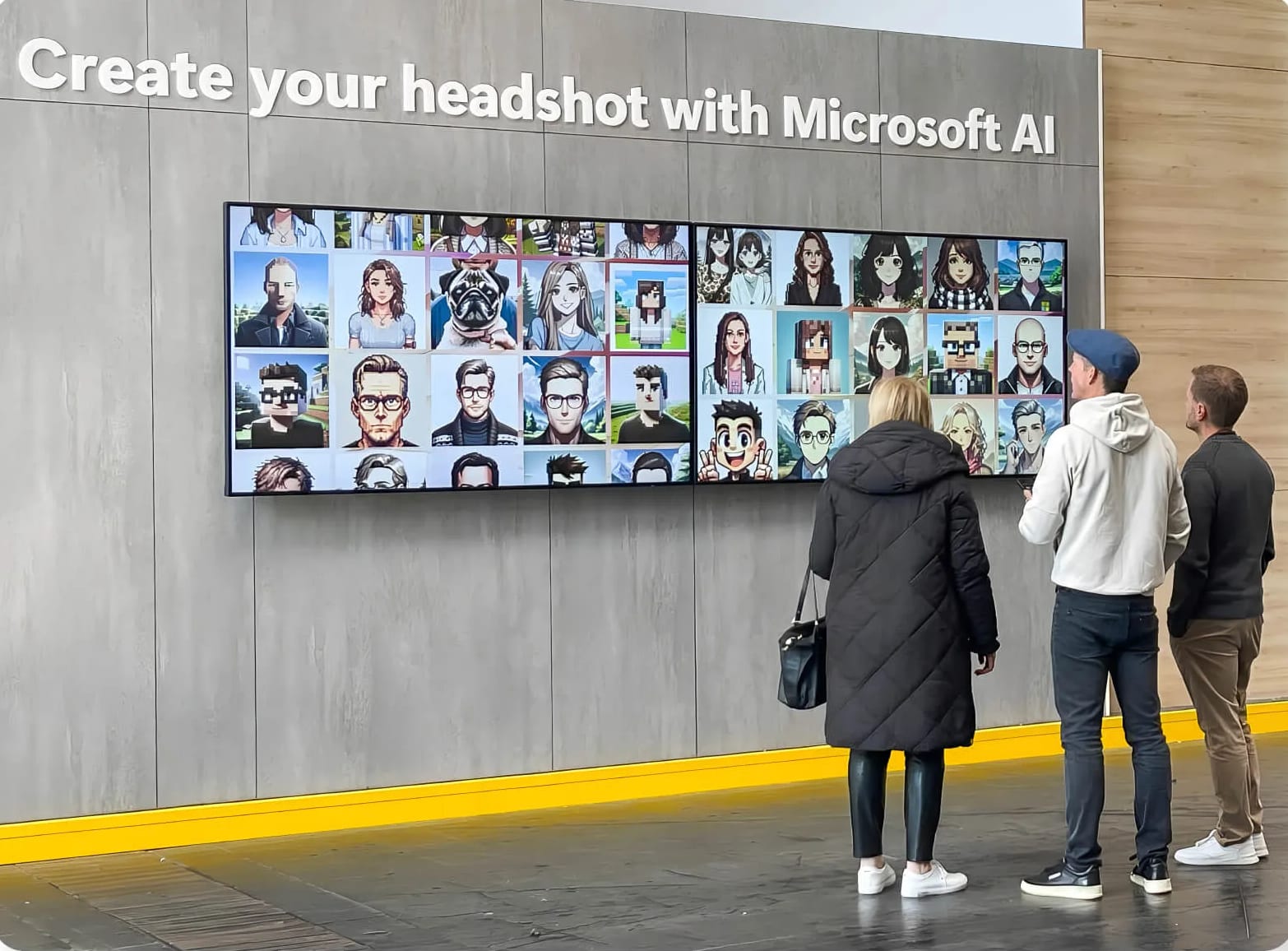
That's the pattern at Microsoft's Imagination Station, where completed portraits appeared on large screens in real time and pulled more people in. On our platform, a live gallery and a slideshow come with every activation, and Digital Photo Booth captures can run through AI upscaling so they still look sharp on a large screen. We compare the display types in live event photo displays compared.
What should guests make at your booth?
Something they have a hand in shaping. A study at a science museum tracked 47 visitors across 61 interactive exhibits and tested four exhibit traits; only two, technological novelty and open-endedness, were associated with visitors staying longer (Sandifer, 2003). An experience where the guest decides what comes out holds people longer than one where they press a button and watch.
A few formats that work well on a show floor:
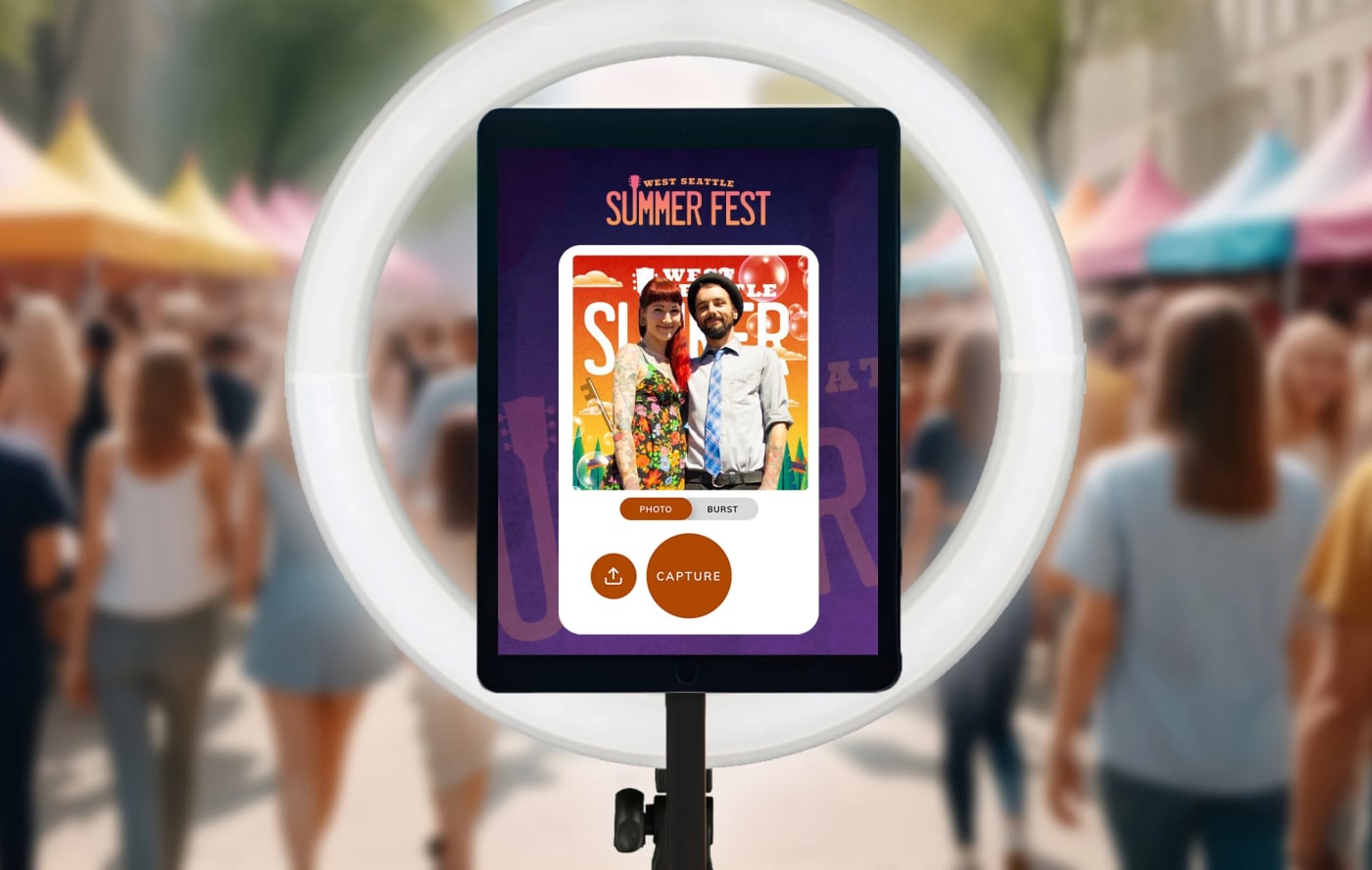
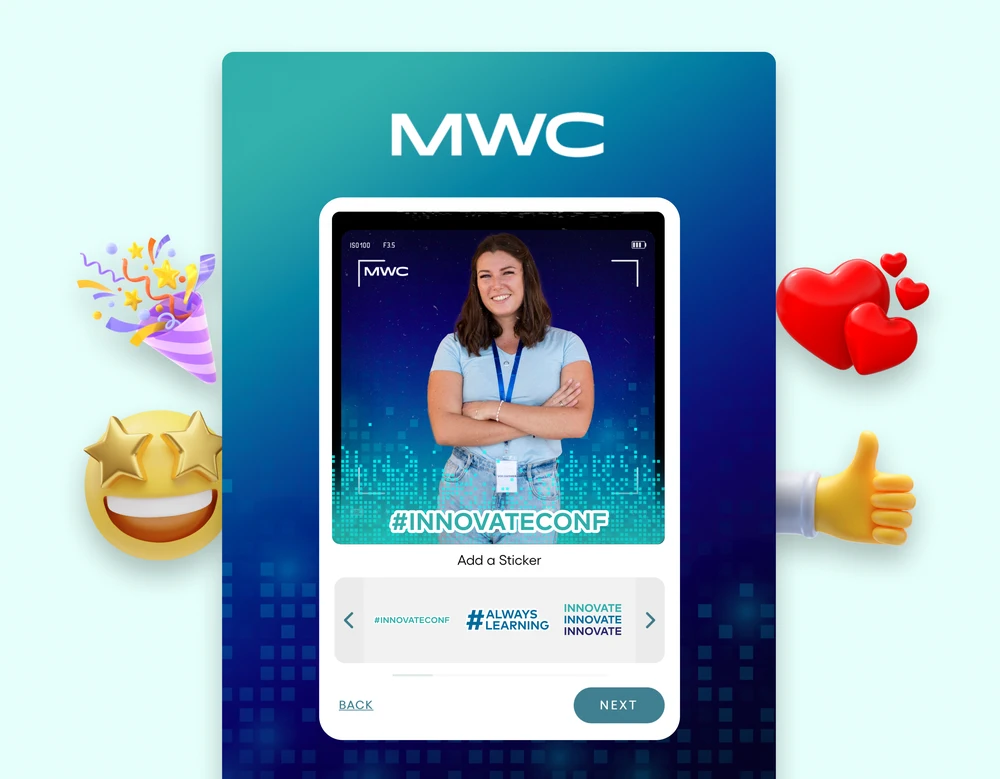
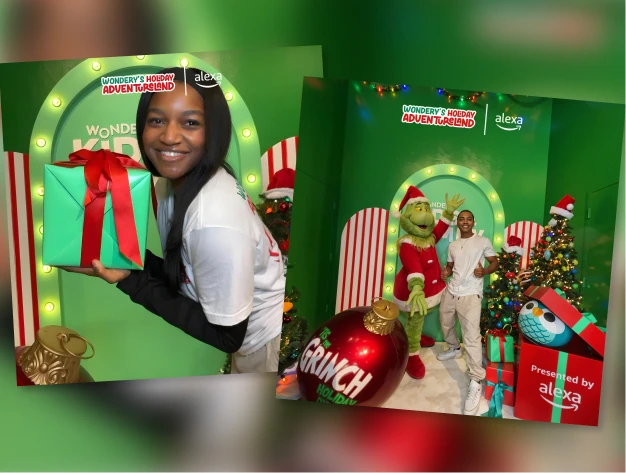
- A branded capture from a Digital Photo Booth, with your overlays and the guest's own pose.
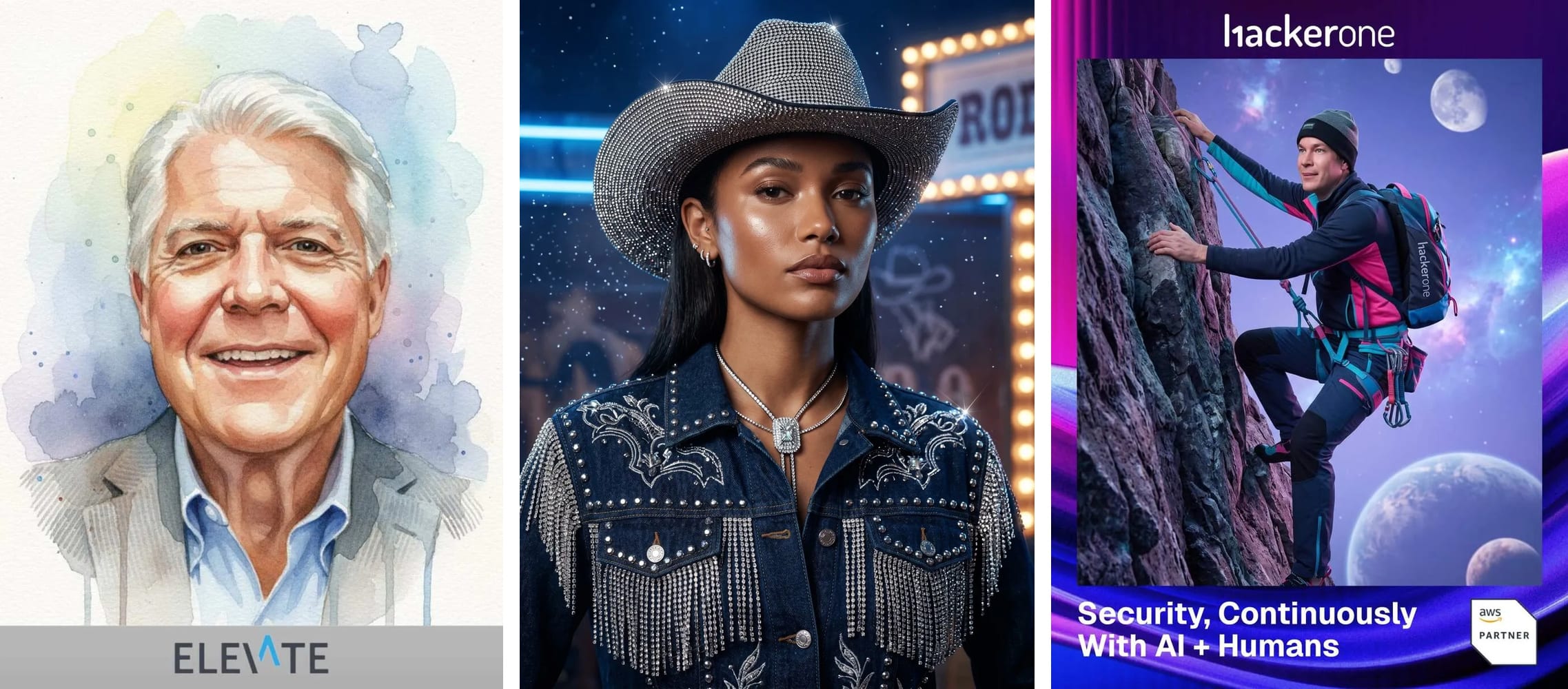
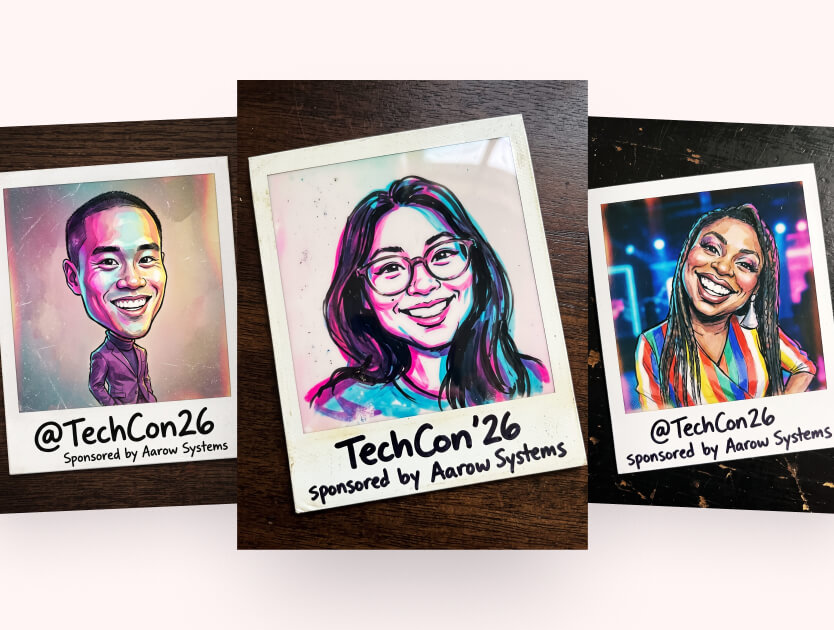
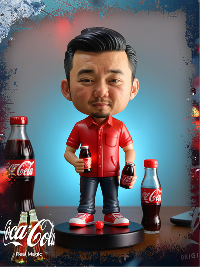
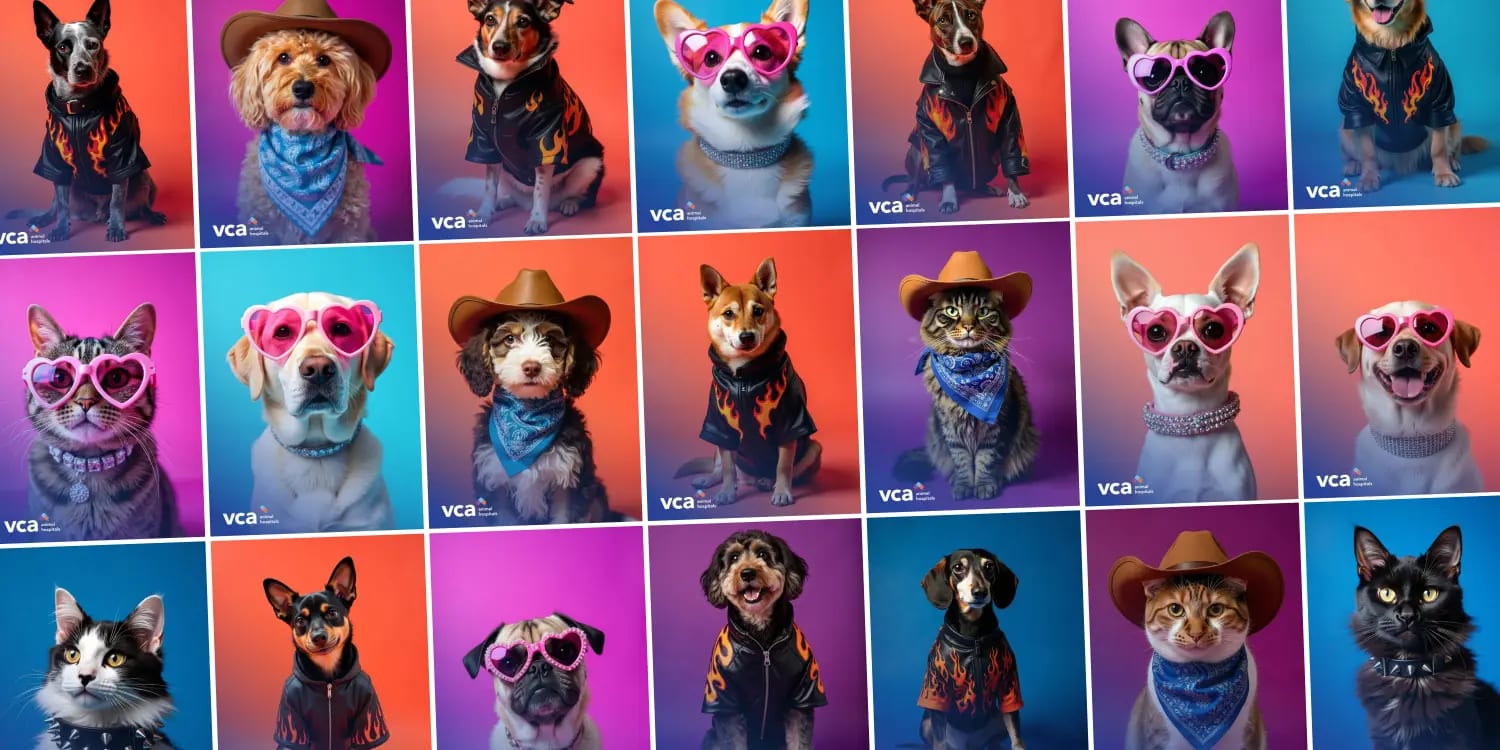
- An AI portrait from an AI Photo Booth, styled to your brand or your product world.
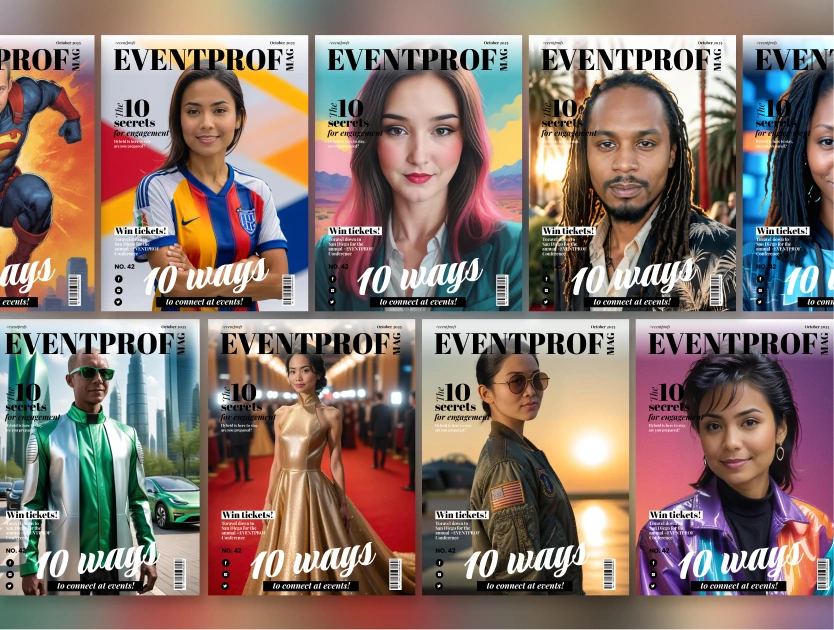
- A holographic trading card that shimmers and tilts as the guest moves their phone, and keeps that effect in every link they share.
- A persona quiz result that tells guests which kind of buyer, builder or attendee they are.
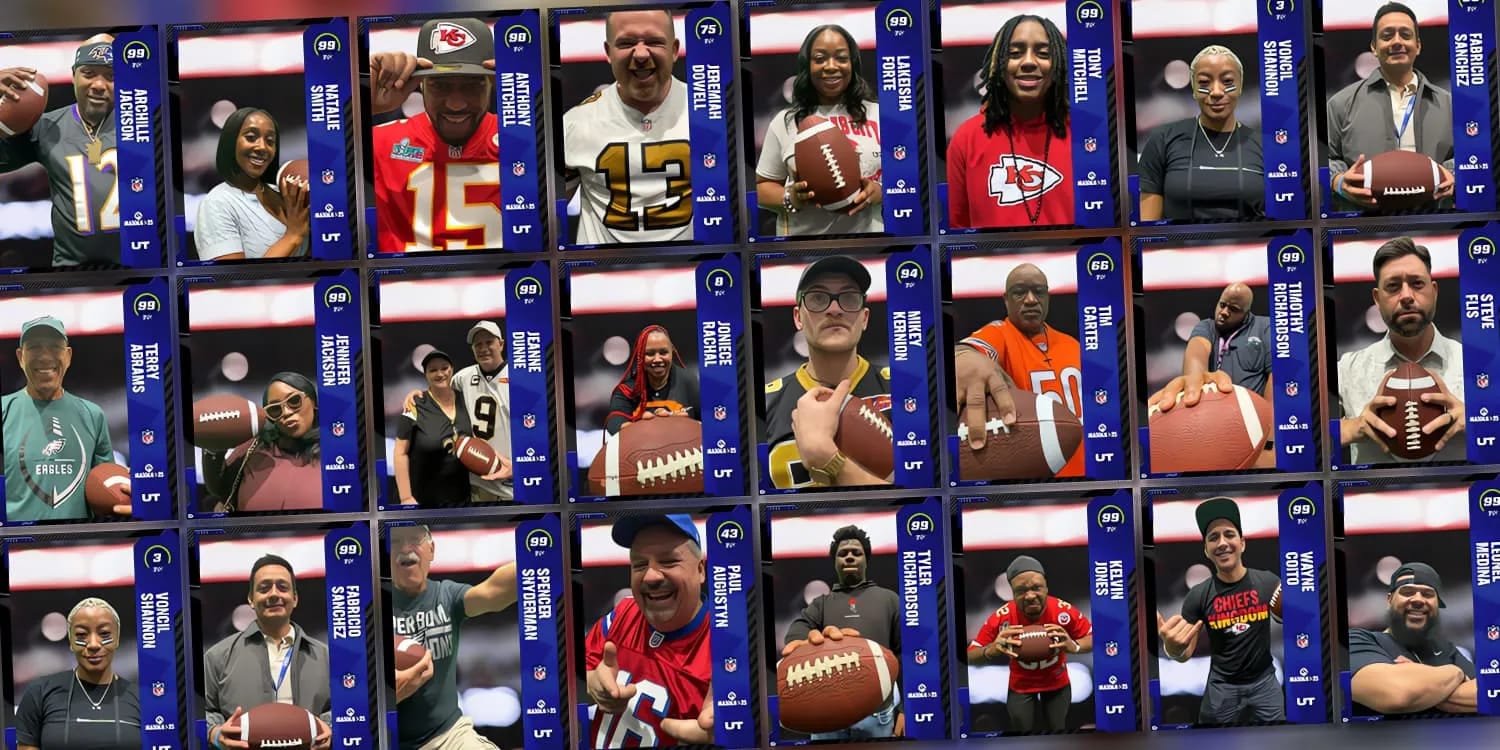
If you'd like the crowd to judge the results, we walked through that play in trade show booth contest ideas. For more trade show formats, browse our activation concepts.
See it in action
Build your own Digital Photo Booth activation
Branded capture on a kiosk, an iPad, a laptop or guests' own phones, with every photo on a live gallery the aisle can see.
Explore Digital Photo BoothWhichever format you pick, keep the lineup short. Pairing one create-and-display activation with a giveaway works fine, but a booth running four different experiences splits its screen, its staff and its story.
Where should the screen and the activation go in your booth?
Where people walking up can see them before they reach you. We've seen plenty of booths point the big screen inward, toward the demo table, where only the staff can watch it.
The shop-window study explains why direction matters so much. People needed about 1.2 seconds to realize a display was interactive, and at an average walking speed of about 1.4 meters per second, many had already passed it by the time they decided. Some walked back. Plenty didn't. The researchers' fix was to place displays so people are still in front of them when they decide, or to run a series of displays along the path.
On a show floor, that translates into a few layout calls:
- Angle the main screen toward the heaviest approaching foot traffic, not straight across the aisle.
- Run the live gallery on more than one screen along the booth front. You can show it on as many screens as the booth has.
- Leave open floor in front of the screen. The honeypot effect needs room for watchers to stand without blocking the aisle or the activation.
- Keep sightlines open from the aisle into the booth. Displays or counters that hide the action make passers-by assume it isn't for them.
Then check the path. A guest should be able to step in, create something, see it land on the screen and step out without squeezing past a table or your staff. Booth traffic flow is mostly about removing the reasons not to walk in.
How should booth staff work the crowd and keep the line moving?
Spread out, invite people in and keep the experience moving. A row of staff standing shoulder to shoulder at the front reads as a wall, and people walk around walls. Put one person at the aisle edge to invite, and others inside to help guests through the experience.
Give that front person a short, specific invite. "Want to see yourself up on that screen?" works better than "Can I tell you about our platform?" because it points at the thing people are already looking at.
Don't let the screen sit empty in the first hour. Have your team create the first few entries before doors open so early visitors see a gallery that's already alive.
Keep the queue short. On a Digital Photo Booth, each style's capture countdown can be set to 3, 5 or 10 seconds, and a quick 3 keeps a line moving. Guests can also zoom and reposition their own photo after capture instead of starting over. Fewer retakes means a queue that keeps moving. When a guest has finished and wants to talk, hand them to a colleague for a real conversation. Our guide to trade show lead generation covers what happens next.
How do you drive traffic to your trade show booth before the show?
Promote the experience, not the logo. "Visit us at booth 4123" is easy to forget. "Get your AI portrait at booth 4123" gives someone a reason to put you on their list.
- Show sample creations in your pre-show emails and social posts, so people know what they'd walk away with.
- Put the booth number in every message.
- Book meetings with target accounts in advance, and plan to start those conversations at the activation.
Once doors open, the content keeps trade show booth traffic coming. Guests receive what they created by email or text while they're still on the floor, so sharing starts during the show, not after it. For international audiences, the booth, gallery, share pages, emails and texts can appear in each guest's own language.
What does a booth need so any guest can join in?
A browser-based experience with no app to download, running on whatever hardware suits the booth. That can be a kiosk, an iPad on a stand, a laptop at a counter or guests' own phones by QR code, and you can run all of them at once.
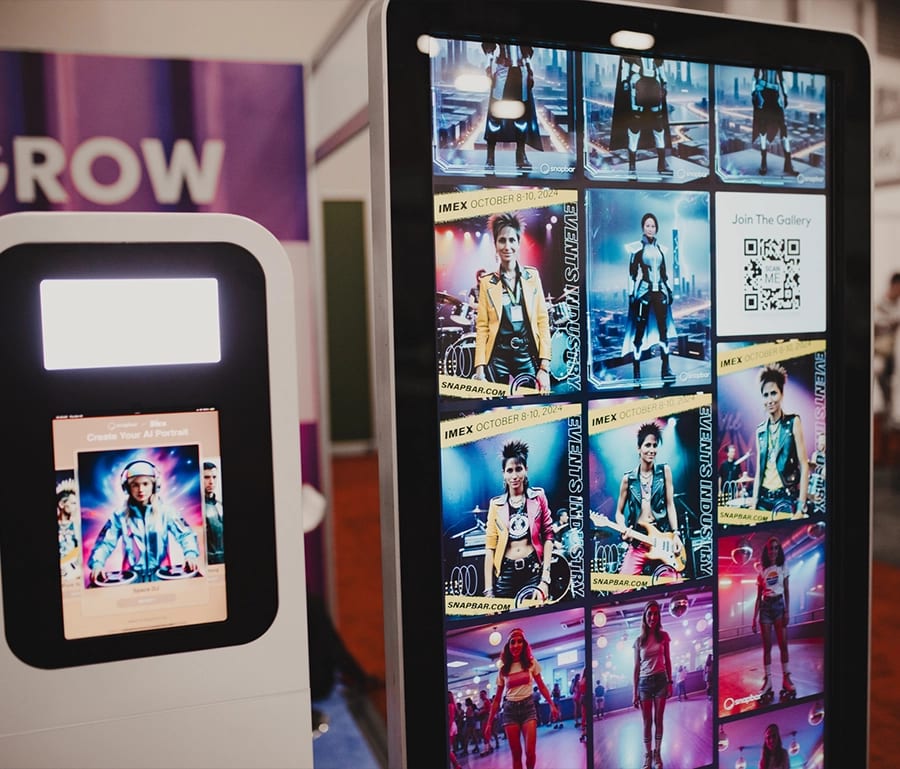
More ways in means more people can join at once when the aisle is busiest. The data capture step works as a fair trade: guests share their contact details to receive what they made, rather than meeting a gate at the door.
How is booth traffic measured?
Count what people created and the details they chose to share. The platform's analytics show submissions and lead data as the event runs, and the activity chart breaks submissions and views down by hour, day or week, so you can see which hours drew the most participation. People who walked past without joining in aren't counted, so treat submissions as a signal of the crowd you drew, not a headcount. For turning those numbers into a return, see how to measure event activation ROI.
Planning your next trade show booth?
Tell us about the show and we'll help you plan what guests create and where it shows.
Get a QuoteOr explore: Trade Show Activations | Live Gallery