





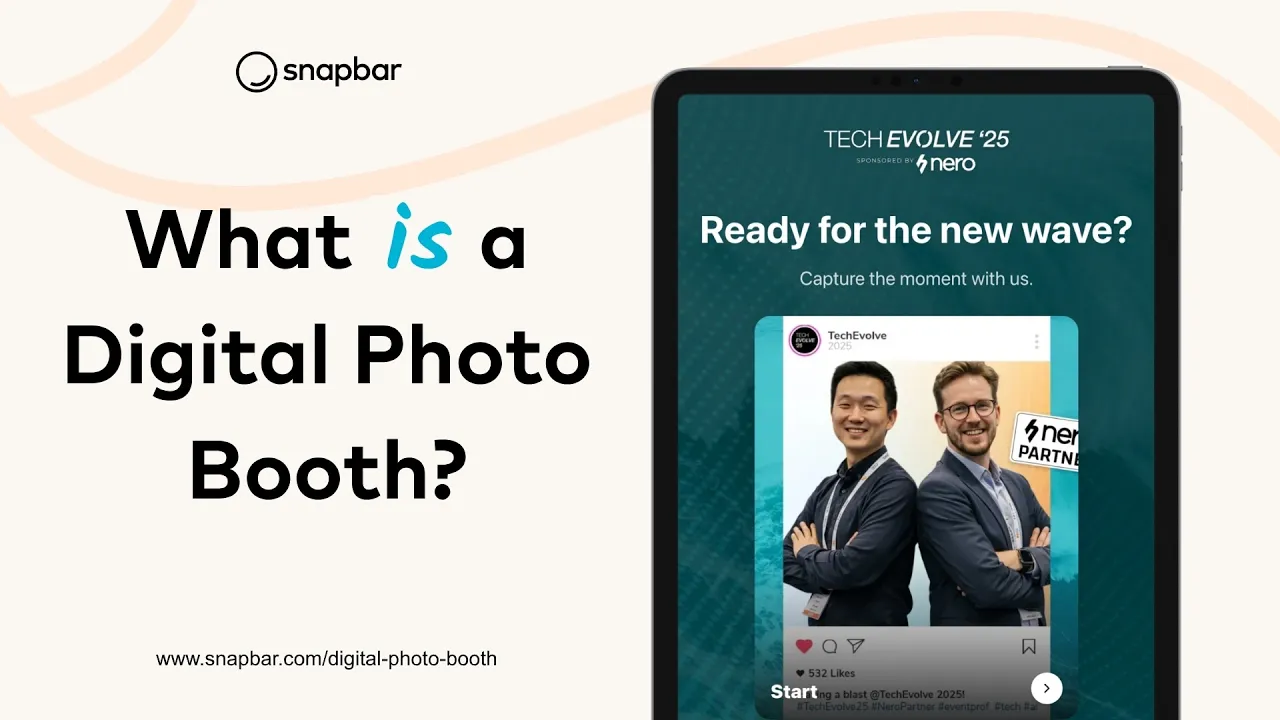
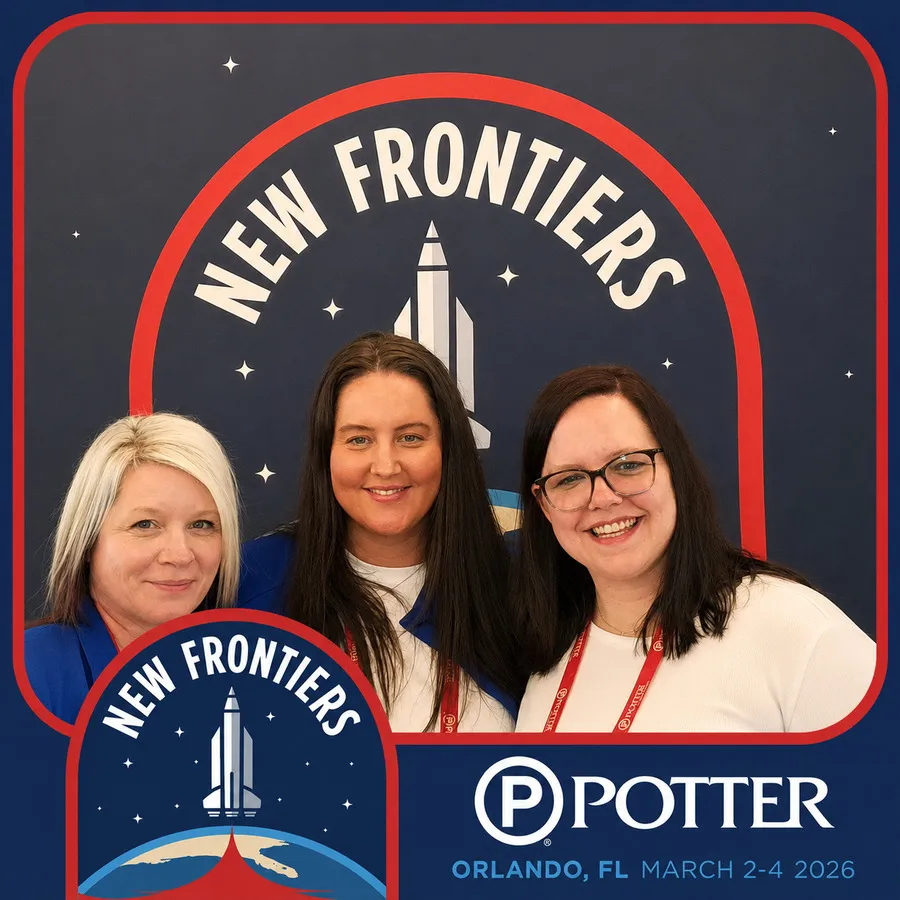
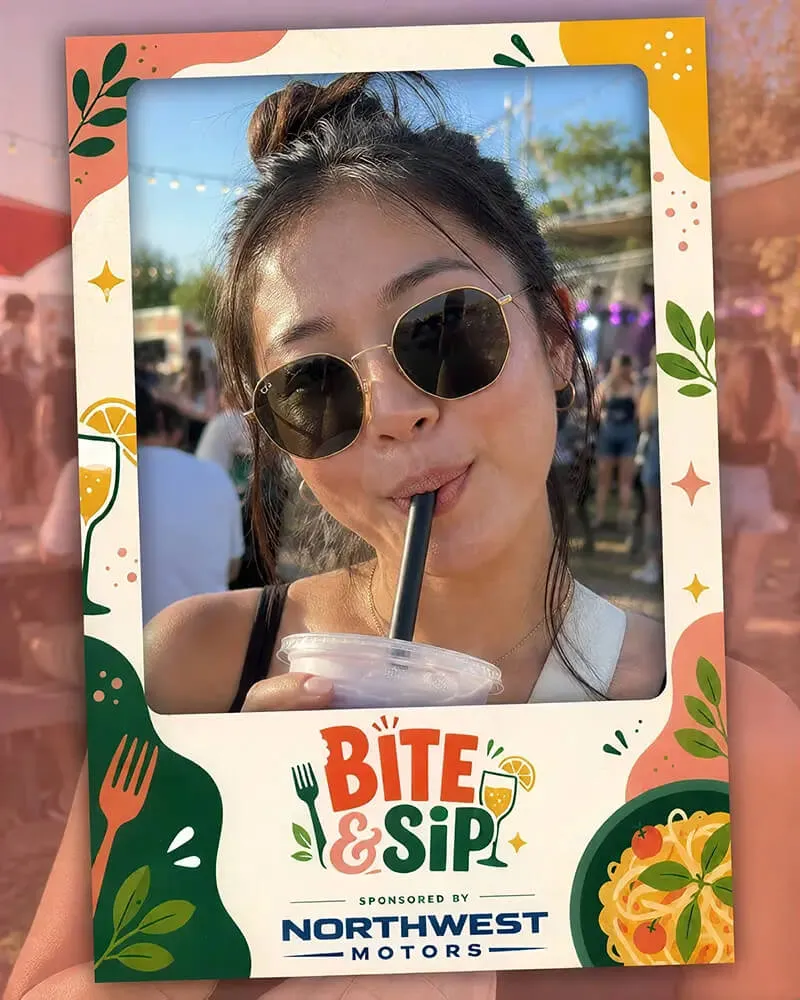
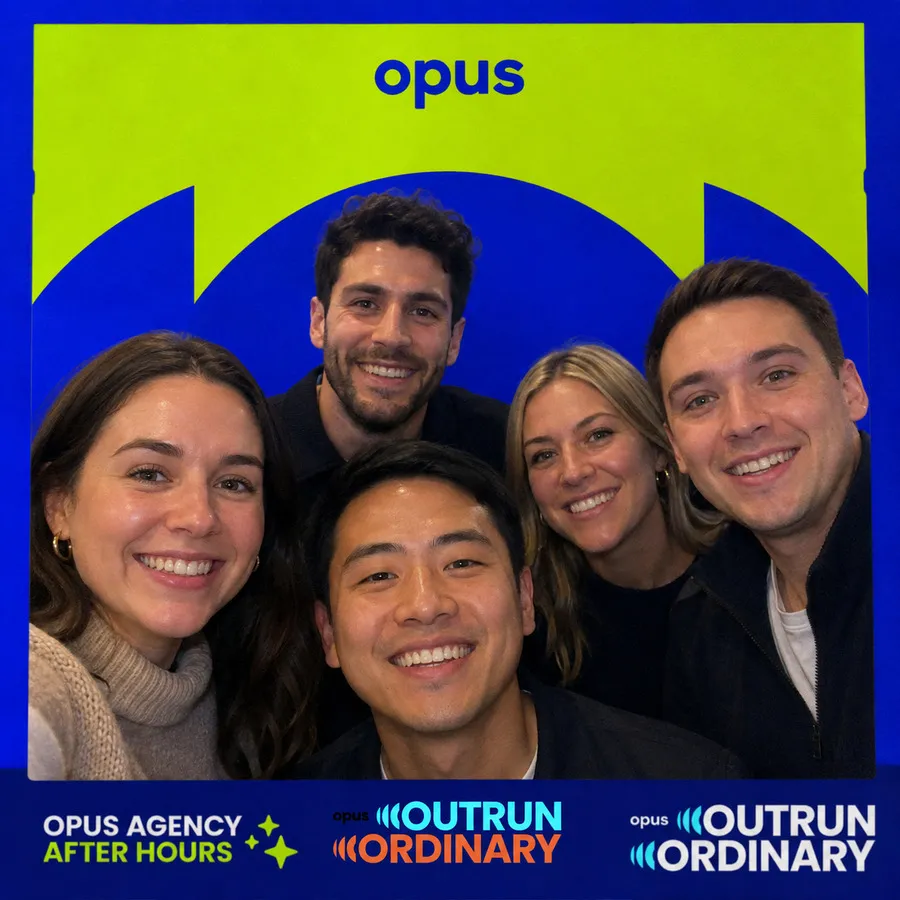
A digital photo booth is a web-based photo experience guests use at an event. They capture a photo on a tablet kiosk or their own phone, personalize it with your branding, and get it instantly. Snapbar's version goes further: you build and run it yourself, and every photo feeds a live gallery and your lead data.
The Digital Photo Booth Built to Document Your Event
Set it up yourself, brand every detail, and turn your whole event into real, shareable content. Run it as a kiosk on a tablet or let guests join from their own phones. It's the same event camera either way.




Trusted by event teams at
Control, content, and flexibility
You're in control
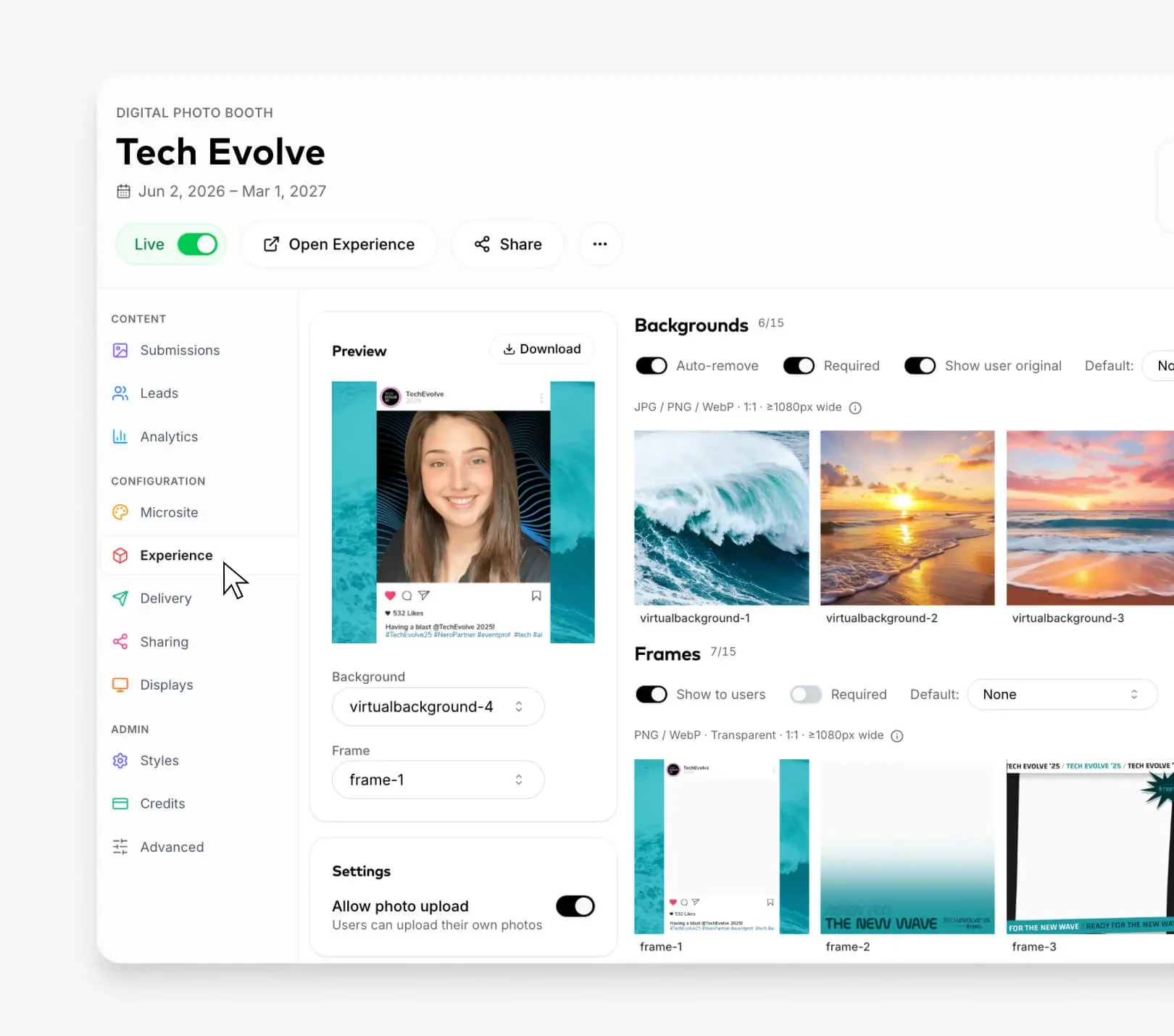
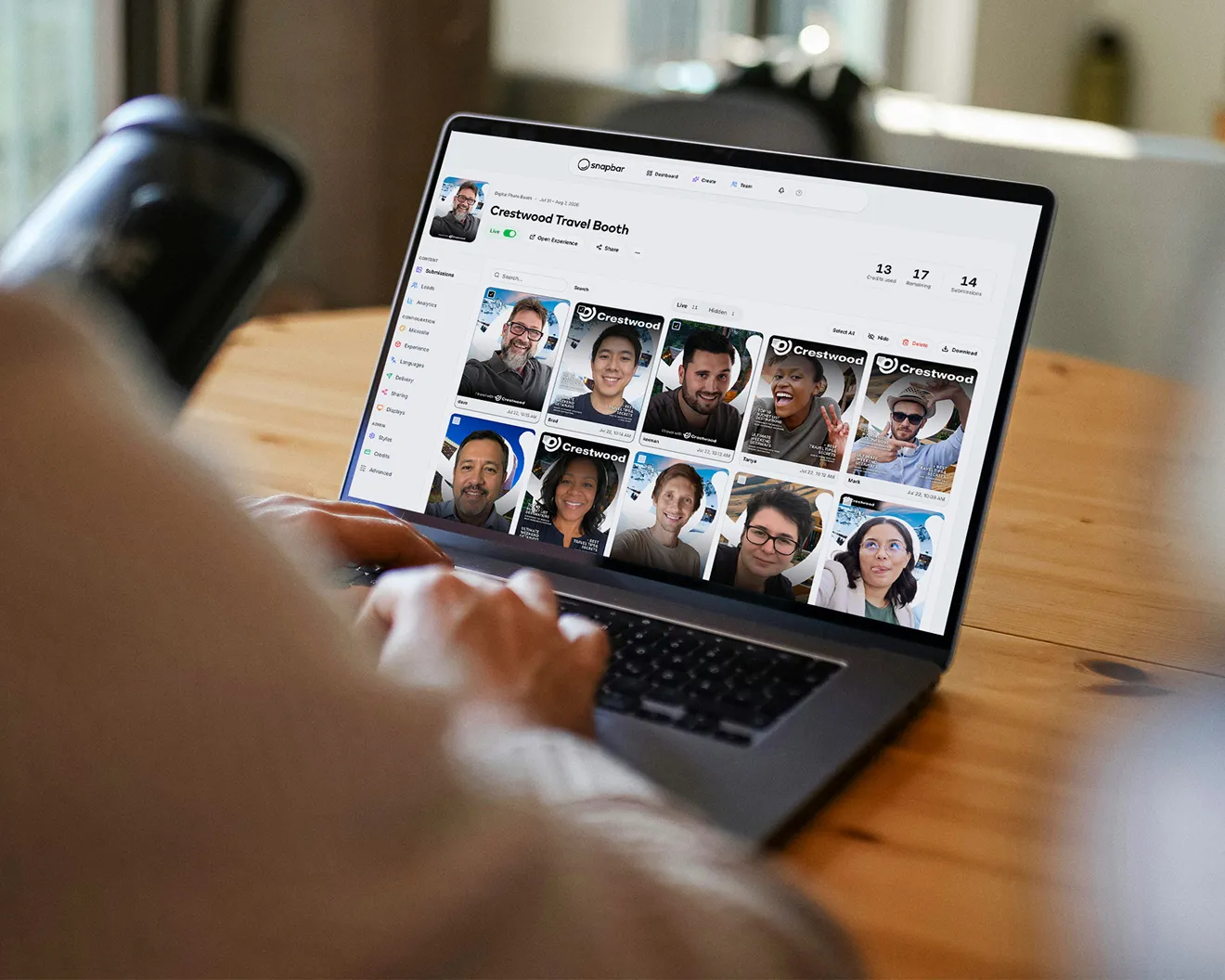
Our dashboard puts you in the driver's seat. Build the experience, swap backgrounds, frames and stickers, and edit your microsite yourself, then update it in real time, right up to the morning of your event.
explore the platform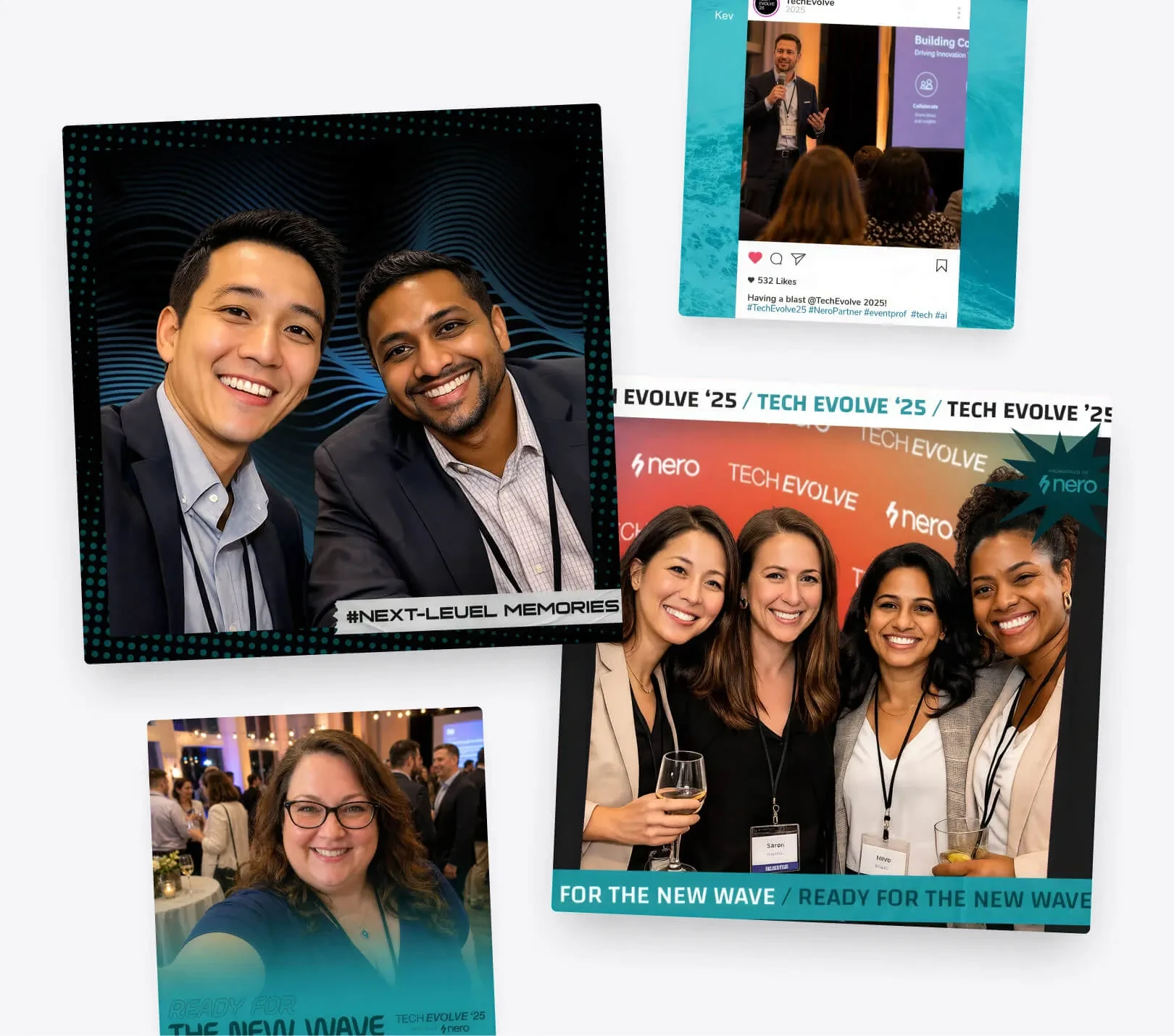
Real content from every corner of the room
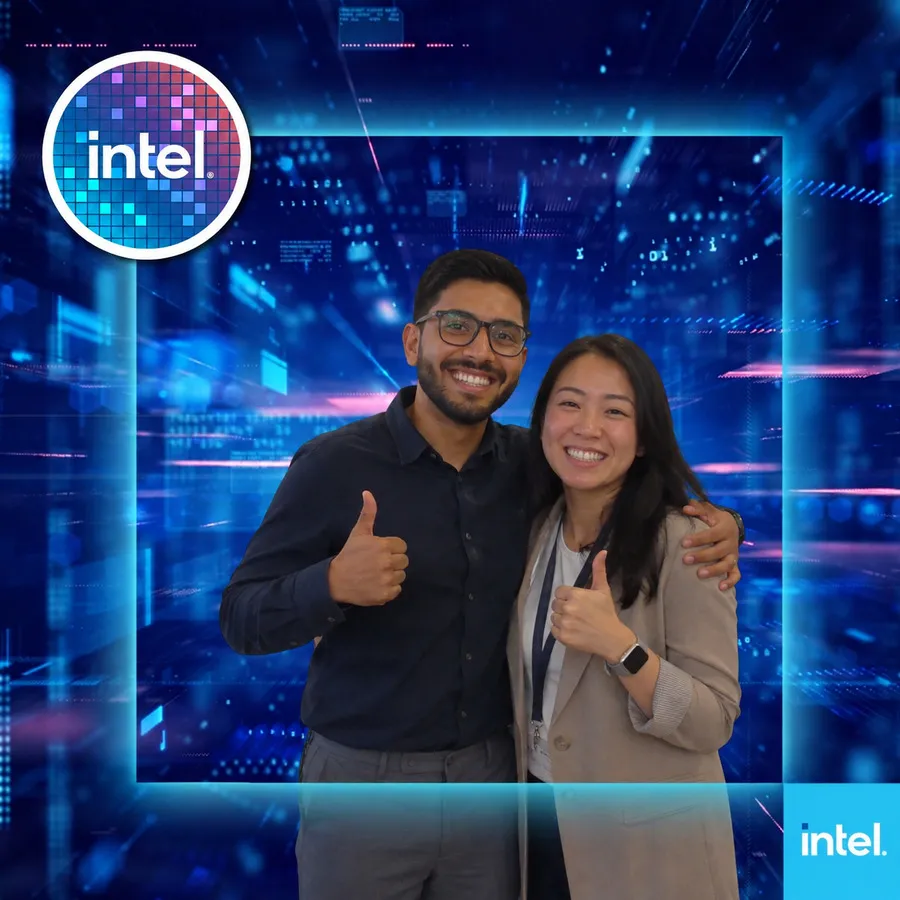
Think of it as an event camera for the whole room. Guests capture authentic photos and group shots, and you walk away with content ready for recaps, social and follow-up.
browse activation concepts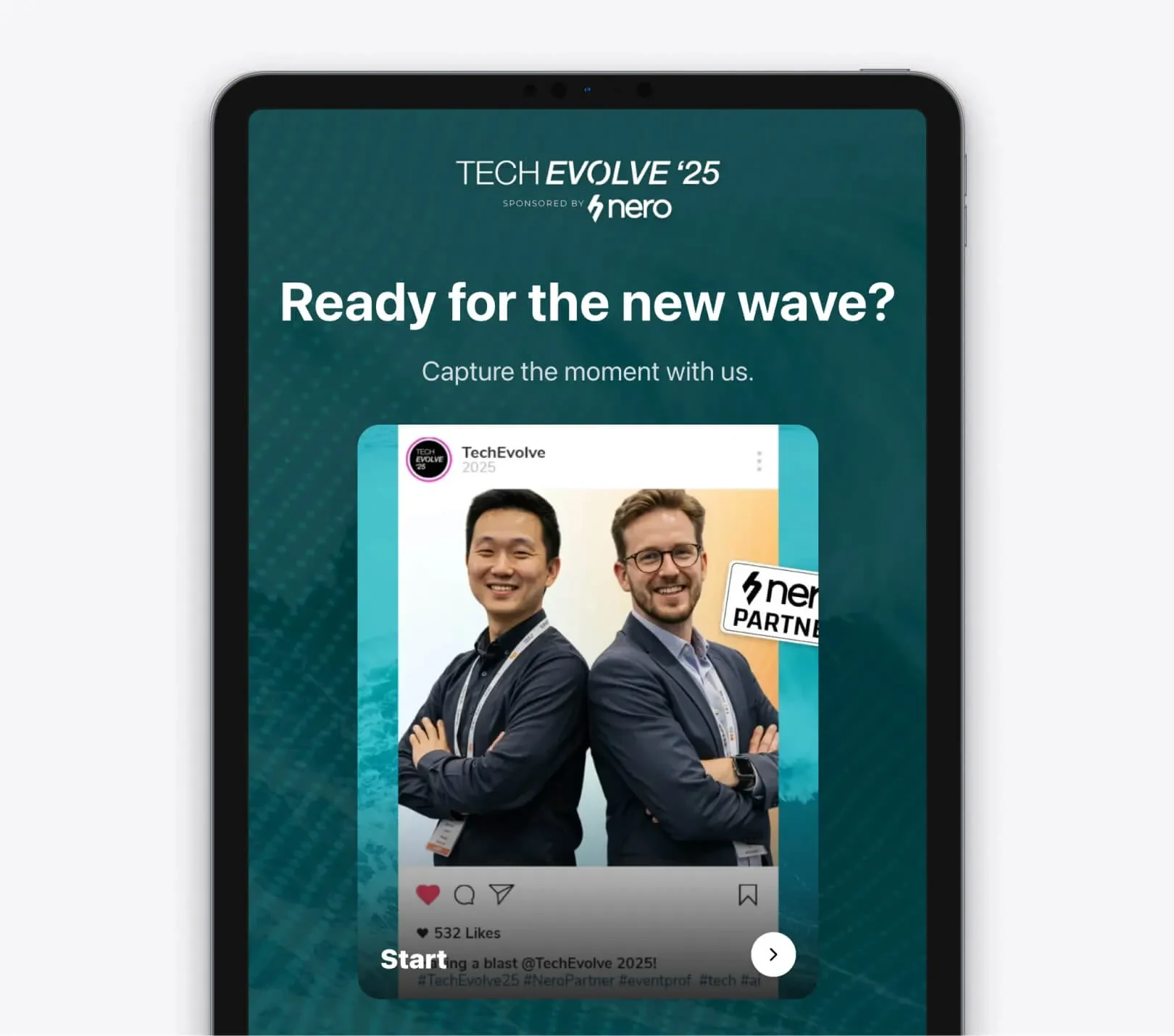
Deploy it your way
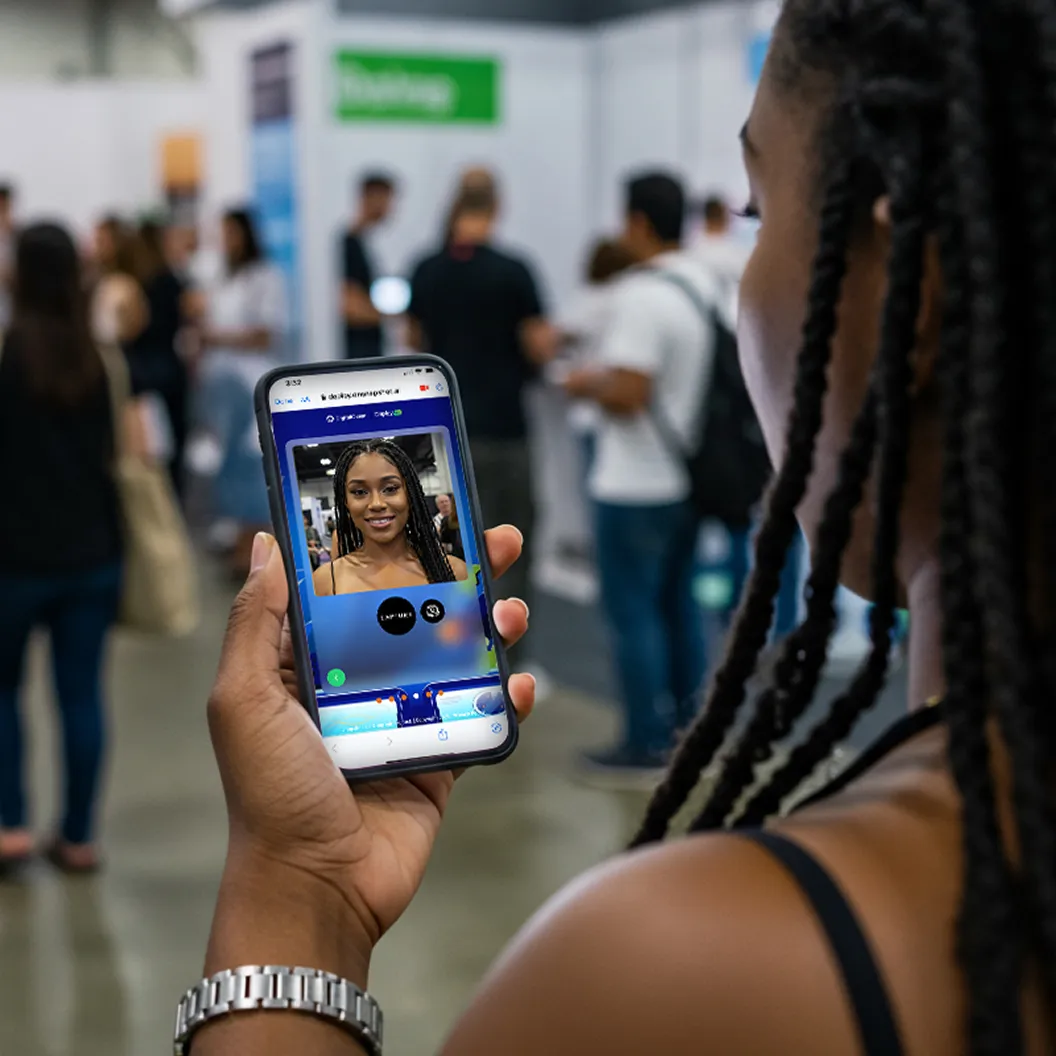
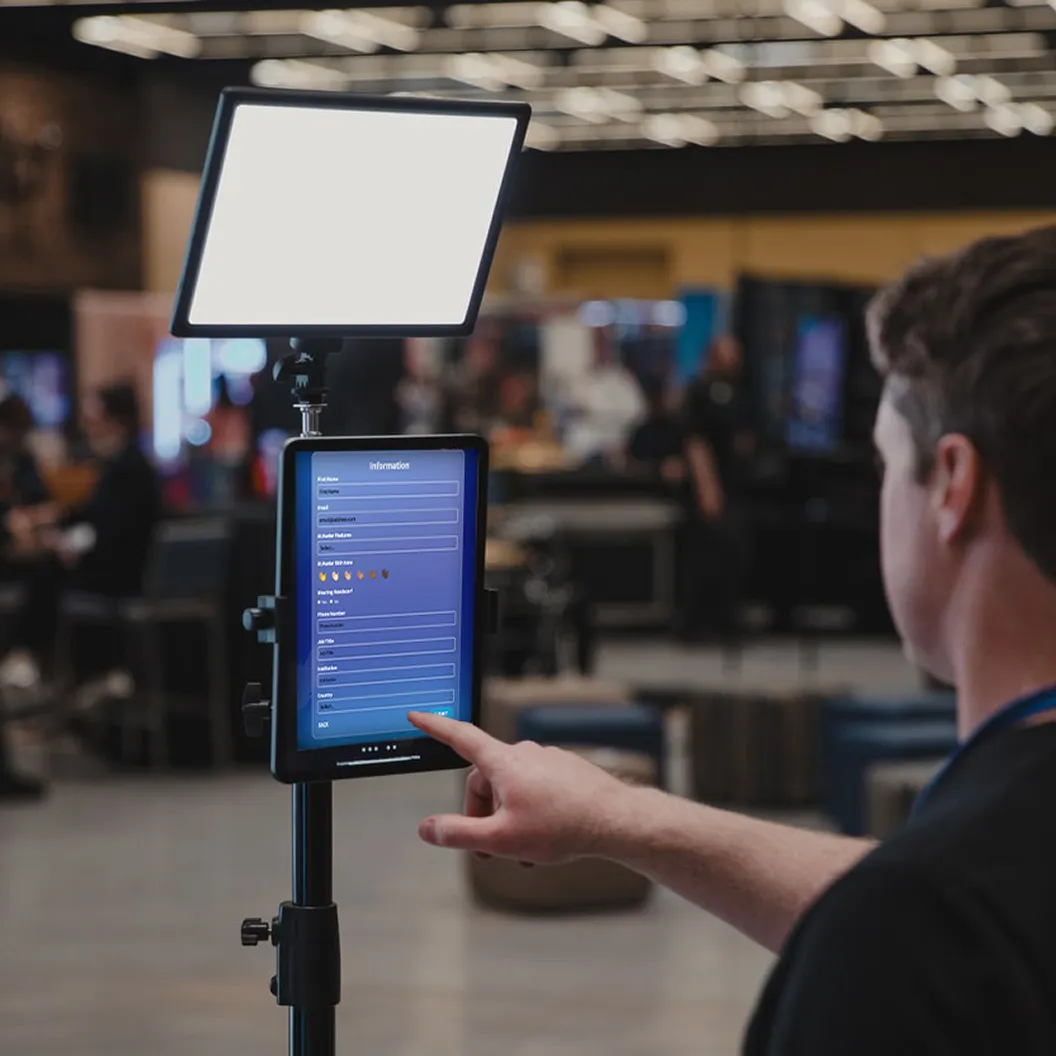
Set it up as a kiosk on an iPad at your booth, or share a link and let guests use their own phones. It runs in any browser, so it scales from 50 people to 50,000 without extra equipment.
how it works
Your brand, your experience, your way
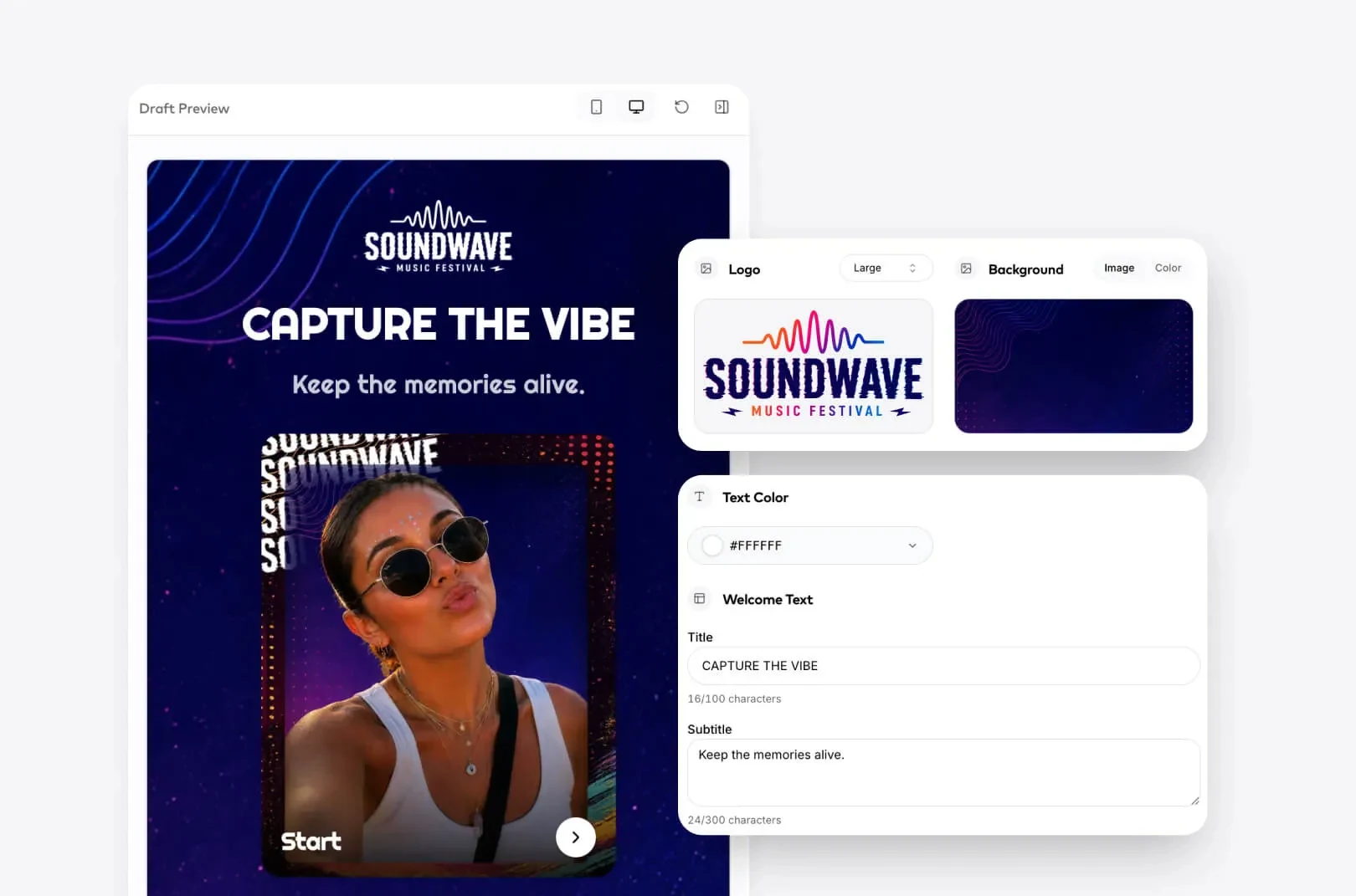
From one dashboard you set the backgrounds, frames, stickers, capture flow and lead fields, then push changes live in seconds, so you get full creative control without giving up an ounce of convenience.
The same experience runs on a kiosk at your event or on your guests' own phones, straight from the browser, so you can set it up however the event calls for it.





Every guest is carrying a camera. Invite them to create with you.
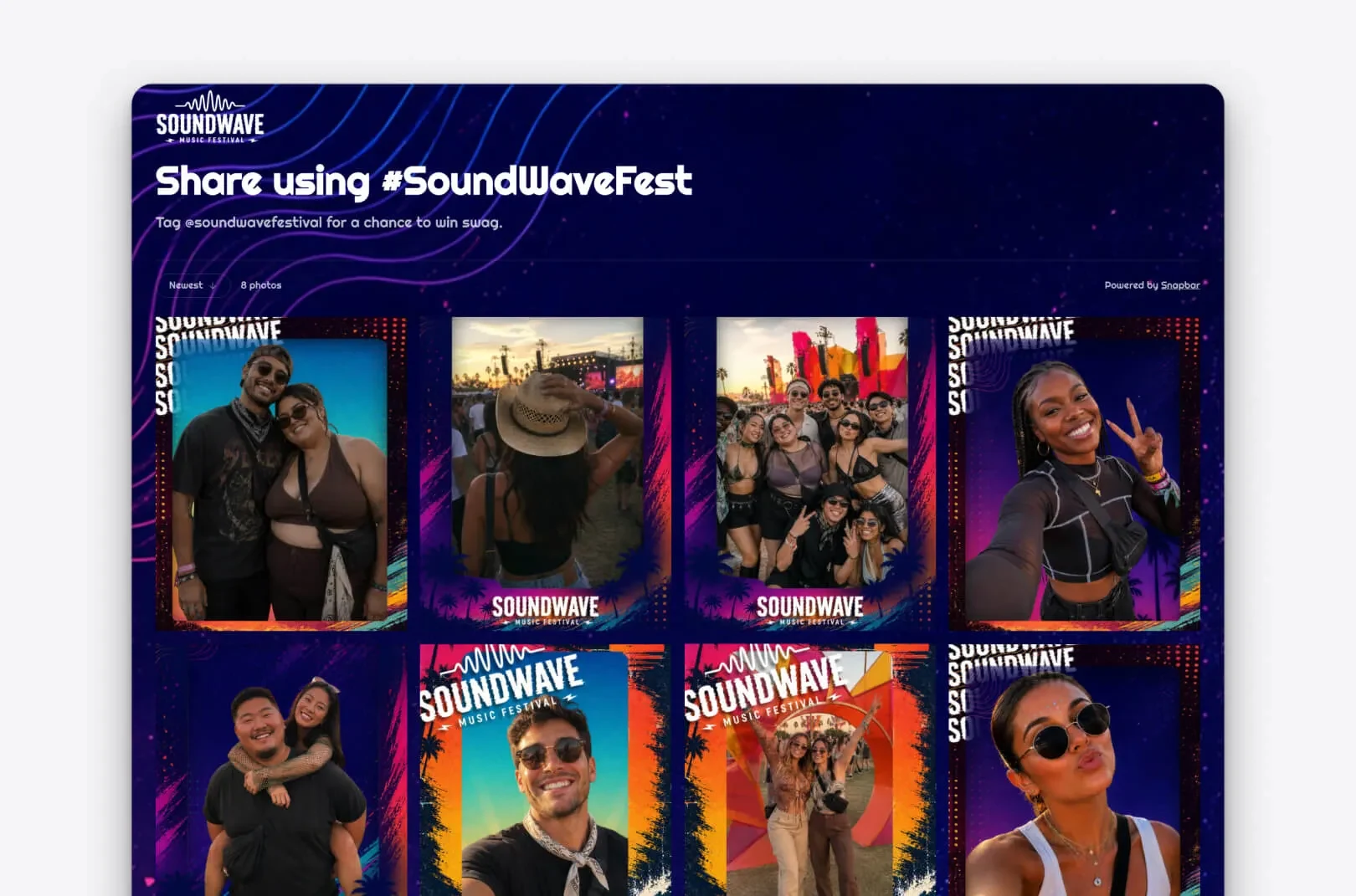
A live crowd gallery lets attendees capture candid moments from across the room, and watch them appear in real time on screen.
You get a steady stream of authentic event content, and a per-guest gallery means everyone leaves with their photos while you keep the marketing fuel. It's coverage no single photographer could match, branded and yours to use after the event.

Up and running in three steps
1 of 3Design
Set It Up Yourself
Design and brand the experience in the dashboard with your own assets and capture flow, and make changes whenever you need to.
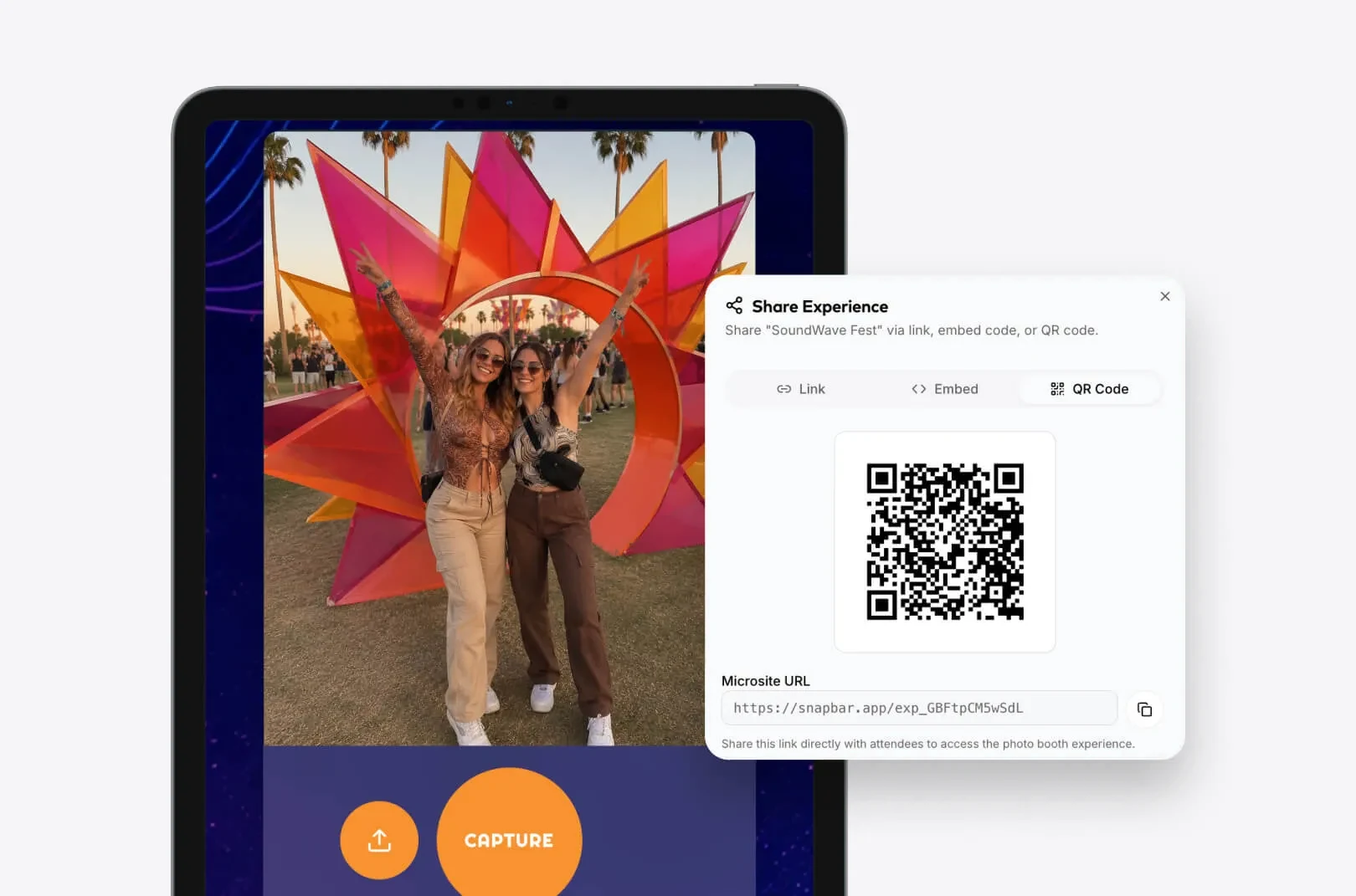
Deploy It Your Way
Launch a kiosk on a tablet, or share a QR code and link that works in any browser, on any device.
Capture Content And Leads
Every photo lands in your gallery and every interaction captures a lead. Moderate and export from one place.
In-person, online, or both
Running a remote or hybrid event? Our virtual photo booth is built for guests joining from anywhere, and it runs on the same platform, so you can run in-person, online or both.
Made for every kind of event
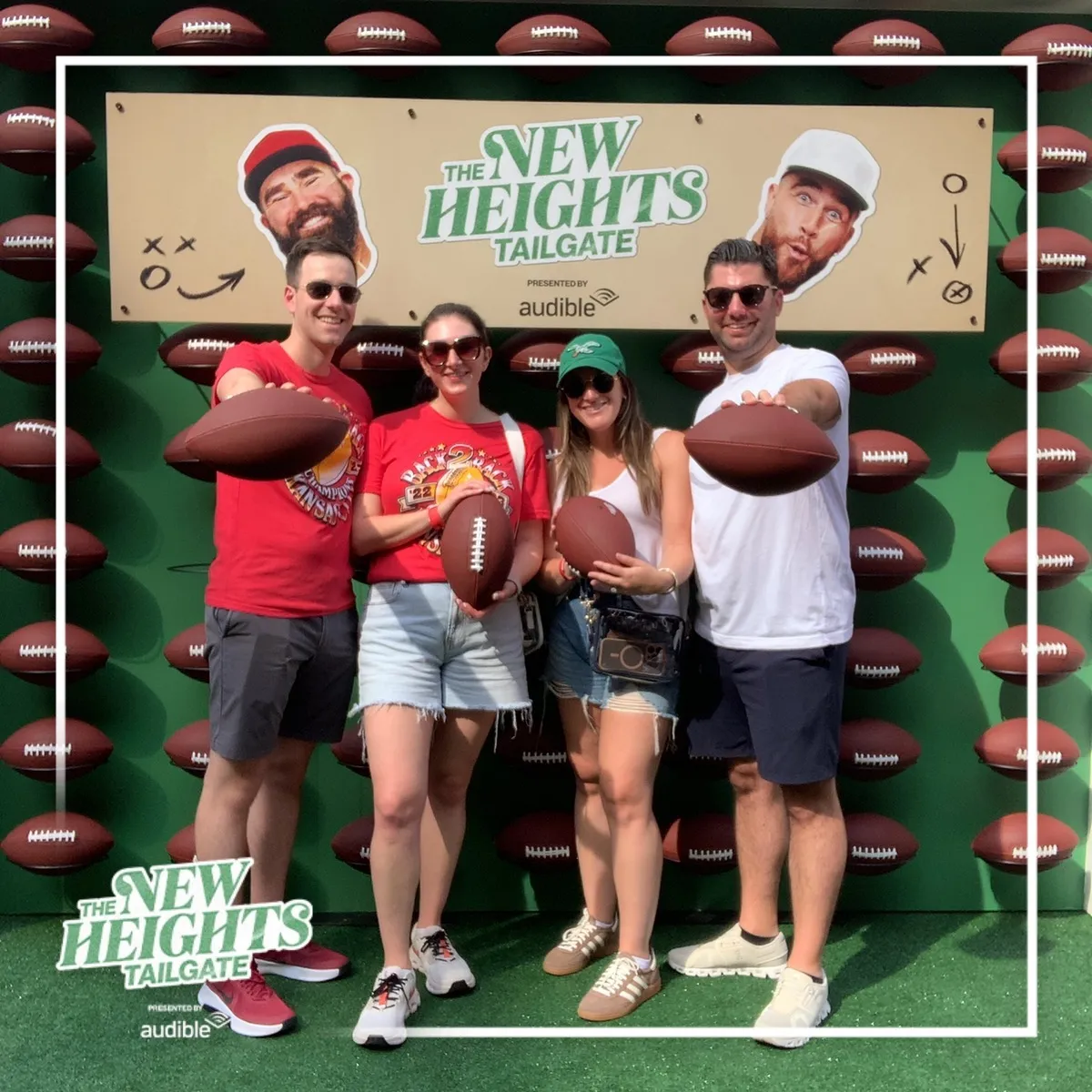
Festivals and brand experiences
Capture the energy of the whole crowd and build a real-time gallery of candid moments.
Learn More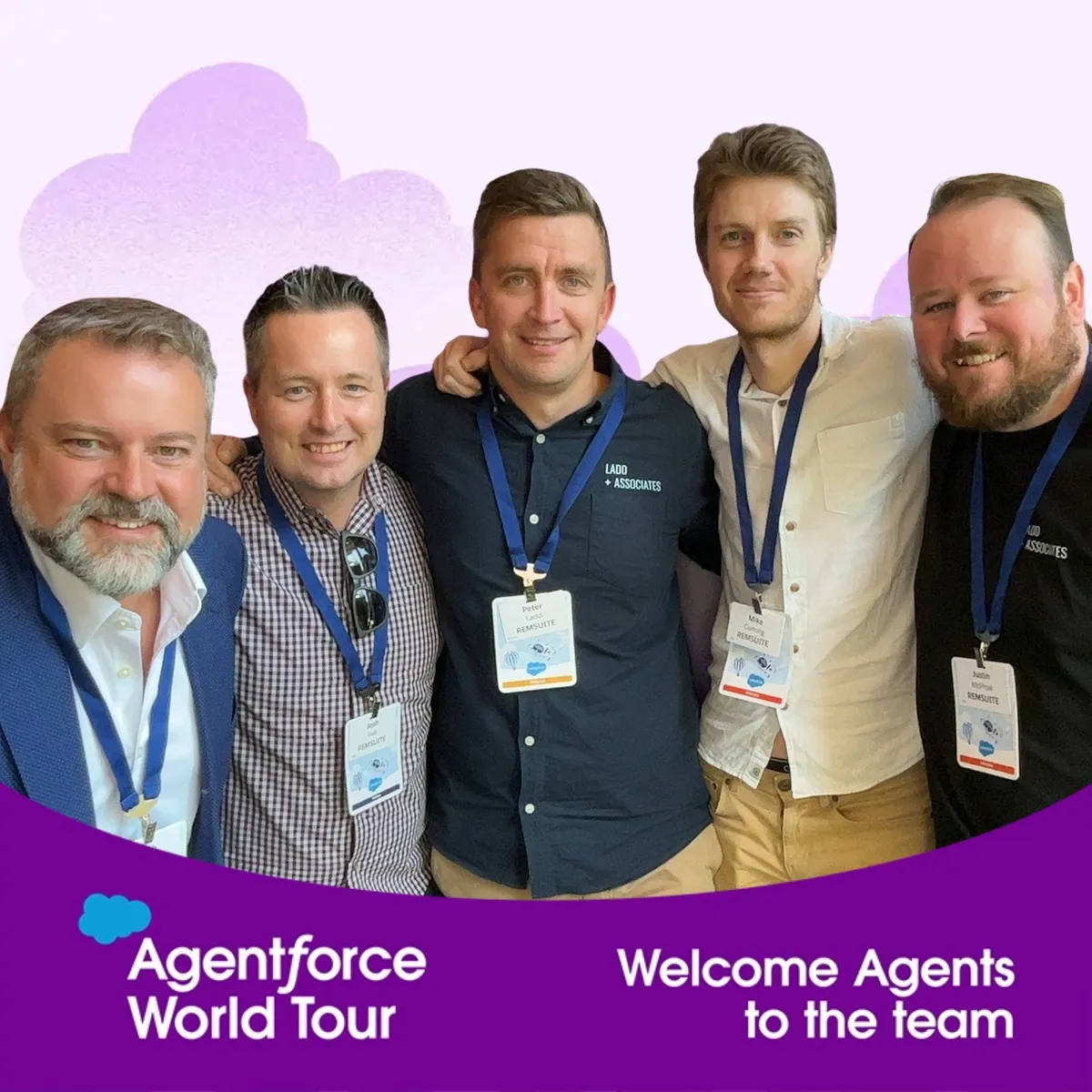
Conferences and trade shows
A per-guest content gallery doubles as event swag attendees actually keep, and every scan is a qualified lead.
Learn More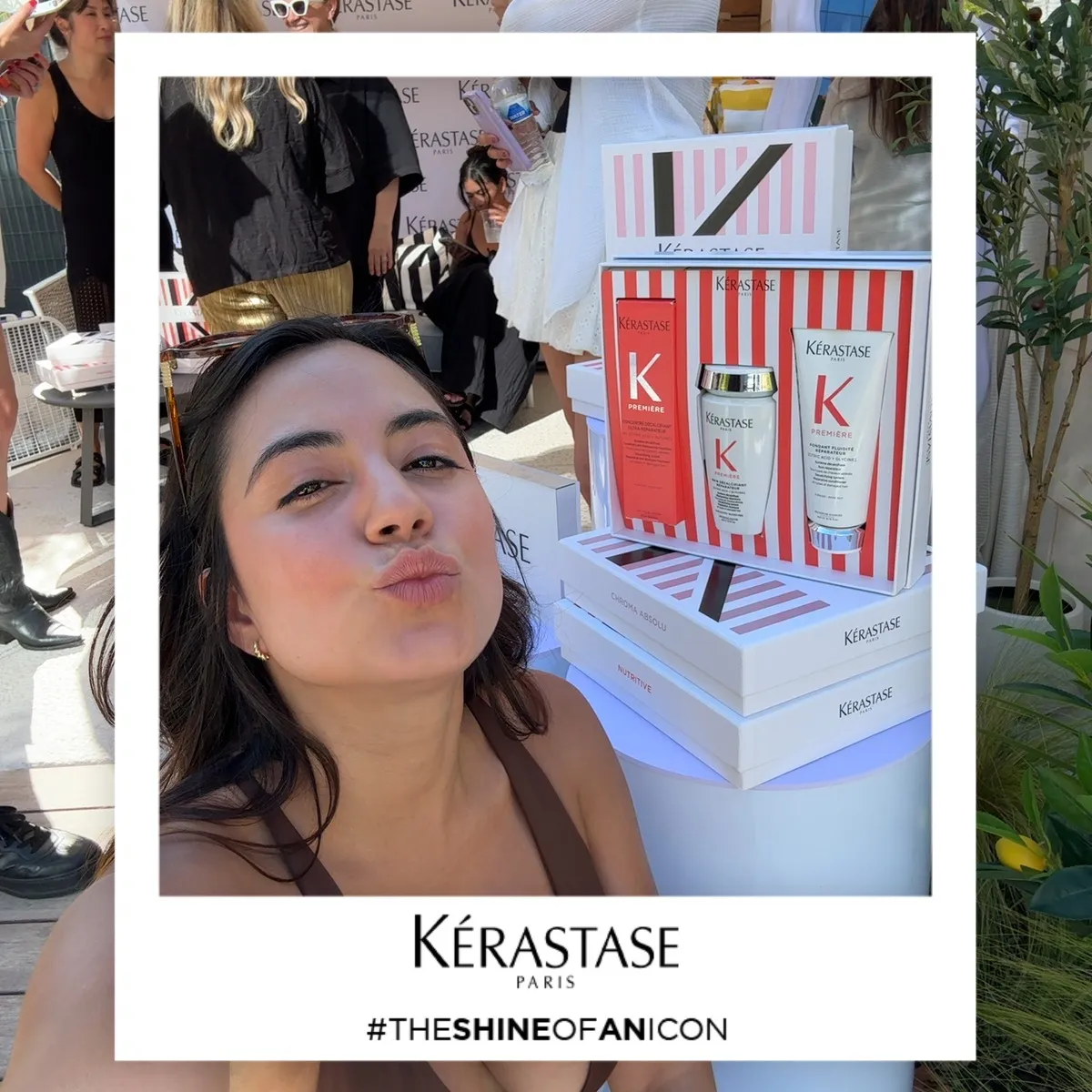
Brand activations and launches
Collect real, on-brand imagery you can repurpose long after the doors close.
Learn More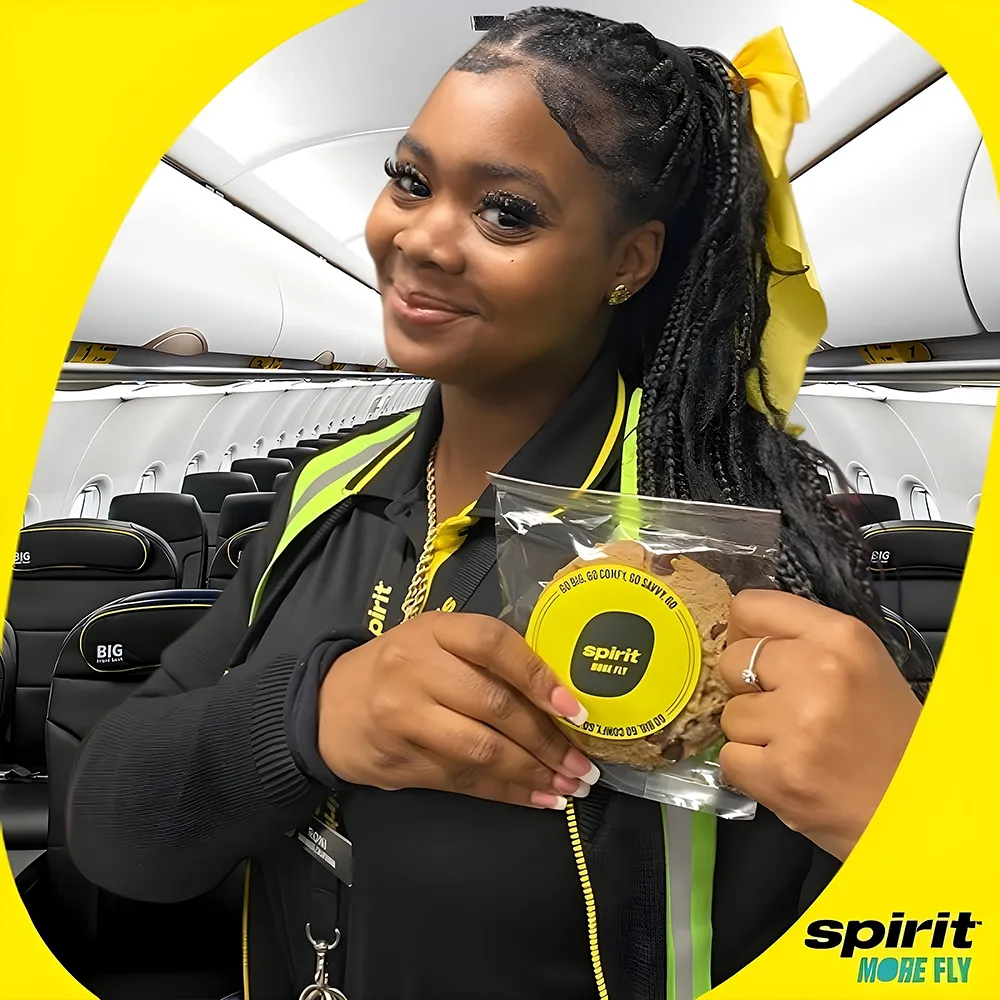
Internal and team events
Simple for your team to run, and employees can join from any device, in the office or remote.
Learn More
One Platform, More Ways To Engage
Digital Photo Booth is one of several experiences your team can run on Snapbar without juggling vendors. Want AI portraits instead of real photos, video, collectible cards, or fast headshots? They're all on the same platform.
AI Photo Booth
Transform selfies into custom AI portraits, from realistic headshots to almost anything you can imagine.
AI Photo BoothAI Video
Add immersive AI video to any experience, transforming personalized photos into ready-for-social video clips.
AI VideoTrading Cards
Turn attendees into collectibles. Guest data populates custom card layouts with AI-generated portraits, stats, and personalized details.
Trading CardsEvent Headshots
Professional headshots delivered in minutes. High-volume capture with AI-assisted consistency for conferences, summits, and all-hands events.
Event Headshots



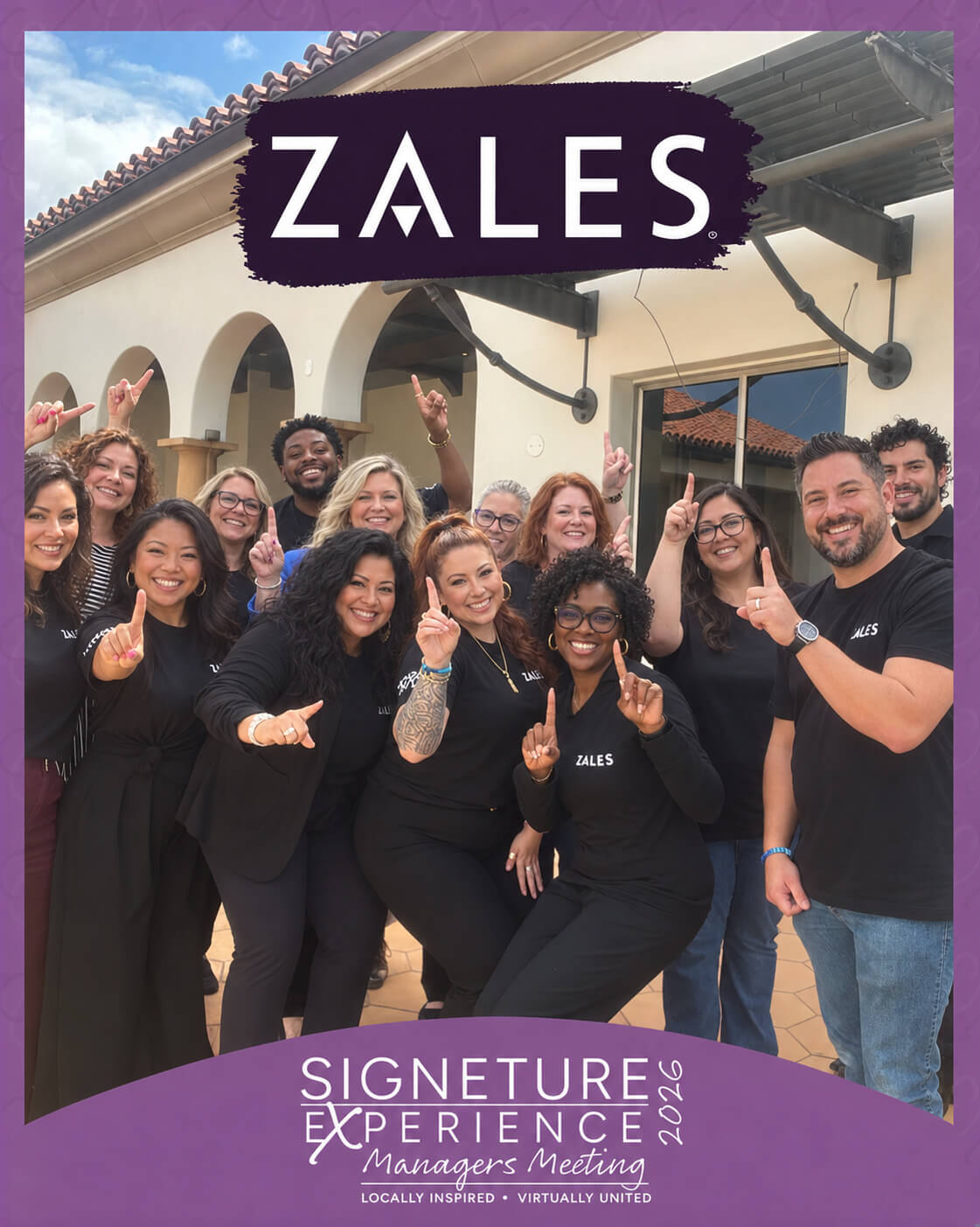


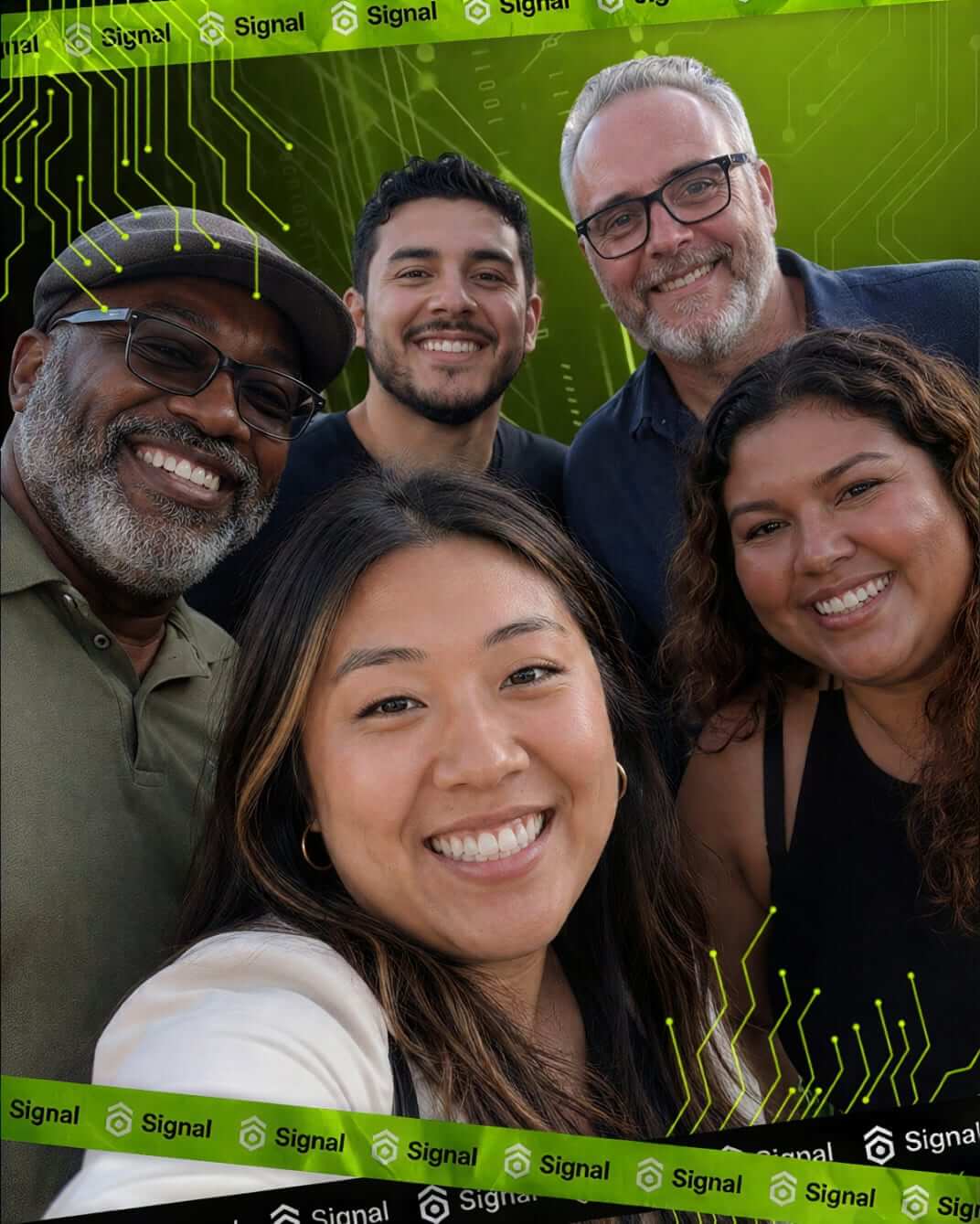



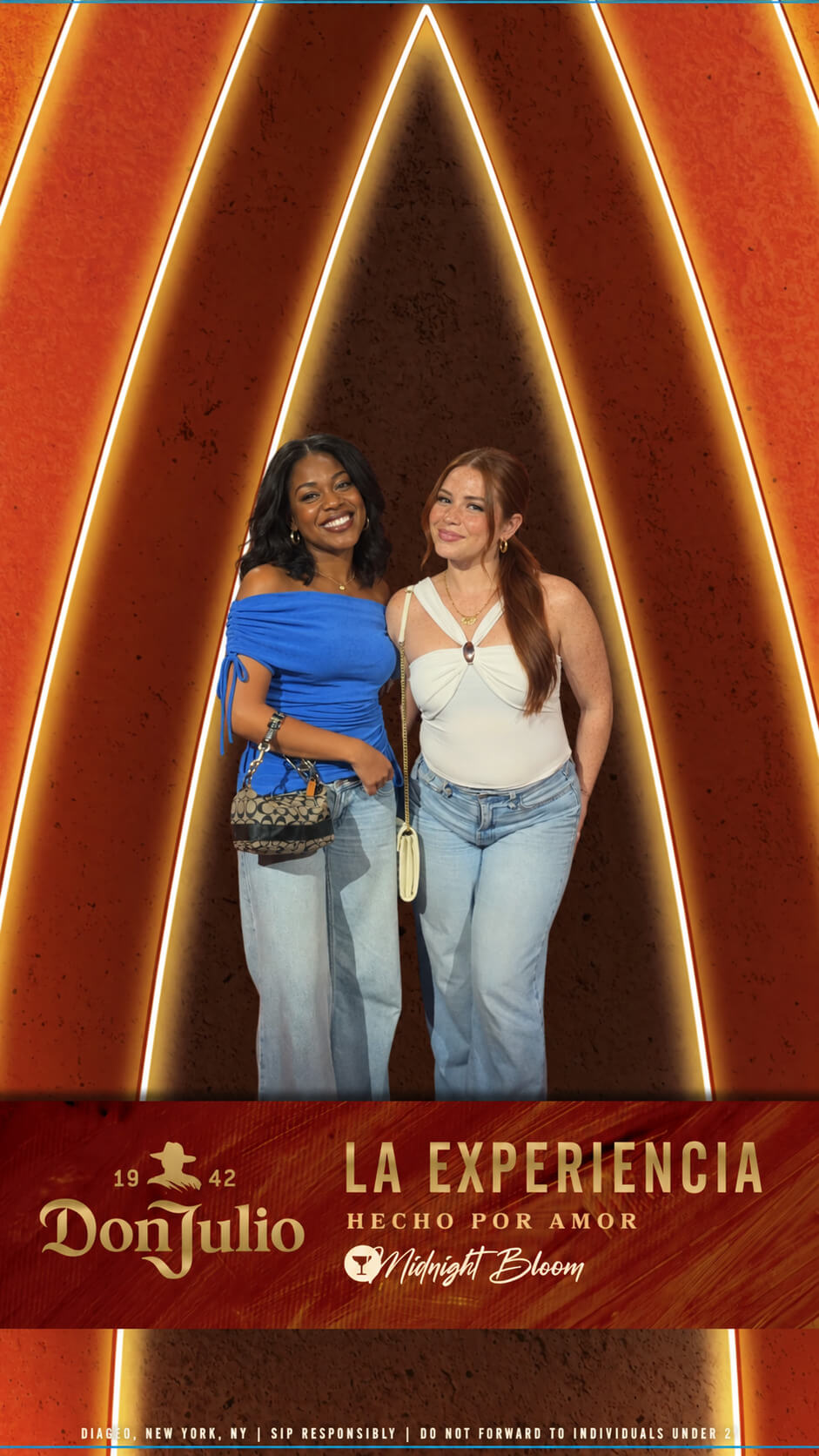



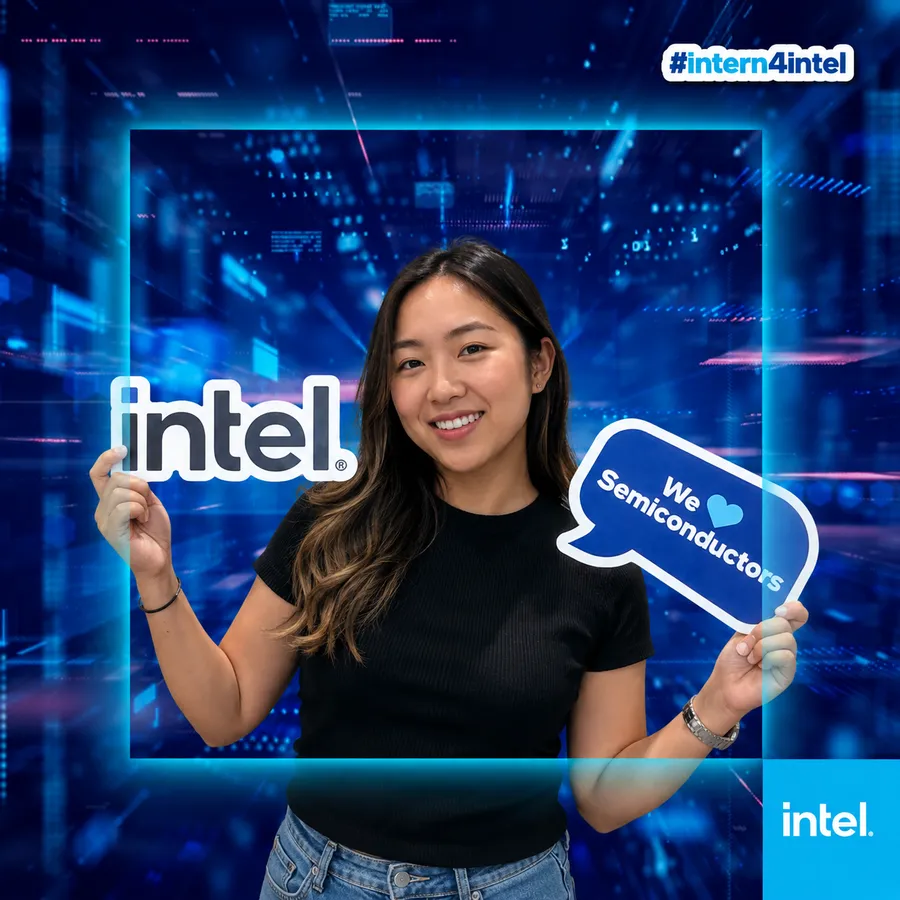






14 Years of Activations. 10,000+ Brand Activations. 1 Million+ Moments.
Snapbar has built experiential marketing activations since 2012, which is why brands like Dell, Visa, and Paramount trust us with their highest-profile events.


Ready to get real content from your next event?
Book a demo and we'll show you how to set up, brand, and run a digital photo booth that captures content and leads from your whole crowd.
Thanks for reaching out!
Something went wrong. Please try again.
Digital Photo Booth Frequently Asked Questions
Can I embed the photo booth in my event platform or app?
Yes. The experience embeds directly into your event environment with an iFrame, so guests never have to leave it. It works with any website, event platform or app that supports an embed.
Can I mix real photos with AI in a digital photo booth?
Yes. Capture a real photo, then add optional AI touches like upscaling or post-capture effects. You get authentic content with the option to enhance it, all in one activation.
Can I moderate the photo booth content?
You have some options! Our dashboard allows you to moderate your content in real-time, and also choose whether you want to only send approved content to the live gallery, or display it all and moderate as needed.
Can I set up and manage a digital photo booth myself?
Yes. The dashboard is built for self-serve. You control the branding, backgrounds, frames, stickers, capture flow, and lead fields, and you can update any of it yourself, before or during your event.
Can I set up an in-person photo booth experience?
We encourage it! The experience is optimized to work on iPads, using email delivery for the content to provide a seamless in-person photo booth experience.
Can I use a digital photo booth for crowd-sourced event coverage, and who owns the photos?
Yes. The live gallery collects candid photos from across your event in real time, turning every guest into an event photographer. When guests participate, they agree to share rights to their content with your brand under our standard terms, so the photos are yours to use as marketing fuel.
12 more questionsShow fewer questions
Does the digital photo booth work without WiFi?
No, the Digital Photo Booth requires an active internet connection to function. Since it is a browser-based experience that processes images and uploads them to a live gallery in real-time, guests need cellular data (4G/5G) or WiFi to participate.
Does the experience shut off once we run out of photo credits?
You choose. Your experience can stop when your credits run out, or keep running and we'll bill any overage after the event. You can watch usage in your dashboard, and our team will let you know if you're getting close.
Do I need to download an app to manage the photo booth?
No app is required. The Snapbar Digital Photo Booth runs entirely in the mobile or desktop browser (Safari, Chrome, etc.), eliminating friction and ensuring high participation rates for your event.
Do you offer a virtual photo booth for online events?
Yes. We have a dedicated virtual photo booth built for remote and hybrid events, where guests join from wherever they are. The Digital Photo Booth runs the same browser-based experience for in-person activations, so you can run either one, or both, from the same platform.
How can I measure the success of my photo booth activation?
There's a few different ways! Foot traffic and participation is a great starting place, with metrics available in your dashboard. We also provide metrics on social sharing and downloads. If you're using a social wall, or integrated social media campaign, we also recommend using 3rd party software to track hashtags and engagement related to the campaign.
How does a digital photo booth work for events?
Our digital photo booth platform is flexible and designed to work for almost any kind of event. Whether in-person, virtual, or hybrid, there are intuitive ways for your attendees to access the experience and participate. If you want to talk about ideas or get advice on increasing participation, just reach out! We'd love to chat.
How do I download my photo booth content for other purposes?
You can do this easily in our dashboard - either one at a time, or in bulk.
How do my attendees and users access the photo booth?
The microsite is web-based so it can be accessed from anywhere with internet - from phones, desktops, and set up on tablets for in-person engagement. It is also easily embeddable into any digital experience with an iframe. So it can be accessed however you need it to be!
How is a digital photo booth different from an app like Simple Booth or Snappic?
App-based booths like Simple Booth or Snappic run on an iPad you set up and manage on site. Snapbar's digital photo booth runs in any browser, so there's nothing to install, and the same experience works as a kiosk on a tablet or from your guests' own phones. You build and manage the whole thing yourself in the dashboard, and every photo feeds a live gallery and your lead data.
How long do I have access to our content after the event is complete?
As long as you like. Your account stays active and nothing is deleted. Every photo, lead and analytics report from every experience you run stays in your dashboard, so the platform becomes one place to find everything your activations have produced.
What customization options are available?
We offer extensive branding capabilities. You can customize the landing page, stickers, frames, background removal (AI or Green Screen), and the email gallery delivery to match your event's visual identity perfectly.
Why does Snapbar run in the browser instead of an app?
Running in the browser means guests can join from any device with a link or QR code, with nothing to download, and the same experience also works as a kiosk on a tablet at your event.