

Table of Contents
How does an AI photo booth work? A guest captures a photo on their phone, the platform routes that image through a custom AI prompt and a curated generative model, and a branded portrait lands in their inbox shortly after. Snapbar runs this same backbone behind AI Photo Booth, AI Stories, AI Video, Trading Cards, and Persona Quiz, so a brand can pick the activation format that fits the audience.
Key takeaways
- An AI photo booth is software, not hardware. A guest scans a QR code, hands over an image, and gets a branded AI-generated portrait back via email.
- Snapbar's stack is model-agnostic. We evaluate the best-fit generative model for each activation rather than locking in to one vendor.
- Photorealism is still imperfect. We treat AI variability as a feature, deliver 4 portrait variations per guest, and tune prompts during onboarding.
- The same generative backbone runs five activation formats, from a single AI portrait to a branded short video to a collectible trading card.
The 30-second AI photo booth experience
Strip the marketing language out of it and an AI photo booth is software with a guardrail-heavy guest flow. Here's the path most attendees take at an activation we run.
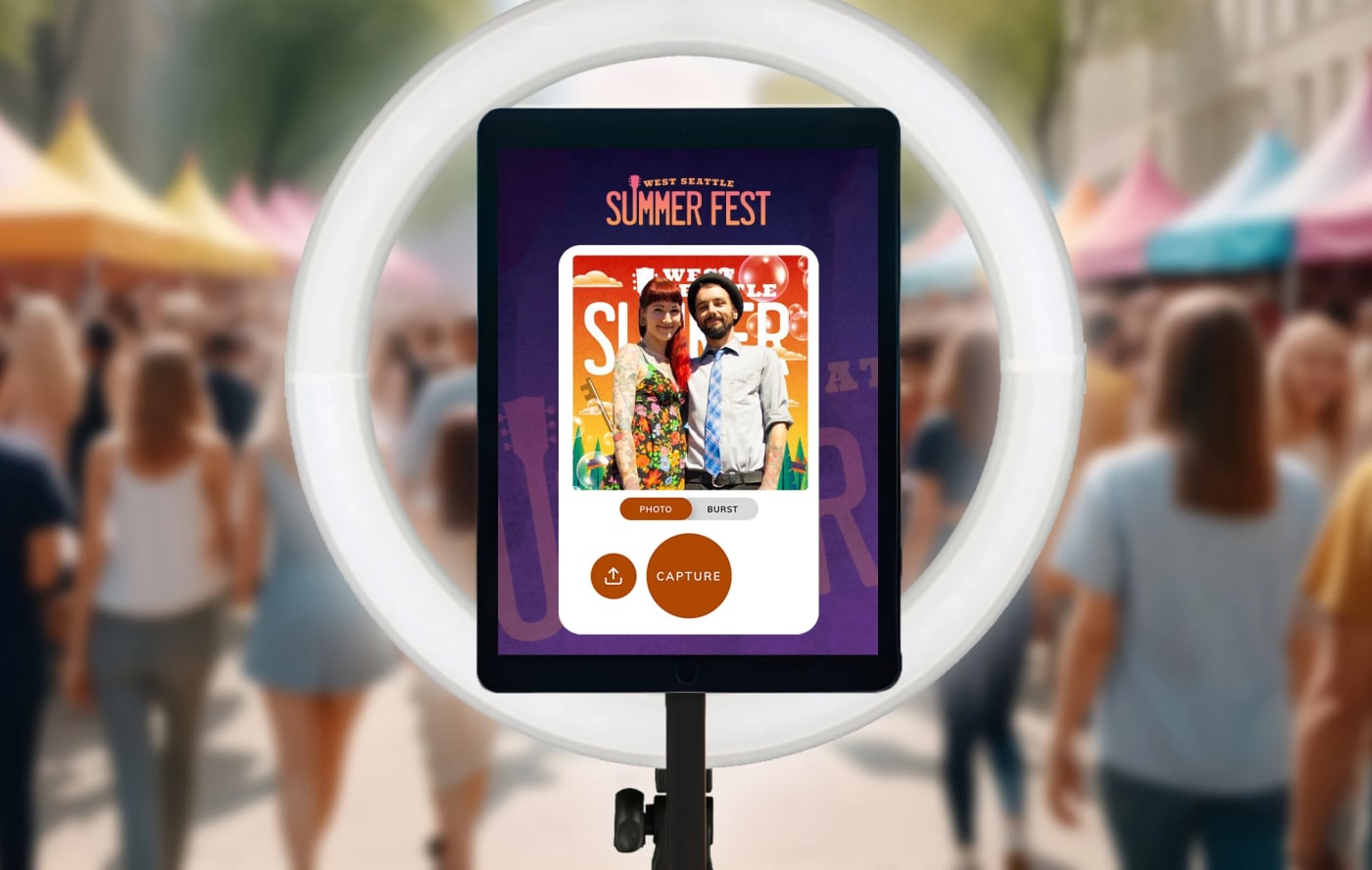
A guest scans a QR code at the booth or activation surface. The branded microsite loads on their own device. No kiosk, no line, no tablet handoff. If the activation offers a few AI styles (superhero, time-travel, illustrated portrait, anything else the brand chose), they swipe through and pick one. Single-style activations skip that step.
Then comes the consent step. Every guest reviews the same terms (image capture, AI alteration, display rights, marketing use) and ticks an "I agree" box before they continue. The consent flow is universal across every Snapbar experience. It's how we keep activations defensible for the legal teams that have to sign off on them.
The guest captures a photo, either a selfie, a photo of a friend, or an upload from their device. They fill in name, email, and whatever custom fields the brand configured: job title, attending event, opt-in checkbox. They tap submit, and we route the image plus the activation's custom AI prompt to the generation step.
What lands in their inbox is typically 4 portrait variations. Each one runs through the same custom prompt, but the AI introduces enough creative variation that at least one version reliably clears the visual bar. That same content auto-populates the live gallery and slideshow displays at the activation, and the brand's admin dashboard shows every capture, every lead, and lets a moderator approve, hide, or export.
End-to-end, a guest hits send and gets their portrait back in about a minute. Most of that is image-generation time. Everything else (UI, consent, capture, delivery) is engineered to disappear.
Inside the generative AI stack
We don't pin our pitch to any one AI model on purpose. Generative image tooling moves fast. GPT-4o's image generation broke the model when it shipped. Midjourney ate it. Flux models leapfrogged again two months later. If we'd built Snapbar's platform on top of one API, we'd be re-platforming every quarter.
So Snapbar's AI photo booth technology is intentionally model-agnostic. The platform runs a curation layer that lets us evaluate generative models against each new activation's creative direction. Cartoon-illustrated portraits might score best on one model, high-fidelity studio-style transformations on another. We test, the prompt-engineering team tunes, and we route the activation to whichever combination produces the most consistent output.
The prompt itself is custom per activation. Each event gets a prompt developed and tested by the Snapbar team during onboarding. We're working on an off-the-shelf prompt catalog that ships with the new Dashboard, so brands can self-serve from a tested library. Until then, every prompt is hand-tuned for the brand's reference style, the subject scope (single person, group, or pet), and the event context.
Three quality guardrails layer on top of the model itself:
- Photo guidance. Before a guest captures, the microsite shows a do/don't reference image and three rules: good lighting, center your face, no accessories or other people. This is in-flow, not buried in fine print, and it's one of the highest-impact changes we've made to output quality.
- Variation by default. Each guest receives 4 portrait variations rather than one. Multiple variations exist by design so at least one rendering reliably clears the quality bar. Reframing AI variability as a feature is a Snapbar opinion, not a bug we're hiding.
- Moderation surface. Every output flows to an admin dashboard where the brand team (or our event ops) can approve, hide, or replace any image before it hits a live display.
Where generative AI shines for branded events
Five capabilities are unambiguously stronger today than they were 18 months ago. Each one shows up directly in the experience we ship.
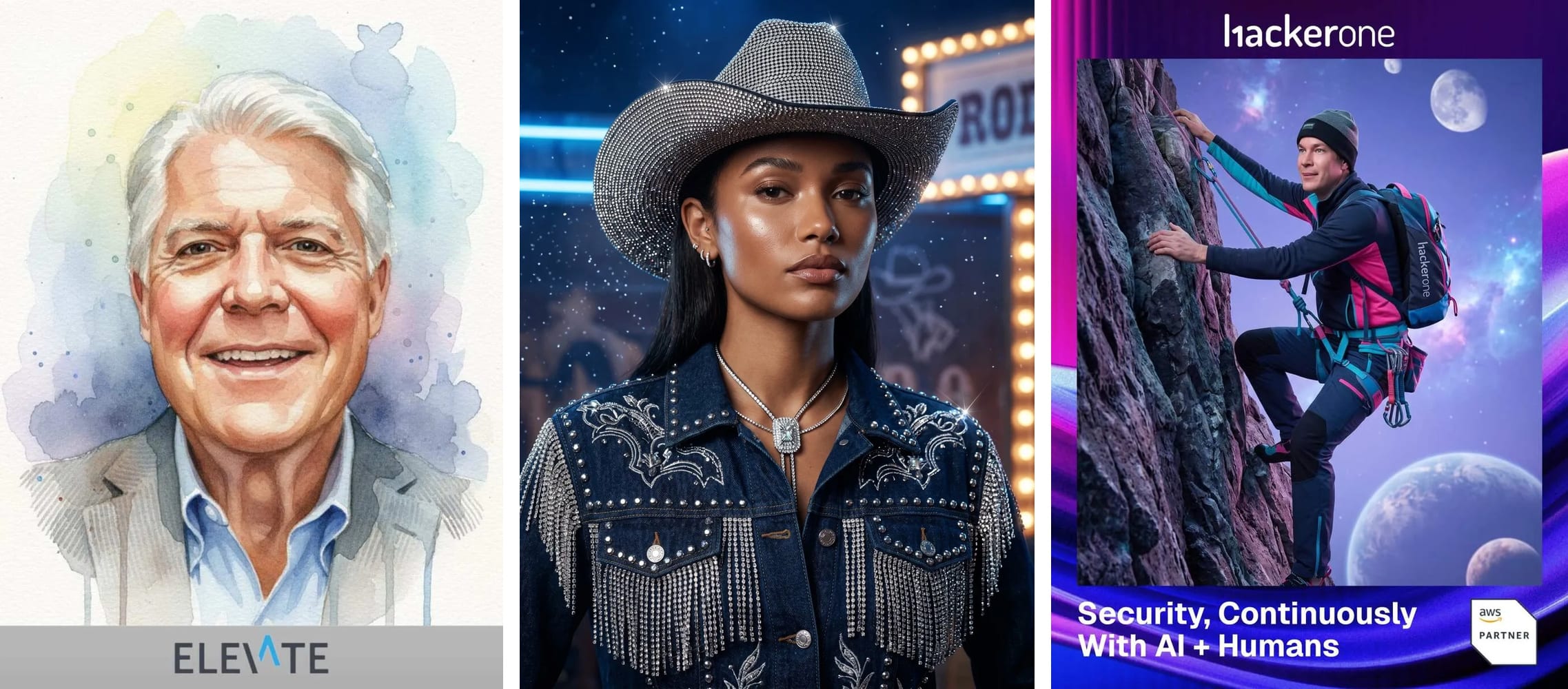
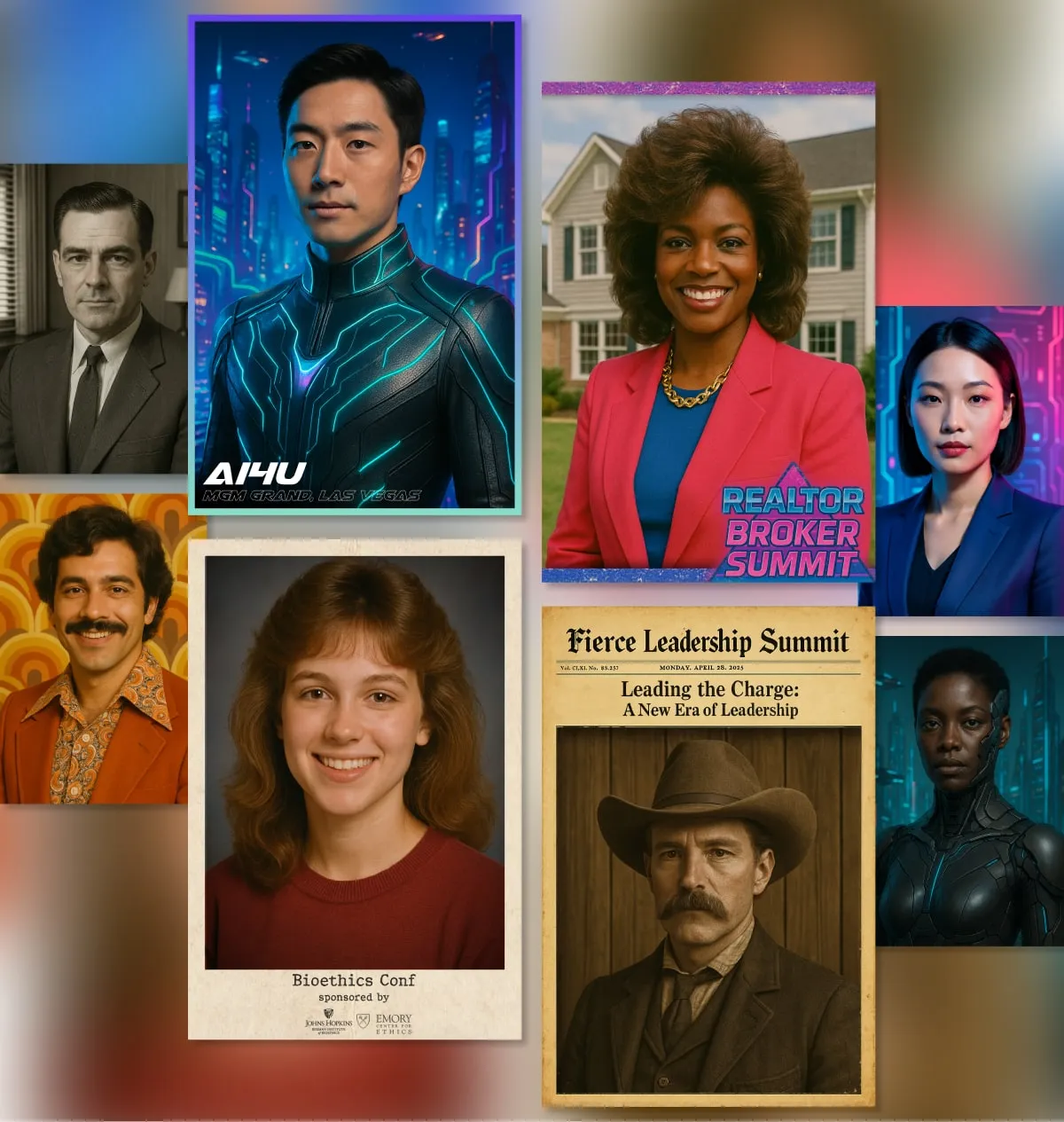
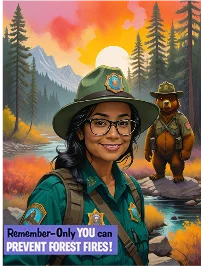
Style accuracy. Comic-book, watercolor, vintage portrait, branded character, AI caricature. The latest generation of models reads style references far more reliably. The "we want a custom Pixar-esque character of every attendee" creative direction actually renders close to the brand's reference deck, not 60% of the way there.
In-image text. Earlier generations made readable text feel like a coin flip. Modern models render captions, signage, and overlays cleanly enough that branded text-in-image works for badge mockups, themed posters, and on-portrait taglines. That opens formats that didn't render reliably a year ago.
Conversational refinement. The newest models support follow-up edits. "Brighten the background." "Change the frame to gold." "Swap the caption to 'Welcome to the team.'" We're integrating this directly into the guest flow so attendees can tune their portrait without restarting the generation cycle.
Group and pet support. Multi-face renders used to be brutal. They're still hard, but with prompt scoping and the right model selection, we get reliable group portraits at corporate team events. NAVC VMX, a veterinary conference, ran a Snapbar AI Photo Booth and processed 4,000+ guests in a single day. Many of those were pet portraits, which we wouldn't have shipped reliably two years ago.
Speed and unit economics. Each generative model generation is faster and cheaper than the last. That compounds across an activation. A guest waiting 4 minutes for their portrait drops off. A guest waiting 45 seconds shares it on the spot. Snapbar's email delivery sees a 95% open rate on activation content, partly because the content lands fast enough that guests are still talking about the event when it arrives.
Where it still falls short
We've shipped enough activations to know the honest limits. Three trade-offs worth naming up front.
Photorealism is still stylized. The output can look impressively real at a glance, but it doesn't pass scrutiny for high-end portrait photography. Anatomical quirks, weird textures, and uncanny-valley moments still happen. If a brand needs real photography (corporate headshots, candid event documentation), Snapbar's Digital Photo Booth or Event Headshots are the right call, not AI generation.
Group prompts require scoping ahead of time. A prompt tuned for individuals doesn't render groups or pets reliably. The subject scope has to be coded into the prompt during onboarding. Brands that want both individuals and groups at the same activation either pick one scope or run multiple AI styles that each handle one subject type.
Onboarding speed depends on client response time. The Snapbar team can develop and test a custom AI prompt quickly. The typical bottleneck is the client side: completing the design forms, returning prompt-review feedback, locking in the AI direction. Standard onboarding requests 8 business days, and that timeline holds when the client moves at our pace.
Five experiences on one generative backbone
The same AI photo booth technology powers five distinct guest experiences. Each one trades on the same capture-consent-generate-deliver pipeline but layers a different creative experience on top.
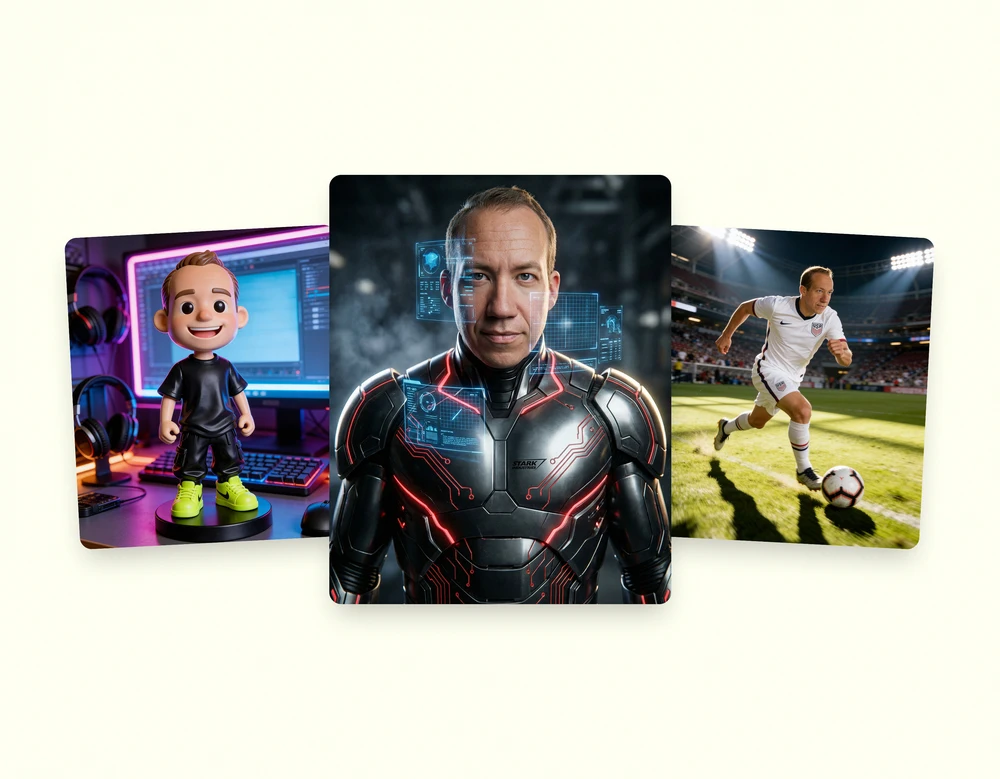
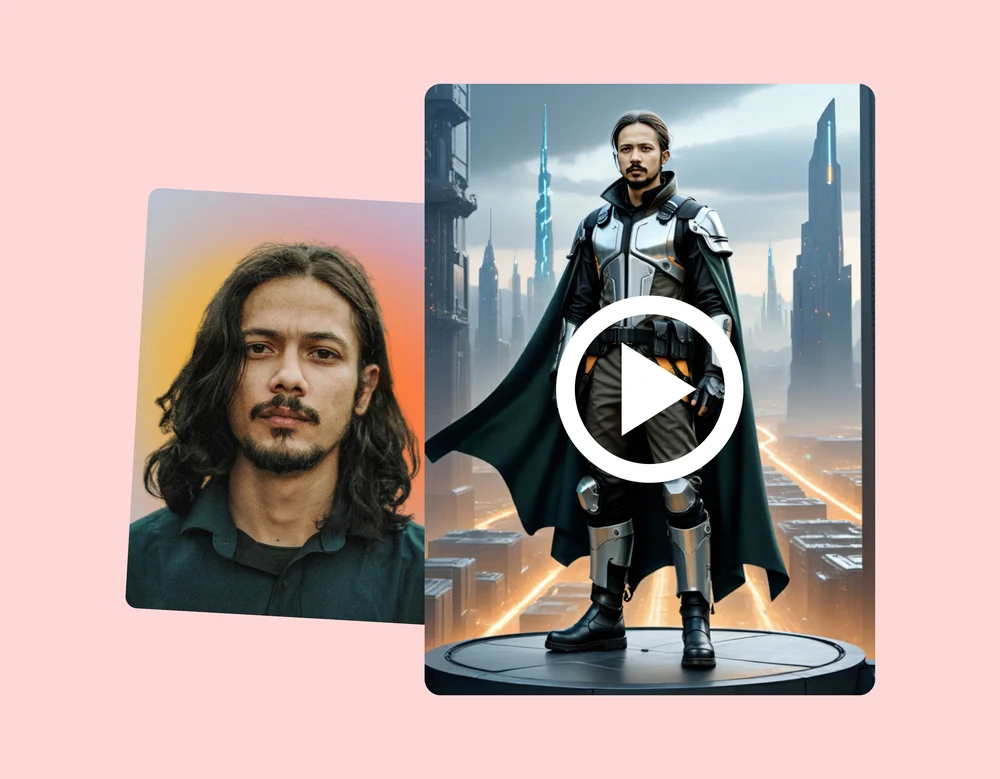
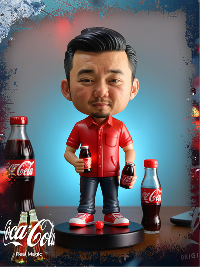
AI Photo Booth is the backbone. A single creative AI transformation that fits the event theme: superhero portraits, time-travel transformations, illustrated styles, branded character generation.
AI Stories injects narrative. Same backbone, but the AI generates a short branded story or comic-style sequence around the guest's portrait. Strongest fit when the activation calls for storytelling, not just a portrait drop.
AI Video Booth applies the same generative pipeline to short-form motion content. Guests get a branded animated clip back, ideal for activations where social-share is a primary KPI.
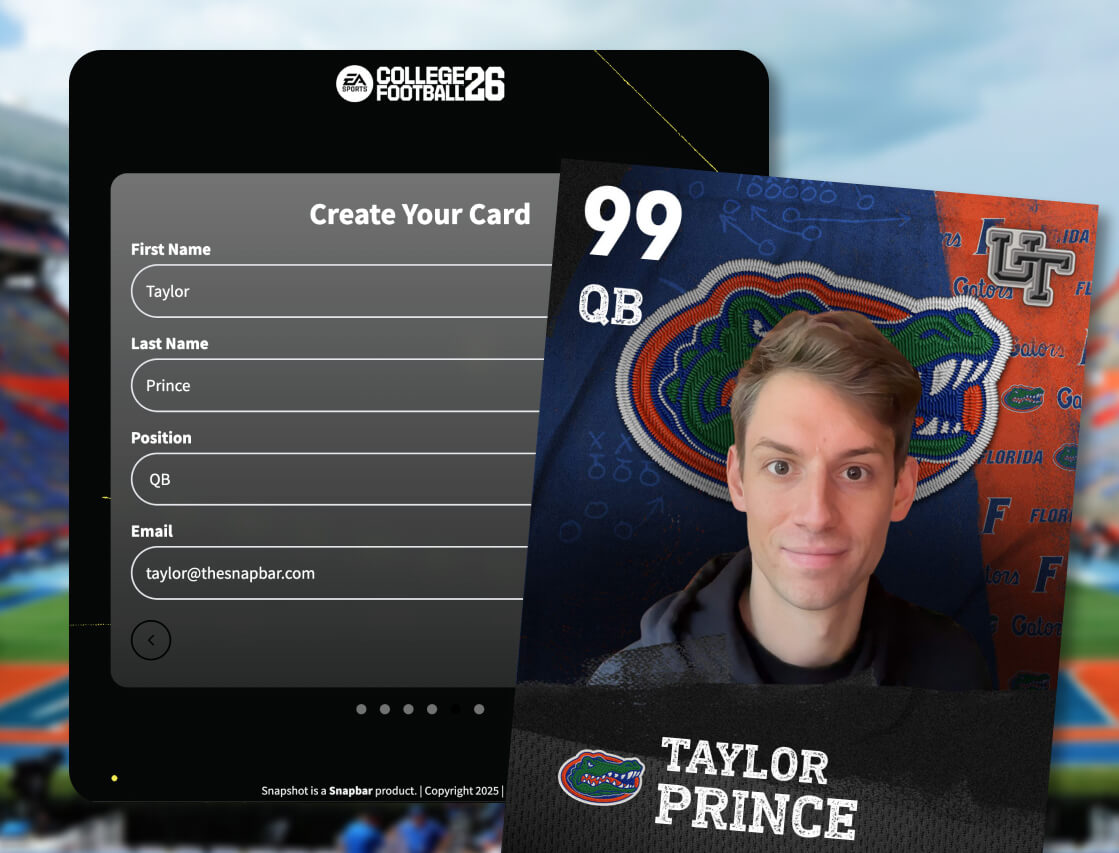
Trading Cards packages the AI portrait into a branded collectible card format. Strong fit for sports, entertainment, and fan-engagement activations where a tangible artifact matters.
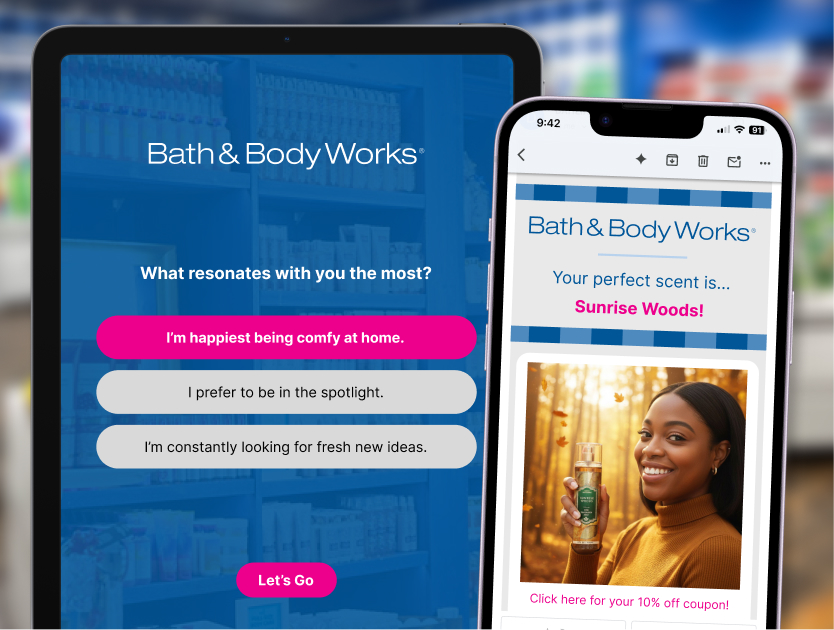
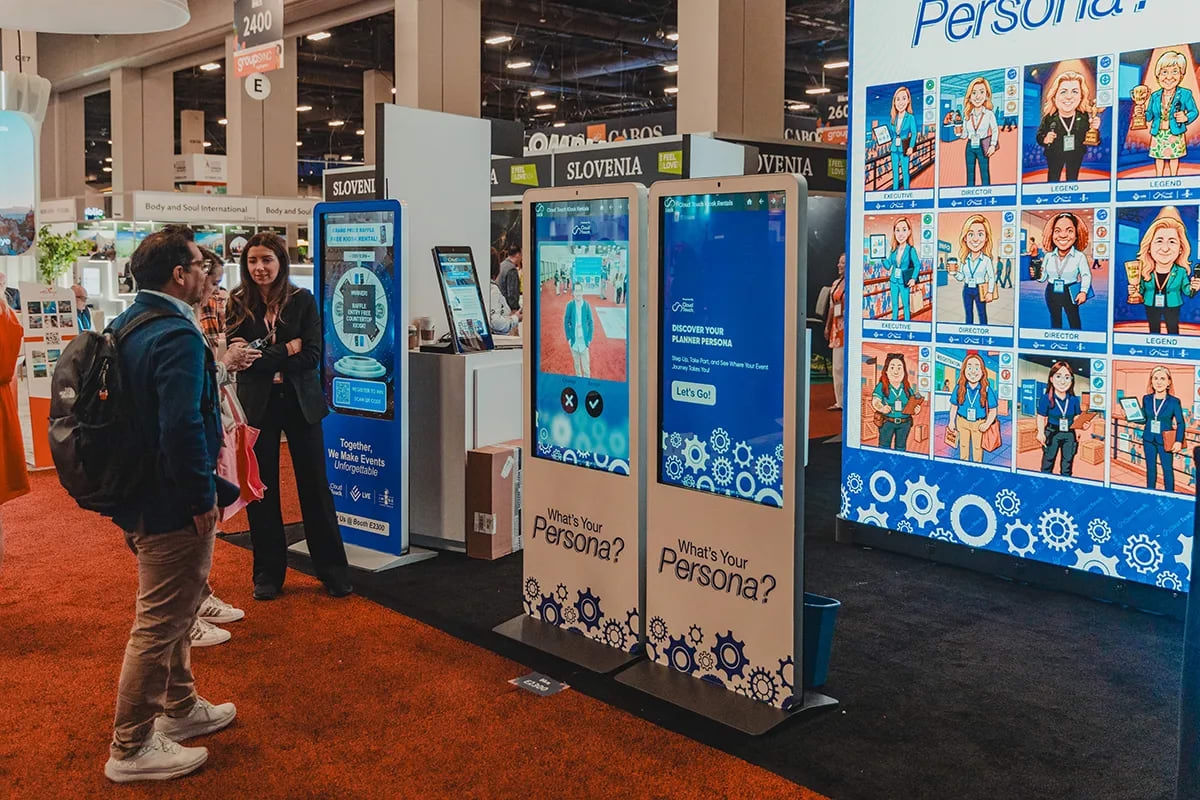
Persona Quiz pairs survey-driven engagement with the AI photo pipeline. Guests answer a few brand-tuned questions, the survey output shapes their AI portrait, and the brand gets richer first-party data on every lead captured.
How brands actually use this at events
The generative AI stack is interesting on its own. It only matters when it's running at a real activation. Four scenarios where Snapbar has shipped this end-to-end.
Trade show booths. Exhibitors run an AI Photo Booth tied to a branded prompt that connects the visual to the product launch or the booth's narrative. Guests get a portrait, the brand gets a captured lead with custom fields routed straight into the CRM, and the activation's live gallery and slideshow turn the booth into a magnet for foot traffic. Booth dwell time goes up. Lead capture per hour goes up. The portrait gets shared on the guest's social on the way home.
Brand activations and product launches. A brand wants every guest at the launch to walk away with a piece of branded content tied to the launch narrative. AI Stories layers the launch story around each portrait, so the social share isn't a generic photo, it's a guest-starring narrative the brand wrote. See how this maps to specific activation concepts.
Corporate engagement at scale. Internal teams, all-hands events, employee recognition. A Snapbar AI photo booth runs at 5-person team offsites and 50,000-person company events on the same platform. Same flow, same admin dashboard, scaled prompt and capacity.
Conferences and fan activations. Trading Cards turn a generic portrait drop into a collectible, which lands well at sports, entertainment, and conference activations where attendees want a tangible artifact. The card format also doubles as a higher-engagement social asset; guests post the card, not the portrait.
What this means for your next activation
AI photo booth technology is no longer a novelty. The platforms that ship it well treat the model as one component in a much larger system: consent, lead capture, moderation, delivery, live displays, prompt engineering, and quality guardrails. Snapbar has been refining that system across more than 10,000 activations and 1 million-plus generated moments. The same platform that powers AI portraits at trade-show activations also handles the year-round event calendar for partners like the Hispanic Scholarship Fund, which has trusted Snapbar with more than 100 events across the past four years.
If your brand is planning a trade show, conference, or activation and the creative direction calls for personalized AI content, the question isn't whether the model is good enough. It is. The question is whether the platform around it knows how to keep guests in the flow, get the consent right, and deliver content that's worth sharing.