
Table of Contents
AI video generation went from a research demo to a working tool inside marketing, sales, training, and live event activations in about three years. What's harder to find is a clear read on how an AI video generator works, how image-to-video differs from text-to-video, and where the technology still falls short in 2026.
We've built brand activations since 2012 and ship our own AI Video Booth on current-generation image-to-video models, so this is the view from inside the product, including the parts that still frustrate us.
Key takeaways
- An AI video generator turns text, an image, or both into footage by denoising random noise toward a clip, using a diffusion model trained on captioned video.
- Image-to-video models condition on your still image instead of a text description, which is why the subject stays recognizable while the motion is generated.
- The marketing uses that hold up: product demos, short-form social, personalized video, ad variants, and live event activations.
- The documented limits: clips measured in seconds, physics that breaks in busy scenes, run-to-run variability, and heavy compute.
- Native audio has arrived on frontier models, and Snapbar clips can carry a branded intro, outro, and soundtrack. Clip length is still the binding constraint.
How does an AI video generator work?
An AI video generator is software that produces video from a prompt, an image, or both by predicting what each frame should look like, based on patterns learned from millions of training clips. Where a traditional pipeline films footage and cuts it together, the generator starts from random noise and refines it, step by step, into frames that move coherently.
Motion, lighting, camera moves, even physics-like behavior are inferred from patterns rather than captured by a lens. When the pattern is well learned (a person turning toward camera, fabric in wind) the result looks real. When it isn't, the clip drifts into the dreamlike. The model is making an informed guess, not recording reality.
What changed between 2024 and 2026 is mostly consistency and speed: subjects hold their shape instead of morphing mid-clip, and generation that took minutes per second of output now runs close to real time on some flows. In our experience the consistency gain matters more, because it made a real person's face usable as the subject.
How does AI create videos?
AI creates videos in three steps: it encodes your input into numbers the model can work with, runs a diffusion process that turns random noise into a sequence of frames, and renders the result as a file with the right resolution, frame rate, and codec.
Step 1: input encoding. A text prompt gets tokenized and embedded. An image goes through a vision encoder. A reference video is sampled into representative frames. Whatever you supply becomes numbers to condition on.
Step 2: noise-to-video diffusion. Starting from pure noise, the model repeatedly predicts a slightly less noisy version given your input. Repeat that enough times and a coherent clip emerges. It's image diffusion extended across time, so the frames relate to each other.
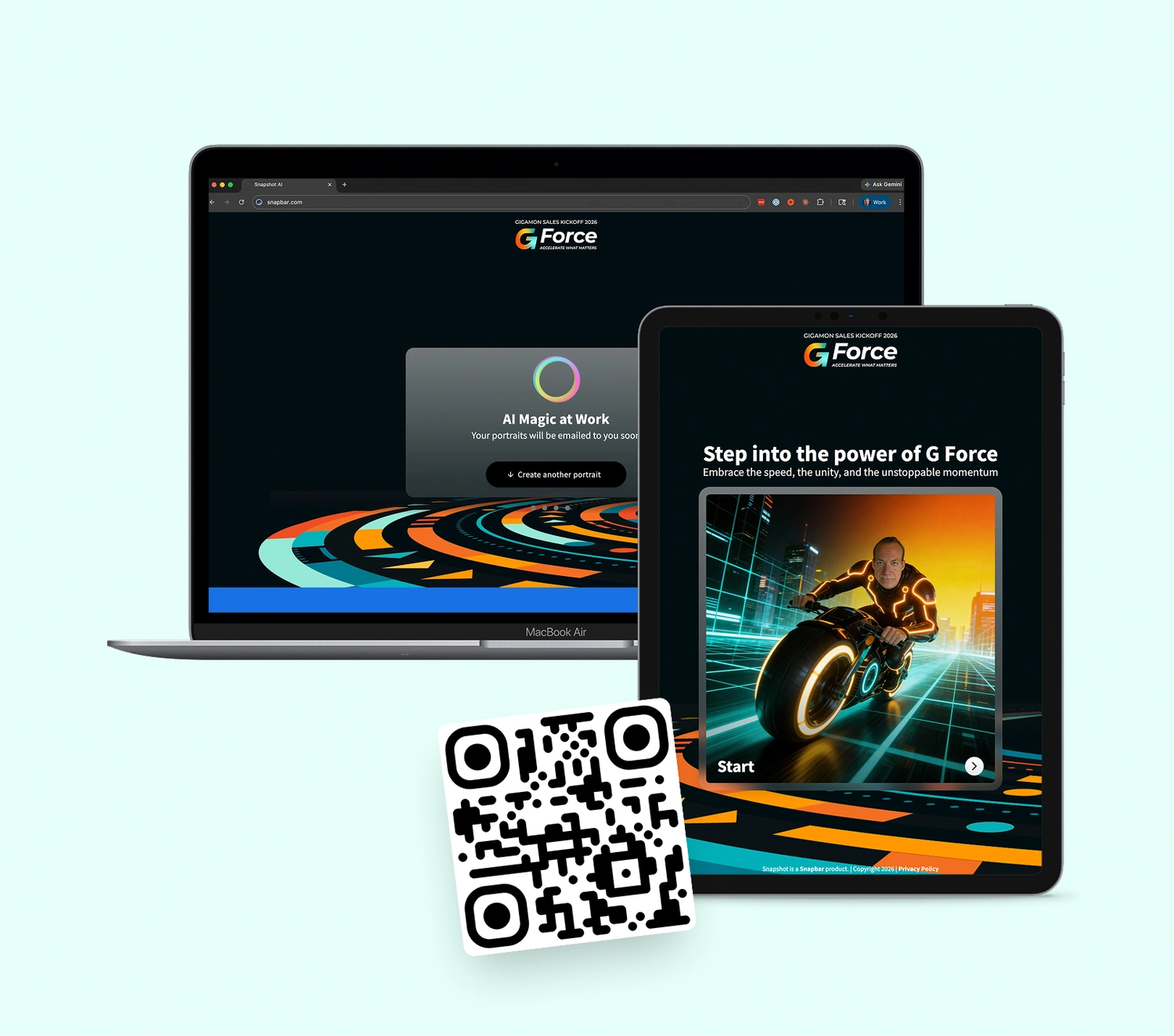
Step 3: rendering and post-processing. The denoised output becomes a video file, sometimes after motion smoothing, color correction, or upscaling. Audio lands here too: many current models generate sound natively; others layer music or a voice track on afterwards. At a Snapbar activation this is also where the branded intro, outro, and soundtrack get stitched into the single file the guest receives.
The clip that arrives by email or text, or that you download from the platform, took a few seconds to a few minutes of model compute, depending on the request and the pipeline.
How are AI videos made: what's happening under the hood?
AI videos are made by a model that learned what motion looks like from millions of captioned clips, then reverses a noising process to produce new footage. Two ideas do the work. The first is training data. Video models learn from millions of clips paired with text descriptions and build associations between language ("a person walking down a street at night") and visual patterns: motion, lighting that changes over time, perspective shifting as the camera moves. Nobody hand-codes how legs swing; the model absorbs it from footage. One reason video still lags image generation is that it has far less to learn from. The ACM Computing Surveys review of video diffusion models by Xing and colleagues notes that WebVid, the mainstream open video-text benchmark, holds about ten million clips at 360p with a watermark, a fraction of what image models train on.
The second is the diffusion architecture. During training the model watches real videos get progressively corrupted with noise and learns to predict what was removed. At generation time it runs that in reverse, from noise toward what the prompt describes, and because it learned the reversal across so many examples it generalizes to prompts it has never seen. If you've read how AI photo booths use generative AI, this is the same family of models with one more dimension to keep consistent.
It also explains why identical prompts produce different clips: the starting noise differs on every run, so two runs of one prompt can differ in motion path, lighting, or composition.
How do image-to-video generators work?
Image to video generators work by feeding your still image into the model as the conditioning signal, in place of a text description, so the subject is fixed before any motion gets generated. The model predicts how that specific frame should move rather than inventing a scene from words, which is why the person in the input still looks like themselves in the output.
Stability AI's Stable Video Diffusion paper describes the mechanism plainly: the video model "receives a still input image as a conditioning," the text embedding is swapped for the image's embedding, and the frame itself is copied across the time axis as the starting point for every frame. The job becomes "what happens next to this picture," a far more constrained problem than "show me this sentence."
There's a dial inside that process. The same paper reports that too little guidance toward the input frame lets the output drift from the original, while too much produces oversaturated footage. Where a tool sits on that dial decides whether your subject's face survives the clip or slowly becomes someone else's. The opposite failure exists too: too little motion, and the clip is a photo with a slow zoom.
Our AI Video Booth is built on this format because at an event the guest is the subject, and a clip they don't recognize themselves in is worthless to the brand. Some of our video styles now open on the guest's real photo and visibly transform into their AI portrait: the conditioning step, made visible.
What are the different types of AI video generators?
The main types of AI video generators are text-to-video, image-to-video, avatar-driven synthetic presenters, and live event activations that chain an AI portrait into an image-to-video model. Each solves a different problem, and the input you have (a prompt, a photo, a script, or a guest) decides which one fits.
- Text-to-video. You write a prompt; the model builds the clip from scratch. Runway, OpenAI's Sora, and Google's Veo work this way. Best for original concepts, ads, and explainers with no source footage. The trade-off is control: your CEO's actual face won't appear unless the model has seen it.
- Image-to-video. You supply an image; the model animates it. Kling, Runway's image-to-video flow, and our own AI Video Booth use this pattern. Best when a specific subject has to stay consistent. The trade-off is motion variability, and busy multi-subject scenes still trip the models.
- Avatar-driven synthetic presenters. You pick or train an avatar, write a script, and get a talking head with synchronized lip motion. Synthesia and HeyGen own this lane. Best for sales outreach, training, and internal comms. Trade-off: viewers can usually tell.
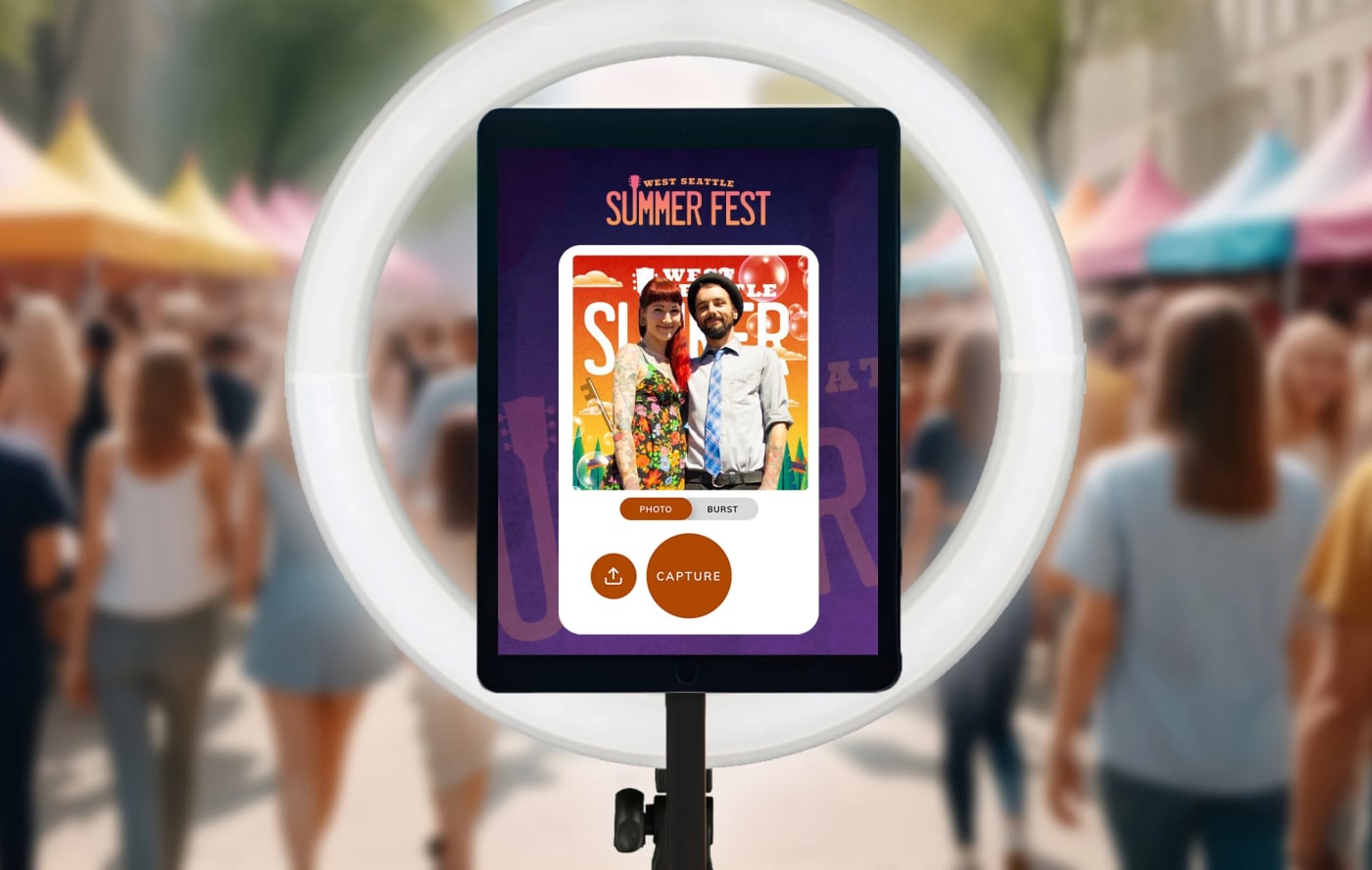
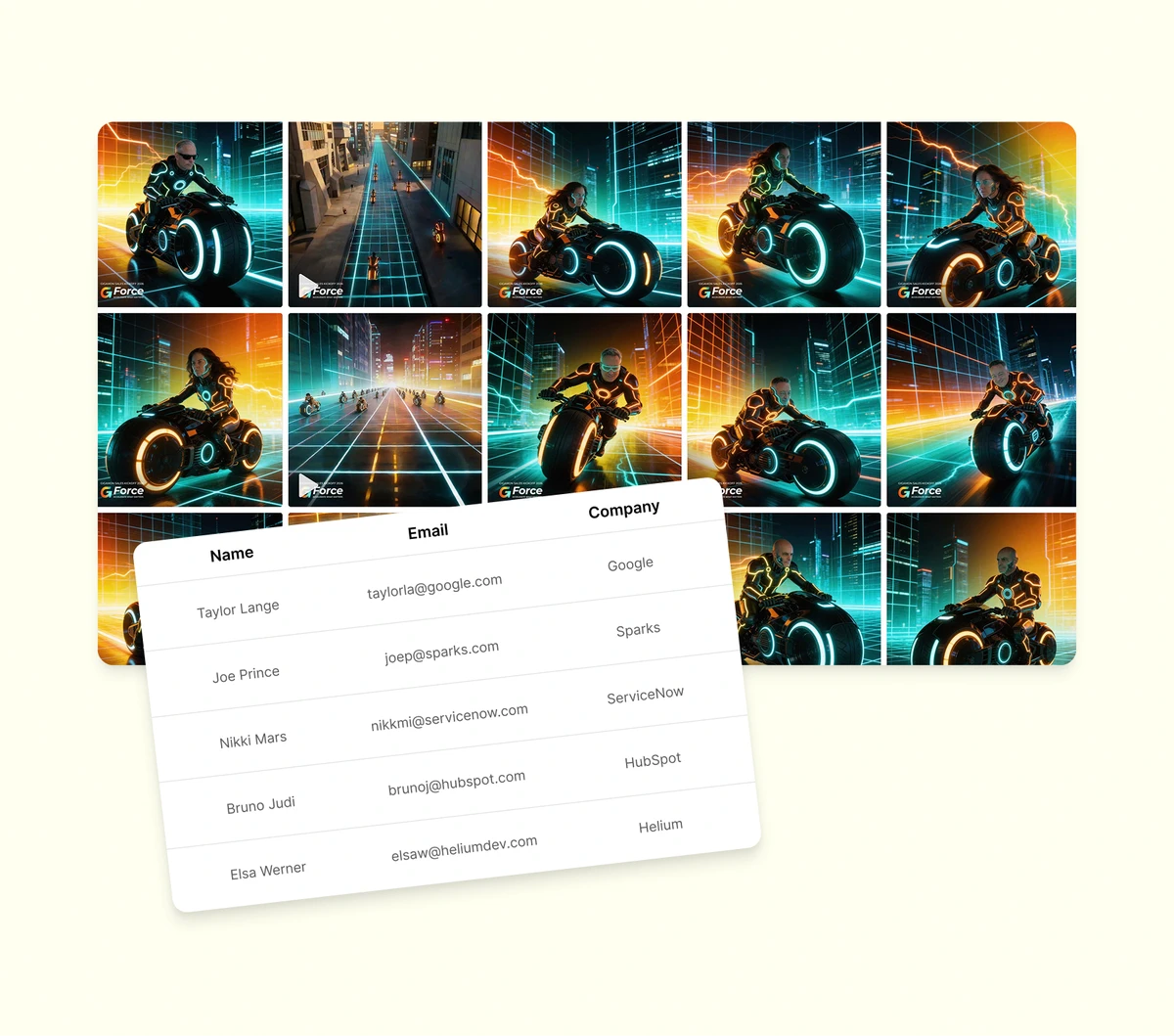
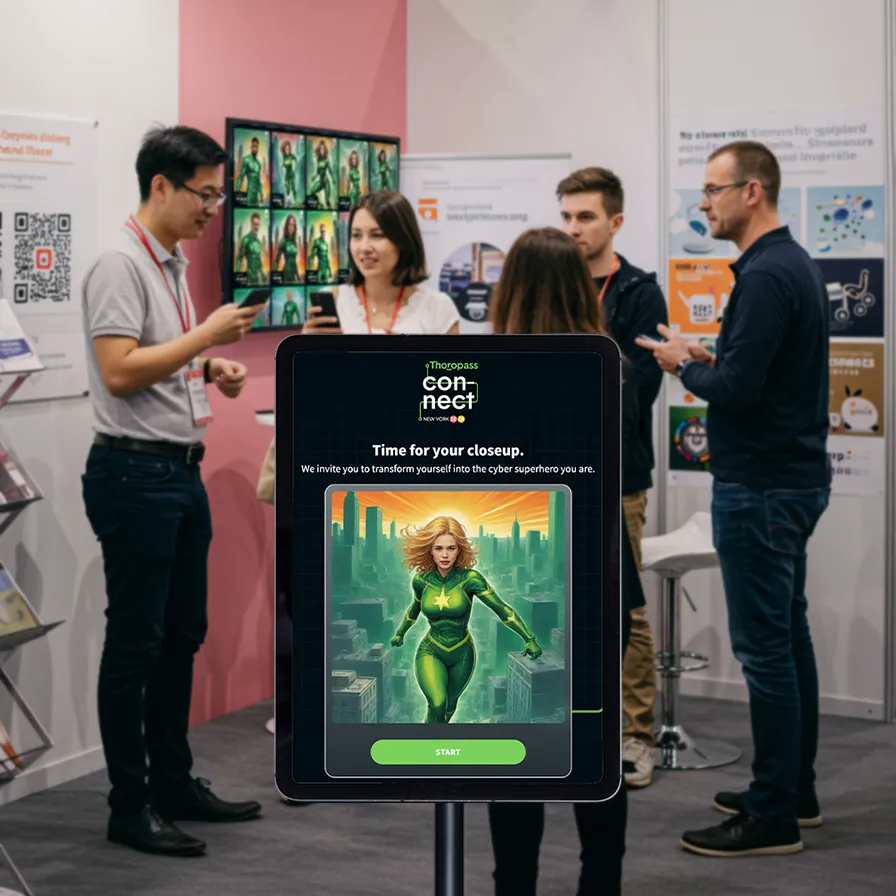
- Live activations. This is the lane we live in. At a brand event or trade show, a guest captures a photo, the platform generates an AI portrait, and that portrait runs through an image-to-video model to produce a short clip the guest can post anywhere. The prompt can carry placeholders like the guest's first name, so every clip, including multi-shot ones, fills in that person's real details. The marketer designs the experience; the audience operates it. Best for engagement, lead capture, and earned social reach. The trade-off: every guest gets a unique output, which strains traditional brand-approval workflows. See real outputs in our AI video examples.
What are common uses of AI video generators?
The common uses of AI video generators in marketing come down to five: product demos and explainers, short-form social content, personalized video, ad creative variants, and live event activations. The mistake we see most often is asking one format to do another's job.
Product demos pair a synthetic presenter with screen capture, so a walkthrough can be re-cut for a new variant or language without a reshoot. Short-form social rewards iteration speed over polish, where AI video is strongest today. Personalized video puts the recipient's name or company into the first frame, so the viewer sees themselves before the pitch. Ad creative variants spin one concept into dozens of audience and language versions, which changes what "testing" means for a paid team.
Live event activations are the use we know best. A guest captures a photo, the platform generates a personalized clip, and the guest shares it. The brand captures a lead at the data capture step and earns organic reach from the share. We've seen this pattern hit a 95% open rate on delivery emails; the mechanics of turning that into pipeline are in how photo and video activations become a lead engine. For campaign-level patterns across all five, see the top uses for AI video in marketing.
See it in action
Build your own AI Video activation
One guest photo becomes a personalized, branded clip, delivered by email or text in minutes.
Explore AI VideoEvery use on that list runs into the same handful of limits. Teams that know them design around them; the rest find out on the day.
What are the limitations of AI video generators?
The limitations of AI video generators in 2026 are clip length, physical realism in complex scenes, run-to-run variability, the compute each clip costs, and the lack of a reliable automatic quality measure. None is a reason to avoid the format; all five should shape how you use it.
Clip length constrains everything else. The ACM survey states that most video generation models "currently can only produce videos shorter than 10 seconds," and that methods for stretching them "suffer from error accumulation, resulting in poorer quality in later frames." Even the frontier is short: Google's Veo 3.1 documentation lists output lengths of 4, 6, or 8 seconds. Seconds, not scenes.
Physical realism breaks down as scenes get busy. The same survey notes that even the most advanced models show "inconsistencies in the portrayal of physical principles in videos of complex scenes." One person on a clean background is close to solved. Three people passing an object between them is not.
Variability is built into the method. Every generation starts from fresh noise, so the same prompt gives a different clip each time. At an event that's the part that feels unpredictable and also the part doing the work; we cover how to plan for it in what to expect from an AI activation.
Compute is heavy on both ends. The survey describes training runs "necessitating the use of hundreds of GPUs," and the Stable Video Diffusion authors note that these models "are typically slow to sample and have high VRAM requirements." That's why a clip takes seconds to minutes.
Evaluation is the quiet one. There's no reliable automatic metric for whether a generated video is good, so the field still leans on people comparing clips side by side. So do we: every video style we ship is judged by humans, because nothing else catches the hand with six fingers.
The activation-side implication: design for short, single-subject, high-variety output. That's what the technology is best at, and it's what a guest wants to share.
How do you use an AI video generator effectively?
To use an AI video generator effectively, match the generator type to the job, iterate fast and accept that outputs vary, and lock the prompt and motion style before the program starts. Three principles separate teams getting real value from teams making noise, and none of them costs money.
Match the tool to the use case. Don't ask text-to-video to do image-to-video's job, and don't hand a synthetic avatar a campaign that needs a face viewers already know.
Iterate fast, accept variability. AI video rewards teams who can ship five variants in the time it used to take to produce one polished asset. Use the speed to test, not to ship the same thing faster. Keep review gates so brand and legal see every variant before paid spend goes behind it, but don't demand perfect first-try output.
Tune the prompt and motion style before the program starts, not during it. Generic prompts produce generic output. Define the visual style, motion behavior, palette, and composition guardrails up front, then hold them steady.
What we've learned shipping AI video activations
The brands that get the most out of AI video generators aren't the ones with the biggest budgets. They're the ones who treat the output as a creative medium with its own grammar, not a cheaper shortcut to traditional video. The teams that try to force AI video into the shape of a polished broadcast asset usually end up frustrated. The teams that lean into the variability, ship more variants, and let the audience or algorithm pick winners come out ahead.
What's the future of AI video generation in 2026 and beyond?
Three things will make the 2027 playbook different again. Clips are getting longer, though the reliable range is still single-digit seconds. Native audio has arrived: Veo 3.1 has listed sound generation as supported since late 2025, so the silent clip with music laid over it is on its way out. And control is tightening, with reference-frame conditioning and finer motion specification pushing the format from creative roulette toward a production tool. Until then, use AI video where it fits and let generation speed, not the polish of any one clip, be the lever.