Table of Contents
Search for photo booth software and you'll get a ranked list. Fourteen tools, a star rating on each, a pricing column. Useful, if you're starting a rental business and need to know which iPad app to buy.
That isn't the job most people running this search actually have. The photo booth software market serves two buyers who want nearly opposite things. Rental operators need per-event licensing costs, printer compatibility, and fast ballroom setup. Corporate marketers need brand control, lead data, and something the company can still use in month three. Almost all the comparison content out there is written for the operators, because they're the bigger and more search-active group. So the rankings get built around DSLR support by people who have never had to get an activation through a security review.
We've run more than 10,000 brand activations since 2012, which puts us on both sides of a lot of these evaluations. Here are the questions that separate these platforms for a corporate buyer, once you're past the feature grid. Vendors show up as illustrations of an approach, never as entries in a scorecard.
The short version
Six questions decide fit. Each one is a section below.
1Does it need an app installed, and whose device is it running on?
2Where does the attendee data go, and who holds it?
3Who actually runs the thing on the day?
4What does the crowd see while it's happening?
Feature checklists tend to converge. These don't.
What should you compare when choosing photo booth software?
Compare photo booth software on the delivery model, the data path, the operating model, the display layer, the afterlife of the content, and how it behaves at your real guest count. Feature lists here look nearly identical because most of these tools do capture a photo, apply branding, and send it somewhere. The differences that decide an activation show up in how the software reaches a guest, where their information ends up, and who is standing next to it when something goes wrong.
Does it need an app, and whose device is it running on?
First fork, and it decides more than it looks like it should.
About nine in ten American adults own a smartphone, per Pew Research Center's Mobile Fact Sheet (91%, from a survey of 5,022 US adults fielded in 2025). So the device question isn't whether guests have a phone. It's whether your activation runs on the one already in their pocket, or needs hardware of its own to exist at all.
Tablet and mobile apps are the most familiar shape. Simple Booth's HALO runs primarily on iPad, Snappic is iOS only, and TouchPix builds for phones and tablets without supplying hardware. You get a booth with physical presence in the room. Someone also has to own, charge, transport, and watch those devices.
Then there's desktop software driving a camera rig. Sparkbooth, Breeze Booth, and Darkroom Booth all run on a computer wired to a DSLR, and dslrBooth and LumaBooth are the same product split across Windows and Apple. Image quality is the argument, and it's a good one, though it has narrowed: a style set to Upscaled runs every capture through AI enhancement on the way out, so a browser capture holds up in print or on a large screen. Setup burden is still the price.
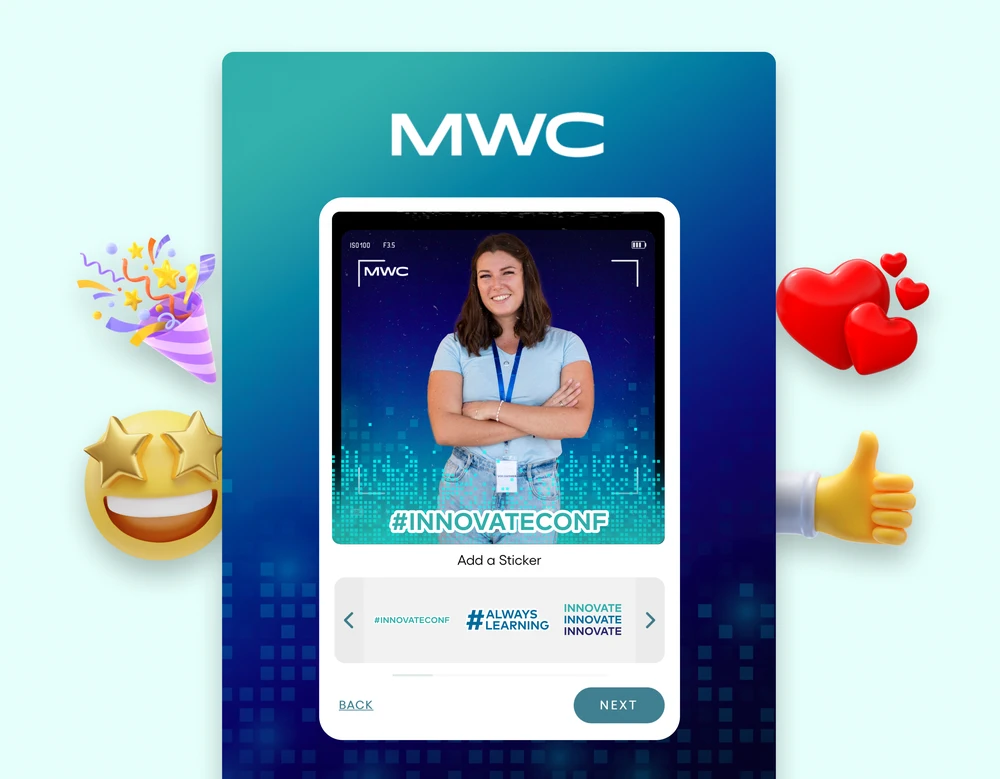
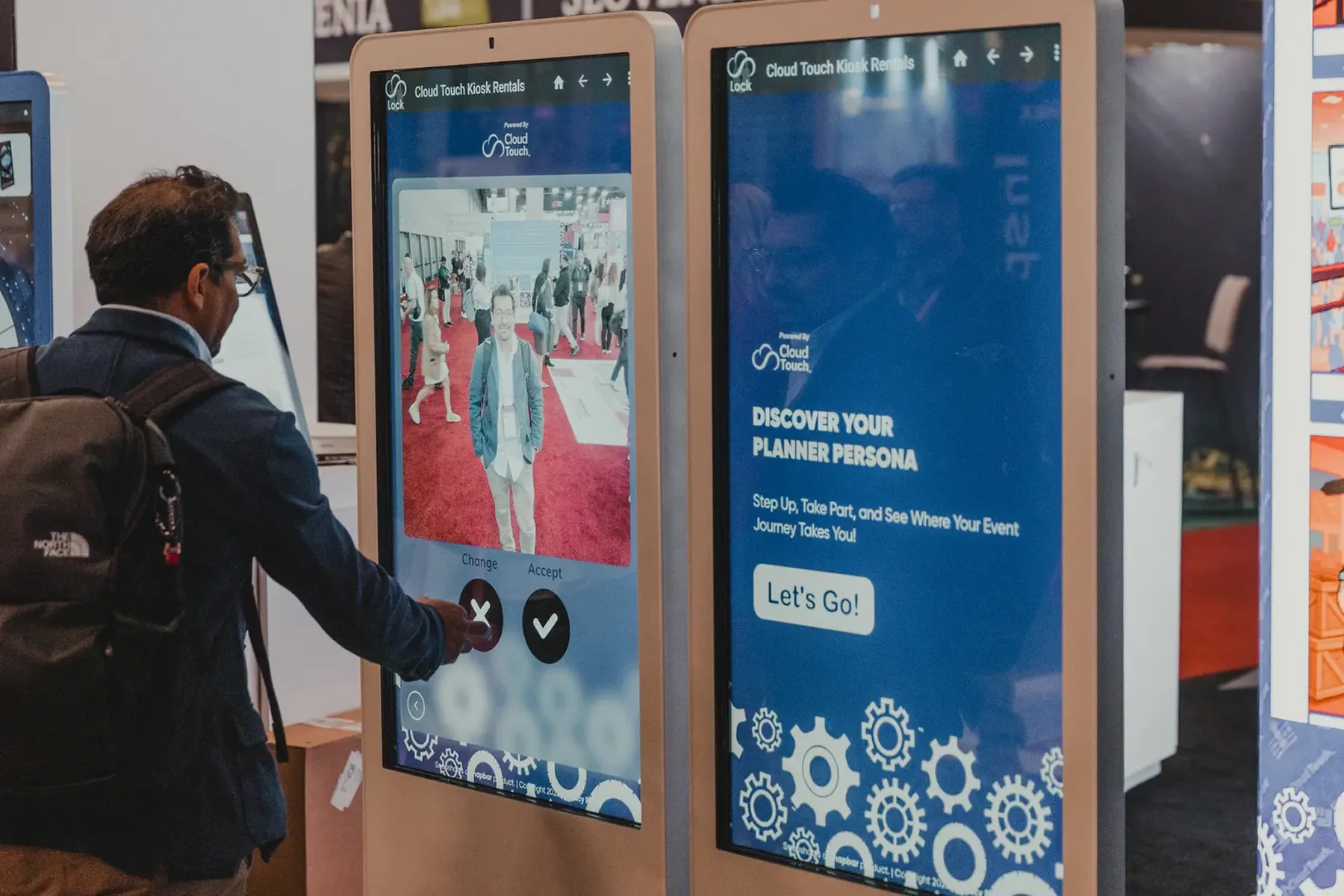
The third approach makes the activation a web page. A guest scans a code, the experience opens on their own phone, nothing installs. That's what we build on, and the trade-off is real: you give up the gravity of a physical booth unless you pair it with a stand or a screen. What you get back is an activation that exists anywhere a link does, including for people who never walk past your footprint.
Underneath all three sits one practical question. If a guest has to install something to participate, how many of them will? At a consumer festival, plenty. At a trade show where people are moving between sessions on a schedule, far fewer.
Where does the attendee data actually go?
Here's the question that stalls activations in procurement, and it barely appears in a software comparison. Four things to pin down before you sign.
Who holds the data, and in whose account does it live? Some platforms treat captured lead information as living in your account, which you administer. Others hold it in a vendor system you request exports from. That difference decides what happens when your event ends, when your point of contact leaves, or when someone asks you to delete one specific person's record.
Second, look at what consent gets captured, and whether you can change the wording. Most tools collect a name and an email. Fewer let you control the exact language a guest agrees to, which is usually what your privacy reviewer wants to read. If the consent copy is hardcoded by the vendor, you're accepting their wording on your brand's behalf.
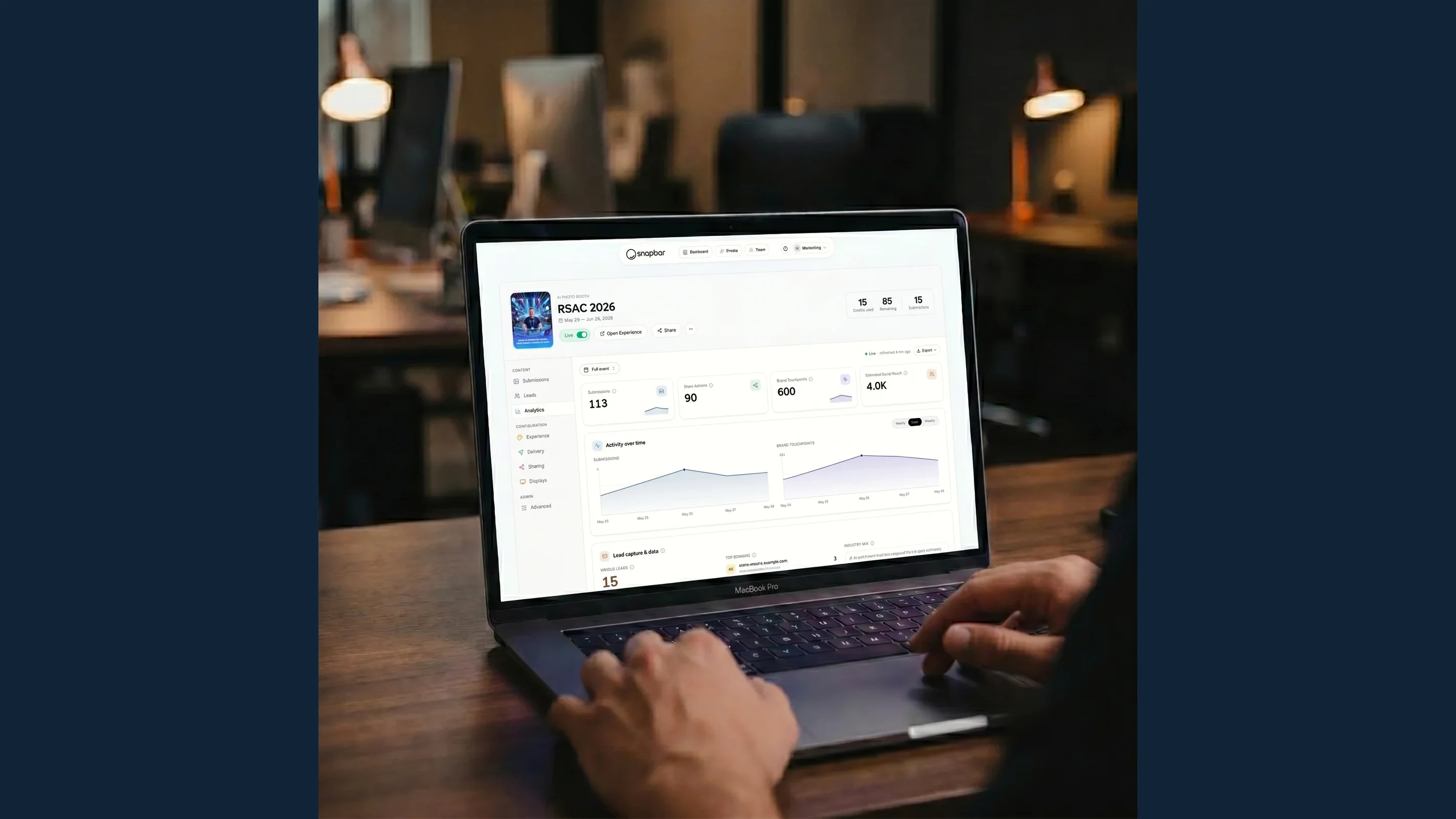
Third, and if you carry only one question from this section into your vendor calls, make it this one: does the data reach your systems, or does it sit until someone remembers to export it? A CSV waiting in a dashboard is not a lead pipeline. It's a task nobody owns after a long event week. We take this question apart in full, including ownership, consent and retention, in Where Your Event Lead Data Actually Goes. Our answer is real-time delivery into HubSpot, Slack, customer webhooks, and Zapier, plus a partner API for teams building directly against it, though access is currently pilot-gated per account, so it runs through our team rather than being something you switch on yourself.
Last, ask what happens to non-consented data specifically. On our platform, if a guest declines, their personal details drop out before anything fans out to any system, while their photo still processes and still arrives. The guest experience survives. The data doesn't leak into places it shouldn't reach. Not every setup separates those two paths, and the ones that don't tend to find out during an audit.
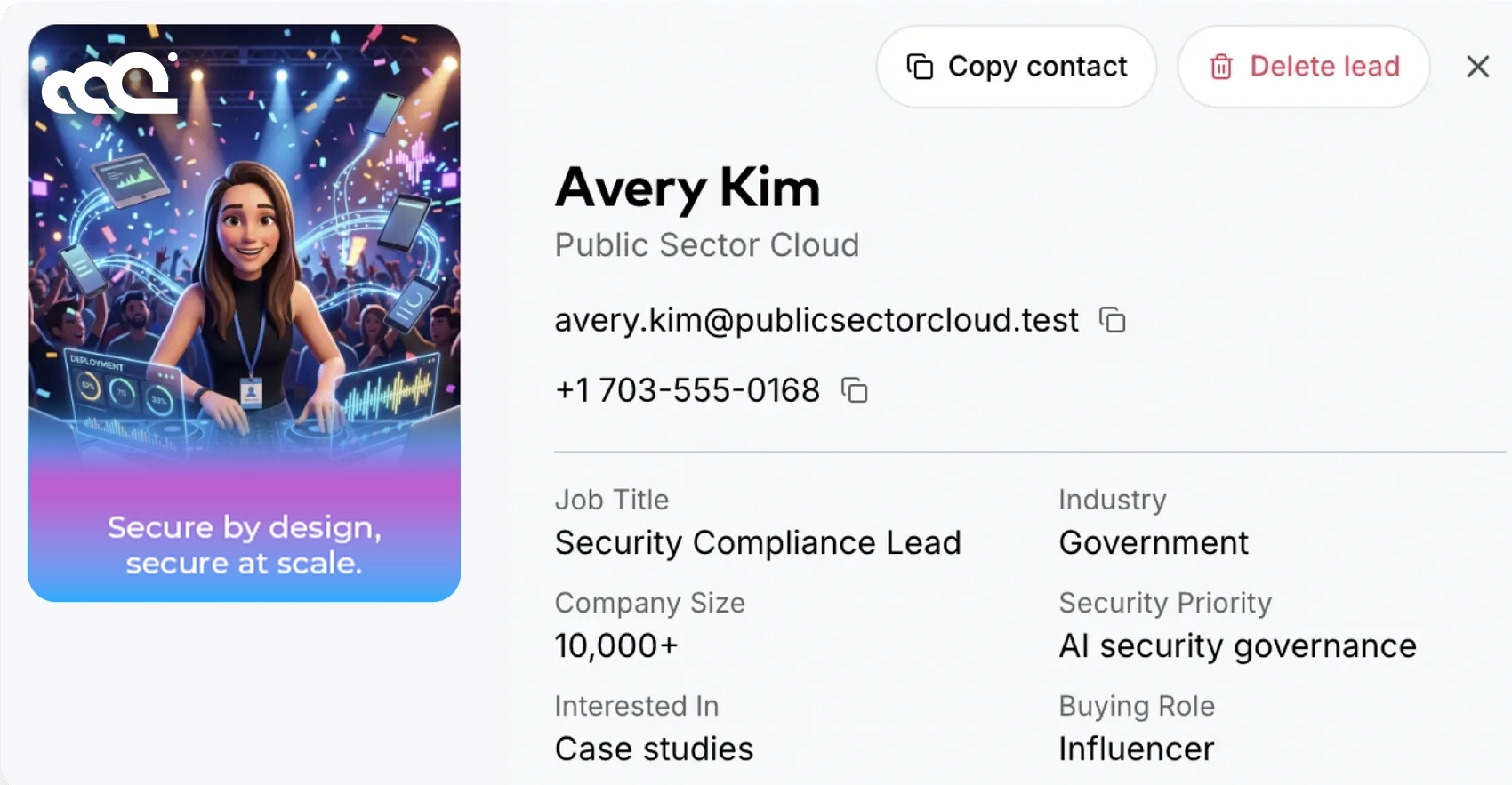
Lead capture that ends in a spreadsheet is the quiet failure mode here, and it's more common than any vendor will volunteer.
Who actually runs it on the day?
Every product in this space sits somewhere between "you run it" and "we run it," and almost nobody states their position outright. Establish it early. It determines what your event week looks like.
At the fully staffed end, LA Photo Party provides event staffing covering setup, operation, and teardown, and Darkroom Booth's software assumes a trained person is standing at the booth. If your team is stretched and the activation is high-stakes, that model earns its cost. At the opposite end, Sparkbooth and Photo Booth Supply Co. are built for people who want to own the operation. You configure it, you run it, you fix it when the printer jams.
Most corporate teams want the middle, and the middle is where this category communicates worst. Our own position: we design and build the experience with you, then it runs itself during the event, content flowing to displays and dashboards without anyone tending it. We don't provide onsite staffing. For most activations that's the right shape. For a few it isn't, and you want to know which one you're buying before you book rather than during setup. How it works covers the build side.
So ask any vendor plainly: on event day, who is physically responsible for this working?
What does the crowd see while it's happening?
Most of the category does have an answer here, and it is almost always the same answer: a slideshow. Checking each vendor's own documentation, six of the eight below offer one, and a seventh mirrors the live booth session to a TV instead. So the question is not whether a platform can put content on a screen. It is whether it can do anything else with it.
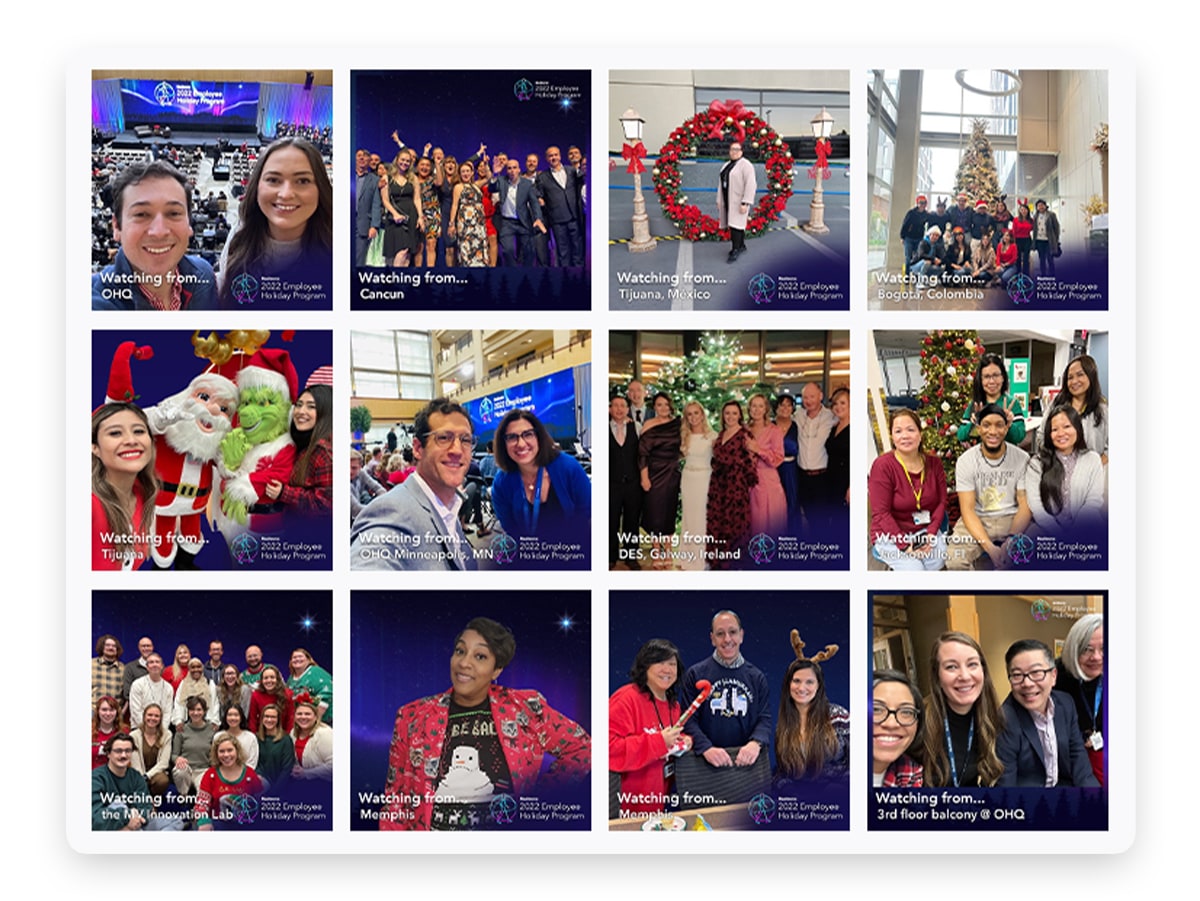
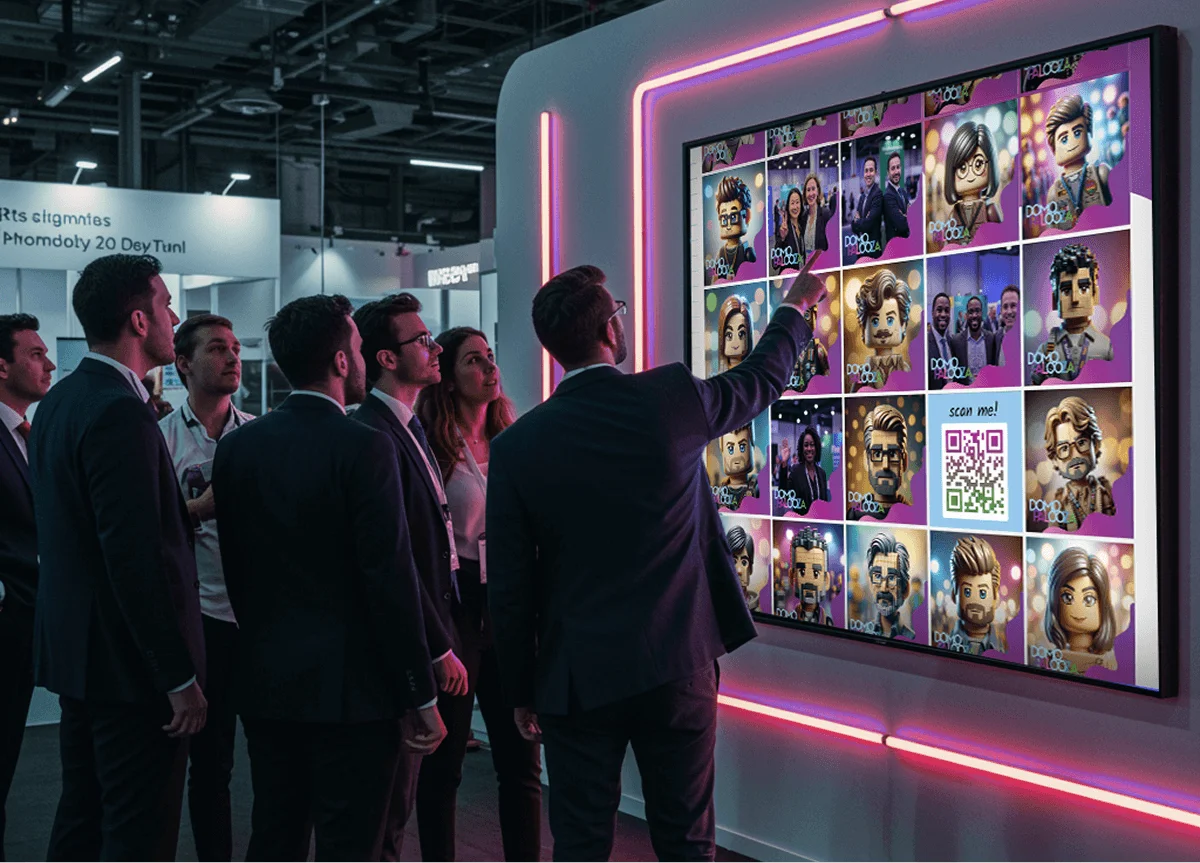
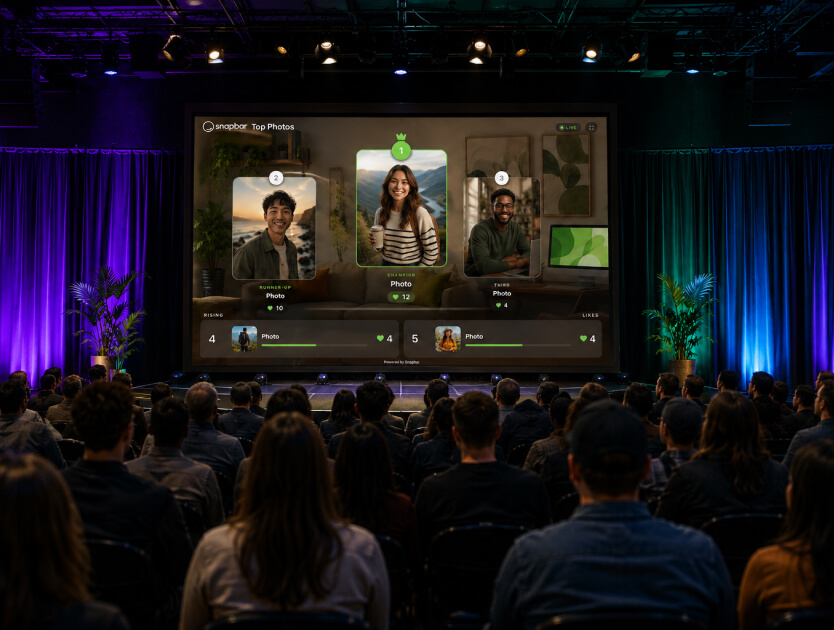
That distinction matters more than it sounds. A slideshow is a window onto the activation. A gallery people vote in, or a mosaic that assembles as guests contribute, pulls people who were never going to queue. We compare the four display types, and who each one is right for, in Live Event Photo Displays Compared. The display layer is where an activation stops being a thing 200 people did and becomes a thing 2,000 people watched, and in our experience it's the part corporate teams underestimate most in planning and talk about most afterward.
What to ask about:
- A live gallery that fills as guests participate, so the activation visibly builds through the day
- Slideshow displays for screens where a rotating feed does more work than a static grid
- A leaderboard where guests vote for favorites, carrying a scannable code so anyone walking past can pull up the gallery and vote from their phone without joining a line
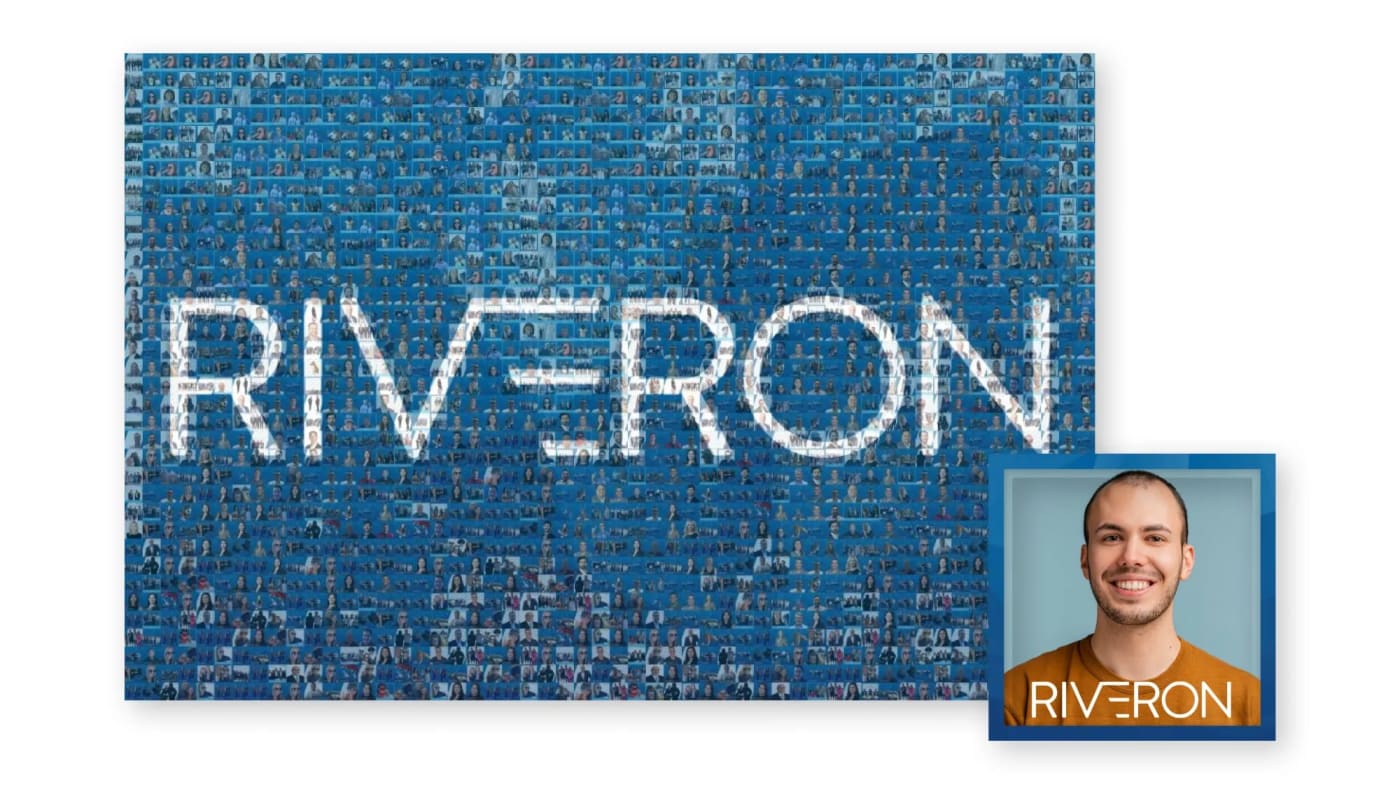
- A live mosaic where individual photos assemble into a larger brand image, and guests can upload straight from their phone by scanning a code, no booth session required
- Sponsor placement in gallery and slideshow displays, including scannable codes on sponsored posts, which turns a display into inventory you can sell
A sponsor logo on a wall people are photographing themselves in front of is worth more than the same logo on a lanyard, which is roughly the argument for putting real money into this layer.
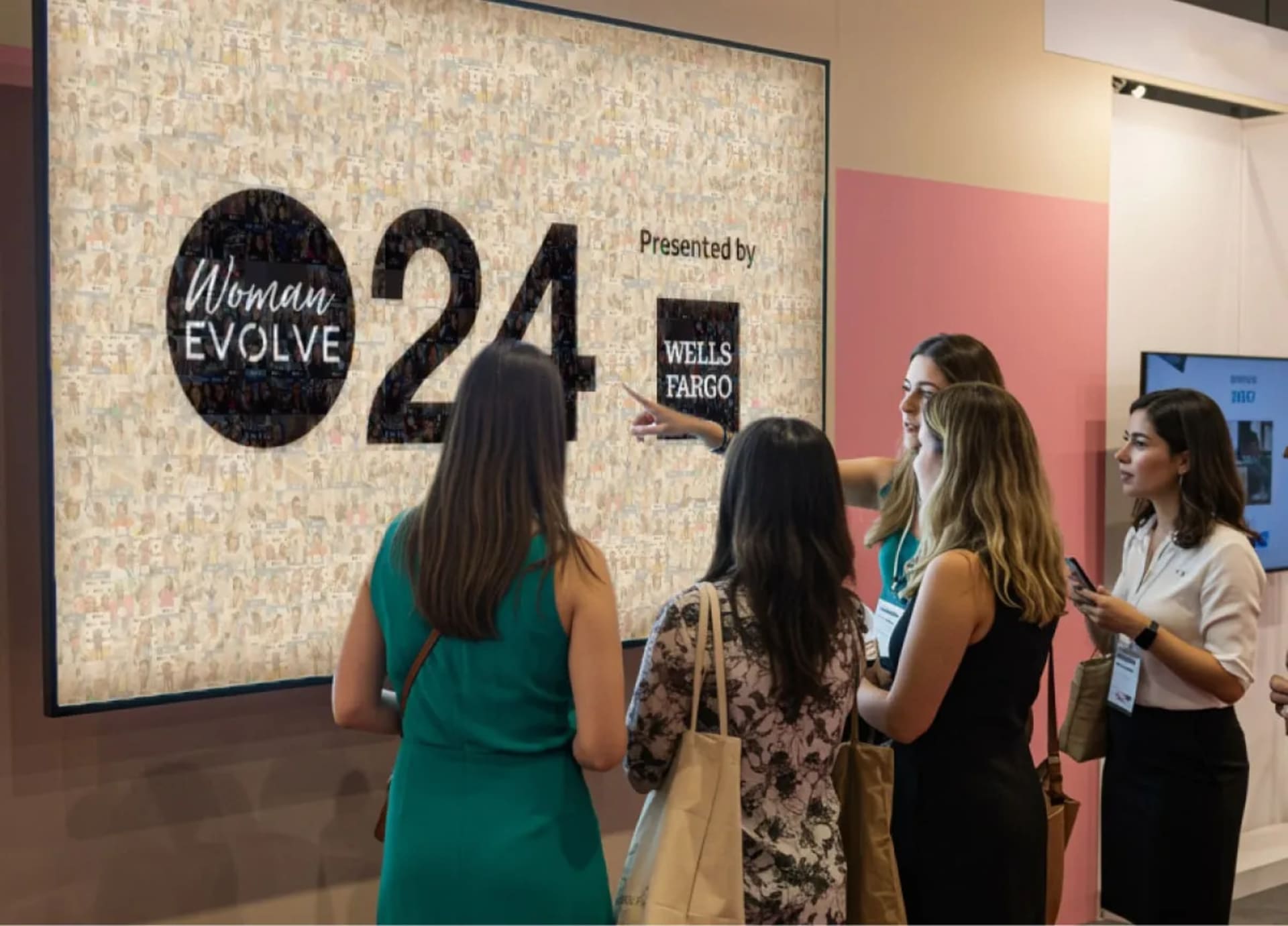
Pricing here varies more than people expect. Some vendors tie display types to the plan you buy. On our platform a live gallery, a slideshow and a leaderboard come with every activation, and the live mosaic is the one add-on. What to check with any vendor is what happens when you want more than one screen. On ours, for the included display types, run as many as you like. Twelve screens across the booth, the lounge, and the main stage cost the same as one. The mosaic is the exception, and it's a heavier build for good reason.
The mosaic also gives you a question worth stealing for your vendor calls. Ours never runs out of room, so every guest makes it in, including the ones who show up in the last twenty minutes. Ask what happens at capacity. Some setups just stop accepting.
What happens to the content after the event?
An event lasts three days. The marketing lasts a year, or it doesn't, and that gets decided by choices made before anyone walks in.
Start with delivery, because it's the one people treat as trivial. How does a guest get their content? Email is standard. Text matters more than it sounds like it should, since a guest who receives their photo while still standing in your booth is a guest who shares it from the event floor. We deliver by email or text, and our delivery emails run about a 95% open rate, which is a number most brands would take in any other channel.
Then rights and access. Who can use the content afterward, and how do you get it in bulk? "You'll get a link" isn't an answer. Bulk exports with structured file naming sounds like a small feature right up until you're loading 1,400 photos into a content library and every filename is a random string.
Where it all lands matters too, ideally in the same place your leads land. If your content sits in one vendor portal and your lead data in another, somebody on your team spends a week reconciling them, and nobody quotes you for that week.
One more, easy to forget until it's expensive: if you run events outside one country, does the experience itself translate? Built-in translation across every experience isn't a common answer, and retrofitting it later usually isn't possible.
What can a digital-first activation do that a printed one can't?
A printed photo strip is finished the moment it leaves the printer. That's not a criticism, it's the format. It exists once, in one place, for one person, and its job ends there.
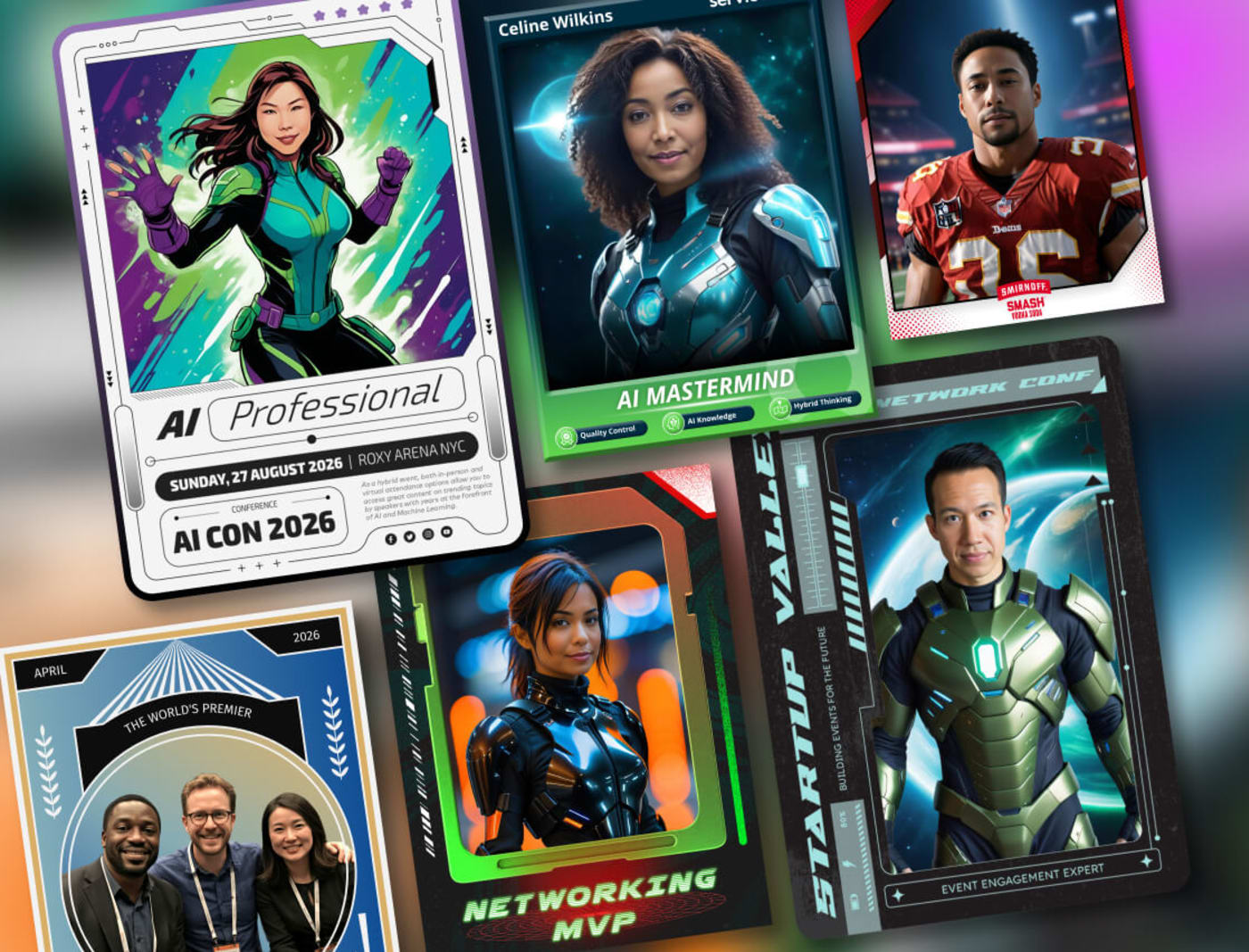
A digital output keeps working. Our trading cards are the clearest example we've got. A holographic front that tilts with the phone's motion and shimmers when idle, and a back personalized with each guest's details that viewers can flip the card over to see.
Holographic and foil printing has existed in the physical trading card world for decades, so "you can't print this" would be a weak claim and we're not making it. What doesn't survive printing is what happens next. Share the card and whoever opens that link gets the same interactive holographic card, not a picture of one. It keeps performing in every context it travels to. Every share becomes a small demo of your activation, running on someone else's phone, days after your event ended.
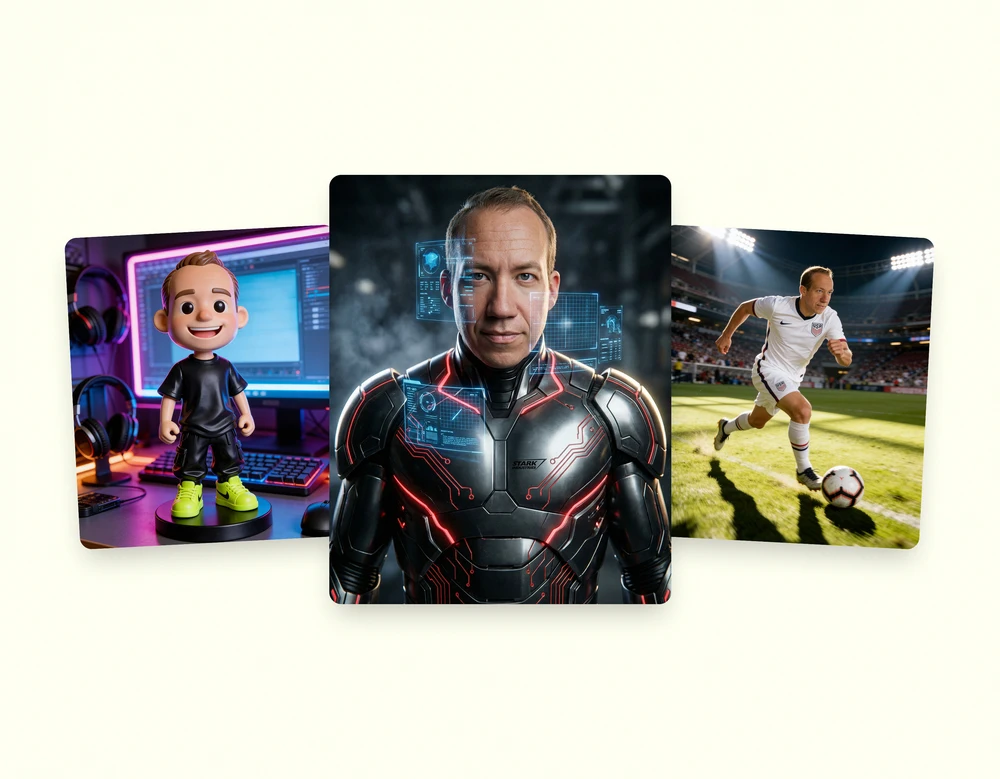
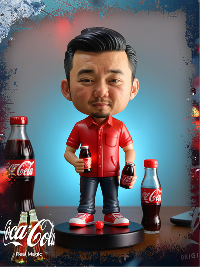
That argument generalizes past trading cards. AI restyling, personalized video, an experience that speaks a guest's language, content that updates the display it's sitting on. None of those are printed-format features with a digital coat of paint.
Worth separating from the physical-versus-digital booth question, though, because they get conflated. A digital-first experience can live inside a physical footprint, and usually should. Alternatives to a traditional photo booth covers the format side of that choice.
Does it hold at 100 guests and at 100,000?
Most tools here are built around an event-sized number, and their pricing, architecture, and support model assume it without saying so. A desktop rig tethered to one camera has a ceiling set by how fast a line moves. An iPad app scales by adding iPads, and people to watch them.
Browser-based experiences scale differently, because participation isn't gated by a device you own. The same underlying platform runs a 100-person leadership offsite and a stadium-scale campaign. What changes between them is configuration, not architecture.
Don't ask a vendor whether they can handle your size. Everyone says yes. Ask what breaks first as guest count climbs, and what it costs to add capacity mid-event. Specific answers there are a good sign. Our platform got built for the range because clients kept moving across it.
How the pricing models differ
Pricing changes constantly in this category, so the structure you are buying into matters more than any single headline number. There are roughly four.
- One-time license. Buy the software, own it. Common with desktop tools. Cheapest over time if you run events constantly, and it puts every other cost on you.
- Per-device subscription. Monthly or annual, priced by device or booth. Predictable, and it climbs every time you add a capture point.
- Per-event pricing. Pay for what you run. Clean for occasional events, harder to budget against an annual program.
- Per-experience platform. One price covers the experience wherever and however you run it, with usage included. Higher entry cost, less internal lift, and adding devices does not add licenses.
Here is what that looks like in dollars. Every figure below comes from the vendor's own pricing page, checked September 2026, and each one is worked through in full in the head-to-head linked underneath.
| Platform | Published entry price, September 2026 | What you are paying per |
|---|---|---|
| Snapbar | Photo-based experiences from $1,995 | Per experience, usage included |
| Simple Booth | $49 to $249 a month, plus hardware, plus AI credits at $0.10 each | Per device |
| Movebooth | Lite $49.99 a month. Lead capture from $149.99. Kit $2,499 one-time, iPad not included | Per device |
| Snappic | Per booth license, monthly, annual or 48-hour per-event, plus credit packs | Per booth |
| Dreamwave | Not published, quote-only | Not published |
A per-device price and a per-experience price are not the same unit, which is why none of this becomes real until you price the whole event. A $49 a month license is the software. The event still needs the iPad or the kiosk, the stand, the printer and consumables if you are printing, and somebody to run it, and on most of these platforms a second capture point means a second license.
Our $1,995 covers the experience on as many devices as you want to run it on, at the same time: a kiosk, iPads on stands, a laptop at a desk, every guest's phone by QR code, or all of those at once, with no charge for devices and no cap on how many people use it simultaneously. It includes 1,000 platform credits, 30 days of live runtime, unlimited admins, custom experience branding, real-time analytics and moderation, flexible lead capture, branded email delivery, individual sharing galleries, live galleries, dynamic slideshows and interactive leaderboards. Across a program of activations through a year the math tends to move further, particularly once you count the internal hours the DIY options quietly assume you have lying around.
Each of these is priced out in full, with the vendor's figures and ours side by side and dated:
- Snapbar vs Movebooth
- Snapbar vs Snappic
- Snapbar vs Simple Booth
- Snapbar vs Dreamwave
- Snapbar vs Pictor
- Snapbar vs PONS
- Snapbar vs Activation King
- Snapbar vs AI PhotoBooth
- The best AI photo booth software, nine platforms compared
Three more spokes sit beside that list rather than inside it. A photo mosaic is a display rather than a capture experience, and the vendors behind it are a different set, so they are compared on their own terms:
- Snapbar vs Picture Mosaics
- Snapbar vs Foto Master
- The best photo mosaic software for corporate events, eight platforms compared
Whatever you choose, check one structural thing: whether the display layer, lead capture, and content delivery are included or priced as separate line items. That's where two proposals that look comparable turn out not to be.
The approaches side by side
Facts only, no scores. A map of approaches rather than a ranking. Every cell below was checked against each provider's own site or documentation in September 2026, and where a provider does not state something publicly we say so rather than guess. Features change; verify anything decision-critical before you sign.
| Platform | Runs on | Who operates it | Live displays | Where lead data goes |
|---|---|---|---|---|
| Snapbar | Any device with a browser, no install | Self-running after build, no onsite staffing | Live gallery, slideshow, leaderboard, live mosaic | Real-time to HubSpot, Slack, webhooks and Zapier, plus a partner API. Access is pilot-gated per account today. Bulk export alongside |
| Simple Booth HALO | iPad, with hardware | Client or their event staff | Live Feed slideshow | CSV, Mailchimp connector, open API |
| Snappic | iOS only | Client or rental operator | Slideshow to an external screen | CSV. Webhooks on the two upper tiers, a paid add-on below, documented for share data |
| TouchPix | Phones and tablets, no hardware supplied | Client | Session mirroring to a TV; live mosaic on the top tier or as a paid pass | CSV, via a paid surveys extension |
| Sparkbooth | Windows or macOS, with your own camera | Client, hands-on | None found in their materials | Mailchimp. No CSV export documented |
| dslrBooth / LumaBooth | Windows / Apple respectively | Client or rental operator | LumaShare slideshow | CSV export of shares and survey answers. Webhooks carry session events, not contact fields |
| Darkroom Booth | Windows, separate iPad app | Built for a staffed booth | Slideshow, on-site and remote | CSV export of the email and phone list |
| Photo Booth Supply Co. | iPad-based kit | Client, hands-on | Live Gallery slideshow | CSV. States it does not support third-party CRMs |
| LA Photo Party | Vendor hardware | Vendor, including setup and teardown | Slideshow plus Muse Mosaic | Spreadsheet export |
So which one is right for you?
We said no scores, and we meant it. But refusing to reach a conclusion is its own kind of unhelpful, so here is the honest read, including the cases where another platform's model is the better fit.
Corporate event teams and agencies running branded activations where the content and the lead data both matter: a managed, browser-based platform. That is us, and it is what the rest of this guide describes.
Photo booth rental operators running many events on your own hardware: operator software. Snappic, dslrBooth and LumaBooth are built around that business, and per-event licensing is the better fit for it on cost.
Teams who want a packaged booth they control: an iPad bundle like Simple Booth or Photo Booth Supply Co. You own the kit and the operation, which is the point.
High-production events needing people on site: a full-service vendor. LA Photo Party staffs setup, operation and teardown, which is the better fit when nobody internally can own the day. We work the other way: the platform is configured with our team before the event and guests self-serve from there, with our guidance on the AI prompts and where the data flows.
A single small internal event: an inexpensive per-event app is the straightforward answer for one afternoon. If you would rather the branding, the displays and the lead data all came from one place, or you have more events behind this one, it is worth a conversation either way.
The two things that most often move a corporate team toward our end of the range are the display layer and where lead data lands. If neither matters much for your event, a simpler tool will serve you well and cost less.
Where to start
Answer two of the six questions before you take a single vendor call: who runs it on the day, and where the data has to land. Those two eliminate more options than the other four combined, and your internal stakeholders will ask about both regardless of what you pick.
Work outward from there. The display question tends to surprise people once they see what it does to a room. The after-the-event question is the one that decides whether any of this produces something in month three.