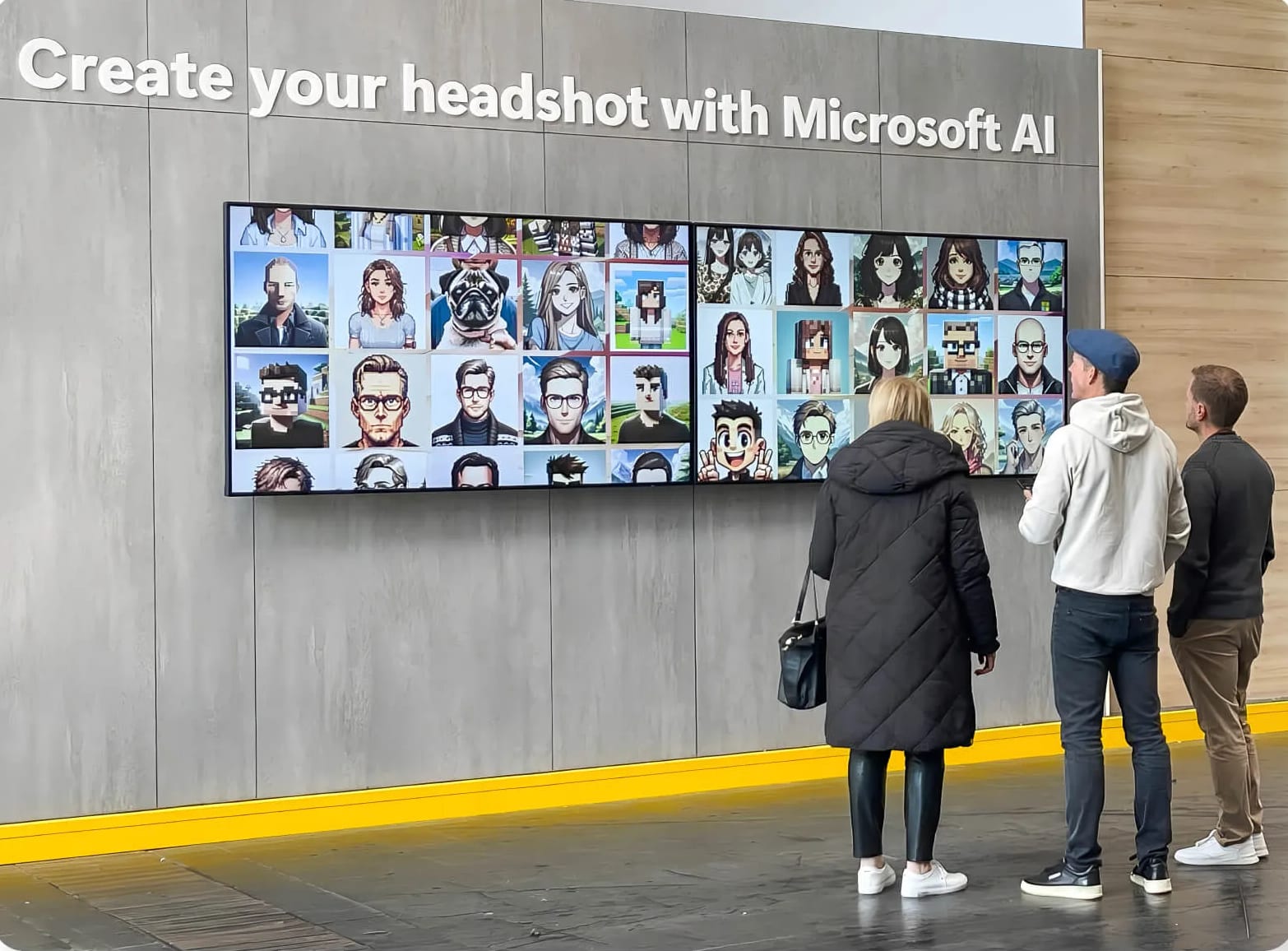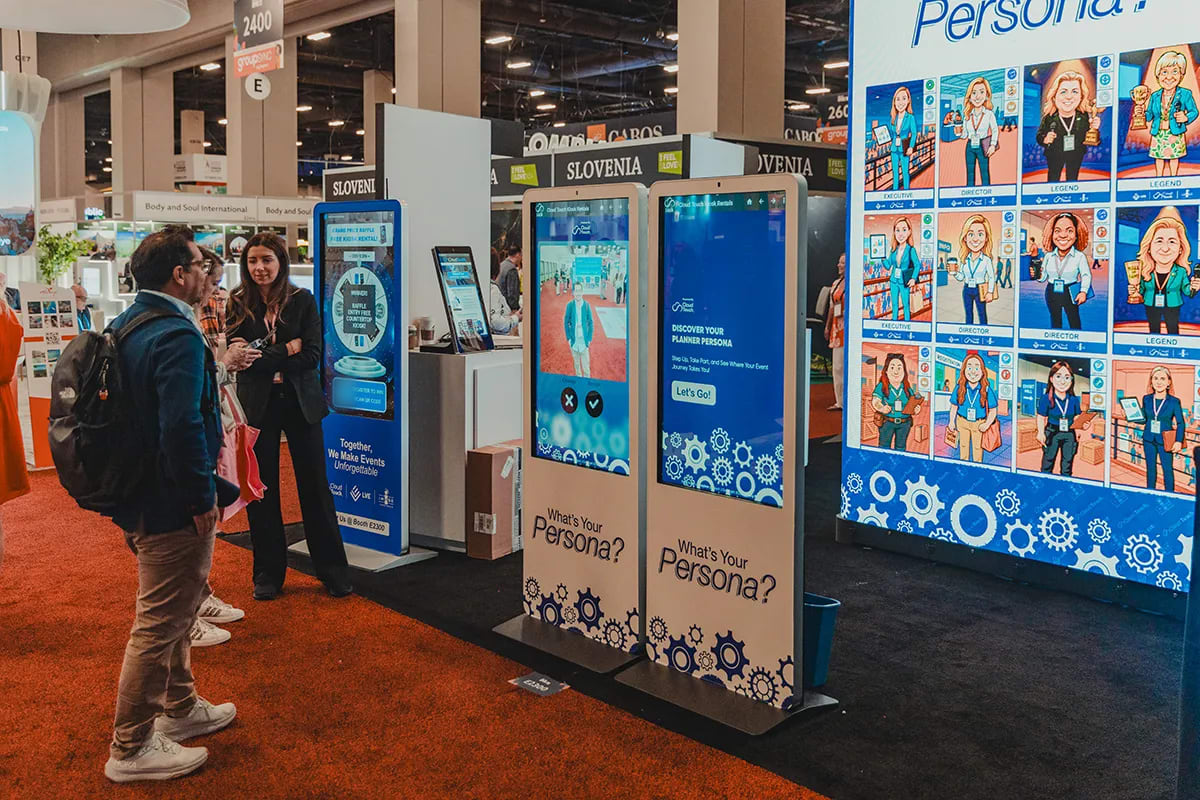
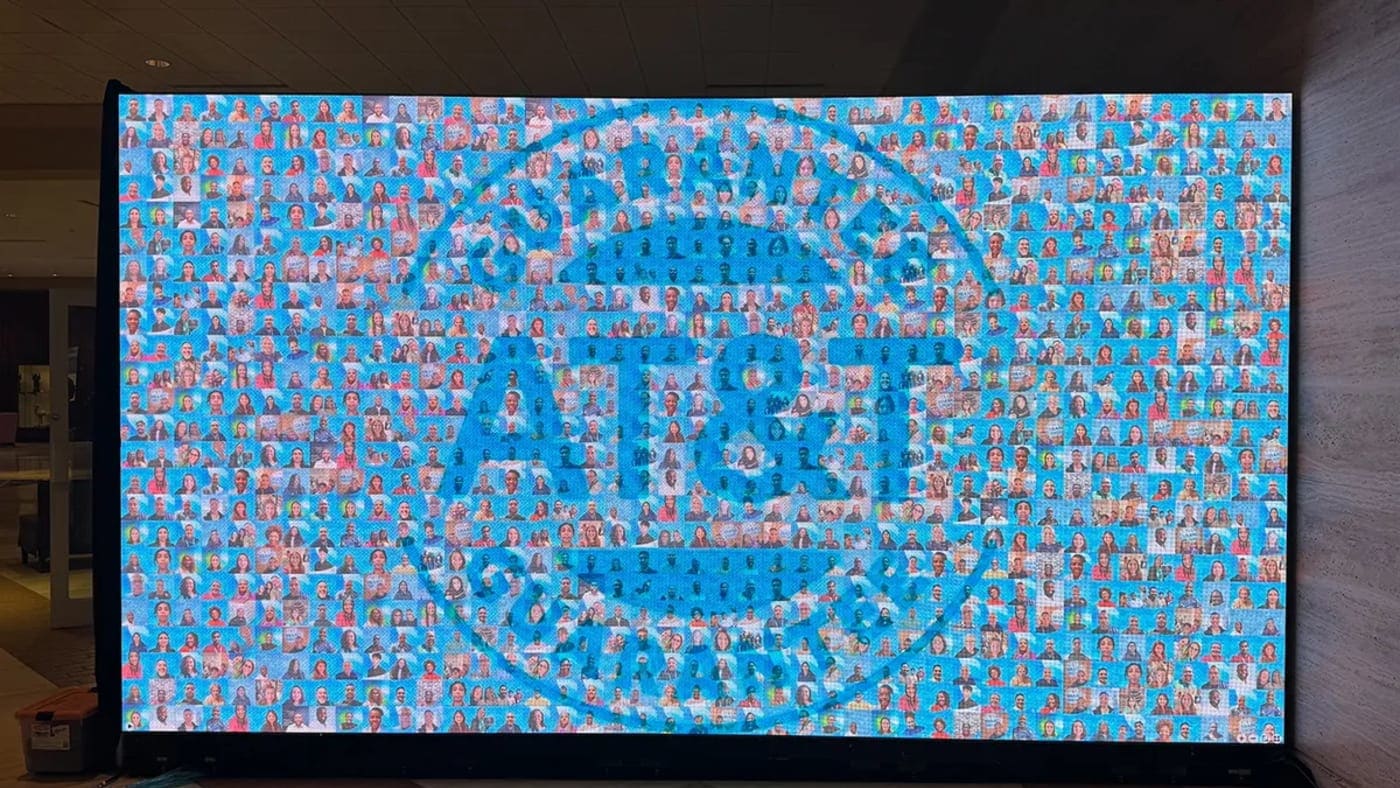
You've picked the picture mosaic. The event is on the calendar, the display is in the scope of work, and four questions are sitting there with nobody assigned: what image are we building, how big does it need to be, where does it go, and how do we get people to add a photo.
Picture mosaics live or die on those four answers, and that's what this guide covers, in the order you'll hit them. If you're still weighing whether a mosaic is right for this event, our guide to how live photo mosaics work and what they return makes that case. This one assumes you've made the call and starts at the planning.
Key takeaways
- The target image decides everything downstream. Pick a mark with real tonal range and a silhouette that reads across the room.
- Size the wall for the viewing distance you'll have. The test is whether one tile still reads as a photo from the back of the room.
- Put the capture point inside the display's line of sight. Guests contribute to what they can see.
- Seed the wall before doors open. An empty grid is the hardest thing to ask someone to start.
- Median lead time for a booked activation is 28 days, the middle half between 14 and 55.
What do you have to decide before you run a picture mosaic?
Four things, and they're best settled in this order: the target image the tiles assemble into, how guests get a photo in, where the display physically sits, and what happens to the finished wall afterwards. The run of show falls out of them.
One scoping note first, because it catches teams out. A live gallery, a slideshow and a leaderboard come with every activation, and the live mosaic is the one add-on display, so scope it deliberately rather than assuming it arrives with the experience.
Format-wise, a mosaic is either a screen that fills in live or a printed wall assembled from tiles afterwards. We'll flag where that choice changes a decision, but the full side-by-side isn't this article's job. If the display type is still open, our comparison of live event displays sets the gallery, slideshow, leaderboard and mosaic against each other, and the live mosaic guide carries the business case.
How do you choose a target image for a picture mosaic?
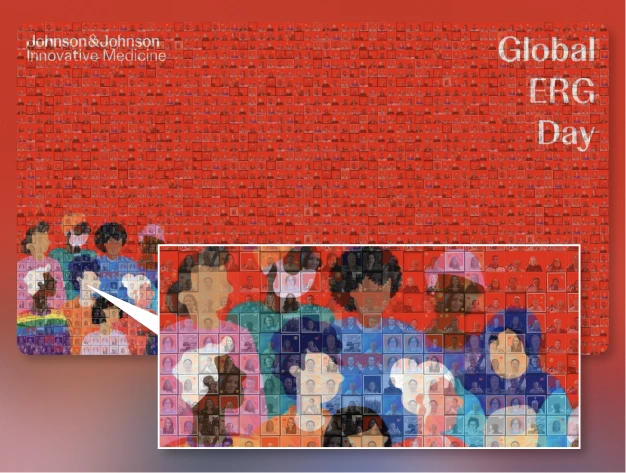
Pick an image with a strong silhouette and real tonal range: something you'd recognize as a shape from the far side of the room, before any detail resolves. A thin wordmark on a white field won't do it.
A flat logo on white fails for arithmetic reasons, not taste. Guest photos are mostly mid-tone: skin, clothing, carpet, lanyards. A target built from one solid color and a lot of white asks for a value range those photos don't contain, so the white fills with whatever is nearest and the shape dissolves. Give it a dark area, a light area and something between, and the same photos read.
Which is why the photo mix matters: portraits, group shots and wide room photos give the wall more tonal variety than a single-format station does.
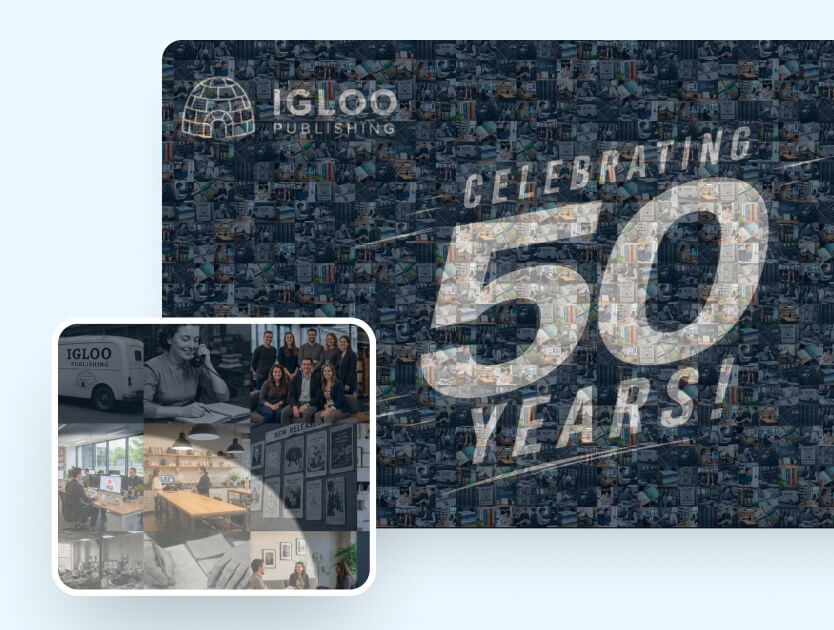
A mosaic doesn't have to be a rectangle either. The target can be a silhouette: a product outline, an anniversary number, the building everyone is standing in. Shaped targets read faster at distance, because the outline works before any tile does. Color behaves the same way: a single-color target holds its shape at fifty feet, while a full-color photograph turns to noise from far away.
You can put a custom corner logo on the wall in a white, alternate or sponsor variant and choose portrait or square photo tiles, both set up with our team rather than toggled on your side, so settle them at the same time as the target image.
Our team can build the target image for you from a large PNG or SVG of your logo; the mosaic display options page carries the image requirements.
See it in action
Build your own photo mosaic
Live, video and static formats, with the target image built for you.
Explore Photo Mosaic
Settle the picture first. Size and placement are downstream of it.
How big should a picture mosaic wall be, and where should it go?
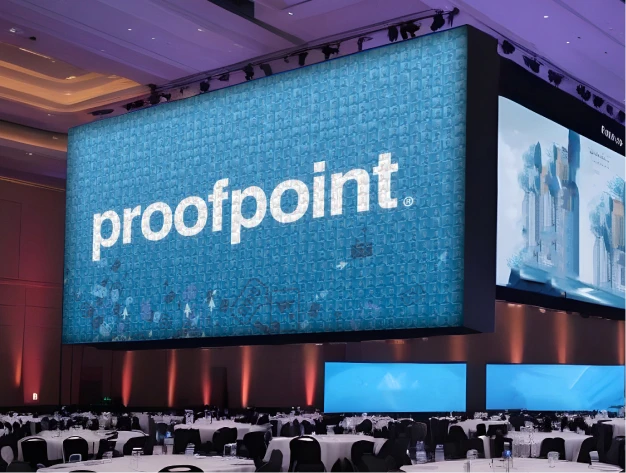
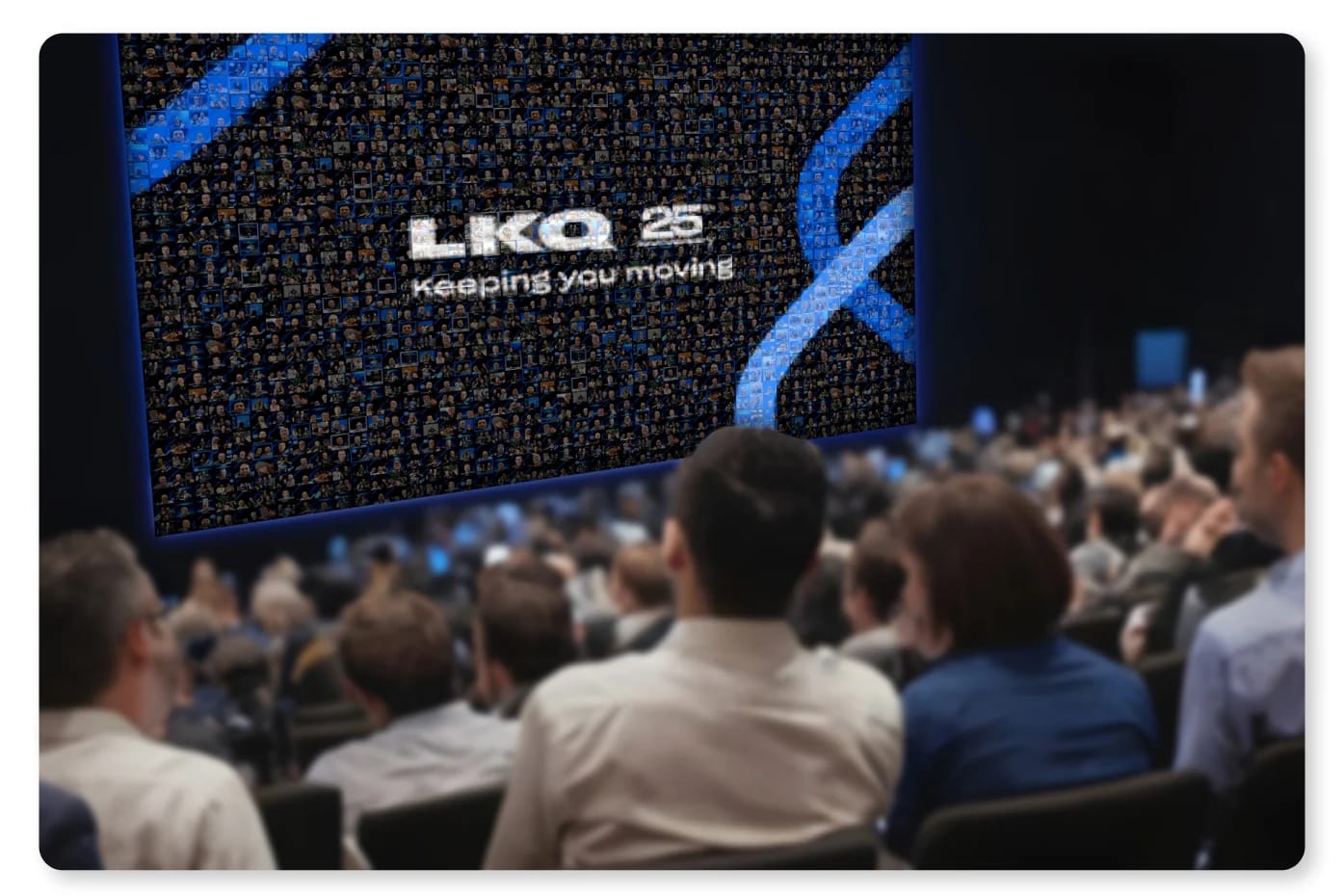
Size it by the distance people will stand from it. A photo mosaic wall read from ten or fifteen feet works at screen scale. One seen across a ballroom has to be large enough that a single tile is still a visible square, or the picture stops being a mosaic and becomes a poster.
The useful test is the tile, not the wall. Stand at the farthest point a guest will realistically view from and ask whether one photo still reads as a photo. If it doesn't, you've lost what makes the format worth doing, because the effect depends on someone walking closer and finding themselves in it.
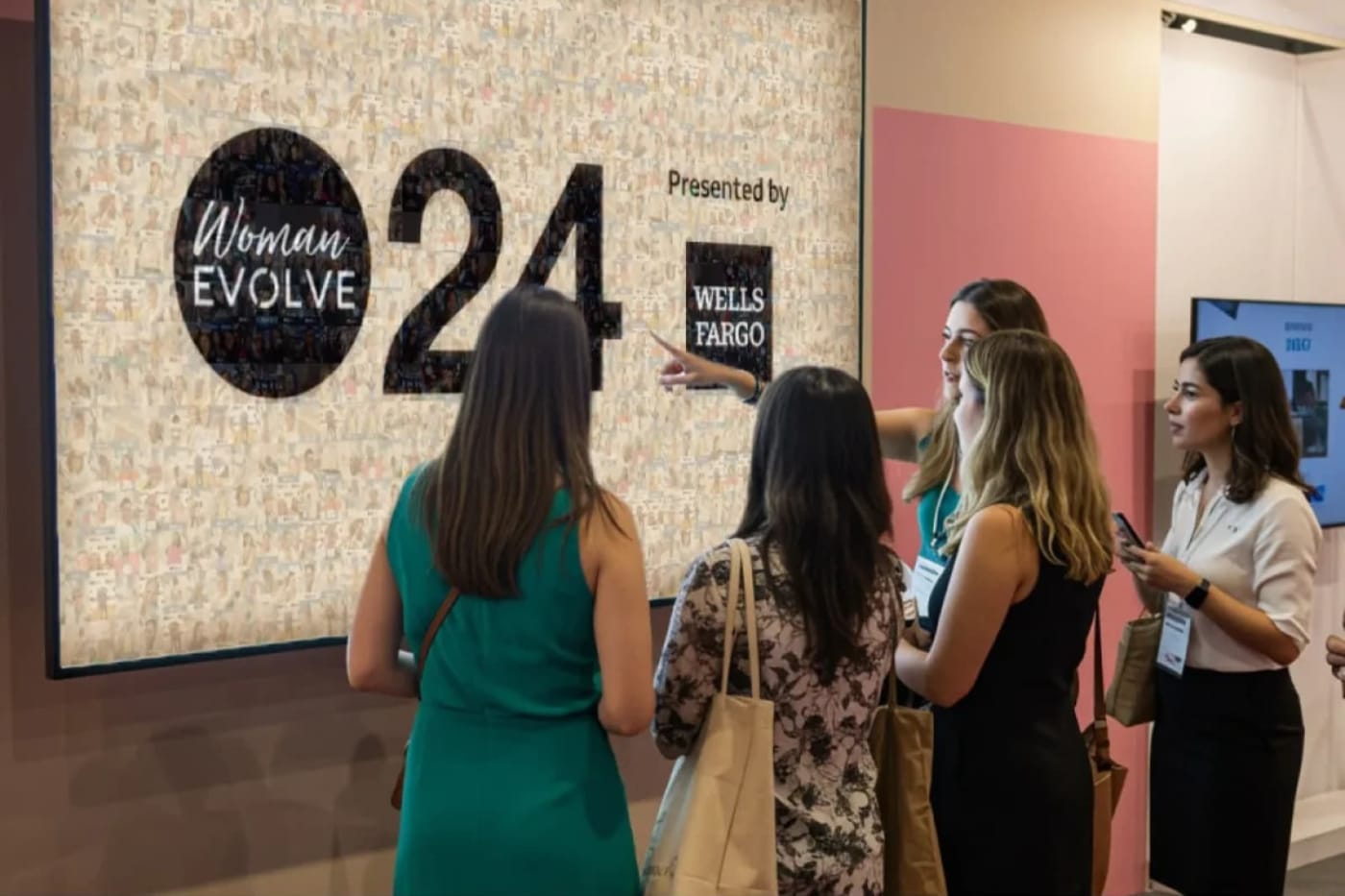
Placement has one rule that outranks the rest: the capture point sits inside the display's line of sight. A guest who can watch the wall while their photo is taken needs nothing explained. Put it around a corner and participation drops, however good the signage.
The second rule is traffic. The display goes on the natural path through the space, not behind your stand where it only reaches people who already stopped. Registration approaches and coffee lines work.
Watch the light: a screen facing a window or a house spotlight washes out, and light shifts across the day in any room with glass, so check the position at the hour the event runs. Screen or printed wall is a question of whether you want the picture assembling live or existing as an object afterwards. The live one draws better; the printed one outlasts the day.
How do you get guests to actually fill the mosaic?
Make contributing one action, put that action in front of the display, and never let a guest arrive at an empty grid. The last is the part most teams skip, and the one with the most evidence behind it.
Start people partway, not at zero
Kivetz, Urminsky and Zheng found that customers given a 12-stamp coffee card with two stamps already filled completed their ten purchases faster than those handed a plain 10-stamp card. Same work, different starting point. So seed the wall before doors open, with a staff pass that morning, and the first guest adds to something underway rather than starting it. Source: Kivetz, Urminsky & Zheng, Journal of Marketing Research, 2006.
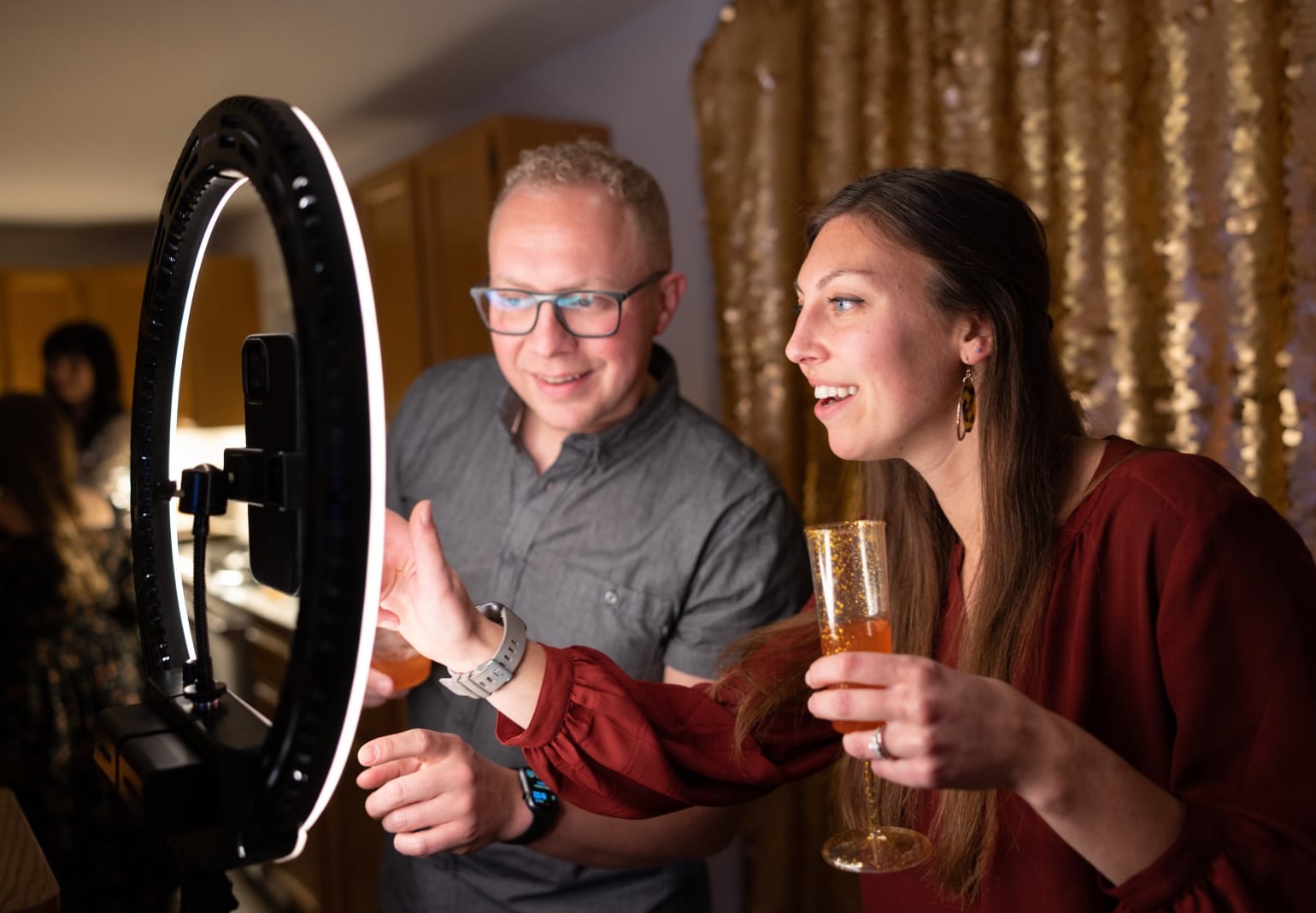
There are two ways in, and most floors run both. Guests can scan a QR code and add a photo straight from their phone with no booth session, which is the lowest-friction way to fill a wall at a big event. Or they step into a photo experience on the stand, which produces a better-lit tile and captures their details. QR scales; the staffed route qualifies.
Signage should say what to do in one sentence and nothing else. Scan, add your photo, find yourself on the wall.
Then make sure they can find themselves. Norton, Mochon and Ariely's IKEA effect is quoted as "people value what they make," but the useful half is the boundary condition: it only holds when the task is completed. Where participants failed to finish, the extra valuation disappeared (Journal of Consumer Psychology, 2012). A guest who contributes and can't then find their tile has had a worse experience than one who never bothered at all.
That is why the admission behavior matters rather than sitting in a feature list: the mosaic never runs out of room, so every guest makes it in.
It also explains the loop at a working wall. The self-reference effect, described by Rogers, Kuiper and Kirker, holds that we remember information tied to ourselves better than the same information encoded in other ways (Journal of Personality and Social Psychology, 1977). People come back to find their own tile, and the wall pulls a crowd without anyone working it.
How far ahead do you need to plan a picture mosaic?
Across our booked activations between January 2021 and August 2026, the median lead time is 28 days, the middle half lands between 14 and 55 days out, and 51.7% are booked within 29 days. About a month, then, not the six-to-twelve-months figure general planning advice quotes.
12.3% book more than 90 days out, and that group has room to do this properly. October and December run longest at 40 and 38 days; the full distribution is in our lead-time data. A month is enough, but only if the mosaic work starts on day one rather than the week of.
Target image approval is the long pole, and it's an approvals problem rather than a design one. Brand teams own the logo file, and releasing a large PNG or SVG takes longer than building the target from it. Ask the day the display is confirmed.
Decide who reviews what before the wall goes up. It is a planning question like any other, and it is far easier to settle in the run-up than on the floor, so put a name against it while the rest of the display is being scoped.
Screen and print logistics run on the venue's clock. Power, rigging and load-in windows are set by the building, and a printed wall adds a production deadline earlier than you'd guess. Signage has to make the print run, usually the first deadline to pass.
What happens on the day
Picture mosaics run themselves once they're going, but the first hour decides the day.
| Window | What to do | What to watch | What it means if it isn't happening |
|---|---|---|---|
| Before doors | Seed the wall, check screen brightness against the room's real light, scan the QR from a phone on the guest network. | That the code resolves in a couple of taps. | If the QR needs a network guests don't have, nothing else matters. |
| First hour | Staff the capture point and say the instruction out loud. | Whether people look up at the wall after contributing. | Nobody looking up means the display isn't in the sightline. Move the capture point, not the screen. |
| Mid-event | Step back and let it run. | Fill rate against the shape of the target. | A stall is usually signage or staffing, not lack of interest. Add a person before a poster. |
| Final hour | Push a last call from the stage or the aisle. | Which parts of the target are unresolved. | Gaps in a shaped target read worse than gaps in a rectangle. Work the silhouette edges first. |
| After the last session | Photograph the wall with people in front of it and confirm the recap export before the kit is struck. | Whether the wall is worth shooting as it stands. | If nobody shoots it on the day, your only record is the file we send afterwards. |
Internal events run the same shape on a shorter clock. Running one across an all-hands or sales kickoff compresses it into a single session.
What do you do with the mosaic after the event?
Three assets come out of it, all worth arranging beforehand rather than after: the finished image, every individual photo that went into it, and a recap video of the wall assembling itself.
You can ask us to export an MP4 recap of the wall assembling itself, which is something our team renders for you rather than a button you press, so flag it before the event rather than after. It tends to be the most-used asset, because it compresses the day into something people will actually watch on a phone.
Every guest gets their own photo by email or text, and you get the final static image plus every tile that went into it. Those tiles come out as a bulk export with structured file naming, so they arrive ready to sort.
What you do with them is where the value sits. The tiles are raw material for the next quarter's social calendar, and turning event content into marketing fuel covers planning that reuse instead of rediscovering the folder in February. To report on what the display did, measuring event activation ROI sets out what to count.
If you only have time to get two things right
Get the target image and the sightline right and everything else is recoverable. A wall built from a mark with real contrast, positioned where guests watch it fill while their photo is taken, survives mediocre signage and a slipping run of show. A perfect run of show around a thin logo on white, tucked behind the stand, does not.
The rest is refinement. Start there, and mosaics for events stop being a production risk and become the thing people photograph on their way out.
Planning a mosaic for a specific date?
Tell us the room, the audience and the date, and we'll come back with the display setup and the target image requirements.
Get a Quote
Or explore: Photo Mosaic Solutions | Conference & Large Event Engagement