Photo Mosaics for Events
Display thousands of guest photos, arranged into one cohesive visual representation of your brand. Run it from any device with a browser, with no hardware to ship and nobody to fly in.

Display thousands of guest photos, arranged into one cohesive visual representation of your brand. Run it from any device with a browser, with no hardware to ship and nobody to fly in.


.svg)


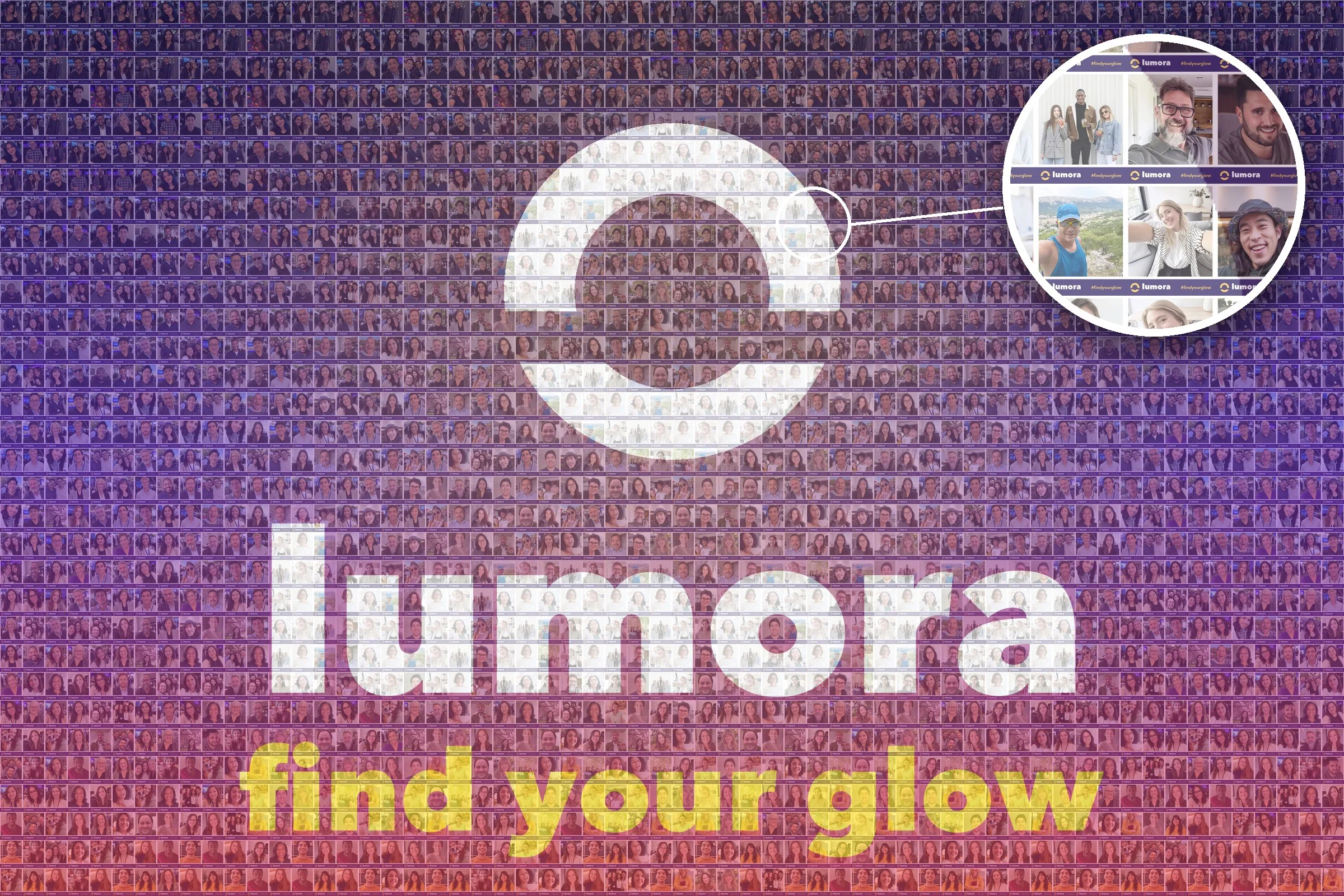
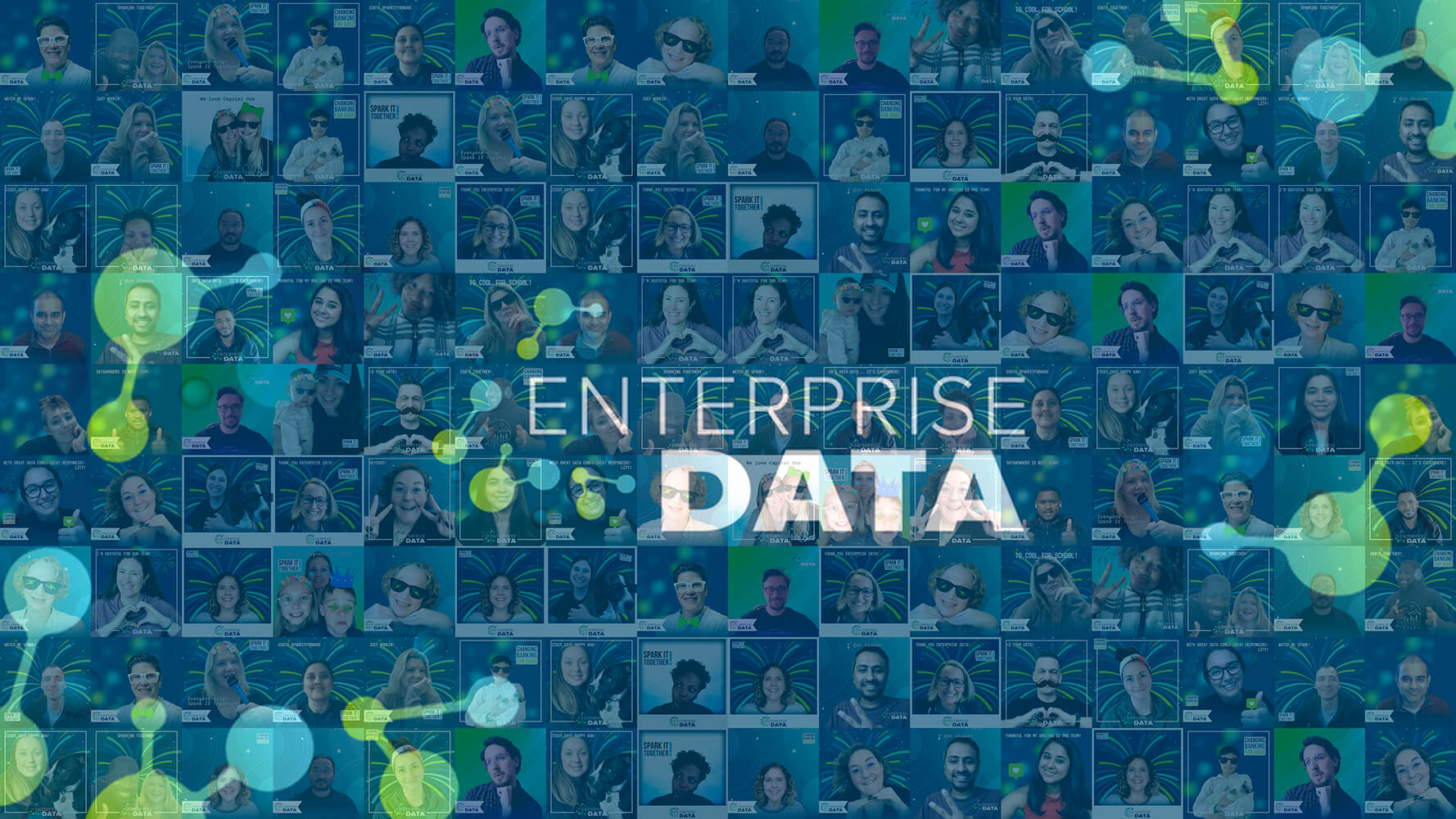
A photo mosaic is simply one large image built from many smaller ones. At an event, each guest photo becomes a tile, and the tiles arrange themselves into a target image you choose, usually a logo or a brand visual. Step back and you see the brand. Step in and you see the people who made it.
The wall populates in near real-time during your event. Guests can contribute from their phones or from a photo experience, and the mosaic fills in on-screen while the room watches.
Learn More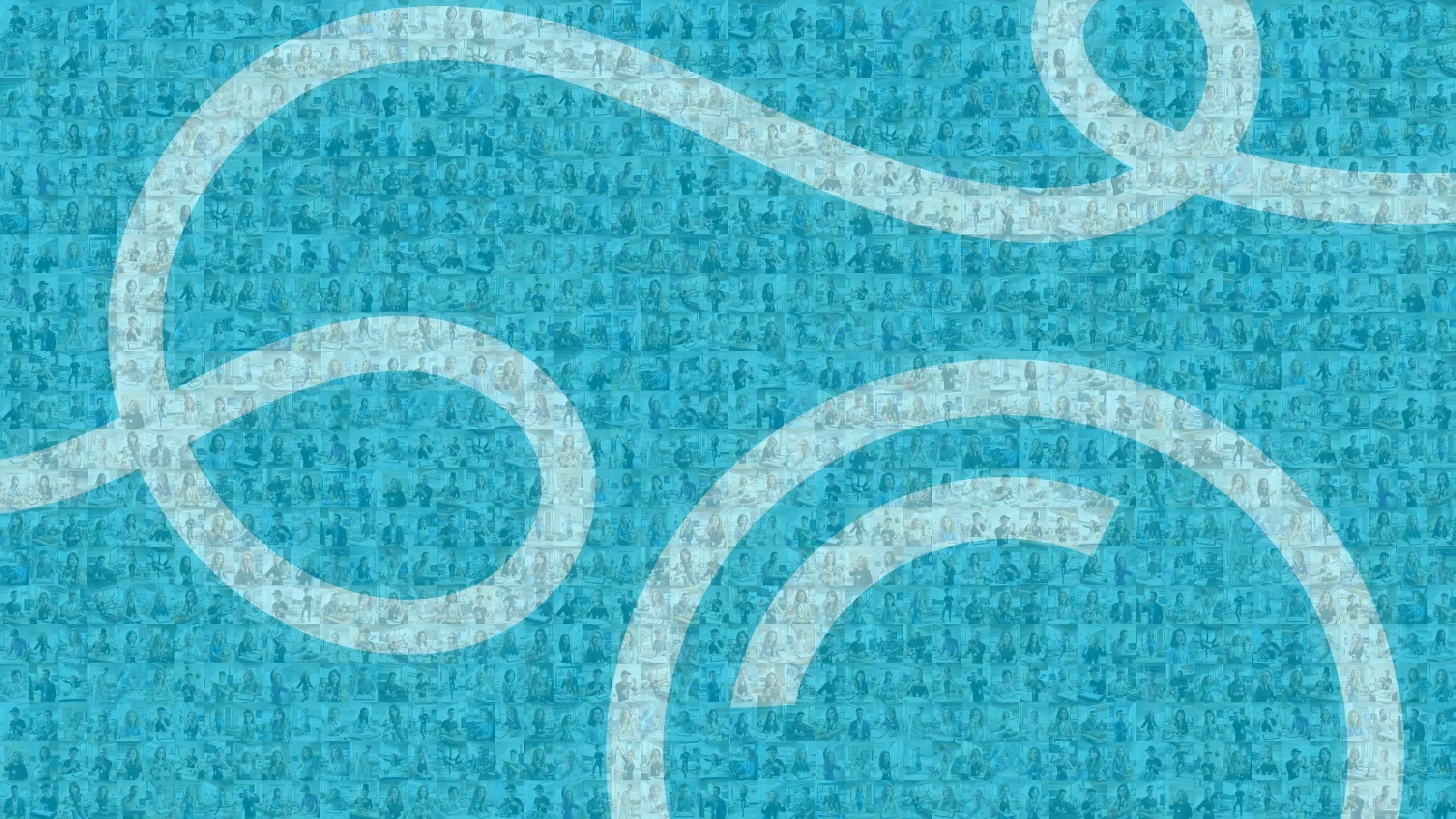
One finished composite image, built after the event from your approved content.
The same finished mosaic, delivered as a video of the image assembling itself piece by piece. Choose from different animation styles to create a truly unique representation of your brand, message, or sponsors.
Static and Video Mosaics do not require a Live Mosaic, or a photo experience, or an event at all. If you already have the photos, we can build from those.



It runs in a browser
No kit to ship, no software to install, no technician on a plane. Open a link on whatever screen you already have.

Moderation lives with you
Approve, auto-approve, or let the platform screen submissions, from the same dashboard as the rest of your activation. No emailing a vendor to pull a photo down.

Guests need no photo booth
A QR code on a table card is enough. A mosaic can be the whole activation.

The wall never runs out of room, so every guest makes it in
Late arrivals are not turned away.

Zoom all the way in
The display pans, zooms and tours on its own, and the wall rewards someone walking up to find themselves in it.

One platform behind it
Lead capture, delivery by email or text, guest-facing translations, and live analytics, from the company behind 10,000+ activations.

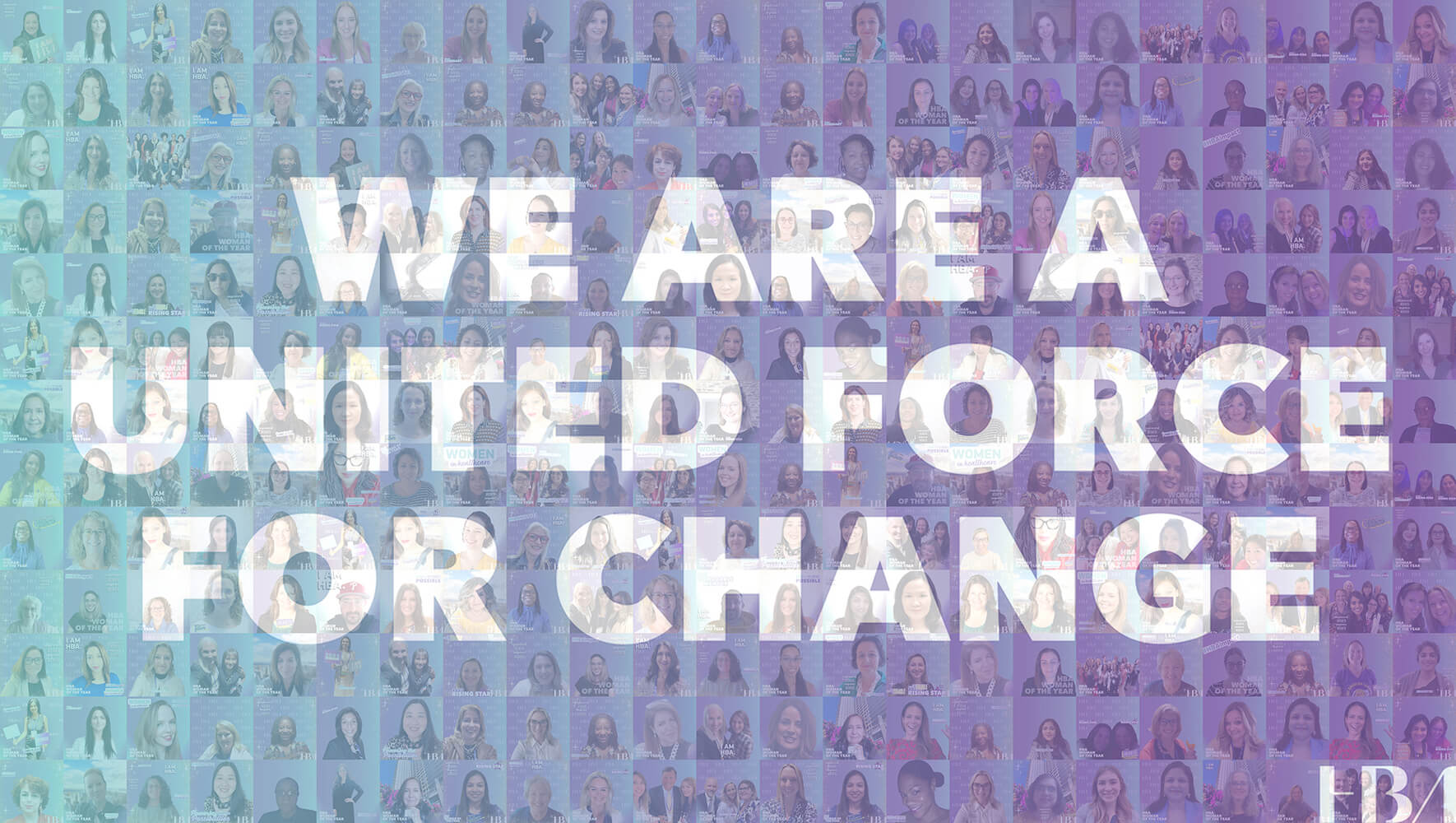
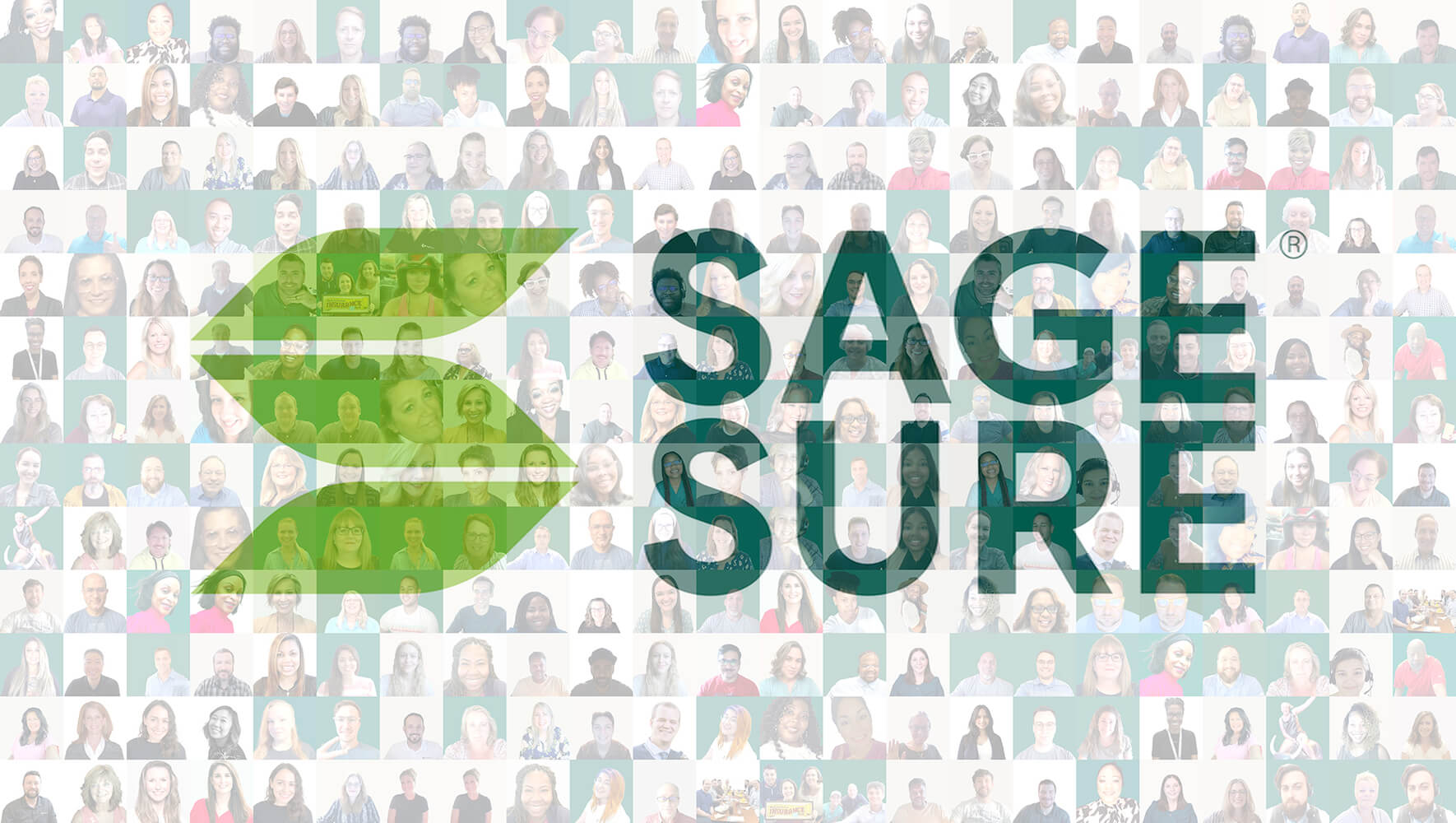
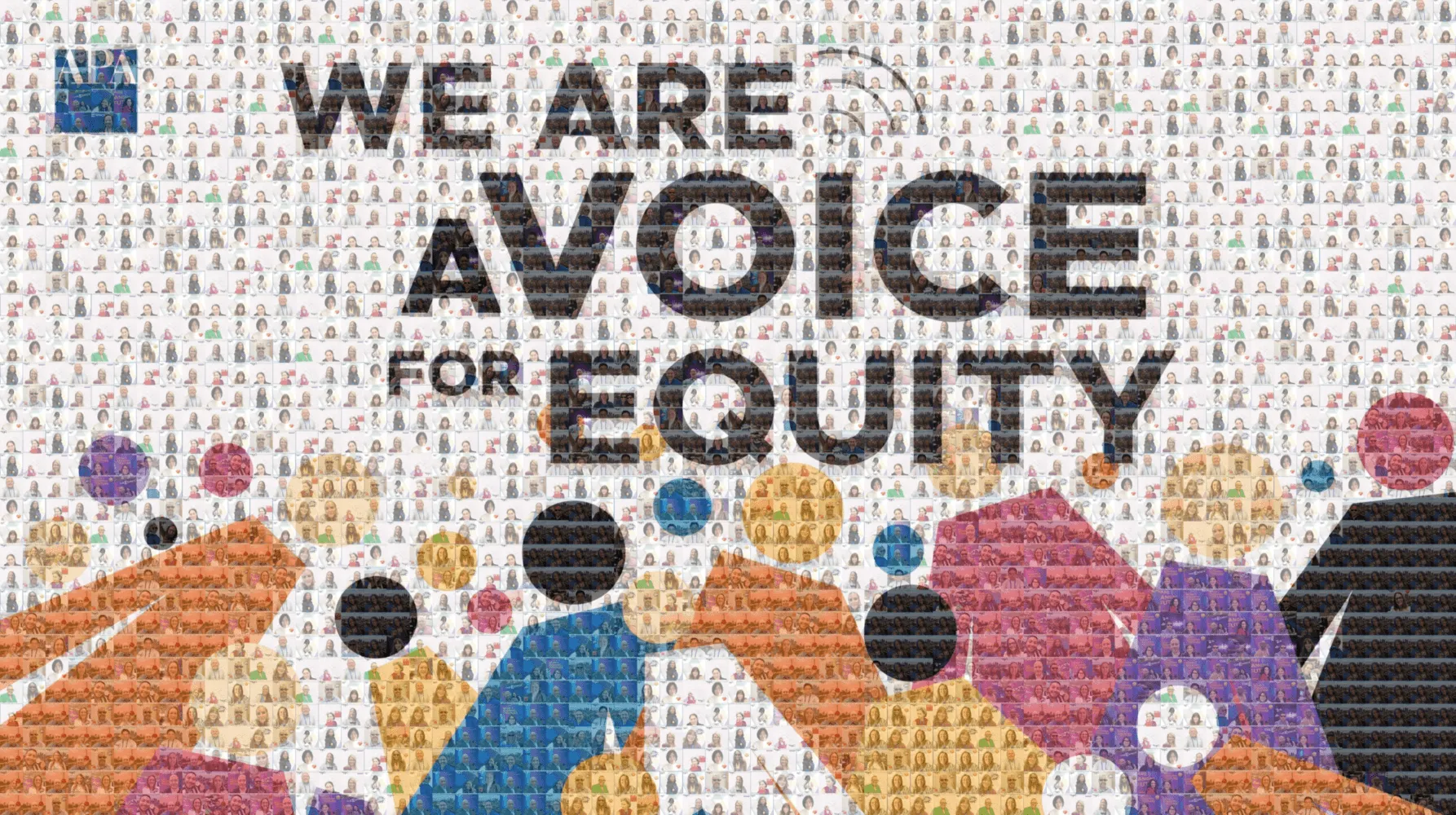
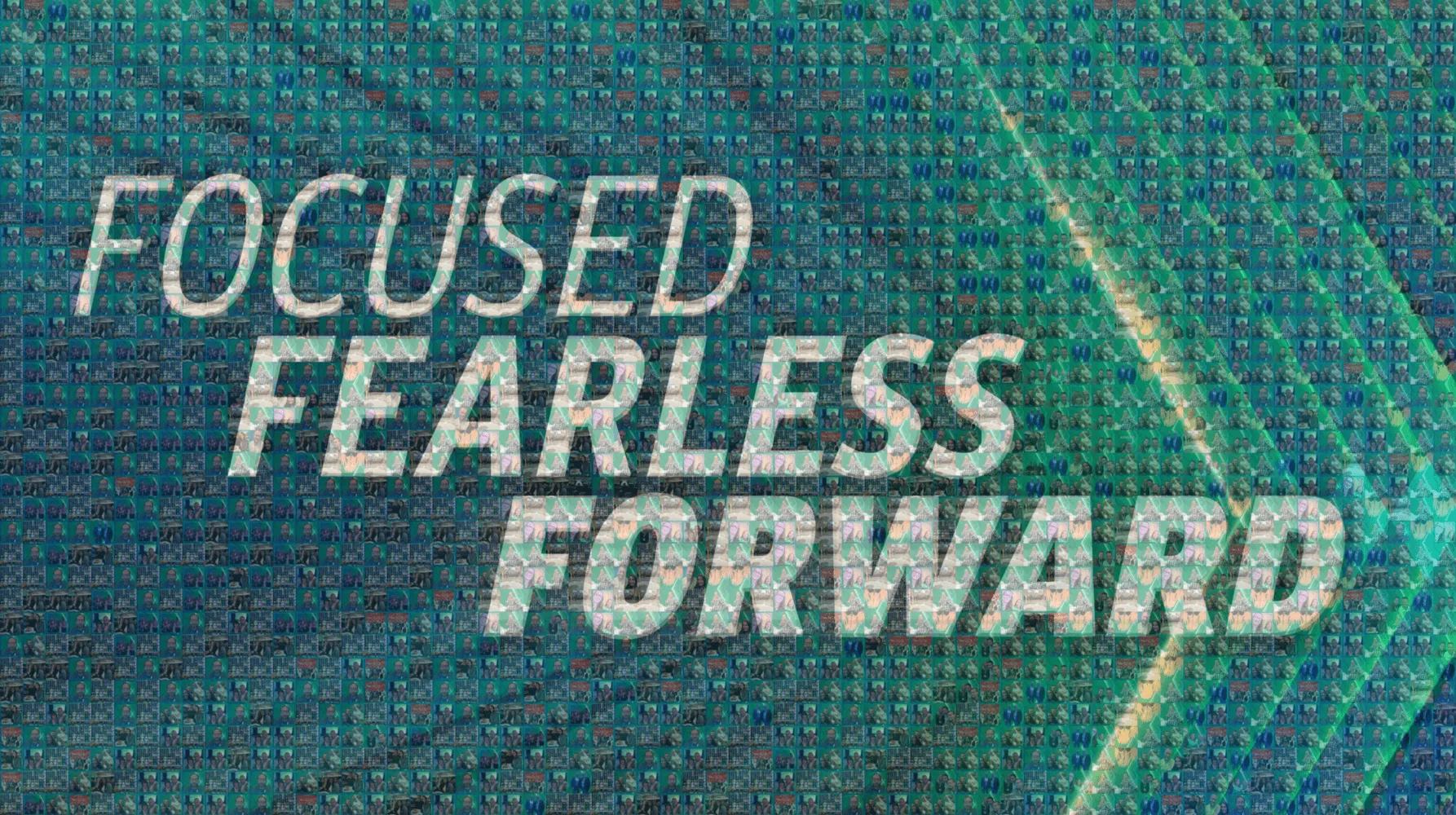
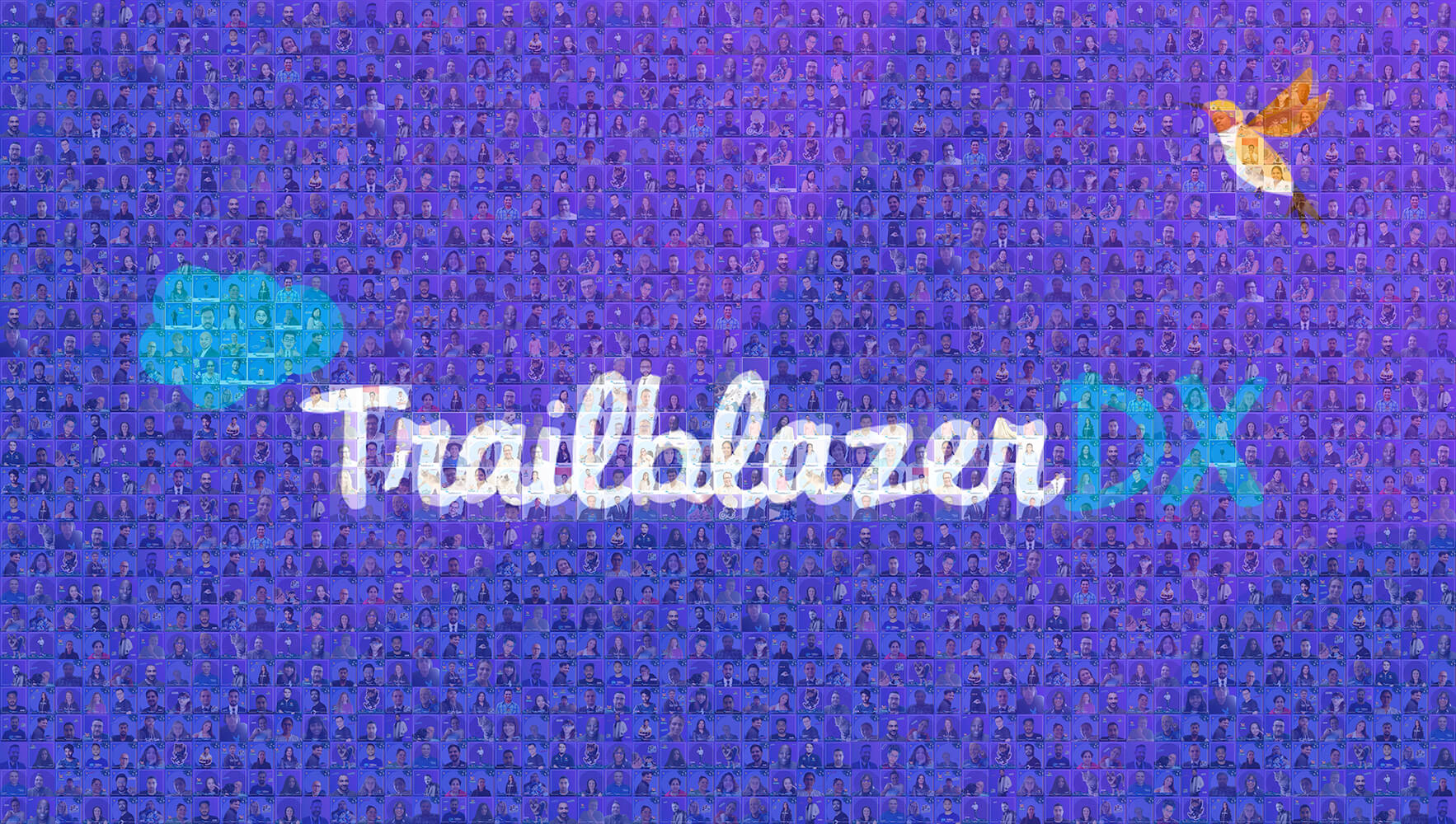


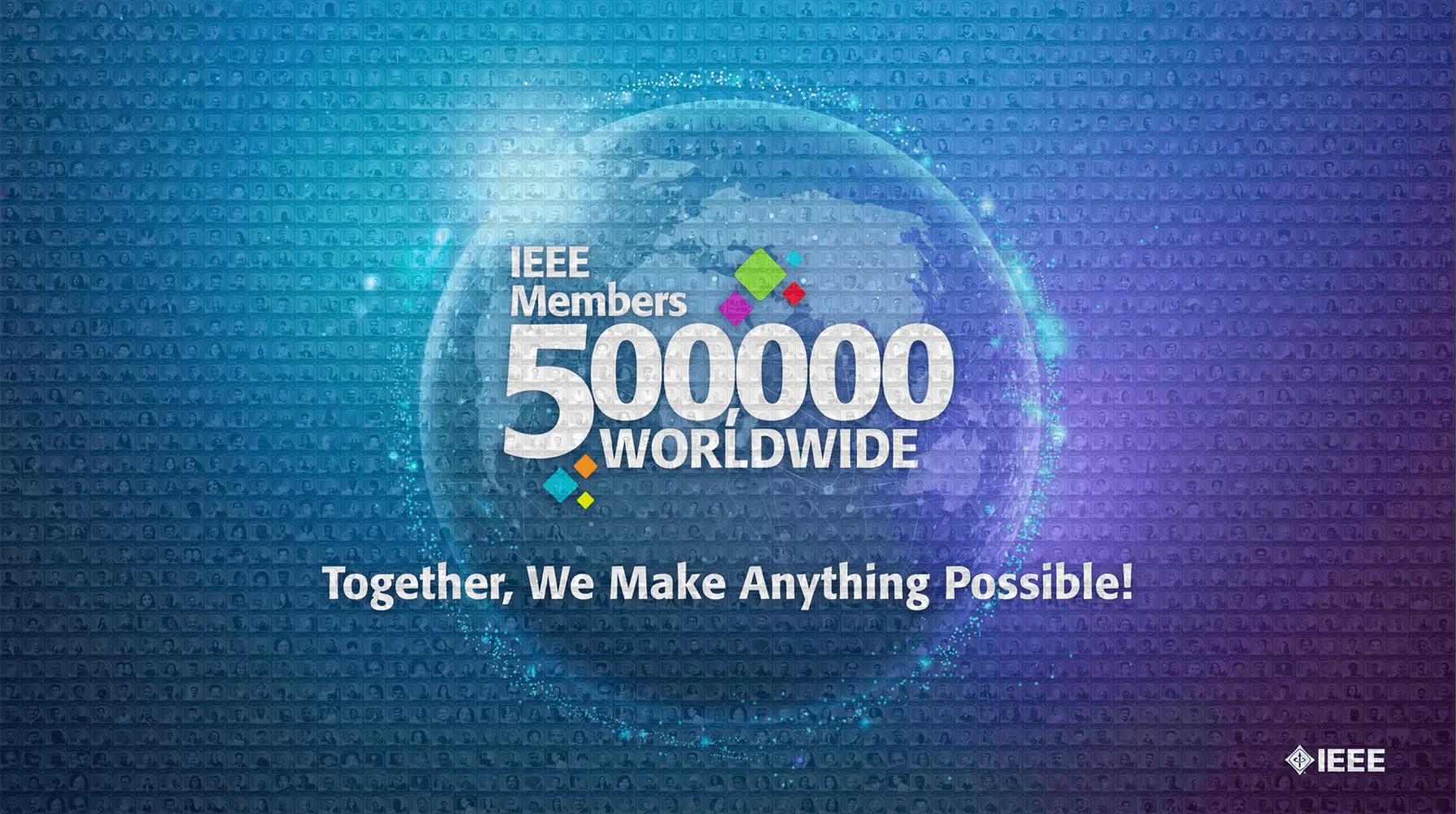
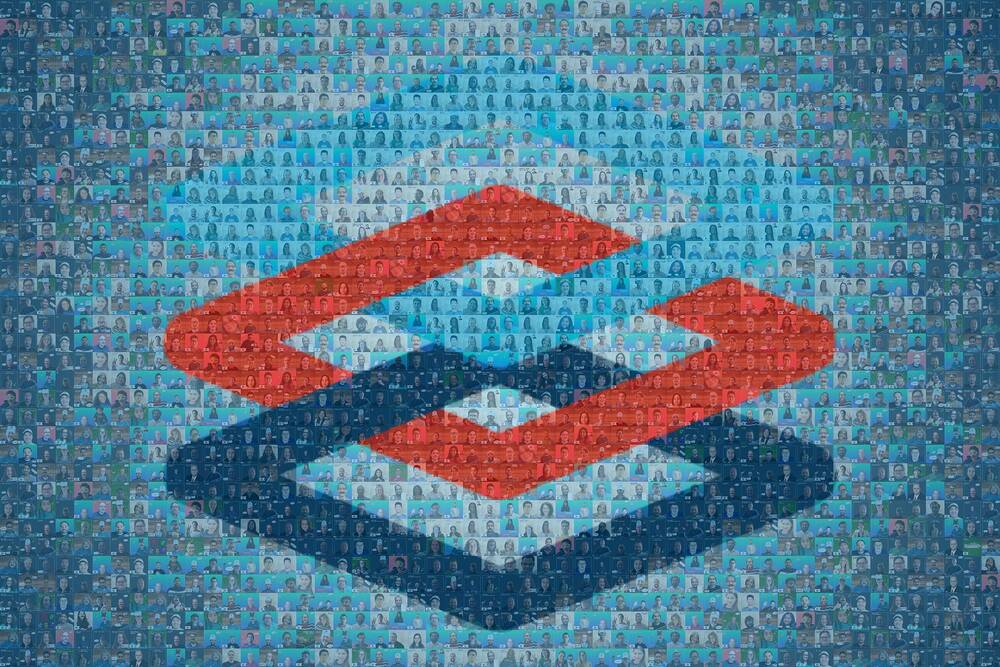
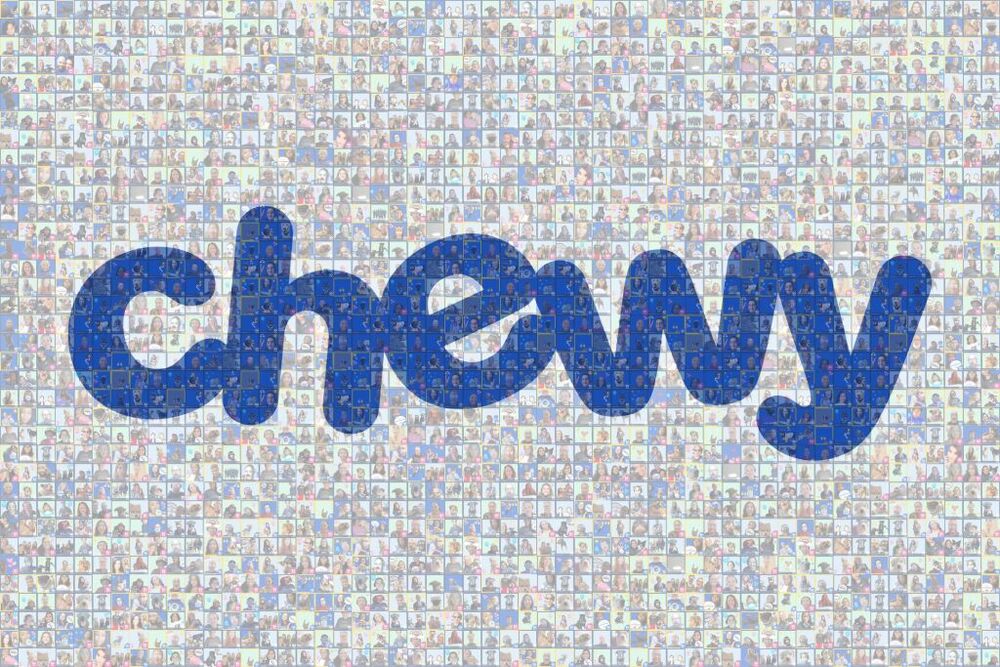
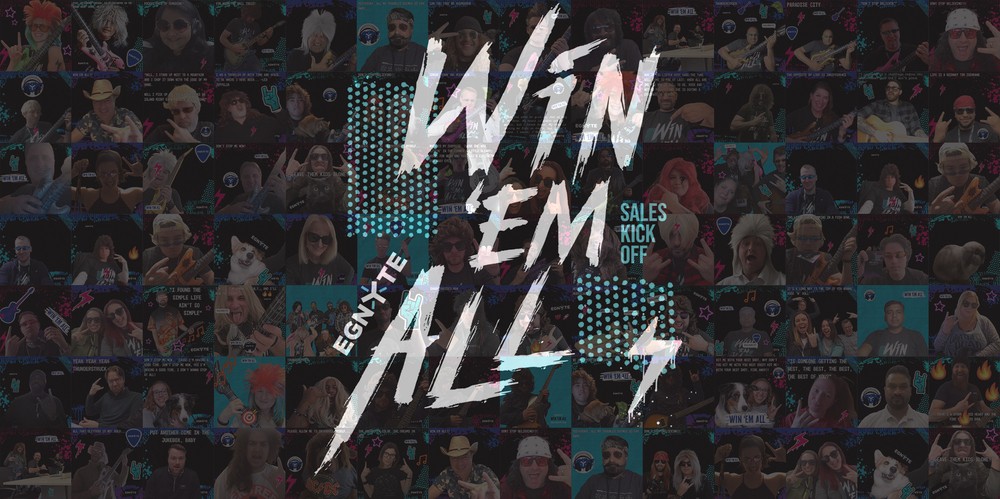
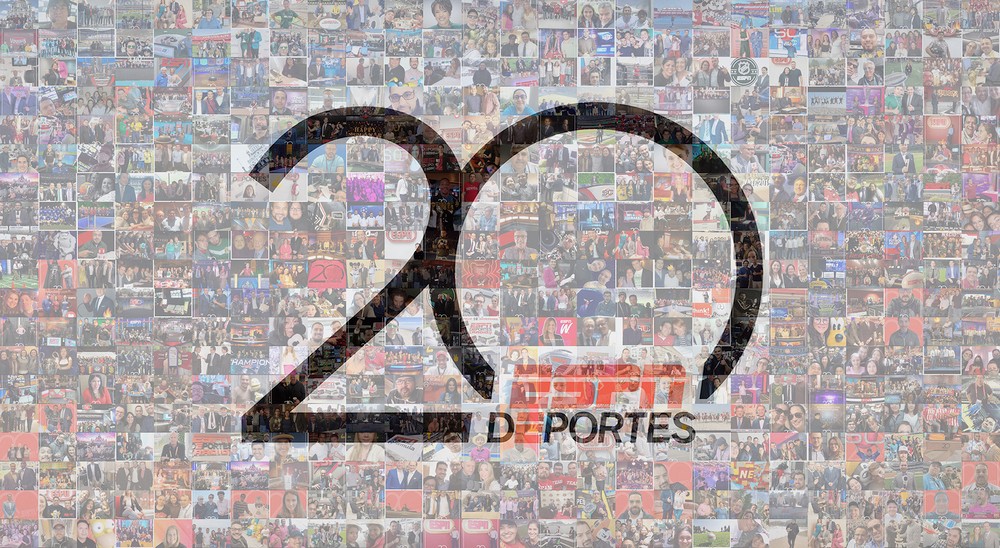
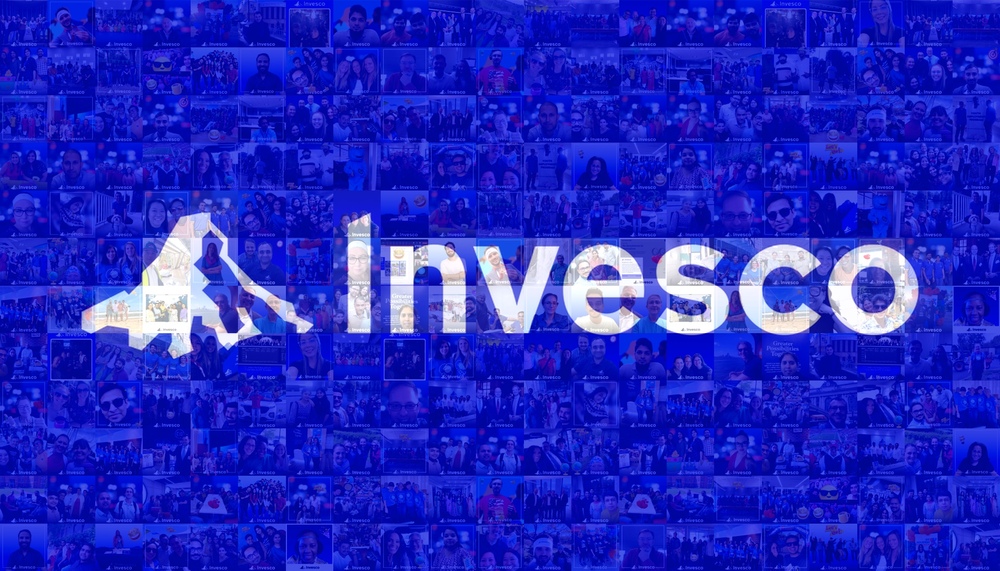
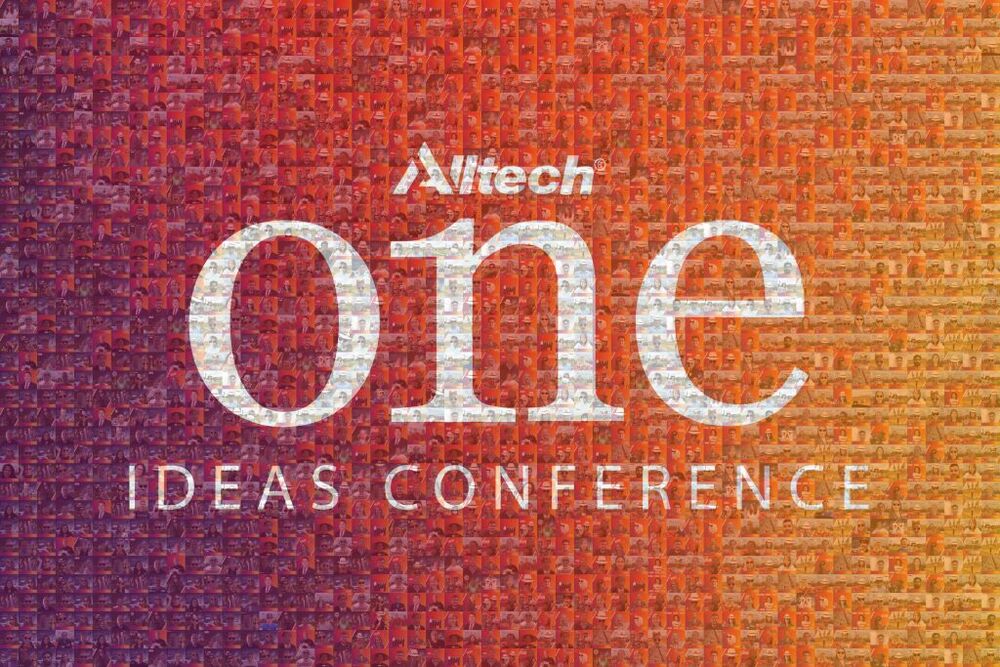
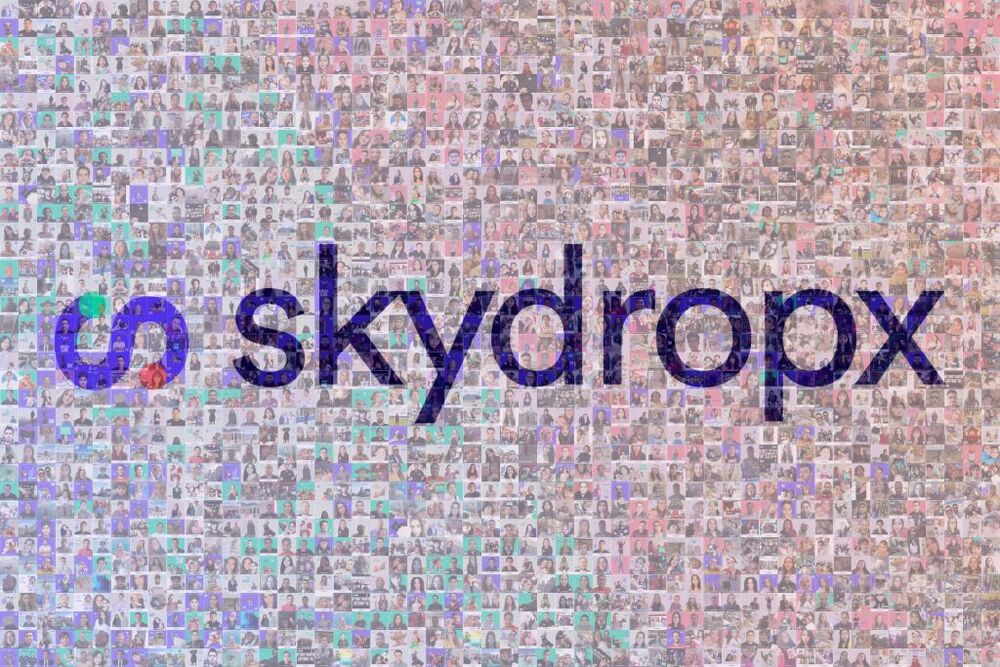
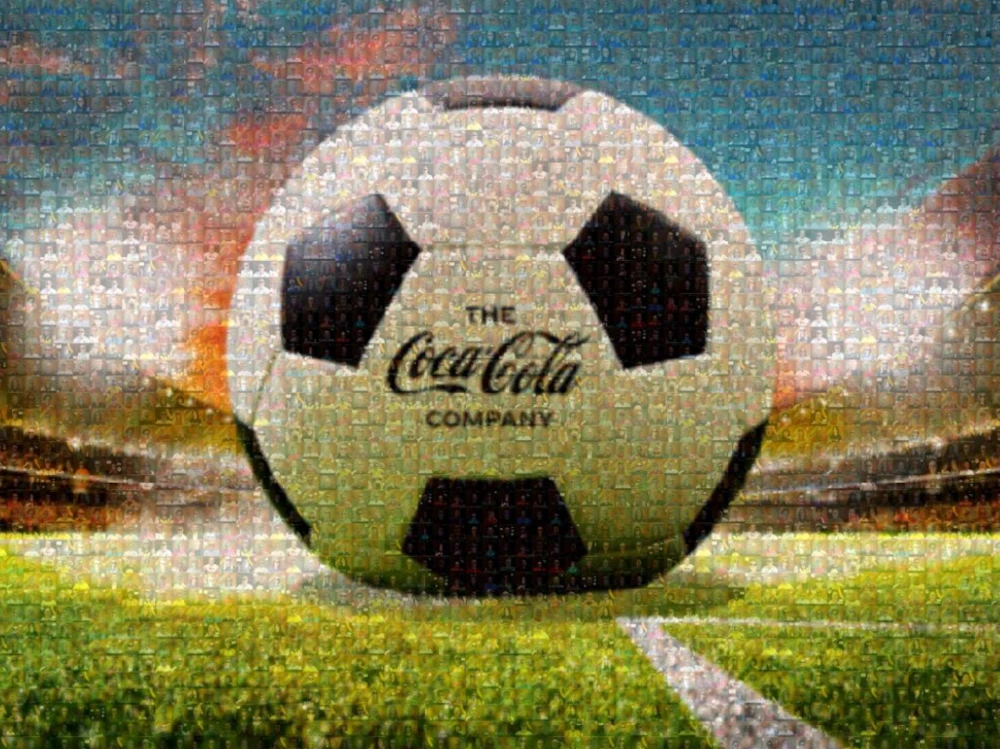
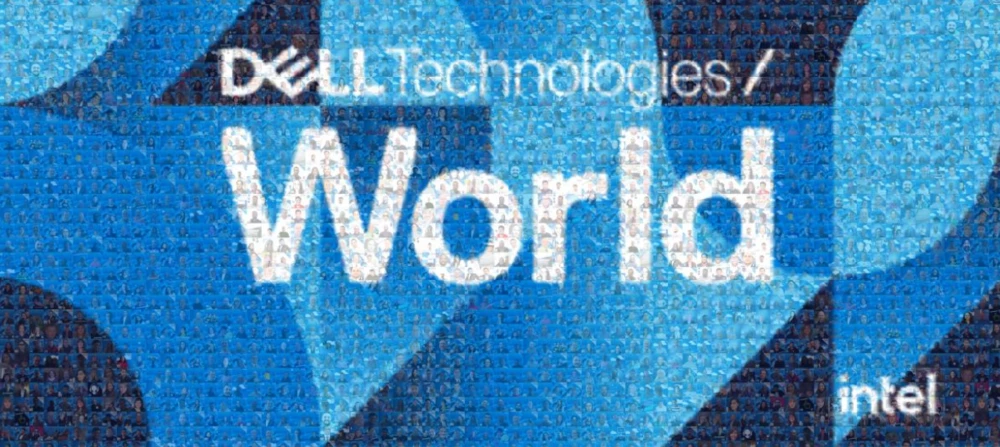
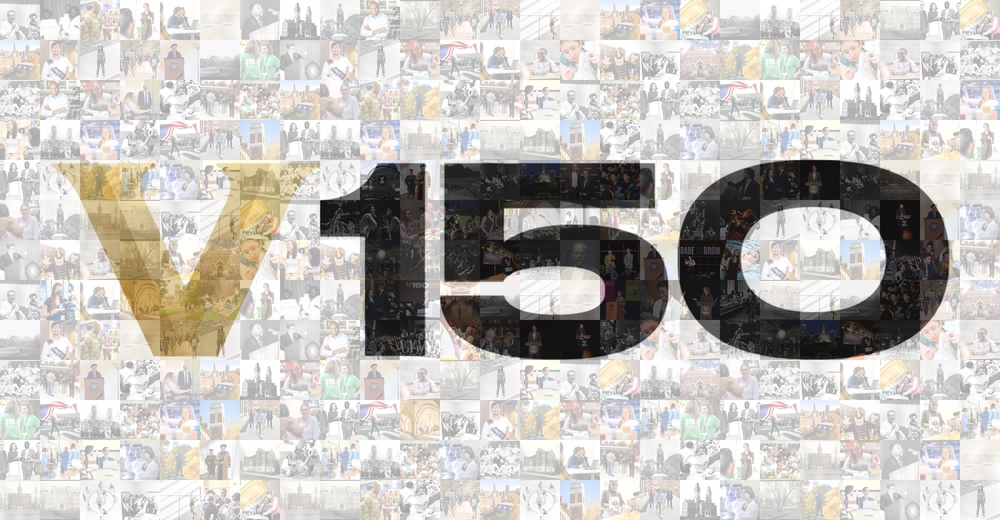
What organizers say once their mosaic goes live.
Snapbar was so easy to work with! The end product was flawless and made for a very fun and interactive element to my event. The clients especially loved the mosaic.

We used Snapbar for our largest virtual event, and it was a true success. We loved customizing the booth and mosaic and watching the creativity of our attendees.

The photo booth was super easy and fun to use, our attendees loved it and the mosaic gave us a great memory of the event.

A fantastic tool to help build interactive hybrid experiences, suitable for both face-to-face and online activity.

Our users got so many choices to take unique photos and share them with us via the branded mosaic!

Pick a mark with a strong silhouette and real tonal range. Guest photos are mostly mid-tones, so a thin logo on a white field gives the wall nothing to build with and the shape dissolves at distance. Give the target a dark area, a light area and something between, and the same photos read.
Size it by the distance guests will stand from it. Stand at the farthest point anyone will realistically view from and ask whether one tile still reads as a photo. If it does not, the wall is too small for the room, because the effect depends on walking closer and finding yourself in it.
Put the capture point inside the display's line of sight, on the natural path through the space. A guest who can watch the wall while their photo is taken needs nothing explained. Registration approaches and coffee lines work well. Check the spot for glare at the hour the event actually runs.
Guests can scan a QR code and add a photo straight from their phone with no booth session, which is the lowest-friction way to fill a wall at a big event. Many floors run a staffed photo experience alongside it, which produces a better-lit tile and captures contact details.
A live gallery, a slideshow and a leaderboard come with every activation, and the live mosaic is the one add-on display, so scope it deliberately rather than assuming it arrives with the experience. Settle it early, since the target image and the display both need lead time. Running a social wall as well? We can send your approved activation photos to it.
No. Guests can add photos straight from their own phones by scanning a QR code, with no booth session at all, so a mosaic can be the entire activation. If you would rather feed it from a Snapbar photo experience, it does that too. And if you already have the photos, our team can build a static or video mosaic from those.
New photos appear on the wall about every two minutes while guests are adding them.
You do, from your dashboard. Approve every photo before it lands, approve none and let them flow, or let the platform screen submissions for you. It is the same moderation used everywhere else in your activation, so there is nobody to email and nothing to wait on.
The wall never runs out of room, so every guest makes it in. When it fills up it makes space by swapping out a photo that already appears more than once, rather than turning a late arrival away.
Every individual photo is downloadable from your dashboard. We can also export a recap video of the wall assembling itself, so just ask. A Static Mosaic or Video Mosaic is a separate finished piece our team produces, and either can be added afterward.
Yes. Send us the photos and the image you want them to build toward, and our team produces a static mosaic, a video mosaic, or both. No event, no booth, no capture step required.
Get in touch for demos, pricing, questions, and recommendations.
Boost event engagement & brand awareness with user-generated content that turns moments into marketing gold.
Subscribe for inspiration and updates