
Table of Contents
If your audience is checking email during your presentation, the problem isn't attention spans. It's the format. Static, one-way presentations have always been a tough sell, and in a world where every attendee has a supercomputer in their pocket, you need to give people a reason to look up from their screens, not down at them.
The fix is straightforward: make the audience part of the presentation. The best interactive presentation ideas transform a monologue into a conversation, turning attendees from passive listeners into active contributors. When people participate, they pay attention, they remember more, and they walk away with a stronger connection to your message and your brand.
This guide covers eight practical methods for building interaction into your next corporate event, conference, or trade show presentation. Each one is field-tested and implementable without a massive budget or a production team.
1. Live Polling and Real-Time Q&A
Live polling gives every attendee a direct voice in your presentation. Using their mobile devices, participants submit questions, vote on topics, and respond to prompts in real time. The results display instantly on screen, creating a two-way conversation that traditional Q&A sessions can't match.
The immediate visibility of results is what makes this work. When attendees see their input reflected on screen within seconds, they feel heard. Introverted participants who would never raise a hand in a crowded room will happily tap a button on their phone. For presenters, the data is gold: real-time sentiment, comprehension checks, and a clear picture of what the audience actually cares about. Polling keeps a keynote awake; the engagement strategies that hold up on the event floor are a different toolkit.
Making It Work
- Choose the right platform: Slido, Mentimeter, and Poll Everywhere all integrate with major presentation software. Pick one that supports QR code access so attendees can join without downloading anything.
- Write questions that matter: Skip surface-level polls. Ask questions that reveal genuine opinions or check understanding. Start with an icebreaker to get people comfortable with the format.
- React to the data: The best presenters use polling results to pivot in real time. If 70% of the room disagrees with a premise, address it head-on instead of plowing through your script.
2. Gamification and Competitive Challenges
Adding game mechanics like points, leaderboards, and timed challenges to a presentation taps into something fundamental: people pay more attention when there's something at stake. Even low-stakes competition (bragging rights, small prizes) dramatically increases participation and information retention compared to passive formats.
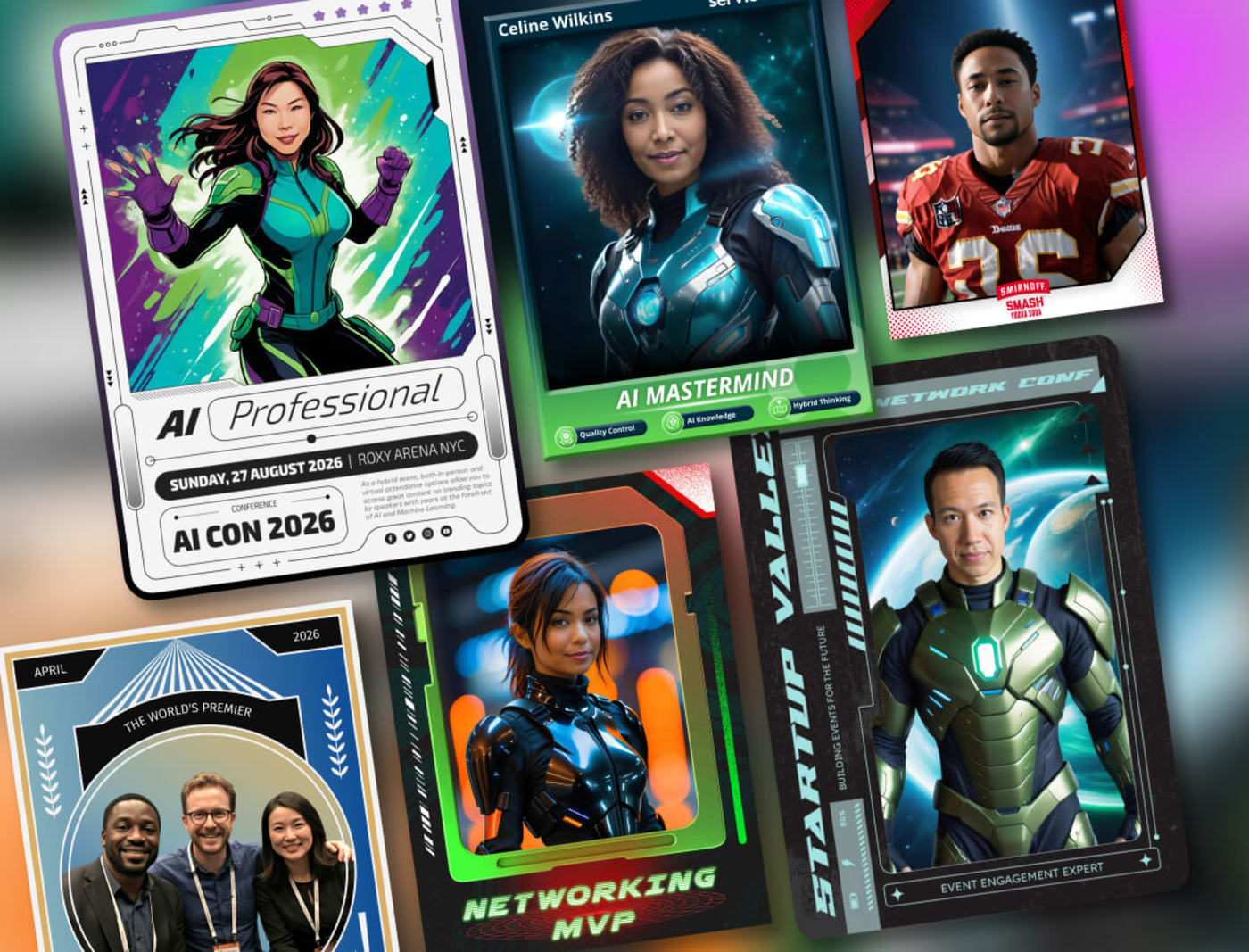
Gamification works because it creates a feedback loop. Participants answer a question, see immediate results, and feel the pull to do better next round. Platforms like Kahoot! have proven this at scale, and Salesforce's Trailhead training modules show that gamified systems can boost completion rates significantly.
Making It Work
- Tie every game to a learning objective: The competition should reinforce your core message, not distract from it.
- Keep rules dead simple: If you spend more than 30 seconds explaining the game, it's too complicated.
- Make rewards meaningful but modest: Public recognition on a leaderboard can be more motivating than a gift card. The goal is engagement, not bribery.
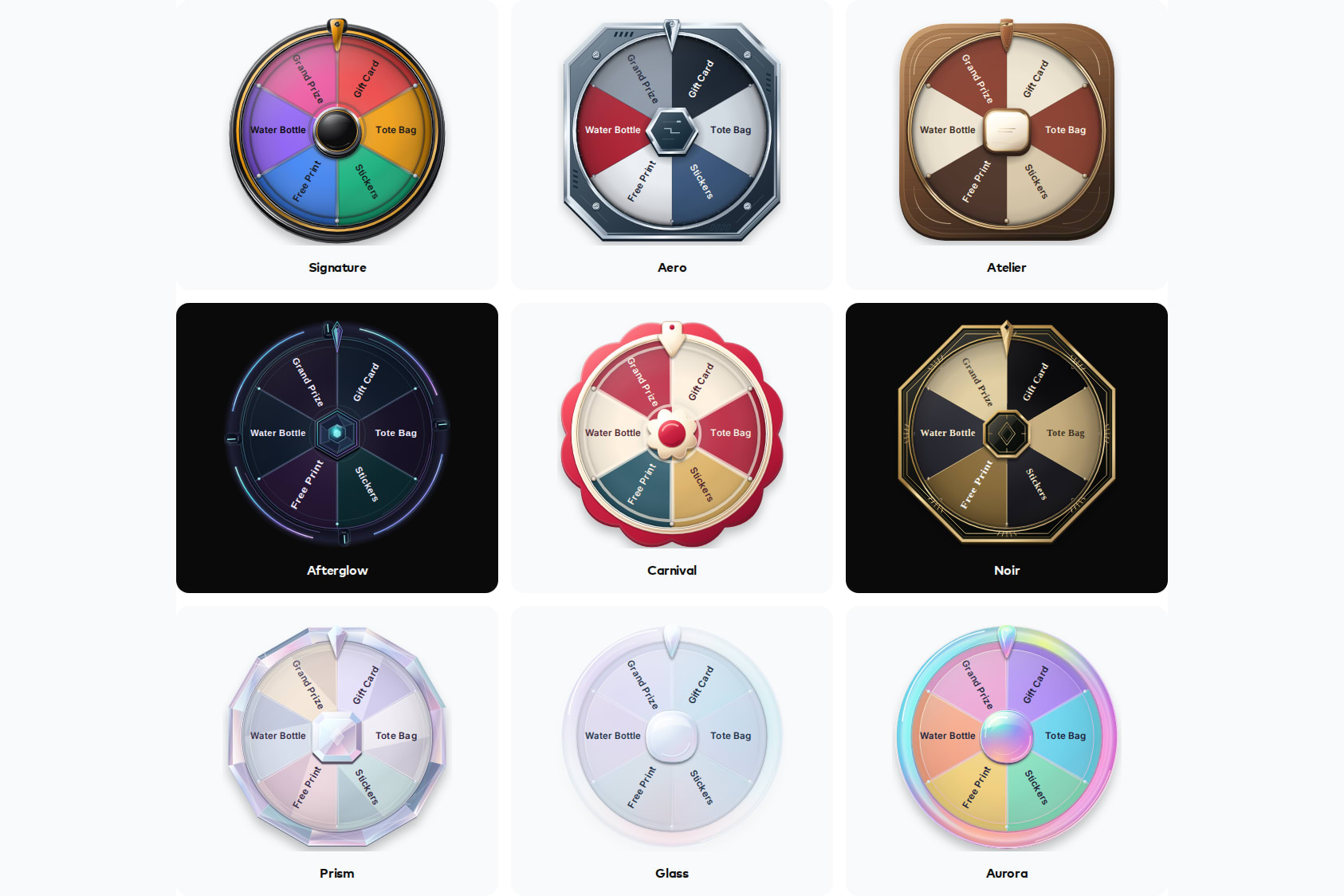
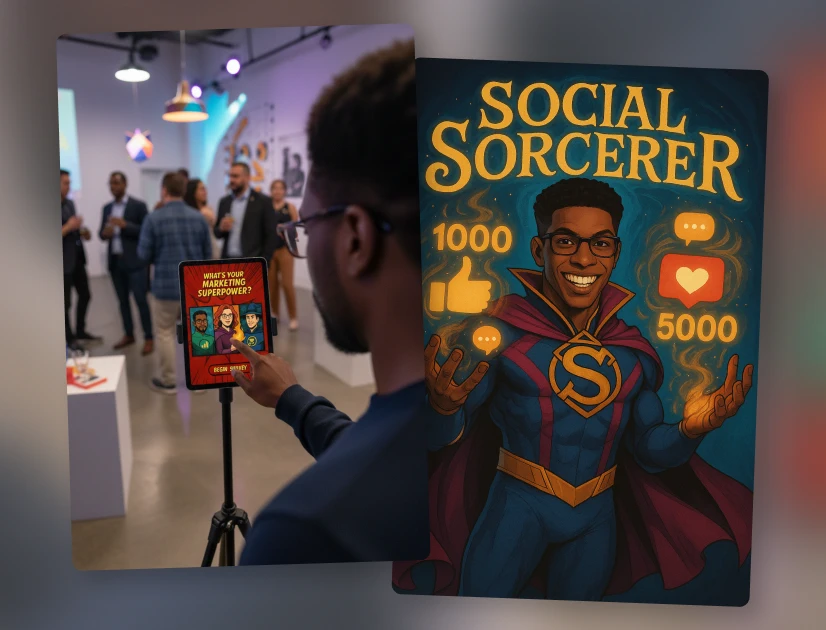
For events where you want to take gamification beyond the presentation stage, tools like persona quizzes can extend the competitive, personalized experience across the entire event floor.
3. Breakout Groups and Collaborative Problem-Solving
Dividing a large audience into smaller groups for focused exercises shifts the dynamic from broadcast to conversation. Participants who would never speak up in front of 500 people will share freely in a group of five. The intimacy creates psychological safety, and the structured format keeps discussions productive.
Making It Work
- Give each group a clear deliverable: "List your top three takeaways" is better than "discuss the topic." Specificity prevents aimless conversation.
- Assign roles: A facilitator, a timekeeper, and a reporter ensure the group stays productive and has someone ready to share findings when the main session resumes.
- Use the right technology: For virtual events, Zoom's breakout rooms handle this well. For in-person, methodologies like the World Cafe format work with minimal setup.
- Debrief effectively: The value isn't just in the small-group discussion. It's in sharing diverse perspectives with the full audience afterward.
4. Audience-Driven Storytelling
Instead of following a linear slide deck, audience-driven storytelling puts attendees in control of the narrative. This can take two forms: branching storylines where the audience votes on which direction a scenario takes, or "choose your own adventure" structures where they select which topics to explore next.
This format is especially effective for training scenarios (leadership dilemmas, customer service situations) and product-focused presentations where different audience segments have different interests. When participants have agency over the outcome, they become emotionally invested in a way that no pre-scripted presentation can achieve.
Two Approaches
Branching scenarios: Present a realistic challenge (a customer complaint, a strategic decision) and let the audience vote on the next step. Each choice leads to different consequences, making the presentation feel like a simulation rather than a lecture. Tools like Articulate Storyline can help build these complex narratives.
Topic navigation: Create a "hub" slide that functions as a table of contents. After each section, return to the hub and let the audience vote on where to go next. This guarantees you're covering what matters most to the people in the room, and it reveals which topics resonate for future sessions.
5. Live Demonstrations
Nothing builds credibility faster than showing your audience exactly how something works in real time. Live demonstrations trade telling for showing, and the inherent risk of a live performance creates a tension and authenticity that pre-recorded content can never match.
The key is involving the audience rather than just performing for them. Ask attendees to predict the outcome before you start. Invite someone from the crowd to assist with a step. Have people describe what they observe as it happens. These small participatory touches transform a demonstration from something people watch into something they experience.
Making It Work
- Rehearse relentlessly: Smooth execution looks effortless, but it's the product of meticulous preparation.
- Always have a backup: A pre-recorded video of the demo or high-quality screenshots ready to go in case technology fails.
- Ensure visibility: Large screens, multiple camera angles, or strategic audience positioning so everyone can see the details.
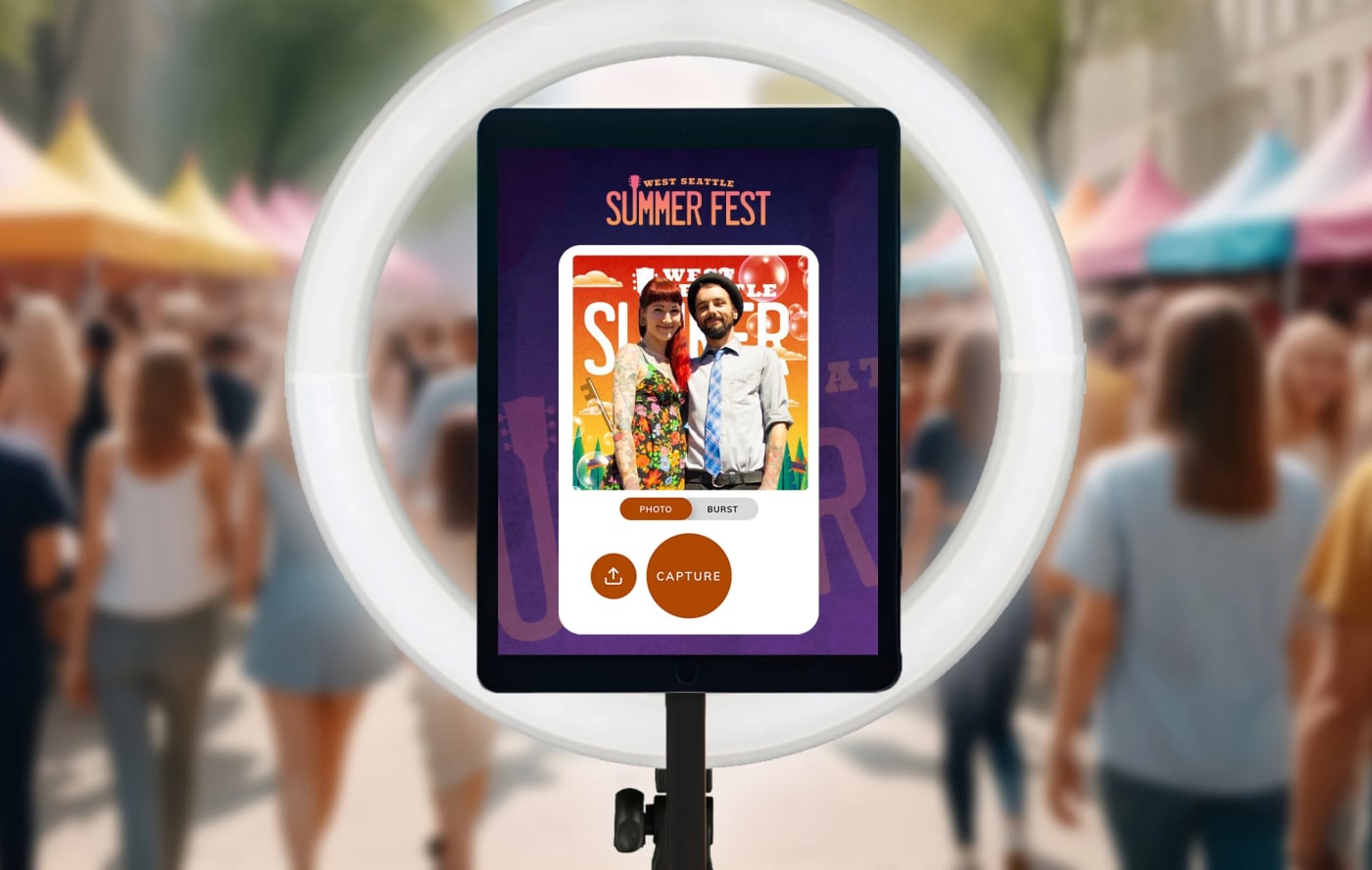
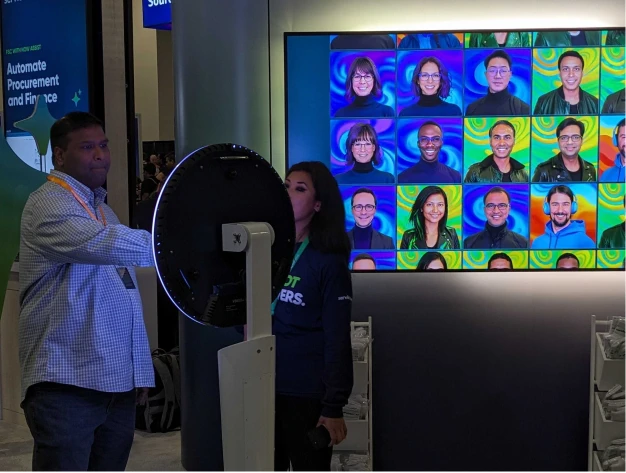
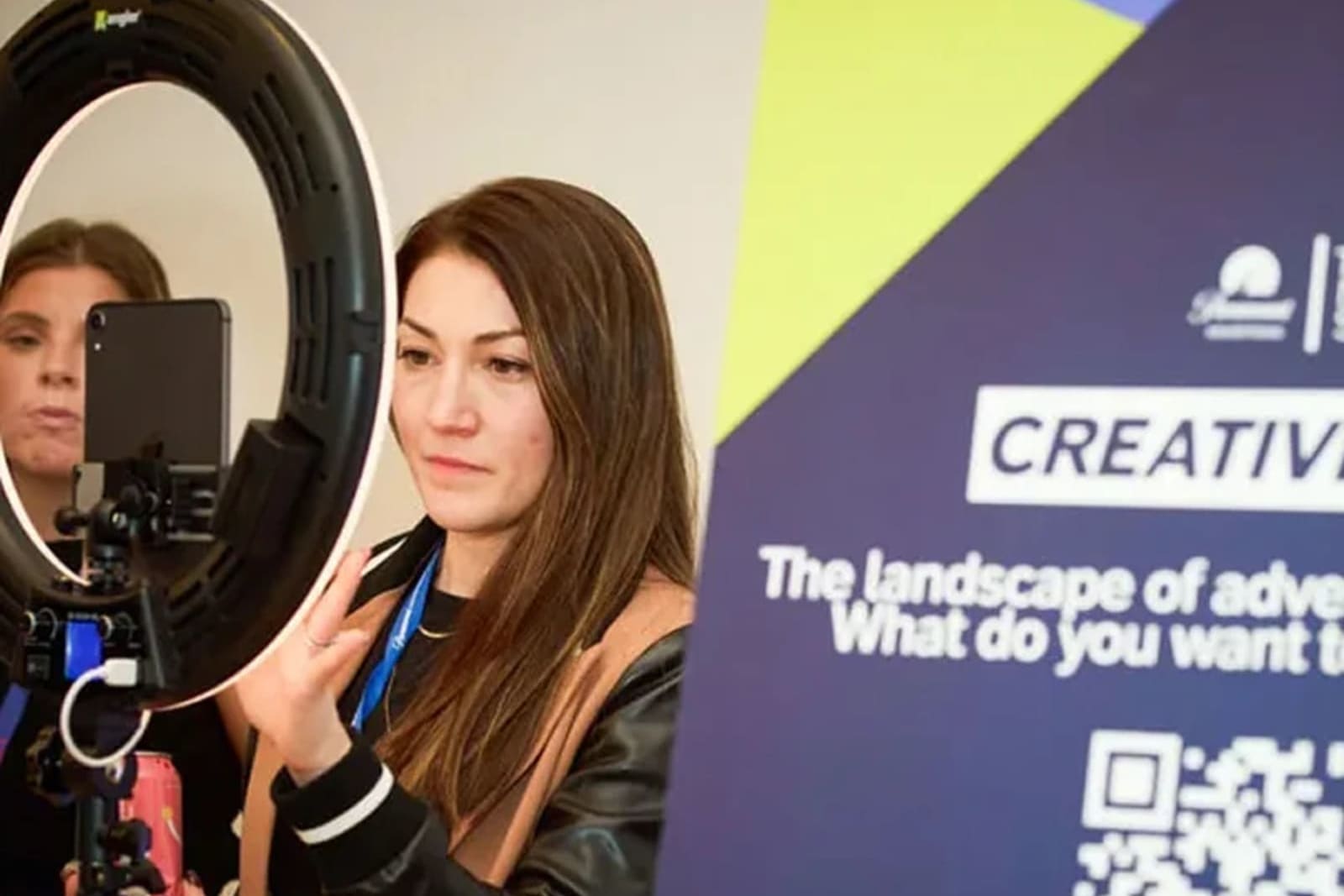
If your demo involves a product or experience, consider capturing the moment with a digital photo booth set up nearby. Attendees who just watched something impressive are primed to engage with a follow-up activation, and you get both the demo impact and a lead capture opportunity in one flow.
6. Social Media Integration and Live Displays
Social media integration extends your presentation's reach beyond the room by turning every attendee into a broadcaster. A dedicated hashtag, combined with a live display showing the real-time feed of posts, photos, and reactions, creates a visible energy loop that encourages participation and amplifies your message to audiences far beyond the venue.
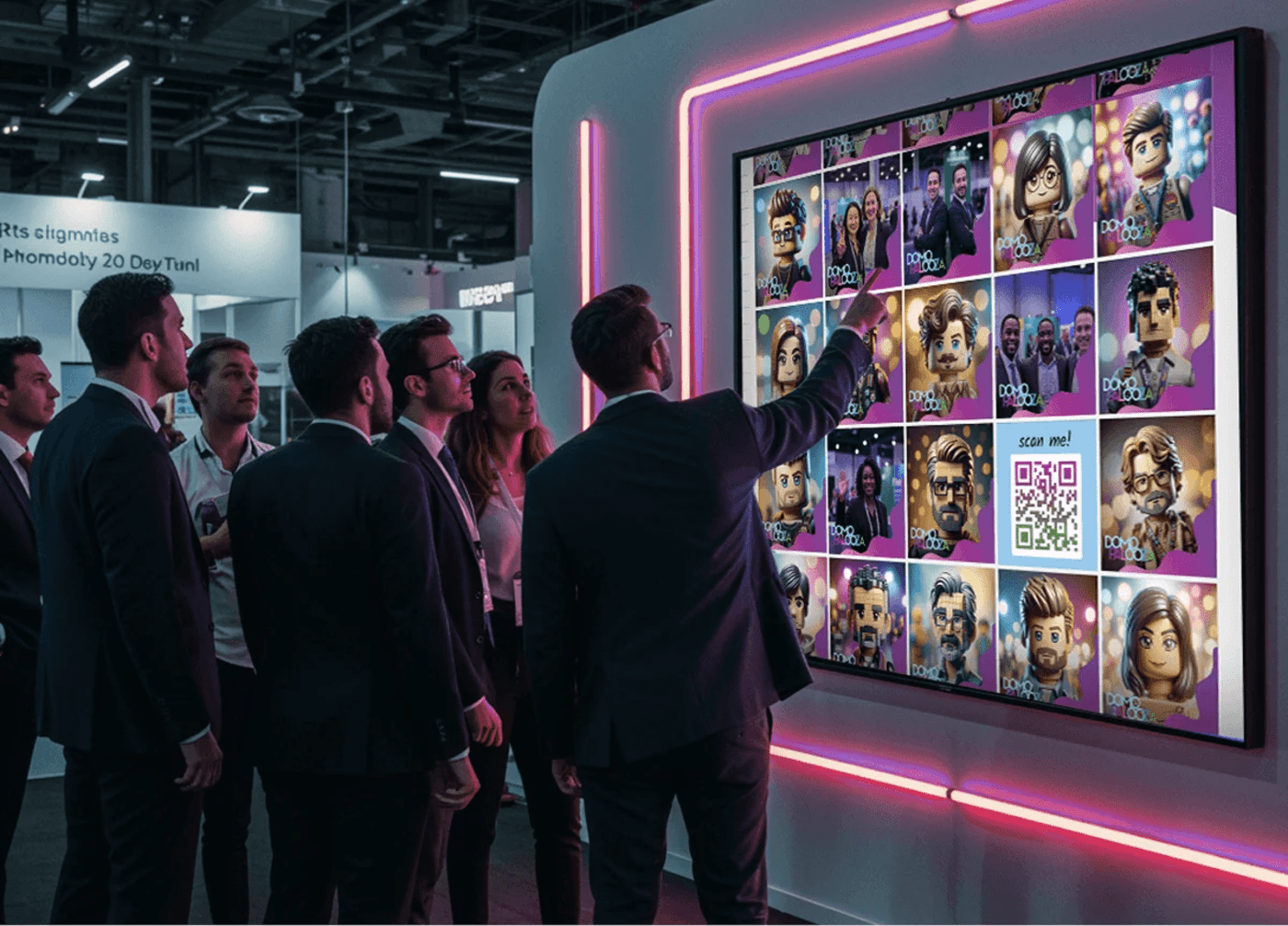
Why this matters for event ROI: Every photo shared, every tweet posted, and every LinkedIn update from your event creates organic brand exposure that no ad budget can replicate. Building shareability into the presentation experience turns attendees into brand ambassadors without asking them to be.
Making It Work
- Choose a memorable hashtag: Keep it short, unique, and easy to spell. Promote it on every slide, on signage, and verbally.
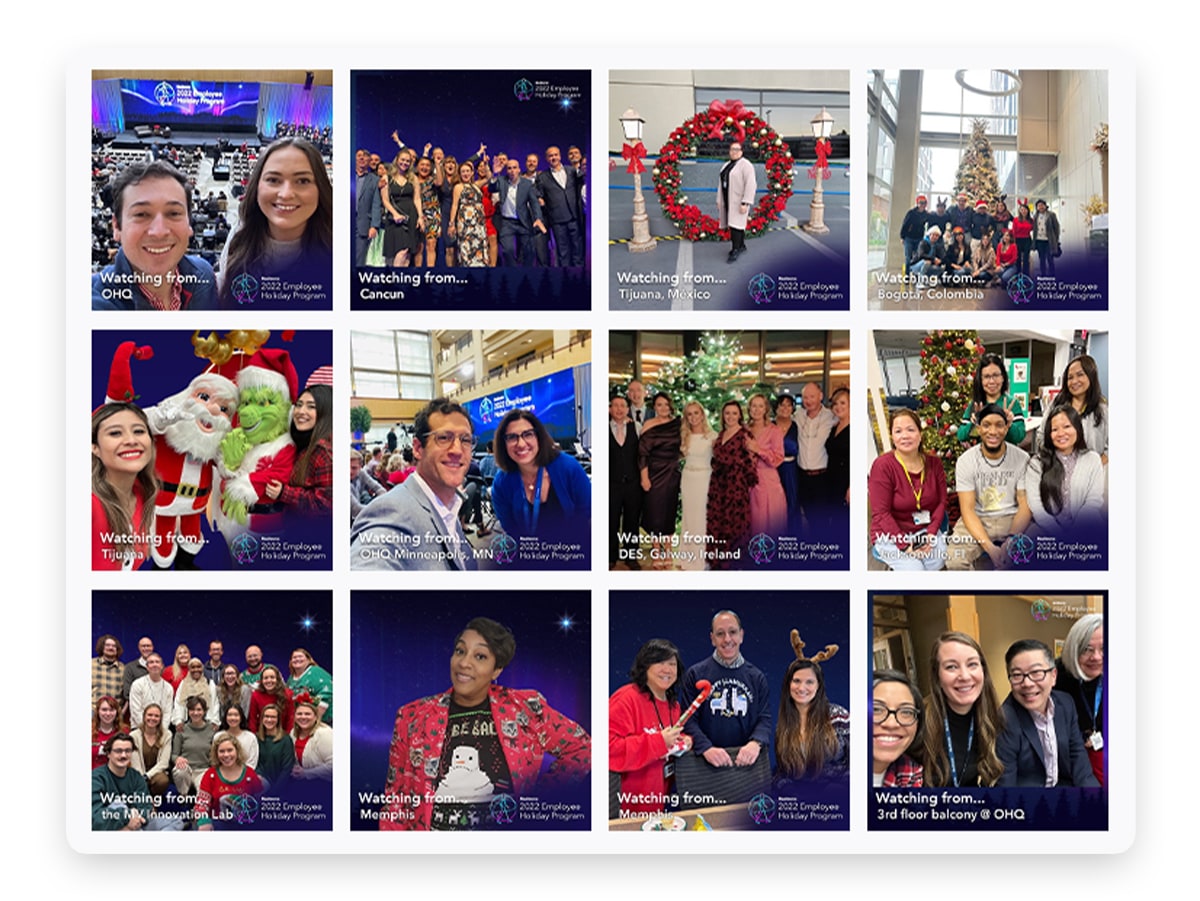
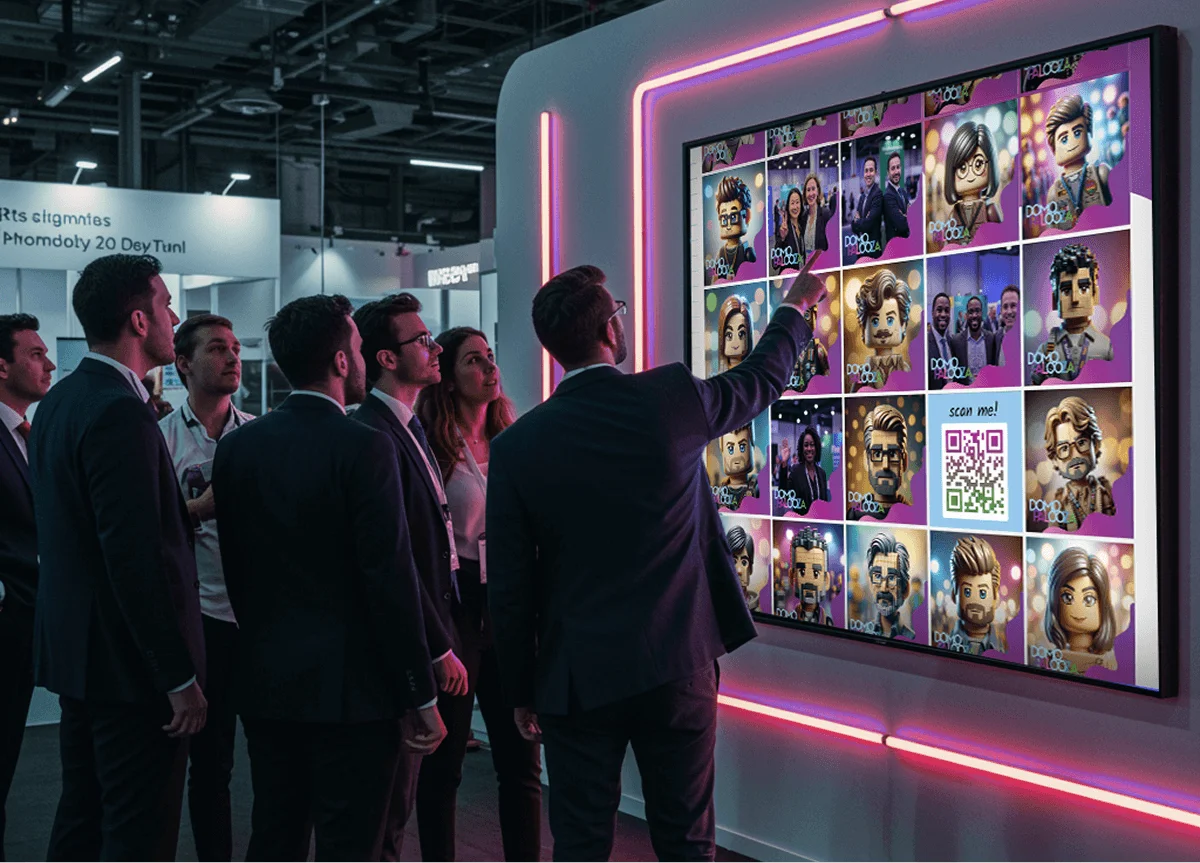
- Set up a social wall: Aggregating and displaying posts with your hashtag on a large screen creates a visual centerpiece that encourages participation. When people see their content featured, others want in. Learn more about how to amplify engagement with a social media wall.
- Assign a moderator: Someone needs to monitor the feed, filter content, and engage with participants online.
- Incentivize participation: Prizes for the "best post" or "most insightful question" add a competitive element that drives volume.
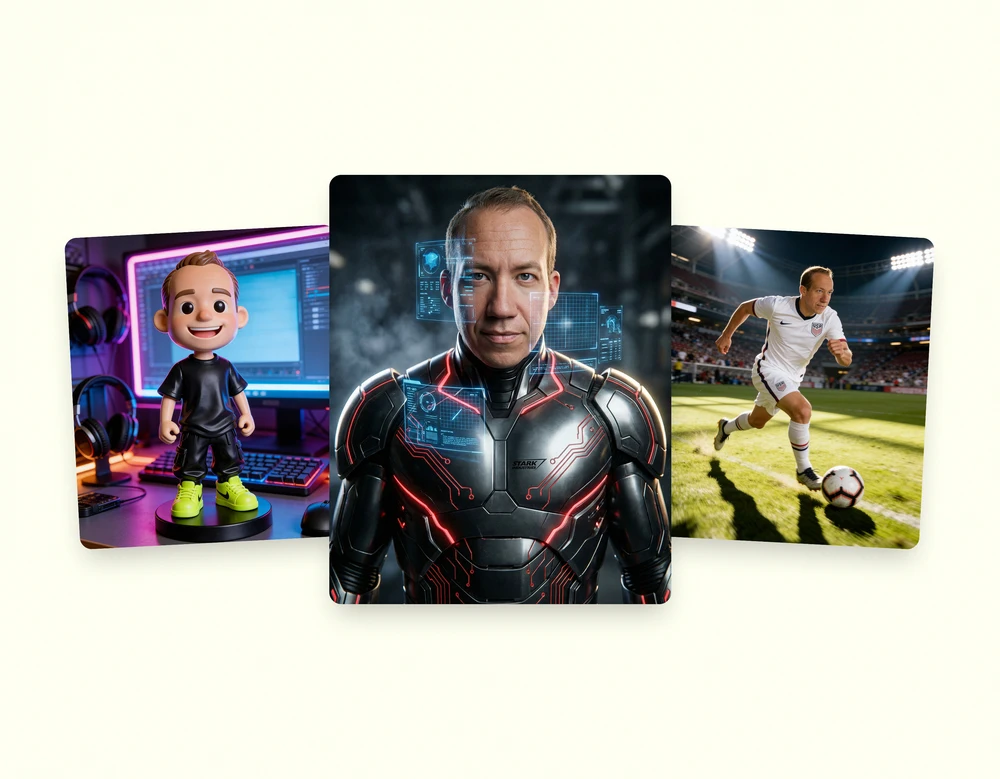
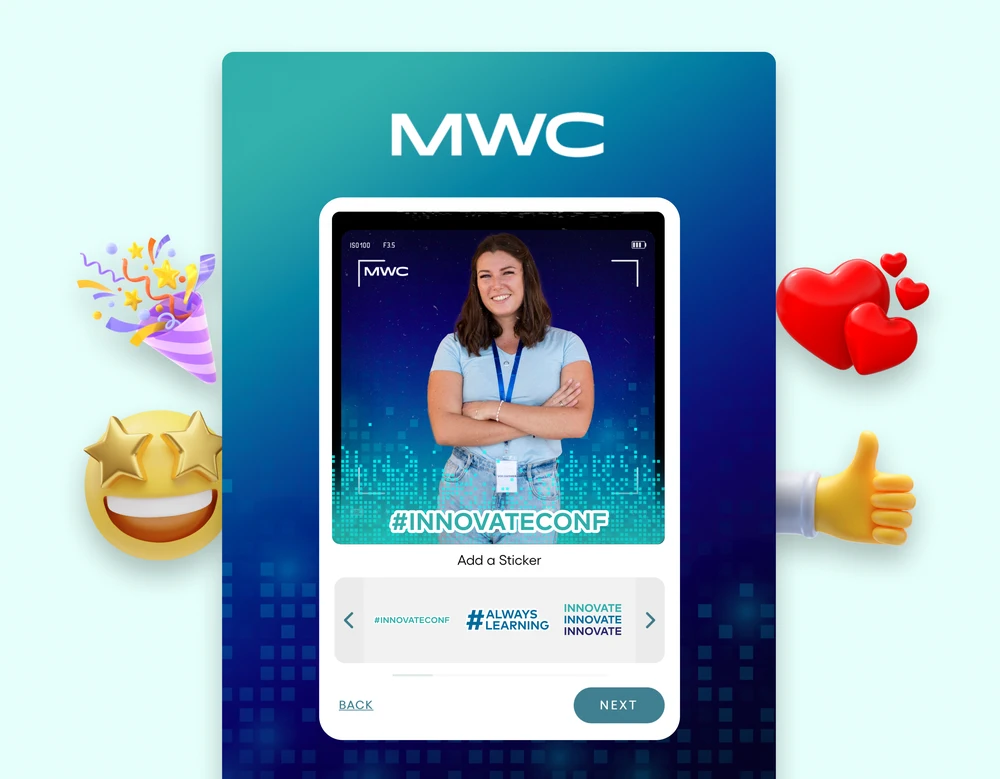
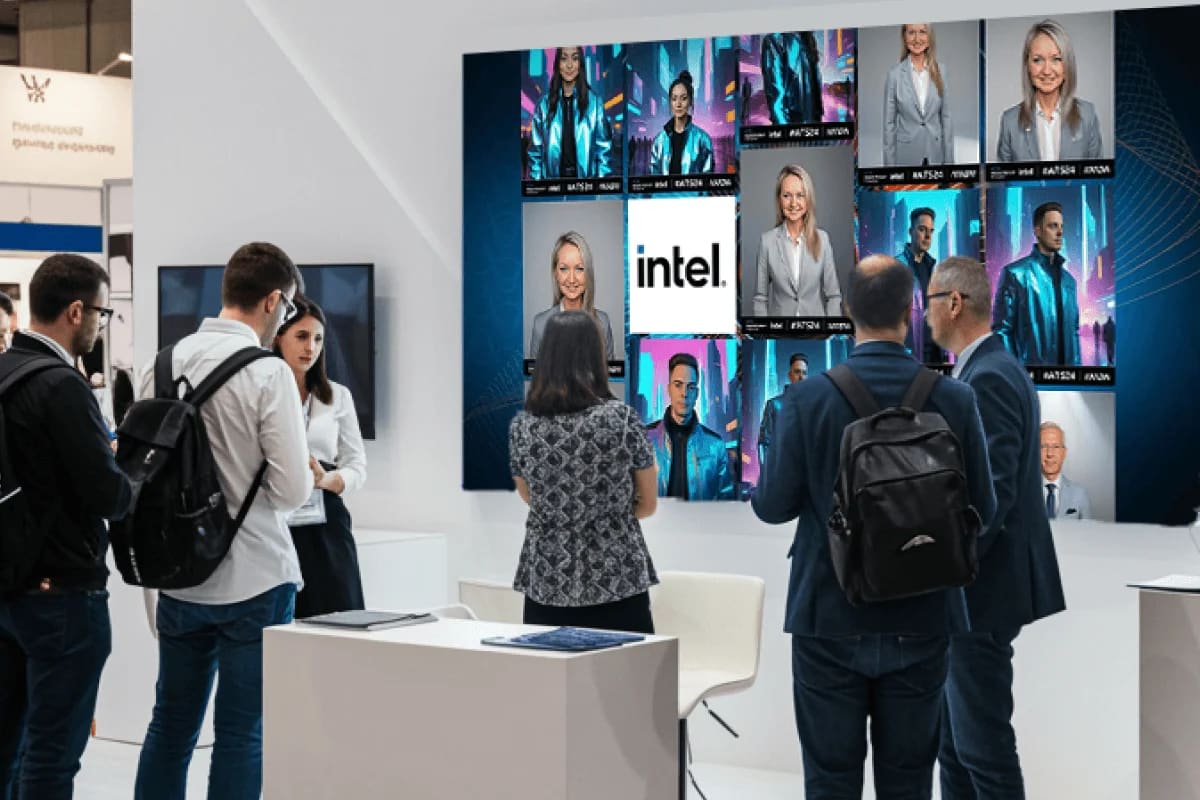
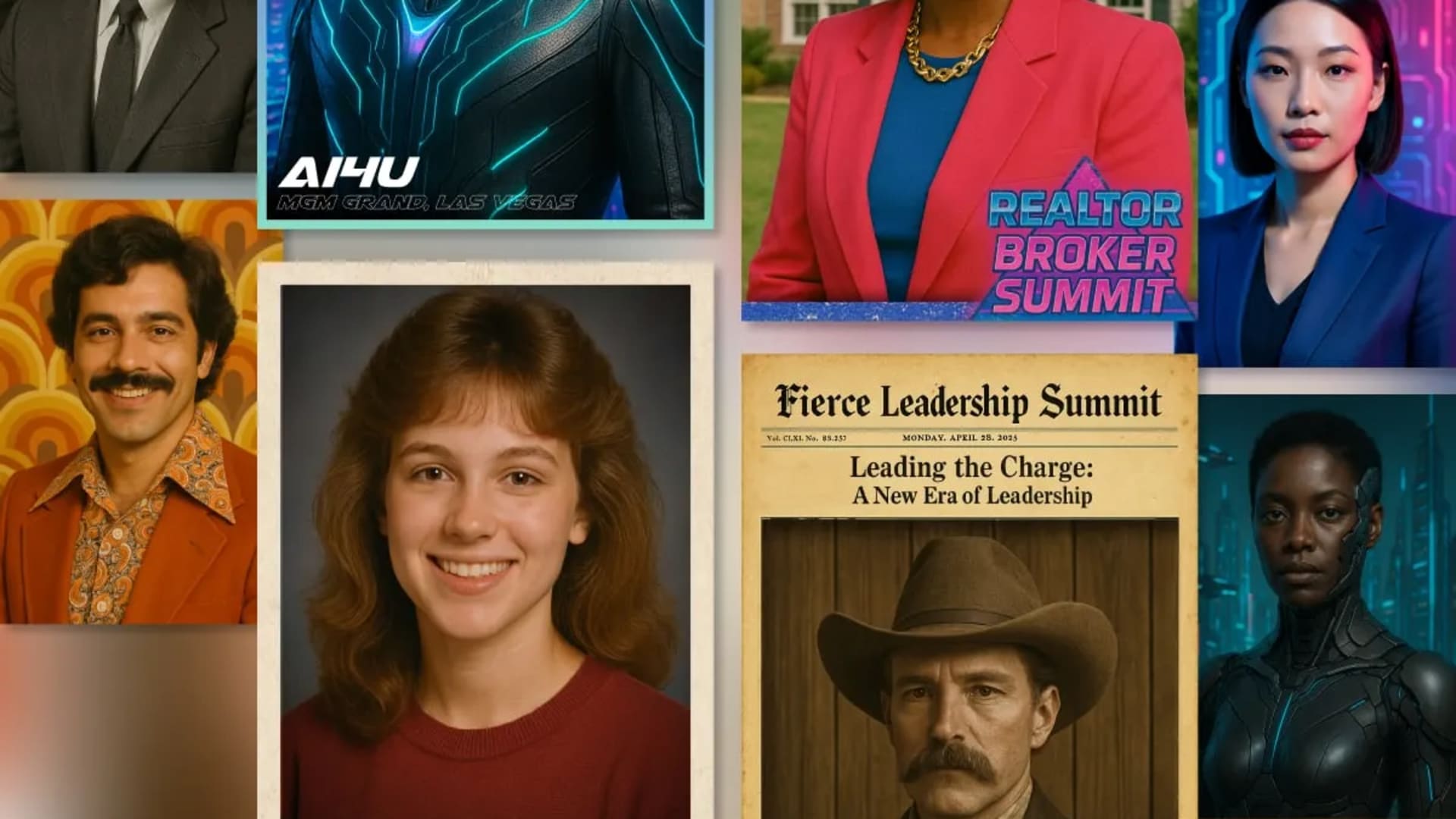
For an even more impactful approach, pair your social wall with an AI photo booth experience. Attendees create branded, shareable content that automatically feeds the display, creating a self-reinforcing cycle of participation and visibility. Learn more about building a complete user-generated content strategy around your events.
7. Collaborative Whiteboarding
Collaborative whiteboarding and mind mapping turn your presentation into a shared creative space. Using digital canvases, presenters and audiences brainstorm, structure ideas, and build concepts together in real time. The visual representation of collective thinking makes abstract ideas tangible and gives participants genuine ownership over the output.
This format works best for workshops, strategy sessions, and brainstorming meetings where the goal is to generate ideas rather than deliver information. Instead of presenting conclusions, you're co-creating them with the room.
Making It Work
- Choose the right tool: Miro, Mural, and Microsoft Whiteboard all support real-time collaboration with templates, timers, and voting features.
- Start with structure: A blank canvas is intimidating. Pre-load a template or framework with sections, color-coding, and labels before the audience joins.
- Set clear ground rules: Explain how to add sticky notes, use connectors, and vote on ideas. Keep instructions to 60 seconds.
- Capture and share: The whiteboard itself becomes a deliverable. Share a link or screenshot afterward so participants leave with something concrete.
8. Role-Playing and Simulation Exercises
Role-playing exercises ask participants to step into a scenario and navigate it firsthand. Instead of hearing about conflict resolution techniques or sales strategies, attendees practice them in a controlled environment. The experiential learning that comes from doing (rather than listening) creates lessons that stick.
This technique is especially valuable for skill development, team building, and exploring complex topics with no single right answer. It transforms a presentation from a lecture into a workshop where the audience generates the content through their own choices and reactions.
Making It Work
- Design realistic scenarios: The situation should be relevant to your audience's actual challenges, not a hypothetical abstraction.
- Create psychological safety: Emphasize that the exercise is a safe space for experimentation. No one is being evaluated.
- Invest in the debrief: The post-exercise discussion is where the real learning happens. Guide conversation around what worked, what surprised people, and how the insights apply to real situations.
For more ideas on building participatory experiences for your team, explore these team-building activities for work.
Comparing Interactive Presentation Methods
Not every method fits every situation. Use this matrix to match the right approach to your event context, audience size, and goals.
| Method | Best For | Audience Size | Tech Required | Engagement Level | Prep Effort |
|---|---|---|---|---|---|
| Live Polling & Q&A | Keynotes, general sessions | Any | Low | Medium | Low |
| Gamification | Training, product education | Any | Low | High | Medium |
| Breakout Groups | Workshops, strategy sessions | 20-200 | Low | High | Medium |
| Audience-Driven Storytelling | Training, leadership development | Any | Medium | Very High | High |
| Live Demonstrations | Product launches, technical training | Any | Medium | High | High |
| Social Media Integration | Conferences, brand activations | 100+ | Medium | Medium | Medium |
| Collaborative Whiteboarding | Brainstorming, ideation workshops | 10-50 | Medium | Very High | Medium |
| Role-Playing & Simulation | Skill development, team building | 10-100 | Low | Very High | High |
Bringing It All Together
The best interactive presentation ideas aren't about adding technology for its own sake. They're about designing a purposeful exchange between presenter and audience. Whether you're running live polls at a 2,000-person keynote or facilitating role-plays in a 15-person workshop, the principle is the same: make people participants, not spectators.
Start small. Pick one technique that aligns with your next event's goals and audience. If you're focused on gathering feedback, live polling is the fastest win. If you want to create lasting memories and shareable content, look at methods that combine participation with a tangible takeaway, like branded photo experiences or gamified challenges.
The real multiplier comes from layering these approaches. A live poll early in the session warms up the audience. Breakout groups in the middle create deeper engagement. A social wall running throughout amplifies the energy. And experiential activations like an AI photo booth turn that engagement into branded content and qualified leads that extend your event's impact well beyond the final slide.
To understand how these engagement strategies translate into measurable results, see our guide on how to measure event success.